door handle FIAT 500X 2016 2.G User Guide
[x] Cancel search | Manufacturer: FIAT, Model Year: 2016, Model line: 500X, Model: FIAT 500X 2016 2.GPages: 587, PDF Size: 5.18 MB
Page 103 of 587
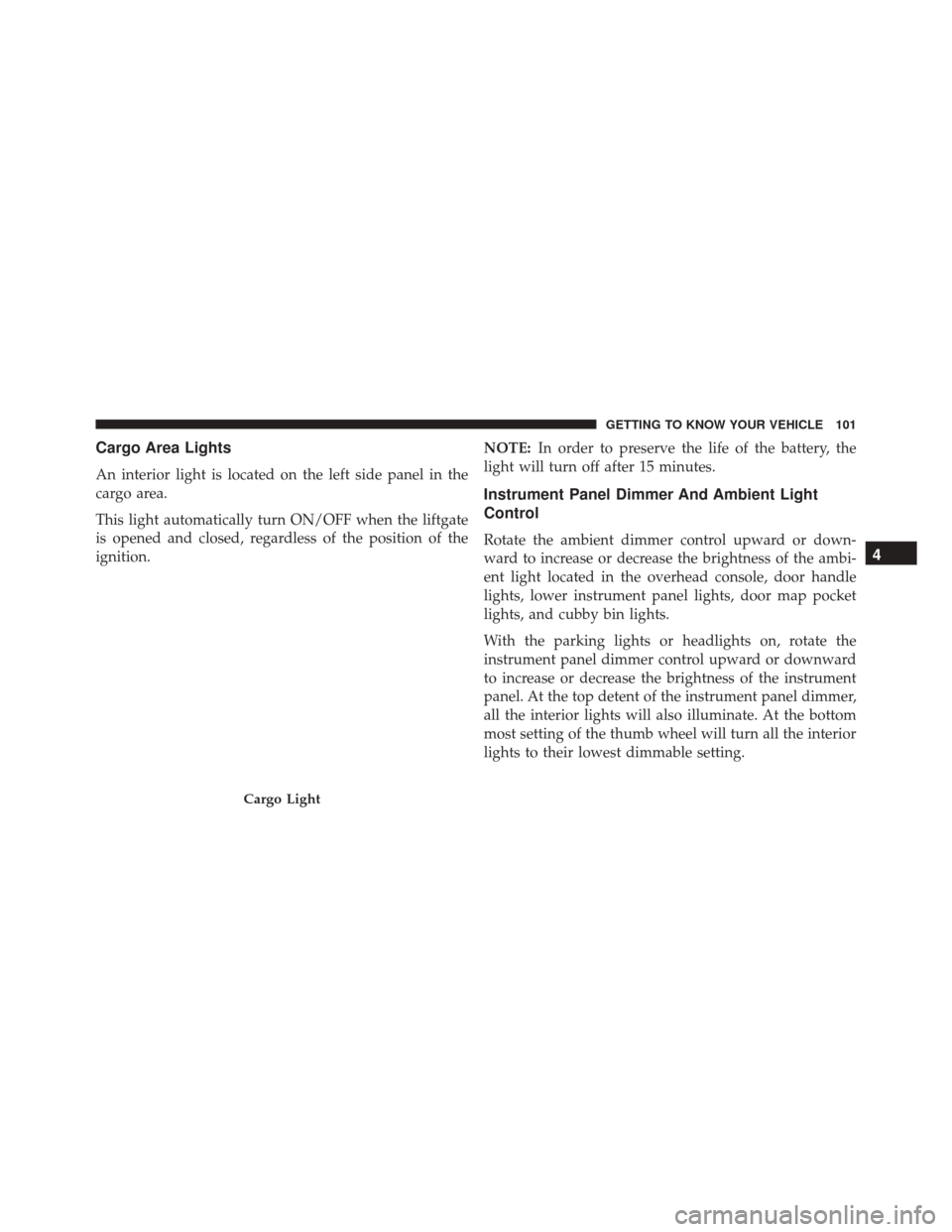
Cargo Area Lights
An interior light is located on the left side panel in the
cargo area.
This light automatically turn ON/OFF when the liftgate
is opened and closed, regardless of the position of the
ignition.NOTE:
In order to preserve the life of the battery, the
light will turn off after 15 minutes.
Instrument Panel Dimmer And Ambient Light
Control
Rotate the ambient dimmer control upward or down-
ward to increase or decrease the brightness of the ambi-
ent light located in the overhead console, door handle
lights, lower instrument panel lights, door map pocket
lights, and cubby bin lights.
With the parking lights or headlights on, rotate the
instrument panel dimmer control upward or downward
to increase or decrease the brightness of the instrument
panel. At the top detent of the instrument panel dimmer,
all the interior lights will also illuminate. At the bottom
most setting of the thumb wheel will turn all the interior
lights to their lowest dimmable setting.
Cargo Light
4
GETTING TO KNOW YOUR VEHICLE 101
Page 155 of 587
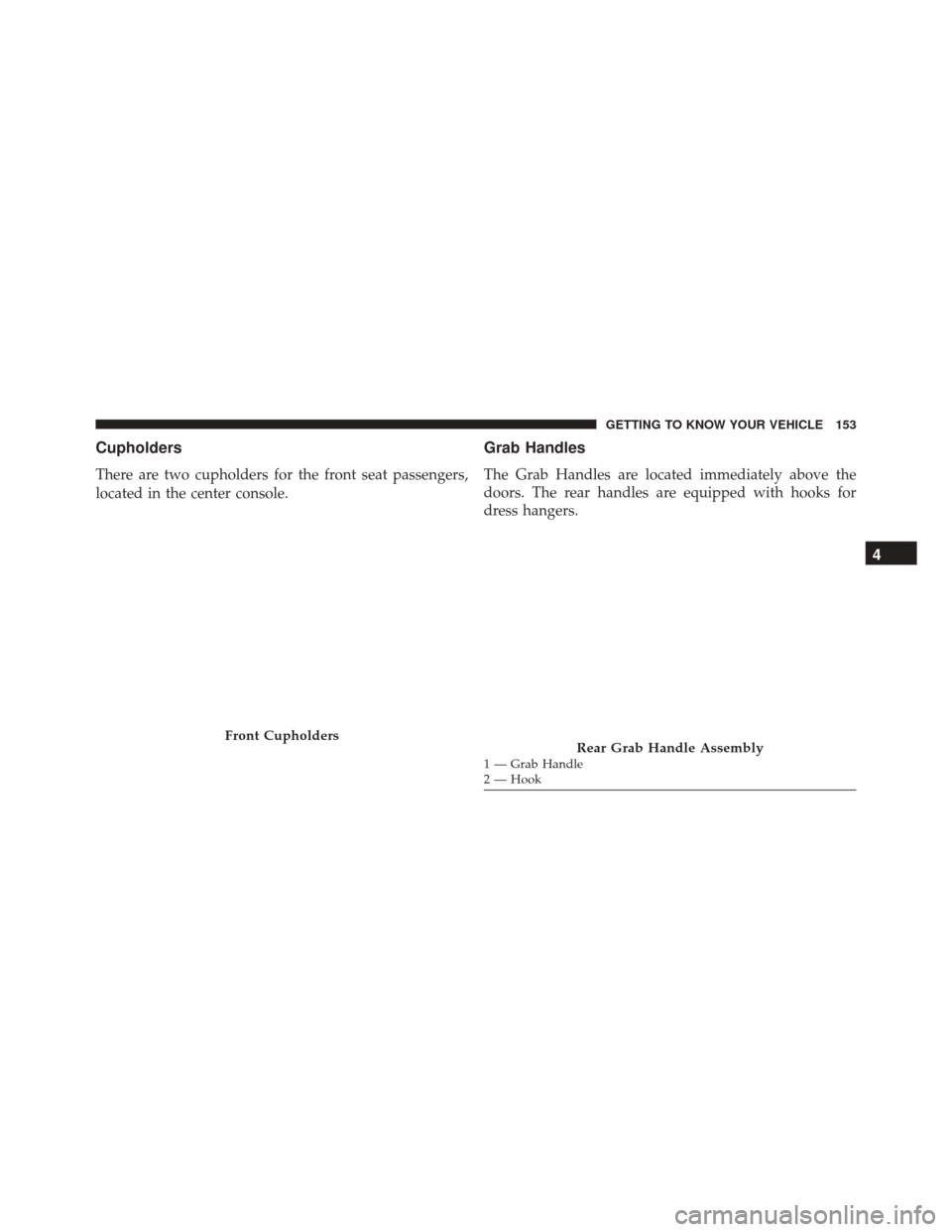
Cupholders
There are two cupholders for the front seat passengers,
located in the center console.
Grab Handles
The Grab Handles are located immediately above the
doors. The rear handles are equipped with hooks for
dress hangers.
Front CupholdersRear Grab Handle Assembly1 — Grab Handle
2 — Hook
4
GETTING TO KNOW YOUR VEHICLE 153
Page 427 of 587
CAUTION!(Continued)
code (a rigid bar or rope) to flat tow the vehicle for
a short distance to the nearest service location.
• Tow eyes MUST NOT be used to tow vehicles off
the road or where there are obstacles.
• In compliance with the above conditions, towing
with a tow eye must take place with two vehicles
(one towing, the other towed) aligned as much as
possible along the same center line. Damage to
your vehicle may occur if these guidelines are not
followed.
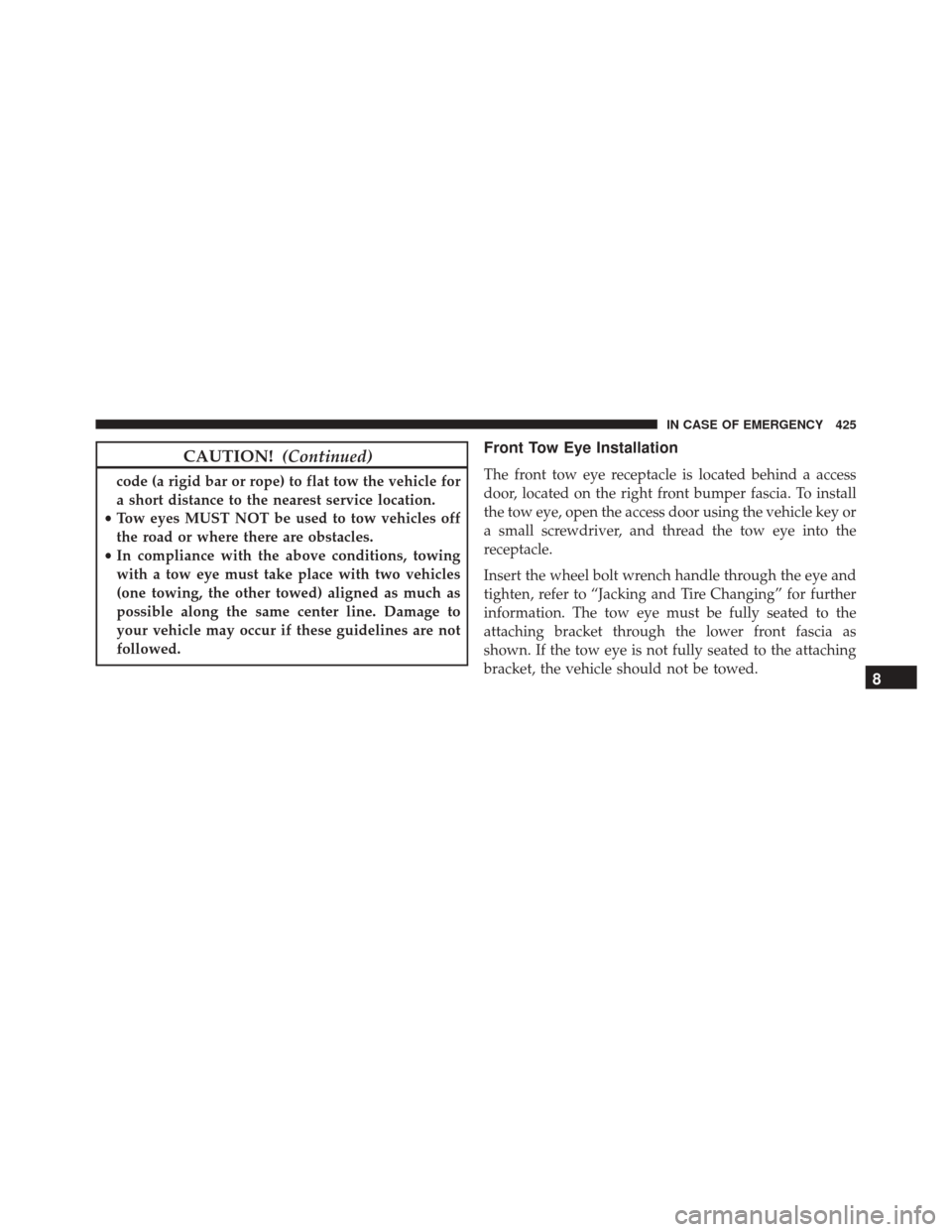
Front Tow Eye Installation
The front tow eye receptacle is located behind a access
door, located on the right front bumper fascia. To install
the tow eye, open the access door using the vehicle key or
a small screwdriver, and thread the tow eye into the
receptacle.
Insert the wheel bolt wrench handle through the eye and
tighten, refer to “Jacking and Tire Changing” for further
information. The tow eye must be fully seated to the
attaching bracket through the lower front fascia as
shown. If the tow eye is not fully seated to the attaching
bracket, the vehicle should not be towed.
8
IN CASE OF EMERGENCY 425
Page 429 of 587
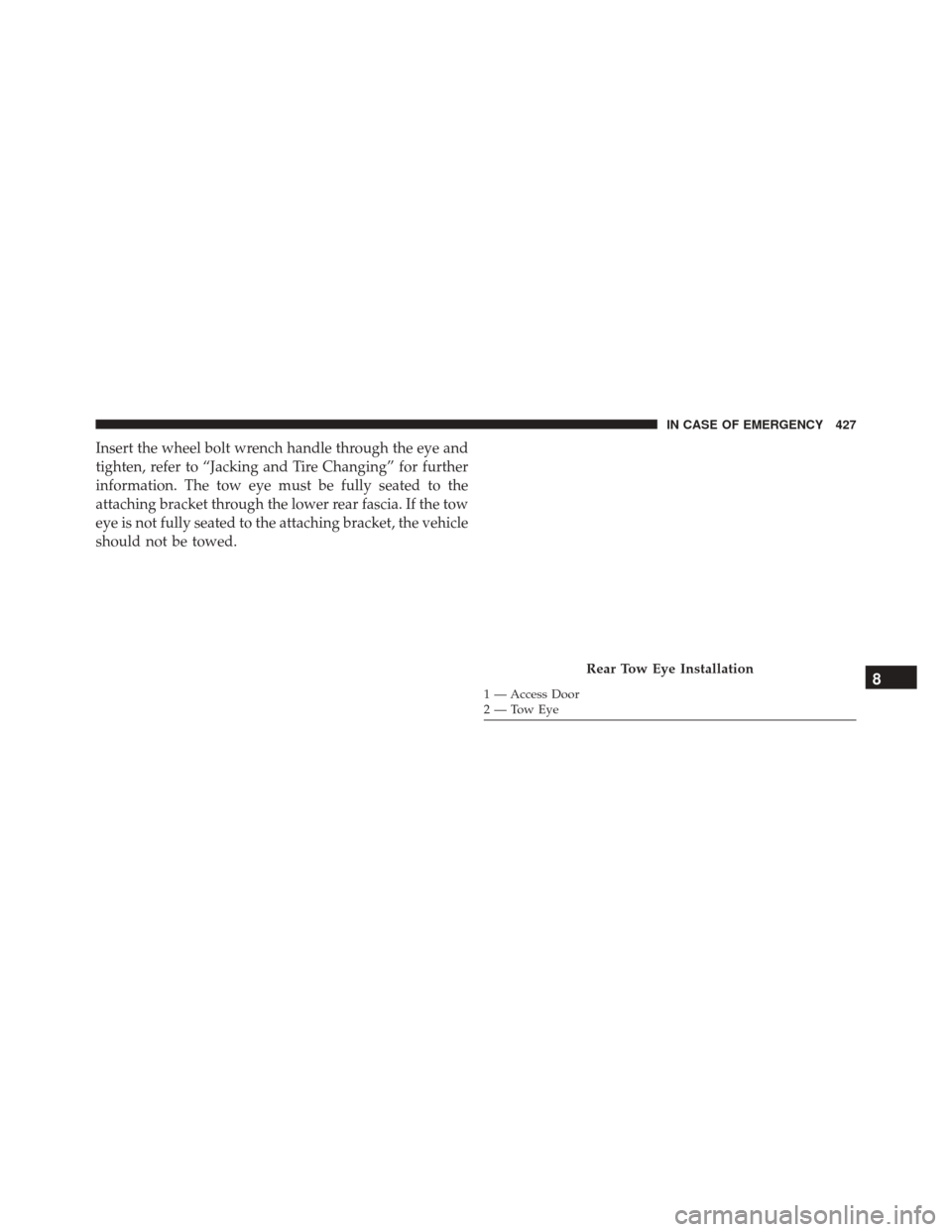
Insert the wheel bolt wrench handle through the eye and
tighten, refer to “Jacking and Tire Changing” for further
information. The tow eye must be fully seated to the
attaching bracket through the lower rear fascia. If the tow
eye is not fully seated to the attaching bracket, the vehicle
should not be towed.
Rear Tow Eye Installation
1 — Access Door
2—TowEye8
IN CASE OF EMERGENCY 427
Page 529 of 587
touchscreen and select from “On” or “Off. Refer to
“Keyless Enter-N-Go” in “Getting To Know Your Ve-
hicle” for further information.
•Remote Door Unlock/Door Unlock
When “Driver” is selected, only the driver’s door will
unlock on the first push of the Remote Keyless Entry
(RKE) transmitter UNLOCK button, you must push the
RKE transmitter UNLOCK button twice to unlock the
passenger’s doors. When “All” is selected, all of the doors
will unlock on the first press of the RKE transmitter
UNLOCK button. NOTE:
If “All” is programmed, all doors will unlock no
matter which Passive Entry equipped door handle is
grasped. If “Driver” is programmed, only the driver ’s
door will unlock when the driver ’s door is grasped.
Touching the handle more than once will only result in
the driver ’s door opening once. If the driver door is
opened, the interior door lock/unlock switch can be used
to unlock all doors (or use RKE transmitter).
Engine Off Options
After pressing the “Engine Off Options” button on the
touchscreen the following settings will be available.
• Headlight Off Delay
When this feature is selected, the driver can choose to
have the headlights remain on for 0, 30, 60, or 90 seconds
when exiting the vehicle. To change the Headlight Off
Delay status press the “+” or “–” button on the touch-
screen to select your desired time interval.
11
MULTIMEDIA 527
Page 545 of 587
Exit” button on the touchscreen, then choose “Yes” or
“No.” The button will highlight indicating that the set-
ting has been selected.
•Flash Lights With Lock
When this feature is selected, the exterior lights will flash
when the doors are locked with the Remote Keyless
Entry (RKE) transmitter. To make your selection, press
the “Flash Headlights With Lock” button on the touch-
screen, then choose “Yes” or “No.” The button will
highlight indicating that the setting has been selected.
• Sound Horn With Lock
When this feature is selected, the horn will sound when
the door locks are activated. To make your selection,
press the “Sound Horn With Remote Lock” button on the
touchscreen, then choose “1st Press” “2nd Press” or
“Off.” The button will highlight indicating that the
setting has been selected. •
Sound Horn With Remote Start
When this feature is selected, the horn will sound when
the Remote Start is activated. To make your selection,
press the “Sound Horn With Remote Start” button on the
touchscreen, then choose “On” or “Off.” The button will
highlight indicating that the setting has been selected.
• Remote Door Unlock
This feature will allow you to program your remote door
locks to open “All” or only the “Driver” with the first
push of the Remote Keyless Entry (RKE) transmitter or
grabbing the Passive Entry door handle. To make your
selection, press the “Remote Door Unlock” button on the
touchscreen and choose from “All” or “Driver.”
NOTE: If “Driver Door” is selected, the (RKE) transmitter
will have to be pushed two times in order to unlock all
doors.
11
MULTIMEDIA 543