ignition FIAT 500X 2016 2.G Owner's Guide
[x] Cancel search | Manufacturer: FIAT, Model Year: 2016, Model line: 500X, Model: FIAT 500X 2016 2.GPages: 587, PDF Size: 5.18 MB
Page 107 of 587
wiper sensitivity. Setting two can be used if the driver
desires more sensitivity. Place the wiper switch in the
OFF position when not using the system.
NOTE:
•The Rain Sensing feature will not operate when the
wiper switch is in the low or high-speed position.
• The Rain Sensing feature may not function properly
when ice, or dried salt water is present on the wind-
shield.
• Use of Rain-X or products containing wax or silicone
may reduce Rain Sensing performance.
• The Rain Sensing feature can be turned on and off
using the Uconnect System, refer to “Uconnect Set-
tings” in “Multimedia” for further information. The Rain Sensing system has protection features for the
wiper blades and arms, and will not operate under the
following conditions:
•
Low Ambient Temperature — When the ignition is
first turned ON, the Rain Sensing system will not
operate until the wiper switch is moved, vehicle speed
is greater than 0 mph (0 km/h), or the outside tem-
perature is greater than 32°F (0°C).
• Transmission In NEUTRAL Position — When the
ignition is ON, and the automatic transmission is in
the NEUTRAL position, the Rain Sensing system will
not operate until the wiper switch is moved, vehicle
speed is greater than 5 mph (8 km/h), or the shift
lever/gear selector is moved out of the NEUTRAL
position.
Remote Start Mode Inhibit — On vehicles equipped
with Remote Starting system, Rain Sensing wipers are
not operational when the vehicle is in the remote start
4
GETTING TO KNOW YOUR VEHICLE 105
Page 108 of 587
mode. Once the operator is in the vehicle and has placed
the ignition switch in the MAR/RUN position, rain
sensing wiper operation can resume, if it has been
selected, and no other inhibit conditions (mentioned
previously) exist.
Rear Window Wiper/Washer
The rear wiper/washer controls are located on the lever
on the right side of the steering column. The rear
wiper/washer is operated by rotating a switch, located at
the middle of the lever.Rotate the center portion of the lever upward to
the first detent for intermittent operation and to
the second detent for continuous rear wiper operation.
To use the washer, push the lever forward and
hold while spray is desired. If the lever is
pushed while in the intermittent setting, the
wiper will turn on and operate for several wipe cycles after the end of the lever is released, and then
resume the intermittent interval previously selected.
If the lever is pushed while the wiper is in the off
position, the wiper will operate for several wipe cycles,
then turn off.
NOTE:
As a protective measure, the pump will stop if
the switch is held for more than 30 seconds. Once the
lever is released, the pump will resume normal opera-
tion.
If the rear wiper is operating when the ignition is turned
to the STOP/OFF position, the wiper will automatically
return to the “park” position.
Rear Window Defroster
The rear window defroster button is located with
the Climate Controls on the instrument panel.
Push this button to turn on the rear window defroster. An
indicator in the button will illuminate when the rear
106 GETTING TO KNOW YOUR VEHICLE
Page 130 of 587
There are single window controls on each passenger door
trim panel, which operate the passenger door windows.
The window controls will operate only when the ignition
is in the MAR/RUN or AVV/START position.
NOTE:For vehicles equipped with Uconnect, the power
window switches will remain active for up to three
minutes after the ignition is cycled to the STOP/OFF
position. Opening either front door will cancel this
feature. Refer to “Uconnect Settings” in “Multimedia” for
further information.WARNING!
Never leave children unattended in a vehicle, and do
not let children play with power windows. Do not
leave the Key Fob in or near the vehicle, or in a
location accessible to children, and do not leave the
ignition of a vehicle equipped with Keyless Enter-
N-Go in the MAR/RUN mode. Occupants, particu-
larly unattended children, can become entrapped by
the windows while operating the power window
switches. Such entrapment may result in serious
injury or death.
128 GETTING TO KNOW YOUR VEHICLE
Page 133 of 587
Reset AUTO-Up
Should the AUTO-Up feature stop working, the window
probably needs to be reset. To reset Auto Up:
1. Pull the window switch up to close the windowcompletely and continue to hold the switch up for an
additional two seconds after the window is closed.
Wind Buffeting
Wind buffeting can be described as the perception of
pressure on the ears or a helicopter-type sound in the
ears. Your vehicle may exhibit wind buffeting with the
windows down, or the sunroof in certain open or par-
tially open positions. This is a normal occurrence and can
be minimized. If the buffeting occurs with the rear
windows open, open the front and rear windows to-
gether to minimize the buffeting. If the buffeting occurs
with the sunroof open, adjust the sunroof opening to
minimize the buffeting or open any window.
POWER SUNROOF — IF EQUIPPED
The sunroof has two glass panels (the front one is
operational and the rear one fixed) and is equipped with
two manual operated sun blinds, front and rear.
The power sunroof can be operated only with the ignition
key turned to the MAR/RUN position.
The power sunroof switches are located in the overhead
console.
4
GETTING TO KNOW YOUR VEHICLE 131
Page 137 of 587
CAUTION!
•When refitting sunroof, be careful to avoid fingers,
scarves, ties and items of clothing from getting
caught under the panel.
• Do not open the roof in the presence of snow or ice.
There is risk of damage.
Power Sunroof Relearn Procedure
As a result of any abnormal behavior of the roof or as a
result of an emergency operation, and you must relearn
the automatic operation of the sunroof.
Proceed as follows:
1. Push the Open/Close button to move the roof in the fully closed position.
2. Bring the ignition to the STOP/OFF position and wait for at least 10 seconds. 3. Bring the ignition to the position MAR/RUN.
4. Pull the Open/Close button and hold it for at least 10
seconds, after which you should feel the mechanical
stop of the electric motor of the roof.
5. Within 5 seconds, pull to close and hold the Open/ Close button, the roof makes a complete cycle of
opening and closing automatically (to indicate that the
relearn procedure has been successful). If this does not
happen and you need to repeat the procedure from the
beginning.
HOOD
Opening
The hood release lever (to open the primary latch) and
safety latch (to open the secondary latch) must be re-
leased to open the hood.
4
GETTING TO KNOW YOUR VEHICLE 135
Page 149 of 587
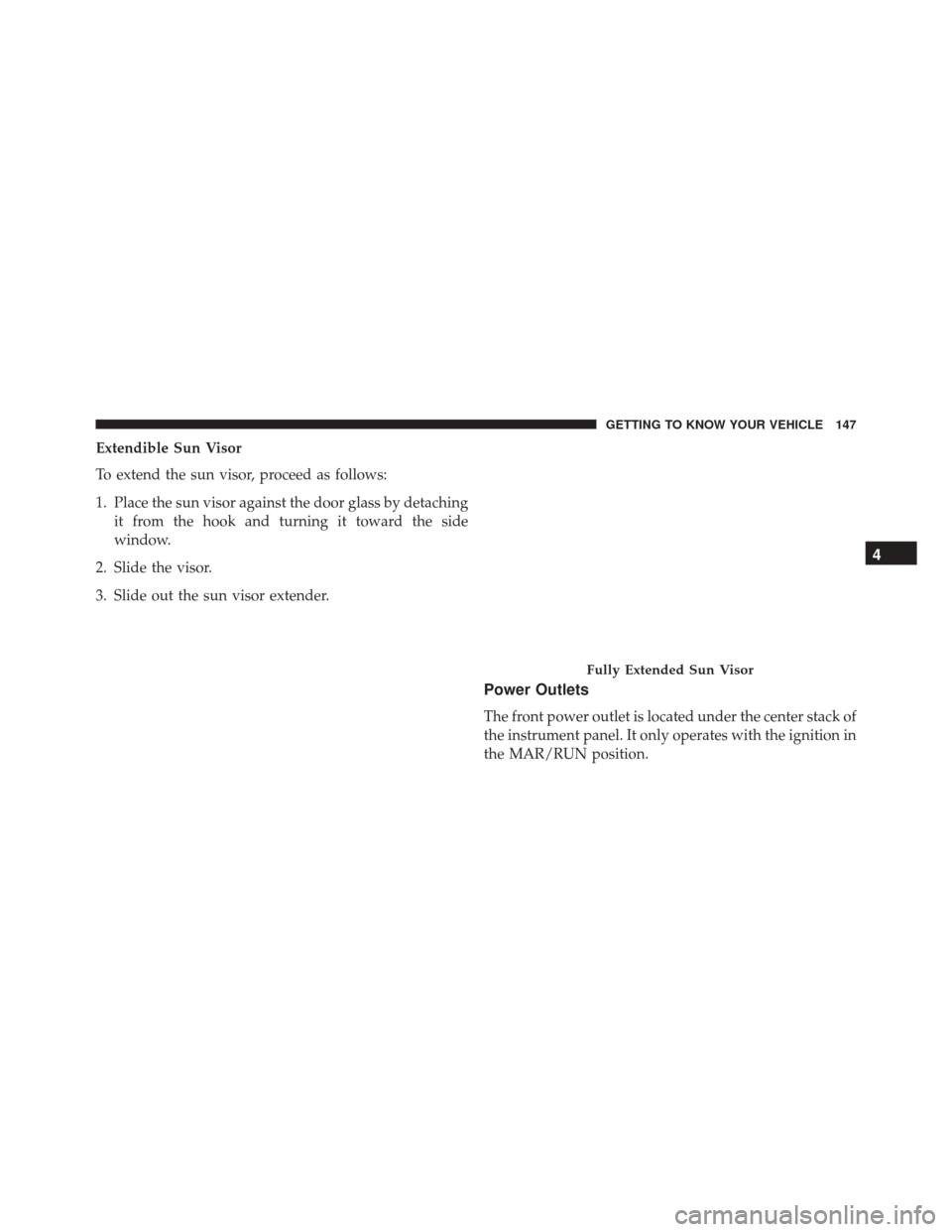
Extendible Sun Visor
To extend the sun visor, proceed as follows:
1. Place the sun visor against the door glass by detachingit from the hook and turning it toward the side
window.
2. Slide the visor.
3. Slide out the sun visor extender.
Power Outlets
The front power outlet is located under the center stack of
the instrument panel. It only operates with the ignition in
the MAR/RUN position.
Fully Extended Sun Visor
4
GETTING TO KNOW YOUR VEHICLE 147
Page 161 of 587
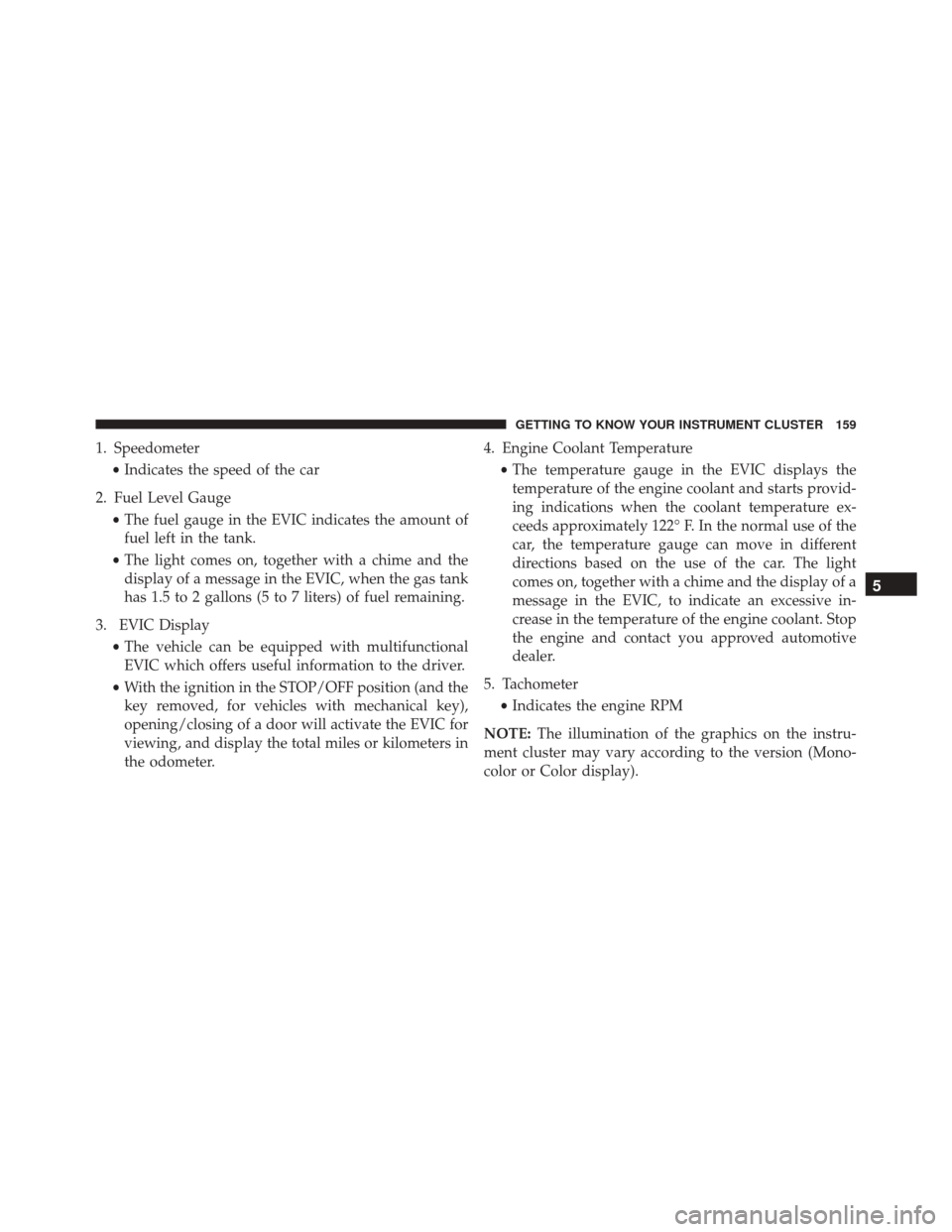
1. Speedometer•Indicates the speed of the car
2. Fuel Level Gauge •The fuel gauge in the EVIC indicates the amount of
fuel left in the tank.
• The light comes on, together with a chime and the
display of a message in the EVIC, when the gas tank
has 1.5 to 2 gallons (5 to 7 liters) of fuel remaining.
3. EVIC Display •The vehicle can be equipped with multifunctional
EVIC which offers useful information to the driver.
• With the ignition in the STOP/OFF position (and the
key removed, for vehicles with mechanical key),
opening/closing of a door will activate the EVIC for
viewing, and display the total miles or kilometers in
the odometer. 4. Engine Coolant Temperature
•The temperature gauge in the EVIC displays the
temperature of the engine coolant and starts provid-
ing indications when the coolant temperature ex-
ceeds approximately 122° F. In the normal use of the
car, the temperature gauge can move in different
directions based on the use of the car. The light
comes on, together with a chime and the display of a
message in the EVIC, to indicate an excessive in-
crease in the temperature of the engine coolant. Stop
the engine and contact you approved automotive
dealer.
5. Tachometer •Indicates the engine RPM
NOTE: The illumination of the graphics on the instru-
ment cluster may vary according to the version (Mono-
color or Color display).
5
GETTING TO KNOW YOUR INSTRUMENT CLUSTER 159
Page 163 of 587
ELECTRONIC VEHICLE INFORMATION CENTER
(EVIC)
EVIC Description
The vehicle can be equipped with multifunctional dis-
play (EVIC) which offers useful information to the driver.
With the ignition in the STOP/OFF position (and the key
removed, for vehicles with mechanical key), opening/
closing of a door will activate the display for viewing,
and display the total miles or kilometers in the odometer.
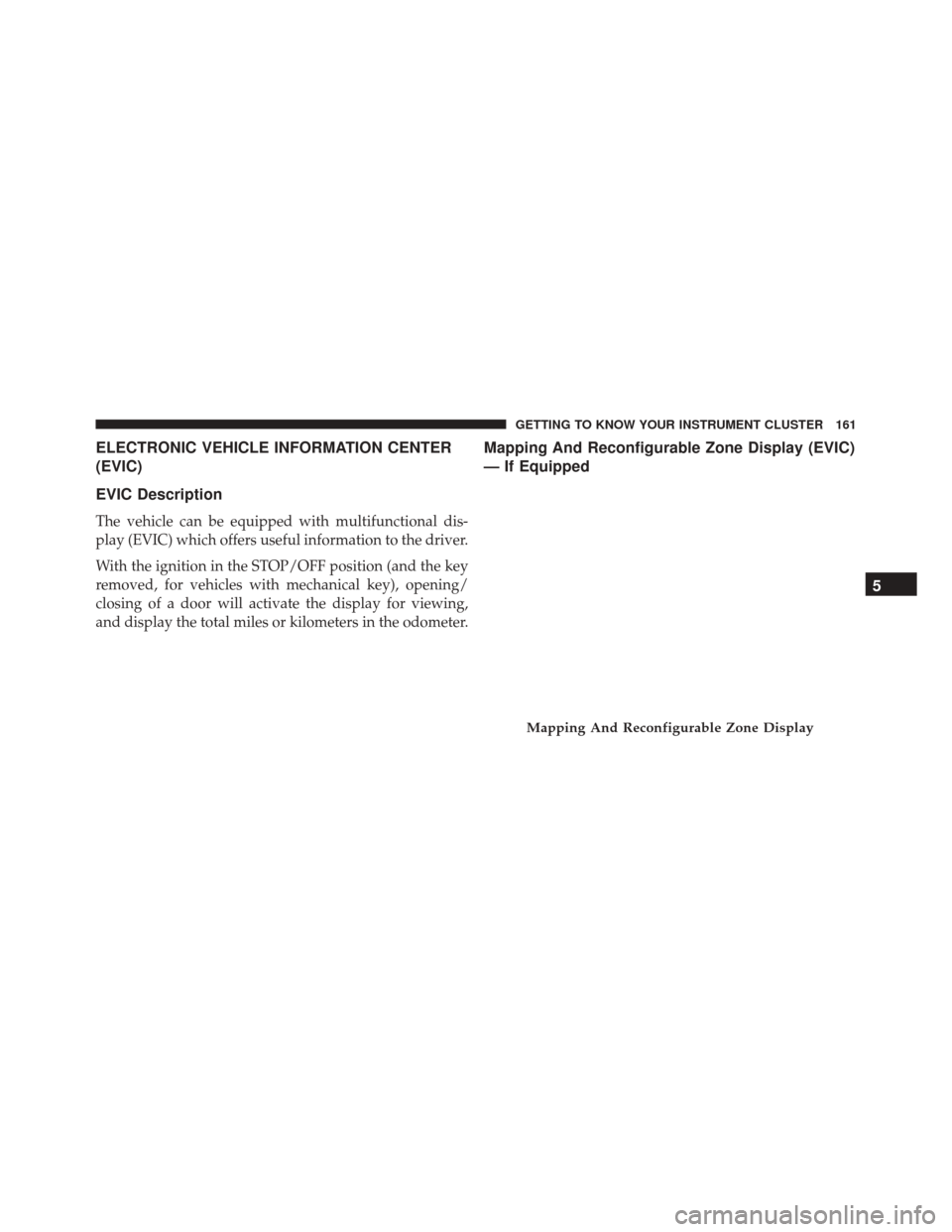
Mapping And Reconfigurable Zone Display (EVIC)
— If Equipped
Mapping And Reconfigurable Zone Display
5
GETTING TO KNOW YOUR INSTRUMENT CLUSTER 161
Page 166 of 587
•UP Arrow Button
Push and release the UP arrow button to scroll
upward through the main menu and
submenus.
• DOWN Arrow Button
Push and release the DOWN arrow button to
scroll downward through the main menu and
submenus.
• RIGHT Arrow Button
Push and release the RIGHT arrow button to
access the information screens or submenu
screens of a main menu item.
• BACK/LEFT Arrow Button
Push and release the LEFT arrow button to
access the information screens or submenu
screens of a main menu item. •
OK Button
The OK button may be used for the following:
Select
Reset (hold)
Engine Oil Change Reset
Your vehicle is equipped with an engine oil change
indicator system. The “Change Engine Oil” message will
flash in the EVIC display for approximately 10 seconds
after a single chime has sounded to indicate the next
scheduled oil change interval. The engine oil change
indicator system is duty cycle based, which means the
engine oil change interval may fluctuate, dependent
upon your personal driving style.
Unless reset, this message will continue to display each
time you turn the ignition switch to the MAR/RUN
164 GETTING TO KNOW YOUR INSTRUMENT CLUSTER
Page 167 of 587
position. To reset the oil change indicator system (after
performing the scheduled maintenance), refer to the
following procedure.
1. Turn the ignition switch to the MAR/RUN position.(do not start the engine.)
2. Fully push the accelerator pedal slowly, three times within 10 seconds.
3. Turn the ignition switch to the STOP/OFF position.
NOTE: If the indicator message illuminates when you
start the vehicle, the oil change indicator system did not
reset. If necessary, repeat this procedure.
EVIC Main Menu
The Main Menu is composed of several options that can
be selected using the control buttons above. NOTE:
•
The display mode of the menu items varies depending
on the type of display.
• For some items, a submenu is provided.
• In the Uconnect system, some items on the menu are
not shown on the instrument panel display.
EVIC Menu/Submenu Items
The Menu is composed of the following items:
• Trip
– Speedometer
– Instantaneous Info
– Trip A
– Trip B
– Best Consumption
5
GETTING TO KNOW YOUR INSTRUMENT CLUSTER 165