AUX FIAT 500X 2016 2.G Owners Manual
[x] Cancel search | Manufacturer: FIAT, Model Year: 2016, Model line: 500X, Model: FIAT 500X 2016 2.GPages: 587, PDF Size: 5.18 MB
Page 390 of 587
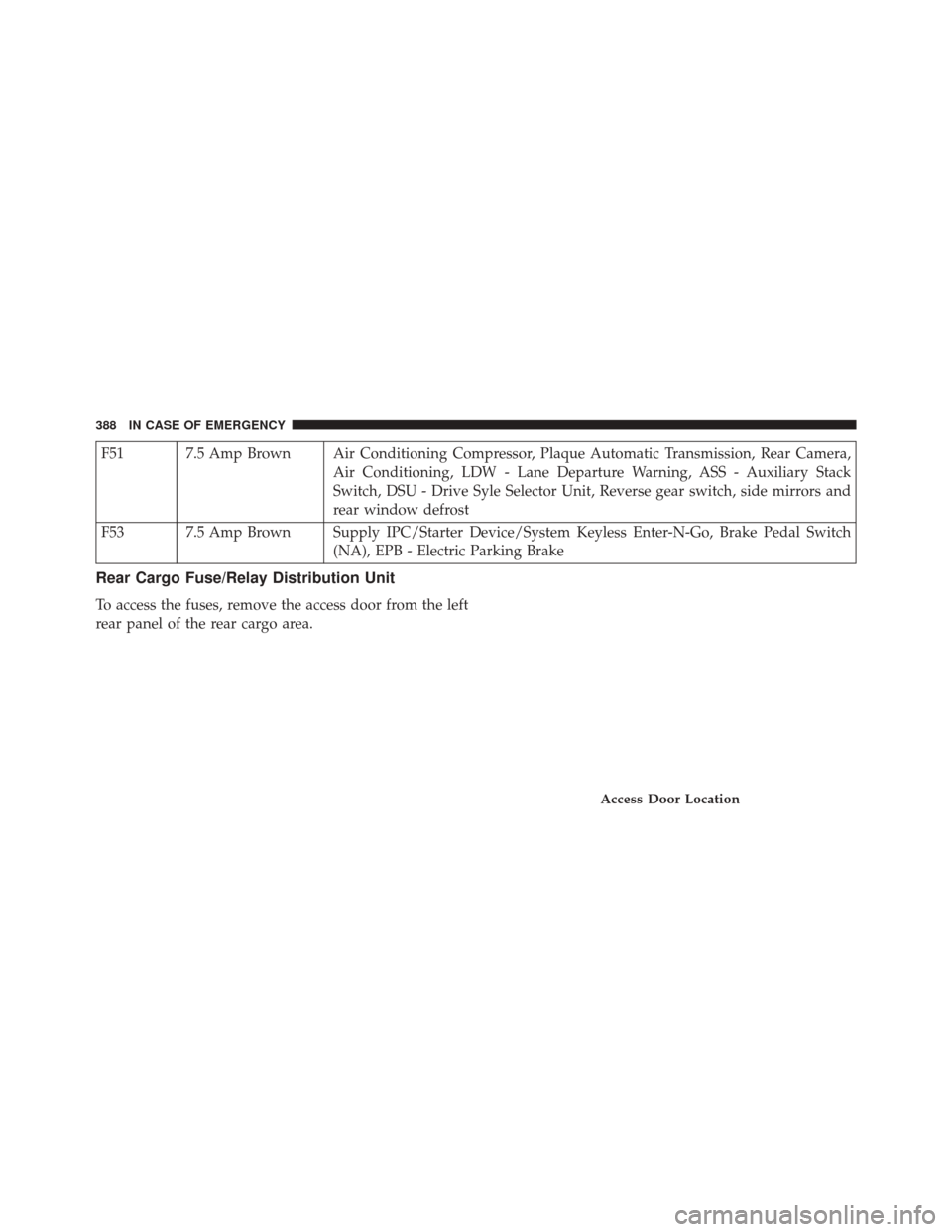
F51 7.5 Amp Brown Air Conditioning Compressor, Plaque Automatic Transmission, Rear Camera,Air Conditioning, LDW - Lane Departure Warning, ASS - Auxiliary Stack
Switch, DSU - Drive Syle Selector Unit, Reverse gear switch, side mirrors and
rear window defrost
F53 7.5 Amp Brown Supply IPC/Starter Device/System Keyless Enter-N-Go, Brake Pedal Switch (NA), EPB - Electric Parking Brake
Rear Cargo Fuse/Relay Distribution Unit
To access the fuses, remove the access door from the left
rear panel of the rear cargo area.
Access Door Location
388 IN CASE OF EMERGENCY
Page 531 of 587
•Loudness — If Equipped
Loudness improves sound quality at lower volumes. To
make your selection, press the “Loudness” button on the
touchscreen, then choose “Yes” or “No.” The button will
highlight indicating that the setting has been selected.
• AUX Volume Offset — If Equipped
This feature provides the ability to tune the audio level
for portable devices connected through the AUX input.
To make your selection, press the “AUX Volume Offset”
button on the touchscreen, select “On” or “Off”.
• Auto-On Radio
The Radio automatically turns on when vehicle is in run
or will recall whether it was on or off at last ignition off.
To make your selection, press the “Loudness” button on
the touchscreen, select “On,” “Off” or “Recall Last”.Phone/Bluetooth
After pressing the “Phone/Bluetooth” button on the
touchscreen the following settings will be available:
• Paired Phones
This feature shows which phones are paired to the
Phone/Bluetooth system. For further information, refer
to the Uconnect Supplement Manual.
SiriusXM Setup — If Equipped
After pressing the “SiriusXM Setup” button on the touch-
screen, the following settings will be available:
• Channel Skip
SiriusXM can be programmed to designate a group of
channels that are the most desirable to listen to or to
exclude undesirable channels while scanning. To make
your selection, press the “Channel Skip” button on the
touchscreen, select the channels you would like to skip.
11
MULTIMEDIA 529
Page 548 of 587
•AUX Volume Offset — If Equipped
This feature provides the ability to tune the audio level
for portable devices connected through the AUX input.
To make your selection, press the “AUX Volume Offset”
button on the touchscreen, select any point on the scale
between the “+” and “–” buttons on the touchscreen.
• Auto-On Radio
The Radio automatically turns on when vehicle is in run
or will recall whether it was on or off at last ignition off.
To make your selection, press the “Loudness” button on
the touchscreen, select “On,” “Off” or “Recall Last”.
Phone/Bluetooth
After pressing the “Phone/Bluetooth” button on the
touchscreen the following settings will be available:
• Paired Phones
This feature shows which mobile phones are paired to the
Phone/Bluetooth system. •
Paired Audio Sources
This feature shows which audio devices are paired to the
Phone/Bluetooth system.
SiriusXM Setup — If Equipped
After pressing the “SiriusXM Setup” button on the touch-
screen, the following settings will be available:
• Channel Skip
SiriusXM can be programmed to designate a group of
channels that are the most desirable to listen to or to
exclude undesirable channels while scanning. To make
your selection, press the “Channel Skip” button on the
touchscreen, select the channels you would like to skip.
• Subscription Information
New vehicle purchasers or lessees will receive a free
limited time subscription to SiriusXM Satellite Radio
with your radio. Following the expiration of the free
546 MULTIMEDIA
Page 550 of 587
UCONNECT RADIOS
For detailed information about your Uconnect radio,
refer to your Uconnect Supplement Manual.
USB/MEDIA PLAYER CONTROL — IF EQUIPPED
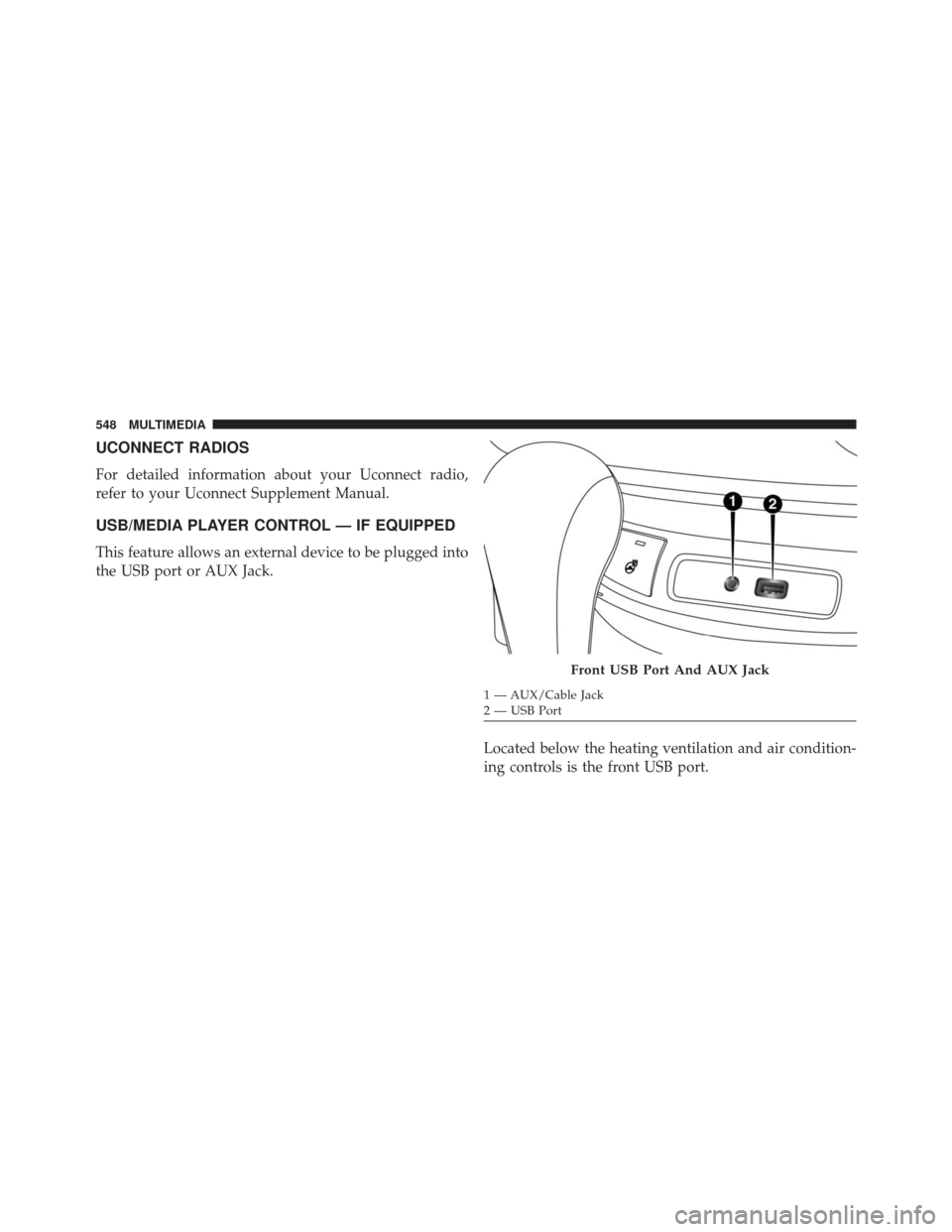
This feature allows an external device to be plugged into
the USB port or AUX Jack.Located below the heating ventilation and air condition-
ing controls is the front USB port.
Front USB Port And AUX Jack
1 — AUX/Cable Jack
2 — USB Port
548 MULTIMEDIA
Page 552 of 587
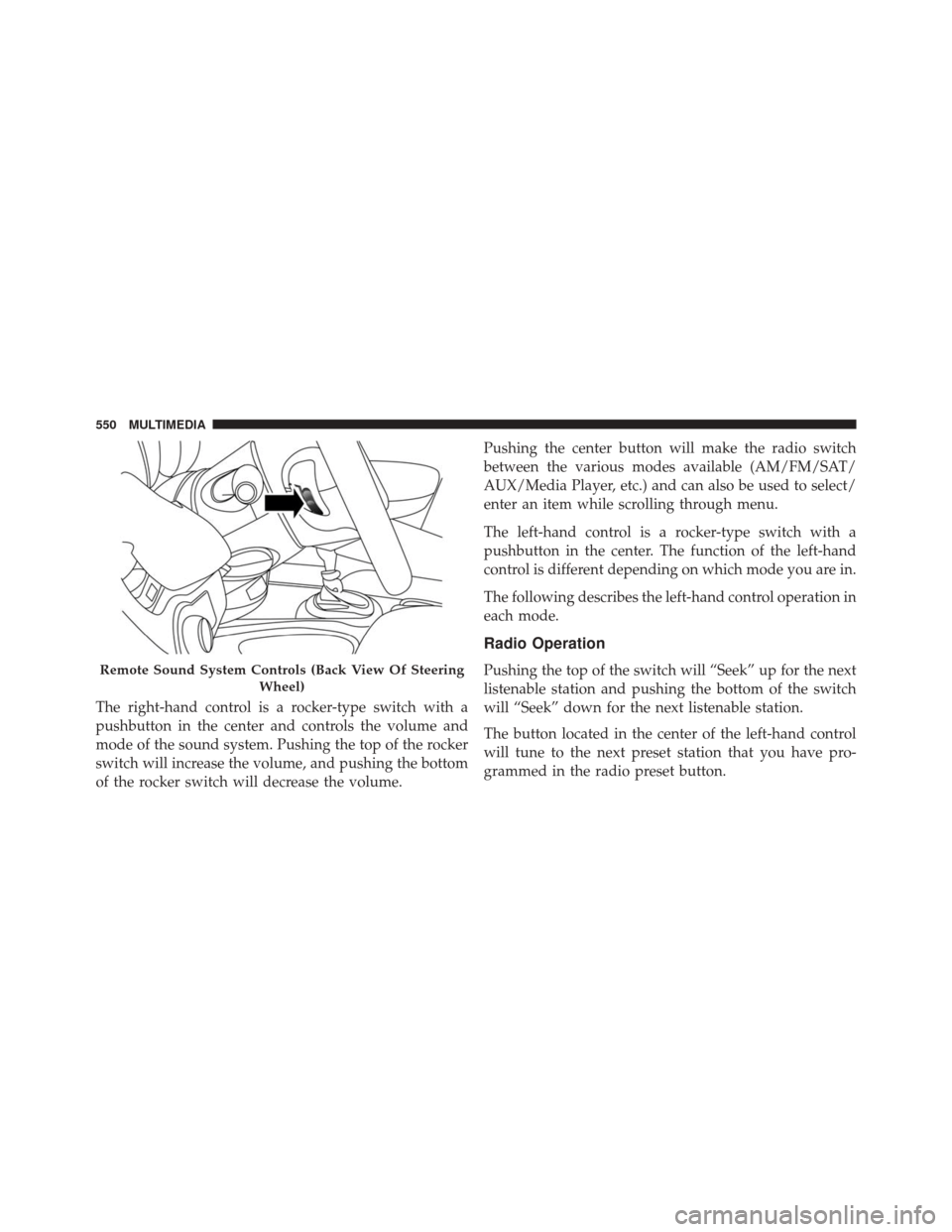
The right-hand control is a rocker-type switch with a
pushbutton in the center and controls the volume and
mode of the sound system. Pushing the top of the rocker
switch will increase the volume, and pushing the bottom
of the rocker switch will decrease the volume.Pushing the center button will make the radio switch
between the various modes available (AM/FM/SAT/
AUX/Media Player, etc.) and can also be used to select/
enter an item while scrolling through menu.
The left-hand control is a rocker-type switch with a
pushbutton in the center. The function of the left-hand
control is different depending on which mode you are in.
The following describes the left-hand control operation in
each mode.
Radio Operation
Pushing the top of the switch will “Seek” up for the next
listenable station and pushing the bottom of the switch
will “Seek” down for the next listenable station.
The button located in the center of the left-hand control
will tune to the next preset station that you have pro-
grammed in the radio preset button.Remote Sound System Controls (Back View Of Steering
Wheel)
550 MULTIMEDIA
Page 554 of 587
The radio manufacturer believes the internal wireless
radio is safe for use by consumers. The level of energy
emitted is far less than the electromagnetic energy emit-
ted by wireless devices such as mobile phones. However,
the use of wireless radios may be restricted in some
situations or environments, such as aboard airplanes. If
you are unsure of restrictions, you are encouraged to ask
for authorization before turning on the wireless radio.
This device complies with Part 15 of the FCC Rules and
with Industry Canada license-exempt RSS standard(s).
Operation is subject to the following two conditions:
1. This device may not cause harmful interference.
2. This device must accept any interference received,including interference that may cause undesired op-
eration.
Le présent appareil est conforme aux CNR d’Industrie
Canada applicables aux appareils radio exempts de li-
cence. L’exploitation est autorisée aux deux conditions suivantes: (1) l’appareil ne doit pas produire de brouil-
lage, et (2) l’utilisateur de l’appareil doit accepter tout
brouillage radioélectrique subi, même si le brouillage est
susceptible d’en compromettre le fonctionnement.
NOTE:
•
This equipment has been tested and found to comply
with the limits for a Class B digital device, pursuant to
Part 15 of the FCC Rules. These limits are designed to
provide reasonable protection against harmful inter-
ference in a residential installation. This equipment
generates, uses and can radiate radio frequency energy
and, if not installed and used in accordance with the
instructions, may cause harmful interference to radio
communications. However, there is no guarantee that
interference will not occur in a particular installation.
• If this equipment does cause harmful interference to
radio or television reception, which can be determined
552 MULTIMEDIA
Page 560 of 587
Media
Uconnect offers connections via USB Port, Bluetooth and
Auxiliary Ports (If Equipped). Voice operation is only
available for connected USB and iPod devices. (Remote
CD player optional and not available on all vehicles.)
Uconnect 5.0 RadioUconnect 6.5AN Radio
558 MULTIMEDIA
Page 571 of 587
Assist, Hill Start......................... .201
Audio Systems (Radio) .....................548
Automatic Headlights .......................93
Automatic Temperature Control (ATC) SYNC Temperature Button .................122
Automatic Transmission ..............290, 467, 469
Adding Fluid ...................... .469, 511
Fluid And Filter Changes ..................469
Fluid Change ......................... .469
Fluid Level Check ...................... .468
Fluid Type ........................ .467, 511
Special Additives ...................... .468
Auxiliary Electrical Outlet (Power Outlet) ........147
Auxiliary Power Outlet .....................147
Axle Fluid ..............................511
Axle Lubrication ..........................511
Battery ................................ .450
Belts, Seat .............................. .264Blind Spot Monitoring
.......................82
Body Mechanism Lubrication .................452
B-Pillar Location ......................... .484
Brake Assist System ...................... .200
Brake Fluid ..............................511
Brakes ............................. .197, 464
Brake System ........................ .197, 464
Fluid Check ...........................511
Master Cylinder ....................... .464
Brightness, Interior Lights ...................101
Bulbs, Light ............................ .267
Camera, Rear ........................... .327
Capacities, Fluid ......................... .509
Caps, Filler Oil (Engine) .......................... .448
Carbon Monoxide Warning ...............263, 340
Car Washes ............................ .470
Certification Label ........................ .344
12
INDEX 569
Page 573 of 587
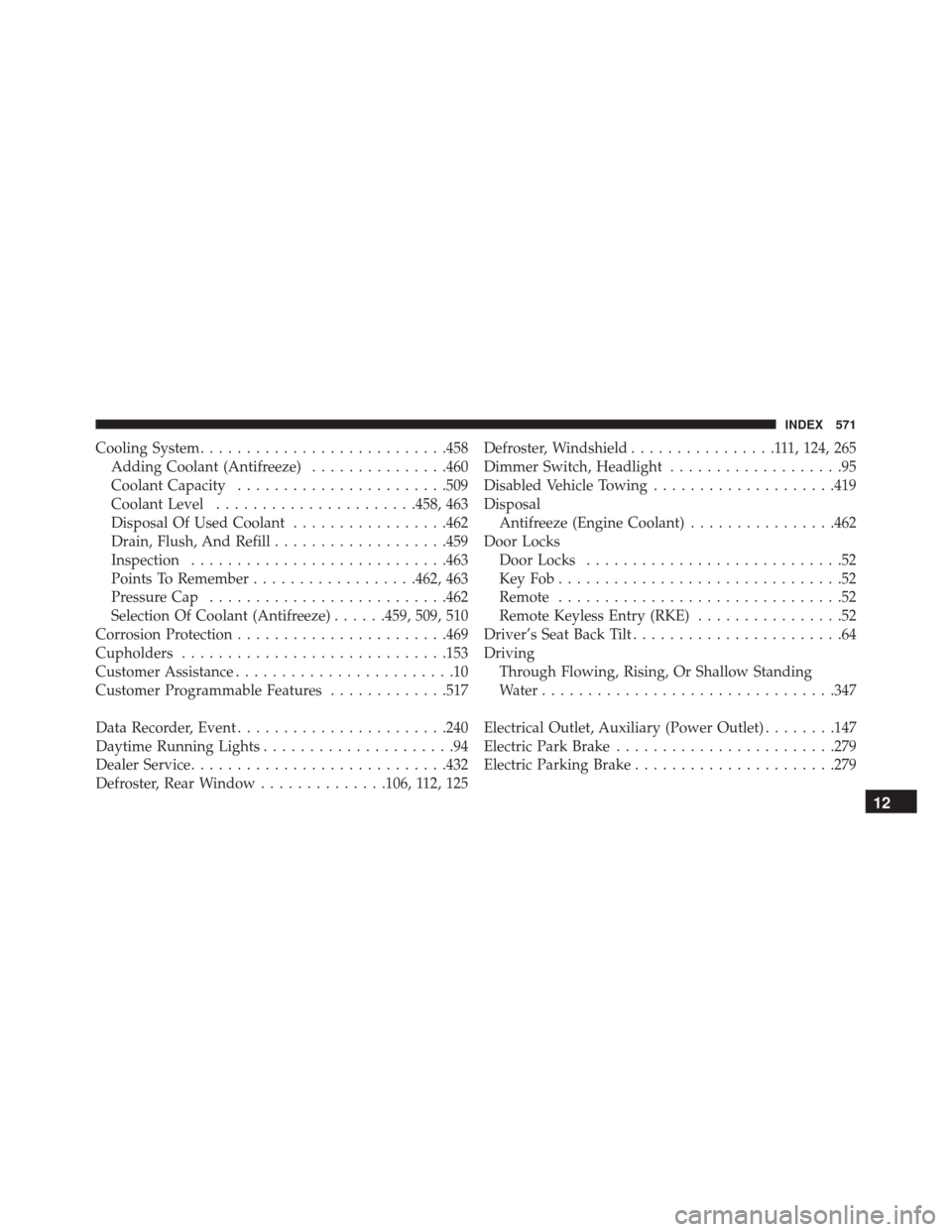
Cooling System.......................... .458
Adding Coolant (Antifreeze) ...............460
Coolant Capacity ...................... .509
Coolant Level ..................... .458, 463
Disposal Of Used Coolant .................462
Drain, Flush, And Refill ...................459
Inspection ........................... .463
Points To Remember ..................462, 463
Pressure Cap ......................... .462
Selection Of Coolant (Antifreeze) ......459, 509, 510
Corrosion Protection ...................... .469
Cupholders ............................ .153
Customer Assistance ........................10
Customer Programmable Features .............517
Data Recorder, Event ...................... .240
Daytime Running Lights .....................94
Dealer Service ........................... .432
Defroster, Rear Window ..............106, 112, 125 Defroster, Windshield
................111, 124, 265
Dimmer Switch, Headlight ...................95
Disabled Vehicle Towing ....................419
Disposal Antifreeze (Engine Coolant) ................462
Door Locks Door Locks ............................52
KeyFob...............................52
Remote ...............................52
Remote Keyless Entry (RKE) ................52
Driver’s Seat Back Tilt .......................64
Driving Through Flowing, Rising, Or Shallow Standing
Water ............................... .347
Electrical Outlet, Auxiliary (Power Outlet) ........147
Electric Park Brake ....................... .279
Electric Parking Brake ..................... .279
12
INDEX 571
Page 579 of 587
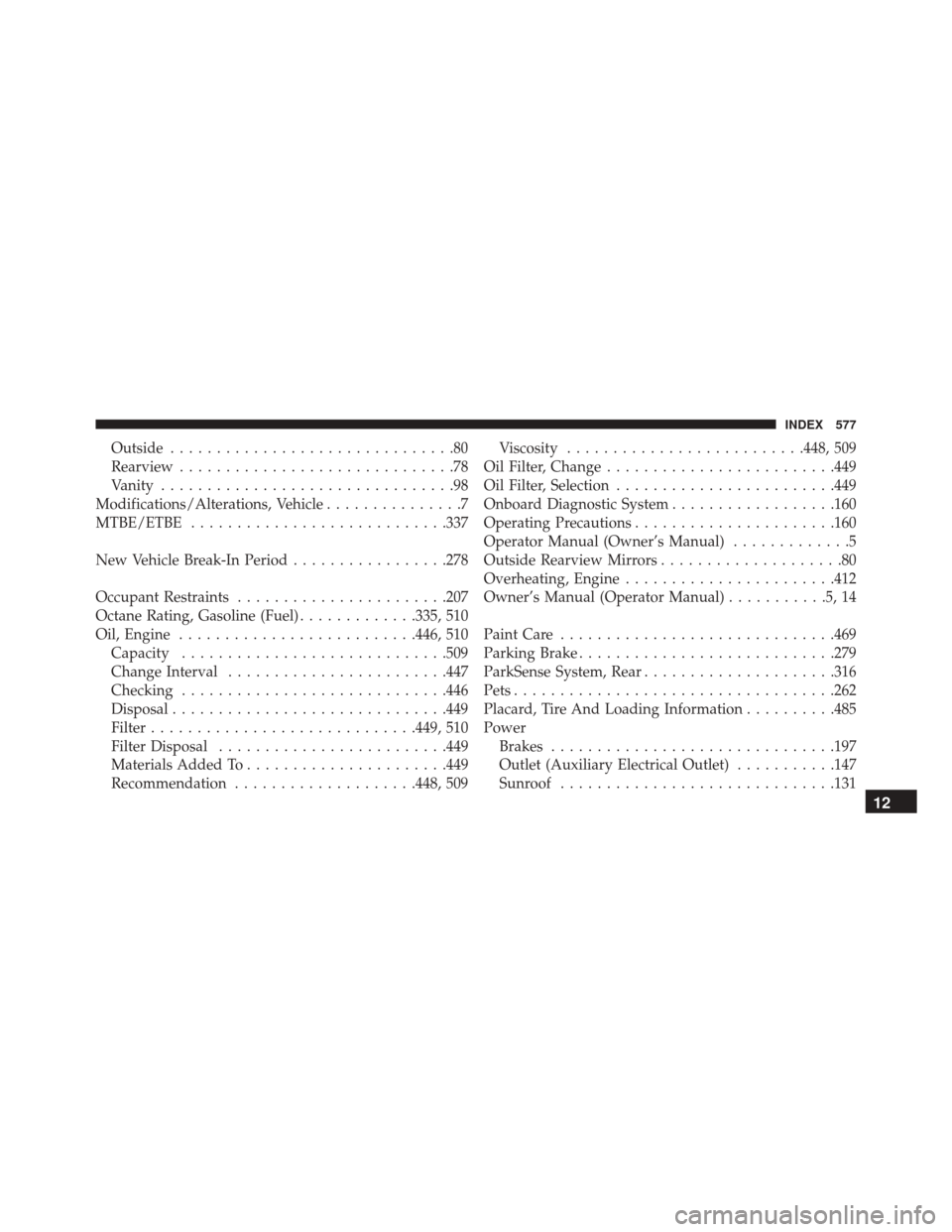
Outside...............................80
Rearview ..............................78
Vanity ................................98
Modifications/Alterations, Vehicle ...............7
MTBE/ETBE ........................... .337
New Vehicle Break-In Period .................278
Occupant Restraints ...................... .207
Octane Rating, Gasoline (Fuel) .............335, 510
Oil, Engine ......................... .446, 510
Capacity ............................ .509
Change Interval ....................... .447
Checking ............................ .446
Disposal ............................. .449
Filter ............................ .449, 510
Filter Disposal ........................ .449
Materials Added To ..................... .449
Recommendation ....................448, 509 Viscosity
......................... .448, 509
Oil Filter, Change ........................ .449
Oil Filter, Selection ....................... .449
Onboard Diagnostic System ..................160
Operating Precautions ..................... .160
Operator Manual (Owner’s Manual) .............5
Outside Rearview Mirrors ....................80
Overheating, Engine ...................... .412
Owner’s Manual (Operator Manual) ...........5,14
Paint Care ............................. .469
Parking Brake ........................... .279
ParkSense System, Rear .....................316
Pets .................................. .262
Placard, Tire And Loading Information ..........485
Power Brakes .............................. .197
Outlet (Auxiliary Electrical Outlet) ...........147
Sunroof ............................. .131
12
INDEX 577