instrument cluster FIAT 500X 2016 2.G Owners Manual
[x] Cancel search | Manufacturer: FIAT, Model Year: 2016, Model line: 500X, Model: FIAT 500X 2016 2.GPages: 587, PDF Size: 5.18 MB
Page 3 of 587
TABLE OF CONTENTSSECTIONPAGE
1INTRODUCTION .
..............................................................3
2CUSTOMER ASSISTANCE
.........................................................9
3GRAPHICAL TABLE OF CONTENTS
.................................................19
4GETTING TO KNOW YOUR VEHICLE . . .
............................................25
5GETTING TO KNOW YOUR INSTRUMENT CLUSTER . .
.................................157
6SAFETY
.....................................................................195
7STARTINGANDOPERATING ....................................................269
8INCASEOFEMERGENCY .......................................................355
9MAINTAINING AND CARING FOR YOUR VEHICLE
....................................429
10TECHNICAL DATA
............................................................505
11MULTIMEDIA ................................................................513
12 INDEX .....................................................................567
1
2
3
4
5
6
7
8
9
10 11
12
Page 24 of 587
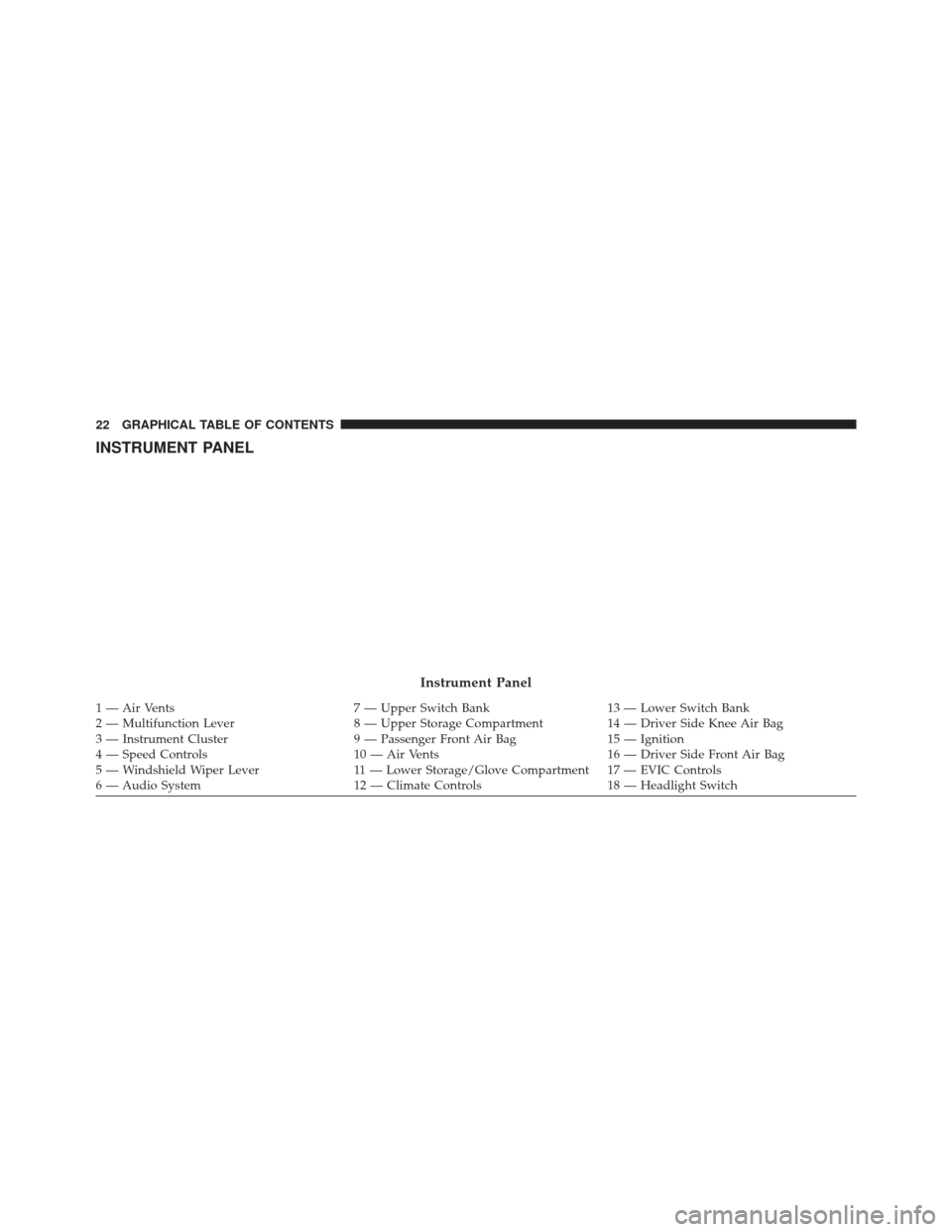
INSTRUMENT PANEL
Instrument Panel
1 — Air Vents7 — Upper Switch Bank13 — Lower Switch Bank
2 — Multifunction Lever 8 — Upper Storage Compartment14 — Driver Side Knee Air Bag
3 — Instrument Cluster 9 — Passenger Front Air Bag15 — Ignition
4 — Speed Controls 10 — Air Vents16 — Driver Side Front Air Bag
5 — Windshield Wiper Lever 11 — Lower Storage/Glove Compartment 17 — EVIC Controls
6 — Audio System 12 — Climate Controls18 — Headlight Switch
22 GRAPHICAL TABLE OF CONTENTS
Page 25 of 587
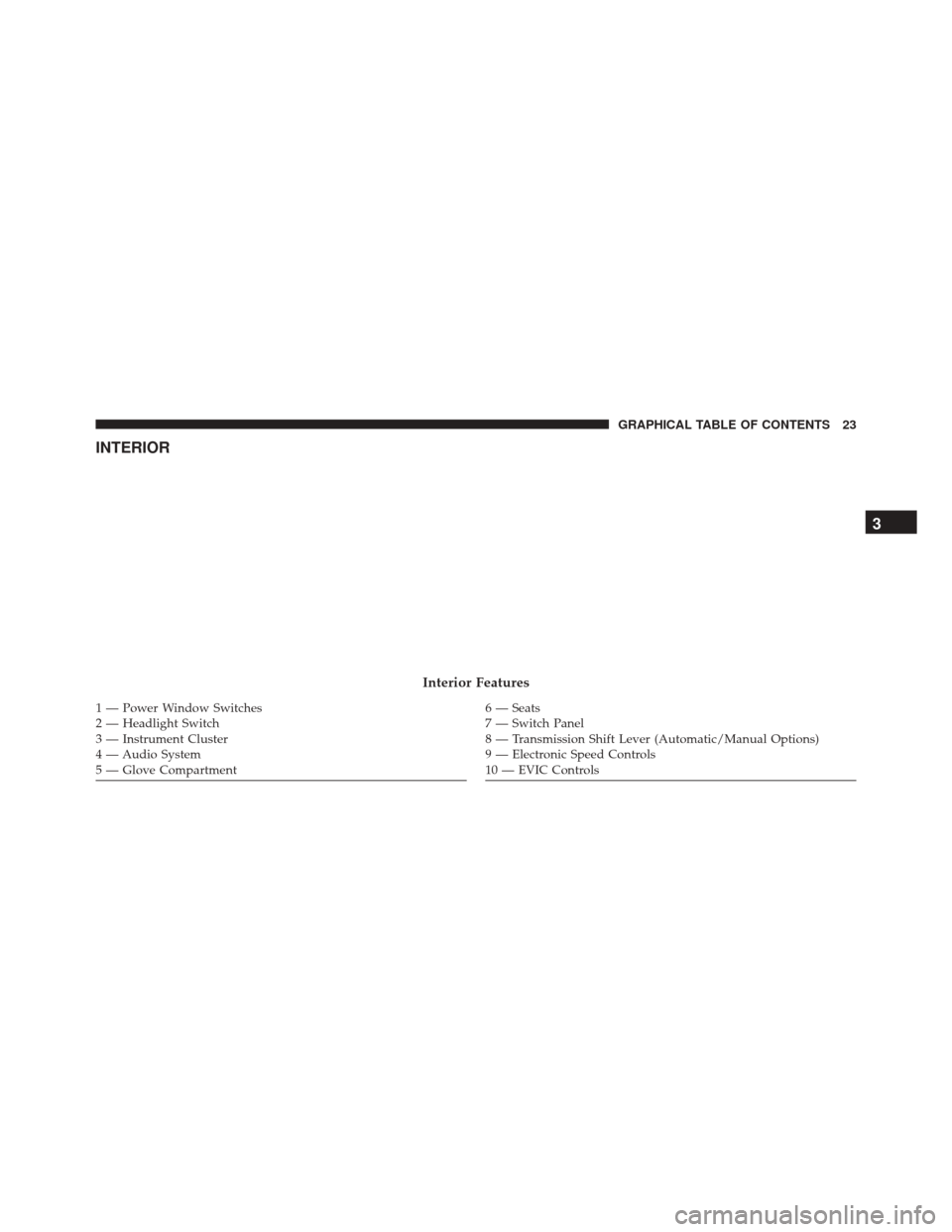
INTERIOR
Interior Features
1 — Power Window Switches
2 — Headlight Switch
3 — Instrument Cluster
4 — Audio System
5 — Glove Compartment6 — Seats
7 — Switch Panel
8 — Transmission Shift Lever (Automatic/Manual Options)
9 — Electronic Speed Controls
10 — EVIC Controls
3
GRAPHICAL TABLE OF CONTENTS 23
Page 46 of 587
Remote Start Cancel Message — If Equipped
The following messages will display in the instrument
cluster if the vehicle fails to remote start or exits remote
start prematurely:
•Remote Start Cancelled — Door Ajar
• Remote Start Cancelled — Hood Ajar
• Remote Start Cancelled — Fuel Low
• Remote Start Cancelled — Liftgate Ajar
• Remote Start Disabled — Start Vehicle To Reset
• Remote Start Cancelled — Too Cold
• Remote Start Cancelled — Time Expired
The message will stay active until the ignition is placed in
the MAR/RUN position.
How To Use Remote Start
All of the following conditions must be met before the
engine will remote start:
• Shift Lever in PARK
• Doors closed
• Hood closed
• Liftgate closed
• Hazard switch off
• Brake switch inactive (brake pedal not pushed)
• Battery at an acceptable charge level
• RKE PANIC button not pushed
• System not disabled from previous remote start event
• Vehicle alarm system indicator flashing
44 GETTING TO KNOW YOUR VEHICLE
Page 51 of 587
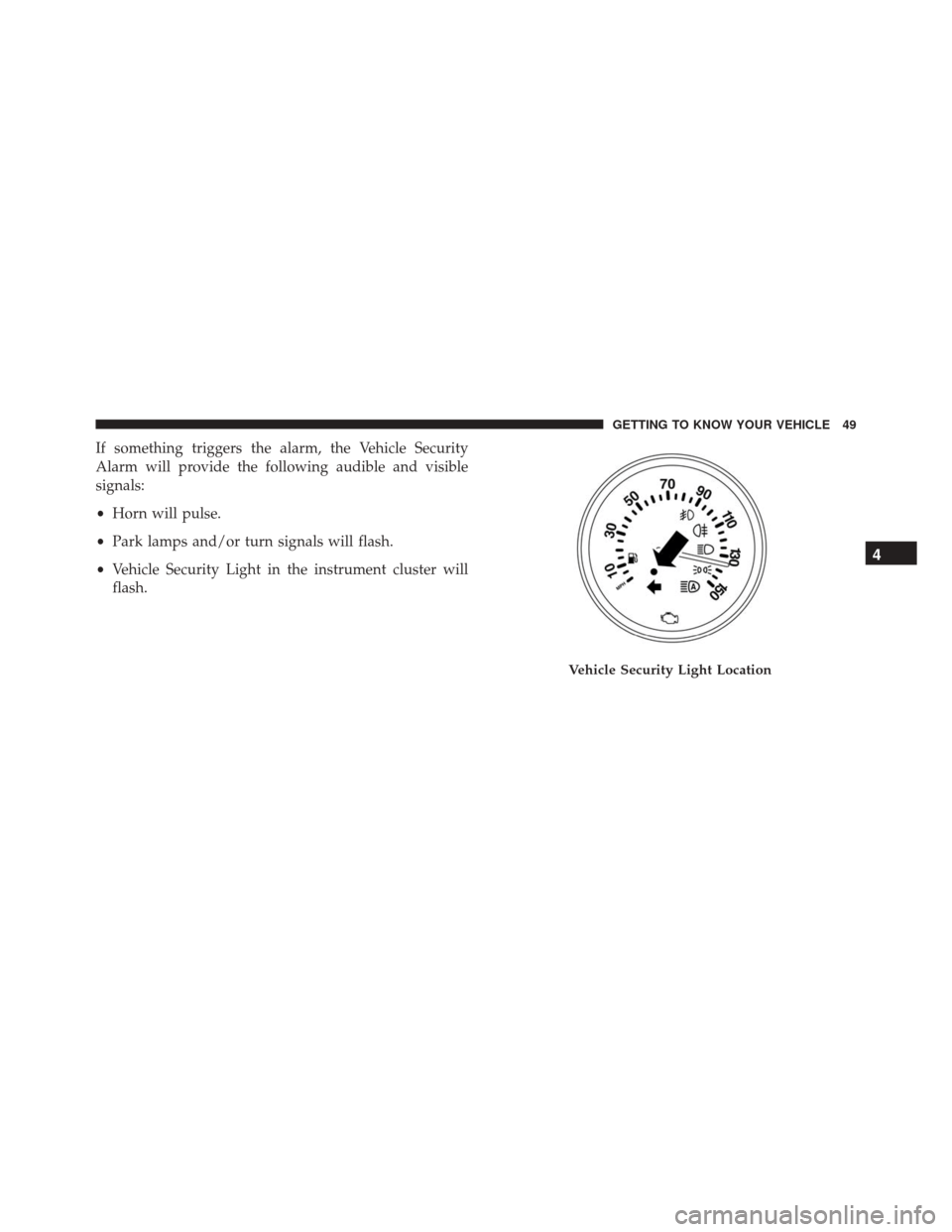
If something triggers the alarm, the Vehicle Security
Alarm will provide the following audible and visible
signals:
•Horn will pulse.
• Park lamps and/or turn signals will flash.
• Vehicle Security Light in the instrument cluster will
flash.
Vehicle Security Light Location
4
GETTING TO KNOW YOUR VEHICLE 49
Page 93 of 587
NOTE:The BSM system will store the current operating
mode when the vehicle is shut off. Each time the vehicle
is started the previously stored mode will be recalled and
used.
Blind Spot Monitoring Fault Warnings
Sensor Blinded
In the case of a sensor blinded:
• BSM Mirror Warning Lights are turned on continu-
ously.
• A instrument cluster message will display “Blind Spot
Monitoring Unavailable - Wipe Rear Bumper Cor-
ners.”
NOTE: The rear bumper must be clean and free of any
obstructing debris. System Not Available
In the case of the system being temporary unavailable:
•
BSM Mirror Warning Lights are turned on continu-
ously.
• A instrument cluster message will display “Blind Spot
Monitoring Temporary Unavailable.”
In the case of the system being completely unavailable:
• A chime will turn on.
• A instrument cluster message will display “Blind Spot
Monitoring Unavailable - Service Required.”
NOTE: Vehicle must be taken to the nearest authorized
dealer for service.4
GETTING TO KNOW YOUR VEHICLE 91
Page 94 of 587
General Information
This vehicle has systems that operate on radio frequency
that comply with Part 15 of the Federal Communications
Commission (FCC) rules and with Industry Canada
Standards RSS- GEN/210/220/310.
Operation is subject to the following two conditions:
1. The device may not cause harmful interference.
2. The device must accept any interference received,including interference that may cause undesired op-
eration of the device.
Changes or modifications to any of these systems by
other than an authorized service facility could void
authorization to use this equipment.
EXTERIOR LIGHTS
Headlights
The headlight switch is located on the left side of the
instrument panel. The headlight switch controls the
operation of the headlights, side marker lights, daytime
running lights, fog lights and the dimming of the instru-
ment cluster and interior lighting.
92 GETTING TO KNOW YOUR VEHICLE
Page 95 of 587
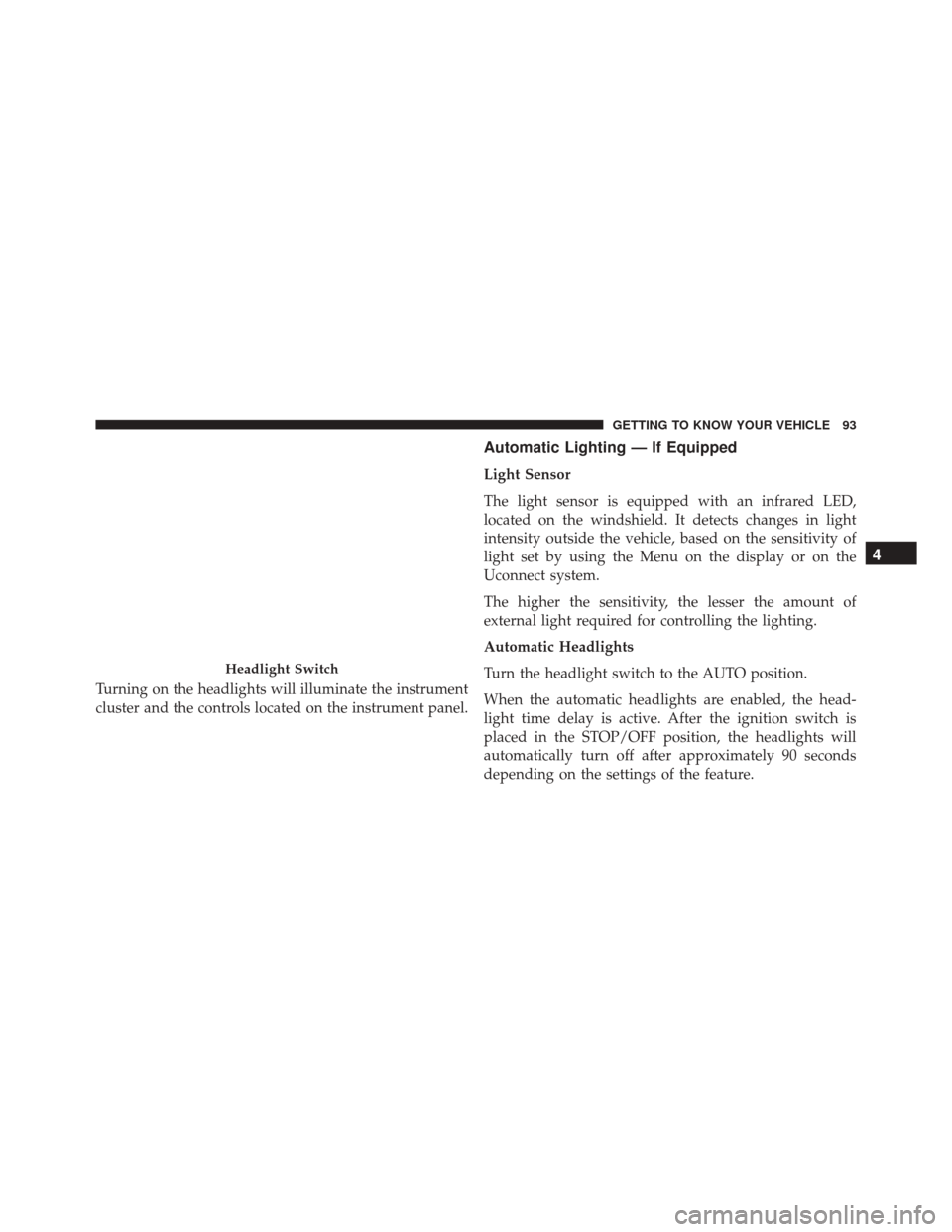
Turning on the headlights will illuminate the instrument
cluster and the controls located on the instrument panel.
Automatic Lighting — If Equipped
Light Sensor
The light sensor is equipped with an infrared LED,
located on the windshield. It detects changes in light
intensity outside the vehicle, based on the sensitivity of
light set by using the Menu on the display or on the
Uconnect system.
The higher the sensitivity, the lesser the amount of
external light required for controlling the lighting.
Automatic Headlights
Turn the headlight switch to the AUTO position.
When the automatic headlights are enabled, the head-
light time delay is active. After the ignition switch is
placed in the STOP/OFF position, the headlights will
automatically turn off after approximately 90 seconds
depending on the settings of the feature.
Headlight Switch
4
GETTING TO KNOW YOUR VEHICLE 93
Page 96 of 587
The timing of the headlights is adjustable between 0, 30,
60 and 90 seconds. Refer to “Uconnect Settings” in
“Multimedia” for further information.
NOTE:The engine must be running before the headlights
will come on in the automatic mode.
Daytime Running Lights (DRL) — If Equipped
The Daytime Running Lights (DRLs) will turn on when
the engine is started and remain on unless the headlights
are turned on or the engine is shut off.
The DRLs will be disabled during turn signal operation
and resume operation when the turn signal operation has
ended.
Front Fog Lights — If Equipped
The front fog light switch is built into the headlight
switch.
To activate the front fog lights, turn on the parking
lights or the low beam headlights and push the
headlight switch. To turn off the front fog lights, push the
headlight switch a second time or turn off the headlight
switch.
An indicator light in the instrument cluster illuminates
when the fog lights are turned on.
NOTE:
• The fog lights will operate with the low beam head-
lights or parking lights on. Selecting the high beam
headlights will turn off the fog lights.
• The fog lights also function as cornering lights. There-
fore there will be times when only one light is on.
94 GETTING TO KNOW YOUR VEHICLE
Page 98 of 587
NOTE:The headlights must be on for the high beams to
activate.
Turn Signals
Move the multifunction lever up or down and the arrows
on each side of the instrument cluster flash to show
proper operation of the front and rear turn signal lights.
When the Daytime Running Lights are on and a turn
signal is activated, the Daytime Running Lamp will turn
off on the side of the vehicle in which the turn signal is
flashing. The Daytime Running Lamp will turn back on
when the turn signal is turned off.
INTERIOR LIGHTS
Front Courtesy Light
The courtesy lights will automatically turn on when the
door is open or closed. The light switches in the overhead
console are for reading lamps.
High Beam And Turn Signal Controls
96 GETTING TO KNOW YOUR VEHICLE