instrument cluster FIAT FREEMONT 2014 1.G User Guide
[x] Cancel search | Manufacturer: FIAT, Model Year: 2014, Model line: FREEMONT, Model: FIAT FREEMONT 2014 1.GPages: 388, PDF Size: 4.13 MB
Page 238 of 388
Clearing A Flooded Engine (Using ENGINE
START/STOP Button)
If the engine fails to start after you have followed the
“Normal Starting” or “Extreme Cold Weather" proce-
dures, it may be flooded. To clear any excess fuel:
1. Press and hold the brake pedal.
2. Press the accelerator pedal all the way to the floorand hold it.
3. Press and release the ENGINE START/STOP button once.
The starter motor will engage automatically, run for
10 seconds, and then disengage. Once this occurs,
release the accelerator pedal and the brake pedal, wait
10 to 15 seconds, then repeat the “Normal Starting”
procedure.
AFTER STARTING
The idle speed is controlled automatically and it will
decrease as the engine warms up.
NORMAL STARTING – DIESEL ENGINE
Using The ENGINE START/STOP Button
1. Turn the ignition switch to the ON position by pressing the ENGINE START/STOP button twice. 2. Watch the “Wait To Start Indicator Light” in the
instrument cluster. Refer to “Instrument Cluster” in
“Warning Lights And Messages” for further infor-
mation. It will illuminate for two to ten seconds or
more, depending on engine temperature. When the
“Wait To Start Indicator Light” goes out, the engine
is ready to start.
3. DO NOT press the accelerator. To start the engine, the transmission must be in PARK or NEUTRAL.
Press the brake pedal (automatic transmission only)
or press and hold the clutch pedal (manual transmis-
sion only) while pressing and holding the ENGINE
START/STOP button. Release the button when the
engine starts.
NOTE: The starter motor may need to remain
engaged for up to 30 seconds in very cold conditions
until the engine is started. If the vehicle does not start,
release the button. Wait for 25-30 seconds and then
try to start again.
4. After the engine starts, allow it to idle for approxi- mately 30 seconds before driving. This allows oil to
circulate and lubricate the turbocharger.
232
KNOWING YOUR
VEHICLE
SAFETY
STARTING AND
DRIVING
WARNING LIGHTSAND
MESSAGES
IN AN
EMERGENCY
SERVICING AND CARE
TECHNICAL
SPECIFICATIONS
CONTENTS
Page 241 of 388
Automatic Transmission
The foot operated parking brake is located below the
lower left corner of the instrument panel. To apply the
park brake, firmly push the park brake pedal fully. To
release the parking brake, press the park brake pedal a
second time and let your foot up as you feel the brake
disengage.
(fig. 152)
When the parking brake is applied with the ignition
switch ON, the “Brake Warning Light” in the instru-
ment cluster will illuminate.NOTE:
• When the parking brake is applied and the automatic
transmission is placed in gear, the “Brake Warning
Light” will flash. If vehicle speed is detected, a chime
will sound to alert the driver. Fully release the park-
ing brake before attempting to move the vehicle.
• This light only shows that the parking brake is ap- plied. It does not show the degree of brake applica-
tion.
When parking on a hill, it is important to turn the front
wheels toward the curb on a downhill grade and away
from the curb on an uphill grade. For vehicles equipped
with an automatic transmission, apply the parking
brake before placing the shift lever in PARK, otherwise
the load on the transmission locking mechanism may
make it difficult to move the shift lever out of PARK.
The parking brake should always be applied whenever
the driver is not in the vehicle.
WARNING!
• Never use PARK position on an auto-
mat i
c transmission as a substitute for
the parking brake. Always apply the parking
brake fully when parked to guard against vehicle
movement and possible injury or damage.
(Continued)
(fig. 152)Parking Brake
235
KNOWING
YOUR
VEHICLE
SAFETY
STARTING
AND
DRIVING
WARNING
LIGHTS
AND
MESSAGES
IN AN
EMERGENCY
SERVICING
AND CARE
TECHNICAL
SPECIFICATIONS
CONTENTS
Page 246 of 388
Brake/Transmission Shift Interlock System
This vehicle is equipped with a Brake Transmission Shift
Interlock System (BTSI) that holds the shift lever in
PARK unless the brakes are applied. To shift the trans-
mission out of PARK, the ignition switch must be
turned to the ON/RUN position (engine running or
not) and the brake pedal must be pressed.
Four-Speed or Six-Speed Automatic
Transmission
The transmission gear position display (located in the
instrument cluster) indicates the transmission gear
range. You must press the brake pedal to move the shift
lever out of PARK (refer to “Brake/Transmission Shift
Interlock System” in this section). To drive, move the
shift lever from PARK or NEUTRAL to the DRIVE
position.
The electronically-controlled transmission provides a
precise shift schedule. The transmission electronics are
self-calibrating; therefore, the first few shifts on a new
vehicle may be somewhat abrupt. This is a normal
condition, and precision shifts will develop within a few
hundred kilometers.Only shift from DRIVE to PARK or REVERSE when the
accelerator pedal is released and the vehicle is stopped.
Be sure to keep your foot on the brake pedal when
shifting between these gears.
The transmission shift lever has PARK, REVERSE,
NEUTRAL, DRIVE, and AutoStick® shift positions.
Manual shifts can be made using the AutoStick® shift
control (refer to “AutoStick®” in this section for fur-
ther information). Moving the shift lever into the
AutoStick® (+/-) position (below the Drive position)
activates Autostick® mode, providing manual shift
control and displaying the current gear in the instru-
ment cluster.
(fig. 154)
(fig. 154)
Shift Lever
240
KNOWINGYOUR
VEHICLE
SAFETY
STARTING AND
DRIVING
WARNING LIGHTSAND
MESSAGES
IN AN
EMERGENCY
SERVICING AND CARE
TECHNICAL
SPECIFICATIONS
CONTENTS
Page 269 of 388
WARNING LIGHTS AND MESSAGES
INSTRUMENT CLUSTER
(fig. 162)
(fig. 162)
263
KNOWING
YOUR
VEHICLE
SAFETY
STARTING
AND
DRIVING
WARNING
LIGHTS
AND
MESSAGES
IN AN
EMERGENCY
SERVICING
AND CARE
TECHNICAL
SPECIFICATIONS
CONTENTS
Page 270 of 388
INSTRUMENT CLUSTER
DESCRIPTIONS
1. Air Bag Warning LightThis light will turn on for four to eight sec-
onds as a bulb check when the ignition switch
is first turned to ON/RUN. If the light is
either not on during starting, stays on, or
turns on while driving, have the system inspected at an
authorized dealer as soon as possible. Refer to “Occu-
pant Restraints” in “Safety” for further information.
2. Malfunction Indicator Light (MIL) The Malfunction Indicator Light (MIL) is part of
an onboard diagnostic system, called OBD, that
monitors engine and transmission control sys-
tems. The light will illuminate when the key is in the
ON/RUN position, before engine start. If the bulb does
not come on when turning the key from OFF to
ON/RUN, have the condition checked promptly. Certain conditions, such as a loose or missing gas cap,
poor fuel quality, etc., may illuminate the MIL after
engine start. The vehicle should be serviced if the MIL
stays on through several of your typical driving cycles.
In most situations, the vehicle will drive normally and
will not require towing.
Prolonged driving with the Malfunction
Indicator Light (MIL) on could cause
damage to the engine control system.
It also could affect fuel economy and driveability.
If the MIL is flashing, severe catalytic converter
damage and power loss will soon occur. Immedi-
ate service is required.
WARNING!
A malfunctioning catalytic converter, as
referenc ed
above, can reach higher tem-
peratures than in normal operating conditions.
This can cause a fire if you drive slowly or park
over flammable substances such as dry plants,
wood, cardboard, etc .This could result in death or
serious injury to the driver, occupants or others.
264
KNOWING YOUR
VEHICLE
SAFETY
STARTING AND
DRIVING
WARNING LIGHTSAND
MESSAGES
IN AN
EMERGENCY
SERVICING AND CARE
TECHNICAL
SPECIFICATIONS
CONTENTS
Page 271 of 388
3. Electronic Stability Control (ESC) Activation/
Malfunction Indicator Light (for versions/markets,
where provided)The “ESC Activation/Malfunction Indicator
Light” in the instrument cluster will come on
when the ignition switch is turned to the
ON/RUN position. It should go out with the
engine running. If the “ESC Activation/Malfunction In-
dicator Light” comes on continuously with the engine
running, a malfunction has been detected in the ESC
system. If this light remains on after several ignition
cycles, and the vehicle has been driven several kilome-
ters at speeds greater than 48 km/h, see your autho-
rized dealer as soon as possible to have the problem
diagnosed and corrected.
NOTE:
The “ESC Off Indicator Light” and the “ESC Activation/
Malfunction Indicator Light” come on momentarily each
time the ignition switch is turned to ON/RUN.
Each time the ignition is turned to ON/RUN, the ESC
system will be ON, even if it was turned off previously.
The ESC system will make buzzing or clicking sounds
when it is active. This is normal; the sounds will stop
when ESC becomes inactive following the maneuver
that caused the ESC activation. 4. Turn Signal Indicator Light
The left or right arrow will flash in unison
with the corresponding front and rear turn
signal lights when the turn signal switch is
operated. (Refer to “Lights” in “Knowing
Your Vehicle” for further information).
NOTE:
A chime will sound if the vehicle is driven more than
1.6 km with either turn signal on.
Check for an inoperative outside light bulb if either
indicator flashes at a rapid rate.
5. High Beam Indicator This light shows that the high beam headlights
are on. Pull the multifunction lever on the left
side of the steering column toward you to switch to
low beam. (Refer to “Lights” in “Knowing Your Vehicle”
for further information).
6. Front Fog Light Indicator (for versions/markets,
where provided) This indicator will illuminate when the front fog
lights are on. (Refer to “Lights” in “Knowing
Your Vehicle” for further information).
265
KNOWING
YOUR
VEHICLE
SAFETY
STARTING
AND
DRIVING
WARNING
LIGHTS
AND
MESSAGES
IN AN
EMERGENCY
SERVICING
AND CARE
TECHNICAL
SPECIFICATIONS
CONTENTS
Page 272 of 388
7. Odometer Display / Electronic Vehicle
Information Center (EVIC) Display
Odometer
The odometer display shows the total distance the
vehicle has been driven.
Electronic Vehicle Information Center (EVIC)
Display
The Electronic Vehicle Information Center (EVIC) fea-
tures a driver-interactive display that is located in the
instrument cluster. For further information, refer to
“Electronic Vehicle Information Center (EVIC)” in
“Knowing Your Vehicle”.
8. Park/Headlight ON IndicatorThis indicator will illuminate when the park
lights or headlights are turned on. (Refer to
“Lights” in “Knowing Your Vehicle” for fur-
ther information). 9. Tire Pressure Monitoring Telltale Light
Each tire, including the spare (if provided),
should be checked monthly when cold and
inflated to the inflation pressure recom-
mended by the vehicle manufacturer on the
vehicle placard or tire inflation pressure label.
As an added safety feature, your vehicle has been
equipped with a tire pressure monitoring system
(TPMS) that illuminates a low tire pressure telltale
when one or more of your tires is significantly under-
inflated. Accordingly, when the low tire pressure tell-
tale light illuminates, you should stop and check your
tires as soon as possible, and inflate them to the proper
pressure. Driving on a significantly under-inflated tire
causes the tire to overheat and can lead to tire failure.
Under-inflation also reduces fuel efficiency and tire
tread life, and may affect the vehicle’s handling and
stopping ability.
266
KNOWING YOUR
VEHICLE
SAFETY
STARTING AND
DRIVING
WARNING LIGHTSAND
MESSAGES
IN AN
EMERGENCY
SERVICING AND CARE
TECHNICAL
SPECIFICATIONS
CONTENTS
Page 352 of 388
Glass Surfaces
All glass surfaces should be cleaned on a regular basis
with any commercial household-type glass cleaner.
Never use an abrasive type cleaner. Use caution when
cleaning the inside rear window equipped with an
electric defroster. Do not use scrapers or other sharp
instruments that may scratch the elements.
When cleaning the rear view mirror, spray cleaner on
the towel or rag that you are using. Do not spray
cleaner directly on the mirror.
Cleaning Plastic Instrument Cluster Lenses
The lenses in front of the instruments in this vehicle are
molded in clear plastic. When cleaning the lenses, care
must be taken to avoid scratching the plastic.
1. Clean with a wet soft rag. A mild soap solution maybe used, but do not use high alcohol content or
abrasive cleaners. If soap is used, wipe clean with a
clean damp rag.
2. Dry with a soft cloth. Seat Belt Maintenance
Do not bleach, dye or clean the belts with chemical
solvents or abrasive cleaners. This will weaken the
fabric. Sun damage can also weaken the fabric.
If the belts need cleaning, use a mild soap solution or
lukewarm water. Do not remove the belts from the car
to wash them. Dry with a soft cloth.
Replace the belts if they appear frayed or worn or if the
buckles do not work properly.
CLEANING THE CUP HOLDERS
Clean with a damp cloth or towel using a mild deter-
gent.
346
KNOWING
YOUR
VEHICLE
SAFETY
STARTING AND
DRIVING
WARNING LIGHTSAND
MESSAGES
IN AN
EMERGENCY
SERVICING AND CARE
TECHNICAL
SPECIFICATIONS
CONTENTS
Page 378 of 388
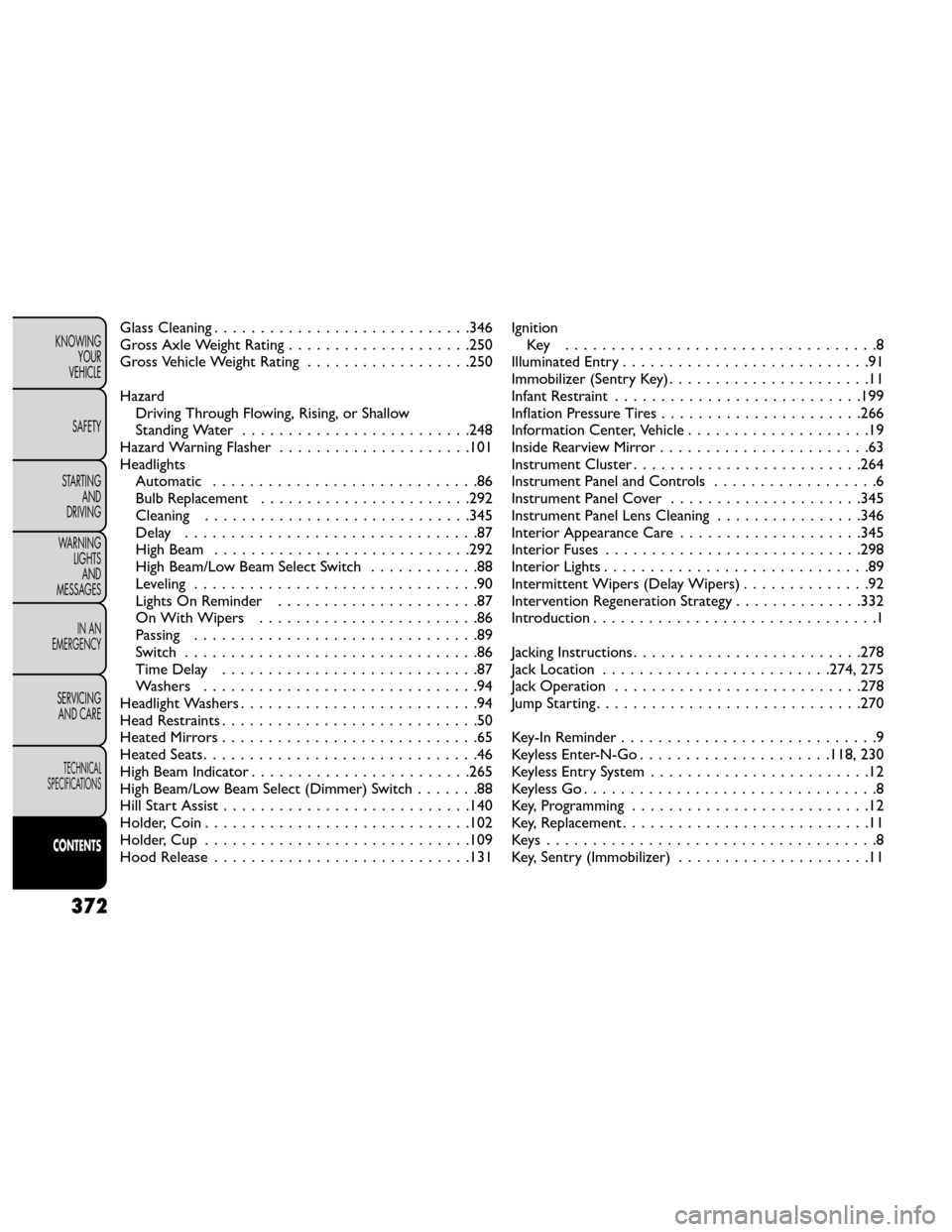
Glass Cleaning............................346
Gross Axle Weight Rating ....................250
Gross Vehicle Weight Rating ..................250
Hazard Driving Through Flowing, Rising, or Shallow
Standing Water .........................248
Hazard Warning Flasher .....................101
Headlights Automatic .............................86
Bulb Replacement .......................292
Cleaning .............................345
Delay ................................87
High Beam ............................292
High Beam/Low Beam Select Switch ............88
Leveling ...............................90
Lights On Reminder ......................87
On With Wipers ........................86
Passing ...............................89
Switch ................................86
TimeDelay ............................87
Washers ..............................94
Headlight Washers ..........................94
Head Restraints ............................50
HeatedMirrors............................65
Heated Seats ..............................46
High Beam Indicator ........................265
High Beam/Low Beam Select (Dimmer) Switch .......88
Hill Start Assist ...........................140
Holder, Coin .............................102
Holder, Cup .............................109
Hood Release ............................131 Ignition
Key ..................................8
Illuminated Entry ...........................91
Immobilizer (Sentry Key) ......................11
Infant Restraint ...........................199
Inflation Pressure Tires ......................266
Information Center, Vehicle ....................19
Inside Rearview Mirror .......................63
Instrument Cluster .........................264
Instrument Panel and Controls ..................6
Instrument Panel Cover .....................345
Instrument Panel Lens Cleaning ................346
Interior Appearance Care ....................345
Interior Fuses ............................298
Interior Lights .............................89
Intermittent Wipers (Delay Wipers) ..............92
Intervention Regeneration Strategy ..............332
Introduction ...............................1
Jacking Instructions .........................278
Jack Location ......................... 274, 275
Jack Operation ..........................
.278
Jump Starting .............................270
Key-In Reminder ............................9
Keyless Enter-N-Go .....................118, 230
Keyless Entry System ........................12
Keyless Go ................................8
Key, Programming ..........................12
Key, Replacement ...........................11
Keys....................................8
Key, Sentry (Immobilizer) .....................11
372
KNOWING
YOUR
VEHICLE
SAFETY
STARTING AND
DRIVING
WARNING LIGHTSAND
MESSAGES
IN AN
EMERGENCY
SERVICING AND CARE
TECHNICAL
SPECIFICATIONS
CONTENTS
Page 379 of 388
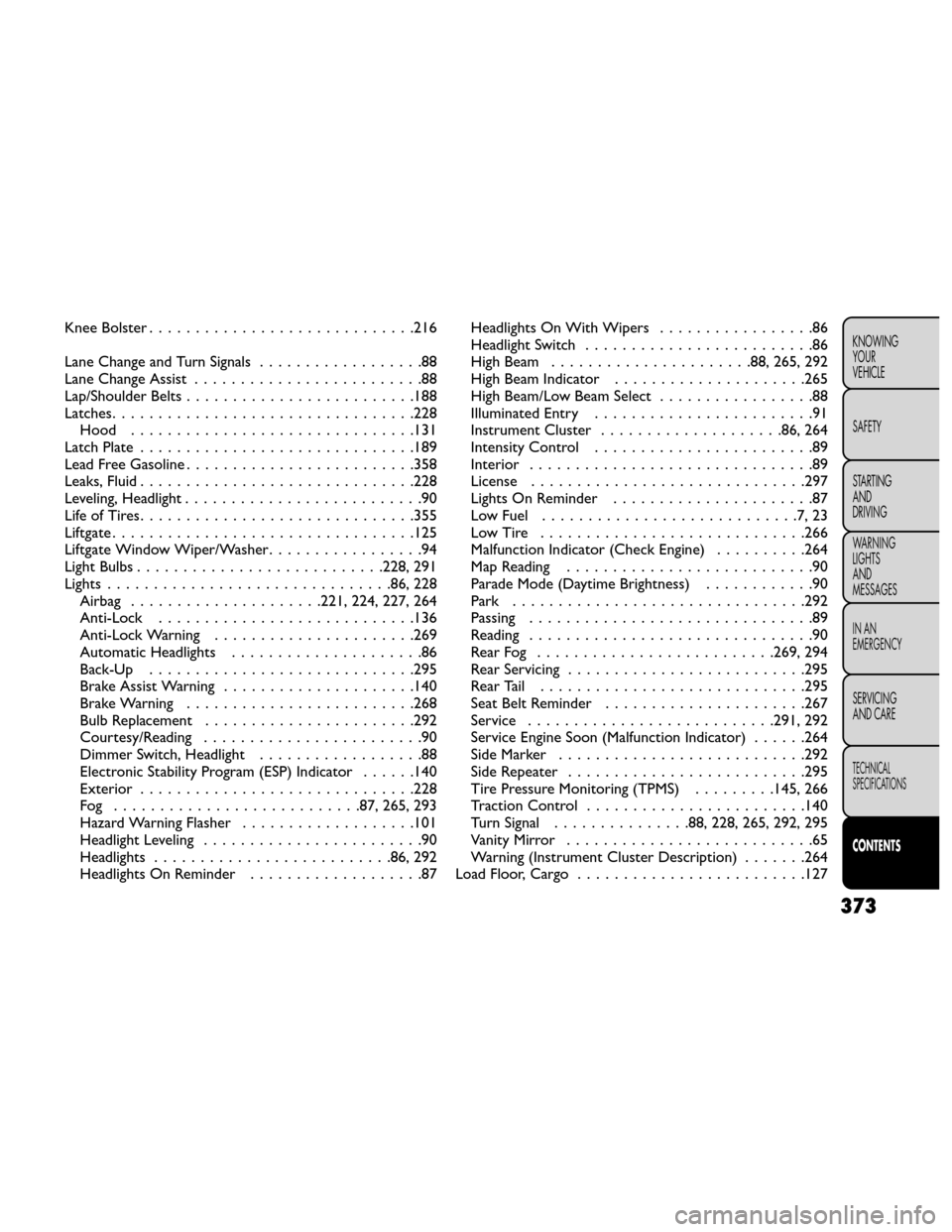
Knee Bolster.............................216
Lane Change and Turn Signals ..................88
Lane Change Assist .........................88
Lap/Shoulder Belts .........................188
Latches .................................228
Hood ...............................131
Latch Plate ..............................189
Lead Free Gasoline .........................358
Leaks, Fluid ..............................228
Leveling, Headlight ..........................90
LifeofTires..............................355
Liftgate.................................125
Liftgate Window Wiper/Washer .................94
Light Bulbs ...........................228, 291
Lights ...............................86, 228
Airbag .....................221, 224, 227, 264
Anti-Lock ............................136
Anti-Lock Warning ......................269
Automatic Headlights .....................86
Back-Up .............................295
Brake Assist Warning .....................140
Brake Warning .........................268
Bulb Replacement .......................292
Courtesy/Reading ........................90
Dimmer Switch, Headlight ..................88
Electronic Stability Program (ESP) Indicator ......140
Exterior ..............................228
Fog ...........................87, 265, 293
Hazard Warning Flasher ...................101
Headlight Leveling ........................90
Headlights ..........................86, 292
Headlights On Reminder ...................87 Headlights On With Wipers
.................86
Headlight Switch .........................86
High Beam ......................88, 265, 292
High Beam Indicator .....................265
High Beam/Low Beam Select .................88
Illuminated Entry ........................91
Instrument Cluster ....................86, 264
Intensity Control ........................89
Interior ...............................89
License ..............................297
Lights On Reminder ......................
87
Low Fuel ............................7,23
LowTire .............................266
Malfunction Indicator (Check Engine) ..........264
Map Reading ...........................90
Parade Mode (Daytime Brightness) ............90
Park ................................292
Passing ...............................89
Reading ...............................90
RearFog ..........................269, 294
Rear Servicing ..........................295
RearTail .............................295
Seat Belt Reminder ......................267
Service ...........................291, 292
Service Engine Soon (Malfunction Indicator) ......264
Side Marker ...........................292
Side Repeater ..........................295
Tire Pressure Monitoring (TPMS) .........145, 266
Traction Control ........................140
Turn Signal ...............88, 228, 265, 292, 295
Vanity Mirror ...........................65
Warning (Instrument Cluster Description) .......264
Load Floor, Cargo .........................127
373
KNOWING
YOUR
VEHICLE
SAFETY
STARTING
AND
DRIVING
WARNING
LIGHTS
AND
MESSAGES
IN AN
EMERGENCY
SERVICING
AND CARE
TECHNICAL
SPECIFICATIONS
CONTENTS