audio FIAT FREEMONT 2014 1.G Owner's Manual
[x] Cancel search | Manufacturer: FIAT, Model Year: 2014, Model line: FREEMONT, Model: FIAT FREEMONT 2014 1.GPages: 388, PDF Size: 4.13 MB
Page 186 of 388
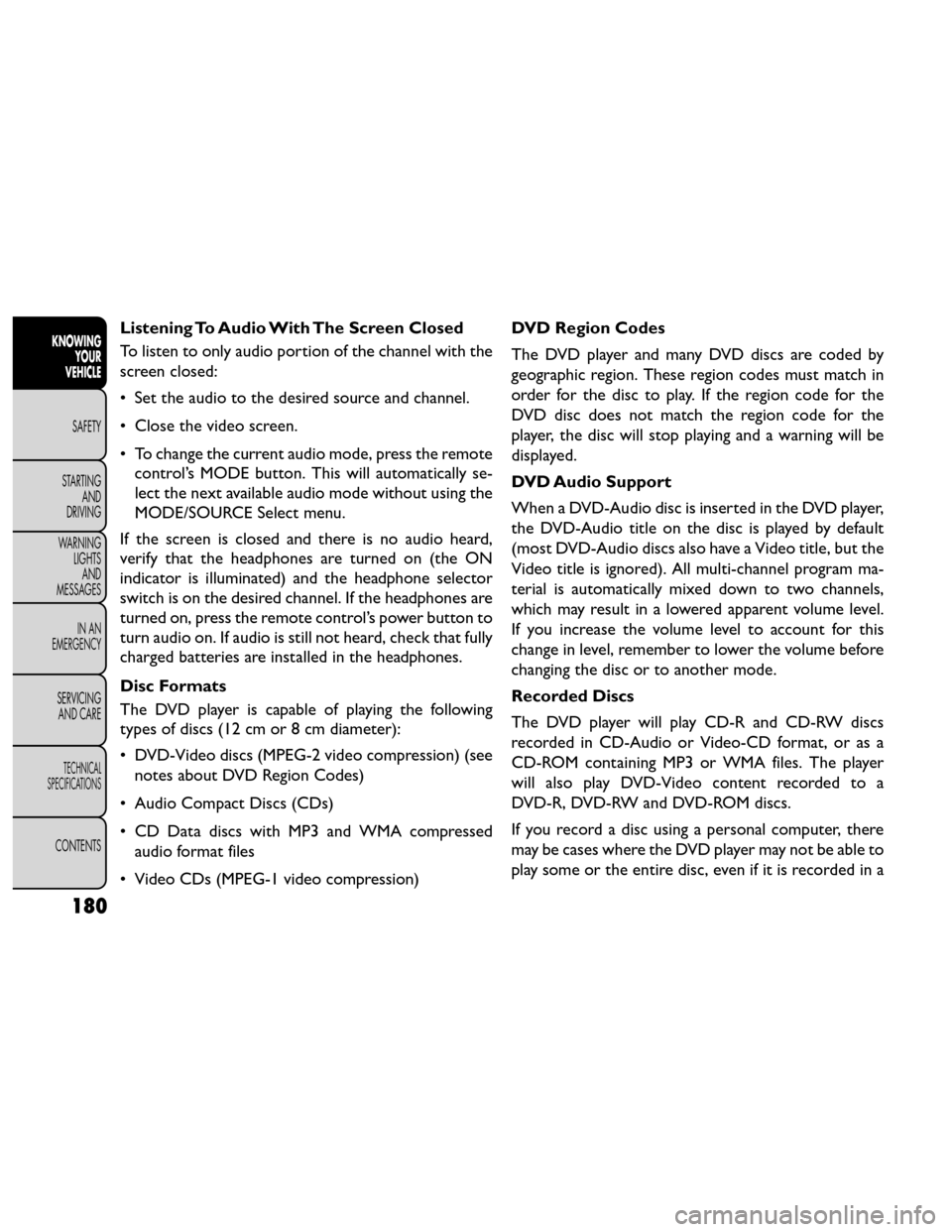
Listening To Audio With The Screen Closed
To listen to only audio portion of the channel with the
screen closed:
• Set the audio to the desired source and channel.
• Close the video screen.
• To change the current audio mode, press the remotecontrol’s MODE button. This will automatically se-
lect the next available audio mode without using the
MODE/SOURCE Select menu.
If the screen is closed and there is no audio heard,
verify that the headphones are turned on (the ON
indicator is illuminated) and the headphone selector
switch is on the desired channel. If the headphones are
turned on, press the remote control’s power button to
turn audio on. If audio is still not heard, check that fully
charged batteries are installed in the headphones.
Disc Formats
The DVD player is capable of playing the following
types of discs (12 cm or 8 cm diameter):
• DVD-Video discs (MPEG-2 video compression) (see notes about DVD Region Codes)
• Audio Compact Discs (CDs)
• CD Data discs with MP3 and WMA compressed audio format files
• Video CDs (MPEG-1 video compression) DVD Region Codes
The DVD player and many DVD discs are coded by
geographic region. These region codes must match in
order for the disc to play. If the region code for the
DVD disc does not match the region code for the
player, the disc will stop playing and a warning will be
displayed.
DVD Audio Support
When a DVD-Audio disc is inserted in the DVD player,
the DVD-Audio title on the disc is played by default
(most DVD-Audio discs also have a Video title, but the
Video title is ignored). All multi-channel program ma-
terial is automatically mixed down to two channels,
which may result in a lowered apparent volume level.
If you increase the volume level to account for this
change in level, remember to lower the volume before
changing the disc or to another mode.
Recorded Discs
The DVD player will play CD-R and CD-RW discs
recorded in CD-Audio or Video-CD format, or as a
CD-ROM containing MP3 or WMA files. The player
will also play DVD-Video content recorded to a
DVD-R, DVD-RW and DVD-ROM discs.
If you record a disc using a personal computer, there
may be cases where the DVD player may not be able to
play some or the entire disc, even if it is recorded in a
180
KNOWING
YOUR
VEHICLE
SAFETY
STARTING AND
DRIVING
W
ARNING LIGHTS AND
MESSAGES
IN AN
EMERGENCY
SERVICING AND CARE
TECHNICAL
SPECIFICATIONS
CONTENTS
Page 187 of 388
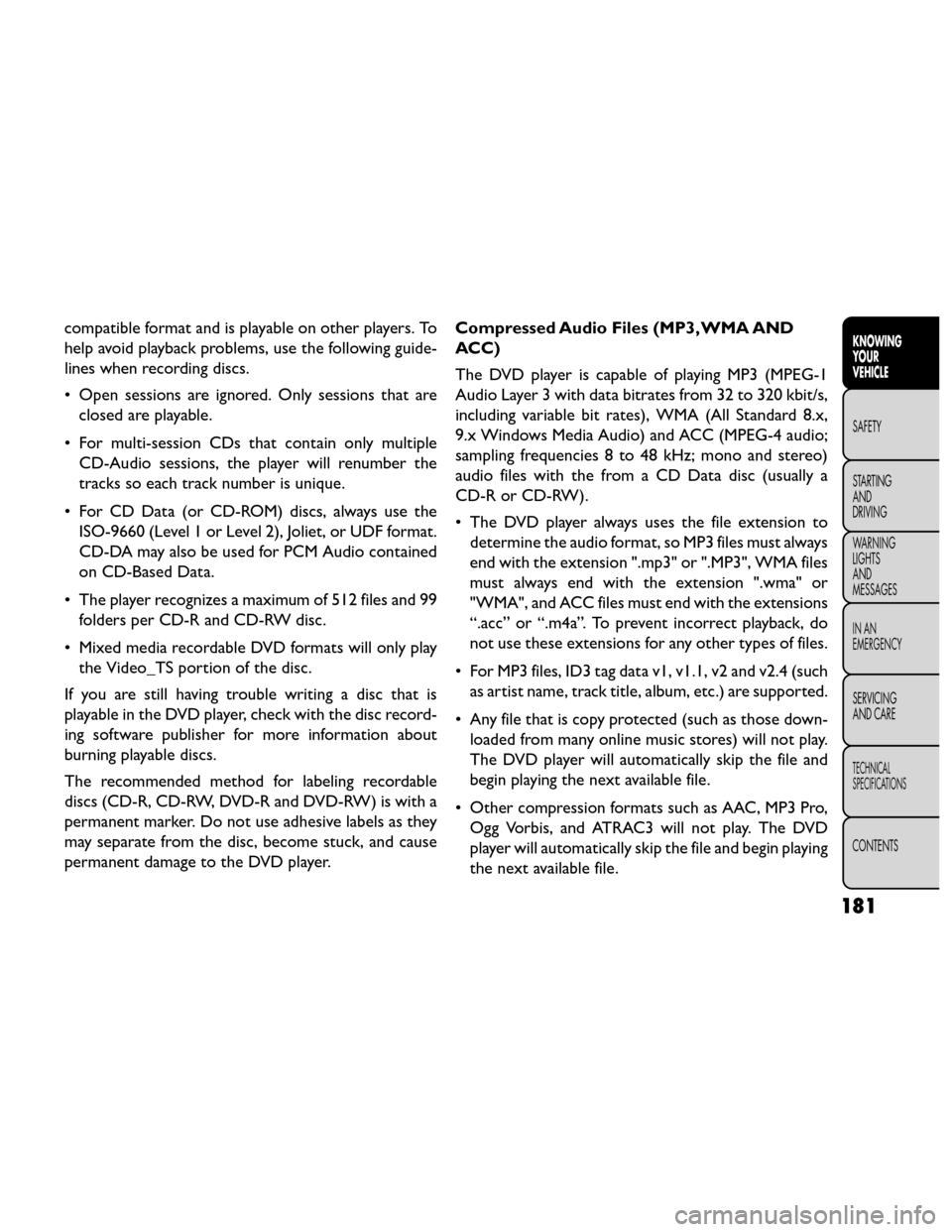
compatible format and is playable on other players. To
help avoid playback problems, use the following guide-
lines when recording discs.
• Open sessions are ignored. Only sessions that areclosed are playable.
• For multi-session CDs that contain only multiple CD-Audio sessions, the player will renumber the
tracks so each track number is unique.
• For CD Data (or CD-ROM) discs, always use the ISO-9660 (Level 1 or Level 2), Joliet, or UDF format.
CD-DA may also be used for PCM Audio contained
on CD-Based Data.
• The player recognizes a maximum of 512 files and 99 folders per CD-R and CD-RW disc.
• Mixed media recordable DVD formats will only play the Video_TS portion of the disc.
If you are still having trouble writing a disc that is
playable in the DVD player, check with the disc record-
ing software publisher for more information about
burning playable discs.
The recommended method for labeling recordable
discs (CD-R, CD-RW, DVD-R and DVD-RW) is with a
permanent marker. Do not use adhesive labels as they
may separate from the disc, become stuck, and cause
permanent damage to the DVD player. Compressed Audio Files (MP3, WMA AND
ACC)
The DVD player is capable of playing MP3 (MPEG-1
Audio Layer 3 with data bitrates from 32 to 320 kbit/s,
including variable bit rates), WMA (All Standard 8.x,
9.x Windows Media Audio) and ACC (MPEG-4 audio;
sampling frequencies 8 to 48 kHz; mono and stereo)
audio files with the from a CD Data disc (usually a
CD-R or CD-RW).
• The DVD player always uses the file extension to
determine the audio format, so MP3 files must always
end with the extension ".mp3" or ".MP3", WMA files
must always end with the extension ".wma" or
"WMA", and ACC files must end with the extensions
“.acc” or “.m4a”. To prevent incorrect playback, do
not use these extensions for any other types of files.
• For MP3 files, ID3 tag data v1, v1.1, v2 and v2.4 (such as artist name, track title, album, etc.) are supported.
• Any file that is copy protected (such as those down- loaded from many online music stores) will not play.
The DVD player will automatically skip the file and
begin playing the next available file.
• Other compression formats such as AAC, MP3 Pro, Ogg Vorbis, and ATRAC3 will not play. The DVD
player will automatically skip the file and begin playing
the next available file.
181
KNOWING
YOUR
VEHICLE
SAFETY
STARTING
AND
DRIVING
W
ARNING
LIGHTS
AND
MESSAGES
IN AN
EMERGENCY
SERVICING
AND CARE
TECHNICAL
SPECIFICATIONS
CONTENTS
Page 204 of 388
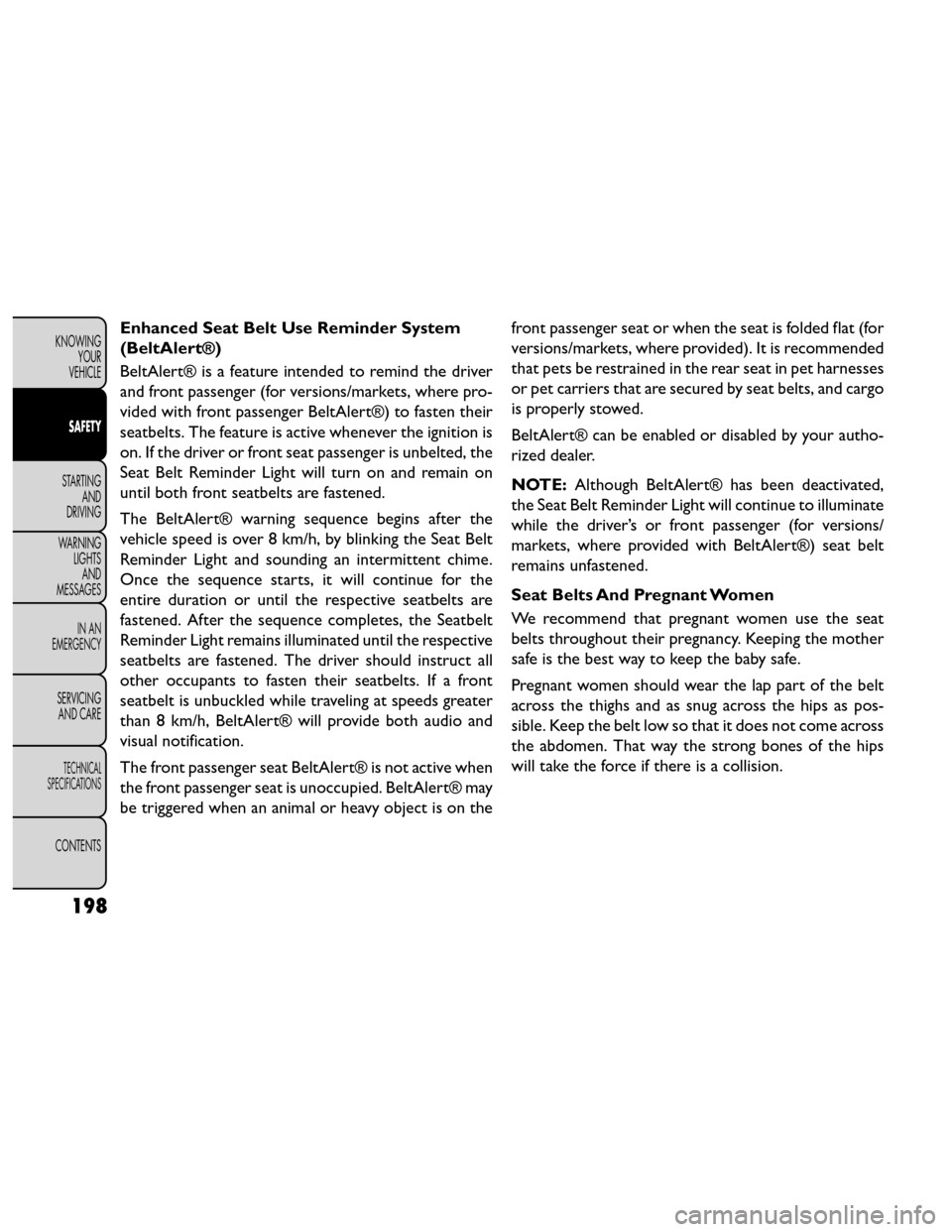
Enhanced Seat Belt Use Reminder System
(BeltAlert®)
BeltAlert® is a feature intended to remind the driver
and front passenger (for versions/markets, where pro-
vided with front passenger BeltAlert®) to fasten their
seatbelts. The feature is active whenever the ignition is
on. If the driver or front seat passenger is unbelted, the
Seat Belt Reminder Light will turn on and remain on
until both front seatbelts are fastened.
The BeltAlert® warning sequence begins after the
vehicle speed is over 8 km/h, by blinking the Seat Belt
Reminder Light and sounding an intermittent chime.
Once the sequence starts, it will continue for the
entire duration or until the respective seatbelts are
fastened. After the sequence completes, the Seatbelt
Reminder Light remains illuminated until the respective
seatbelts are fastened. The driver should instruct all
other occupants to fasten their seatbelts. If a front
seatbelt is unbuckled while traveling at speeds greater
than 8 km/h, BeltAlert® will provide both audio and
visual notification.
The front passenger seat BeltAlert® is not active when
the front passenger seat is unoccupied. BeltAlert® may
be triggered when an animal or heavy object is on thefront passenger seat or when the seat is folded flat (for
versions/markets, where provided). It is recommended
that pets be restrained in the rear seat in pet harnesses
or pet carriers that are secured by seat belts, and cargo
is properly stowed.
BeltAlert® can be enabled or disabled by your autho-
rized dealer.
NOTE:
Although BeltAlert® has been deactivated,
the Seat Belt Reminder Light will continue to illuminate
while the driver’s or front passenger (for versions/
markets, where provided with BeltAlert®) seat belt
remains unfastened.
Seat Belts And Pregnant Women
We recommend that pregnant women use the seat
belts throughout their pregnancy. Keeping the mother
safe is the best way to keep the baby safe.
Pregnant women should wear the lap part of the belt
across the thighs and as snug across the hips as pos-
sible. Keep the belt low so that it does not come across
the abdomen. That way the strong bones of the hips
will take the force if there is a collision.
198
KNOWING YOUR
VEHICLE
SAFETY
STARTING AND
DRIVING
WARNING LIGHTSAND
MESSAGES
IN AN
EMERGENCY
SERVICING AND CARE
TECHNICAL
SPECIFICATIONS
CONTENTS
Page 305 of 388
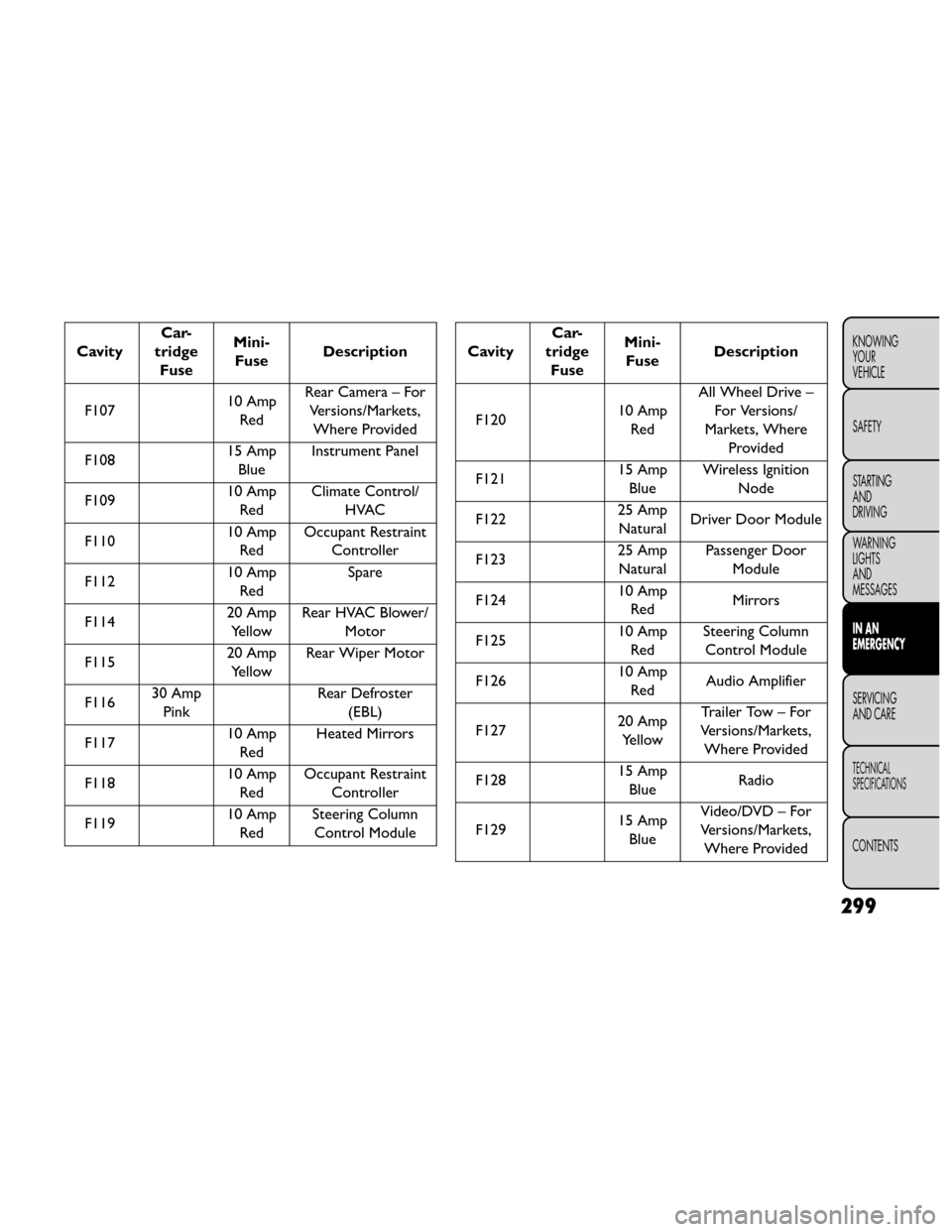
CavityCar-
tridge Fuse Mini-
Fuse Description
F107 10 Amp
Red Rear Camera – For
Versions/Markets,Where Provided
F108 15 Amp
Blue Instrument Panel
F109 10 Amp
Red Climate Control/
HVAC
F110 10 Amp
Red Occupant Restraint
Controller
F112 10 Amp
Red Spare
F114 20 Amp
Yellow Rear HVAC Blower/
Motor
F115 20 Amp
Yellow Rear Wiper Motor
F116 30 Amp
Pink Rear Defroster
(EBL)
F117 10 Amp
Red Heated Mirrors
F118 10 Amp
Red Occupant Restraint
Controller
F119 10 Amp
Red Steering Column
Control ModuleCavity Car-
tridge Fuse Mini-
Fuse Description
F120 10 Amp
Red All Wheel Drive –
For Versions/
Markets, Where Provided
F121 15 Amp
Blue Wireless Ignition
Node
F122 25 Amp
Natural Driver Door Module
F123 25 Amp
Natural Passenger Door
Module
F124 10 Amp
Red Mirrors
F125 10 Amp
Red Steering Column
Control Module
F126 10 Amp
Red Audio Amplifier
F127 20 Amp
Yellow Trailer Tow – For
Versions/Markets, Where Provided
F128 15 Amp
Blue Radio
F129 15 Amp
Blue Video/DVD – For
Versions/Markets, Where Provided
299
KNOWING
YOUR
VEHICLE
SAFETY
STARTING
AND
DRIVING
WARNING
LIGHTS
AND
MESSAGES
IN AN
EMERGENCY
SERVICING
AND CARE
TECHNICAL
SPECIFICATIONS
CONTENTS
Page 383 of 388
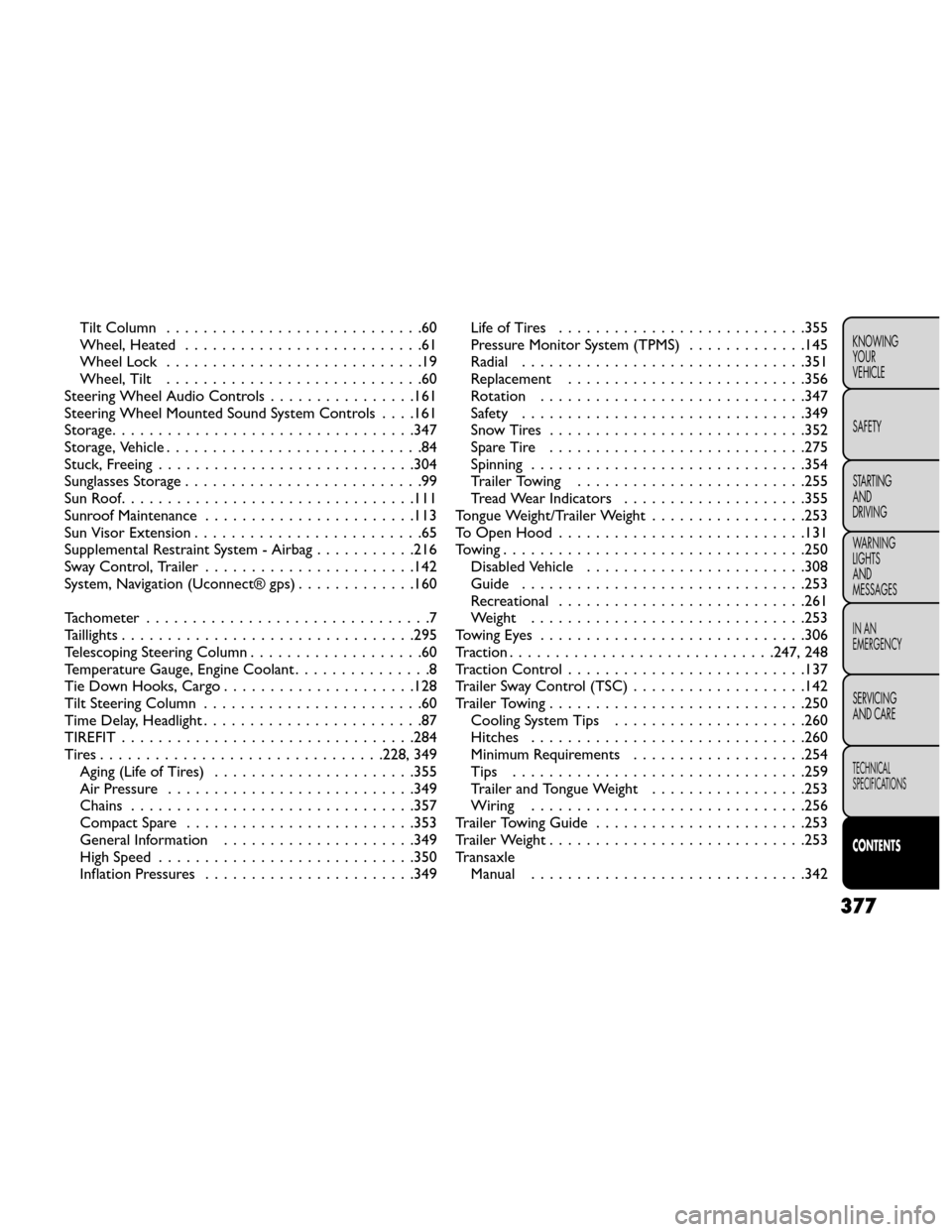
Tilt Column............................60
Wheel, Heated ..........................61
Wheel Lock ............................19
Wheel, Tilt ............................60
Steering Wheel Audio Controls ................161
Steering Wheel Mounted Sound System Controls . . . .161
Storage .................................347
Storage, Vehicle ............................84
Stuck, Freeing ............................304
Sunglasses Storage ..........................99
SunRoof................................111
Sunroof Maintenance .......................113
Sun Visor Extension .........................65
Supplemental Restraint System - Airbag ...........216
Sway Control, Trailer .......................142
System, Navigation (Uconnect® gps) .............160
Tachometer ...............................7
Taillights ................................295
Telescoping Steering Column ...................60
Temperature Gauge, Engine Coolant ...............8
Tie Down Hooks, Cargo .....................128
Tilt Steering Column ........................60
Time Delay, Headlight ........................87
TIREFIT ................................284
Tires...............................228, 349 Aging (Life of Tires) ......................355
Air Pressure ...........................349
Chains ...............................357
Compact Spare .........................353
General Information .....................349
High Speed ............................350
Inflation Pressures .......................349 LifeofTires ...........................355
Pressure Monitor System (TPMS)
.............145
Radial ...............................351
Replacement ..........................356
Rotation .............................347
Safety ...............................349
SnowTires ............................352
Spare Tire ............................275
Spinning ..............................354
Trailer Towing .........................255
Tread Wear Indicators ....................355
Tongue W eight/T
railer Weight .................253
ToOpenHood ...........................131
Towing.................................250 Disabled Vehicle ........................308
Guide ...............................253
Recreational ...........................261
Weight ..............................253
TowingEyes .............................306
Traction ............................. 247, 248
Traction Control ..........................137
Trailer Sway Control (TSC) ...................142
Trailer Towing ............................250
Cooling System Tips .....................260
Hitches ..............................260
Minimum Requirements ...................254
Tips ................................259
Trailer and Tongue Weight .................253
Wiring ..............................256
Trailer Towing Guide .......................253
Trailer Weight ............................253
Transaxle Manual ..............................342
377
KNOWING
YOUR
VEHICLE
SAFETY
STARTING
AND
DRIVING
WARNING
LIGHTS
AND
MESSAGES
IN AN
EMERGENCY
SERVICING
AND CARE
TECHNICAL
SPECIFICATIONS
CONTENTS