traction control FORD BRONCO SPORT 2021 User Guide
[x] Cancel search | Manufacturer: FORD, Model Year: 2021, Model line: BRONCO SPORT, Model: FORD BRONCO SPORT 2021Pages: 471, PDF Size: 7 MB
Page 198 of 471
HOW DOES ADAPTIVE CRUISE
CONTROL WITH STOP AND GO
WORK
Adaptive cruise control with stop and go
uses radar and camera sensors to adjust
the speed of your vehicle to maintain a set
gap from the vehicle in front of you in the
same lane while following it to a complete
stop. You can also engage the system to
follow a vehicle in front of you and adjust
set speed while stopped.
WHAT IS ADAPTIVE CRUISE
CONTROL WITH LANE
CENTERING
Adaptive cruise control with lane centering
uses radar and camera sensors to help
keep your vehicle in the lane by applying
continuous assistance steering torque
input toward the lane center on highways.
Note:
The adaptive cruise control gap
setting operates normally.
WHAT IS INTELLIGENT
ADAPTIVE CRUISE CONTROL
(IF EQUIPPED)
Intelligent adaptive cruise control
combines speed sign recognition with
adaptive cruise control to adjust the cruise
set speed to the speed limit detected by
the speed sign recognition system. For
example, if the speed sign recognition
system detects a 50 mph (80 km/h)
speed limit, the cruise set speed is updated
to
50 mph (80 km/h).
Note: The adaptive cruise control gap
setting operates normally. ADAPTIVE CRUISE CONTROL
PRECAUTIONS WARNING: You are responsible for
controlling your vehicle at all times. The
system is designed to be an aid and does
not relieve you of your responsibility to
drive with due care and attention. Failure
to follow this instruction could result in
the loss of control of your vehicle,
personal injury or death. WARNING:
Pay close attention to
changing road conditions such as
entering or leaving a highway, on roads
with intersections or roundabouts, roads
without visible lanes of travel, roads that
are winding, slippery, unpaved, or steep
slopes. WARNING:
The system does not
control speed in low traction conditions
or extremely steep slopes. The system
is designed to be an aid and does not
relieve you of your responsibility to drive
with due care and attention. Failure to
follow this instruction could result in
personal injury. WARNING:
The system is not a
crash warning or avoidance system. WARNING:
Do not use the system
when towing a trailer that has
aftermarket electronic trailer brake
controls. Failure to follow this instruction
could result in the loss of control of your
vehicle, personal injury or death. WARNING:
Do not use tire sizes
other than those recommended because
this can affect the normal operation of
the system. Failure to do so may result
in a loss of vehicle control, which could
result in serious injury.
195
Bronco Sport (CHD) Canada/United States of America, enUSA, Edition date: 202007, Second-Printing Adaptive Cruise Control
(If Equipped)
Page 202 of 471
Switching Adaptive Cruise Control
On
Press the button to set the
system in standby mode.
The indicator, current gap setting and set
speed appear in the information display.
Switching Adaptive Cruise Control
Off Press the button when the
system is in standby mode, or
switch the ignition off.
Note: You erase the set speed when you
switch the system off.
Automatic Cancellation or
Deactivation
The system may cancel if:
• The tires lose traction.
• You apply the parking brake.
The system may cancel and set the parking
brake if:
• You unbuckle the seatbelt and open
the driver door after you stop your
vehicle.
• Your vehicle is at a stop continuously
for more than three minutes.
The system may deactivate or prevent
activating when requested if:
• The vehicle has a blocked sensor.
• The brake temperature is too high.
• There is a failure in the system or a
related system.
SETTING THE ADAPTIVE
CRUISE CONTROL SPEED
Drive to the speed you prefer. Press the toggle button upward
or downward to set the current
speed.
Take your foot off the accelerator pedal.
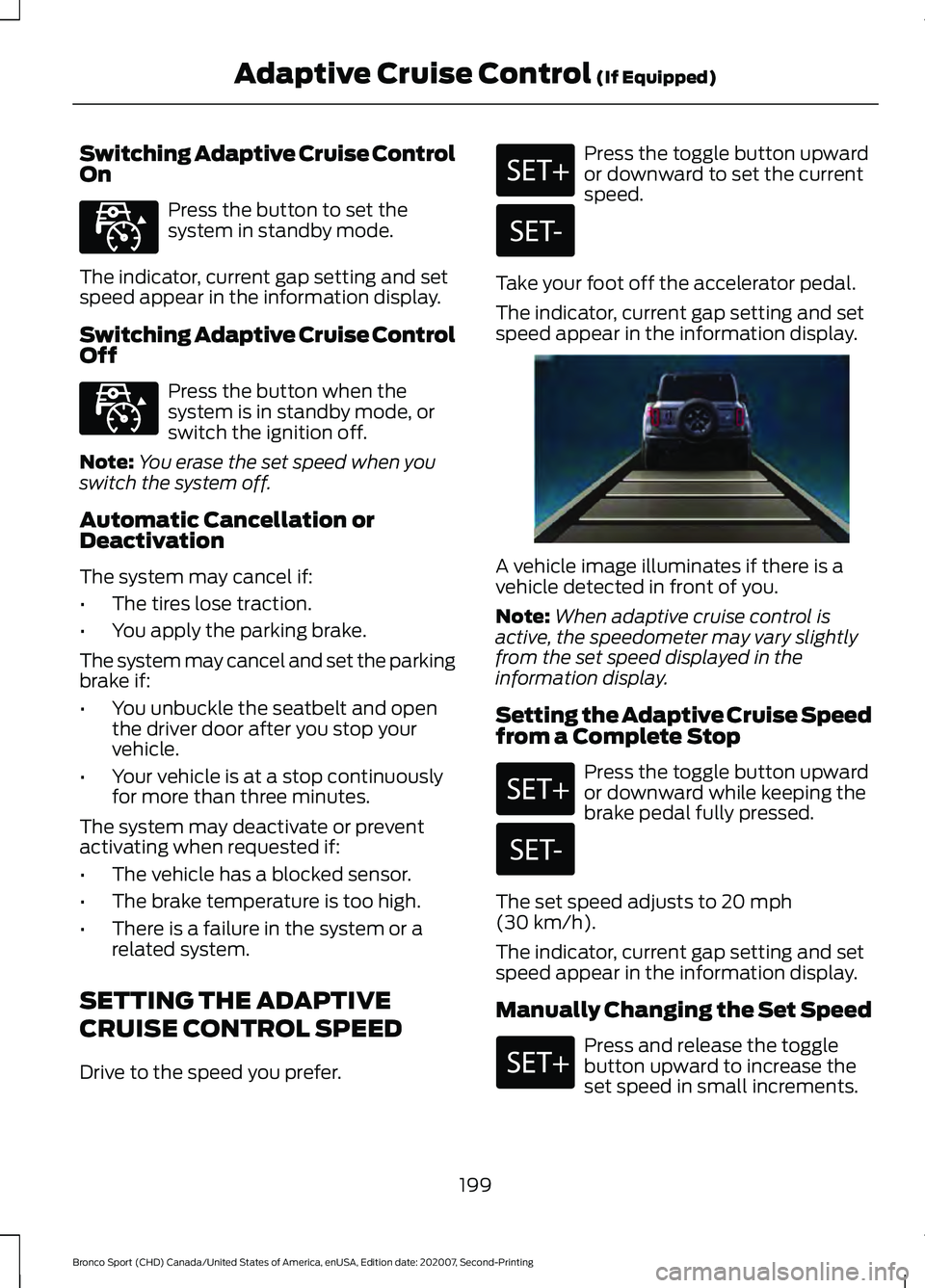
The indicator, current gap setting and set
speed appear in the information display. A vehicle image illuminates if there is a
vehicle detected in front of you.
Note:
When adaptive cruise control is
active, the speedometer may vary slightly
from the set speed displayed in the
information display.
Setting the Adaptive Cruise Speed
from a Complete Stop Press the toggle button upward
or downward while keeping the
brake pedal fully pressed.
The set speed adjusts to 20 mph
(30 km/h).
The indicator, current gap setting and set
speed appear in the information display.
Manually Changing the Set Speed Press and release the toggle
button upward to increase the
set speed in small increments.
199
Bronco Sport (CHD) Canada/United States of America, enUSA, Edition date: 202007, Second-Printing Adaptive Cruise Control
(If Equipped)E323440 E323440 E338558
Page 226 of 471
WHAT IS DRIVE MODE
CONTROL
Drive mode control delivers a driving
experience through a suite of sophisticated
electronic vehicle systems. These systems
optimize steering, handling and powertrain
response in the selected mode. The drive
mode control provides a single location to
control performance settings for multiple
systems.
Note:
Drive modes are selected by using
the Goes Over Any-type of Terrain G.O.A.T.
MODES controller.
Changing the drive mode changes the
functionality of the following:
• Electric power-assisted steering
adjusts steering effort and feel based
on the mode you select. See Steering
(page
218).
• Electronic stability control and traction
control assist your vehicle control in
adverse conditions or high performance
driving. See
Stability Control (page
182).
• Electronic throttle control enhances
the powertrain response to your driving
inputs.
• Engine sounds change based on each
mode.
• Transmission controls become
optimized with shift schedules tuned
to each mode.
• Four-wheel drive settings are optimized
and tuned to each mode.
The system tailors your vehicle
configuration for each mode you select.
Note: Not all settings may be available.
Note: The system has diagnostic checks
that continuously monitor the system for
proper operation. If a mode is unavailable
due to a system fault, the mode defaults to
Normal. SELECTING A DRIVE MODE -
1.5L ECOBOOST™
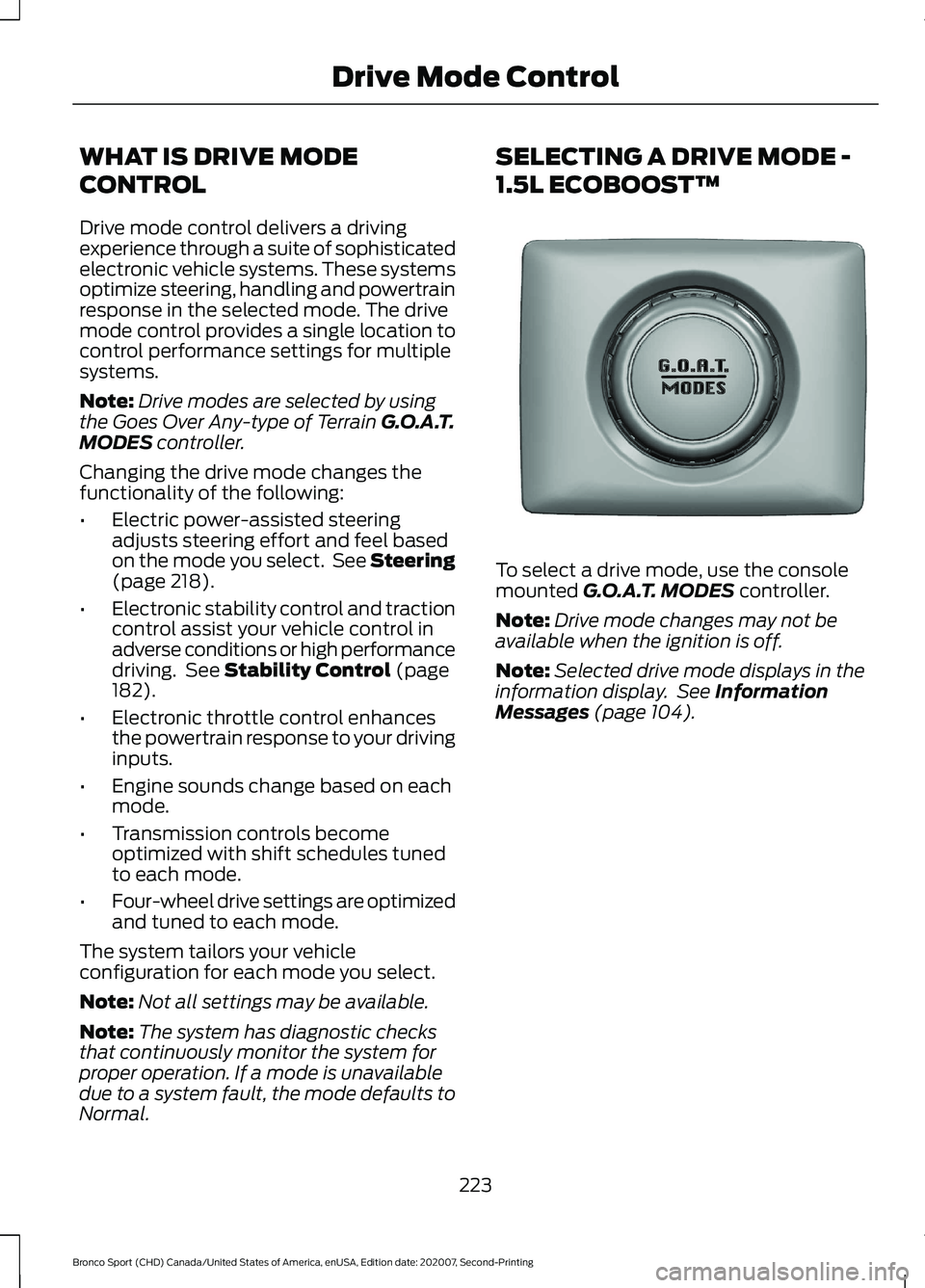
To select a drive mode, use the console
mounted
G.O.A.T. MODES controller.
Note: Drive mode changes may not be
available when the ignition is off.
Note: Selected drive mode displays in the
information display. See
Information
Messages (page 104).
223
Bronco Sport (CHD) Canada/United States of America, enUSA, Edition date: 202007, Second-Printing Drive Mode ControlE339228
Page 228 of 471
Rock Crawl (If Equipped)
For off-road driving. For
optimum rock-climbing ability.
Rock crawl mode engages the
four-wheel drive lock. Rock crawl mode
optimizes the vehicle systems to provide
maximum traction and slow speed
performance. Lower gears hold longer in
rock crawl mode to minimize shifting when
traversing rocks and obstacles. The
accelerator pedal dampens to improve
throttle control and minimize speed
change over rough terrain. The steering
optimizes for less effort with reduced
kick-back. Rock crawl mode optimizes
braking for off-road conditions, allowing
quick path corrections and minimized
stopping distance when on deformable
surfaces. The engine sound enhances
when in rock crawl mode.
The rear differential lock feature enables
in rock crawl mode. When enabled it is
engaged below
30 mph (48 km/h). You
can disable the feature using the drive
mode controller.
Note: The front camera system switches
on when you are in rock crawl mode and
your speed is less than
15 mph (24 km/h).
If you exceed 15 mph (24 km/h), the camera
shuts off until your vehicle speed is below
12 mph (20 km/h)
. You can switch the
camera off using the button on the audio
unit.
Note: This mode may help get your vehicle
unstuck from deep snow or sand.
Note: Do not use this mode on dry, hard
pavement. This could produce some
vibration, driveline bind up, and potential
excessive tire and vehicle wear depending
on the four-wheel drive mode selection. Sand For more spirited off-road
driving. Sand mode is for
off-road driving on soft, dry sand
or deep conditions. Lower gears hold
longer in sand mode to maintain
momentum in soft conditions. Sand mode
engages the four-wheel drive lock, which
you can switch off using the drive mode
controller. Sand mode optimizes braking
for off-road conditions, allowing quick path
corrections and minimized stopping
distance when on deformable surfaces.
The engine sound enhances when in sand
mode.
The rear differential lock feature is
available in sand mode. When enabled it
is engaged below
30 mph (48 km/h).
Note: The front camera system switches
on when you are in sand mode and your
speed is less than 15 mph (24 km/h). If you
exceed 15 mph (24 km/h), the camera shuts
off until your vehicle speed is below 12 mph
(20 km/h)
. You can switch the camera off
using the button on the audio unit.
Note: Using sand mode on dry, hard
surfaces could produce some vibration,
driveline bind up, potential excessive tire
wear and vehicle wear.
Note: Do not use on firm, slippery surfaces,
such as paved roads covered with snow or
ice or driving on packed snow. For slippery,
firm surfaces use slippery mode.
Slippery For less than ideal road
conditions such as snow or ice
covered roads. You can use this
mode for crossing terrain where loose, wet
or slippery materials covers a firm surface.
Slippery mode lowers throttle response
and optimizes shifting for slippery surfaces.
225
Bronco Sport (CHD) Canada/United States of America, enUSA, Edition date: 202007, Second-Printing Drive Mode ControlE322413 E332185 E295414
Page 244 of 471
OFF-ROAD DRIVING
What Is Off-Road Driving
Off-road driving is driving your vehicle on
unsurfaced roads or trails, made from dirt,
rocks, sand and mud.
Your vehicle has been designed and
equipped to explore those places where
the road cannot take you, whether you
choose a forest trail or the open desert.
Off-Road Driving Precautions
WARNING: If you continue to drive
your vehicle when the engine is
overheating, the engine could stop
without warning. Failure to follow this
instruction could result in the loss of
control of your vehicle.
Before going off-road, consult with your
local governmental agencies to determine
designated off-road trails and recreation
areas. Also, be sure to understand any
off-road vehicle registration requirements
for the area in which you plan on driving.
Tread Lightly is an educational program
designed to increase public awareness of
land-use regulations and responsibilities
in our nation ’s wilderness areas. The U.S.
Forest Service and Bureau of Land
Management is encouraging you to help
preserve our national forest and other
public and private lands by treading lightly.
Before taking your vehicle off-road, do a
basic vehicle inspection to make sure that
the vehicle is in top working condition. Before you venture off road, have a clear
mental picture of the underside of your
vehicle. Learn the location of any low
hanging items and any skid plates that may
be on the vehicle. You can avoid snagging
them on rocks and other obstacles if you
know where they are.
Memorizing some basic dimensions helps
you confidently deal with off-road
obstacles. Get to know your vehicle
’s
height and width, its lowest point, its
wading depth and angles. Familiarize
yourself with your vehicle ’s on-board
technology features.
We recommend driving at least two
vehicles when driving off-road. The buddy
system helps make sure that help is close
at hand should a vehicle become stuck or
damaged.
We recommend taking supplies such as a
first aid kit, supply of water, tow strap and
cell or satellite phone with you any time
you plan an off-road excursion.
Basic Off-Road Driving Techniques
Grip the steering wheel with your thumbs
on the outside of the rim. This reduces the
risk of injury due to abrupt steering wheel
motions that occur when negotiating rough
terrain.
Control your throttle, brake and steering
inputs in a smooth manner. Sudden inputs
to the controls can cause a loss of traction
for the vehicle, especially when on sloped
terrain or crossing obstacles such as rocks
or logs.
241
Bronco Sport (CHD) Canada/United States of America, enUSA, Edition date: 202007, Second-Printing Driving Hints
Page 245 of 471
Look ahead on your route noting upcoming
obstacles, surface texture or color changes
or any other factors which may indicate a
change in available traction. Adjust the
vehicle speed and route to avoid a loss in
traction. Conditions can change causing
the course to vary day to day. Mark
obstacles with GPS markers to avoid
potential vehicle damage. Where
necessary, get out of your vehicle and
check the terrain.
When driving off-road, if the front or rear
suspension is bottoming-out or excessive
contact with the skid-plates is happening,
reduce the vehicle's speed to avoid
potential damage to your vehicle.
If you are driving in a dusty area, be sure to
leave ample distance between your vehicle
and any other vehicles to allow for
adequate vision.
When driving off-road verify that your
wipers and washers are working properly
and reduce your speed for better visibility.
When driving in desert conditions, we
recommend driving with your headlamps
on to help other drivers easily see you.
When convoying with other vehicles, we
recommend that communication is used,
and the lead vehicle notify other vehicles
of upcoming obstacles.
Keep available ground clearance in mind
and pick a route that minimizes the risk of
catching the underside of the vehicle on
an obstacle.
When negotiating low speed obstacles,
applying light brake pressure in conjunction
with the throttle allows you to negotiate
the obstacle in a more controlled manner.
Driving off-road requires a high amount of
concentration. Even if your local law does
not prohibit drinking alcohol when driving
off-road we do not recommend it.
Driving Off-Road
Driving In Snow and Ice WARNING: If you are driving in
slippery conditions that require tire
chains or cables, then it is critical that
you drive cautiously. Keep speeds down,
allow for longer stopping distances and
avoid aggressive steering to reduce the
chances of a loss of vehicle control
which can lead to serious injury or death.
If the rear end of your vehicle slides while
cornering, steer in the direction of the
slide until you regain control of your
vehicle.
Four-wheel drive vehicles have advantages
over two-wheel drive vehicles in snow and
ice but can skid like any other vehicle. If
your vehicle slides when driving on snowy
or icy roads, turn the steering wheel in the
direction of the slide until you regain
control. Avoid sudden applications of
power and quick changes of direction on
snow and ice. Slowly and steadily apply
the accelerator when starting from a full
stop. Avoid sudden braking. WARNING:
Do not become
overconfident in the ability of four-wheel
drive vehicles. Although a four-wheel
drive vehicle may accelerate better than
a two-wheel drive vehicle in low traction
situations, it won't stop any faster than
two-wheel drive vehicles. Always drive
at a safe speed.
Make sure you allow sufficient distance
between your vehicle and other vehicles
for stopping.
In emergency stopping situations, do not
pump the brake pedal, apply the brake
firmly.
242
Bronco Sport (CHD) Canada/United States of America, enUSA, Edition date: 202007, Second-Printing Driving Hints
Page 246 of 471
Driving In Sand
When driving over sand, try to keep all four
wheels on the most solid area of the trail.
Drive through the terrain without varying
vehicle speed. Apply the accelerator and
avoid excessive wheel slip.
When driving at slow speeds in deep sand
under high ambient temperatures, use low
(L) mode, or shift to a lower gear when
possible. Select Low (L) mode or select a
lower gear to maximize the engine and
transmission cooling capability. See
Transmission (page 166).
Use the vehicle's momentum to maintain
forward motion in sand. Avoid coming to
a stop on steep sand slopes as the vehicle
may not be able to continue forward after
it has stopped.
Driving In Mud
Be cautious of sudden changes in vehicle
speed or direction when you are driving in
mud.
Even four-wheel drive vehicles can lose
traction in slick mud. If your vehicle does
slide, steer in the direction of the slide until
you regain control of your vehicle.
After driving through mud, clean off residue
stuck to rotating driveshafts and tires.
Excess mud stuck on tires and rotating
driveshafts can cause an imbalance that
could damage drive components.
Note: The vehicle brakes are less effective
when wet or muddy.
Driving Over Rocks and Gravel
Gravel is a constantly changing, low-grip
surface. Driving at slow speeds on gravel
reduces the risk of losing traction when you
stop, accelerate or turn a corner.
When approaching large rocks, position
the vehicle so that the tires pass over the
largest obstacle. Note:
Never attempt to straddle a rock that
is large enough to strike your axles or
undercarriage.
Note: Never attempt to drive over a rock
which is large enough to contact the door
sills.
If you lose traction on your wheels facing
uphill, stop and choose a more suitable
route.
Leave a generous gap between your
vehicle and other vehicles to minimize the
risk of damage from flying gravel. Avoid
dust clouds as they reduce visibility.
Before navigating on uneven ground,
secure anything inside the vehicle. If
possible, remove any roof-rack items. Use
the lowest gear possible and approach the
obstacle at a slow speed.
If your vehicle begins to slide down a slope,
steer downhill and gently apply the
throttle. If you lose traction on your uphill
wheels, stop immediately and choose a
more suitable route.
Approach logs, rocky steps or ditches
diagonally. Keep at least three wheels on
the ground at all times.
Climbing A Hill WARNING:
Extreme care should
be used when steering the vehicle in
reverse down a slope so as not to cause
the vehicle to swerve out of control.
Although natural obstacles can make it
necessary to travel diagonally up or down
a hill or steep incline, try to drive straight
up or straight down.
Note: Avoid turning on steep slopes or hills.
A danger lies in losing traction, slipping
sideways and possible vehicle roll over.
Whenever driving on a hill, first determine
the route you can use.
243
Bronco Sport (CHD) Canada/United States of America, enUSA, Edition date: 202007, Second-Printing Driving Hints
Page 247 of 471
When climbing a steep slope or hill, start
in a lower gear rather than downshifting to
a lower gear from a higher gear. This
reduces strain on the engine and the
possibility of stalling.
If your vehicle stalls, do not try to turn
around because this could cause your
vehicle to roll over. It is better to reverse
back to a safe location.
Do not drive over the crest of a hill without
seeing what conditions are on the other
side. Do not drive in reverse over a hill
without the aid of an observer.
If the vehicle is unable to make it up the
hill, do not attempt to turn back down the
slope.
Apply the accelerator just enough for the
wheels to climb the hill.
Note:
Too much acceleration can cause
the tires to slip, spin or lose traction,
resulting in loss of vehicle control.
Descending A Hill:
• Use the same gear you would use to
climb the hill.
• Do not descend in neutral.
• Disengage overdrive.
• Avoid sudden and excessive braking.
Note: The front wheels have to be turning
in order to steer your vehicle.
When descending a steep hill in a manual
transmission vehicle do not leave the
vehicle in gear with the clutch depressed.
This could cause damage to your driveline.
Driving Through Water WARNING: Do not attempt to
cross a deep, fast flowing body of water.
Failure to follow this instruction could
result in the loss of control of your
vehicle, personal injury or death. As the water depth increases, you must
reduce your vehicle speed to avoid
potential vehicle damage.
The key to a safe crossing is the water
depth, current and bottom of the water's
condition. On soft bottoms, the vehicle
sinks in, effectively increasing the water
level on the vehicle. Make sure to consider
this when determining the depth of water.
Determine the depth and speed of the
current before attempting a water crossing.
Be aware that obstacles and debris may
be beneath the water
’s surface.
Note: Cross flowing water at an angle
heading slightly upstream.
Note: You should tread lightly and avoid
damage to the environment.
Drive slow when crossing water. Proceed
with a constant slow speed lightly pressing
on the accelerator.
Drive through the water very slowly when
entering, then build up momentum. Keep
your vehicle moving at a steady pace.
Note: Do not try to accelerate through the
water crossing.
When driving too fast in water or through
deep water, the engine, transmission,
transfer case, axles, electrical components
or vehicle interior could ingest water. Water
can cause permanent damage that may
not be covered by your vehicle warranty.
See
Driving Through Water Limitations
(page 246).
Note: Failure to follow the recommended
speeds can result in vehicle damage.
Never stop or shut a vehicle off when
crossing deep water unless your vehicle
ingested water into the engine air intake.
If the engine stalls, do not attempt to
restart it.
244
Bronco Sport (CHD) Canada/United States of America, enUSA, Edition date: 202007, Second-Printing Driving Hints
Page 249 of 471
Crossing A Ravine, Gully, Ditch,
Washout Or Rut
Review the path ahead before attempting
to cross any obstacle. Review the obstacle
from outside the vehicle for an
understanding of the terrain condition in
front of and behind the obstacle. Approach
obstacles slowly and inch the vehicle over.
Ditches and washouts should be crossed
at a 45 degree angle when possible.
Driving Over Logs
Review the path ahead before attempting
to cross any obstacle. Review the obstacle
from outside the vehicle for an
understanding of the terrain condition in
front of and behind the obstacle.
Approach obstacles slowly and inch the
vehicle over, approaching at a 15 degree
angle.
Note:
It is best to have a front tire on top of
the log when the other begins to climb over.
If a large obstacle near the log such as a
rock cannot be avoided, choose a path that
places the rock directly under the tire
rather than the undercarriage of the
vehicle. This helps prevent damage to the
vehicle.
Driving Through Water Limitations Maximum Wading
Depth
Model
17.7 in (450 mm)
Base
23.6 in (600 mm)
Badlands
When you are driving though water do not
exceed 4 mph (7 km/h). Off-Road Driving Aids
Selecting an Off-Road Drive Mode
Using the appropriate drive mode increases
your vehicle's control.
See What Is Drive
Mode Control (page 223).
Using the Cameras Off-Road
Use the 180 degree camera to enhance
your off-road experience. See 180 Degree
Camera
(page 191).
Using Four-Wheel Drive Lock
Increases four wheel drive performance by
preventing the front and rear axles from
disconnecting. You can activate and
deactivate the four wheel drive lock on the
fly. See
Using Four-Wheel Drive (page
172).
Using Rear Differential Lock
The rear differential lock provides
additional traction to your vehicle when
stuck.
You can activate and deactivate the rear
differential lock on the fly within the
operating speed range.
The rear differential locker disengages
when the vehicle speed exceeds a set
value and it re-engages when the vehicle
speed goes below a set value. See
Using
Four-Wheel Drive (page 172).
Using Trail Control
The system works in a similar manner to
cruise control in off-road conditions. Trail
Control provides you the ability to
maneuver the vehicle without using the
throttle and brake pedals.
246
Bronco Sport (CHD) Canada/United States of America, enUSA, Edition date: 202007, Second-Printing Driving Hints
Page 250 of 471
Trail Control allows you to set a speed
between 1 mph (1.6 km/h) to 14 mph
(23 km/h) in a forward motion and 1 mph
(1.6 km/h) to 5 mph (8 km/h) in reverse.
The system controls acceleration and
braking in difficult off-road environments,
which allows you to focus on steering. See
What Is Trail Control
(page 184).
Trail Control Performance:
• Manages wheel slip to maximize
traction.
• Removes the need for you to use both
feet when driving in off-road situations.
• Provides braking to maximize traction
in descents.
• Gives you confidence in difficult
environments.
After Driving Your Vehicle Off-
Road WARNING:
After off-road use,
before returning to the road, check the
wheels and tires for damage. Off-road
use may cause damage to your wheels
and tires that can lead to tire failure, loss
of vehicle control, serious injury or death.
Driving off-road places more stress on your
vehicle than most on-road driving. After
driving off-road, check for damage to the
wheels, chassis and underbody.
Inspect the underbody of your vehicle by
checking tires, body structure, steering,
suspension, and exhaust system for
damage.
Inspect the tires for any cuts in the tread
or sidewall area. Also inspect the sidewall
for any bulge indicating damage to the tire.
Make sure that tires are inflated to proper
tire pressure as indicated on the tire
placard. Check the radiator for mud and debris and
clean as needed.
Check that the air filter is clean and dry.
Remove accumulations of plants or brush.
These things could be a fire hazard or hide
damage to the fuel lines, brake hoses, and
propeller shafts.
Make sure that the grille and radiator are
clear of any obstructions that may affect
cooling.
After extended operation in mud, sand,
water, or similar dirty conditions, inspect
the wipers and washers to make sure they
are working.
Note:
Mud caked windows are hard to see
through and can damage wiper blades or
motor.
Check wipers for debris or anything that
may scratch the windshield.
If you experience unusual vibration after
driving in mud, slush or similar conditions,
check the wheels for impacted material.
Impacted material can cause vibrations
when driving and wheel imbalance.
Remove the material to reduce the
vibration.
Note: If you have removed the impacted
material from the wheels and your vehicle
still has a vibration check your vehicle for
damage or see an authorized dealer.
Inspect the exhaust system for damage or
looseness.
Make sure that the brakes are in proper
working order and free of any mud, stones
and debris, which can become trapped
around the brake rotor, backing plate and
caliper.
Inspect the wheels for dents, cracks, or
other damage.
247
Bronco Sport (CHD) Canada/United States of America, enUSA, Edition date: 202007, Second-Printing Driving Hints