start stop button FORD BRONCO SPORT 2022 User Guide
[x] Cancel search | Manufacturer: FORD, Model Year: 2022, Model line: BRONCO SPORT, Model: FORD BRONCO SPORT 2022Pages: 494, PDF Size: 8.74 MB
Page 164 of 494
•
Your vehicle is moving.
• The interior compartment does not
meet customer comfort when air
conditioning or heat is on.
• Fogging of the windows could occur
and the air conditioning is on.
• The battery is not within optimal
operating conditions.
• You exceed the maximum engine off
time.
• You press the Auto-Start-Stop button
while the engine is stopped.
• The heated windshield is turned on.
Any of the following conditions could result
in an automatic restart of the engine if:
• The blower fan speed increases or the
climate control temperature changes.
• You plug in or switch on an electrical
accessory.
Disabling Auto-Start-Stop
Press the Auto-Start-Stop button on the
instrument panel to switch the system off.
The button illuminates. The system
deactivates for the current ignition cycle
only. Press the button again to restore the
Auto-Start-Stop function.
If your vehicle is in an Auto-Start-Stop
state and you shift the transmission to
reverse without pressing the brake, a
message appears telling you to press the
brake. Press the brake pedal within 60
seconds, or shift into park (P) and
manually restart your vehicle.
Note: If the Shift to P, Restart Engine
message appears and the amber
Auto-Start-Stop indicator light is flashing,
automatic restart is not available. Manually
restart your vehicle. See Information
Displays (page 102).
161
2022 Bronco Sport (CHD) Canada/United States of America, enUSA, Edition date: 202107, First-Printing Unique Driving Characteristics
Page 188 of 494
developed sufficient torque to prevent your
vehicle from rolling down the slope. This
is an advantage when pulling away on a
slope, for example from a car park ramp,
traffic lights or when reversing uphill into
a parking space.
The system activates on any slope that
causes your vehicle to roll.
Note:
There is no warning light to indicate
the system is either on or off.
Using Hill Start Assist
1. Press the brake pedal to bring your vehicle to a complete standstill. Keep
the brake pedal pressed and shift into
first gear when facing uphill or reverse
(R) when facing downhill.
2. If the sensors detect that your vehicle is on a slope, the system activates
automatically.
3. When you remove your foot from the brake pedal, your vehicle remains on
the slope without rolling away for
about two to three seconds. This hold
time automatically extends if you are
in the process of driving off.
4. Drive off in the normal manner. The system releases the brakes
automatically.
Note: When you remove your foot from the
brake pedal and press the pedal again when
the system is active, you will experience
significantly reduced brake pedal travel. This
is normal.
Switching the System On and Off
When you switch the ignition on, the
system automatically turns on. You cannot
turn the system on or off. AUTO HOLD WARNING: The system does not
replace the parking brake. When you
leave your vehicle, always apply the
parking brake. WARNING:
You must remain in
your vehicle when the system turns on.
At all times, you are responsible for
controlling your vehicle, supervising the
system and intervening, if required.
Failure to take care may result in the loss
of control of your vehicle, serious
personal injury or death. WARNING:
The system will turn
off if a malfunction is apparent. Failure
to take care may result in the loss of
control of your vehicle, serious personal
injury or death.
The system applies the brakes to hold your
vehicle at a standstill after you stop your
vehicle and release the brake pedal. This
could be beneficial in certain situations, for
example when waiting on a hill or in traffic.
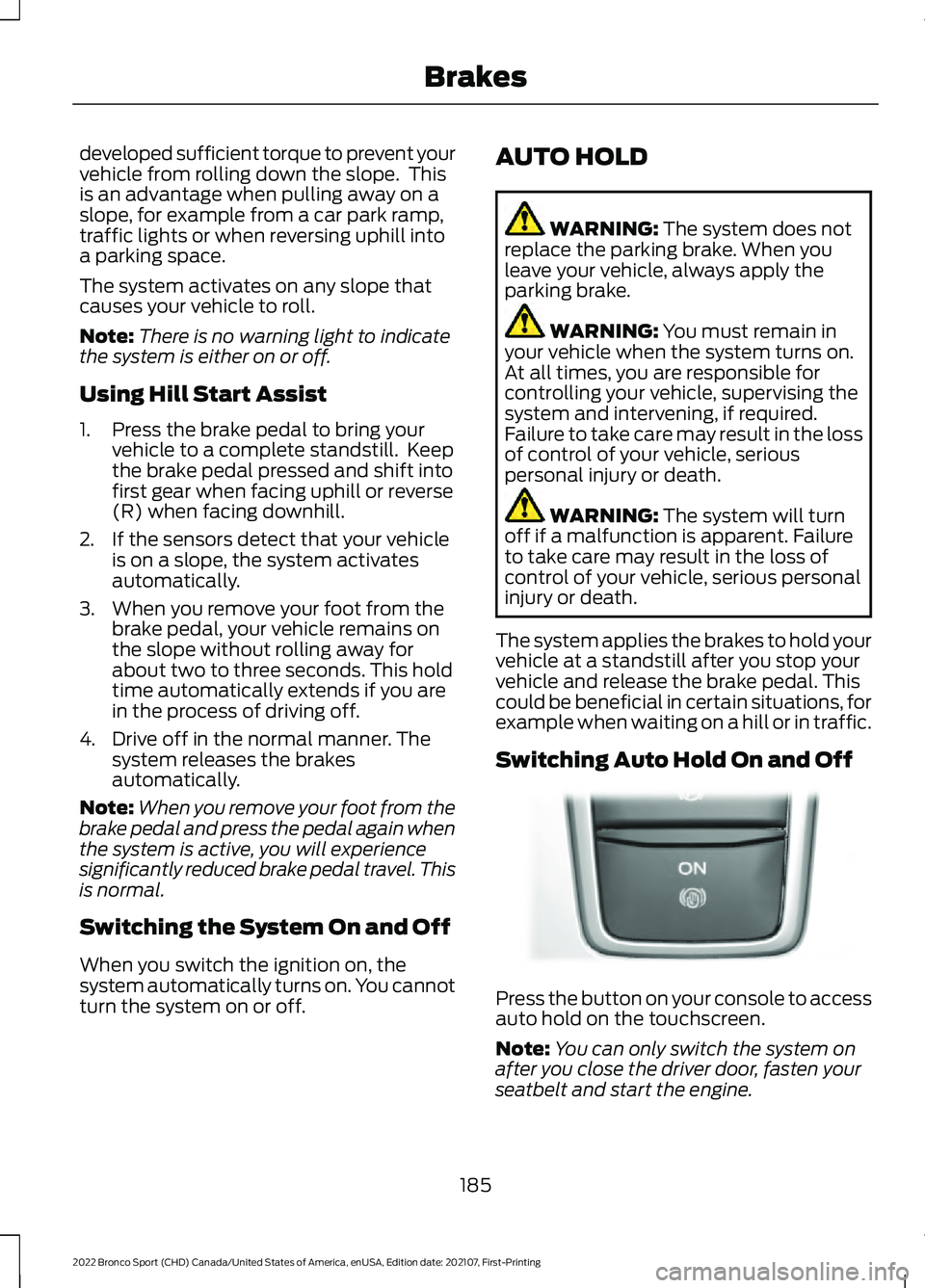
Switching Auto Hold On and Off Press the button on your console to access
auto hold on the touchscreen.
Note:
You can only switch the system on
after you close the driver door, fasten your
seatbelt and start the engine.
185
2022 Bronco Sport (CHD) Canada/United States of America, enUSA, Edition date: 202107, First-Printing BrakesE319161
Page 214 of 494
Activating Lane Centering
The system only activates when all of the
following occur:
•
You have adaptive cruise control with
stop-and-go on.
• The vehicle is centered in the lane.
• Your hands are on the steering wheel
at all times.
• The system detects both lane
markings.
Note: If it does not detect valid lane
markings, the system stays inactive until
valid markings are available.
You can override the system at any time
by steering your vehicle.
When the system is active and the
direction indicator is switched on, the
system immediately cancels. The system
remains in standby mode as long as the
direction indicator is engaged. The system
automatically re-activates once the vehicle
is centered in a lane and the direction
indicator is switched off.
If you drive off-center within the lane, the
system sets and maintains that preferred
lane position. The system provides
continuous assistance steering torque
input toward the preferred position.
Note: The system can only set preferred
lane positions within the lane.
Note: If the system cancels, the preferred
position erases. On the next activation, the
system provides continuous assistance
steering torque input toward the lane center.
System Alerts and Automatic
Cancellation
You must keep your hands on the steering
wheel at all times. When the system is active and detects no
steering activity for a certain period of time,
the system alerts you to put your hands on
the steering wheel. If you do not react to
the warnings the system cancels and slows
your vehicle down to idle speeds while
maintaining steering control.
The system also alerts you if your vehicle
crosses lane markings without detected
steering activity.
Note:
The system may detect a light grip
or touch on the steering wheel as hands-off
driving.
When the system cancels due to an
external condition, for example, no lane
markings are available and your hands are
on the steering wheel, a tone sounds and
a message appears in the information
display.
When the system cancels due to an
external condition, for example, no lane
markings are available and your hands are
not on the steering wheel, the system
immediately alerts you to take control of
the vehicle. If you ignore this alert, the
system slows the vehicle while maintaining
steering control. If your vehicle starts to slow
down, you must contribute to
the steering control and press
and release the button to regain full
system performance.
Automatic cancellation can also occur if:
• The lane becomes too wide or too
narrow.
• The system cannot detect valid lane
markings.
• Lane markings are crossed.
Note: The system disables until the next
key cycle if your vehicle slows down due to
driver inactivity twice within a key cycle.
211
2022 Bronco Sport (CHD) Canada/United States of America, enUSA, Edition date: 202107, First-Printing Adaptive Cruise Control (If Equipped)
Page 264 of 494
Vehicles Sold in Canada: Getting
Roadside Assistance
To fully assist you should you have a
vehicle concern, Ford Motor Company of
Canada, Limited offers a complimentary
roadside assistance program. This program
is eligible within Canada or the continental
United States.
The service is available 24 hours a day,
seven days a week.
This program is separate from the New
Vehicle Limited Warranty, but the coverage
is concurrent with the powertrain coverage
period of your vehicle. Canadian roadside
coverage and benefits may differ from the
U.S. coverage.
If you require more information, please call
us in Canada at 1-800-665-2006, or visit
our website at www.ford.ca.
HAZARD FLASHERS
Note:
The hazard flashers operate when
the ignition is in any position, or if the key is
not in the ignition. If used when the vehicle
is not running, the battery loses charge. As
a result, there may be insufficient power to
restart your vehicle. The flasher control is on the
instrument panel. Use your
hazard flashers when your
vehicle is creating a safety hazard for other
motorists.
• Press the flasher control and all front
and rear direction indicators flash.
• Press the button again to switch them
off. FUEL SHUTOFF WARNING: If your vehicle has been
involved in a crash, have the fuel system
checked. Failure to follow this instruction
could result in fire, personal injury or
death.
Note: When you try to restart your vehicle
after a fuel shutoff, the vehicle makes sure
that various systems are safe to restart.
Once the vehicle determines the systems
are safe, then the vehicle allows you to
restart.
Note: In the event that your vehicle does
not restart after your third attempt, contact
a qualified technician.
The fuel pump shutoff stops the flow of
fuel to the engine in the event of a
moderate to severe crash. Not every
impact causes a shutoff.
Should your vehicle shut off after a crash,
you may restart your vehicle.
If your vehicle has a key system:
1. Switch off the ignition.
2. Switch to start position.
3. Switch off the ignition.
4. Switch on the ignition to re-enable the
fuel pump.
5. If the vehicle does not start, repeat steps 1 through 4.
If your vehicle has a push button start
system:
1. Press START/STOP to switch off your
vehicle.
2. Press the brake pedal and START/STOP
to switch on your
vehicle.
3. Remove your foot from the brake pedal
and press
START/STOP to switch off
your vehicle.
261
2022 Bronco Sport (CHD) Canada/United States of America, enUSA, Edition date: 202107, First-Printing Roadside Emergencies
Page 403 of 494
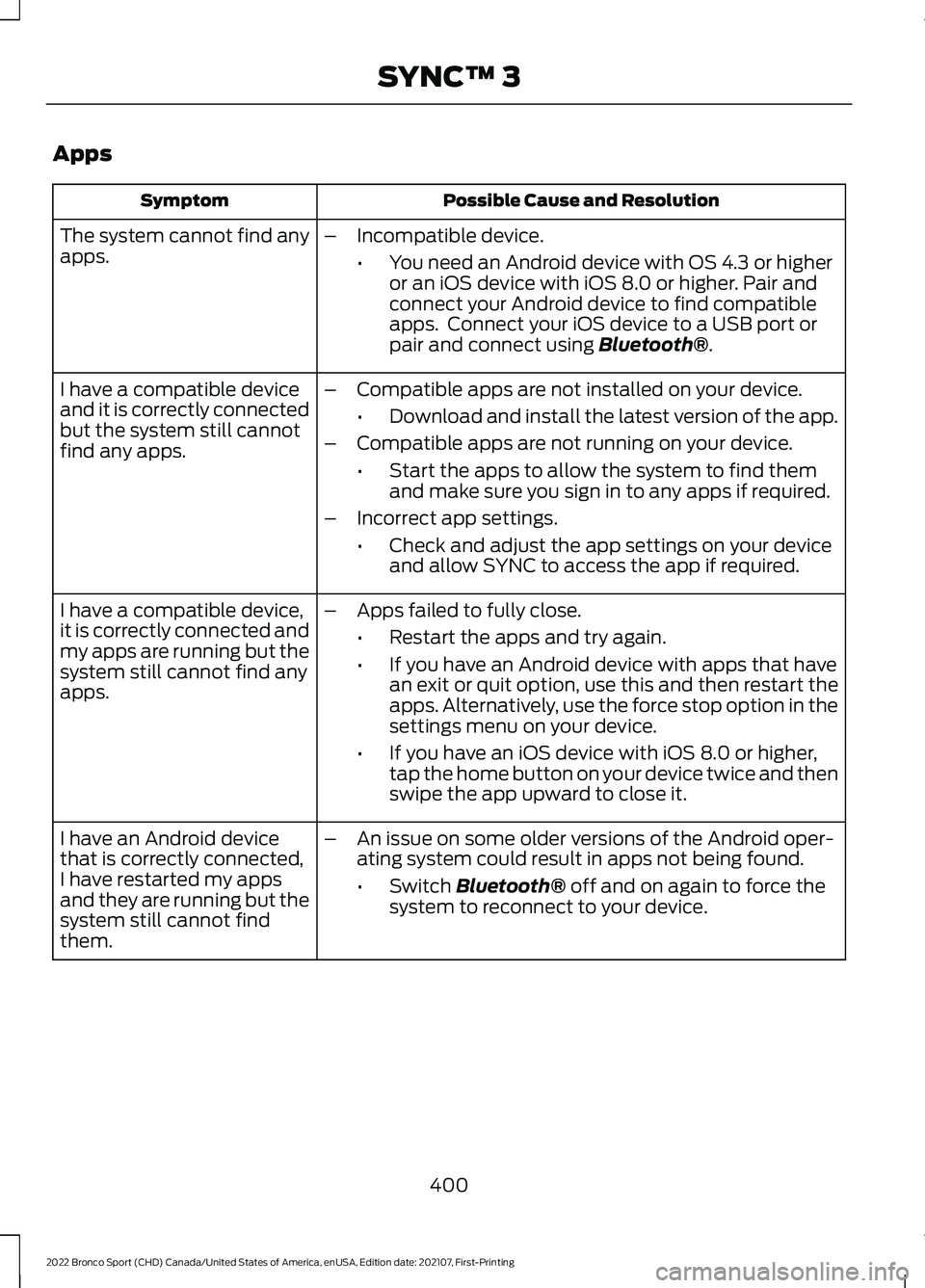
Apps
Possible Cause and Resolution
Symptom
The system cannot find any
apps. –
Incompatible device.
•You need an Android device with OS 4.3 or higher
or an iOS device with iOS 8.0 or higher. Pair and
connect your Android device to find compatible
apps. Connect your iOS device to a USB port or
pair and connect using Bluetooth®.
I have a compatible device
and it is correctly connected
but the system still cannot
find any apps. –
Compatible apps are not installed on your device.
•Download and install the latest version of the app.
– Compatible apps are not running on your device.
•Start the apps to allow the system to find them
and make sure you sign in to any apps if required.
– Incorrect app settings.
•Check and adjust the app settings on your device
and allow SYNC to access the app if required.
I have a compatible device,
it is correctly connected and
my apps are running but the
system still cannot find any
apps. –
Apps failed to fully close.
•Restart the apps and try again.
• If you have an Android device with apps that have
an exit or quit option, use this and then restart the
apps. Alternatively, use the force stop option in the
settings menu on your device.
• If you have an iOS device with iOS 8.0 or higher,
tap the home button on your device twice and then
swipe the app upward to close it.
I have an Android device
that is correctly connected,
I have restarted my apps
and they are running but the
system still cannot find
them. –
An issue on some older versions of the Android oper-
ating system could result in apps not being found.
•Switch
Bluetooth® off and on again to force the
system to reconnect to your device.
400
2022 Bronco Sport (CHD) Canada/United States of America, enUSA, Edition date: 202107, First-Printing SYNC™ 3