manual transmission FORD C MAX ENERGI 2016 Owners Manual
[x] Cancel search | Manufacturer: FORD, Model Year: 2016, Model line: C MAX ENERGI, Model: FORD C MAX ENERGI 2016Pages: 395, PDF Size: 6.78 MB
Page 80 of 395
DAYTIME RUNNING LAMPS
WARNING
The daytime running lamps systemdoes not activate the rear lamps andmay not provide adequate lightingduring low visibility driving conditions. Also,the autolamps switch position may notactivate the headlamps in all low visibilityconditions, such as daytime fog. Make surethe headlamps are switched to auto or on,as appropriate, during all low visibilityconditions. Failure to do so may result in acrash.
Type 1 - Conventional (Non-Configurable)
The daytime running lamps turn on when:
1. The ignition is switched to the onposition.
2. The transmission is not in park (P) forvehicles with automatic transmissionsor the parking brake is released forvehicles with manual transmissions.
3.The lighting control is in the off, parkinglamp or autolamps positions.
4. The headlamps are off.
Type 2 - Configurable
Switch the daytime running lamps on oroff using the information display controls.See Information Displays (page 93).
The daytime running lamps turn on when:
1.They are switched on in the informationdisplay. See Information Displays(page 93).
2. The ignition is switched to the onposition.
3. The transmission is not in park (P) forvehicles with automatic transmissionsor the parking brake is released forvehicles with manual transmissions.
4.The lighting control is in the autolampsposition.
5. The headlamps are off.
The other lighting control switch positionsdo not activate the daytime running lamps,and you can use them to temporarilyoverride autolamp control.
When switched off in the informationdisplay, the daytime running lamps are offin all lighting control switch positions.
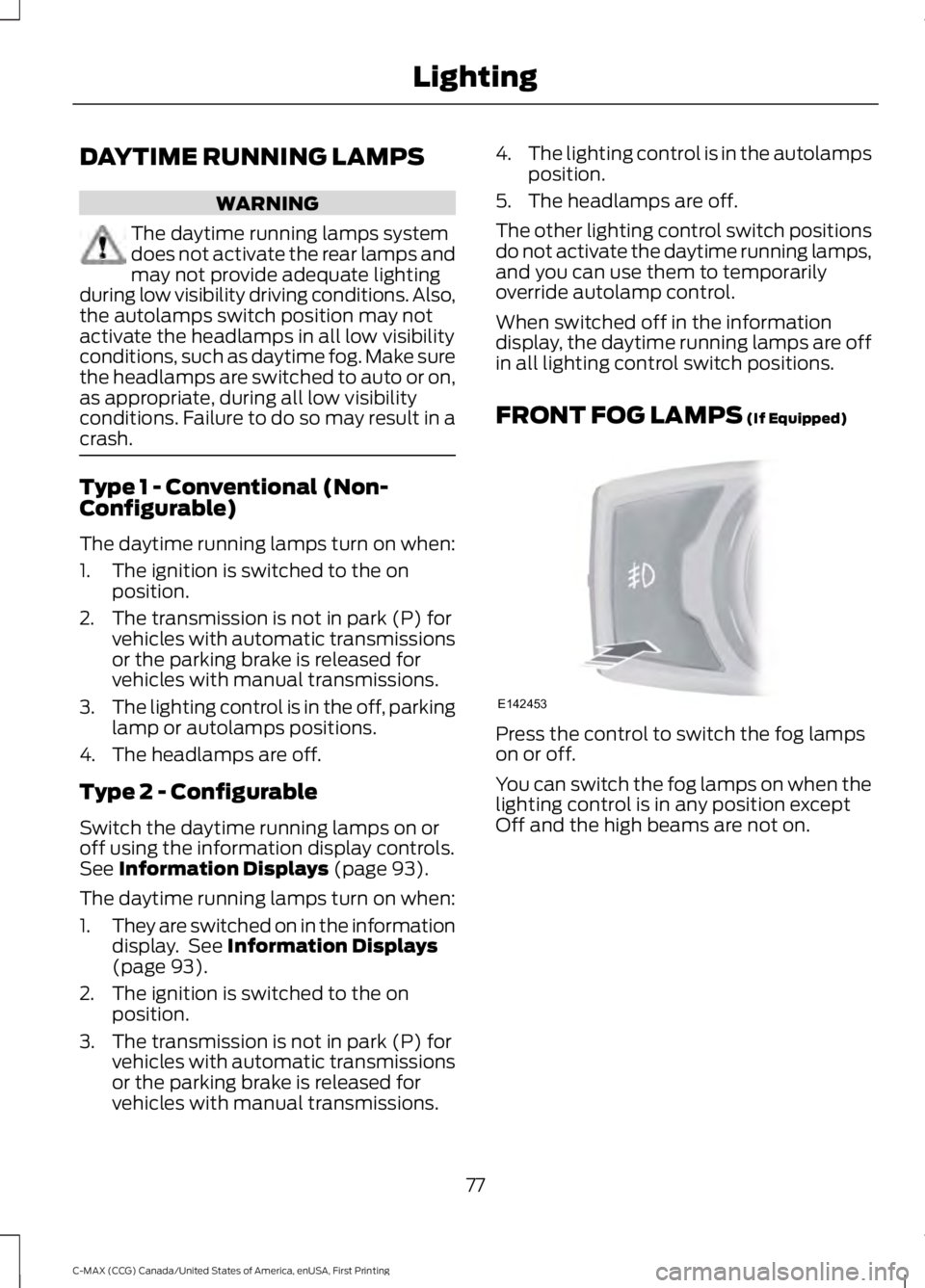
FRONT FOG LAMPS (If Equipped)
Press the control to switch the fog lampson or off.
You can switch the fog lamps on when thelighting control is in any position exceptOff and the high beams are not on.
77
C-MAX (CCG) Canada/United States of America, enUSA, First Printing
LightingE142453
Page 168 of 395
standard friction braking. When the batteryis almost fully charged, the amount ofregenerative braking is limited to avoidovercharging, and the requesteddeceleration is produced by standardfriction braking alone.
Regenerative braking does not take theplace of the standard friction brakes; it onlyassists them. Regenerative braking hasalso been designed to interact with theanti-lock brake system. Regenerativebraking is disabled when the anti-lockbrake system is activated or the battery isfully charged.
HINTS ON DRIVING WITH
ANTI-LOCK BRAKES
Note:When the system is operating, thebrake pedal may pulse and may travelfurther. Maintain pressure on the brakepedal. You may also hear a noise from thesystem. This is normal.
The anti-lock braking system will noteliminate the risks when:
•You drive too closely to the vehicle infront of you.
•Your vehicle is hydroplaning.
•You take corners too fast.
•The road surface is poor.
PARKING BRAKE
WARNING
Always set the parking brake fullyand make sure you shift the gearshiftlever to park (P). Switch the ignitionoff and remove the key whenever you leaveyour vehicle.
Note:Do not press the release button whilepulling the lever up.
To apply the parking brake:
1. Press the foot brake pedal firmly.
2. Pull the parking brake lever up to itsfullest extent.
Note:If you park your vehicle on a hill andfacing uphill, shift the gearshift lever to park(P) and turn the steering wheel away fromthe curb.
Note:If you park your vehicle on a hill andfacing downhill, shift the gearshift lever topark (P) and turn the steering wheel towardthe curb.
To release the parking brake:
1. Press the brake pedal firmly.
2. Pull the lever up slightly.
3. Press the release button and push thelever down.
HILL START ASSIST
WARNINGS
The system does not replace theparking brake. When you leave yourvehicle, always apply the parkingbrake and shift the transmission into park(P) (automatic transmission) or first gear(1) (manual transmission).
You must remain in your vehicle onceyou have activated the system.
During all times, you are responsiblefor controlling your vehicle,supervising the system andintervening, if required.
If the engine is revved excessively, orif a malfunction is detected, thesystem will be deactivated.
The system makes it easier to pull awaywhen your vehicle is on a slope without theneed to use the parking brake.
165
C-MAX (CCG) Canada/United States of America, enUSA, First Printing
Brakes
Page 169 of 395
When the system is active, your vehicle willremain stationary on the slope for two tothree seconds after you release the brakepedal. This allows you time to move yourfoot from the brake to the acceleratorpedal. The brakes release automaticallywhen the engine has sufficient torque toprevent your vehicle from rolling down thegrade. This is an advantage when pullingaway on a slope, for example from a carpark ramp, traffic lights or when reversinguphill into a parking space.
The system will activate automatically onany slope that will cause significant vehiclerollback. For vehicles with a manualtransmission, you can switch this featureoff using the information display. SeeInformation Displays (page 93). Thesystem will remain on or off depending onhow it was last set.
Note:There is no warning lamp to indicatethe system is either on or off.
Note:If your vehicle is equipped with AutoHold, Hill Start Assist will not be availablewhile Auto Hold is active.
Using Hill Start Assist
1. Bring your vehicle to a completestandstill. Keep the brake pedalpressed and select an uphill gear (forexample, first (1) when facing uphill orreverse (R) when facing downhill).
2. If the sensors detect that your vehicleis on a slope, the system will activateautomatically.
3. When you remove your foot from thebrake pedal, your vehicle will remainon the slope without rolling away forabout two or three seconds. This holdtime will automatically be extended ifyou are in the process of driving off.
4. Drive off in the normal manner. Thebrakes will release automatically.
Switching the System On and Off
You can switch this feature on or off if yourvehicle is equipped with a manualtransmission and an information display.See General Information (page 93). Thesystem remembers the last setting whenyou start your vehicle.
If your vehicle is not equipped with amanual transmission and an informationdisplay, you cannot turn the system on oroff. When you switch the ignition on, thesystem automatically turns on.
166
C-MAX (CCG) Canada/United States of America, enUSA, First Printing
Brakes
Page 177 of 395
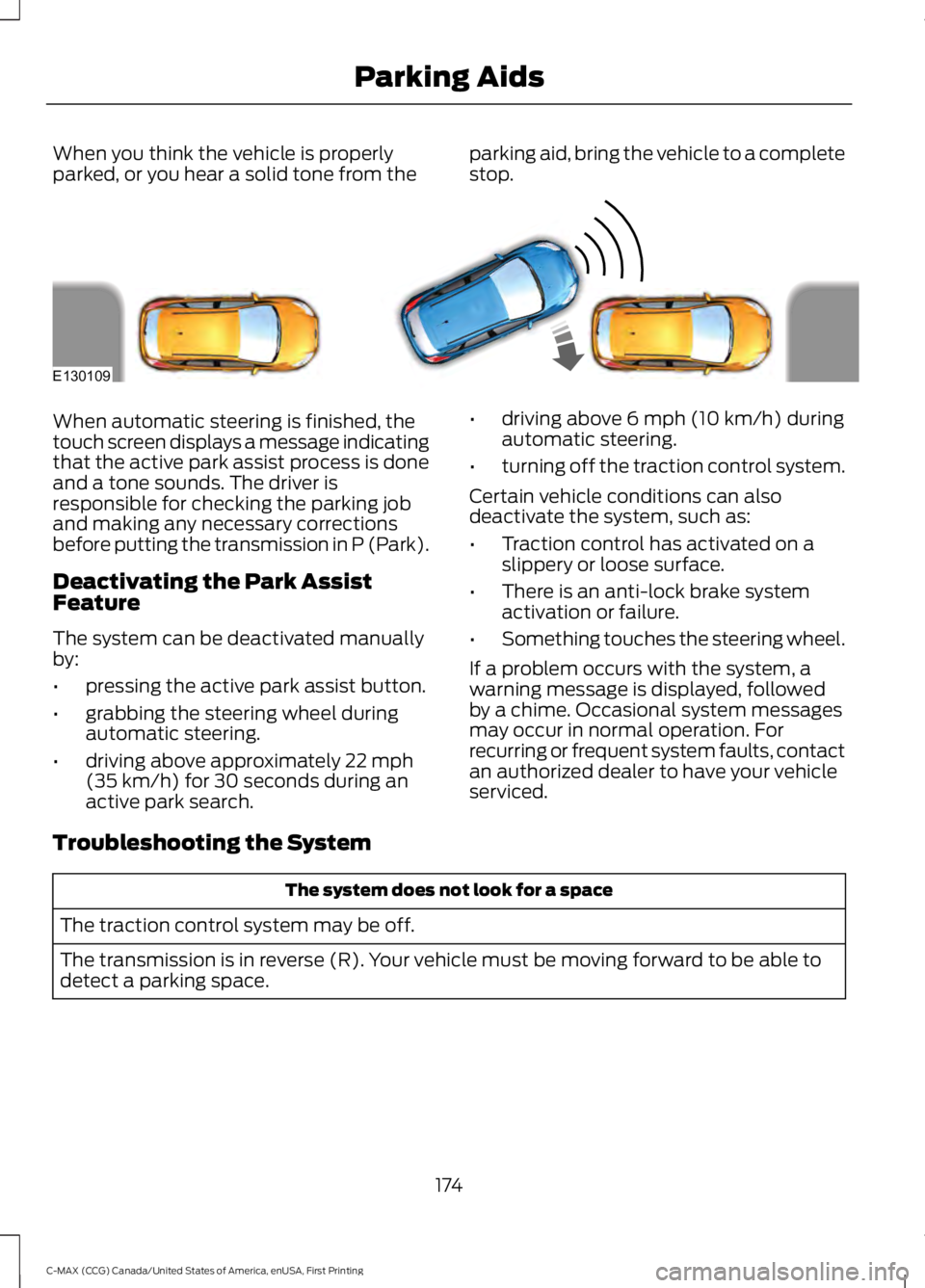
When you think the vehicle is properlyparked, or you hear a solid tone from theparking aid, bring the vehicle to a completestop.
When automatic steering is finished, thetouch screen displays a message indicatingthat the active park assist process is doneand a tone sounds. The driver isresponsible for checking the parking joband making any necessary correctionsbefore putting the transmission in P (Park).
Deactivating the Park AssistFeature
The system can be deactivated manuallyby:
•pressing the active park assist button.
•grabbing the steering wheel duringautomatic steering.
•driving above approximately 22 mph(35 km/h) for 30 seconds during anactive park search.
•driving above 6 mph (10 km/h) duringautomatic steering.
•turning off the traction control system.
Certain vehicle conditions can alsodeactivate the system, such as:
•Traction control has activated on aslippery or loose surface.
•There is an anti-lock brake systemactivation or failure.
•Something touches the steering wheel.
If a problem occurs with the system, awarning message is displayed, followedby a chime. Occasional system messagesmay occur in normal operation. Forrecurring or frequent system faults, contactan authorized dealer to have your vehicleserviced.
Troubleshooting the System
The system does not look for a space
The traction control system may be off.
The transmission is in reverse (R). Your vehicle must be moving forward to be able todetect a parking space.
174
C-MAX (CCG) Canada/United States of America, enUSA, First Printing
Parking AidsE130109
Page 181 of 395
The fixed and active guidelines fade in andout depending on the steering wheelposition. The active guidelines are notshown when the steering wheel positionis straight.
Always use caution while reversing.Objects in the red zone are closest to yourvehicle and objects in the green zone arefarther away. Objects are getting closer toyour vehicle as they move from the greenzone to the yellow or red zones. Use theside view mirrors and rear view mirror toget better coverage on both sides and rearof your vehicle.
Enhanced Park Aids
Note:The reverse sensing system is noteffective at speeds above 7 mph (12 km/h)and may not detect certain angular ormoving objects.
When the sensing system detects anobject, it displays red, yellow and greenhighlights at the top of the image. The alerthighlights all objects detected.
Selectable settings for this feature are ONand OFF.
Manual Zoom
WARNING
When manual zoom is on, the fullarea behind your vehicle is notshown. Be aware of yoursurroundings when using the manual zoomfeature.
Note:Manual zoom is only available whenthe transmission is in reverse (R).
Note:When manual zoom is enabled, onlythe centerline is shown.
This allows you to get a closer view of anobject behind your vehicle. The zoomedimage keeps the bumper in the image toprovide a reference. The zoom is onlyactive while the transmission is in reverse(R). When the transmission is shifted outof reverse (R), the feature automaticallyturns off and must be reset when it is usedagain.
Selectable settings for this feature are +and -. The default setting for the manualzoom is OFF.
Rear Camera Delay (If Equipped)
When you shift the transmission out ofreverse (R) and into any gear while the rearcamera delay is active, the camera imagedisplays until:
•Your vehicle speed sufficientlyincreases.
•You shift your vehicle into park (P).
Selectable settings for this feature are ONand OFF. The default setting for the rearcamera delay is OFF.
178
C-MAX (CCG) Canada/United States of America, enUSA, First Printing
Parking Aids
Page 193 of 395
TOWING A TRAILER
WARNING
Your vehicle is not approvedfor trailer towing. Never towa trailer with your vehicle.
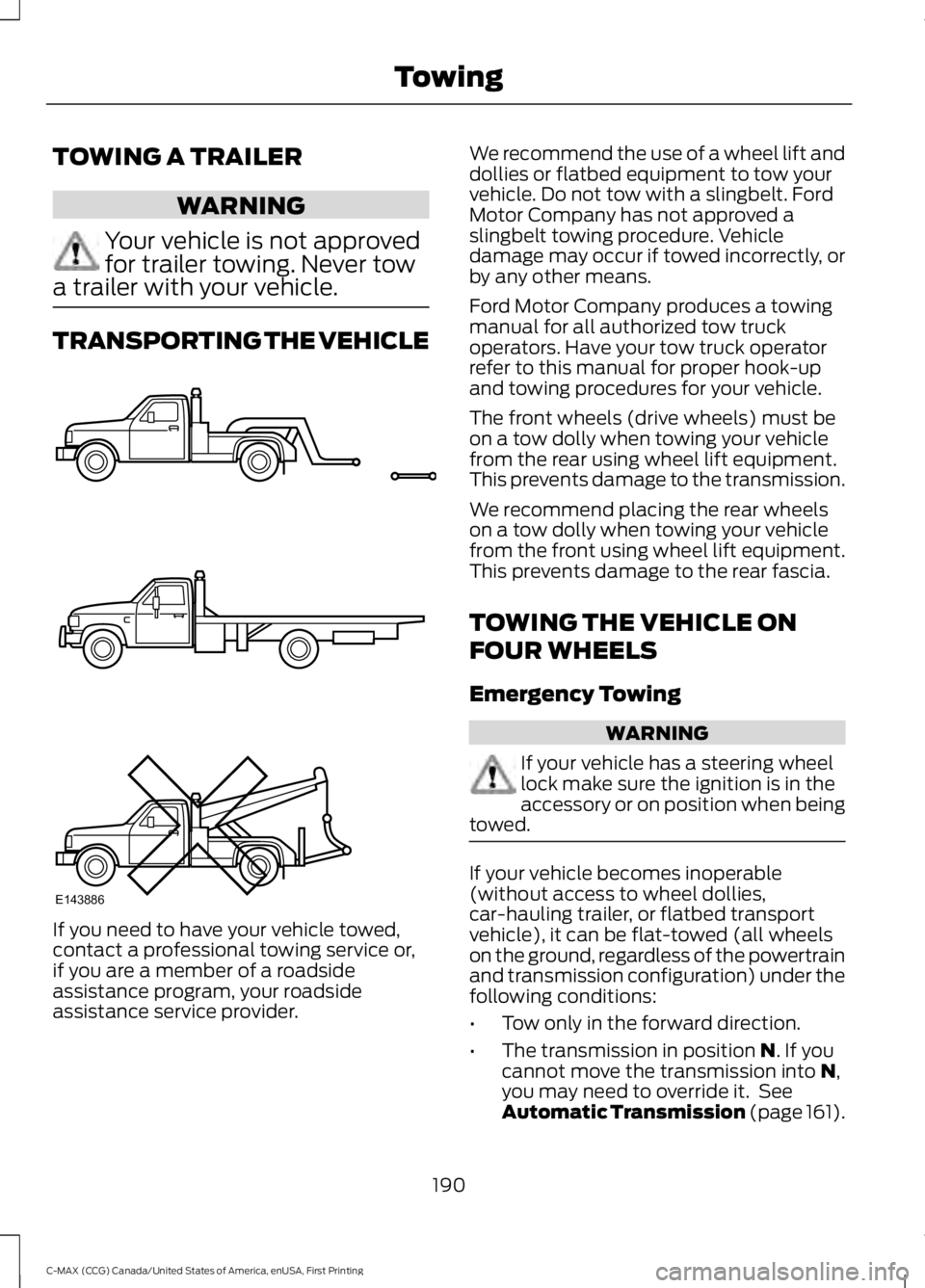
TRANSPORTING THE VEHICLE
If you need to have your vehicle towed,contact a professional towing service or,if you are a member of a roadsideassistance program, your roadsideassistance service provider.
We recommend the use of a wheel lift anddollies or flatbed equipment to tow yourvehicle. Do not tow with a slingbelt. FordMotor Company has not approved aslingbelt towing procedure. Vehicledamage may occur if towed incorrectly, orby any other means.
Ford Motor Company produces a towingmanual for all authorized tow truckoperators. Have your tow truck operatorrefer to this manual for proper hook-upand towing procedures for your vehicle.
The front wheels (drive wheels) must beon a tow dolly when towing your vehiclefrom the rear using wheel lift equipment.This prevents damage to the transmission.
We recommend placing the rear wheelson a tow dolly when towing your vehiclefrom the front using wheel lift equipment.This prevents damage to the rear fascia.
TOWING THE VEHICLE ON
FOUR WHEELS
Emergency Towing
WARNING
If your vehicle has a steering wheellock make sure the ignition is in theaccessory or on position when beingtowed.
If your vehicle becomes inoperable(without access to wheel dollies,car-hauling trailer, or flatbed transportvehicle), it can be flat-towed (all wheelson the ground, regardless of the powertrainand transmission configuration) under thefollowing conditions:
•Tow only in the forward direction.
•The transmission in position N. If youcannot move the transmission into N,you may need to override it. SeeAutomatic Transmission (page 161).
190
C-MAX (CCG) Canada/United States of America, enUSA, First Printing
TowingE143886
Page 305 of 395
USING SYNC™ WITH YOUR
PHONE
Hands-free calling is one of the mainfeatures of SYNC. While the systemsupports a variety of features, many aredependent on your cell phone'sfunctionality. At a minimum, most cellphones with Bluetooth wireless technologysupport the following functions:
•Answering an incoming call.
•Ending a call.
•Using privacy mode.
•Dialing a number.
•Redialing.
•Call waiting notification.
•Caller ID.
Other features, such as text messagingusing Bluetooth and automatic phonebookdownload, are cell phone-dependentfeatures. To check your cell phone'scompatibility, see your cell phone's manualand visit www.SYNCMyRide.com,www.SYNCMyRide.ca orwww.syncmaroute.ca.
Pairing a Cell Phone for the FirstTime
Note:SYNC can support downloading upto approximately 1000 entries perBluetooth-enabled cell phone.
Note:Make sure to switch on the ignitionand the radio. Put the transmission inposition park (P) (automatic transmission)or neutral with the parking brake applied(manual transmission).
Note:To scroll through the menus, pressthe up and down arrows on your audiosystem.
Wirelessly pairing your cell phone withSYNC allows you to make and receivehands-free calls.
Press the phone button. When the display indicates there is no cell phone paired,do the following:
Action and DescriptionMessage
Press the OK button.NO PHONE
FIND SYNC1. Press the OK button.
2. Put your cell phone into Bluetooth discovery mode. Seeyour device's manual if necessary.
3. When prompted on your cell phone's display, enter thesix-digit PIN provided by SYNC in the radio display. Thedisplay indicates when the pairing is successful.
302
C-MAX (CCG) Canada/United States of America, enUSA, First Printing
SYNC™
Page 306 of 395
Depending on your cell phone's capabilityand your market, the system may promptyou with questions, such as setting thecurrent cell phone as the primary cellphone (the cell phone SYNC automaticallytries to connect with first upon vehiclestart-up) and downloading yourphonebook.
Pairing Subsequent Cell Phones
Note:To scroll through the menus, pressthe up and down arrows on your audiosystem.
Note:Make sure to switch on the ignitionand the radio. Put the transmission inposition park (P) (automatic transmission)or neutral with the parking brake applied(manual transmission).
Press the phone button, then scroll to:
ActionMessage
Press the OK button.PHONE SETNGS
Press the OK button.BT DEVICES
Press the OK button. When the following message appearsin the display.ADD DEVICE
FIND SYNC1. Press the OK button.
2. Put your cell phone into Bluetooth discovery mode. Seeyour device's manual if necessary.
3. When prompted on your cell phone's display, enter thesix-digit PIN provided by SYNC in the radio display. Thedisplay indicates when the pairing is successful.
The system then prompts with questions, such as if you would like to set the current cellphone as the primary cell phone (the cell phone SYNC automatically tries to connectwith first upon vehicle start-up) or download your phonebook.
Phone Voice Commands
Press the voice icon and say:
Voice Commands
Phone
You can then say any of the followingcommands.
Call History Incoming
Call History Missed
Call History Outgoing
Voice Commands
Phonebook ___
Phonebook ___ at Home
Phonebook ___ at Work
Phonebook ___ in Office
Phonebook ___ on Cell
___ is a dynamic listing that should be thename of a contact in your phonebook. Forexample you could say "Call Mom".
303
C-MAX (CCG) Canada/United States of America, enUSA, First Printing
SYNC™
Page 386 of 395
A
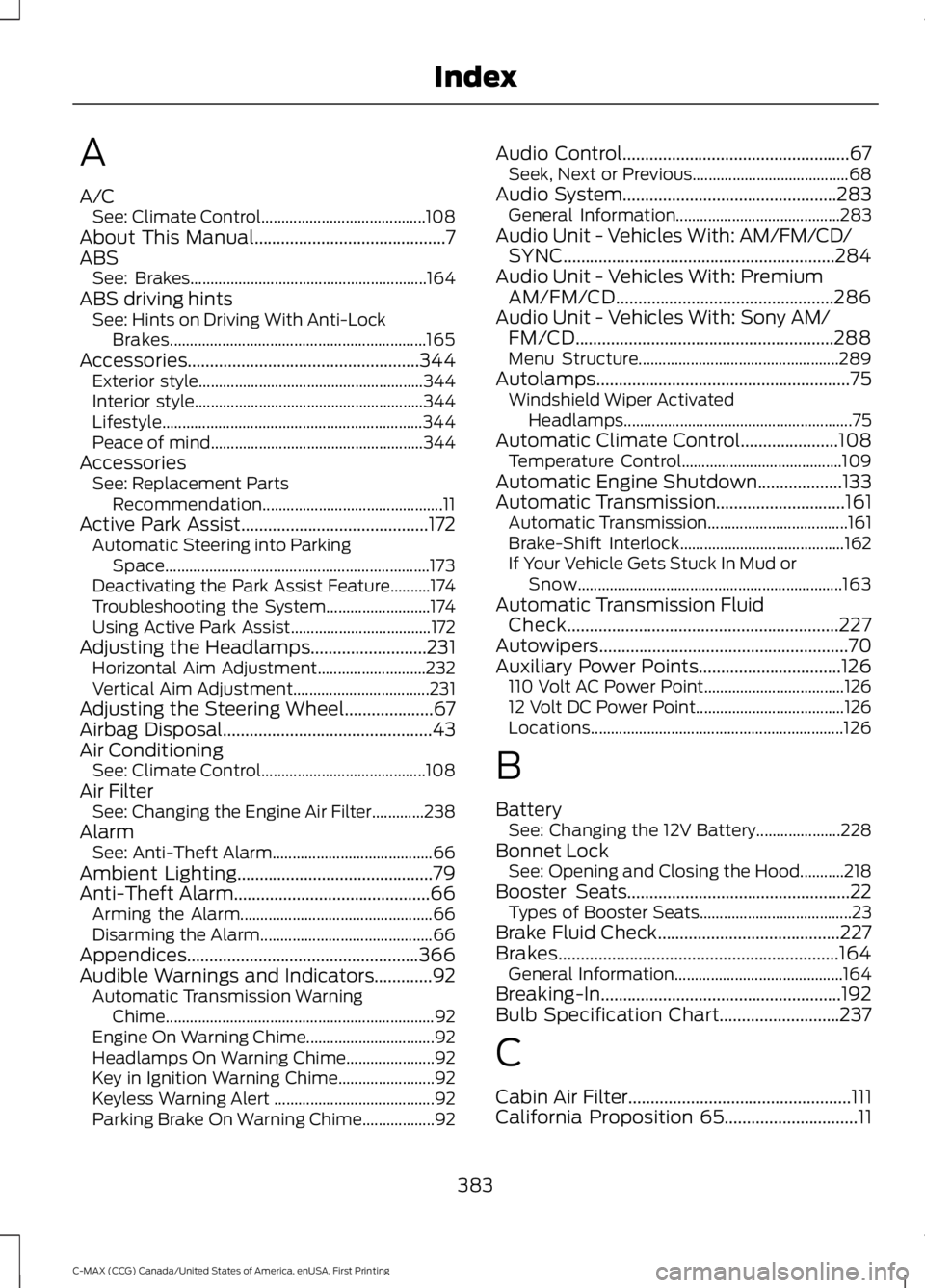
A/CSee: Climate Control.........................................108About This Manual...........................................7ABSSee: Brakes...........................................................164ABS driving hintsSee: Hints on Driving With Anti-LockBrakes................................................................165Accessories....................................................344Exterior style........................................................344Interior style.........................................................344Lifestyle.................................................................344Peace of mind.....................................................344AccessoriesSee: Replacement PartsRecommendation.............................................11Active Park Assist..........................................172Automatic Steering into ParkingSpace..................................................................173Deactivating the Park Assist Feature..........174Troubleshooting the System..........................174Using Active Park Assist...................................172Adjusting the Headlamps..........................231Horizontal Aim Adjustment...........................232Vertical Aim Adjustment..................................231Adjusting the Steering Wheel....................67Airbag Disposal...............................................43Air ConditioningSee: Climate Control.........................................108Air FilterSee: Changing the Engine Air Filter.............238AlarmSee: Anti-Theft Alarm........................................66Ambient Lighting............................................79Anti-Theft Alarm............................................66Arming the Alarm................................................66Disarming the Alarm...........................................66Appendices....................................................366Audible Warnings and Indicators.............92Automatic Transmission WarningChime...................................................................92Engine On Warning Chime................................92Headlamps On Warning Chime......................92Key in Ignition Warning Chime........................92Keyless Warning Alert ........................................92Parking Brake On Warning Chime..................92
Audio Control...................................................67Seek, Next or Previous.......................................68Audio System................................................283General Information.........................................283Audio Unit - Vehicles With: AM/FM/CD/SYNC.............................................................284Audio Unit - Vehicles With: PremiumAM/FM/CD.................................................286Audio Unit - Vehicles With: Sony AM/FM/CD..........................................................288Menu Structure..................................................289Autolamps.........................................................75Windshield Wiper ActivatedHeadlamps.........................................................75Automatic Climate Control......................108Temperature Control........................................109Automatic Engine Shutdown...................133Automatic Transmission.............................161Automatic Transmission...................................161Brake-Shift Interlock.........................................162If Your Vehicle Gets Stuck In Mud orSnow..................................................................163Automatic Transmission FluidCheck.............................................................227Autowipers........................................................70Auxiliary Power Points................................126110 Volt AC Power Point...................................12612 Volt DC Power Point.....................................126Locations...............................................................126
B
BatterySee: Changing the 12V Battery.....................228Bonnet LockSee: Opening and Closing the Hood...........218Booster Seats..................................................22Types of Booster Seats......................................23Brake Fluid Check.........................................227Brakes...............................................................164General Information..........................................164Breaking-In......................................................192Bulb Specification Chart...........................237
C
Cabin Air Filter..................................................111California Proposition 65..............................11
383
C-MAX (CCG) Canada/United States of America, enUSA, First Printing
Index
Page 390 of 395
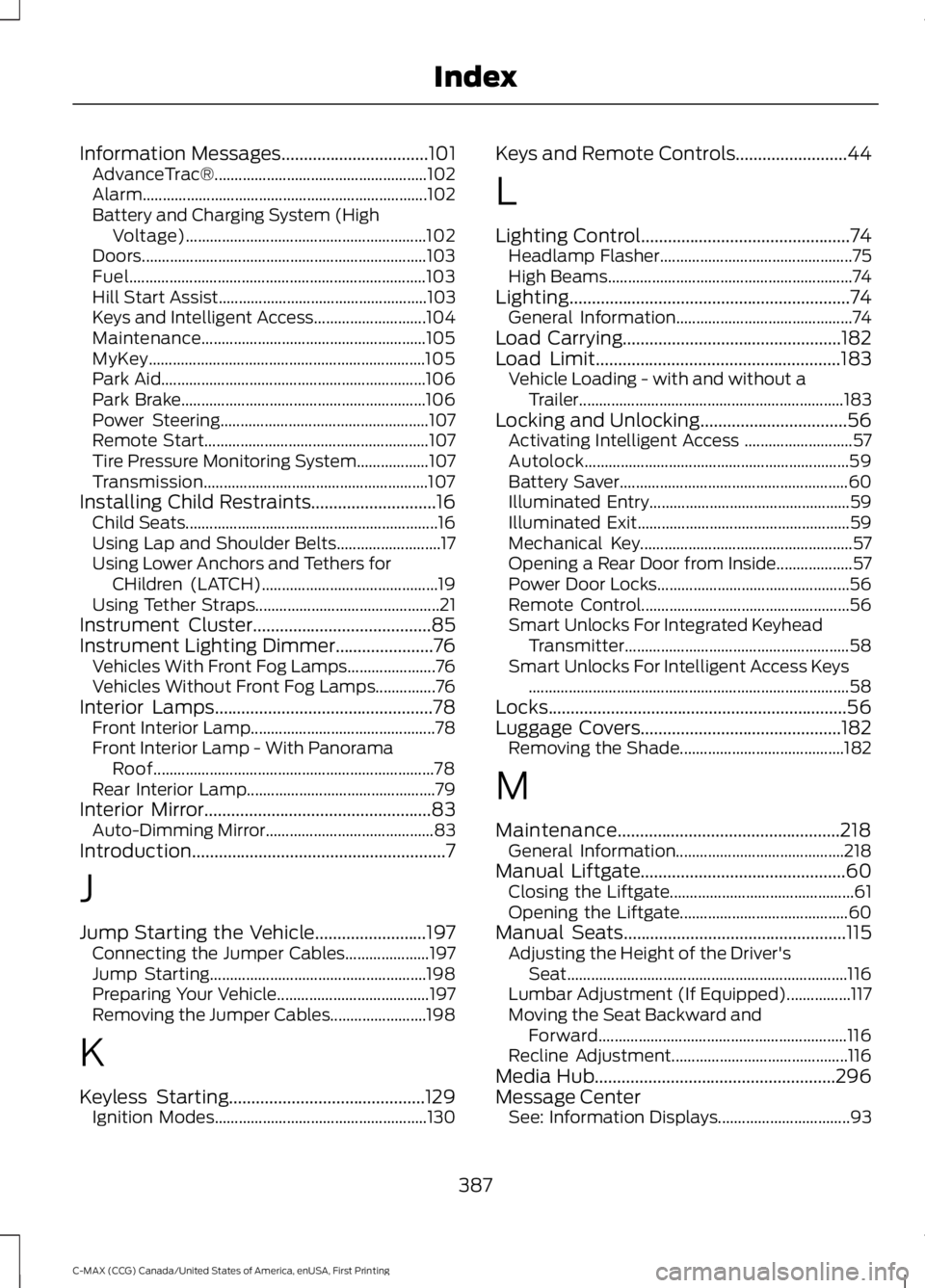
Information Messages.................................101AdvanceTrac®.....................................................102Alarm.......................................................................102Battery and Charging System (HighVoltage)............................................................102Doors.......................................................................103Fuel..........................................................................103Hill Start Assist....................................................103Keys and Intelligent Access............................104Maintenance........................................................105MyKey.....................................................................105Park Aid..................................................................106Park Brake.............................................................106Power Steering....................................................107Remote Start........................................................107Tire Pressure Monitoring System..................107Transmission........................................................107Installing Child Restraints............................16Child Seats...............................................................16Using Lap and Shoulder Belts..........................17Using Lower Anchors and Tethers forCHildren (LATCH)............................................19Using Tether Straps..............................................21Instrument Cluster........................................85Instrument Lighting Dimmer......................76Vehicles With Front Fog Lamps......................76Vehicles Without Front Fog Lamps...............76Interior Lamps.................................................78Front Interior Lamp..............................................78Front Interior Lamp - With PanoramaRoof......................................................................78Rear Interior Lamp...............................................79Interior Mirror...................................................83Auto-Dimming Mirror..........................................83Introduction.........................................................7
J
Jump Starting the Vehicle.........................197Connecting the Jumper Cables.....................197Jump Starting......................................................198Preparing Your Vehicle......................................197Removing the Jumper Cables........................198
K
Keyless Starting............................................129Ignition Modes.....................................................130
Keys and Remote Controls.........................44
L
Lighting Control...............................................74Headlamp Flasher................................................75High Beams.............................................................74Lighting...............................................................74General Information............................................74Load Carrying.................................................182Load Limit.......................................................183Vehicle Loading - with and without aTrailer..................................................................183Locking and Unlocking.................................56Activating Intelligent Access ...........................57Autolock..................................................................59Battery Saver.........................................................60Illuminated Entry..................................................59Illuminated Exit.....................................................59Mechanical Key.....................................................57Opening a Rear Door from Inside...................57Power Door Locks................................................56Remote Control....................................................56Smart Unlocks For Integrated KeyheadTransmitter........................................................58Smart Unlocks For Intelligent Access Keys................................................................................58Locks...................................................................56Luggage Covers.............................................182Removing the Shade.........................................182
M
Maintenance..................................................218General Information..........................................218Manual Liftgate..............................................60Closing the Liftgate..............................................61Opening the Liftgate..........................................60Manual Seats..................................................115Adjusting the Height of the Driver'sSeat......................................................................116Lumbar Adjustment (If Equipped)................117Moving the Seat Backward andForward..............................................................116Recline Adjustment............................................116Media Hub......................................................296Message CenterSee: Information Displays.................................93
387
C-MAX (CCG) Canada/United States of America, enUSA, First Printing
Index