ignition FORD CROWN VICTORIA 2009 2.G User Guide
[x] Cancel search | Manufacturer: FORD, Model Year: 2009, Model line: CROWN VICTORIA, Model: FORD CROWN VICTORIA 2009 2.GPages: 271, PDF Size: 2.32 MB
Page 31 of 271
WARNING:Driving while distracted can result in loss of vehicle
control, accident and injury. Ford strongly recommends that
drivers use extreme caution when using any device that may take their
focus off the road. The driver’s primary responsibility is the safe
operation of their vehicle. Only use cell phones and other devices not
essential to the driving task when it is safe to do so.
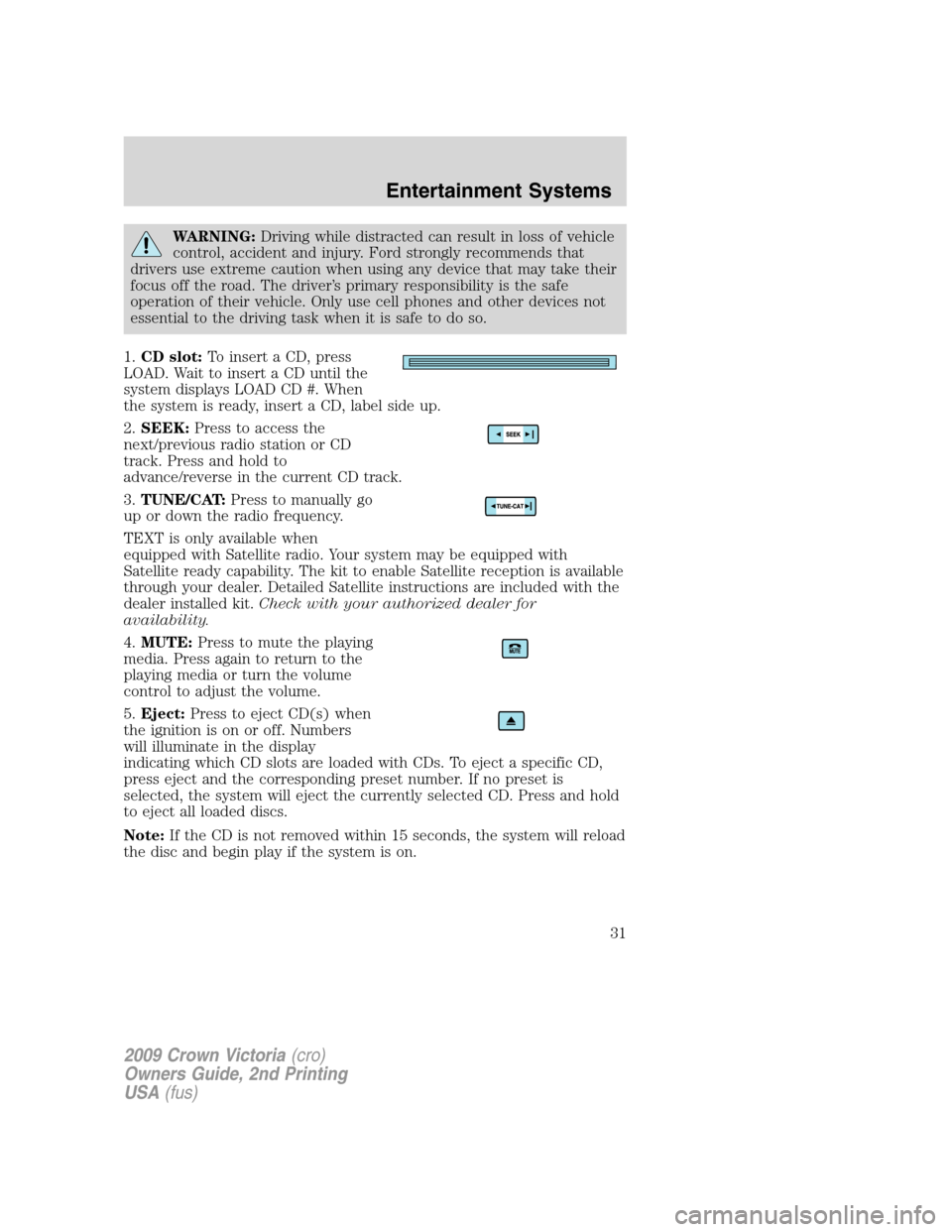
1.CD slot:To insert a CD, press
LOAD. Wait to insert a CD until the
system displays LOAD CD #. When
the system is ready, insert a CD, label side up.
2.SEEK:Press to access the
next/previous radio station or CD
track. Press and hold to
advance/reverse in the current CD track.
3.TUNE/CAT:Press to manually go
up or down the radio frequency.
TEXT is only available when
equipped with Satellite radio. Your system may be equipped with
Satellite ready capability. The kit to enable Satellite reception is available
through your dealer. Detailed Satellite instructions are included with the
dealer installed kit.Check with your authorized dealer for
availability.
4.MUTE:Press to mute the playing
media. Press again to return to the
playing media or turn the volume
control to adjust the volume.
5.Eject:Press to eject CD(s) when
the ignition is on or off. Numbers
will illuminate in the display
indicating which CD slots are loaded with CDs. To eject a specific CD,
press eject and the corresponding preset number. If no preset is
selected, the system will eject the currently selected CD. Press and hold
to eject all loaded discs.
Note:If the CD is not removed within 15 seconds, the system will reload
the disc and begin play if the system is on.
2009 Crown Victoria(cro)
Owners Guide, 2nd Printing
USA(fus)
Entertainment Systems
31
Page 34 of 271
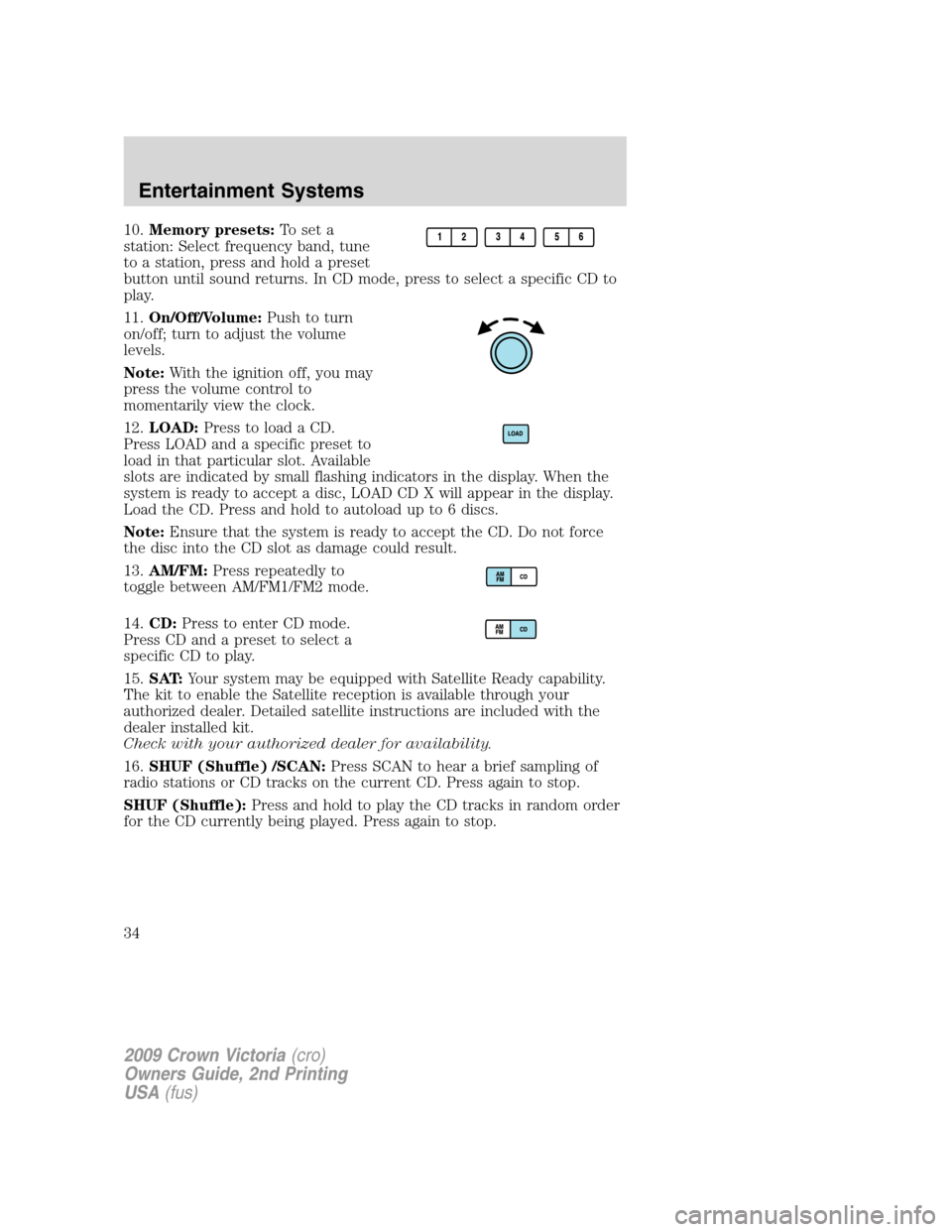
10.Memory presets:To set a
station: Select frequency band, tune
to a station, press and hold a preset
button until sound returns. In CD mode, press to select a specific CD to
play.
11.On/Off/Volume:Push to turn
on/off; turn to adjust the volume
levels.
Note:With the ignition off, you may
press the volume control to
momentarily view the clock.
12.LOAD:Press to load a CD.
Press LOAD and a specific preset to
load in that particular slot. Available
slots are indicated by small flashing indicators in the display. When the
system is ready to accept a disc, LOAD CD X will appear in the display.
Load the CD. Press and hold to autoload up to 6 discs.
Note:Ensure that the system is ready to accept the CD. Do not force
the disc into the CD slot as damage could result.
13.AM/FM:Press repeatedly to
toggle between AM/FM1/FM2 mode.
14.CD:Press to enter CD mode.
Press CD and a preset to select a
specific CD to play.
15.SAT:Your system may be equipped with Satellite Ready capability.
The kit to enable the Satellite reception is available through your
authorized dealer. Detailed satellite instructions are included with the
dealer installed kit.
Check with your authorized dealer for availability.
16.SHUF (Shuffle) /SCAN:Press SCAN to hear a brief sampling of
radio stations or CD tracks on the current CD. Press again to stop.
SHUF (Shuffle):Press and hold to play the CD tracks in random order
for the CD currently being played. Press again to stop.
2009 Crown Victoria(cro)
Owners Guide, 2nd Printing
USA(fus)
Entertainment Systems
34
Page 40 of 271
•Remove any snow, ice or leaves from the air intake area at the base of
the windshield.
During extreme high ambient temperatures when idling stationary for
extended periods of time in gear, it is recommended to run the A/C in
the MAX A/C position reduce blower fan speed from the highest setting
and put the vehicle’s transmission into the park gear position to continue
to receive cool air from your A/C system.
To aid in side window defogging/demisting in cold weather:
1. Select NORM A/C.
2. Adjust the temperature control to maintain comfort.
3. Set the fan speed to HI.
4. Direct the outer instrument panel vents towards the side windows.
To increase airflow to the outer instrument panel vents, close the vents
located in the middle of the instrument panel.
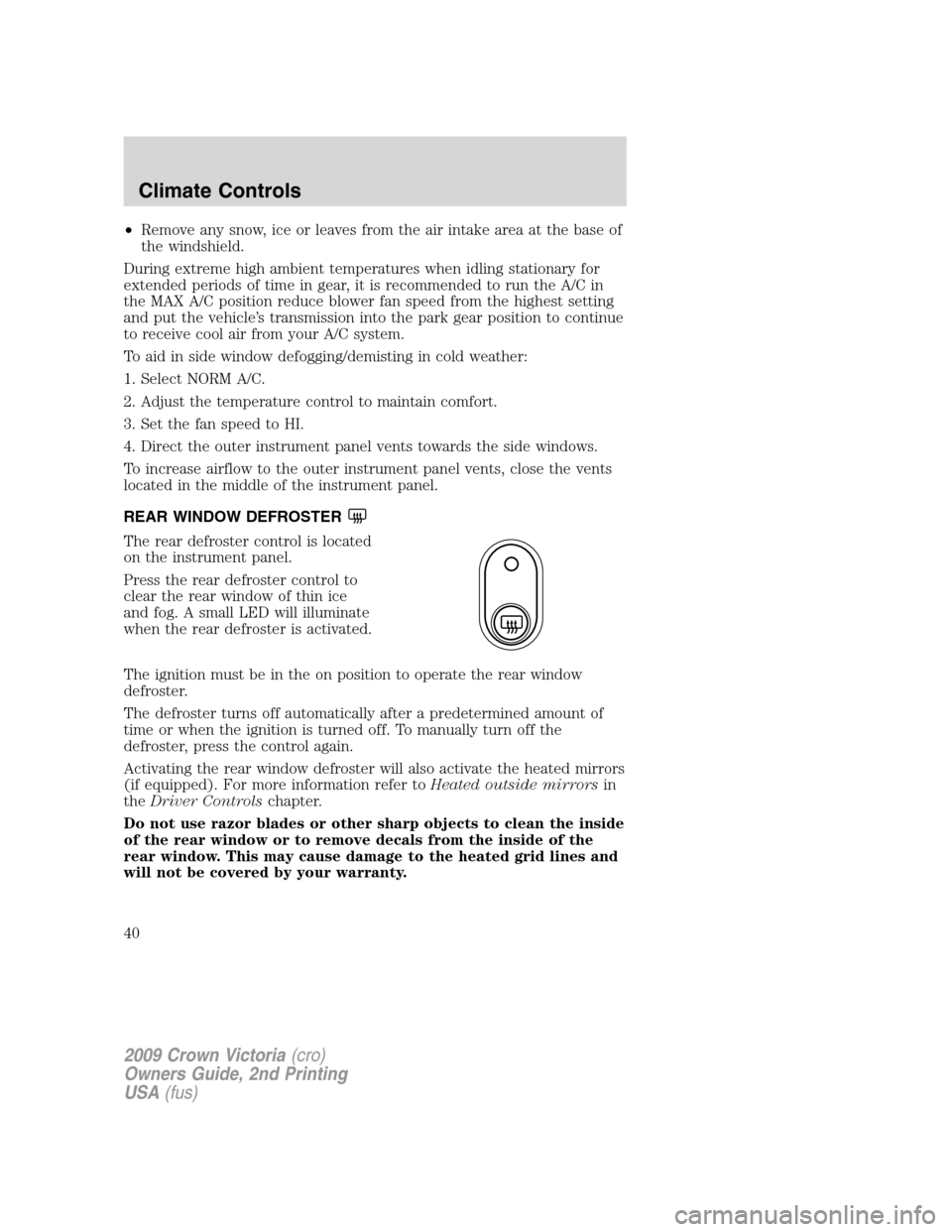
REAR WINDOW DEFROSTER
The rear defroster control is located
on the instrument panel.
Press the rear defroster control to
clear the rear window of thin ice
and fog. A small LED will illuminate
when the rear defroster is activated.
The ignition must be in the on position to operate the rear window
defroster.
The defroster turns off automatically after a predetermined amount of
time or when the ignition is turned off. To manually turn off the
defroster, press the control again.
Activating the rear window defroster will also activate the heated mirrors
(if equipped). For more information refer toHeated outside mirrorsin
theDriver Controlschapter.
Do not use razor blades or other sharp objects to clean the inside
of the rear window or to remove decals from the inside of the
rear window. This may cause damage to the heated grid lines and
will not be covered by your warranty.
2009 Crown Victoria(cro)
Owners Guide, 2nd Printing
USA(fus)
Climate Controls
40
Page 41 of 271
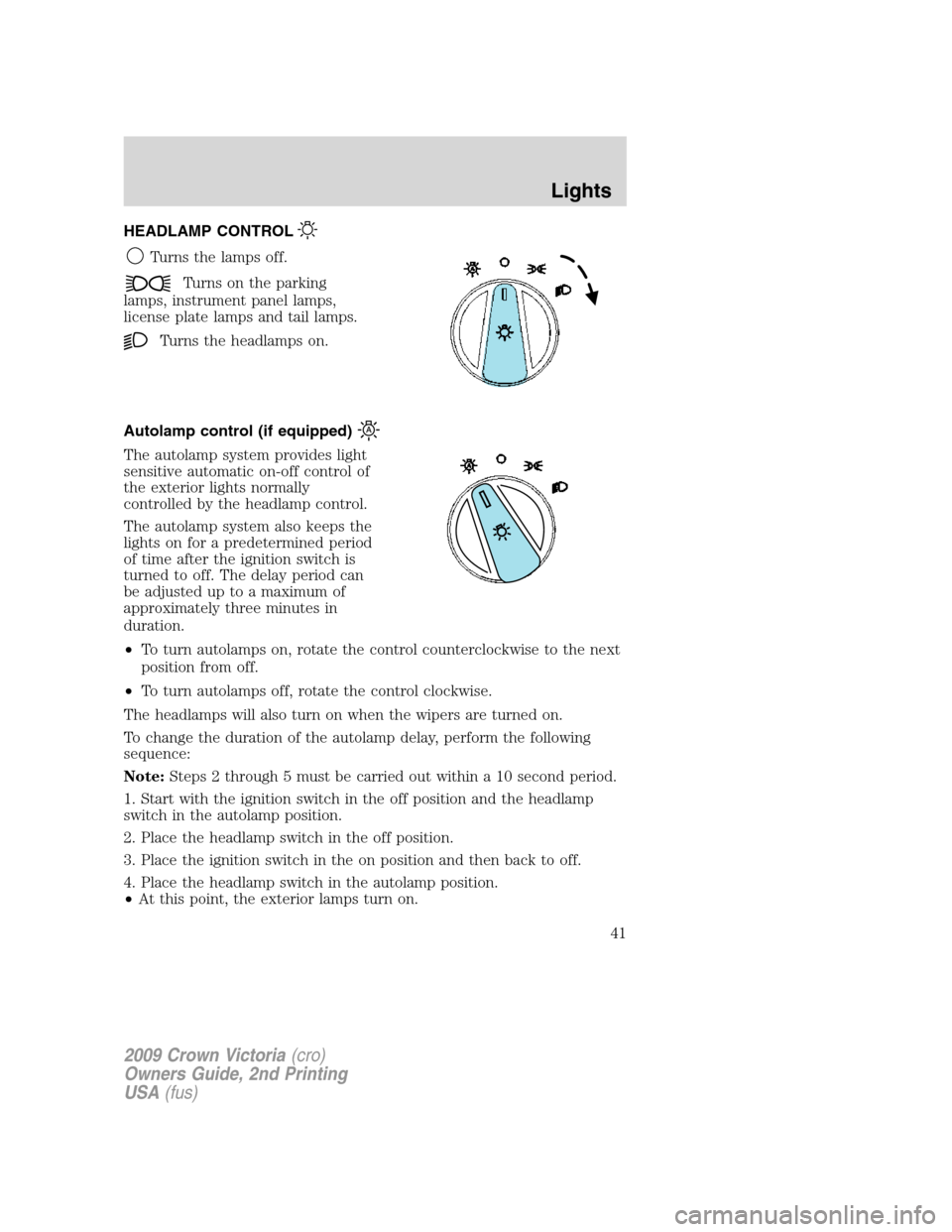
HEADLAMP CONTROL
Turns the lamps off.
Turns on the parking
lamps, instrument panel lamps,
license plate lamps and tail lamps.
Turns the headlamps on.
Autolamp control (if equipped)
The autolamp system provides light
sensitive automatic on-off control of
the exterior lights normally
controlled by the headlamp control.
The autolamp system also keeps the
lights on for a predetermined period
of time after the ignition switch is
turned to off. The delay period can
be adjusted up to a maximum of
approximately three minutes in
duration.
•To turn autolamps on, rotate the control counterclockwise to the next
position from off.
•To turn autolamps off, rotate the control clockwise.
The headlamps will also turn on when the wipers are turned on.
To change the duration of the autolamp delay, perform the following
sequence:
Note:Steps 2 through 5 must be carried out within a 10 second period.
1. Start with the ignition switch in the off position and the headlamp
switch in the autolamp position.
2. Place the headlamp switch in the off position.
3. Place the ignition switch in the on position and then back to off.
4. Place the headlamp switch in the autolamp position.
•At this point, the exterior lamps turn on.
2009 Crown Victoria(cro)
Owners Guide, 2nd Printing
USA(fus)
Lights
41
Page 45 of 271
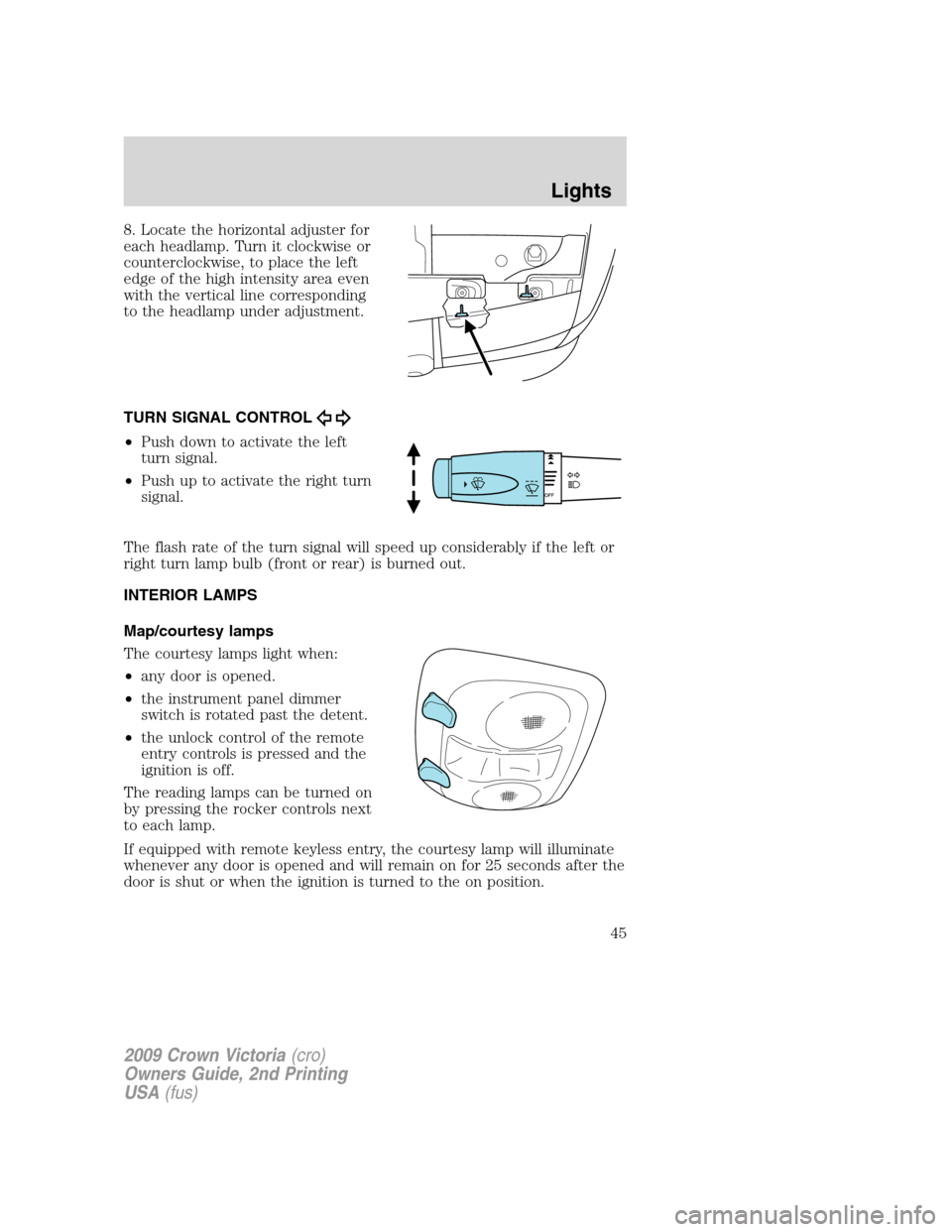
8. Locate the horizontal adjuster for
each headlamp. Turn it clockwise or
counterclockwise, to place the left
edge of the high intensity area even
with the vertical line corresponding
to the headlamp under adjustment.
TURN SIGNAL CONTROL
•Push down to activate the left
turn signal.
•Push up to activate the right turn
signal.
The flash rate of the turn signal will speed up considerably if the left or
right turn lamp bulb (front or rear) is burned out.
INTERIOR LAMPS
Map/courtesy lamps
The courtesy lamps light when:
•any door is opened.
•the instrument panel dimmer
switch is rotated past the detent.
•the unlock control of the remote
entry controls is pressed and the
ignition is off.
The reading lamps can be turned on
by pressing the rocker controls next
to each lamp.
If equipped with remote keyless entry, the courtesy lamp will illuminate
whenever any door is opened and will remain on for 25 seconds after the
door is shut or when the ignition is turned to the on position.
2009 Crown Victoria(cro)
Owners Guide, 2nd Printing
USA(fus)
Lights
45
Page 62 of 271
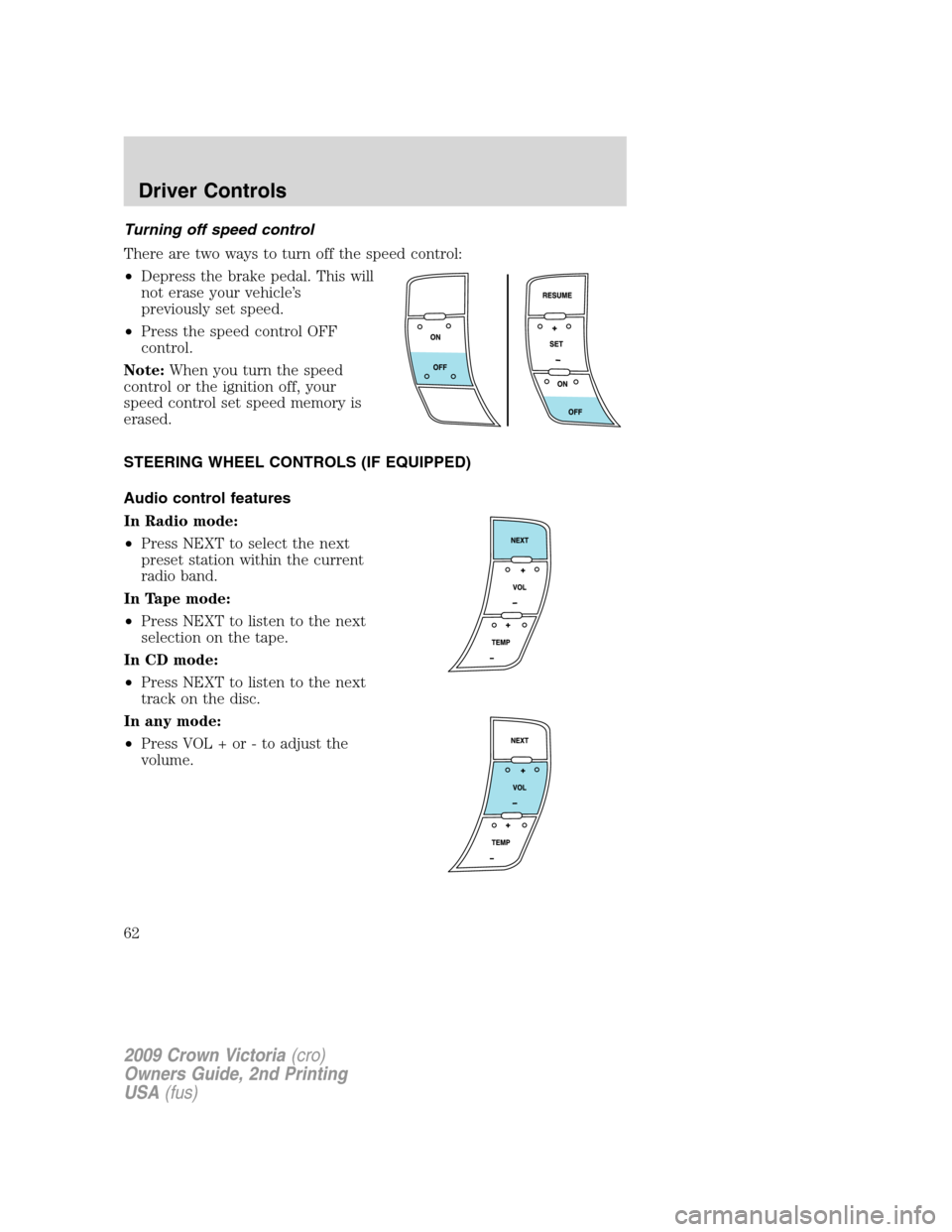
Turning off speed control
There are two ways to turn off the speed control:
•Depress the brake pedal. This will
not erase your vehicle’s
previously set speed.
•Press the speed control OFF
control.
Note:When you turn the speed
control or the ignition off, your
speed control set speed memory is
erased.
STEERING WHEEL CONTROLS (IF EQUIPPED)
Audio control features
In Radio mode:
•Press NEXT to select the next
preset station within the current
radio band.
In Tape mode:
•Press NEXT to listen to the next
selection on the tape.
In CD mode:
•Press NEXT to listen to the next
track on the disc.
In any mode:
•Press VOL + or - to adjust the
volume.
2009 Crown Victoria(cro)
Owners Guide, 2nd Printing
USA(fus)
Driver Controls
62
Page 63 of 271
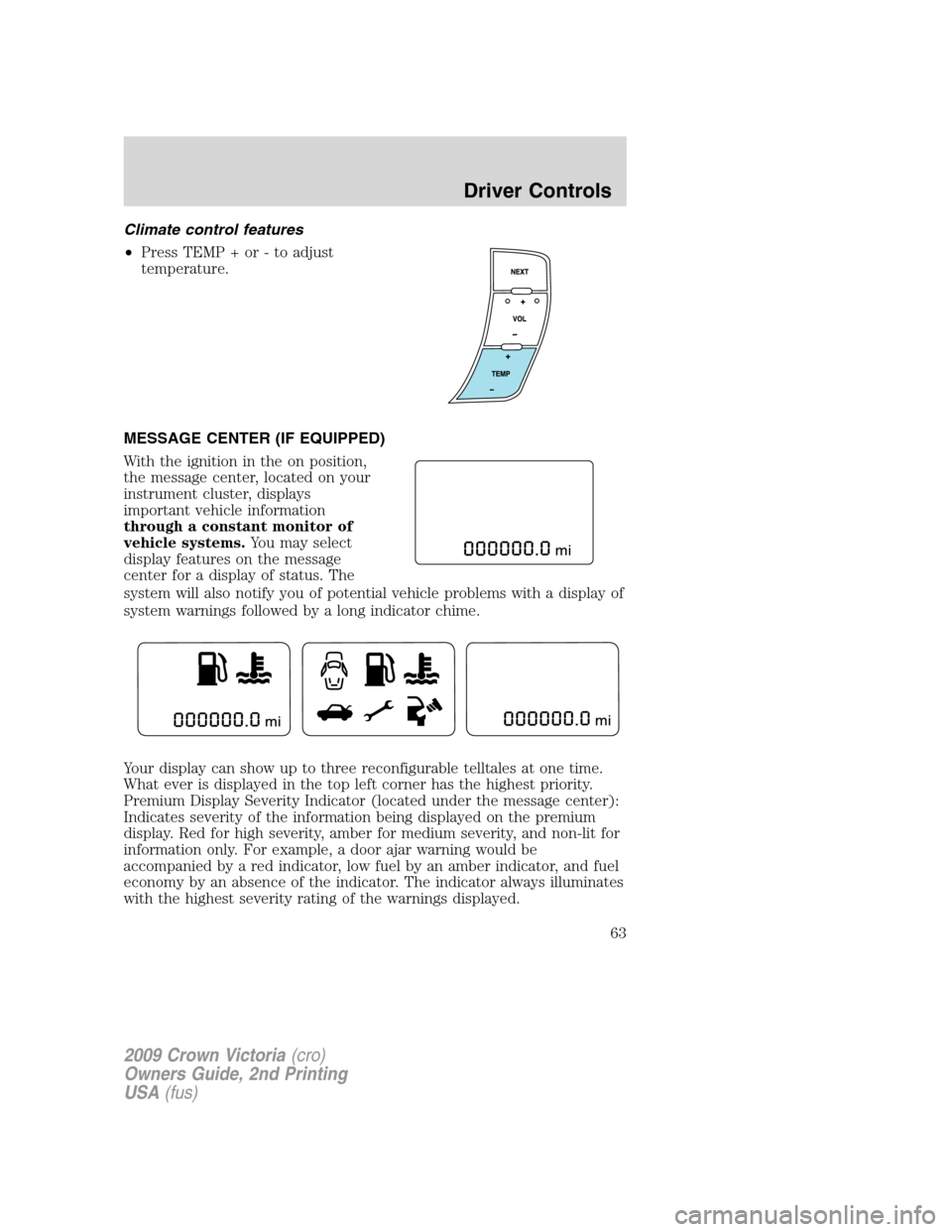
Climate control features
•Press TEMP + or - to adjust
temperature.
MESSAGE CENTER (IF EQUIPPED)
With the ignition in the on position,
the message center, located on your
instrument cluster, displays
important vehicle information
through a constant monitor of
vehicle systems.You may select
display features on the message
center for a display of status. The
system will also notify you of potential vehicle problems with a display of
system warnings followed by a long indicator chime.
Your display can show up to three reconfigurable telltales at one time.
What ever is displayed in the top left corner has the highest priority.
Premium Display Severity Indicator (located under the message center):
Indicates severity of the information being displayed on the premium
display. Red for high severity, amber for medium severity, and non-lit for
information only. For example, a door ajar warning would be
accompanied by a red indicator, low fuel by an amber indicator, and fuel
economy by an absence of the indicator. The indicator always illuminates
with the highest severity rating of the warnings displayed.
2009 Crown Victoria(cro)
Owners Guide, 2nd Printing
USA(fus)
Driver Controls
63
Page 65 of 271
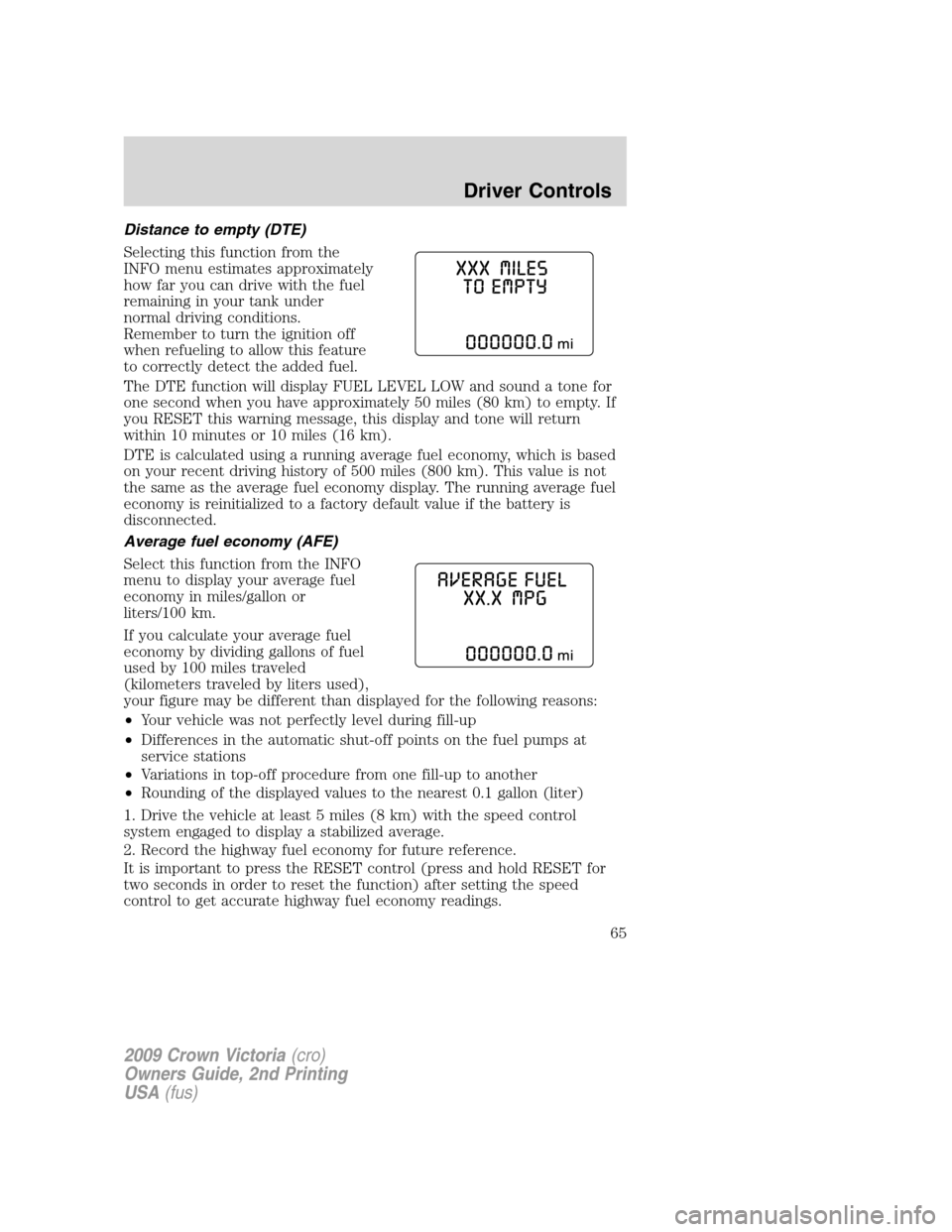
Distance to empty (DTE)
Selecting this function from the
INFO menu estimates approximately
how far you can drive with the fuel
remaining in your tank under
normal driving conditions.
Remember to turn the ignition off
when refueling to allow this feature
to correctly detect the added fuel.
The DTE function will display FUEL LEVEL LOW and sound a tone for
one second when you have approximately 50 miles (80 km) to empty. If
you RESET this warning message, this display and tone will return
within 10 minutes or 10 miles (16 km).
DTE is calculated using a running average fuel economy, which is based
on your recent driving history of 500 miles (800 km). This value is not
the same as the average fuel economy display. The running average fuel
economy is reinitialized to a factory default value if the battery is
disconnected.
Average fuel economy (AFE)
Select this function from the INFO
menu to display your average fuel
economy in miles/gallon or
liters/100 km.
If you calculate your average fuel
economy by dividing gallons of fuel
used by 100 miles traveled
(kilometers traveled by liters used),
your figure may be different than displayed for the following reasons:
•Your vehicle was not perfectly level during fill-up
•Differences in the automatic shut-off points on the fuel pumps at
service stations
•Variations in top-off procedure from one fill-up to another
•Rounding of the displayed values to the nearest 0.1 gallon (liter)
1. Drive the vehicle at least 5 miles (8 km) with the speed control
system engaged to display a stabilized average.
2. Record the highway fuel economy for future reference.
It is important to press the RESET control (press and hold RESET for
two seconds in order to reset the function) after setting the speed
control to get accurate highway fuel economy readings.
2009 Crown Victoria(cro)
Owners Guide, 2nd Printing
USA(fus)
Driver Controls
65
Page 69 of 271
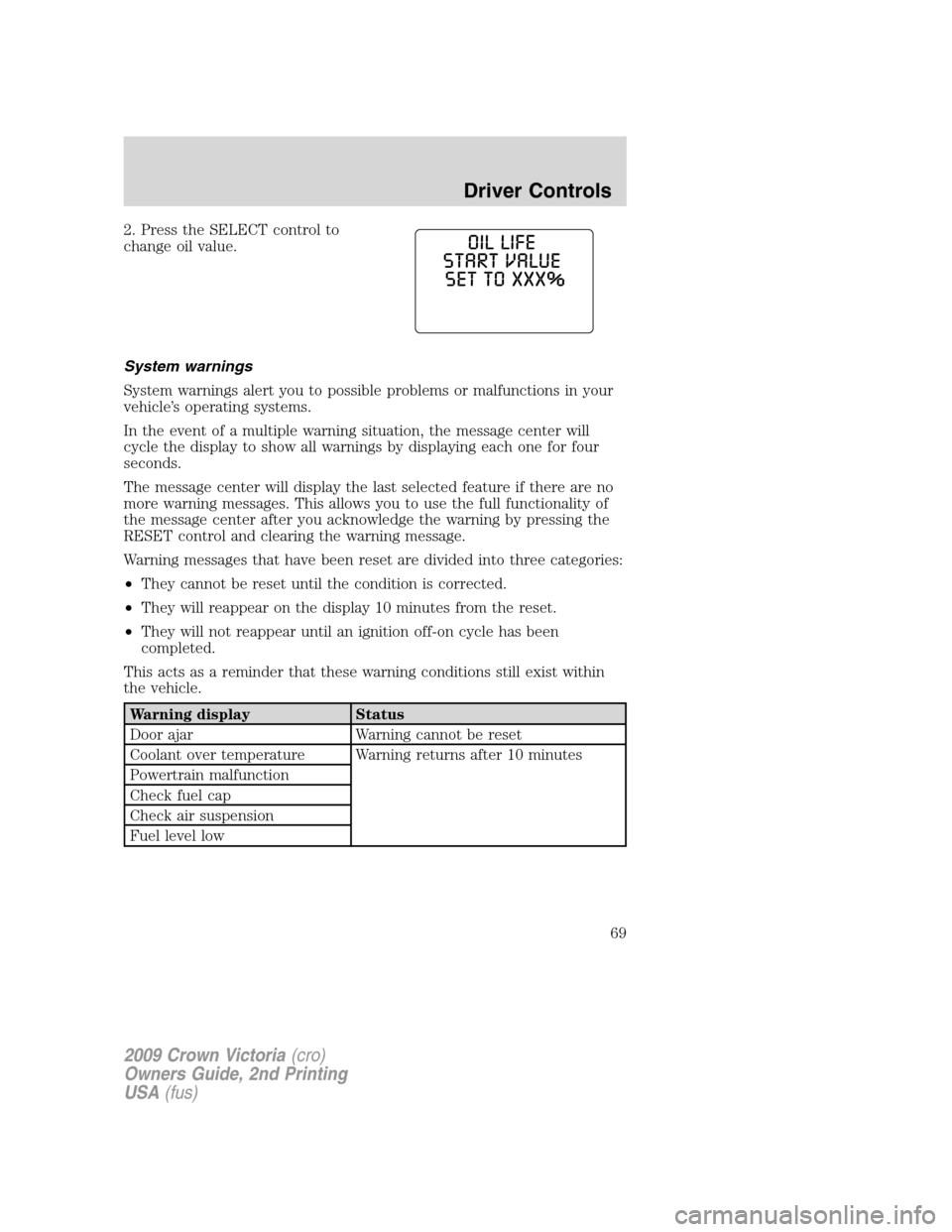
2. Press the SELECT control to
change oil value.
System warnings
System warnings alert you to possible problems or malfunctions in your
vehicle’s operating systems.
In the event of a multiple warning situation, the message center will
cycle the display to show all warnings by displaying each one for four
seconds.
The message center will display the last selected feature if there are no
more warning messages. This allows you to use the full functionality of
the message center after you acknowledge the warning by pressing the
RESET control and clearing the warning message.
Warning messages that have been reset are divided into three categories:
•They cannot be reset until the condition is corrected.
•They will reappear on the display 10 minutes from the reset.
•They will not reappear until an ignition off-on cycle has been
completed.
This acts as a reminder that these warning conditions still exist within
the vehicle.
Warning display Status
Door ajar Warning cannot be reset
Coolant over temperature Warning returns after 10 minutes
Powertrain malfunction
Check fuel cap
Check air suspension
Fuel level low
2009 Crown Victoria(cro)
Owners Guide, 2nd Printing
USA(fus)
Driver Controls
69
Page 70 of 271
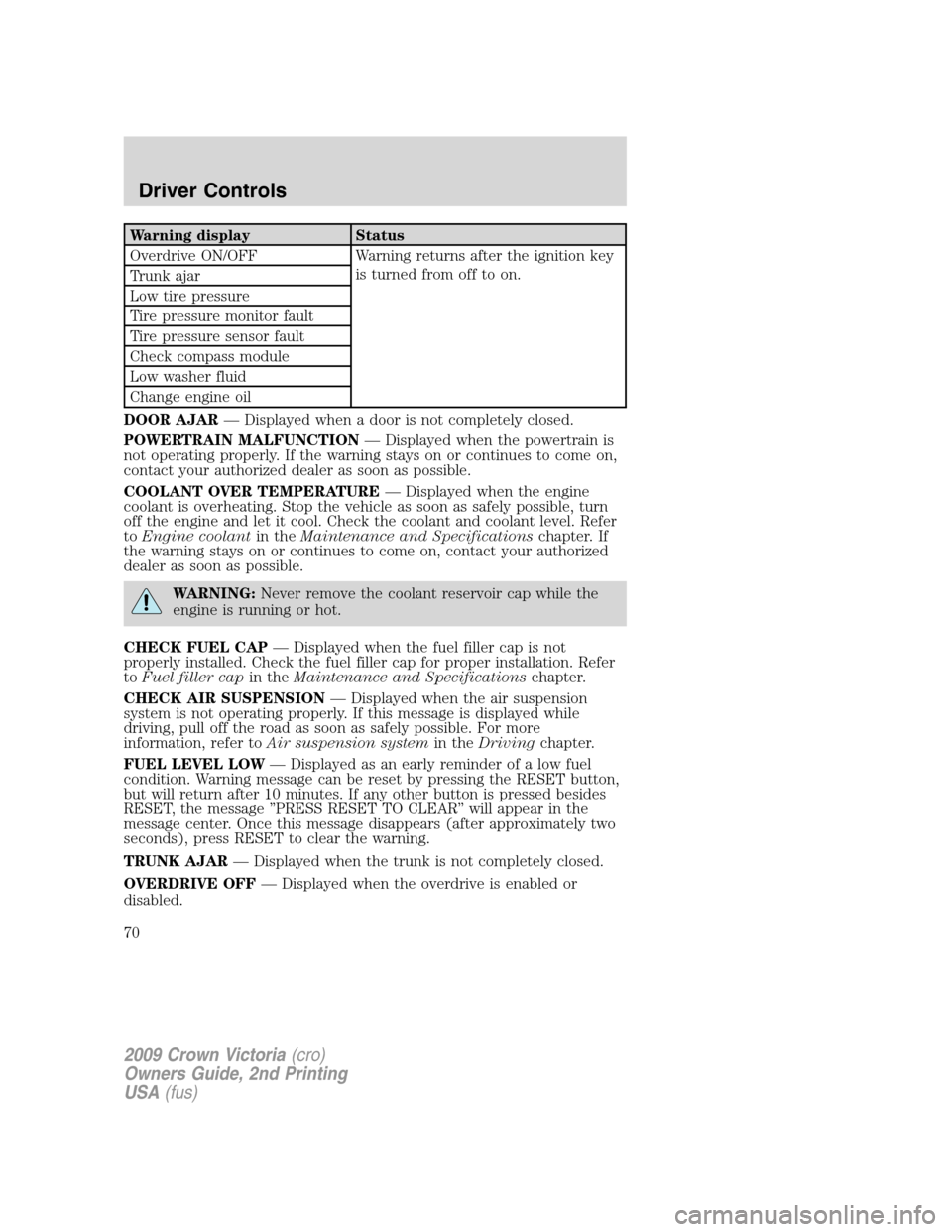
Warning display Status
Overdrive ON/OFF Warning returns after the ignition key
is turned from off to on.
Trunk ajar
Low tire pressure
Tire pressure monitor fault
Tire pressure sensor fault
Check compass module
Low washer fluid
Change engine oil
DOOR AJAR— Displayed when a door is not completely closed.
POWERTRAIN MALFUNCTION— Displayed when the powertrain is
not operating properly. If the warning stays on or continues to come on,
contact your authorized dealer as soon as possible.
COOLANT OVER TEMPERATURE— Displayed when the engine
coolant is overheating. Stop the vehicle as soon as safely possible, turn
off the engine and let it cool. Check the coolant and coolant level. Refer
toEngine coolantin theMaintenance and Specificationschapter. If
the warning stays on or continues to come on, contact your authorized
dealer as soon as possible.
WARNING:Never remove the coolant reservoir cap while the
engine is running or hot.
CHECK FUEL CAP— Displayed when the fuel filler cap is not
properly installed. Check the fuel filler cap for proper installation. Refer
toFuel filler capin theMaintenance and Specificationschapter.
CHECK AIR SUSPENSION— Displayed when the air suspension
system is not operating properly. If this message is displayed while
driving, pull off the road as soon as safely possible. For more
information, refer toAir suspension systemin theDrivingchapter.
FUEL LEVEL LOW— Displayed as an early reminder of a low fuel
condition. Warning message can be reset by pressing the RESET button,
but will return after 10 minutes. If any other button is pressed besides
RESET, the message ’’PRESS RESET TO CLEAR’’ will appear in the
message center. Once this message disappears (after approximately two
seconds), press RESET to clear the warning.
TRUNK AJAR— Displayed when the trunk is not completely closed.
OVERDRIVE OFF— Displayed when the overdrive is enabled or
disabled.
2009 Crown Victoria(cro)
Owners Guide, 2nd Printing
USA(fus)
Driver Controls
70