radio FORD E-150 2005 User Guide
[x] Cancel search | Manufacturer: FORD, Model Year: 2005, Model line: E-150, Model: FORD E-150 2005Pages: 248, PDF Size: 2.55 MB
Page 30 of 248
stored in preset 1 will begin playing. If there are less than six strong
stations, the system will store the last one in the remaining presets.
Setting the clock:Press MENU until SELECT HOUR or SELECT
MINUTE is displayed. Use SEL to manually increase (
) or decrease
(
) the hours/minutes. Press MENU again to disengage clock mode.
Folder/Track mode:In MP3 mode, press MENU until MODE appears in
the display. Use SEL to toggle between FOLDER (only tracks within
selected folder are accessible) or TRACK (all tracks on disc are
accessible) MODE.
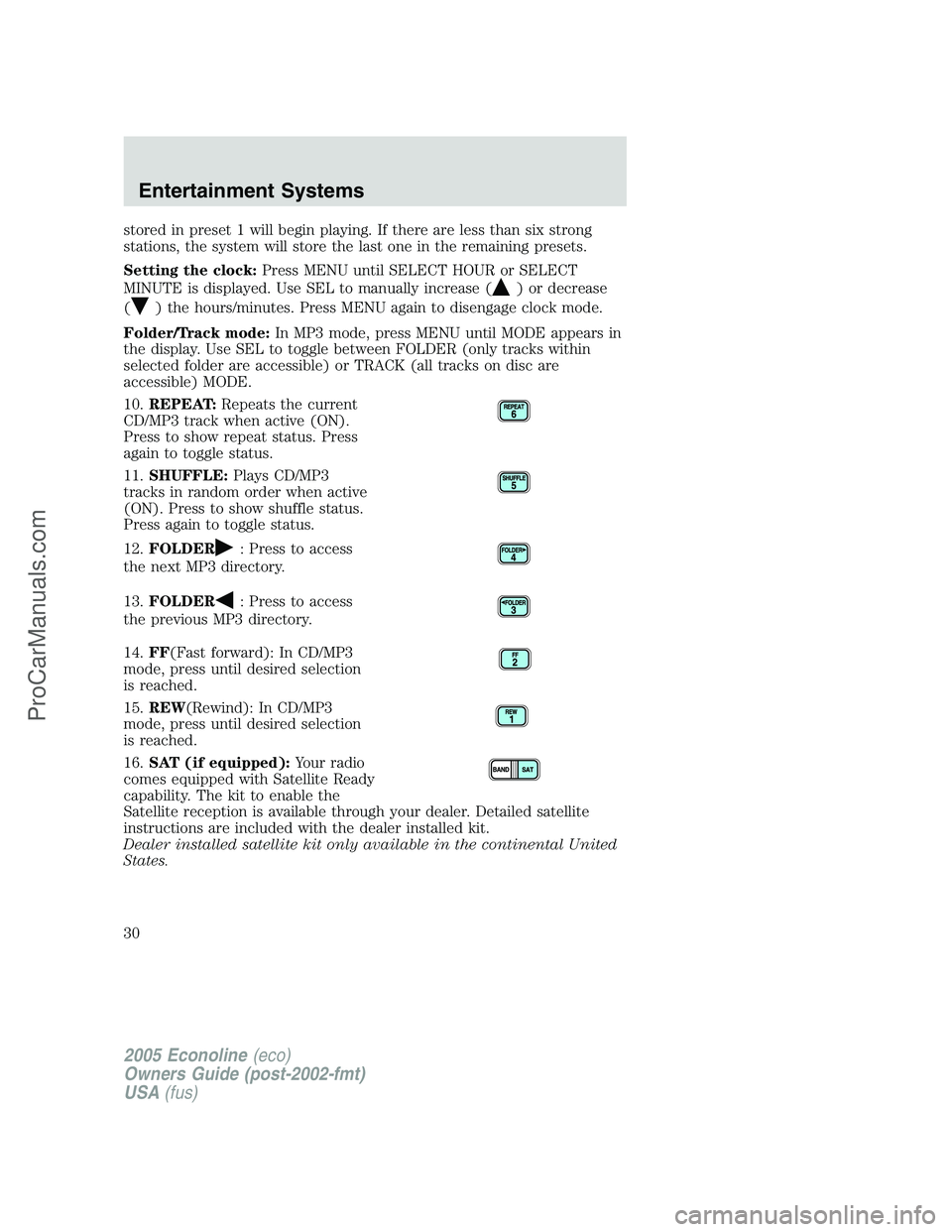
10.REPEAT:Repeats the current
CD/MP3 track when active (ON).
Press to show repeat status. Press
again to toggle status.
11.SHUFFLE:Plays CD/MP3
tracks in random order when active
(ON). Press to show shuffle status.
Press again to toggle status.
12.FOLDER
: Press to access
the next MP3 directory.
13.FOLDER
: Press to access
the previous MP3 directory.
14.FF(Fast forward): In CD/MP3
mode, press until desired selection
is reached.
15.REW(Rewind): In CD/MP3
mode, press until desired selection
is reached.
16.SAT (if equipped):Your radio
comes equipped with Satellite Ready
capability. The kit to enable the
Satellite reception is available through your dealer. Detailed satellite
instructions are included with the dealer installed kit.
Dealer installed satellite kit only available in the continental United
States.
2005 Econoline(eco)
Owners Guide (post-2002-fmt)
USA(fus)
Entertainment Systems
30
ProCarManuals.com
Page 31 of 248
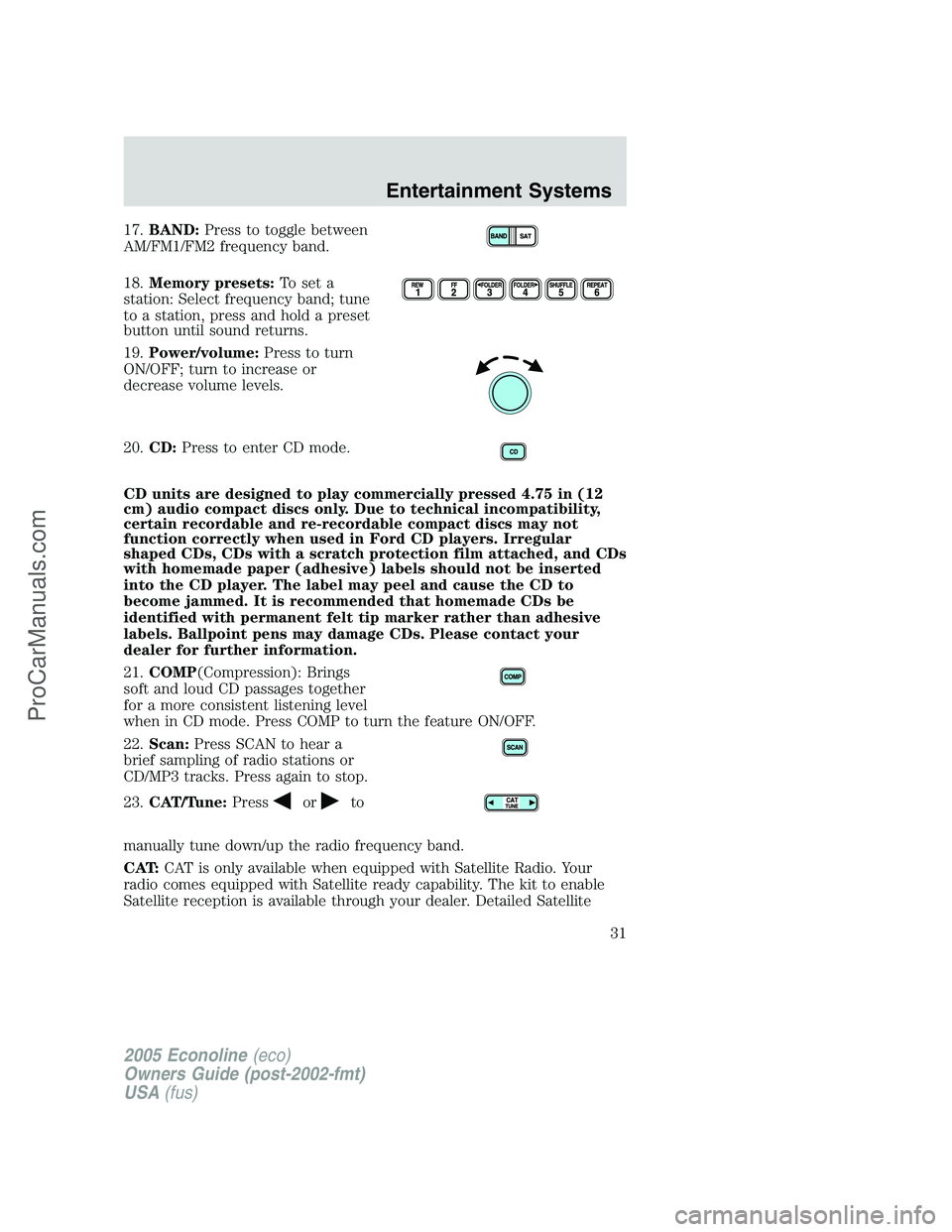
17.BAND:Press to toggle between
AM/FM1/FM2 frequency band.
18.Memory presets:To set a
station: Select frequency band; tune
to a station, press and hold a preset
button until sound returns.
19.Power/volume:Press to turn
ON/OFF; turn to increase or
decrease volume levels.
20.CD:Press to enter CD mode.
CD units are designed to play commercially pressed 4.75 in (12
cm) audio compact discs only. Due to technical incompatibility,
certain recordable and re-recordable compact discs may not
function correctly when used in Ford CD players. Irregular
shaped CDs, CDs with a scratch protection film attached, and CDs
with homemade paper (adhesive) labels should not be inserted
into the CD player. The label may peel and cause the CD to
become jammed. It is recommended that homemade CDs be
identified with permanent felt tip marker rather than adhesive
labels. Ballpoint pens may damage CDs. Please contact your
dealer for further information.
21.COMP(Compression): Brings
soft and loud CD passages together
for a more consistent listening level
when in CD mode. Press COMP to turn the feature ON/OFF.
22.Scan:Press SCAN to hear a
brief sampling of radio stations or
CD/MP3 tracks. Press again to stop.
23.CAT/Tune:Press
orto
manually tune down/up the radio frequency band.
CAT:CAT is only available when equipped with Satellite Radio. Your
radio comes equipped with Satellite ready capability. The kit to enable
Satellite reception is available through your dealer. Detailed Satellite
2005 Econoline(eco)
Owners Guide (post-2002-fmt)
USA(fus)
Entertainment Systems
31
ProCarManuals.com
Page 32 of 248
instructions are included with the dealer installed kit.
Dealer installed satellite kit only available in the continental United
States.
For information regarding SIRIUS Satellite Radio, please call toll-free
888-539-SIRIUS (888-539-7474) or visit the SIRIUS website at
www.siriusradio.com
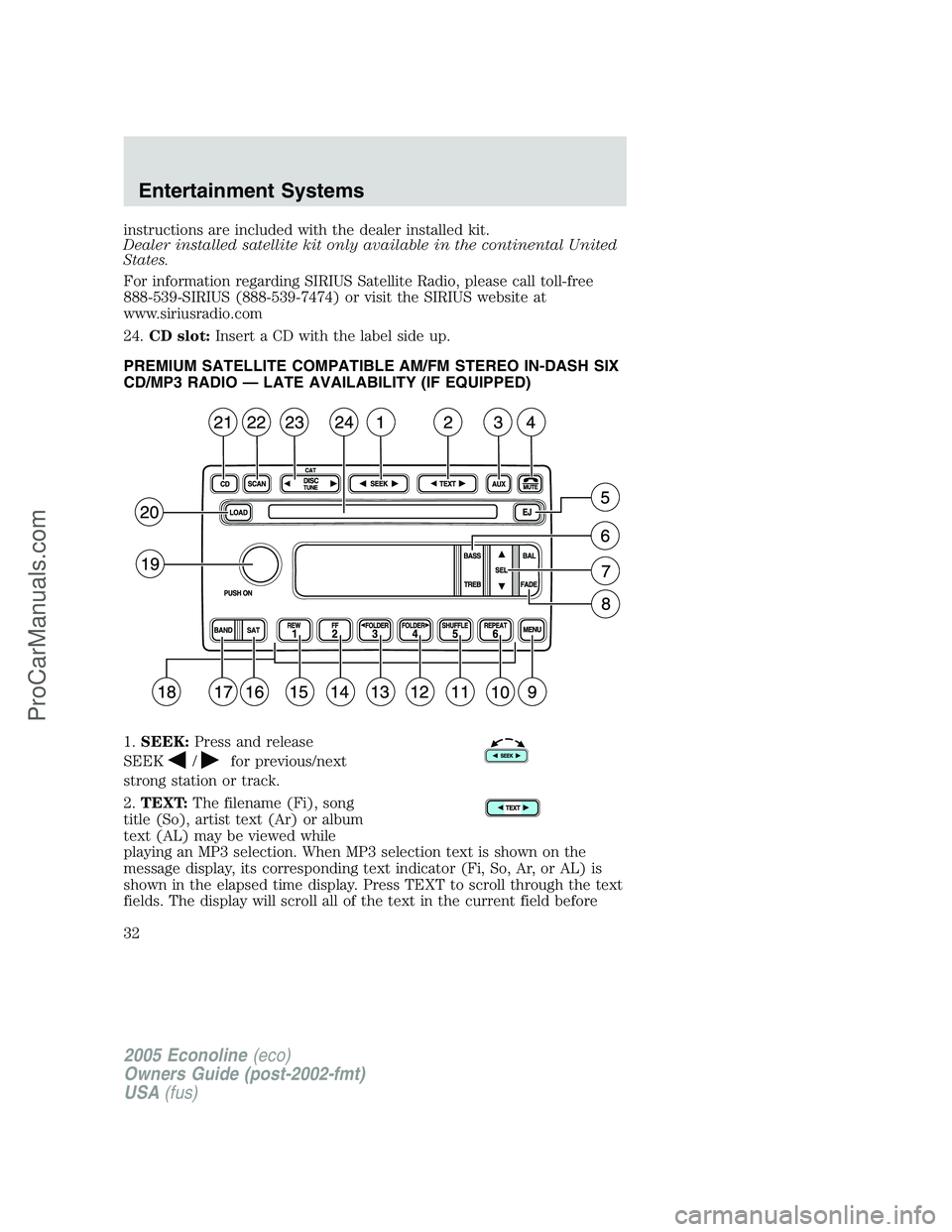
24.CD slot:Insert a CD with the label side up.
PREMIUM SATELLITE COMPATIBLE AM/FM STEREO IN-DASH SIX
CD/MP3 RADIO — LATE AVAILABILITY (IF EQUIPPED)
1.SEEK:Press and release
SEEK
/for previous/next
strong station or track.
2.TEXT:The filename (Fi), song
title (So), artist text (Ar) or album
text (AL) may be viewed while
playing an MP3 selection. When MP3 selection text is shown on the
message display, its corresponding text indicator (Fi, So, Ar, or AL) is
shown in the elapsed time display. Press TEXT to scroll through the text
fields. The display will scroll all of the text in the current field before
2005 Econoline(eco)
Owners Guide (post-2002-fmt)
USA(fus)
Entertainment Systems
32
ProCarManuals.com
Page 33 of 248
changing to the next field. (TEXT must be pressed within 3 seconds of
the previous button press to proceed to the next/last text display.)
TEXT is also available when equipped with Satellite radio. Your radio
comes equipped with Satellite ready capability. The kit to enable Satellite
reception is available through your dealer. Detailed Satellite instructions
are included with the dealer installed kit.Dealer installed satellite kit
only available in the continental United States.
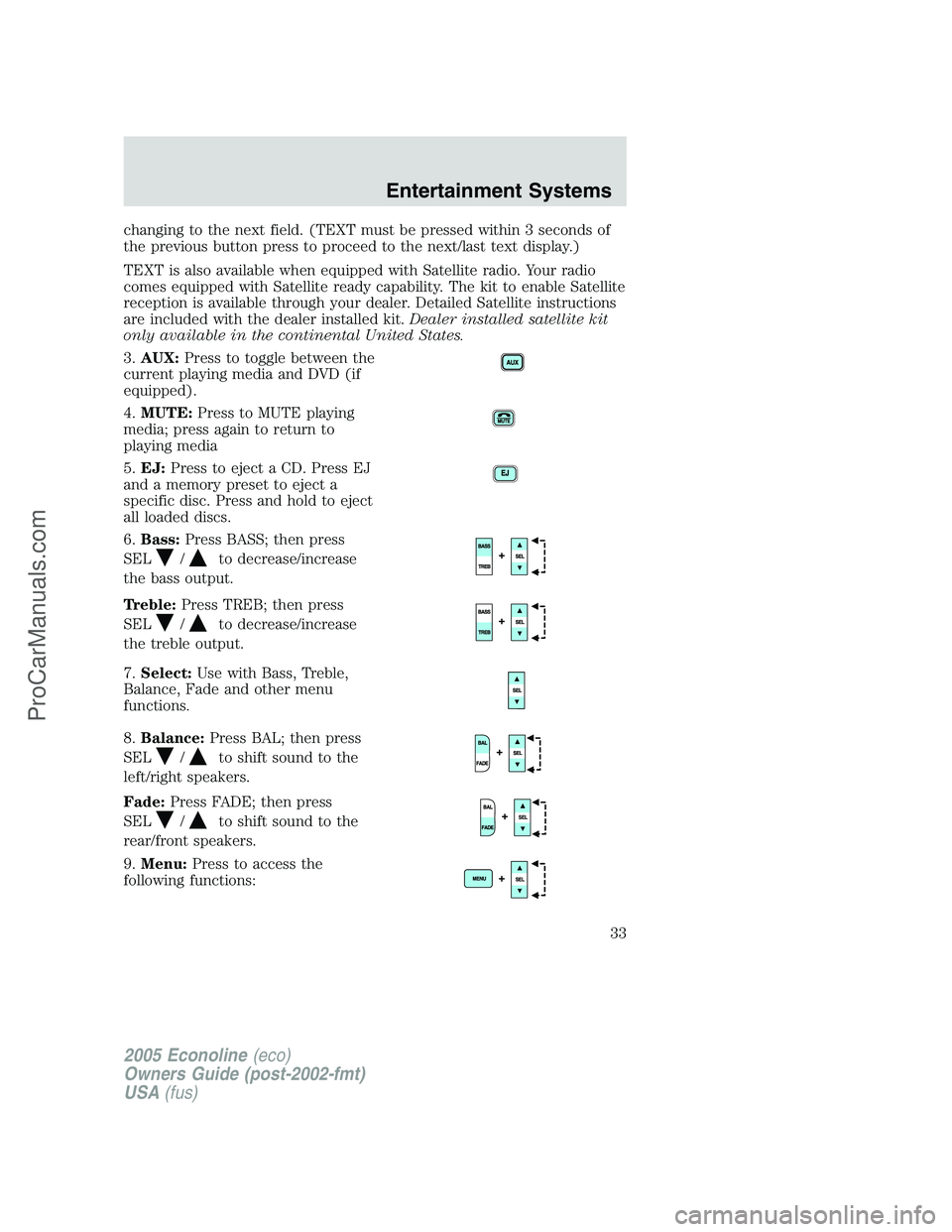
3.AUX:Press to toggle between the
current playing media and DVD (if
equipped).
4.MUTE:Press to MUTE playing
media; press again to return to
playing media
5.EJ:Press to eject a CD. Press EJ
and a memory preset to eject a
specific disc. Press and hold to eject
all loaded discs.
6.Bass:Press BASS; then press
SEL
/to decrease/increase
the bass output.
Treble:Press TREB; then press
SEL
/to decrease/increase
the treble output.
7.Select:Use with Bass, Treble,
Balance, Fade and other menu
functions.
8.Balance:Press BAL; then press
SEL
/to shift sound to the
left/right speakers.
Fade:Press FADE; then press
SEL
/to shift sound to the
rear/front speakers.
9.Menu:Press to access the
following functions:
2005 Econoline(eco)
Owners Guide (post-2002-fmt)
USA(fus)
Entertainment Systems
33
ProCarManuals.com
Page 34 of 248
Compression:Brings soft and loud CD passages together for a more
consistent listening level when in CD mode. Press MENU until
compression status is displayed. Press the SEL control to enable the
compression feature when COMPRESS OFF is displayed. Press the SEL
control again to disable the feature when COMPRESS ON is displayed.
Autoset:Press MENU until AUTOSET appears in the display. Press SEL
to toggle ON/OFF. Allows you to set the strongest local radio stations
without losing your original manually set preset stations for
AM/FM1/FM2. When the six strongest stations are filled, the station
stored in preset 1 will begin playing. If there are less than six strong
stations, the system will store the last one in the remaining presets.
Setting the clock:Press MENU until SELECT HOUR or SELECT
MINUTE is displayed. Use SEL to manually increase (
) or decrease
(
) the hours/minutes. Press MENU again to disengage clock mode.
Folder/Track Mode:In MP3 mode, press MENU until MODE appears in
the display. Use SEL to toggle between FOLDER (only tracks within
selected folder are accessible) or TRACK (all tracks on disc are
accessible) MODE.
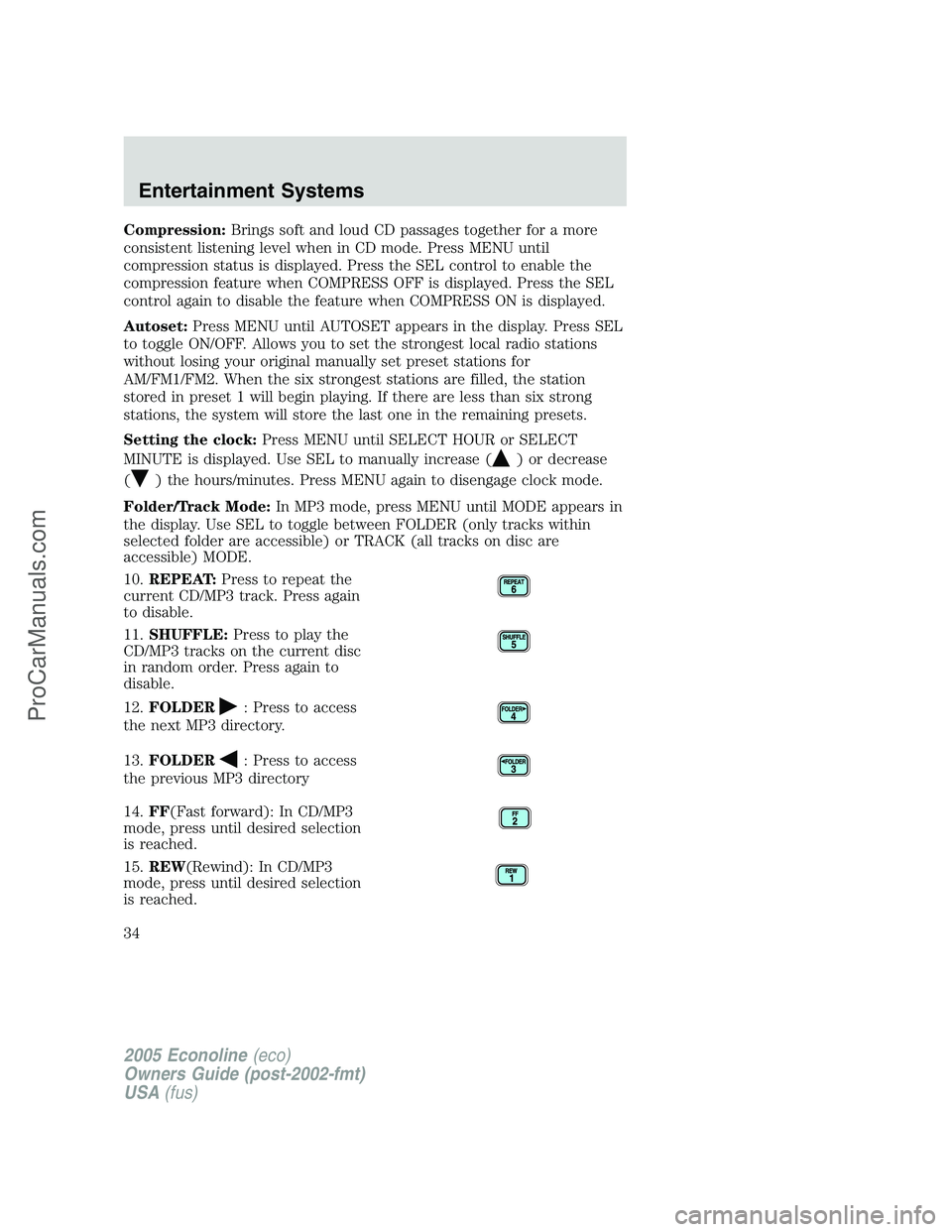
10.REPEAT:Press to repeat the
current CD/MP3 track. Press again
to disable.
11.SHUFFLE:Press to play the
CD/MP3 tracks on the current disc
in random order. Press again to
disable.
12.FOLDER
: Press to access
the next MP3 directory.
13.FOLDER
: Press to access
the previous MP3 directory
14.FF(Fast forward): In CD/MP3
mode, press until desired selection
is reached.
15.REW(Rewind): In CD/MP3
mode, press until desired selection
is reached.
2005 Econoline(eco)
Owners Guide (post-2002-fmt)
USA(fus)
Entertainment Systems
34
ProCarManuals.com
Page 35 of 248
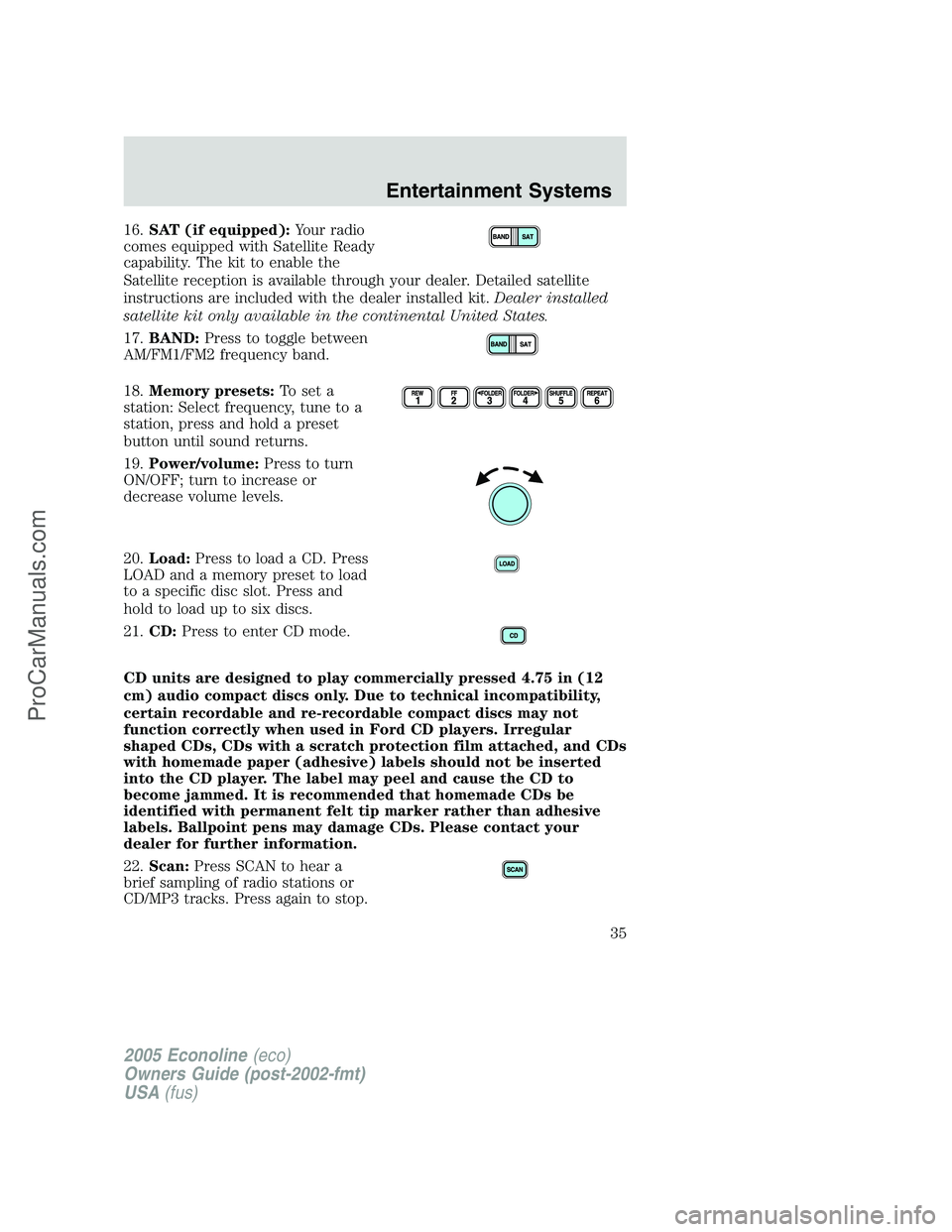
16.SAT (if equipped):Your radio
comes equipped with Satellite Ready
capability. The kit to enable the
Satellite reception is available through your dealer. Detailed satellite
instructions are included with the dealer installed kit.Dealer installed
satellite kit only available in the continental United States.
17.BAND:Press to toggle between
AM/FM1/FM2 frequency band.
18.Memory presets:To set a
station: Select frequency, tune to a
station, press and hold a preset
button until sound returns.
19.Power/volume:Press to turn
ON/OFF; turn to increase or
decrease volume levels.
20.Load:Press to load a CD. Press
LOAD and a memory preset to load
to a specific disc slot. Press and
hold to load up to six discs.
21.CD:Press to enter CD mode.
CD units are designed to play commercially pressed 4.75 in (12
cm) audio compact discs only. Due to technical incompatibility,
certain recordable and re-recordable compact discs may not
function correctly when used in Ford CD players. Irregular
shaped CDs, CDs with a scratch protection film attached, and CDs
with homemade paper (adhesive) labels should not be inserted
into the CD player. The label may peel and cause the CD to
become jammed. It is recommended that homemade CDs be
identified with permanent felt tip marker rather than adhesive
labels. Ballpoint pens may damage CDs. Please contact your
dealer for further information.
22.Scan:Press SCAN to hear a
brief sampling of radio stations or
CD/MP3 tracks. Press again to stop.
2005 Econoline(eco)
Owners Guide (post-2002-fmt)
USA(fus)
Entertainment Systems
35
ProCarManuals.com
Page 36 of 248
23.Disc/Tune:Pressorto
manually tune down/up the radio
frequency band, or to listen to the previous/next CD.
CAT:CAT is only available when equipped with Satellite Radio. Your
Audiophile radio comes equipped with Satellite ready capability. The kit
to enable Satellite reception is available through your dealer. Detailed
Satellite instructions are included with the dealer installed kit.Dealer
installed satellite kit only available in the continental United States.
For information regarding SIRIUS Satellite Radio, please call toll-free
888-539-SIRIUS (888-539-7474) or visit the SIRIUS website at
www.siriusradio.com
24.CD slot:Insert a CD, label side up.
ACCESSORY DELAY
With accessory delay, the window switches, moon roof (if equipped) and
audio system may be used for up to ten minutes after the ignition switch
is turn to the OFF position or until any door is opened.
RADIO FREQUENCIES
AM and FM frequencies are established by the Federal Communications
Commission (FCC) and the Canadian Radio and Telecommunications
Commission (CRTC). Those frequencies are:
AM - 530, 540–1700, 1710 kHz
FM- 87.7, 87.9–107.7, 107.9 MHz
RADIO RECEPTION FACTORS
There are three factors that can affect radio reception:
•Distance/strength: The further you travel from an FM station, the
weaker the signal and the weaker the reception.
•Terrain: Hills, mountains, tall buildings, power lines, electric fences,
traffic lights and thunderstorms can interfere with your reception.
•Station overload: When you pass a broadcast tower, a stronger signal
may overtake a weaker one and play while the weak station frequency
is displayed.
CASSETTE/PLAYER CARE
Do:
•Use only cassettes that are 90 minutes long or less.
2005 Econoline(eco)
Owners Guide (post-2002-fmt)
USA(fus)
Entertainment Systems
36
ProCarManuals.com
Page 55 of 248
![FORD E-150 2005 User Guide •Drive the vehicle slowly (less than 5 km/h [3 mph]) in circles until
CAL indicator turns off in about 2–3 complete circles.
•The compass is now calibrated.
CELL PHONE USE
The use of Mobile Comm](/img/11/57760/w960_57760-54.png "FORD E-150 2005 User Guide •Drive the vehicle slowly (less than 5 km/h [3 mph]) in circles until
CAL indicator turns off in about 2–3 complete circles.
•The compass is now calibrated.
CELL PHONE USE
The use of Mobile Comm")
•Drive the vehicle slowly (less than 5 km/h [3 mph]) in circles until
CAL indicator turns off in about 2–3 complete circles.
•The compass is now calibrated.
CELL PHONE USE
The use of Mobile Communications Equipment has become increasingly
important in the conduct of business and personal affairs. However,
drivers must not compromise their own or others’ safety when using
such equipment. Mobile Communications can enhance personal safety
and security when appropriately used, particularly in emergency
situations. Safety must be paramount when using mobile communications
equipment to avoid negating these benefits.
Mobile Communication Equipment includes, but is not limited to cellular
phones, pagers, portable email devices, in-vehicle communications
systems, telematics devices and portable two-way radios.
A driver’s first responsibility is the safe operation of the vehicle.
The most important thing you can do to prevent a crash is to
avoid distractions and pay attention to the road. Wait until it is safe to
operate Mobile Communications Equipment.
AUXILIARY POWER POINT (12VDC)
Power outlets are designed for
accessory plugs only. Do not
hang any type of accessory or
accessory bracket from the plug.
Improper use of the power
outlet can cause damage not
covered by your warranty.
The auxiliary power point is located
on the instrument panel.
A second power point (if equipped)
is located behind the driver’s seat on the upper trim panel.
Do not plug optional electrical accessories into the cigarette lighter. Use
the power point.
Do not use the power point for operating the cigarette lighter element.
The maximum power each power point can supply depends on the fuse
rating. For example: a 20A fuse should supply a maximum of 240 Watts,
a 15A fuse should supply a maximum of 180 Watts and a 10A fuse should
supply a maximum of 120 Watts. Exceeding these limits will result in a
blown fuse.
2005 Econoline(eco)
Owners Guide (post-2002-fmt)
USA(fus)
Driver Controls
55
ProCarManuals.com
Page 56 of 248
Always keep the power point caps closed when not being used.
POWER WINDOWS (IF EQUIPPED)
Do not leave children unattended in the vehicle and do not let
children play with the power windows. They may seriously injure
themselves.
When closing the power windows, you should verify they are free
of obstructions and ensure that children and/or pets are not in
the proximity of the window openings.
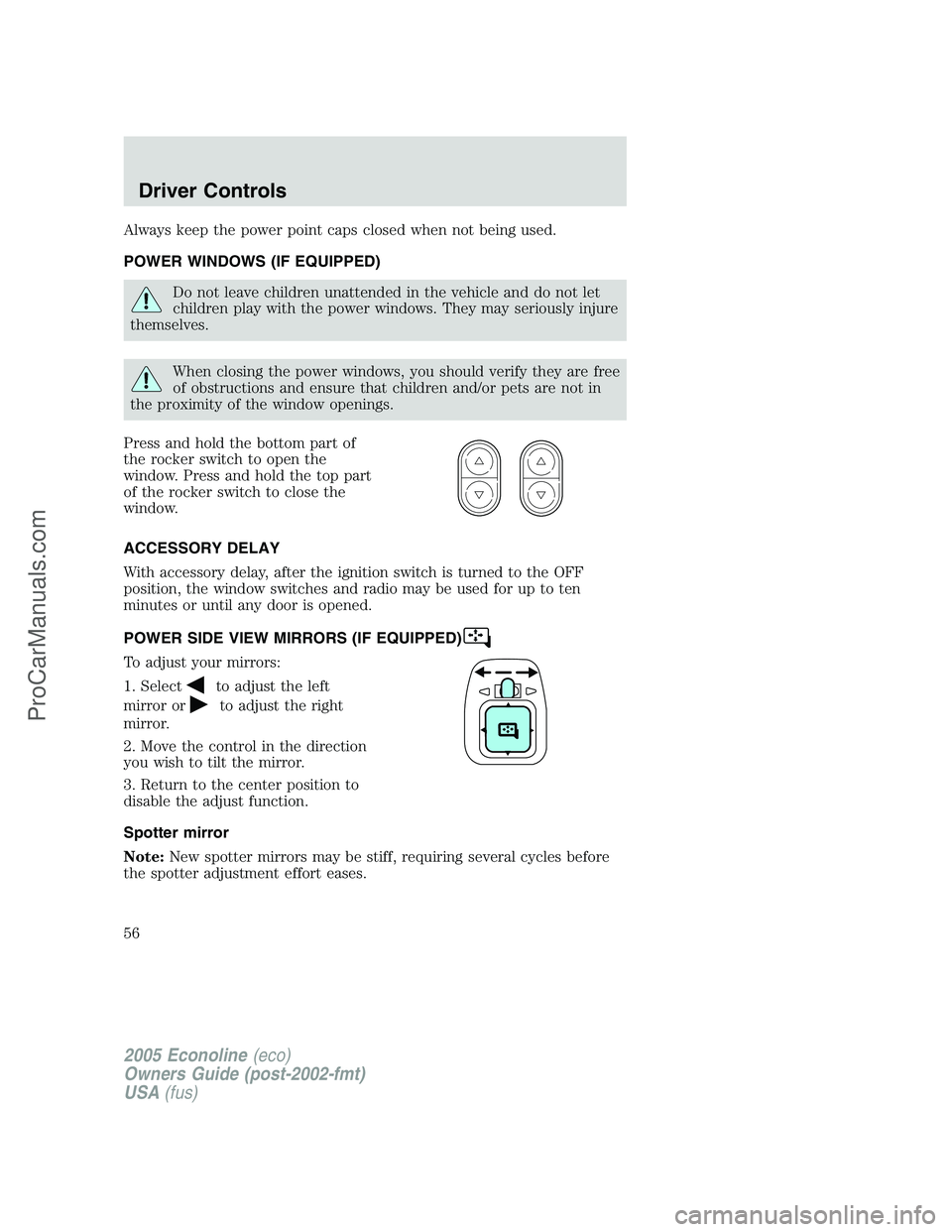
Press and hold the bottom part of
the rocker switch to open the
window. Press and hold the top part
of the rocker switch to close the
window.
ACCESSORY DELAY
With accessory delay, after the ignition switch is turned to the OFF
position, the window switches and radio may be used for up to ten
minutes or until any door is opened.
POWER SIDE VIEW MIRRORS (IF EQUIPPED)
To adjust your mirrors:
1. Select
to adjust the left
mirror or
to adjust the right
mirror.
2. Move the control in the direction
you wish to tilt the mirror.
3. Return to the center position to
disable the adjust function.
Spotter mirror
Note:New spotter mirrors may be stiff, requiring several cycles before
the spotter adjustment effort eases.
2005 Econoline(eco)
Owners Guide (post-2002-fmt)
USA(fus)
Driver Controls
56
ProCarManuals.com
Page 62 of 248
Changes or modifications not expressly approved by the party
responsible for compliance could void the user’s authority to
operate the equipment.
The typical operating range for your remote entry transmitter is
approximately 33 feet (10 meters). A decrease in operating range could
be caused by:
•weather conditions,
•nearby radio towers,
•structures around the vehicle, or
•other vehicles parked next to your vehicle.
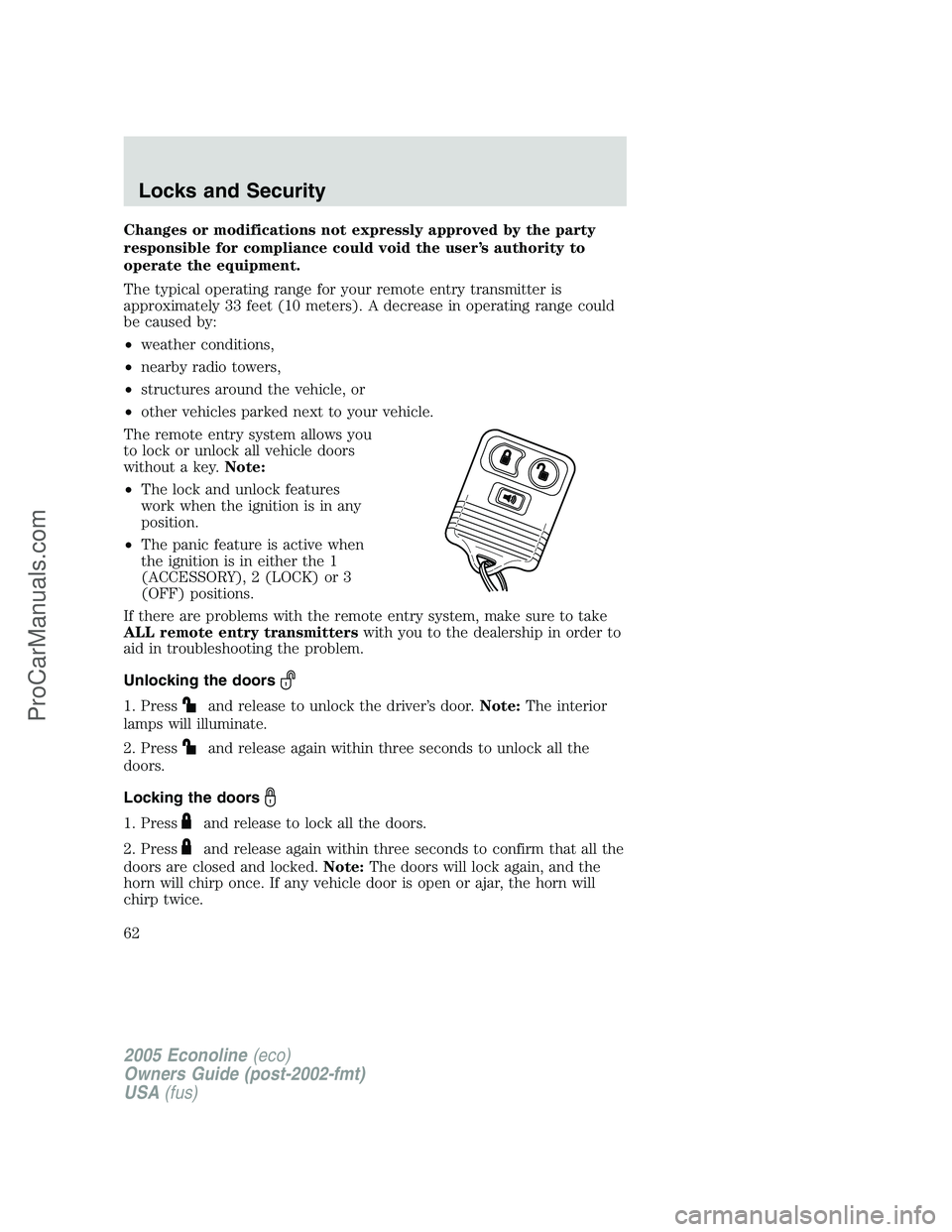
The remote entry system allows you
to lock or unlock all vehicle doors
without a key.Note:
•The lock and unlock features
work when the ignition is in any
position.
•The panic feature is active when
the ignition is in either the 1
(ACCESSORY), 2 (LOCK) or 3
(OFF) positions.
If there are problems with the remote entry system, make sure to take
ALL remote entry transmitterswith you to the dealership in order to
aid in troubleshooting the problem.
Unlocking the doors
1. Pressand release to unlock the driver’s door.Note:The interior
lamps will illuminate.
2. Press
and release again within three seconds to unlock all the
doors.
Locking the doors
1. Pressand release to lock all the doors.
2. Press
and release again within three seconds to confirm that all the
doors are closed and locked.Note:The doors will lock again, and the
horn will chirp once. If any vehicle door is open or ajar, the horn will
chirp twice.
2005 Econoline(eco)
Owners Guide (post-2002-fmt)
USA(fus)
Locks and Security
62
ProCarManuals.com