audio FORD E SERIES 2000 4.G User Guide
[x] Cancel search | Manufacturer: FORD, Model Year: 2000, Model line: E SERIES, Model: FORD E SERIES 2000 4.GPages: 232, PDF Size: 2.58 MB
Page 42 of 232
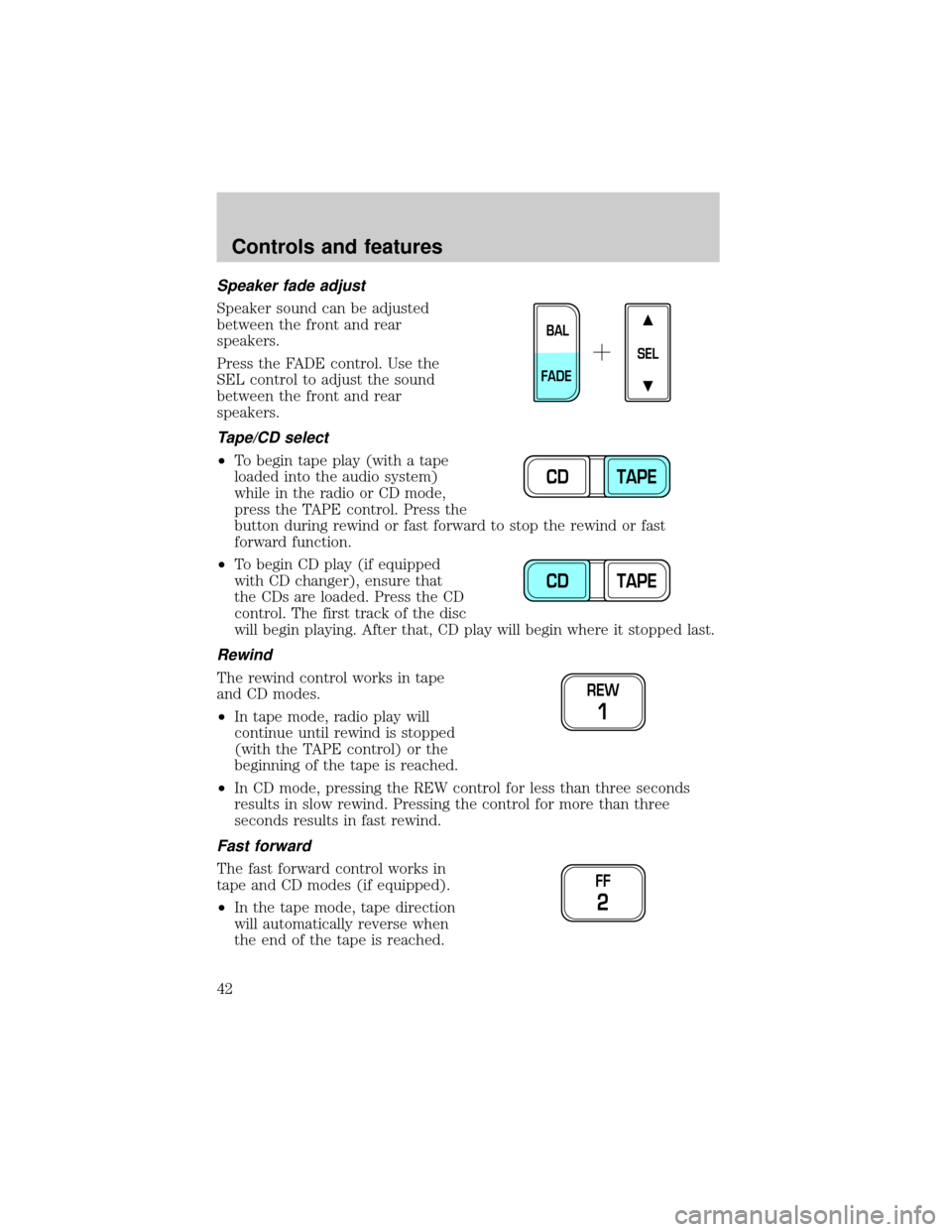
Speaker fade adjust
Speaker sound can be adjusted
between the front and rear
speakers.
Press the FADE control. Use the
SEL control to adjust the sound
between the front and rear
speakers.
Tape/CD select
²To begin tape play (with a tape
loaded into the audio system)
while in the radio or CD mode,
press the TAPE control. Press the
button during rewind or fast forward to stop the rewind or fast
forward function.
²To begin CD play (if equipped
with CD changer), ensure that
the CDs are loaded. Press the CD
control. The first track of the disc
will begin playing. After that, CD play will begin where it stopped last.
Rewind
The rewind control works in tape
and CD modes.
²In tape mode, radio play will
continue until rewind is stopped
(with the TAPE control) or the
beginning of the tape is reached.
²In CD mode, pressing the REW control for less than three seconds
results in slow rewind. Pressing the control for more than three
seconds results in fast rewind.
Fast forward
The fast forward control works in
tape and CD modes (if equipped).
²In the tape mode, tape direction
will automatically reverse when
the end of the tape is reached.
SEL
BAL
FADE
CD TAPE
CD TAPE
REW
1
FF
2
Controls and features
42
Page 44 of 232
shuffle feature continues to the next disc after all tracks are played.
Press the SHUFFLE control to start this feature. Random order play will
continue until the SHUFFLE control is pressed again.
Radio data system (RDS) feature
This feature allows your audio
system to receive station
identification or program type from
RDS-equipped FM radio stations.
The Federal Communications Commission (FCC) and the Canadian Radio
and Telecommunications Commission (CRTC) recommend FM radio
broadcasters to use RDS technology to transmit information. FM radio
stations are independently operated and individually elect to use RDS
technology to transmit station ID and program type as desired.
Press and hold the control for five seconds to turn the feature on or off.
Press the control to scroll through the following selections:
Traffic
²Press the RDS control until
TRAFFIC is displayed.
²Use the SEL control to select ON
or OFF. With the feature on, use
the SEEK or SCAN control to
find a radio station broadcasting a
traffic report (if it is broadcasting
RDS data).
Traffic information is not available in most U.S. markets.
Program type
²Press the RDS control until the
FIND program type is displayed.
²Use the SEL control to select the
program type. With the feature
on, use the SEEK or SCAN
control to find the desired
program type from the following
selections:
RDS
RDS
SEL
RDS
SEL
Controls and features
44
Page 46 of 232
Use the SEL control to manually set
the time.
²Press
to increase
hours/minutes.
²Press
to decrease
hours/minutes.
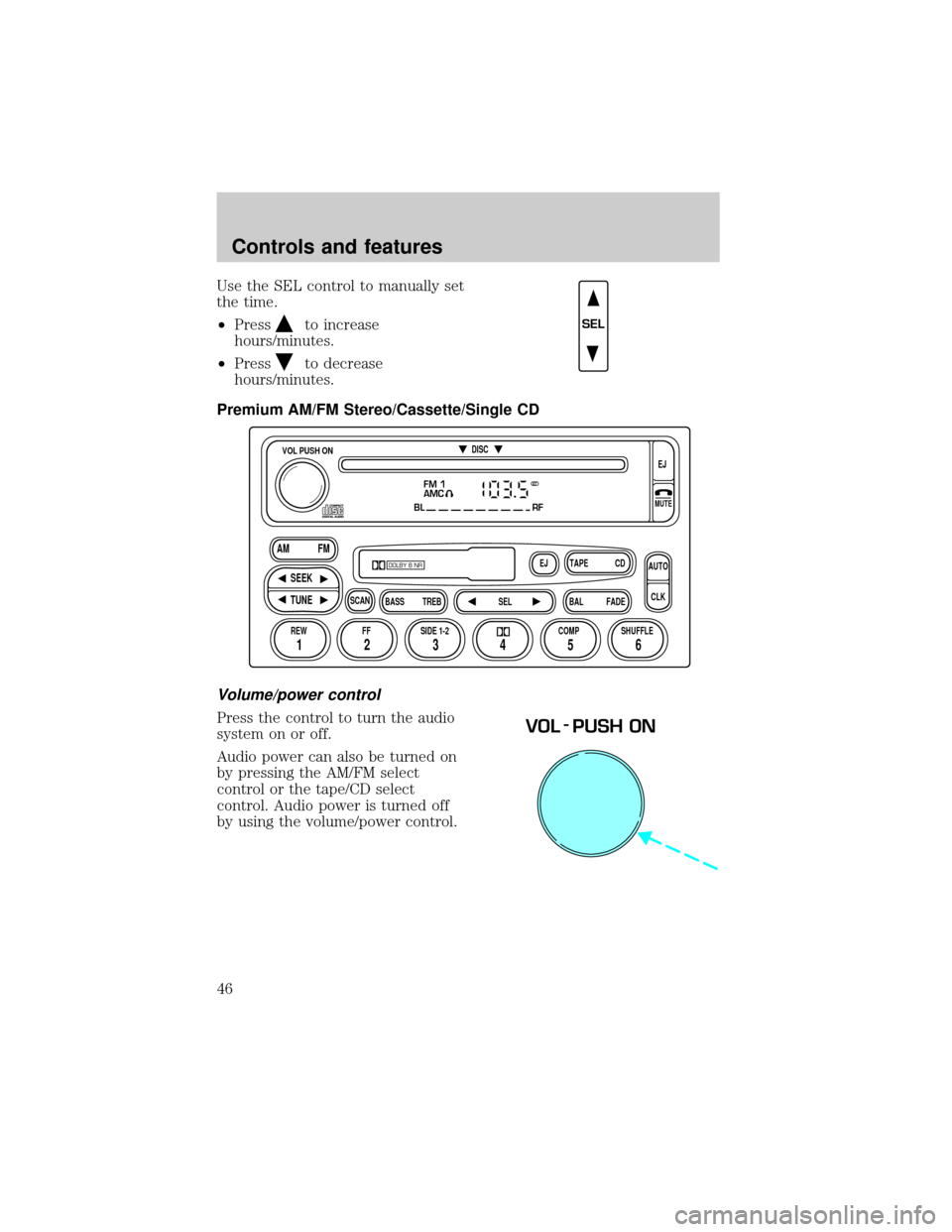
Premium AM/FM Stereo/Cassette/Single CD
Volume/power control
Press the control to turn the audio
system on or off.
Audio power can also be turned on
by pressing the AM/FM select
control or the tape/CD select
control. Audio power is turned off
by using the volume/power control.
SEL
FM 1
AMC
BL RF
REW FFSCAN
BASS TREB SEL BALTAPE DISC
EJ CD
FADEAUTO
CLK
SIDE 1-2 COMP SHUFFLEEJ
MUTE
VOL PUSH ON
SEEK
TUNE AM FM
12 3456
DOLBY B NR
ST
VOL - PUSH ON
Controls and features
46
Page 51 of 232
Starting autoset memory preset
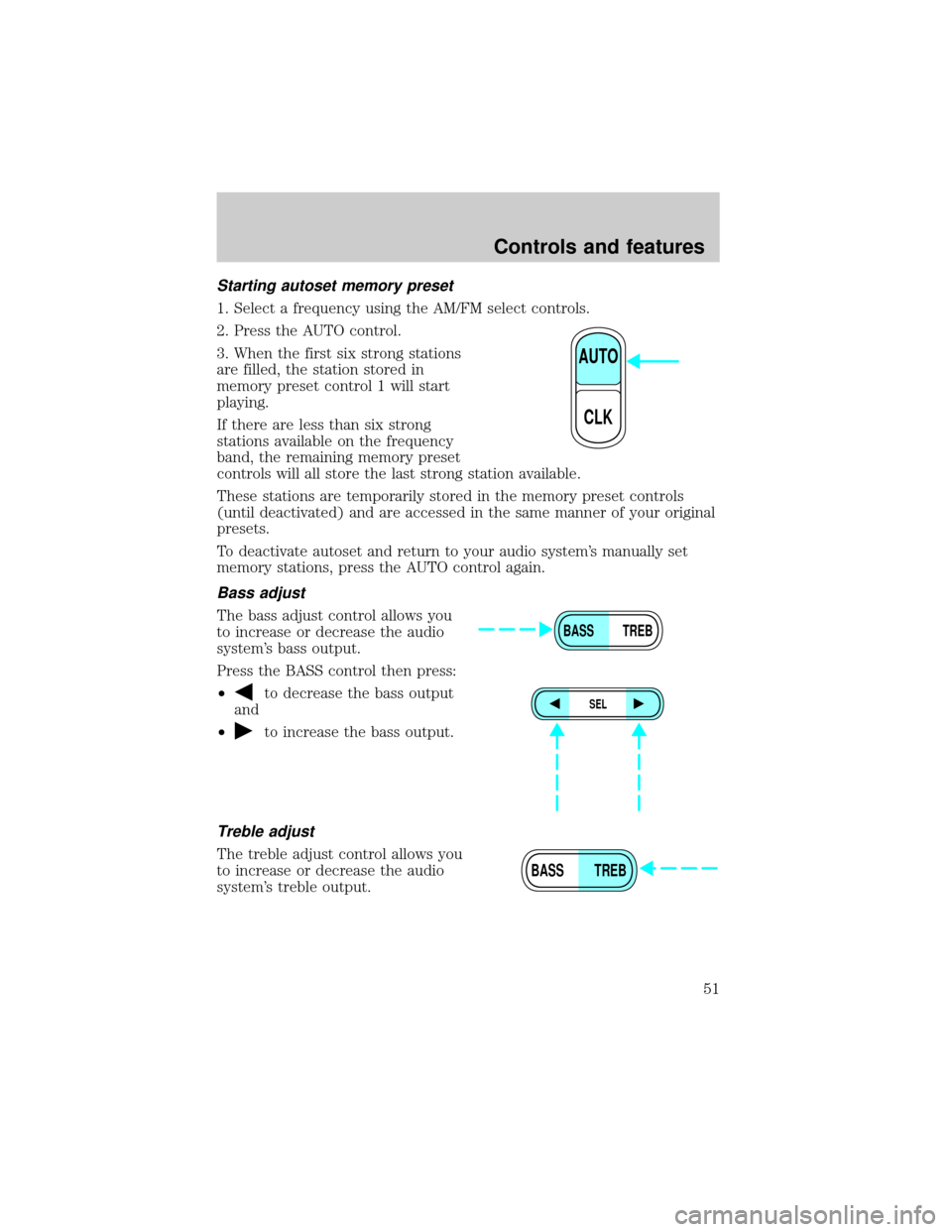
1. Select a frequency using the AM/FM select controls.
2. Press the AUTO control.
3. When the first six strong stations
are filled, the station stored in
memory preset control 1 will start
playing.
If there are less than six strong
stations available on the frequency
band, the remaining memory preset
controls will all store the last strong station available.
These stations are temporarily stored in the memory preset controls
(until deactivated) and are accessed in the same manner of your original
presets.
To deactivate autoset and return to your audio system's manually set
memory stations, press the AUTO control again.
Bass adjust
The bass adjust control allows you
to increase or decrease the audio
system's bass output.
Press the BASS control then press:
²
to decrease the bass output
and
²
to increase the bass output.
Treble adjust
The treble adjust control allows you
to increase or decrease the audio
system's treble output.
AUTO
CLK
BASS TREB
SEL
BASS TREB
Controls and features
51
Page 53 of 232
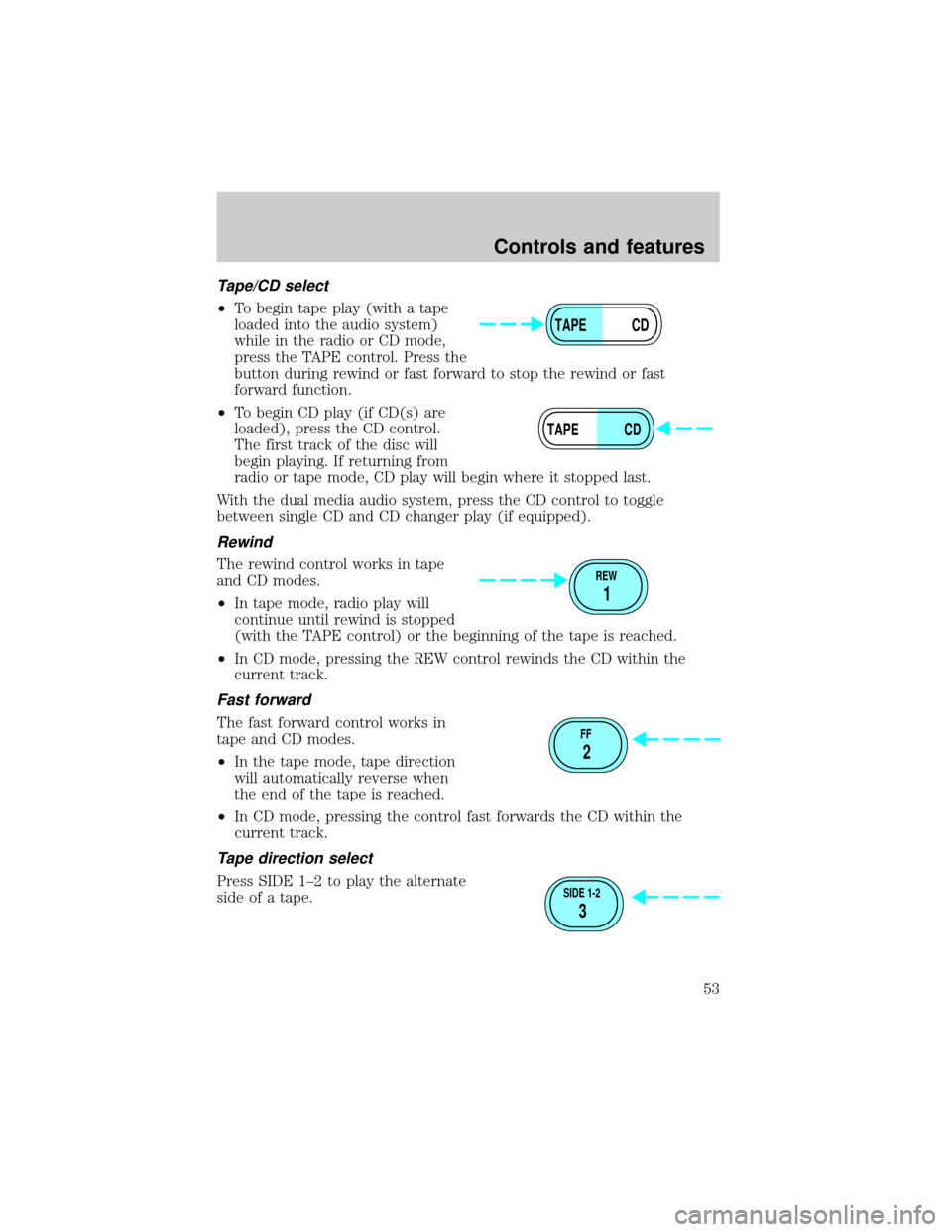
Tape/CD select
²To begin tape play (with a tape
loaded into the audio system)
while in the radio or CD mode,
press the TAPE control. Press the
button during rewind or fast forward to stop the rewind or fast
forward function.
²To begin CD play (if CD(s) are
loaded), press the CD control.
The first track of the disc will
begin playing. If returning from
radio or tape mode, CD play will begin where it stopped last.
With the dual media audio system, press the CD control to toggle
between single CD and CD changer play (if equipped).
Rewind
The rewind control works in tape
and CD modes.
²In tape mode, radio play will
continue until rewind is stopped
(with the TAPE control) or the beginning of the tape is reached.
²In CD mode, pressing the REW control rewinds the CD within the
current track.
Fast forward
The fast forward control works in
tape and CD modes.
²In the tape mode, tape direction
will automatically reverse when
the end of the tape is reached.
²In CD mode, pressing the control fast forwards the CD within the
current track.
Tape direction select
Press SIDE 1±2 to play the alternate
side of a tape.
TAPE CD
TAPE CD
REW
1
FF
2
SIDE 1-2
3
Controls and features
53
Page 58 of 232
Radio reception factors
Three factors can affect radio reception:
²Distance/strength.The further an FM signal travels, the weaker it is.
The listenable range of the average FM station is approximately 40 km
(24 miles). This range can be affected by ªsignal modulation.º Signal
modulation is a process radio stations use to increase their
strength/volume relative to other stations.
²Terrain.Hills, mountains and tall buildings between your vehicle's
antenna and the radio station signal can cause FM reception problems.
Static can be caused on AM stations by power lines, electric fences,
traffic lights and thunderstorms. Moving away from an interfering
structure (out of its ªshadowº) returns your reception to normal.
²Station overload.Weak signals are sometimes captured by stronger
signals when you pass a broadcast tower. A stronger signal may
temporarily overtake a weaker signal and play while the weak station
frequency is displayed.
The audio system automatically switches to single channel reception if it
will improve the reception of a station normally received in stereo.
Audio system warranties and service
Refer to the ªWarranty Guideº for audio system warranty information.
If service is necessary, see your dealer or a qualified technician.
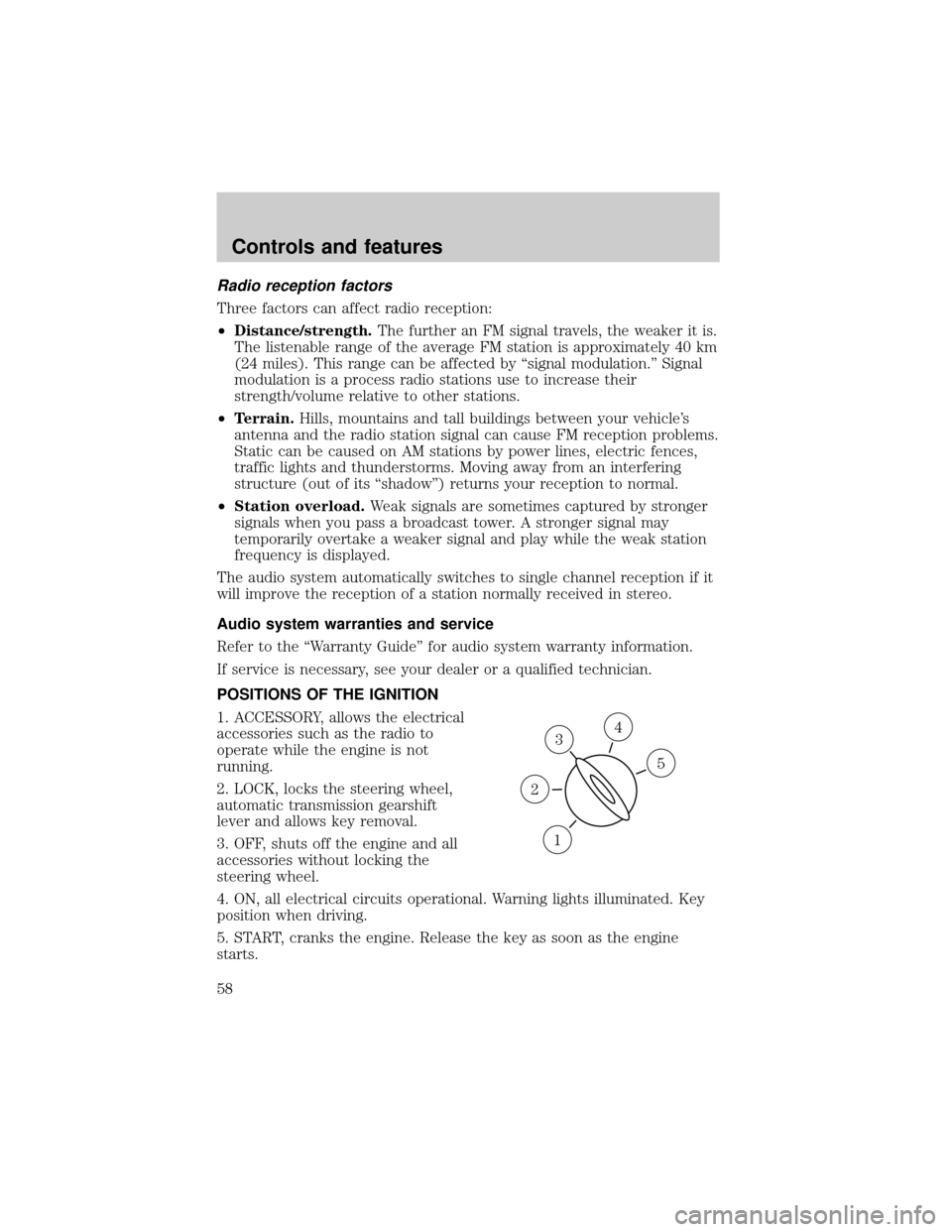
POSITIONS OF THE IGNITION
1. ACCESSORY, allows the electrical
accessories such as the radio to
operate while the engine is not
running.
2. LOCK, locks the steering wheel,
automatic transmission gearshift
lever and allows key removal.
3. OFF, shuts off the engine and all
accessories without locking the
steering wheel.
4. ON, all electrical circuits operational. Warning lights illuminated. Key
position when driving.
5. START, cranks the engine. Release the key as soon as the engine
starts.
3
1
2
5
4
Controls and features
58
Page 223 of 232

Air bag supplemental
restraint system ..........................88
and child safety seats ..............90
description ................................88
disposal ......................................93
driver air bag ............................90
indicator light ......................12,92
operation ...................................90
passenger air bag .....................90
Air cleaner filter ................155,199
Air conditioning ..........................18
Ambulance packages ....................4
Antifreeze
(see Engine coolant) ................158
Anti-lock brake system
(see Brakes) .......................109,110
Audio system (see Radio) .........25
Automatic transmission
driving an automatic
overdrive .................................115
fluid, adding ............................165
fluid, checking ........................165
fluid, refill capacities ..............200
fluid, specification ..................206
Auxiliary power point .................24
Axle
lubricant specifications ...203,206
refill capacities ........................200
traction lok ..............................113
Battery .......................................167
acid, treating emergencies .....167
charging system
warning light .............................12
disconnecting ..........................170
jumping a disabled battery ....144
maintenance-free ....................167
replacement, specifications ...199
servicing ..................................167
voltage gauge ............................16
Belt minder .................................84
Brakes ........................................109
anti-lock ............................109,110anti-lock brake system (ABS)
warning light ......................10,110
brake warning light ..................10
fluid, checking and adding ....156
fluid, refill capacities ..............200
fluid, specifications ..........203,206
lubricant specifications ...203,206
shift interlock ..........................114
Break-in period .............................3
Capacities for refilling fluids ....200
Cassette tape player ...................36
Child safety restraints ................94
child safety belts ......................94
Child safety seats ........................95
in front seat ..............................96
in rear seat ................................96
tether anchorage hardware .....99
Cleaning your vehicle ...............193
engine compartment ..............195
exterior .............................195,198
exterior lamps .........................196
instrument panel ....................197
instrument panel lens ............197
interior .....................................197
plastic parts ............................196
safety belts ..............................198
washing ....................................194
waxing .....................................194
wheels ......................................195
windows ..................................198
wiper blades ............................196
Climate control (see Air
conditioning or Heating) ............18
Clock .............................28,35,45,55
Controls
power seat .................................72
Coolant
checking and adding ..............158
refill capacities .................161,200
specifications ...................203,206
Cruise control
(see Speed control) ....................59
Index
223