ignition FORD E SERIES 2008 4.G User Guide
[x] Cancel search | Manufacturer: FORD, Model Year: 2008, Model line: E SERIES, Model: FORD E SERIES 2008 4.GPages: 280, PDF Size: 2.56 MB
Page 49 of 280
Electronic compass/temperature display (if equipped)
Outside air temperature
The outside temperature display is
contained in the overhead console.
The temperature display can be
turned off and on by pressing the
SELECT control on the overhead
console. The temperature can be
displayed in Centigrade or
Fahrenheit by pressing the SELECT
control.
If the outside temperature falls
below 38°F (3°C), the display will alternate from “ICE” to the outside
temperature at a two second rate for one minute.
Compass
The compass display is contained in the overhead console. The vehicle
heading is displayed as one of N, NE, E, SE, S, SW, W and NW.
The compass reading may be affected when you drive near large
buildings, bridges, power lines and powerful broadcast antenna. Magnetic
or metallic objects placed in or on the vehicle may also affect compass
accuracy. Adjustments may need to be made to the zone and calibration
of the compass.
Compass zone adjustment
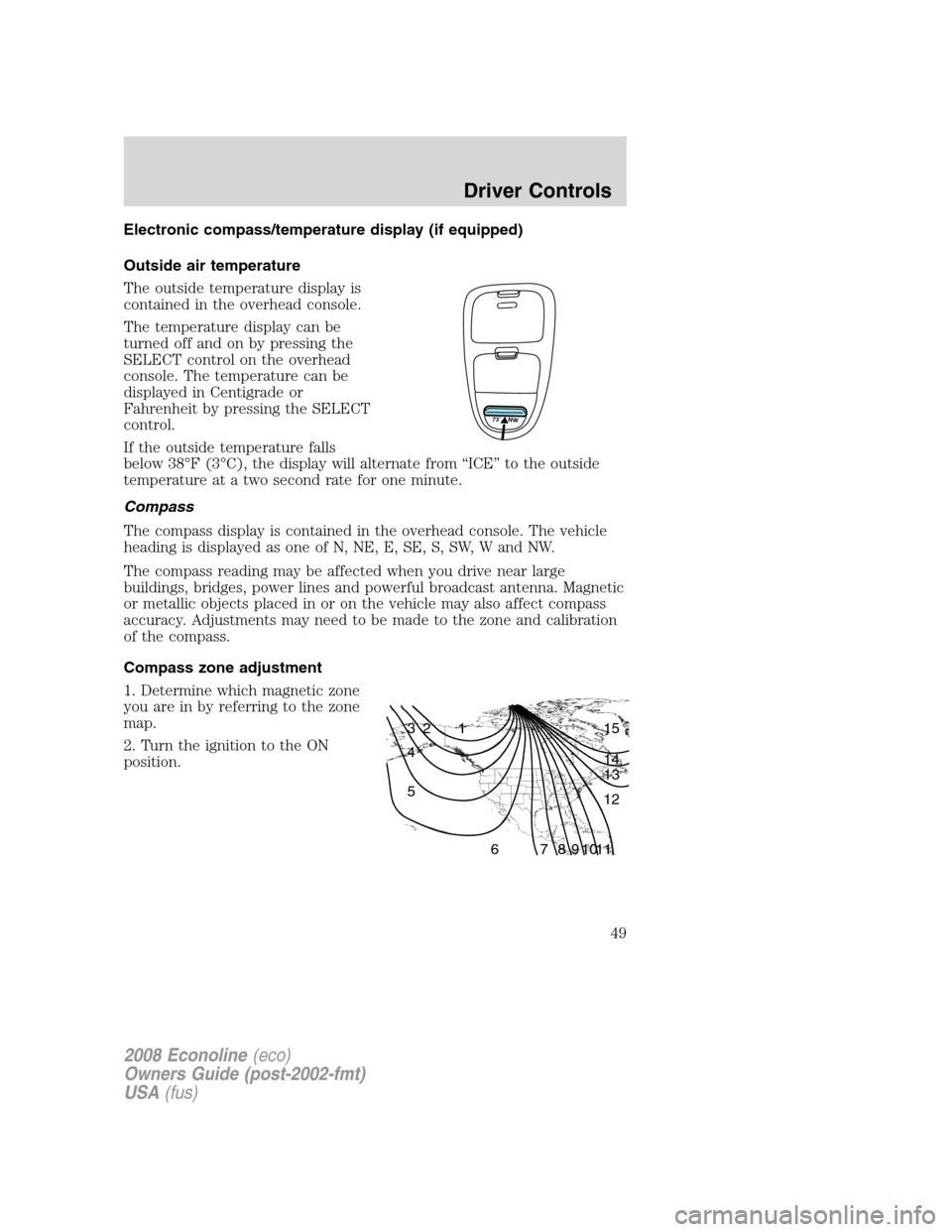
1. Determine which magnetic zone
you are in by referring to the zone
map.
2. Turn the ignition to the ON
position.
73 NW
1 2 3
4
5
6 7 8 9 101112 13 14 15
2008 Econoline(eco)
Owners Guide (post-2002-fmt)
USA(fus)
Driver Controls
49
Page 52 of 280
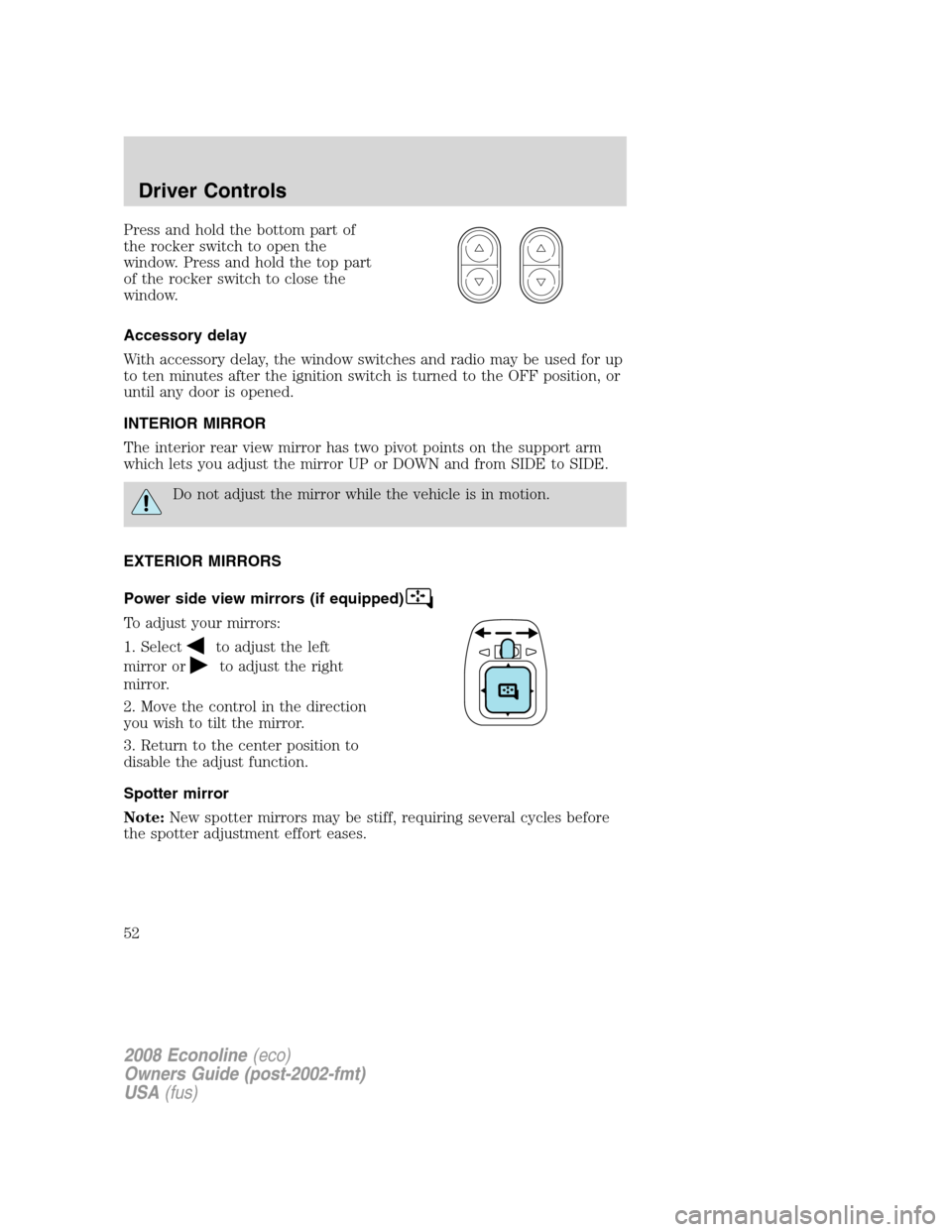
Press and hold the bottom part of
the rocker switch to open the
window. Press and hold the top part
of the rocker switch to close the
window.
Accessory delay
With accessory delay, the window switches and radio may be used for up
to ten minutes after the ignition switch is turned to the OFF position, or
until any door is opened.
INTERIOR MIRROR
The interior rear view mirror has two pivot points on the support arm
which lets you adjust the mirror UP or DOWN and from SIDE to SIDE.
Do not adjust the mirror while the vehicle is in motion.
EXTERIOR MIRRORS
Power side view mirrors (if equipped)
To adjust your mirrors:
1. Select
to adjust the left
mirror or
to adjust the right
mirror.
2. Move the control in the direction
you wish to tilt the mirror.
3. Return to the center position to
disable the adjust function.
Spotter mirror
Note:New spotter mirrors may be stiff, requiring several cycles before
the spotter adjustment effort eases.
2008 Econoline(eco)
Owners Guide (post-2002-fmt)
USA(fus)
Driver Controls
52
Page 56 of 280
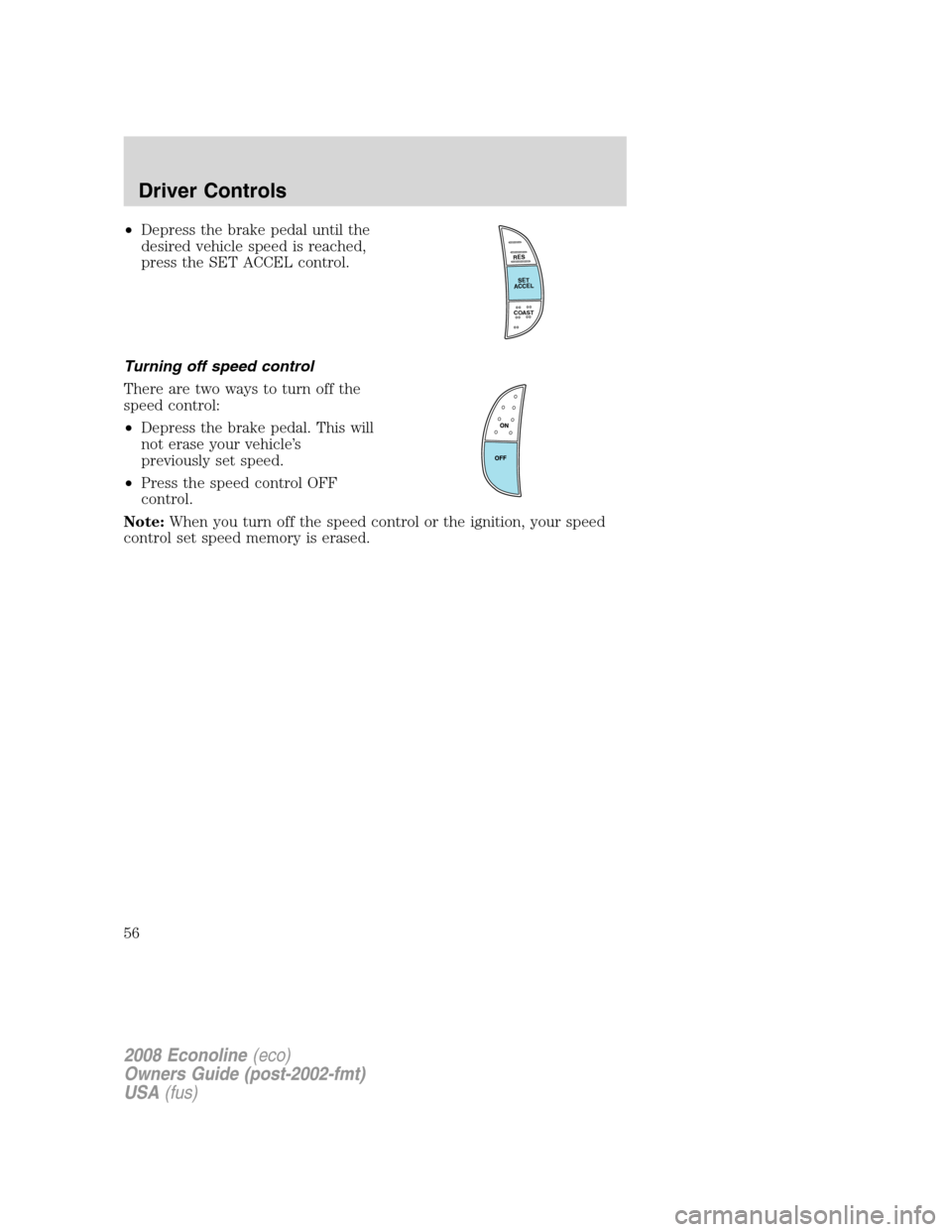
•Depress the brake pedal until the
desired vehicle speed is reached,
press the SET ACCEL control.
Turning off speed control
There are two ways to turn off the
speed control:
•Depress the brake pedal. This will
not erase your vehicle’s
previously set speed.
•Press the speed control OFF
control.
Note:When you turn off the speed control or the ignition, your speed
control set speed memory is erased.
RES
SET
ACCEL
COAST
2008 Econoline(eco)
Owners Guide (post-2002-fmt)
USA(fus)
Driver Controls
56
Page 57 of 280
KEYS
The key operates all locks on your vehicle. You should always carry a
second key with you in a safe place in case you require it in an
emergency.
If your vehicle is equipped with the SecuriLock™ Passive Anti-theft
system, your keys are electronically coded to your vehicle; using a
non-coded key will not permit your vehicle to start. If you lose your
dealer supplied keys, replacement keys are available through your
authorized dealer.
POWER DOOR LOCKS (IF EQUIPPED)
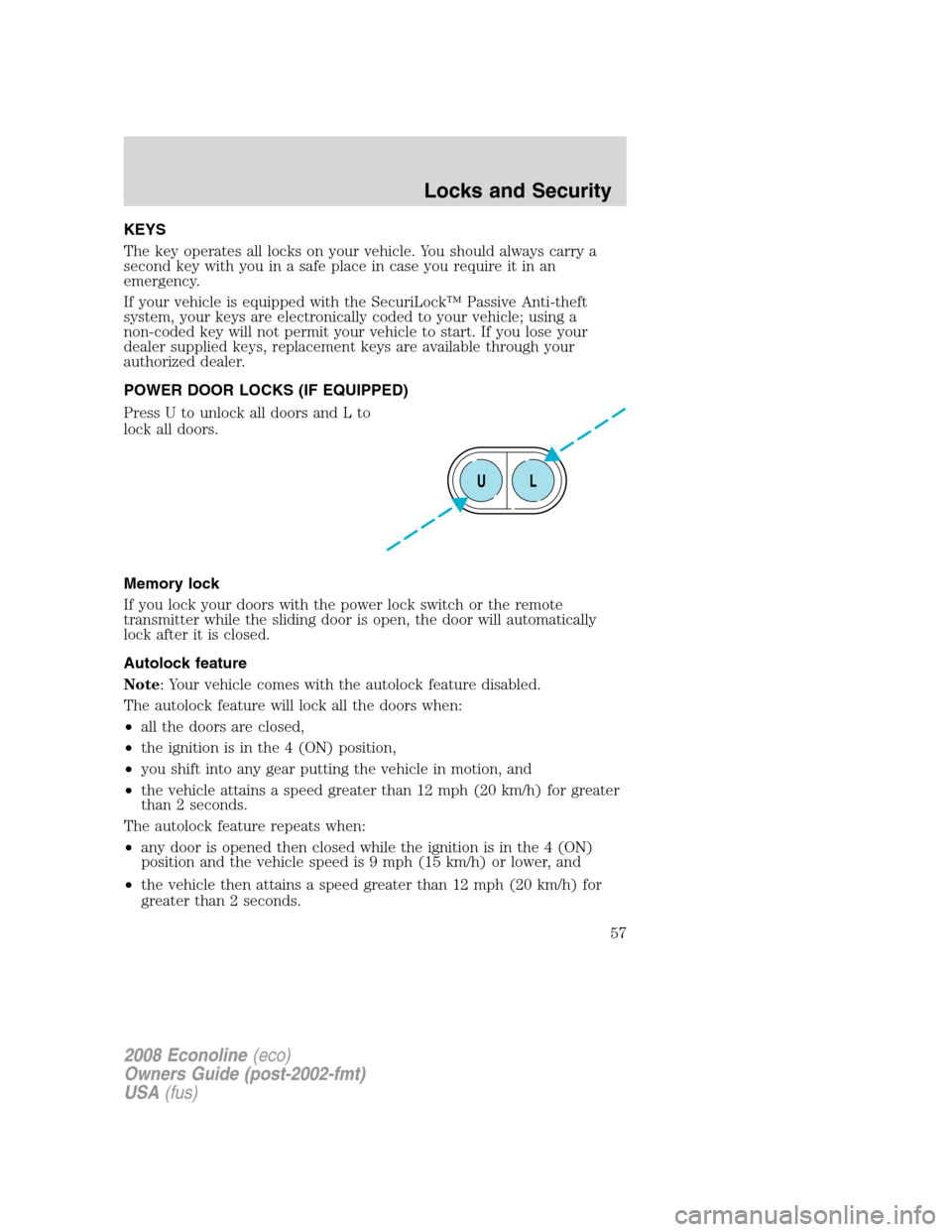
Press U to unlock all doors and L to
lock all doors.
Memory lock
If you lock your doors with the power lock switch or the remote
transmitter while the sliding door is open, the door will automatically
lock after it is closed.
Autolock feature
Note: Your vehicle comes with the autolock feature disabled.
The autolock feature will lock all the doors when:
•all the doors are closed,
•the ignition is in the 4 (ON) position,
•you shift into any gear putting the vehicle in motion, and
•the vehicle attains a speed greater than 12 mph (20 km/h) for greater
than 2 seconds.
The autolock feature repeats when:
•any door is opened then closed while the ignition is in the 4 (ON)
position and the vehicle speed is 9 mph (15 km/h) or lower, and
•the vehicle then attains a speed greater than 12 mph (20 km/h) for
greater than 2 seconds.
UL
2008 Econoline(eco)
Owners Guide (post-2002-fmt)
USA(fus)
Locks and Security
57
Page 58 of 280
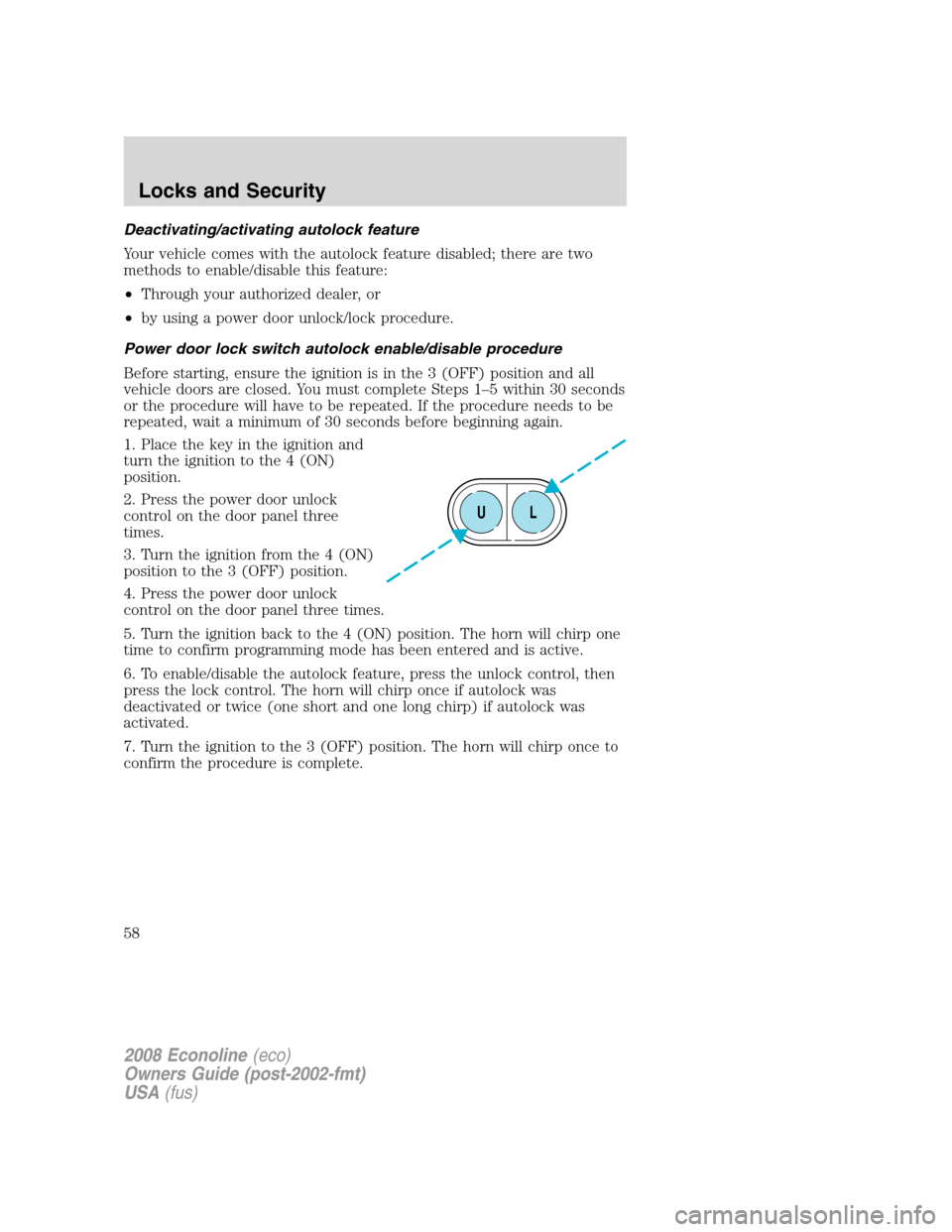
Deactivating/activating autolock feature
Your vehicle comes with the autolock feature disabled; there are two
methods to enable/disable this feature:
•Through your authorized dealer, or
•by using a power door unlock/lock procedure.
Power door lock switch autolock enable/disable procedure
Before starting, ensure the ignition is in the 3 (OFF) position and all
vehicle doors are closed. You must complete Steps 1–5 within 30 seconds
or the procedure will have to be repeated. If the procedure needs to be
repeated, wait a minimum of 30 seconds before beginning again.
1. Place the key in the ignition and
turn the ignition to the 4 (ON)
position.
2. Press the power door unlock
control on the door panel three
times.
3. Turn the ignition from the 4 (ON)
position to the 3 (OFF) position.
4. Press the power door unlock
control on the door panel three times.
5. Turn the ignition back to the 4 (ON) position. The horn will chirp one
time to confirm programming mode has been entered and is active.
6. To enable/disable the autolock feature, press the unlock control, then
press the lock control. The horn will chirp once if autolock was
deactivated or twice (one short and one long chirp) if autolock was
activated.
7. Turn the ignition to the 3 (OFF) position. The horn will chirp once to
confirm the procedure is complete.
UL
2008 Econoline(eco)
Owners Guide (post-2002-fmt)
USA(fus)
Locks and Security
58
Page 62 of 280
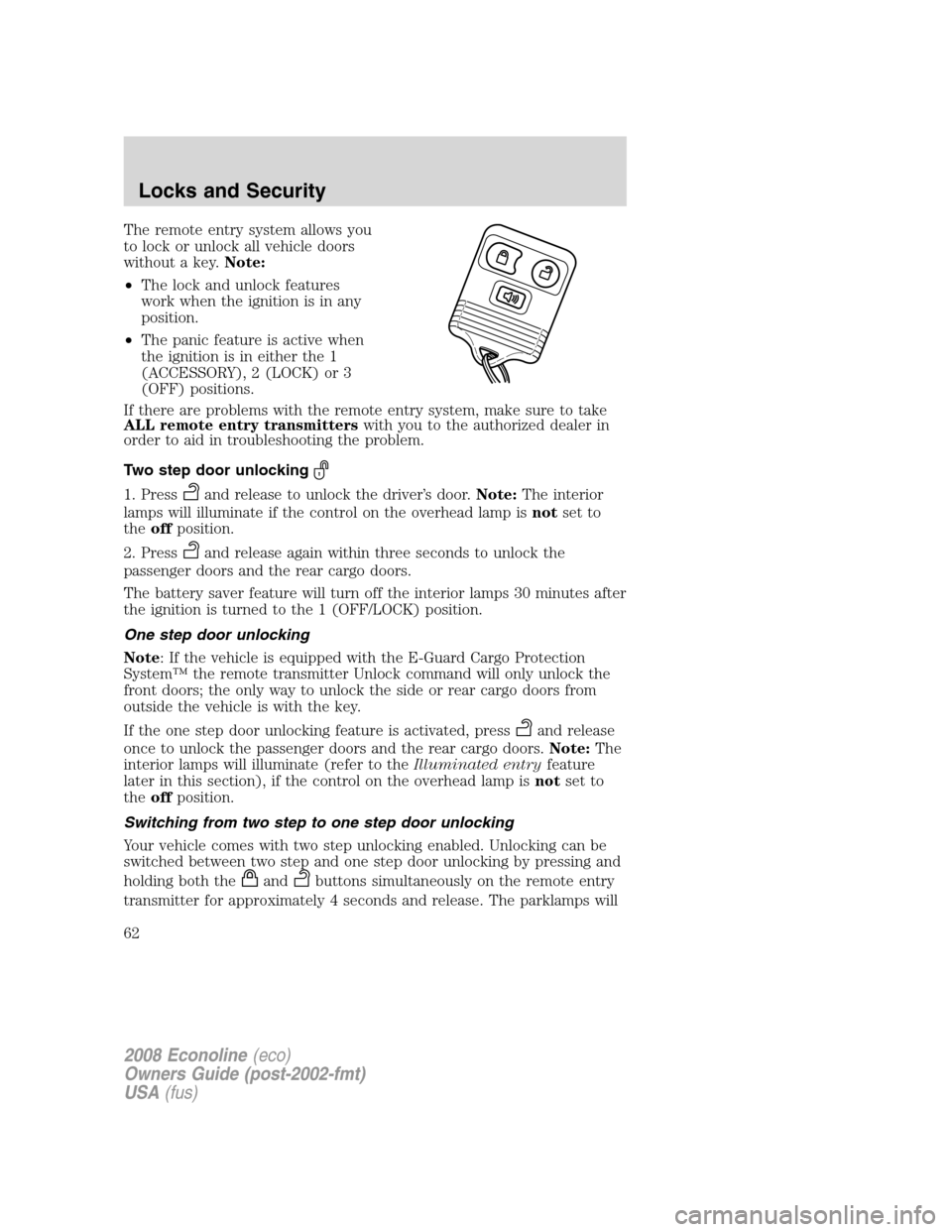
The remote entry system allows you
to lock or unlock all vehicle doors
without a key.Note:
•The lock and unlock features
work when the ignition is in any
position.
•The panic feature is active when
the ignition is in either the 1
(ACCESSORY), 2 (LOCK) or 3
(OFF) positions.
If there are problems with the remote entry system, make sure to take
ALL remote entry transmitterswith you to the authorized dealer in
order to aid in troubleshooting the problem.
Two step door unlocking
1. Pressand release to unlock the driver’s door.Note:The interior
lamps will illuminate if the control on the overhead lamp isnotset to
theoffposition.
2. Press
and release again within three seconds to unlock the
passenger doors and the rear cargo doors.
The battery saver feature will turn off the interior lamps 30 minutes after
the ignition is turned to the 1 (OFF/LOCK) position.
One step door unlocking
Note: If the vehicle is equipped with the E-Guard Cargo Protection
System™ the remote transmitter Unlock command will only unlock the
front doors; the only way to unlock the side or rear cargo doors from
outside the vehicle is with the key.
If the one step door unlocking feature is activated, press
and release
once to unlock the passenger doors and the rear cargo doors.Note:The
interior lamps will illuminate (refer to theIlluminated entryfeature
later in this section), if the control on the overhead lamp isnotset to
theoffposition.
Switching from two step to one step door unlocking
Your vehicle comes with two step unlocking enabled. Unlocking can be
switched between two step and one step door unlocking by pressing and
holding both the
andbuttons simultaneously on the remote entry
transmitter for approximately 4 seconds and release. The parklamps will
2008 Econoline(eco)
Owners Guide (post-2002-fmt)
USA(fus)
Locks and Security
62
Page 63 of 280
flash twice to indicate that the vehicle has switched to one step
unlocking. Repeat the procedure to switch back to two-step unlocking.
Locking the doors
1. Pressand release to lock all the doors.
2. Press
and release again within three seconds to confirm that all
the doors are closed and locked.Note:The doors will lock again, and
the horn will chirp once.
Car finder
Press
twice within three seconds. The horn will chirp and the turn
lamps will flash. It is recommended that this method be used to locate
your vehicle, rather than using the panic alarm.
Sounding a panic alarm
Press
to activate the alarm. Press the control again, or turn the
ignition to the 1 (ACCESSORY) or 4 (ON) position to deactivate the
alarm.
Note:The panic alarm will only operate when the ignition is in the 2
(LOCK) or 3 (OFF) position.
Replacing the battery
The remote entry transmitter uses one coin type three-volt lithium
battery CR2032 or equivalent.
To replace the battery:
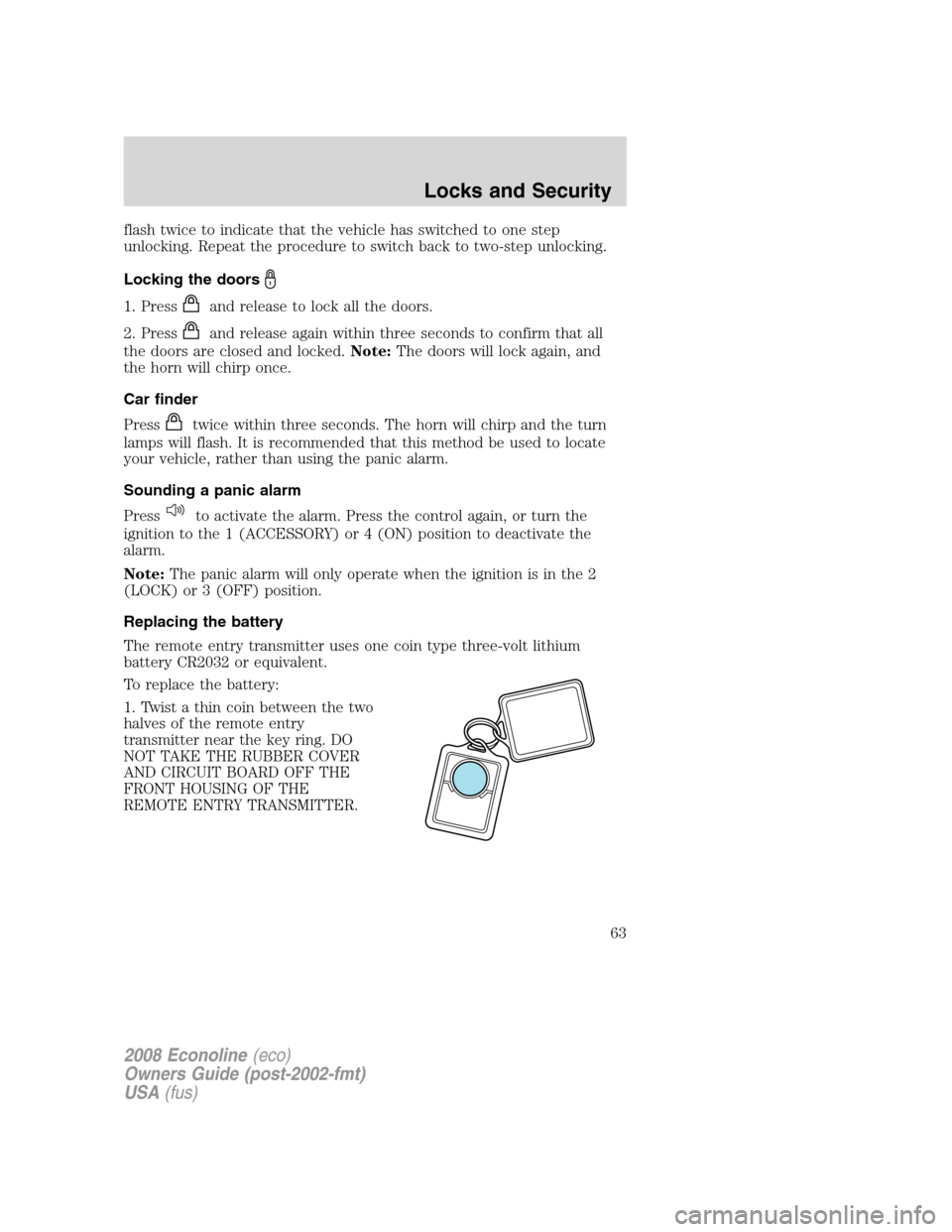
1. Twist a thin coin between the two
halves of the remote entry
transmitter near the key ring. DO
NOT TAKE THE RUBBER COVER
AND CIRCUIT BOARD OFF THE
FRONT HOUSING OF THE
REMOTE ENTRY TRANSMITTER.
2008 Econoline(eco)
Owners Guide (post-2002-fmt)
USA(fus)
Locks and Security
63
Page 65 of 280
Note:Ensure the brake pedal is not
depressed during this sequence.
To reprogram the remote entry
transmitters:
1. Ensure the vehicle is
electronically unlocked.
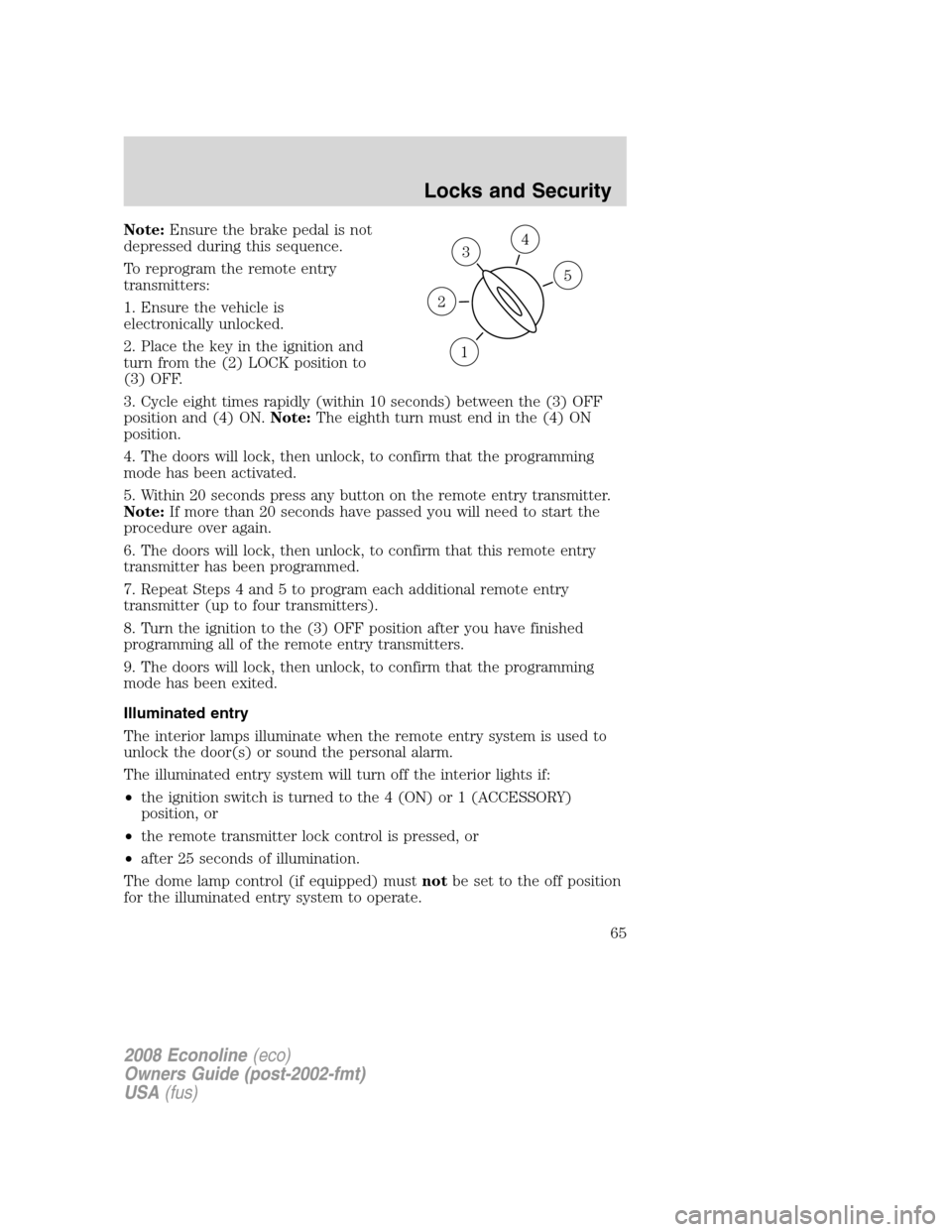
2. Place the key in the ignition and
turn from the (2) LOCK position to
(3) OFF.
3. Cycle eight times rapidly (within 10 seconds) between the (3) OFF
position and (4) ON.Note:The eighth turn must end in the (4) ON
position.
4. The doors will lock, then unlock, to confirm that the programming
mode has been activated.
5. Within 20 seconds press any button on the remote entry transmitter.
Note:If more than 20 seconds have passed you will need to start the
procedure over again.
6. The doors will lock, then unlock, to confirm that this remote entry
transmitter has been programmed.
7. Repeat Steps 4 and 5 to program each additional remote entry
transmitter (up to four transmitters).
8. Turn the ignition to the (3) OFF position after you have finished
programming all of the remote entry transmitters.
9. The doors will lock, then unlock, to confirm that the programming
mode has been exited.
Illuminated entry
The interior lamps illuminate when the remote entry system is used to
unlock the door(s) or sound the personal alarm.
The illuminated entry system will turn off the interior lights if:
•the ignition switch is turned to the 4 (ON) or 1 (ACCESSORY)
position, or
•the remote transmitter lock control is pressed, or
•after 25 seconds of illumination.
The dome lamp control (if equipped) mustnotbe set to the off position
for the illuminated entry system to operate.
3
1
2
5
4
2008 Econoline(eco)
Owners Guide (post-2002-fmt)
USA(fus)
Locks and Security
65
Page 66 of 280
The inside lights will not turn off if:
•they have been turned on with the dimmer control, or
•any door is open.
SECURILOCK™ PASSIVE ANTI-THEFT SYSTEM (IF EQUIPPED)
SecuriLock™ passive anti-theft system is an engine immobilization
system. This system is designed to help prevent the engine from being
started unless acoded key programmed to your vehicleis used. The
use of the wrong type of coded key may lead to a “no-start” condition.
Your vehicle comes with two coded keys; additional coded keys may be
purchased from your authorized dealer. The authorized dealer can
program your spare keys to your vehicle or you can program the keys
yourself. Refer toProgramming spare keysfor instructions on how to
program the coded key.
Note:The SecuriLock™ passive anti-theft system is not compatible with
non-Ford aftermarket remote start systems. Use of these systems may
result in vehicle starting problems and a loss of security protection.
Note:Large metallic objects, electronic devices that are used to
purchase gasoline or similar items, or a second coded key on the same
key chain may cause vehicle starting issues. You need to prevent these
objects from touching the coded key while starting the engine. These
objects will not cause damage to the coded key, but may cause a
momentary issue if they are too close to the key when starting the
engine. If a problem occurs, turn the ignition off, remove all objects on
the key chain away from the coded key and restart the engine.
Anti-theft indicator
The anti-theft indicator is located in the instrument cluster.
Vehicles equipped with the SecuriLock™ Passive Anti-theft system
behave as follows:
•When the ignition is in the 2 (LOCK) position, the indicator will flash
once every 2 seconds for a total of 10 seconds to indicate the
SecuriLock™ system is functioning as a theft deterrent.
•When the ignition is in the 4 (ON) position, the indicator will glow for
3 seconds to indicate a programmed key has been validated and the
SecuriLock™ Passive Anti-theft system has enabled the engine.
Vehicles without the SecuriLock™ Passive Anti-theft system behave as
follows:
•When the ignition is in the 2 (LOCK) position, the indicator will not
flash.
2008 Econoline(eco)
Owners Guide (post-2002-fmt)
USA(fus)
Locks and Security
66
Page 67 of 280
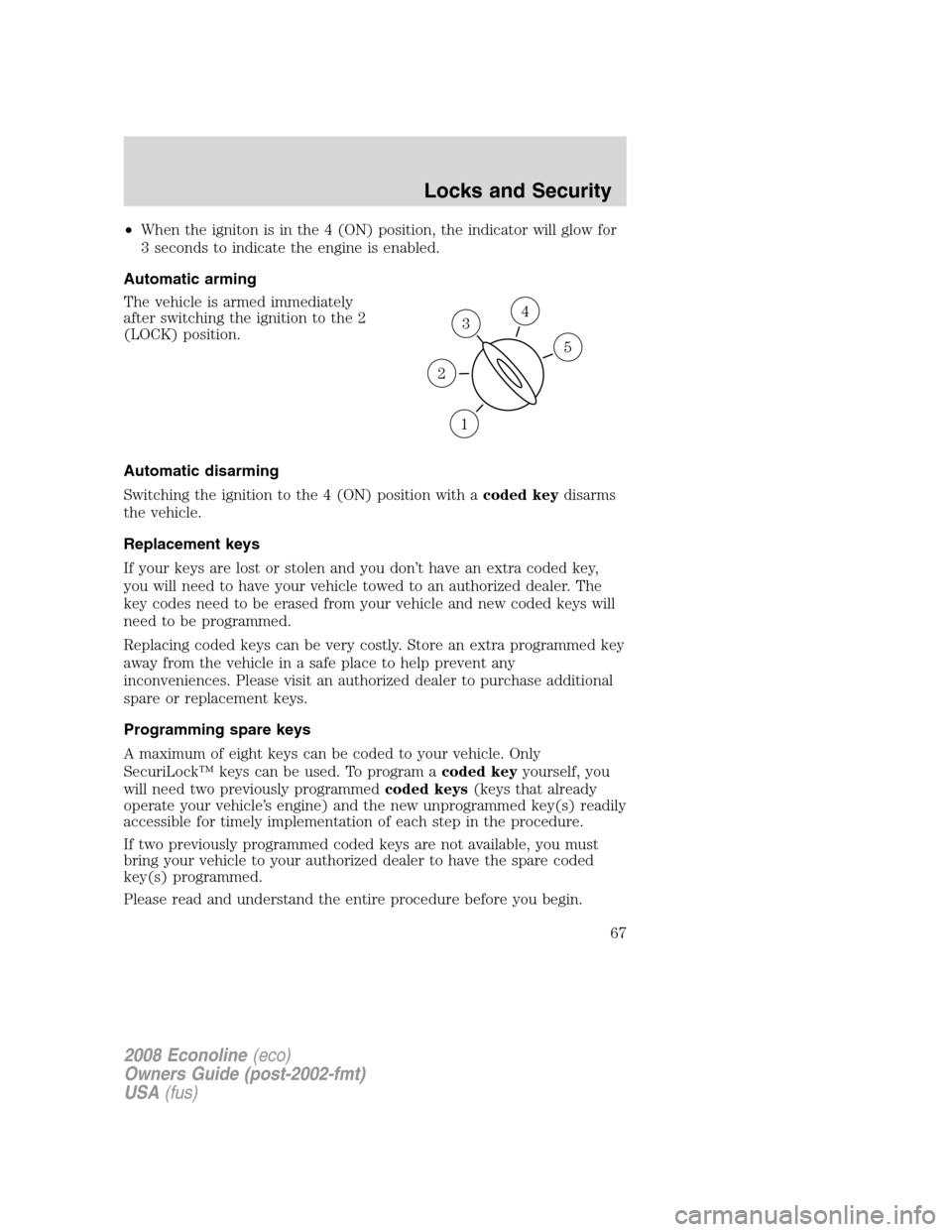
•When the igniton is in the 4 (ON) position, the indicator will glow for
3 seconds to indicate the engine is enabled.
Automatic arming
The vehicle is armed immediately
after switching the ignition to the 2
(LOCK) position.
Automatic disarming
Switching the ignition to the 4 (ON) position with acoded keydisarms
the vehicle.
Replacement keys
If your keys are lost or stolen and you don’t have an extra coded key,
you will need to have your vehicle towed to an authorized dealer. The
key codes need to be erased from your vehicle and new coded keys will
need to be programmed.
Replacing coded keys can be very costly. Store an extra programmed key
away from the vehicle in a safe place to help prevent any
inconveniences. Please visit an authorized dealer to purchase additional
spare or replacement keys.
Programming spare keys
A maximum of eight keys can be coded to your vehicle. Only
SecuriLock™ keys can be used. To program acoded keyyourself, you
will need two previously programmedcoded keys(keys that already
operate your vehicle’s engine) and the new unprogrammed key(s) readily
accessible for timely implementation of each step in the procedure.
If two previously programmed coded keys are not available, you must
bring your vehicle to your authorized dealer to have the spare coded
key(s) programmed.
Please read and understand the entire procedure before you begin.
3
1
2
5
4
2008 Econoline(eco)
Owners Guide (post-2002-fmt)
USA(fus)
Locks and Security
67