USB port FORD E SERIES 2014 4.G User Guide
[x] Cancel search | Manufacturer: FORD, Model Year: 2014, Model line: E SERIES, Model: FORD E SERIES 2014 4.GPages: 438, PDF Size: 5.12 MB
Page 334 of 438
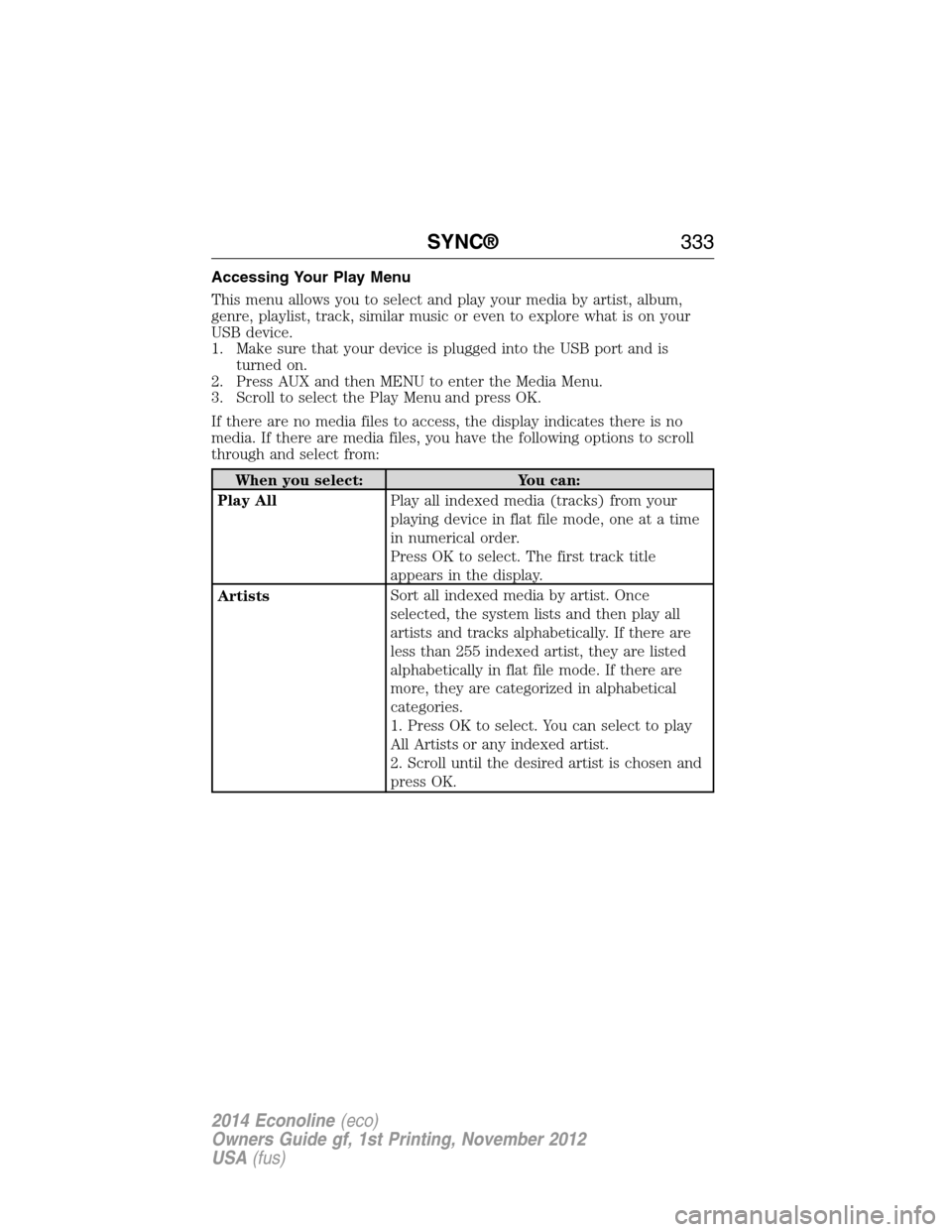
Accessing Your Play Menu
This menu allows you to select and play your media by artist, album,
genre, playlist, track, similar music or even to explore what is on your
USB device.
1. Make sure that your device is plugged into the USB port and is
turned on.
2. Press AUX and then MENU to enter the Media Menu.
3. Scroll to select the Play Menu and press OK.
If there are no media files to access, the display indicates there is no
media. If there are media files, you have the following options to scroll
through and select from:
When you select: You can:
Play AllPlay all indexed media (tracks) from your
playing device in flat file mode, one at a time
in numerical order.
Press OK to select. The first track title
appears in the display.
ArtistsSort all indexed media by artist. Once
selected, the system lists and then play all
artists and tracks alphabetically. If there are
less than 255 indexed artist, they are listed
alphabetically in flat file mode. If there are
more, they are categorized in alphabetical
categories.
1. Press OK to select. You can select to play
All Artists or any indexed artist.
2. Scroll until the desired artist is chosen and
press OK.
SYNC®333
2014 Econoline(eco)
Owners Guide gf, 1st Printing, November 2012
USA(fus)
Page 336 of 438
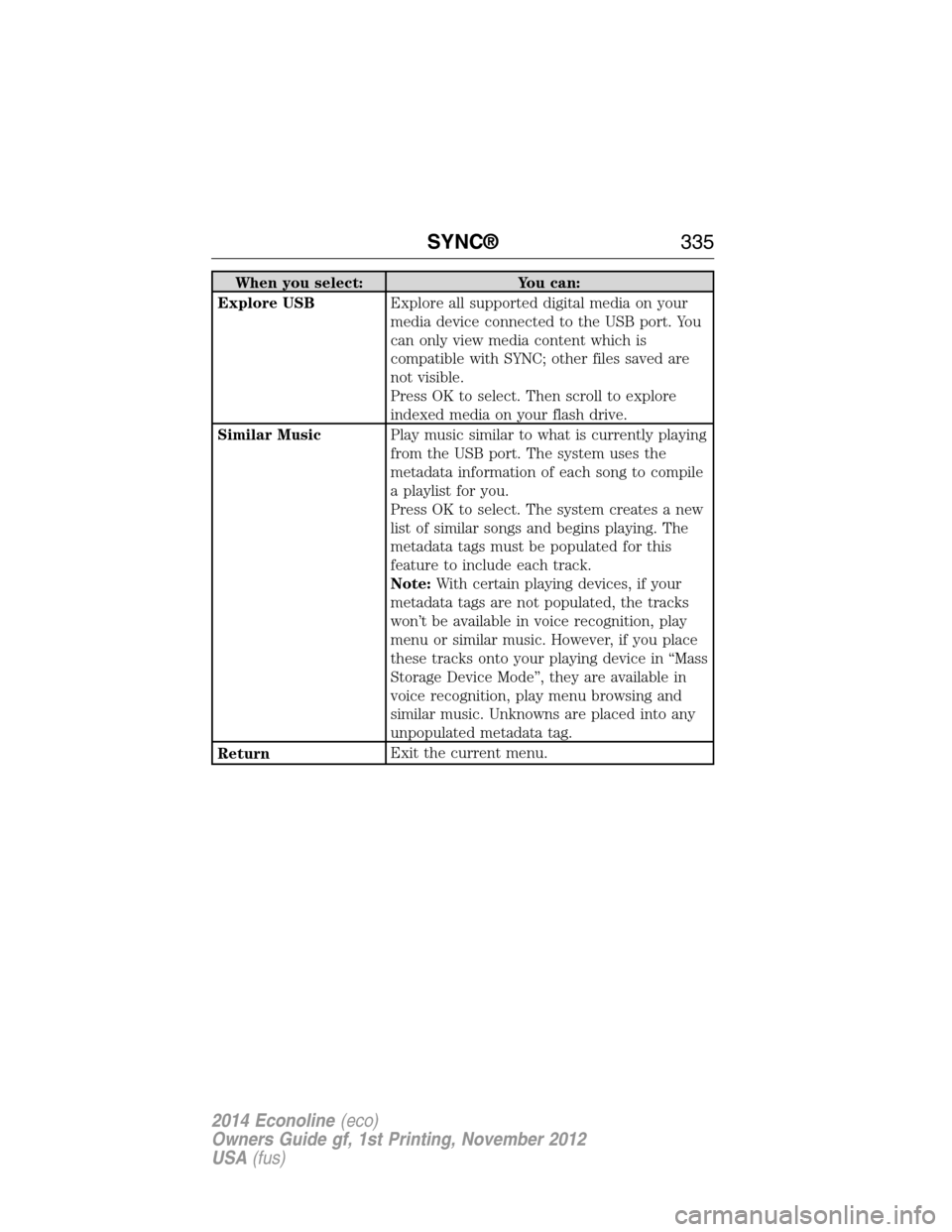
When you select: You can:
Explore USBExplore all supported digital media on your
media device connected to the USB port. You
can only view media content which is
compatible with SYNC; other files saved are
not visible.
Press OK to select. Then scroll to explore
indexed media on your flash drive.
Similar MusicPlay music similar to what is currently playing
from the USB port. The system uses the
metadata information of each song to compile
a playlist for you.
Press OK to select. The system creates a new
list of similar songs and begins playing. The
metadata tags must be populated for this
feature to include each track.
Note:With certain playing devices, if your
metadata tags are not populated, the tracks
won’t be available in voice recognition, play
menu or similar music. However, if you place
these tracks onto your playing device in “Mass
Storage Device Mode”, they are available in
voice recognition, play menu browsing and
similar music. Unknowns are placed into any
unpopulated metadata tag.
ReturnExit the current menu.
SYNC®335
2014 Econoline(eco)
Owners Guide gf, 1st Printing, November 2012
USA(fus)
Page 339 of 438
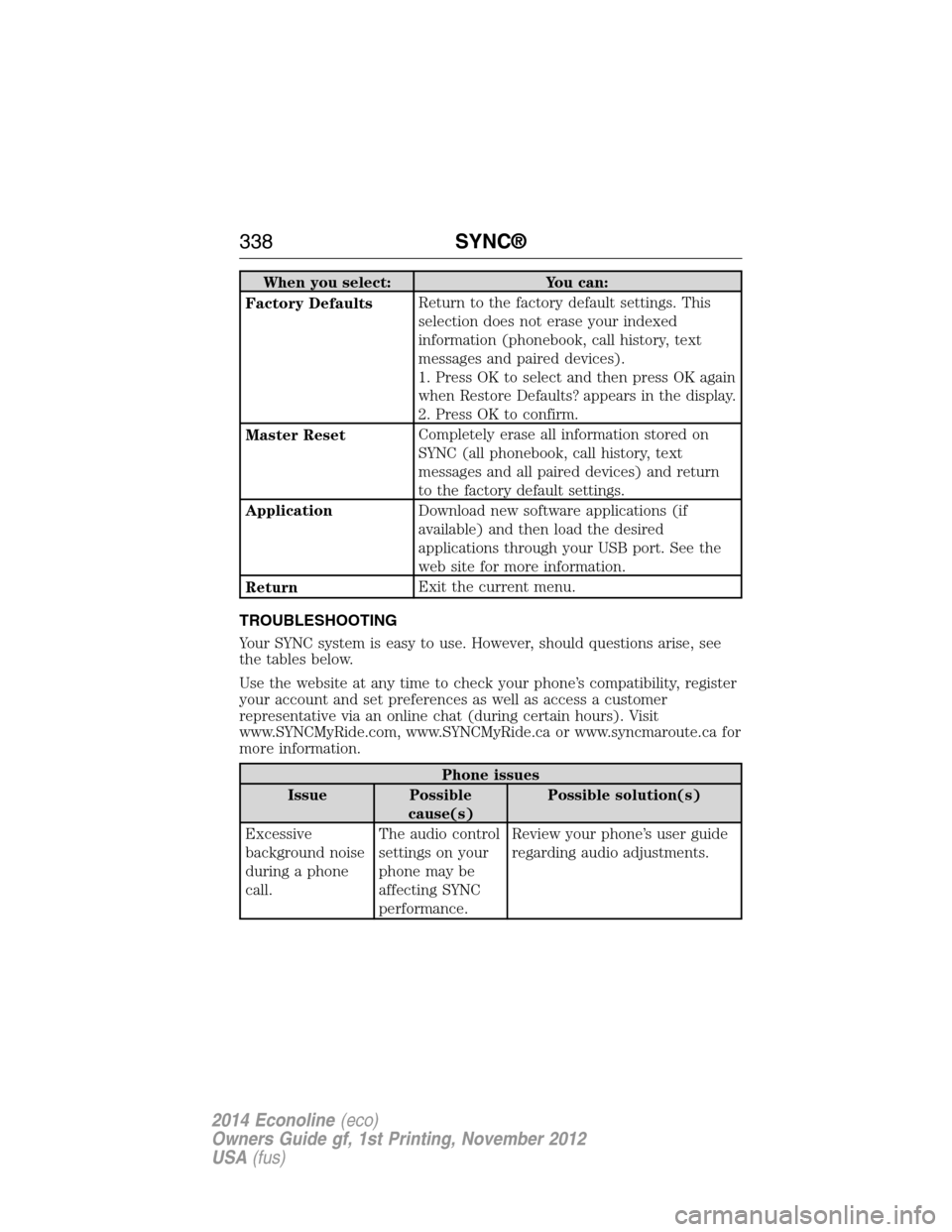
When you select: You can:
Factory DefaultsReturn to the factory default settings. This
selection does not erase your indexed
information (phonebook, call history, text
messages and paired devices).
1. Press OK to select and then press OK again
when Restore Defaults? appears in the display.
2. Press OK to confirm.
Master ResetCompletely erase all information stored on
SYNC (all phonebook, call history, text
messages and all paired devices) and return
to the factory default settings.
ApplicationDownload new software applications (if
available) and then load the desired
applications through your USB port. See the
web site for more information.
ReturnExit the current menu.
TROUBLESHOOTING
Your SYNC system is easy to use. However, should questions arise, see
the tables below.
Use the website at any time to check your phone’s compatibility, register
your account and set preferences as well as access a customer
representative via an online chat (during certain hours). Visit
www.SYNCMyRide.com, www.SYNCMyRide.ca or www.syncmaroute.ca for
more information.
Phone issues
Issue Possible
cause(s)Possible solution(s)
Excessive
background noise
during a phone
call.The audio control
settings on your
phone may be
affecting SYNC
performance.Review your phone’s user guide
regarding audio adjustments.
338SYNC®
2014 Econoline(eco)
Owners Guide gf, 1st Printing, November 2012
USA(fus)
Page 342 of 438
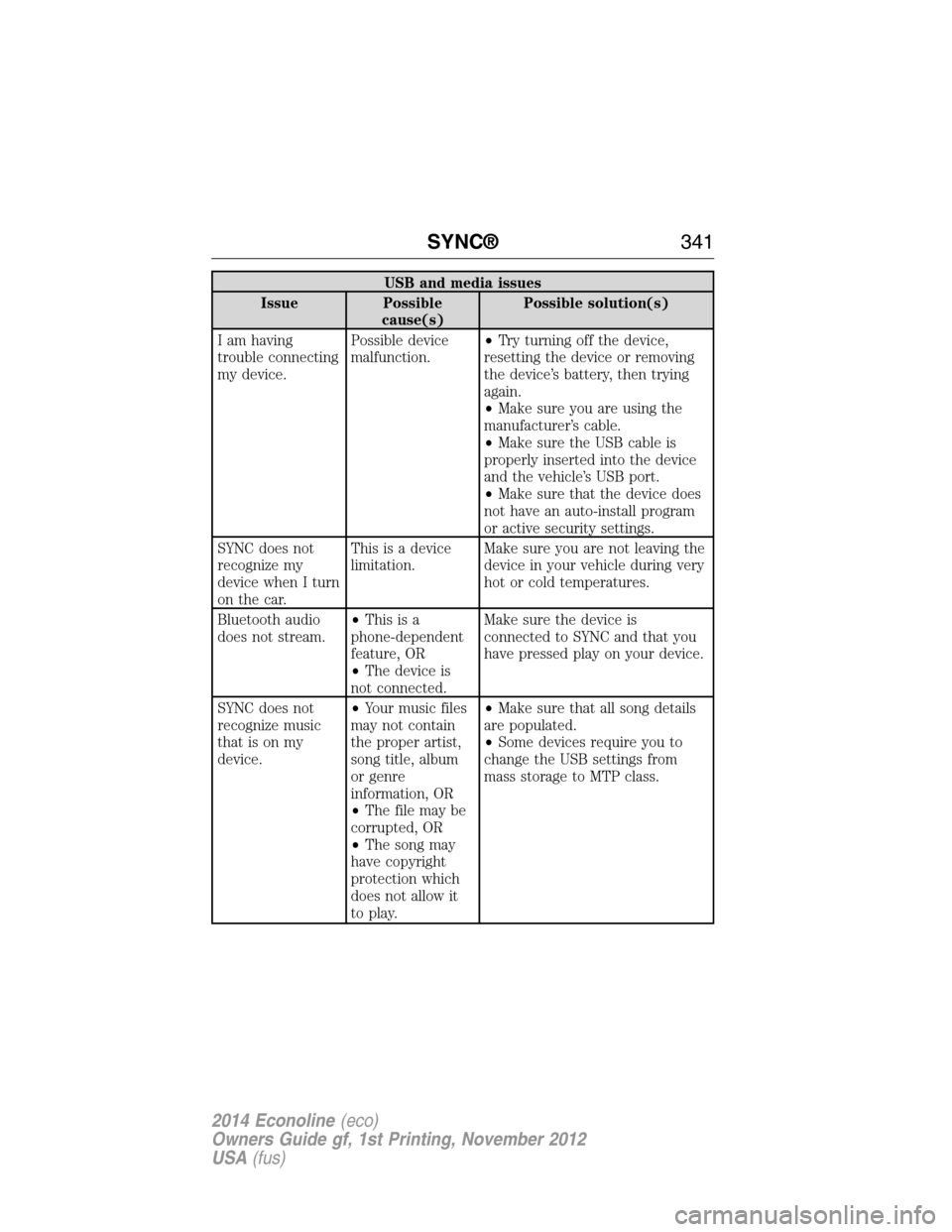
USB and media issues
Issue Possible
cause(s)Possible solution(s)
I am having
trouble connecting
my device.Possible device
malfunction.•Try turning off the device,
resetting the device or removing
the device’s battery, then trying
again.
•Make sure you are using the
manufacturer’s cable.
•Make sure the USB cable is
properly inserted into the device
and the vehicle’s USB port.
•Make sure that the device does
not have an auto-install program
or active security settings.
SYNC does not
recognize my
device when I turn
on the car.This is a device
limitation.Make sure you are not leaving the
device in your vehicle during very
hot or cold temperatures.
Bluetooth audio
does not stream.•Thisisa
phone-dependent
feature, OR
•The device is
not connected.Make sure the device is
connected to SYNC and that you
have pressed play on your device.
SYNC does not
recognize music
that is on my
device.•Your music files
may not contain
the proper artist,
song title, album
or genre
information, OR
•The file may be
corrupted, OR
•The song may
have copyright
protection which
does not allow it
to play.•Make sure that all song details
are populated.
•Some devices require you to
change the USB settings from
mass storage to MTP class.
SYNC®341
2014 Econoline(eco)
Owners Guide gf, 1st Printing, November 2012
USA(fus)
Page 346 of 438
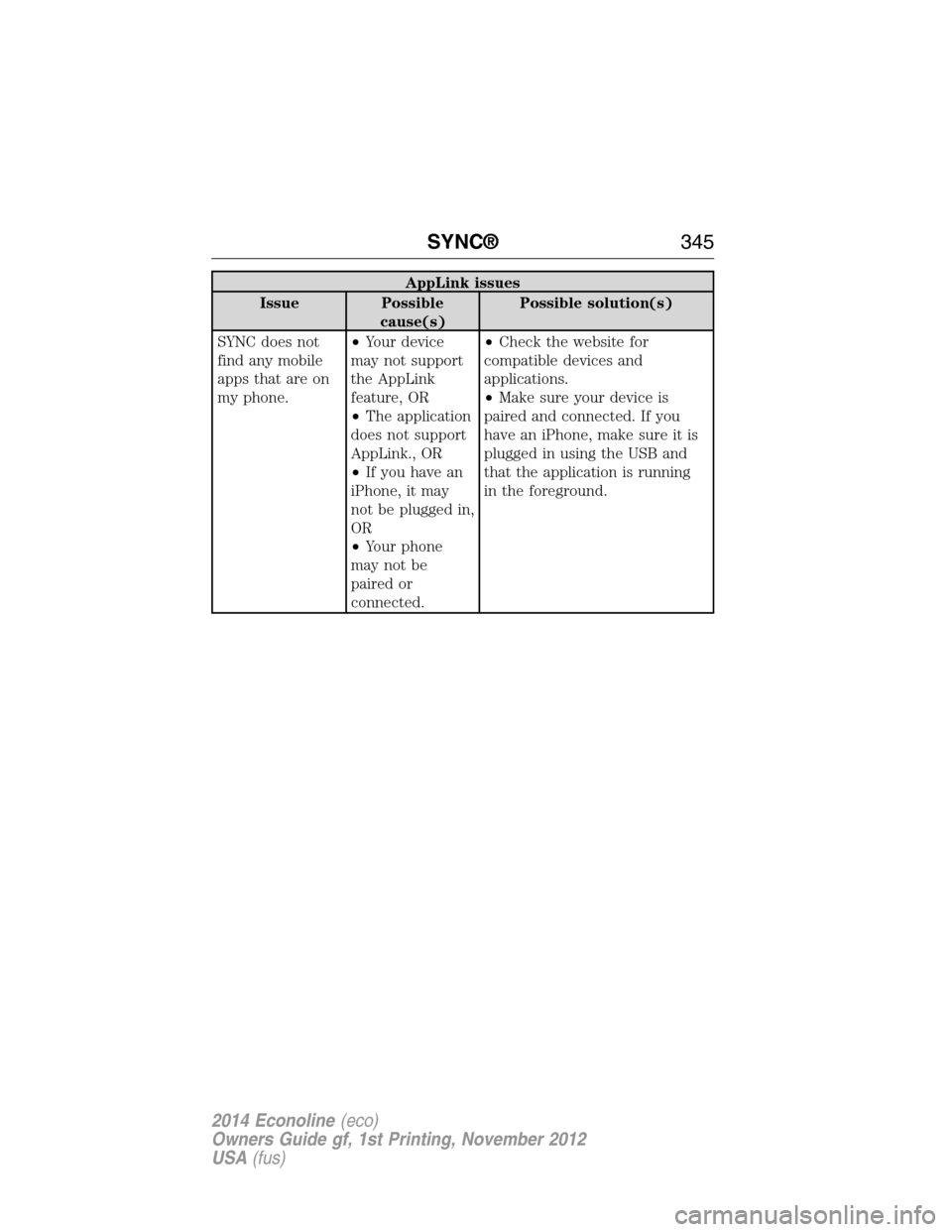
AppLink issues
Issue Possible
cause(s)Possible solution(s)
SYNC does not
find any mobile
apps that are on
my phone.•Your device
may not support
the AppLink
feature, OR
•The application
does not support
AppLink., OR
•If you have an
iPhone, it may
not be plugged in,
OR
•Your phone
may not be
paired or
connected.•Check the website for
compatible devices and
applications.
•Make sure your device is
paired and connected. If you
have an iPhone, make sure it is
plugged in using the USB and
that the application is running
in the foreground.
SYNC®345
2014 Econoline(eco)
Owners Guide gf, 1st Printing, November 2012
USA(fus)
Page 437 of 438
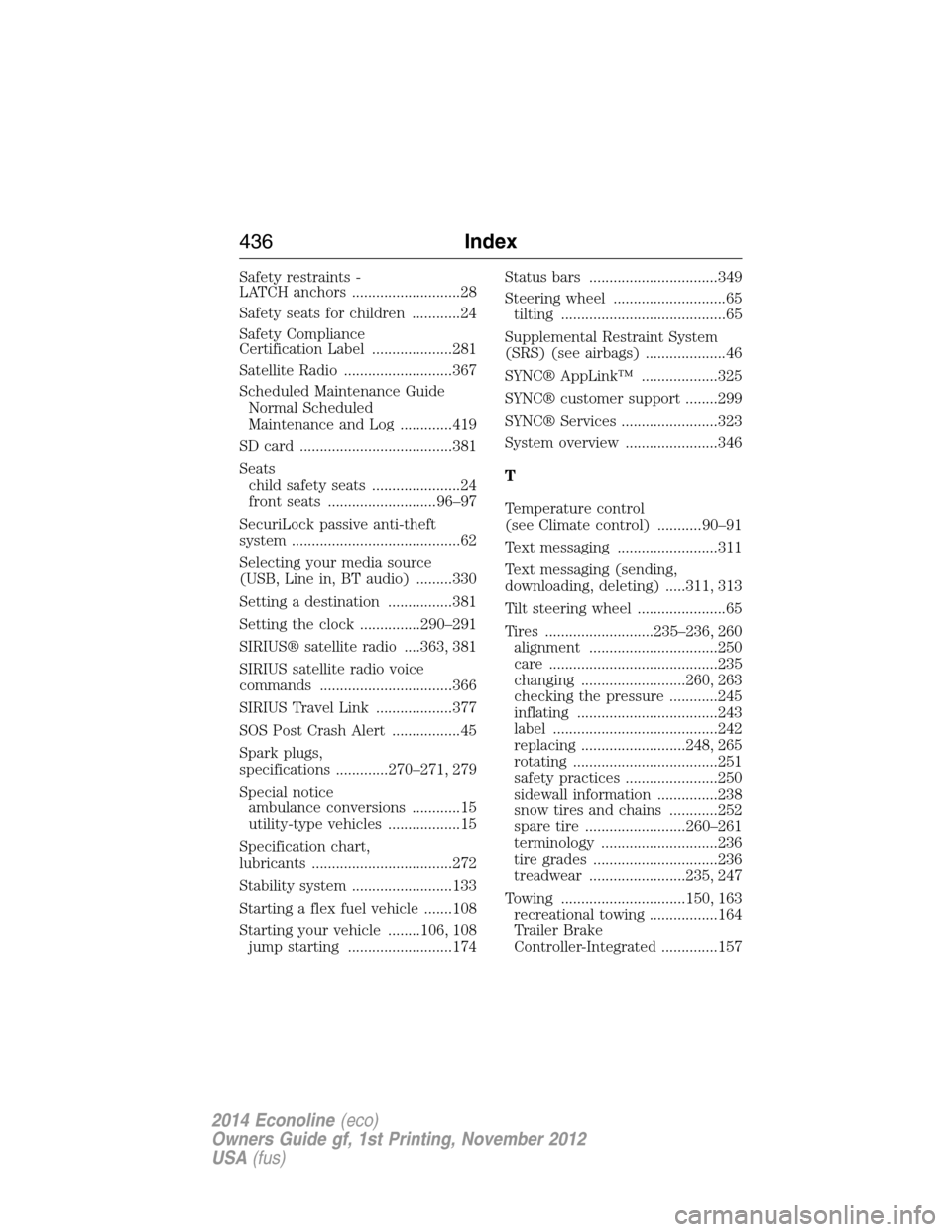
Safety restraints -
LATCH anchors ...........................28
Safety seats for children ............24
Safety Compliance
Certification Label ....................281
Satellite Radio ...........................367
Scheduled Maintenance Guide
Normal Scheduled
Maintenance and Log .............419
SD card ......................................381
Seats
child safety seats ......................24
front seats ...........................96–97
SecuriLock passive anti-theft
system ..........................................62
Selecting your media source
(USB, Line in, BT audio) .........330
Setting a destination ................381
Setting the clock ...............290–291
SIRIUS® satellite radio ....363, 381
SIRIUS satellite radio voice
commands .................................366
SIRIUS Travel Link ...................377
SOS Post Crash Alert .................45
Spark plugs,
specifications .............270–271, 279
Special notice
ambulance conversions ............15
utility-type vehicles ..................15
Specification chart,
lubricants ...................................272
Stability system .........................133
Starting a flex fuel vehicle .......108
Starting your vehicle ........106, 108
jump starting ..........................174Status bars ................................349
Steering wheel ............................65
tilting .........................................65
Supplemental Restraint System
(SRS) (see airbags) ....................46
SYNC® AppLink™ ...................325
SYNC® customer support ........299
SYNC® Services ........................323
System overview .......................346
T
Temperature control
(see Climate control) ...........90–91
Text messaging .........................311
Text messaging (sending,
downloading, deleting) .....311, 313
Tilt steering wheel ......................65
Tires ...........................235–236, 260
alignment ................................250
care ..........................................235
changing ..........................260, 263
checking the pressure ............245
inflating ...................................243
label .........................................242
replacing ..........................248, 265
rotating ....................................251
safety practices .......................250
sidewall information ...............238
snow tires and chains ............252
spare tire .........................260–261
terminology .............................236
tire grades ...............................236
treadwear ........................235, 247
Towing ...............................150, 163
recreational towing .................164
Trailer Brake
Controller-Integrated ..............157
436Index
2014 Econoline(eco)
Owners Guide gf, 1st Printing, November 2012
USA(fus)
Page 438 of 438
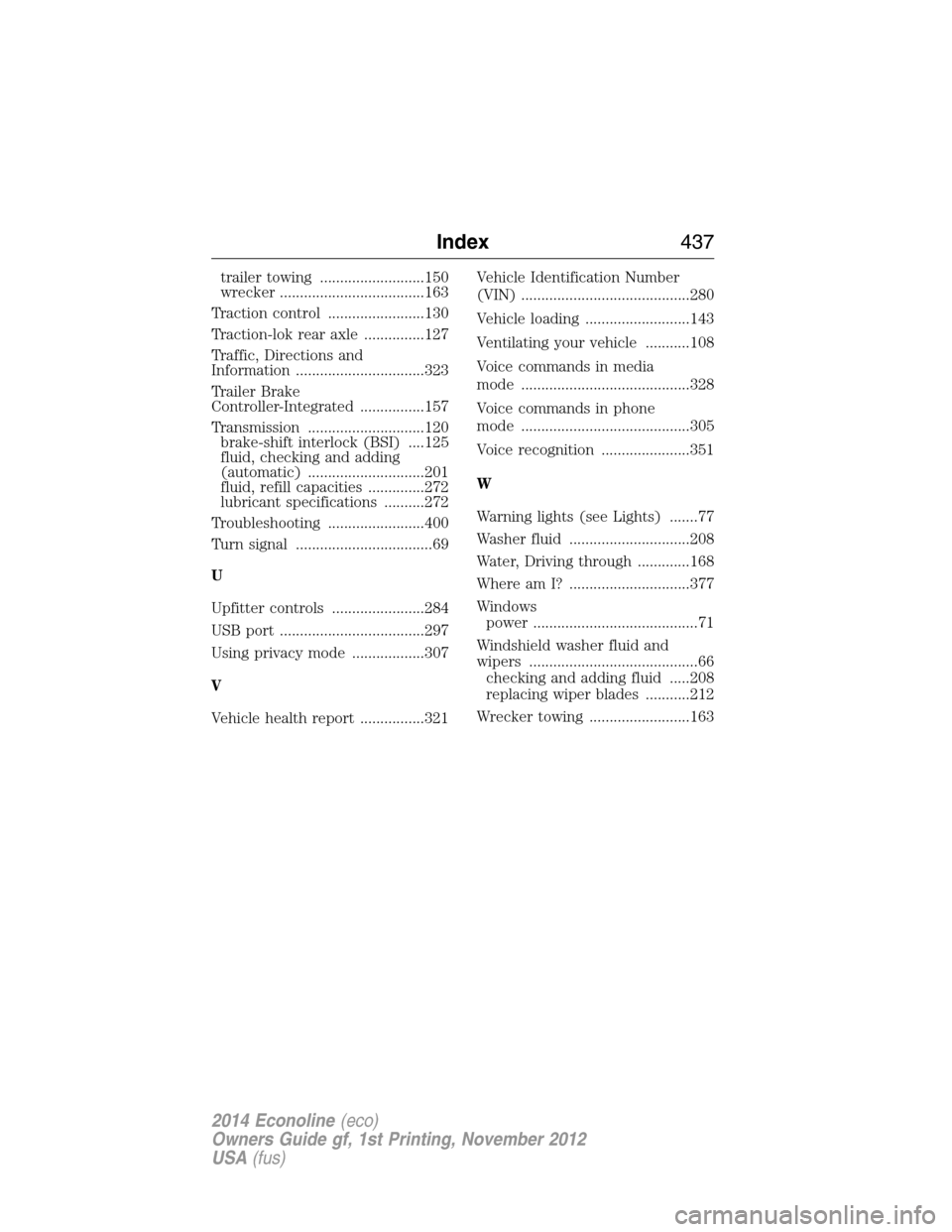
trailer towing ..........................150
wrecker ....................................163
Traction control ........................130
Traction-lok rear axle ...............127
Traffic, Directions and
Information ................................323
Trailer Brake
Controller-Integrated ................157
Transmission .............................120
brake-shift interlock (BSI) ....125
fluid, checking and adding
(automatic) .............................201
fluid, refill capacities ..............272
lubricant specifications ..........272
Troubleshooting ........................400
Turn signal ..................................69
U
Upfitter controls .......................284
USB port ....................................297
Using privacy mode ..................307
V
Vehicle health report ................321Vehicle Identification Number
(VIN) ..........................................280
Vehicle loading ..........................143
Ventilating your vehicle ...........108
Voice commands in media
mode ..........................................328
Voice commands in phone
mode ..........................................305
Voice recognition ......................351
W
Warning lights (see Lights) .......77
Washer fluid ..............................208
Water, Driving through .............168
Where am I? ..............................377
Windows
power .........................................71
Windshield washer fluid and
wipers ..........................................66
checking and adding fluid .....208
replacing wiper blades ...........212
Wrecker towing .........................163
Index437
2014 Econoline(eco)
Owners Guide gf, 1st Printing, November 2012
USA(fus)