air condition FORD E SERIES 2022 Owner's Guide
[x] Cancel search | Manufacturer: FORD, Model Year: 2022, Model line: E SERIES, Model: FORD E SERIES 2022Pages: 300, PDF Size: 3.18 MB
Page 261 of 300
If the available API SM or SN oils are not
available, then the oil change interval is
3,000 mi (4,800 km).
Engine air filter replacement: The life of
the engine air filter is dependent on
exposure to dusty and dirty conditions.
Vehicles operated in these conditions
require frequent inspection and
replacement of the engine air filter.
258
E-Series (TE4) Canada/United States of America, enUSA, Edition date: 202010, First-Printing Scheduled Maintenance
Page 266 of 300
ELECTROMAGNETIC
COMPATIBILITY
WARNING: Do not place objects
or mount equipment on or near the
airbag cover, on the side of the front or
rear seatbacks, or in areas that may
come into contact with a deploying
airbag. Failure to follow these
instructions may increase the risk of
personal injury in the event of a crash. WARNING: Do not fasten antenna
cables to vehicle wiring, fuel pipes and
brake pipes. WARNING:
Keep antenna and
power cables at least 4 in (10 cm) from
any electronic modules and airbags. Note:
We test and certify your vehicle to
meet electromagnetic compatibility
legislation. It is your responsibility to make
sure that any equipment an authorized
dealer installs on your vehicle complies with
applicable local legislation and other
requirements. Installation of some
aftermarket electronic devices could
degrade the performance of vehicle
functions, which use radio frequency signals
such as broadcast radio receiver, tire
pressure monitoring system, push button
start, Bluetooth connectivity or satellite
navigation.
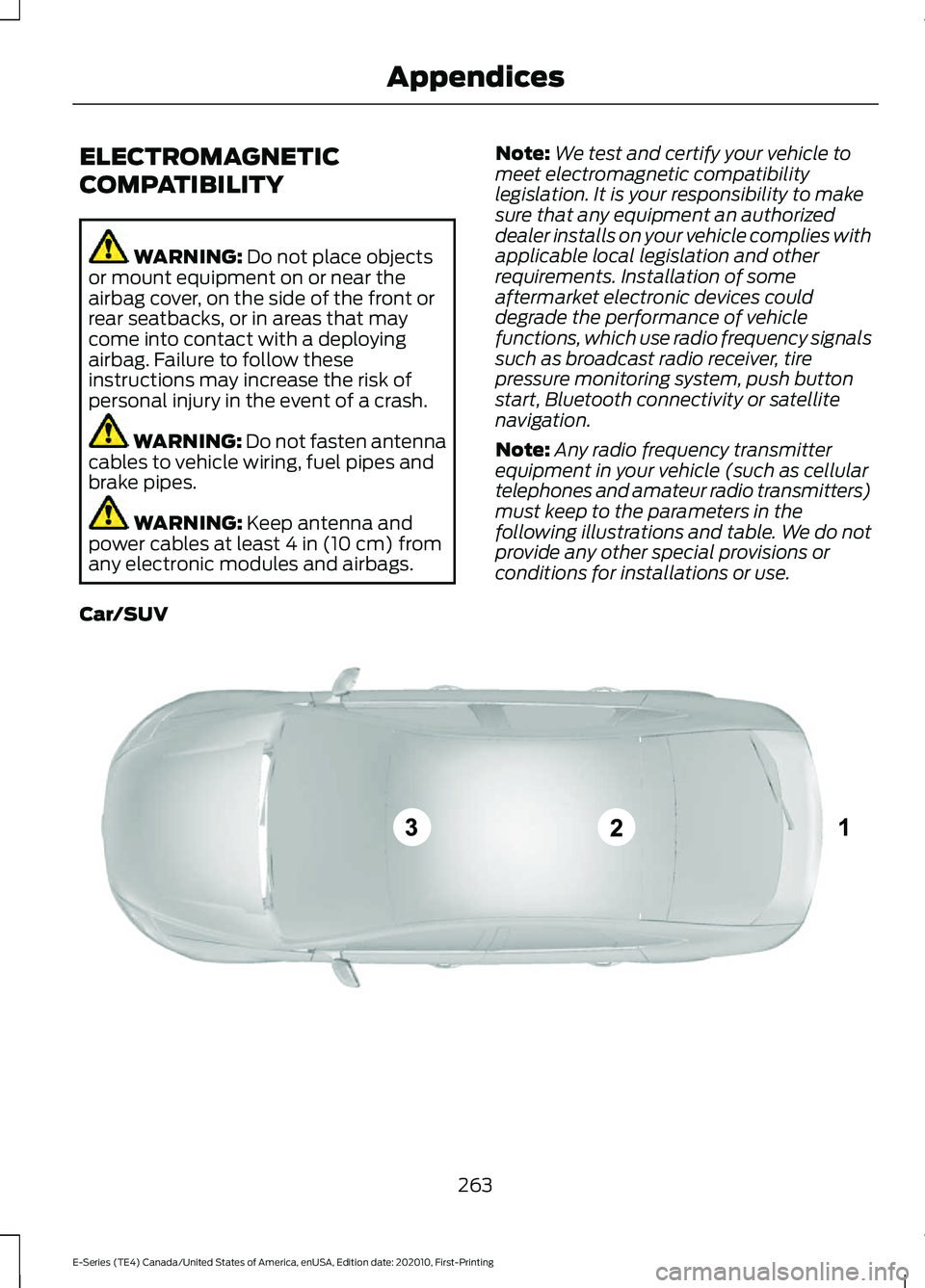
Note: Any radio frequency transmitter
equipment in your vehicle (such as cellular
telephones and amateur radio transmitters)
must keep to the parameters in the
following illustrations and table. We do not
provide any other special provisions or
conditions for installations or use.
Car/SUV 263
E-Series (TE4) Canada/United States of America, enUSA, Edition date: 202010, First-Printing AppendicesE239120
Page 275 of 300
Route Safety: Do not follow the route
suggestions if doing so would result in an
unsafe or illegal maneuver, if you would be
placed in an unsafe situation, or if you
would be directed into an area that you
consider unsafe. The driver is ultimately
responsible for the safe operation of the
vehicle and therefore, must evaluate
whether it is safe to follow the suggested
directions.
Potential Map Inaccuracy:
Maps used
by this system may be inaccurate because
of changes in roads, traffic controls or
driving conditions. Always use good
judgment and common sense when
following the suggested routes.
Emergency Services:
Do not rely on any
navigation features included in the system
to route you to emergency services. Ask
local authorities or an emergency services
operator for these locations. Not all
emergency services such as police, fire
stations, hospitals and clinics are likely to
be contained in the map database for such
navigation features.
Telenav Software End User License
Agreement
Please read these terms and conditions
carefully before you use the Telenav
Software. Your use of the Telenav
Software indicates that you accept these
terms and conditions. If you do not accept
these terms and conditions, do not break
the seal of the package, launch, or
otherwise use the Telenav Software.
These terms and conditions represent the
agreement (“ Agreement”) between you
and Telenav, Inc. (“Telenav ”) with respect
to the Telenav Software (including
upgrades, modifications, or additions
thereto) (collectively “Telenav Software”).
All references herein to “you” and “your ”
means you, your employees, agents, and
contractors, and any other entity on whose
behalf you accept these terms and conditions, all of whom shall also be bound
by this Agreement. Additionally, all of your
account information, as well as other
payment and personal information
provided by you to Telenav (directly or
through the use of the Telenav Software,
is subject to Telenav
’s privacy policy
located at http://www.telenav.com.
Telenav may revise this Agreement and
the privacy policy at any time, with or
without notice to you. You agree to visit
http://www.telenav.com from time to time
to review the then current version of this
Agreement and of the privacy policy.
1. Safe and Lawful Use
You acknowledge that devoting attention
to the Telenav Software may pose a risk
of injury or death to you and others in
situations that otherwise require your
undivided attention, and you therefore
agree to comply with the following when
using the Telenav Software: (a) observe
all traffic laws and otherwise drive safely;
(b) use your own personal judgment while
driving. If you feel that a route suggested
by the Telenav Software instructs you to
perform an unsafe or illegal maneuver,
places you in an unsafe situation, or directs
you into an area that you consider to be
unsafe, do not follow such instructions; (c)
do not input destinations, or otherwise
manipulate the Telenav Software, unless
your vehicle is stationary and parked; (d)
do not use the Telenav Software for any
illegal, unauthorized, unintended, unsafe,
hazardous, or unlawful purposes, or in any
manner inconsistent with this Agreement;
(e) arrange all GPS and wireless devices
and cables necessary for use of the
Telenav Software in a secure manner in
your vehicle so that they will not interfere
with your driving and will not prevent the
operation of any safety device (such as an
airbag).
272
E-Series (TE4) Canada/United States of America, enUSA, Edition date: 202010, First-Printing Appendices
Page 287 of 300
with or in communication with any
positioning devices or any mobile or
wireless-connected electronic or computer
devices, including without limitation
cellular phones, palmtop and handheld
computers, pagers, and personal digital
assistants or PDAs. You agree to cease
using this Data if you fail to comply with
these terms and conditions.
Limited Warranty
NAV2 warrants that (a) the Data will
perform substantially in accordance with
the accompanying written materials for a
period of ninety (90) days from the date
of receipt, and (b) any support services
provided by NAV2 shall be substantially as
described in applicable written materials
provided to you by NAV2, and NAV2’
s
support engineers will make commercially
reasonable efforts to solve any problem
issues.
rigCustomer Remedies
NAV2 and its suppliers’ entire liability and
your exclusive remedy shall be, at NAV2’ s
sole discretion, either (a) return of the price
paid, if any, or (b) repair or replacement of
the Data that do not meet NAV2’ s Limited
Warranty and that are returned to NAV2
with a copy of your receipt. This Limited
Warranty is void if failure of the Data has
resulted from accident, abuse, or
misapplication. Any replacement Data will
be warranted for the remainder of the
original warranty period or thirty (30) days,
whichever is longer. Neither these remedies
nor any product support services offered
by NAV2 are available without proof of
purchase from an authorized international
source. No Other Warranty:
EXCEPT FOR THE LMITED WARRANTY
SET FORTH ABOVE AND TO THE EXTENT
PERMITTED BY APPLICABLE LAW, NAV2
AND ITS LICENSORS (INCLUDING THEIR
LICENSORS AND SUPPLIERS) DISCLAIM
ANY WARRANTIES, EXPRESS OR IMPLIED,
OF QUALITY, PERFORMANCE,
MERCHANTABILITY, FITNESS FOR A
PARTICULAR PURPOSE, OWNERSHIP OR
NON-INFRINGEMENT. Certain warranty
exclusions may not be permitted under
applicable law, so to that extent the above
exclusion may not apply to you.
Limited Liability:
TO THE EXTENT PERMITTED BY
APPLICABLE LAW, NAV2 AND ITS
LICENSORS (INCLUDING THEIR
LICENSORS AND SUPPLIERS) SHALL NOT
BE LIABLE TO YOU: IN RESPECT OF ANY
CLAIM, DEMAND OR ACTION,
IRRESPECTIVE OF THE NATURE OF THE
CAUSE OF THE CLAIM, DEMAND OR
ACTION ALLEGING ANY LOSS, INJURY OR
DAMAGES, DIRECT OR INDIRECT, WHICH
MAY RESULT FROM THE USE OR
POSSESSION OF THE INFORMATION; OR
FOR ANY LOSS OF PROFIT, REVENUE,
CONTRACTS OR SAVINGS, OR ANY
OTHER DIRECT, INDIRECT, INCIDENTAL,
SPECIAL OR CONSEQUENTIAL DAMAGES
ARISING OUT OF YOUR USE OF OR
INABILITY TO USE THIS INFORMATION,
ANY DEFECT IN THE INFROMATION, OR
THE BREACH OF THESE TERMS OR
CONDITIONS, WHETHER IN AN ACTION
IN CONTRACT OR TORT OR BASED ON A
WARRANTY, EVEN IF NAV2 OR ITS
LICENSORS HAVE BEEN ADVISED OF THE
POSSIBILITY OF SUCH DAMAGES. UNDER
NO CIRCUMSTANCES SHALL NAV2’
s OR
ITS SUPPLIERS ’ LIABILITY HEREUNDER
EXCEED THE PRICE PAID. Certain liability
exclusions may not be permitted under
applicable law, so to that extent the above
exclusion may not apply to you.
284
E-Series (TE4) Canada/United States of America, enUSA, Edition date: 202010, First-Printing Appendices
Page 292 of 300
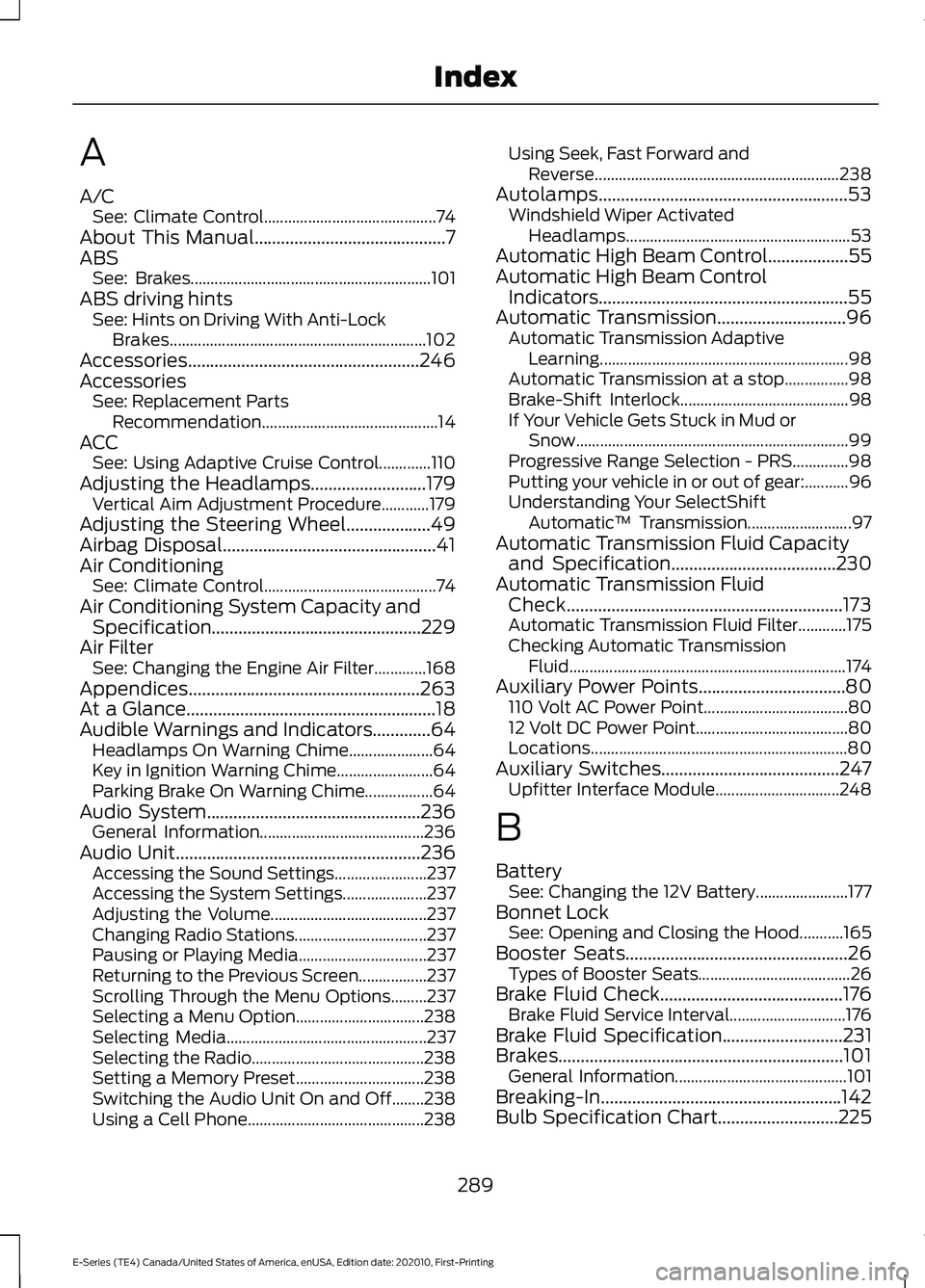
A
A/C
See: Climate Control........................................... 74
About This Manual...........................................7
ABS See: Brakes............................................................ 101
ABS driving hints See: Hints on Driving With Anti-Lock
Brakes................................................................ 102
Accessories....................................................246
Accessories See: Replacement Parts
Recommendation............................................ 14
ACC See: Using Adaptive Cruise Control.............110
Adjusting the Headlamps
..........................179
Vertical Aim Adjustment Procedure............179
Adjusting the Steering Wheel...................49
Airbag Disposal................................................41
Air Conditioning See: Climate Control........................................... 74
Air Conditioning System Capacity and Specification...............................................229
Air Filter See: Changing the Engine Air Filter.............168
Appendices....................................................263
At a Glance........................................................18
Audible Warnings and Indicators.............64 Headlamps On Warning Chime..................... 64
Key in Ignition Warning Chime........................ 64
Parking Brake On Warning Chime.................64
Audio System................................................236 General Information......................................... 236
Audio Unit
.......................................................236
Accessing the Sound Settings....................... 237
Accessing the System Settings..................... 237
Adjusting the Volume....................................... 237
Changing Radio Stations................................. 237
Pausing or Playing Media................................ 237
Returning to the Previous Screen.................237
Scrolling Through the Menu Options.........237
Selecting a Menu Option................................ 238
Selecting Media.................................................. 237
Selecting the Radio........................................... 238
Setting a Memory Preset................................ 238
Switching the Audio Unit On and Off........238
Using a Cell Phone............................................ 238Using Seek, Fast Forward and
Reverse............................................................. 238
Autolamps........................................................53 Windshield Wiper Activated
Headlamps........................................................ 53
Automatic High Beam Control
..................55
Automatic High Beam Control Indicators........................................................55
Automatic Transmission.............................96 Automatic Transmission Adaptive
Learning.............................................................. 98
Automatic Transmission at a stop................98
Brake-Shift Interlock.......................................... 98
If Your Vehicle Gets Stuck in Mud or Snow.................................................................... 99
Progressive Range Selection - PRS..............98
Putting your vehicle in or out of gear:...........96
Understanding Your SelectShift Automatic ™ Transmission.......................... 97
Automatic Transmission Fluid Capacity and Specification
.....................................230
Automatic Transmission Fluid Check..............................................................173
Automatic Transmission Fluid Filter............175
Checking Automatic Transmission Fluid..................................................................... 174
Auxiliary Power Points.................................80 110 Volt AC Power Point.................................... 80
12 Volt DC Power Point...................................... 80
Locations................................................................ 80
Auxiliary Switches
........................................247
Upfitter Interface Module............................... 248
B
Battery See: Changing the 12V Battery....................... 177
Bonnet Lock See: Opening and Closing the Hood...........165
Booster Seats..................................................26 Types of Booster Seats...................................... 26
Brake Fluid Check.........................................176 Brake Fluid Service Interval............................. 176
Brake Fluid Specification
...........................231
Brakes................................................................101 General Information........................................... 101
Breaking-In......................................................142
Bulb Specification Chart
...........................225
289
E-Series (TE4) Canada/United States of America, enUSA, Edition date: 202010, First-Printing Index
Page 299 of 300
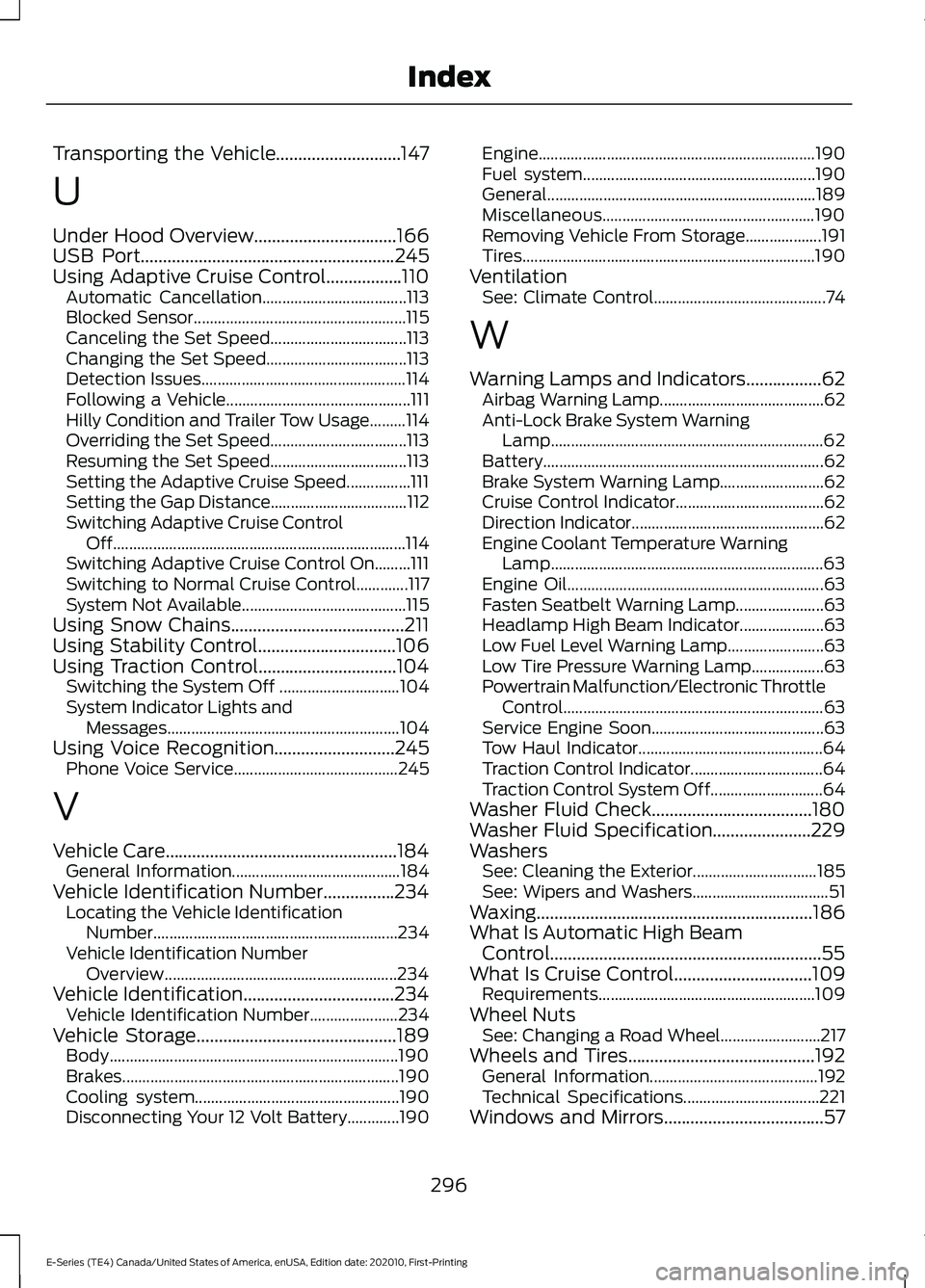
Transporting the Vehicle............................147
U
Under Hood Overview................................166
USB Port.........................................................245
Using Adaptive Cruise Control.................110 Automatic Cancellation.................................... 113
Blocked Sensor..................................................... 115
Canceling the Set Speed.................................. 113
Changing the Set Speed................................... 113
Detection Issues................................................... 114
Following a Vehicle.............................................. 111
Hilly Condition and Trailer Tow Usage.........114
Overriding the Set Speed.................................. 113
Resuming the Set Speed.................................. 113
Setting the Adaptive Cruise Speed................111
Setting the Gap Distance.................................. 112
Switching Adaptive Cruise Control Off........................................................................\
. 114
Switching Adaptive Cruise Control On.........111
Switching to Normal Cruise Control.............117
System Not Available......................................... 115
Using Snow Chains
.......................................211
Using Stability Control...............................106
Using Traction Control...............................104 Switching the System Off .............................. 104
System Indicator Lights and Messages.......................................................... 104
Using Voice Recognition
...........................245
Phone Voice Service......................................... 245
V
Vehicle Care....................................................184 General Information.......................................... 184
Vehicle Identification Number
................234
Locating the Vehicle Identification
Number............................................................. 234
Vehicle Identification Number Overview.......................................................... 234
Vehicle Identification
..................................234
Vehicle Identification Number...................... 234
Vehicle Storage
.............................................189
Body........................................................................\
190
Brakes..................................................................... 190
Cooling system................................................... 190
Disconnecting Your 12 Volt Battery.............190 Engine.....................................................................
190
Fuel system.......................................................... 190
General................................................................... 189
Miscellaneous..................................................... 190
Removing Vehicle From Storage................... 191
Tires........................................................................\
. 190
Ventilation See: Climate Control........................................... 74
W
Warning Lamps and Indicators.................62 Airbag Warning Lamp......................................... 62
Anti-Lock Brake System Warning Lamp
.................................................................... 62
Battery...................................................................... 62
Brake System Warning Lamp.......................... 62
Cruise Control Indicator..................................... 62
Direction Indicator................................................ 62
Engine Coolant Temperature Warning Lamp.................................................................... 63
Engine Oil................................................................ 63
Fasten Seatbelt Warning Lamp...................... 63
Headlamp High Beam Indicator..................... 63
Low Fuel Level Warning Lamp........................ 63
Low Tire Pressure Warning Lamp.................. 63
Powertrain Malfunction/Electronic Throttle Control................................................................. 63
Service Engine Soon........................................... 63
Tow Haul Indicator.............................................. 64
Traction Control Indicator................................. 64
Traction Control System Off............................ 64
Washer Fluid Check....................................180
Washer Fluid Specification......................229
Washers See: Cleaning the Exterior............................... 185
See: Wipers and Washers.................................. 51
Waxing..............................................................186
What Is Automatic High Beam Control.............................................................55
What Is Cruise Control...............................109 Requirements...................................................... 109
Wheel Nuts See: Changing a Road Wheel......................... 217
Wheels and Tires..........................................192 General Information.......................................... 192
Technical Specifications.................................. 221
Windows and Mirrors....................................57
296
E-Series (TE4) Canada/United States of America, enUSA, Edition date: 202010, First-Printing Index