set FORD ECONOLINE 2007 User Guide
[x] Cancel search | Manufacturer: FORD, Model Year: 2007, Model line: ECONOLINE, Model: FORD ECONOLINE 2007Pages: 264, PDF Size: 2.8 MB
Page 28 of 264
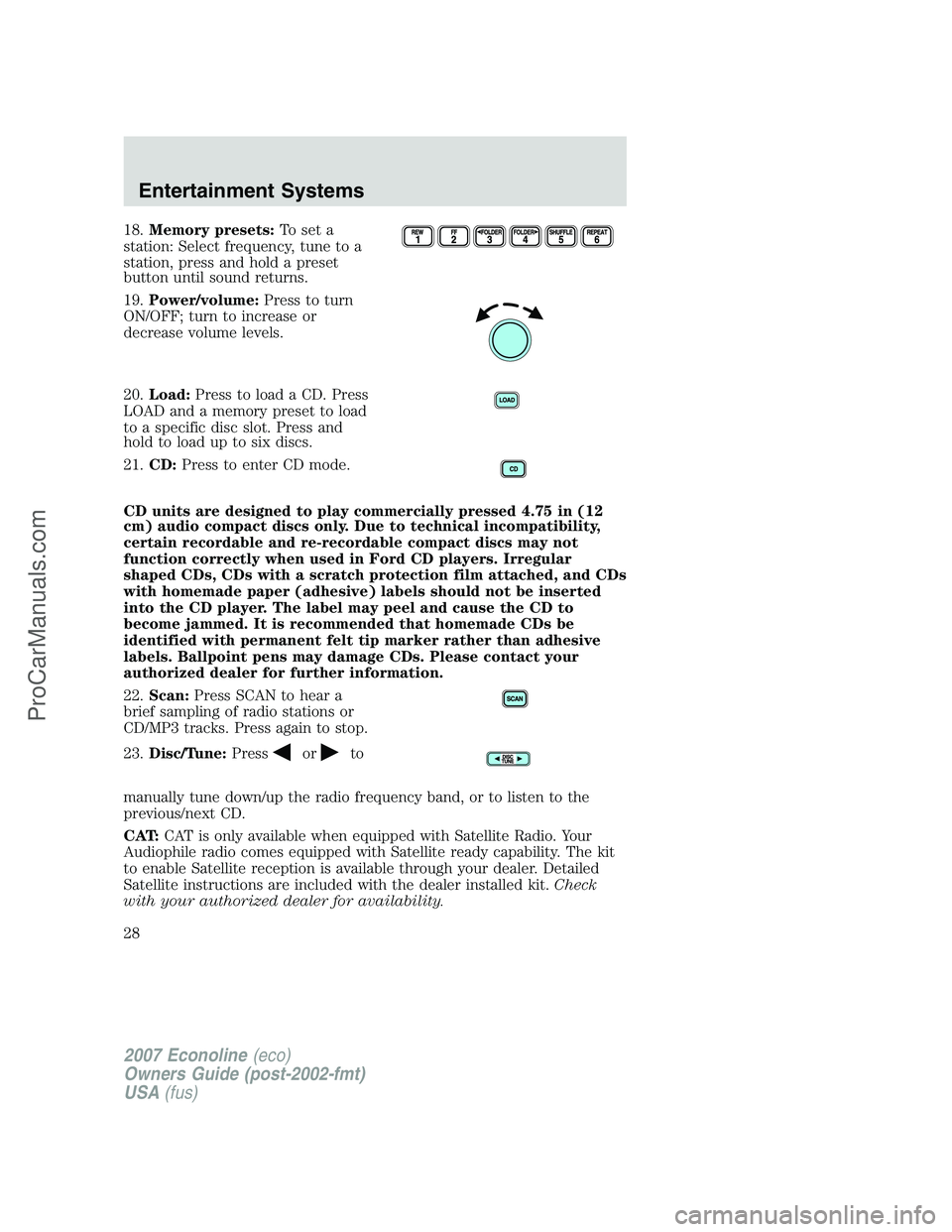
18.Memory presets:To set a
station: Select frequency, tune to a
station, press and hold a preset
button until sound returns.
19.Power/volume:Press to turn
ON/OFF; turn to increase or
decrease volume levels.
20.Load:Press to load a CD. Press
LOAD and a memory preset to load
to a specific disc slot. Press and
hold to load up to six discs.
21.CD:Press to enter CD mode.
CD units are designed to play commercially pressed 4.75 in (12
cm) audio compact discs only. Due to technical incompatibility,
certain recordable and re-recordable compact discs may not
function correctly when used in Ford CD players. Irregular
shaped CDs, CDs with a scratch protection film attached, and CDs
with homemade paper (adhesive) labels should not be inserted
into the CD player. The label may peel and cause the CD to
become jammed. It is recommended that homemade CDs be
identified with permanent felt tip marker rather than adhesive
labels. Ballpoint pens may damage CDs. Please contact your
authorized dealer for further information.
22.Scan:Press SCAN to hear a
brief sampling of radio stations or
CD/MP3 tracks. Press again to stop.
23.Disc/Tune:Press
orto
manually tune down/up the radio frequency band, or to listen to the
previous/next CD.
CAT:CAT is only available when equipped with Satellite Radio. Your
Audiophile radio comes equipped with Satellite ready capability. The kit
to enable Satellite reception is available through your dealer. Detailed
Satellite instructions are included with the dealer installed kit.Check
with your authorized dealer for availability.
2007 Econoline(eco)
Owners Guide (post-2002-fmt)
USA(fus)
Entertainment Systems
28
ProCarManuals.com
Page 31 of 264
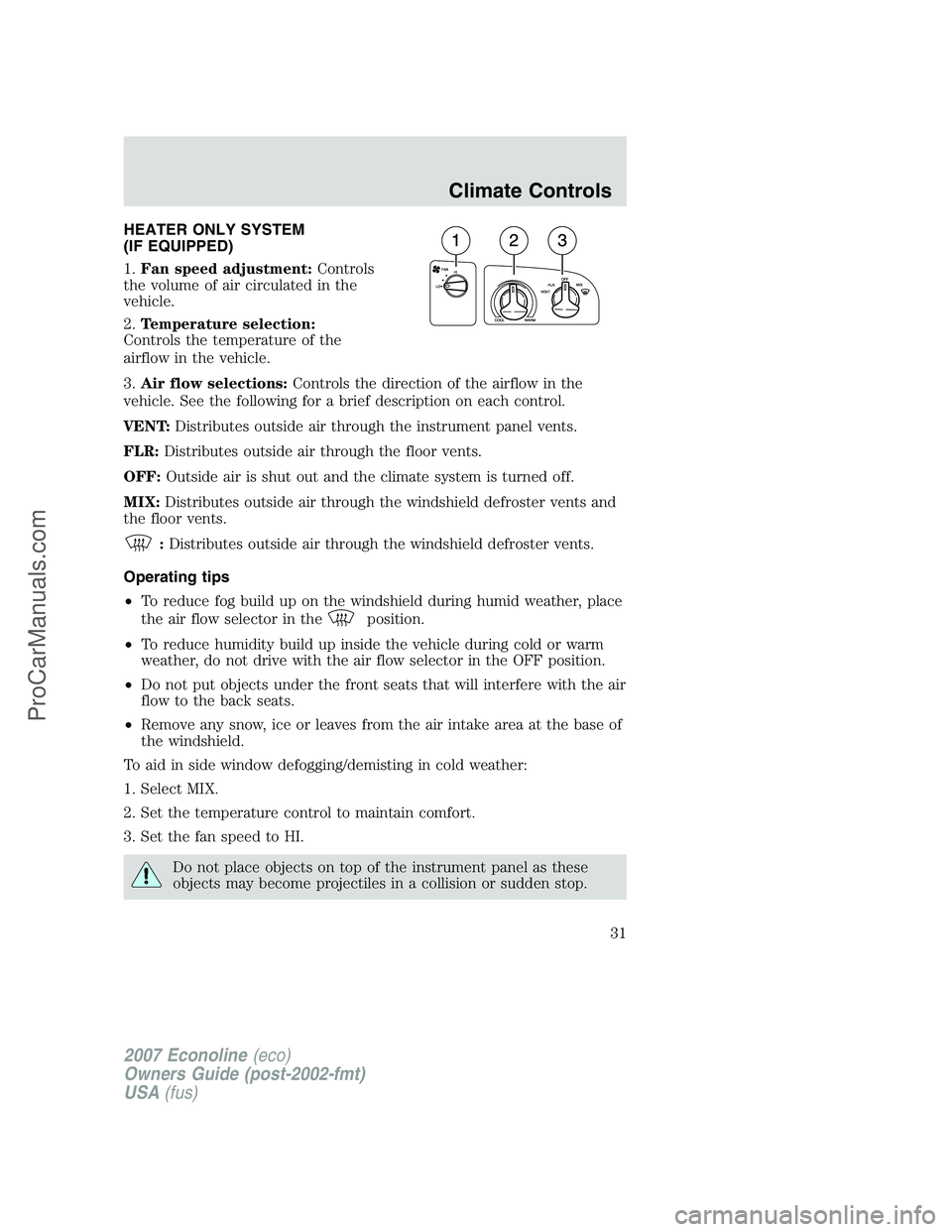
HEATER ONLY SYSTEM
(IF EQUIPPED)
1.Fan speed adjustment:Controls
the volume of air circulated in the
vehicle.
2.Temperature selection:
Controls the temperature of the
airflow in the vehicle.
3.Air flow selections:Controls the direction of the airflow in the
vehicle. See the following for a brief description on each control.
VENT:Distributes outside air through the instrument panel vents.
FLR:Distributes outside air through the floor vents.
OFF:Outside air is shut out and the climate system is turned off.
MIX:Distributes outside air through the windshield defroster vents and
the floor vents.
:Distributes outside air through the windshield defroster vents.
Operating tips
•To reduce fog build up on the windshield during humid weather, place
the air flow selector in the
position.
•To reduce humidity build up inside the vehicle during cold or warm
weather, do not drive with the air flow selector in the OFF position.
•Do not put objects under the front seats that will interfere with the air
flow to the back seats.
•Remove any snow, ice or leaves from the air intake area at the base of
the windshield.
To aid in side window defogging/demisting in cold weather:
1. Select MIX.
2. Set the temperature control to maintain comfort.
3. Set the fan speed to HI.
Do not place objects on top of the instrument panel as these
objects may become projectiles in a collision or sudden stop.
2007 Econoline(eco)
Owners Guide (post-2002-fmt)
USA(fus)
Climate Controls
31
ProCarManuals.com
Page 33 of 264
To aid in side window defogging/demisting in cold weather:
1. Select MIX.
2. Set the temperature control to maintain comfort.
3. Set the fan speed to HI.
Do not place objects on top of the instrument panel as these
objects may become projectiles in a collision or sudden stop.
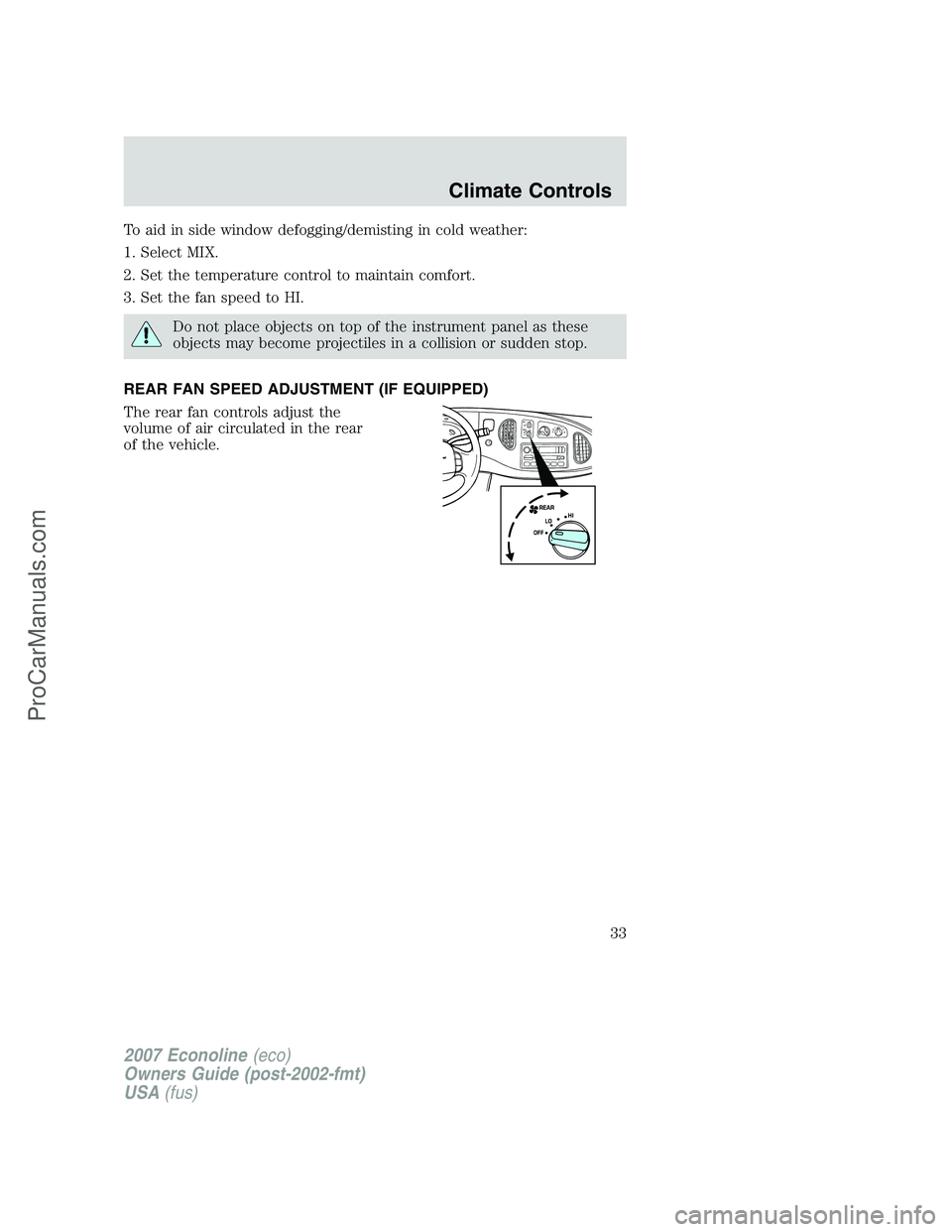
REAR FAN SPEED ADJUSTMENT (IF EQUIPPED)
The rear fan controls adjust the
volume of air circulated in the rear
of the vehicle.
2007 Econoline(eco)
Owners Guide (post-2002-fmt)
USA(fus)
Climate Controls
33
ProCarManuals.com
Page 34 of 264
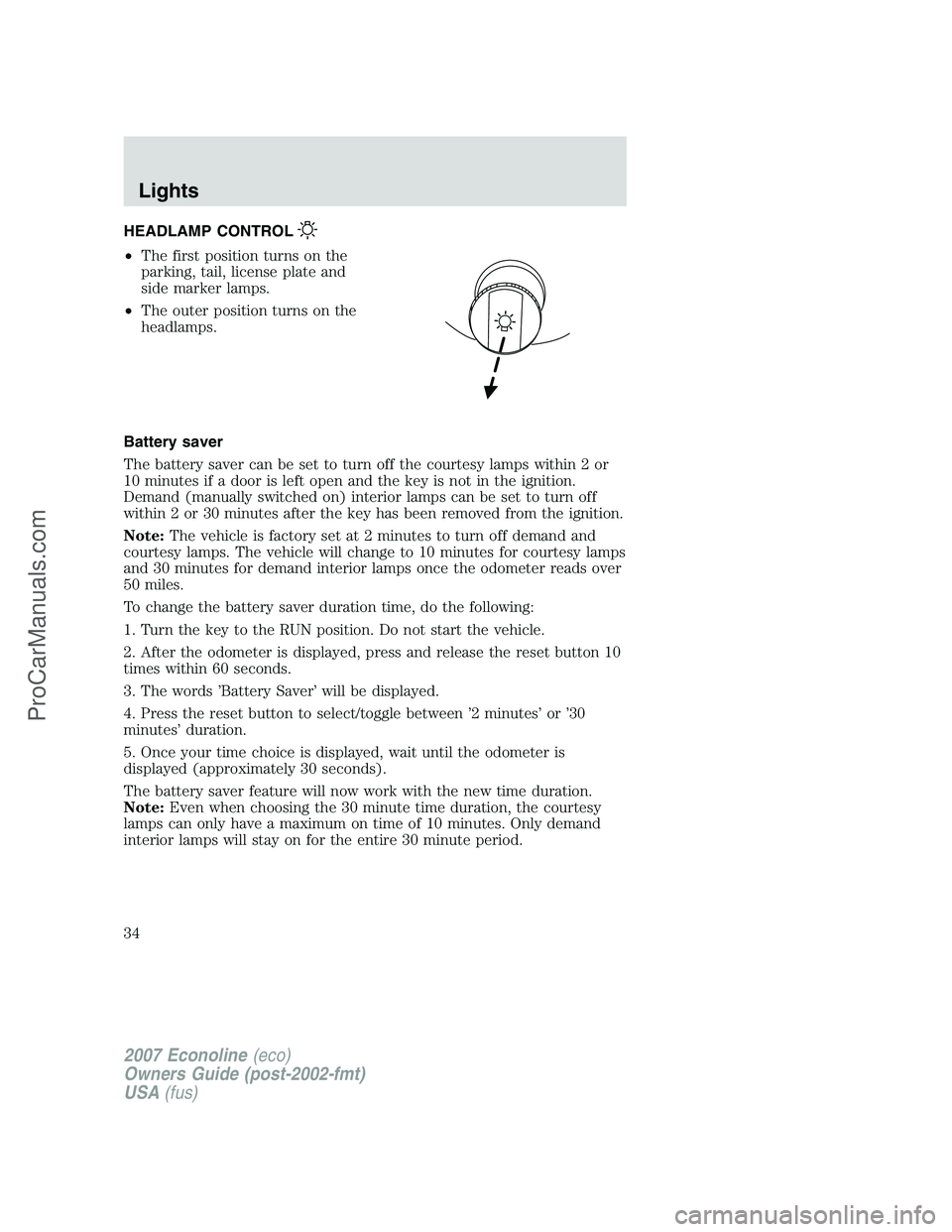
HEADLAMP CONTROL
•The first position turns on the
parking, tail, license plate and
side marker lamps.
•The outer position turns on the
headlamps.
Battery saver
The battery saver can be set to turn off the courtesy lamps within 2 or
10 minutes if a door is left open and the key is not in the ignition.
Demand (manually switched on) interior lamps can be set to turn off
within 2 or 30 minutes after the key has been removed from the ignition.
Note:The vehicle is factory set at 2 minutes to turn off demand and
courtesy lamps. The vehicle will change to 10 minutes for courtesy lamps
and 30 minutes for demand interior lamps once the odometer reads over
50 miles.
To change the battery saver duration time, do the following:
1. Turn the key to the RUN position. Do not start the vehicle.
2. After the odometer is displayed, press and release the reset button 10
times within 60 seconds.
3. The words ’Battery Saver’ will be displayed.
4. Press the reset button to select/toggle between ’2 minutes’ or ’30
minutes’ duration.
5. Once your time choice is displayed, wait until the odometer is
displayed (approximately 30 seconds).
The battery saver feature will now work with the new time duration.
Note:Even when choosing the 30 minute time duration, the courtesy
lamps can only have a maximum on time of 10 minutes. Only demand
interior lamps will stay on for the entire 30 minute period.
2007 Econoline(eco)
Owners Guide (post-2002-fmt)
USA(fus)
Lights
34
ProCarManuals.com
Page 51 of 264
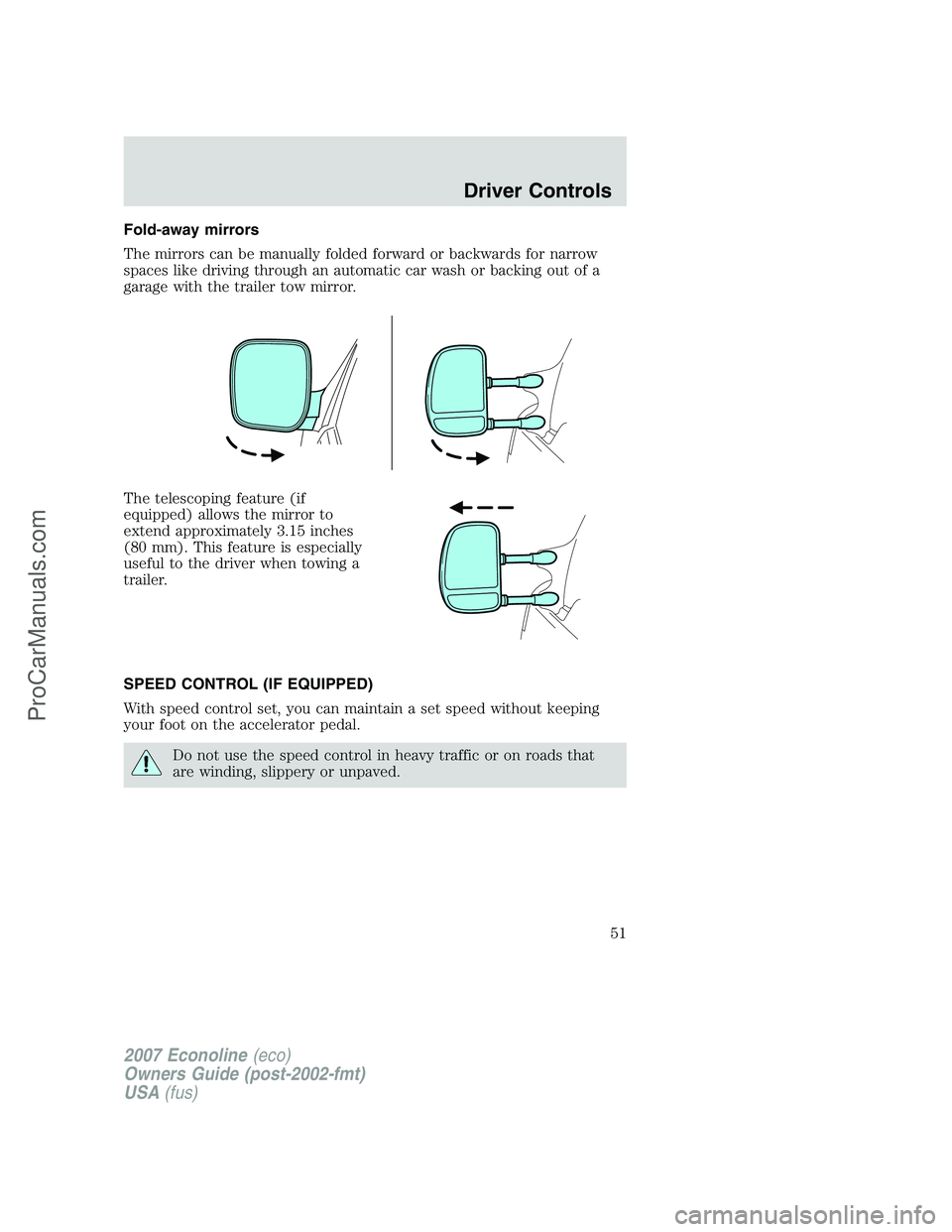
Fold-away mirrors
The mirrors can be manually folded forward or backwards for narrow
spaces like driving through an automatic car wash or backing out of a
garage with the trailer tow mirror.
The telescoping feature (if
equipped) allows the mirror to
extend approximately 3.15 inches
(80 mm). This feature is especially
useful to the driver when towing a
trailer.
SPEED CONTROL (IF EQUIPPED)
With speed control set, you can maintain a set speed without keeping
your foot on the accelerator pedal.
Do not use the speed control in heavy traffic or on roads that
are winding, slippery or unpaved.
2007 Econoline(eco)
Owners Guide (post-2002-fmt)
USA(fus)
Driver Controls
51
ProCarManuals.com
Page 52 of 264
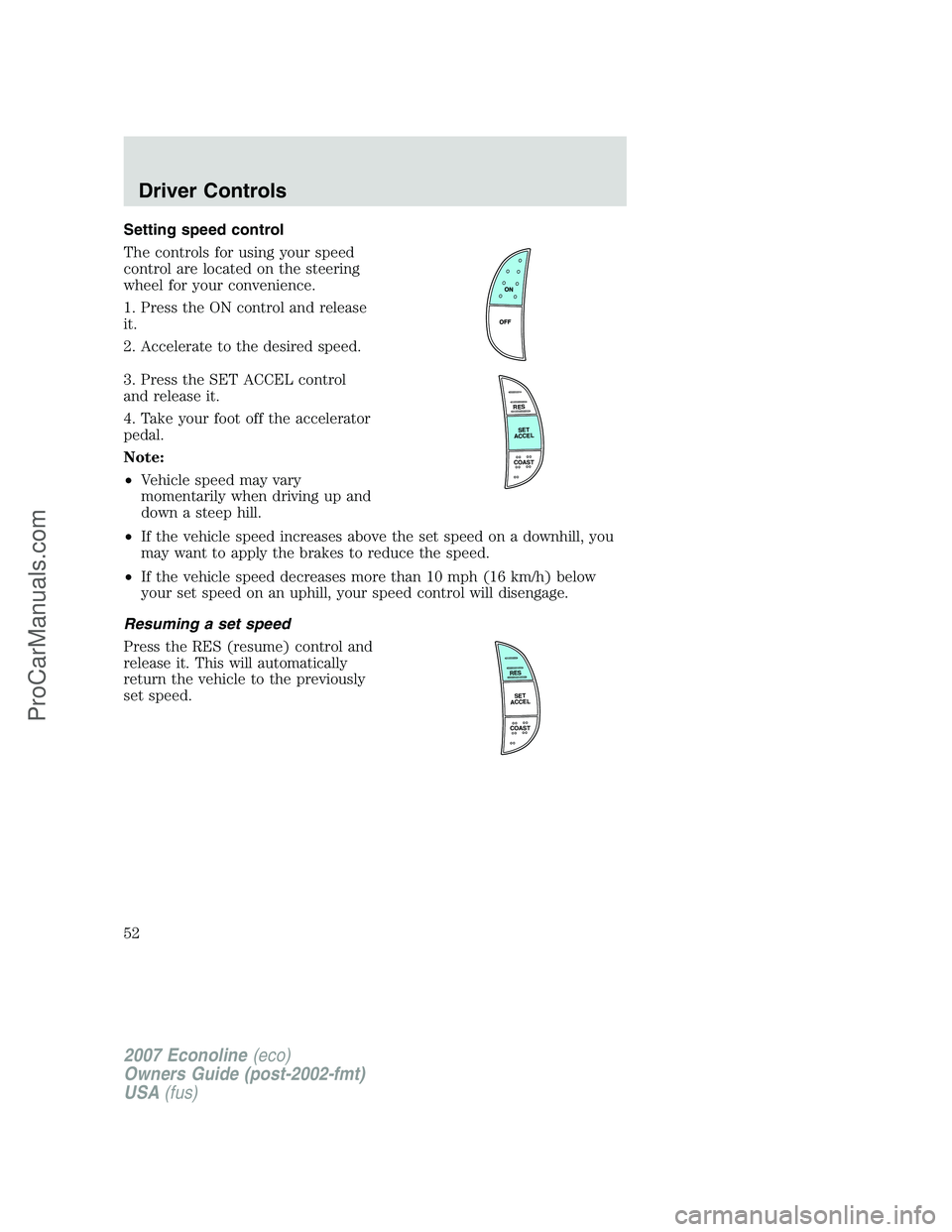
Setting speed control
The controls for using your speed
control are located on the steering
wheel for your convenience.
1. Press the ON control and release
it.
2. Accelerate to the desired speed.
3. Press the SET ACCEL control
and release it.
4. Take your foot off the accelerator
pedal.
Note:
•Vehicle speed may vary
momentarily when driving up and
down a steep hill.
•If the vehicle speed increases above the set speed on a downhill, you
may want to apply the brakes to reduce the speed.
•If the vehicle speed decreases more than 10 mph (16 km/h) below
your set speed on an uphill, your speed control will disengage.
Resuming a set speed
Press the RES (resume) control and
release it. This will automatically
return the vehicle to the previously
set speed.
RES
SET
ACCEL
COAST
RES
SET
ACCEL
COAST
2007 Econoline(eco)
Owners Guide (post-2002-fmt)
USA(fus)
Driver Controls
52
ProCarManuals.com
Page 53 of 264
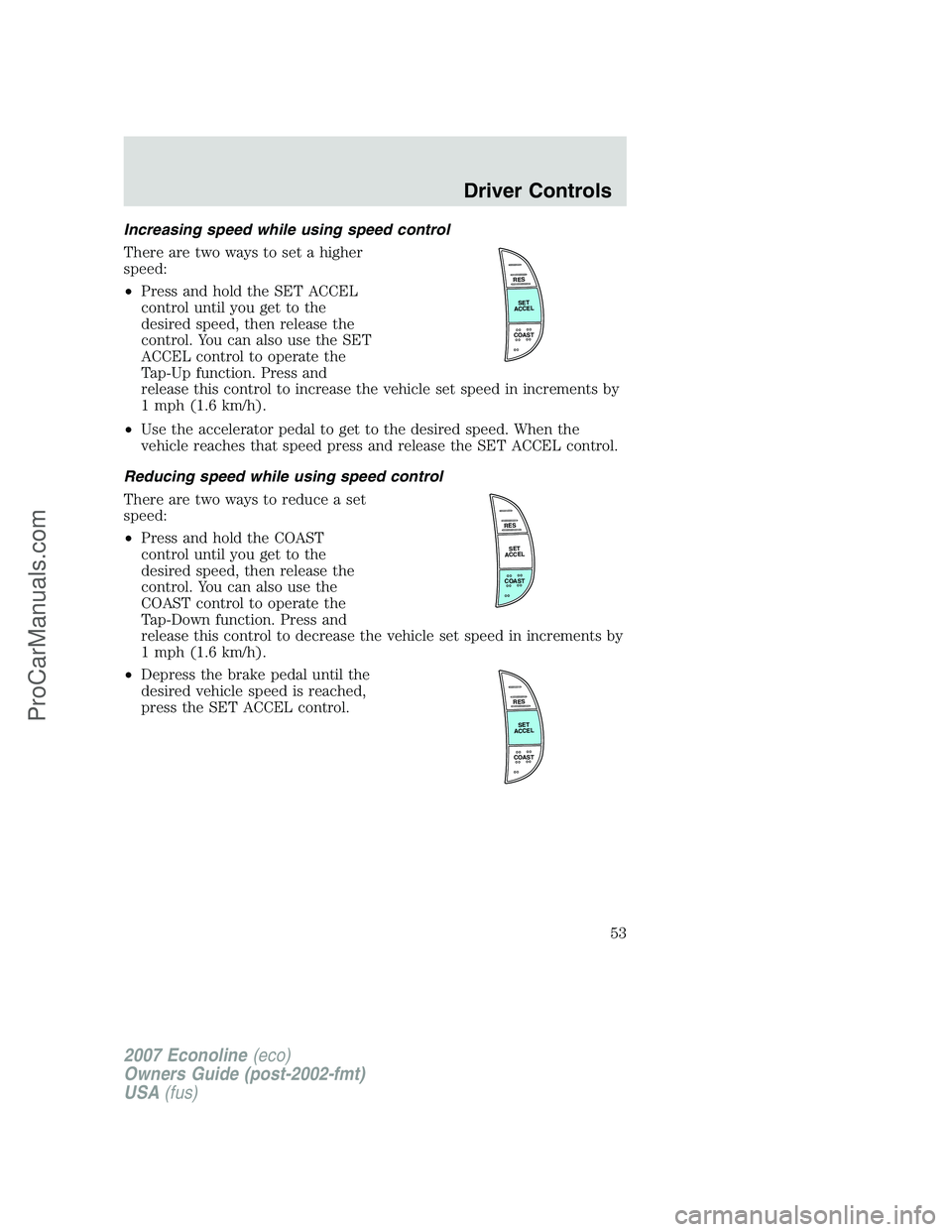
Increasing speed while using speed control
There are two ways to set a higher
speed:
•Press and hold the SET ACCEL
control until you get to the
desired speed, then release the
control. You can also use the SET
ACCEL control to operate the
Tap-Up function. Press and
release this control to increase the vehicle set speed in increments by
1 mph (1.6 km/h).
•Use the accelerator pedal to get to the desired speed. When the
vehicle reaches that speed press and release the SET ACCEL control.
Reducing speed while using speed control
There are two ways to reduce a set
speed:
•Press and hold the COAST
control until you get to the
desired speed, then release the
control. You can also use the
COAST control to operate the
Tap-Down function. Press and
release this control to decrease the vehicle set speed in increments by
1 mph (1.6 km/h).
•Depress the brake pedal until the
desired vehicle speed is reached,
press the SET ACCEL control.
RES
SET
ACCEL
COAST
RES
SET
ACCEL
COAST
RES
SET
ACCEL
COAST
2007 Econoline(eco)
Owners Guide (post-2002-fmt)
USA(fus)
Driver Controls
53
ProCarManuals.com
Page 54 of 264
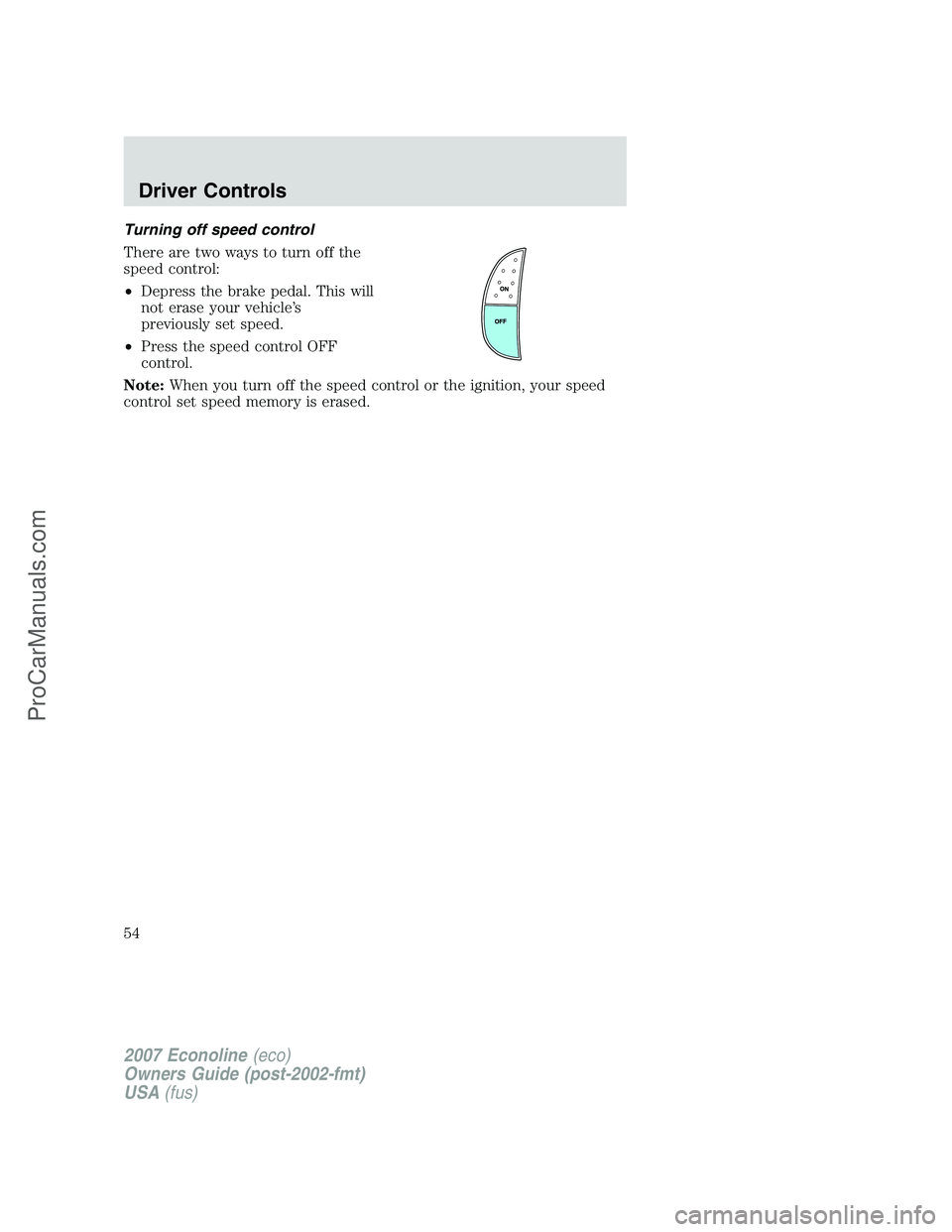
Turning off speed control
There are two ways to turn off the
speed control:
•Depress the brake pedal. This will
not erase your vehicle’s
previously set speed.
•Press the speed control OFF
control.
Note:When you turn off the speed control or the ignition, your speed
control set speed memory is erased.
2007 Econoline(eco)
Owners Guide (post-2002-fmt)
USA(fus)
Driver Controls
54
ProCarManuals.com
Page 58 of 264
If there are problems with the remote entry system, make sure to take
ALL remote entry transmitterswith you to the authorized dealer in
order to aid in troubleshooting the problem.
Two step door unlocking
1. Pressand release to unlock the driver’s door.Note:The interior
lamps will illuminate if the control on the overhead lamp isnotset to
theoffposition.
2. Press
and release again within three seconds to unlock the
passenger doors and the rear cargo doors.
The battery saver feature will turn off the interior lamps 30 minutes after
the ignition is turned to the 1 (OFF/LOCK) position.
One step door unlocking
If the one step door unlocking feature is activated, press
and release
once to unlock the passenger doors and the rear cargo doors.Note:The
interior lamps will illuminate (refer to theIlluminated entryfeature
later in this section), if the control on the overhead lamp isnotset to
theoffposition.
Switching from two step to one step door unlocking
Your vehicle comes with two step unlocking enabled. Unlocking can be
switched between two step and one step door unlocking by pressing and
holding both the
andbuttons simultaneously on the remote entry
transmitter for approximately 4 seconds and release. The parklamps will
flash twice to indicate that the vehicle has switched to one step
unlocking. Repeat the procedure to switch back to two-step unlocking.
Locking the doors
1. Pressand release to lock all the doors.
2. Press
and release again within three seconds to confirm that all
the doors are closed and locked.Note:The doors will lock again, and
the horn will chirp once.
Sounding a panic alarm
Press
to activate the alarm. Press the control again, or turn the
ignition to the 1 (ACCESSORY) or 4 (ON) position to deactivate the
alarm.
Note:The panic alarm will only operate when the ignition is in the 2
(LOCK) or 3 (OFF) position.
2007 Econoline(eco)
Owners Guide (post-2002-fmt)
USA(fus)
Locks and Security
58
ProCarManuals.com
Page 61 of 264
Illuminated entry
The interior lamps illuminate when the remote entry system is used to
unlock the door(s) or sound the personal alarm.
The illuminated entry system will turn off the interior lights if:
•the ignition switch is turned to the 4 (ON) or 1 (ACCESSORY)
position, or
•the remote transmitter lock control is pressed, or
•after 25 seconds of illumination.
The dome lamp control (if equipped) mustnotbe set to the off position
for the illuminated entry system to operate.
The inside lights will not turn off if:
•they have been turned on with the dimmer control, or
•any door is open.
2007 Econoline(eco)
Owners Guide (post-2002-fmt)
USA(fus)
Locks and Security
61
ProCarManuals.com