fuel cap FORD EDGE 2018 Owner's Manual
[x] Cancel search | Manufacturer: FORD, Model Year: 2018, Model line: EDGE, Model: FORD EDGE 2018Pages: 557, PDF Size: 7.02 MB
Page 424 of 557
Website
www.syncmaroute.ca
For important information about airbag
deployment and the fuel pump shut-off
please see the Supplementary Restrains
and Roadside Emergencies sections of
your owner manual.
To switch 911 Assist on and off please view
the settings information. See Settings
(page 464).
To make sure that 911 Assist works
correctly:
• SYNC must be powered and working
properly at the time of the incident and
throughout feature activation and use.
• The 911 Assist feature must be set on
before the incident.
• You must pair and connect a
Bluetooth-enabled and compatible
cell phone to SYNC.
• A connected Bluetooth-enabled phone
must have the ability to make and
maintain an outgoing call at the time
of the incident.
• A connected Bluetooth-enabled phone
must have adequate network coverage,
battery power and signal strength.
• The vehicle must have battery power
and be located in the U.S., Canada or
in a territory in which 911 is the
emergency number.
In the Event of a Crash
Not all crashes will deploy an airbag or
activate the fuel pump shut-off (the
triggers for 911 Assist). If a connected cell
phone sustains damage or loses its
connection to SYNC during a crash, SYNC
will search for and try to connect to a
previously paired cell phone; SYNC will
then attempt to call the emergency
services. Before making the call:
•
SYNC provides a short window of time
(about 10 seconds) to cancel the call.
If you fail to cancel the call, SYNC
attempts to dial 911.
• SYNC says the following, or a similar
message: "SYNC will attempt to call
911, to cancel the call, press Cancel on
your screen or press and hold the
phone button on your steering wheel."
If you do not cancel the call, and SYNC
makes a successful call, a pre-recorded
message plays for the 911 operator, and
then the occupant(s) in your vehicle is able
to talk with the operator. Be prepared to
provide your name, phone number and
location immediately, because not all 911
systems are capable of receiving this
information electronically.
911 Assist May Not Work If
• Your cellular phone or 911 Assist
hardware sustains damage in a crash.
• The vehicle's battery or the SYNC
system has no power.
• The phone(s) thrown from your vehicle
are the ones paired and connected to
the system.
911 Assist Privacy Notice
When you switch on 911 Assist, it may
disclose to emergency services that your
vehicle has been in a crash involving the
deployment of an airbag or activation of
the fuel pump shut-off. Certain versions or
updates to 911 Assist may also be capable
of electronically or verbally disclosing to
911 operators your vehicle location or other
details about your vehicle or crash to assist
911 operators to provide the most
appropriate emergency services. If you do
not want to disclose this information, do
not switch the feature on.
421
Edge (CDQ) Canada/United States of America, enUSA, Edition date: 201706, Third-Printing- SYNC™ 3
(If Equipped)
Page 457 of 557
Map Mode
Map mode shows advanced viewing
comprised of 2D city maps, 3D landmarks
and 3D city models (when available). 2D
city maps show detailed outlines of
buildings, visible land use, landscape
features, and detailed railroad
infrastructure for the most essential cities
around the globe.
3D landmarks appear as clear, visible
objects that are typically recognizable and
have a certain tourism value.
3D city models are complete 3D models
of entire city areas including navigable
roads, parks, rivers and rendered buildings.
3D landmarks and city models appear in
3D map mode only. Coverage of these
varies and improves with updated map
releases.
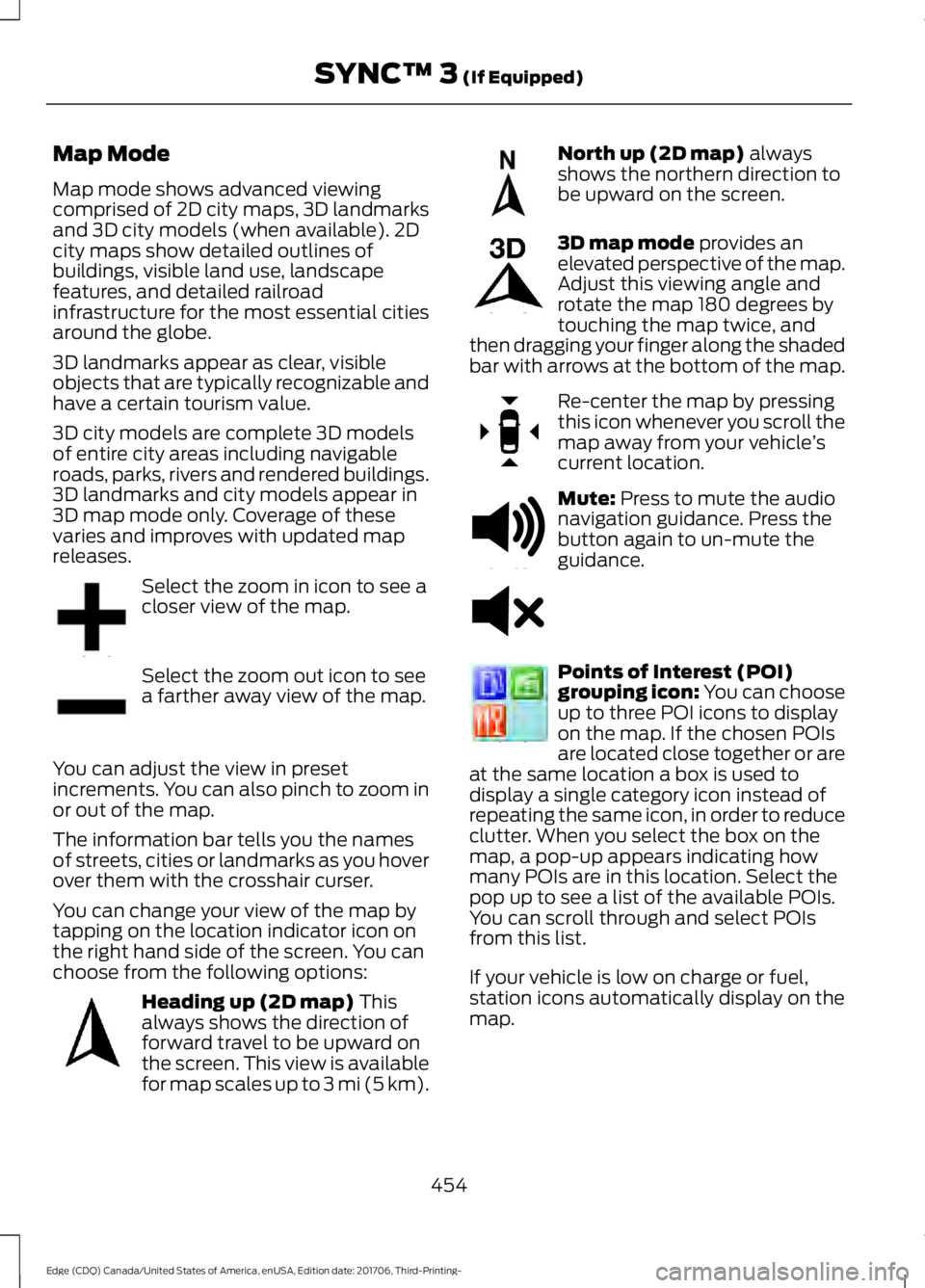
Select the zoom in icon to see a
closer view of the map.
Select the zoom out icon to see
a farther away view of the map.
You can adjust the view in preset
increments. You can also pinch to zoom in
or out of the map.
The information bar tells you the names
of streets, cities or landmarks as you hover
over them with the crosshair curser.
You can change your view of the map by
tapping on the location indicator icon on
the right hand side of the screen. You can
choose from the following options: Heading up (2D map) This
always shows the direction of
forward travel to be upward on
the screen. This view is available
for map scales up to
3 mi (5 km). North up (2D map)
always
shows the northern direction to
be upward on the screen. 3D map mode
provides an
elevated perspective of the map.
Adjust this viewing angle and
rotate the map 180 degrees by
touching the map twice, and
then dragging your finger along the shaded
bar with arrows at the bottom of the map. Re-center the map by pressing
this icon whenever you scroll the
map away from your vehicle
’s
current location. Mute:
Press to mute the audio
navigation guidance. Press the
button again to un-mute the
guidance. Points of Interest (POI)
grouping icon: You can choose
up to three POI icons to display
on the map. If the chosen POIs
are located close together or are
at the same location a box is used to
display a single category icon instead of
repeating the same icon, in order to reduce
clutter. When you select the box on the
map, a pop-up appears indicating how
many POIs are in this location. Select the
pop up to see a list of the available POIs.
You can scroll through and select POIs
from this list.
If your vehicle is low on charge or fuel,
station icons automatically display on the
map.
454
Edge (CDQ) Canada/United States of America, enUSA, Edition date: 201706, Third-Printing- SYNC™ 3
(If Equipped)E207752 E207753 E207750 E207749 E207748 E207751 E251780 E251779 E207754
Page 549 of 557
End User License Agreement..................516
VEHICLE SOFTWARE END USER LICENSE
AGREEMENT (EULA) .................................. 516
Engine Block Heater....................................162 Using the Engine Block Heater...................... 163
Engine Coolant Check................................279
Adding Coolant.................................................. 280
Coolant Change................................................. 282
Engine Coolant Temperature Management.................................................. 283
Fail-Safe Cooling............................................... 282
Recycled Coolant................................................ 281
Severe Climates.................................................. 281
Engine Emission Control............................173
Engine Immobilizer See: Passive Anti-Theft System.....................74
Engine Oil Check...........................................277 Adding Engine Oil............................................... 278
Engine Oil Dipstick - 2.0L EcoBoost™..................................................277
Engine Oil Dipstick - 2.7L EcoBoost™..................................................277
Engine Oil Dipstick - 3.5L...........................277
Engine Specifications - 2.0L EcoBoost™................................................340
Drivebelt Routing............................................... 340
Engine Specifications - 2.7L EcoBoost™................................................340
Drivebelt Routing................................................ 341
Engine Specifications - 3.5L.....................341 Drivebelt Routing................................................ 341
Entertainment...............................................433 AM/FM Radio...................................................... 435
Apps....................................................................... 443
Bluetooth Stereo or USB................................ 442
CD (If equipped)................................................. 441
HD Radio ™ Information (If
Available)........................................................ 438
SiriusXM® Satellite Radio (If Activated)........................................................ 436
Sources.................................................................. 434
Supported Media Players, Formats and Metadata Information................................ 443
USB Ports............................................................. 443
Environment......................................................14
EPB See: Electric Parking Brake.............................. 187Essential Towing Checks...........................241
Before Towing a Trailer.................................... 242
Hitches.................................................................... 241
Launching or Retrieving a Boat or Personal Watercraft (PWC)........................................ 242
Safety Chains....................................................... 241
Trailer Brakes........................................................ 241
Trailer Lamps........................................................ 241
When Towing a Trailer...................................... 242
Event Data Recording See: Data Recording.............................................. 9
Export Unique Options..................................13
Exterior Mirrors
................................................93
Auto-dimming Feature...................................... 94
Blind Spot Information System......................95
Direction Indicator Mirrors ............................... 94
Fold-Away Exterior Mirrors............................... 94
Heated Exterior Mirrors ..................................... 94
Integrated Blind Spot Mirror............................ 94
Memory Mirrors .................................................... 94
Power Exterior Mirrors........................................ 93
Puddle Lamps....................................................... 94
F
Fastening the Seatbelts...............................33 Rear Inflatable Seatbelt..................................... 35
Seatbelt Locking Modes.................................... 34
Using Seatbelts During Pregnancy................34
Using the Sliding Clip.......................................... 33
Flat Tire See: Changing a Road Wheel....................... 334
Flat Tire Inflation See: Tire Sealant and Inflator Kit................306
Floor Mats
.......................................................247
Ford Credit..........................................................11
US Only...................................................................... 11
Ford Protect
..................................................494
Ford Protect Extended Service Plan
(CANADA ONLY).......................................... 495
Ford Protect Extended Service Plans (U.S. Only)................................................................. 494
Front Parking Aid..........................................195 Obstacle Distance Indicator.......................... 196
Front Passenger Sensing System............44
Fuel and Refueling.......................................166
Fuel Consumption
.........................................171
Advertised Capacity............................................ 171
546
Edge (CDQ) Canada/United States of America, enUSA, Edition date: 201706, Third-Printing- Index