lane centering FORD EDGE 2019 Owners Manual
[x] Cancel search | Manufacturer: FORD, Model Year: 2019, Model line: EDGE, Model: FORD EDGE 2019Pages: 547, PDF Size: 40.86 MB
Page 6 of 547
Auxiliary Power Points
Auxiliary Power Points
................................151
Wireless Accessory Charging ..................
152
Storage Compartments
Center Console .............................................
154
Overhead Console .......................................
154
Rear Seat Armrest .......................................
154
Starting and Stopping the Engine
General Information ...................................
155
Keyless Starting ...........................................
155
Starting a Gasoline Engine ......................
156
Engine Block Heater ...................................
158
Unique Driving Characteristics
Auto-Start-Stop ..........................................
160
Fuel and Refueling
Safety Precautions ......................................
162
Fuel Quality ....................................................
162
Fuel Filler Funnel Location .......................
163
Running Out of Fuel ...................................
163
Refueling .........................................................
165
Fuel Consumption .......................................
167
Engine Emission Control
Emission Law ................................................
169
Catalytic Converter .....................................
170
Transmission
Automatic Transmission ...........................
173
All-Wheel Drive
Using All-Wheel Drive ................................
179Brakes
General Information
...................................
184
Hints on Driving With Anti-Lock Brakes ........................................................................\
.
184
Electric Parking Brake ................................
185
Hill Start Assist ............................................
186
Traction Control
Principle of Operation ...............................
188
Using Traction Control ..............................
188
Stability Control
Principle of Operation ...............................
189
Using Stability Control ..............................
190
Parking Aids
Principle of Operation ................................
192
Rear Parking Aid ...........................................
192
Front Parking Aid .........................................
193
Side Sensing System .................................
194
Active Park Assist ........................................
196
Rear View Camera .....................................
202
180 Degree Camera ...................................
205
Cruise Control
Principle of Operation ...............................
207
Using Cruise Control ..................................
207
Using Adaptive Cruise Control - Vehicles With: Adaptive Cruise Control With
Stop and Go .............................................
208
Using Adaptive Cruise Control - Vehicles With: Adaptive Cruise Control With
Stop and Go/Lane Centering ..............
215
Driving Aids
Driver Alert .....................................................
225
Lane Keeping System ...............................
226
Blind Spot Information System ..............
231
Cross Traffic Alert .......................................
233
Steering ..........................................................
235
3
Edge (CDQ) Canada/United States of America, enUSA, Edition date: 201806, Third-Printing- Table of Contents
Page 79 of 547
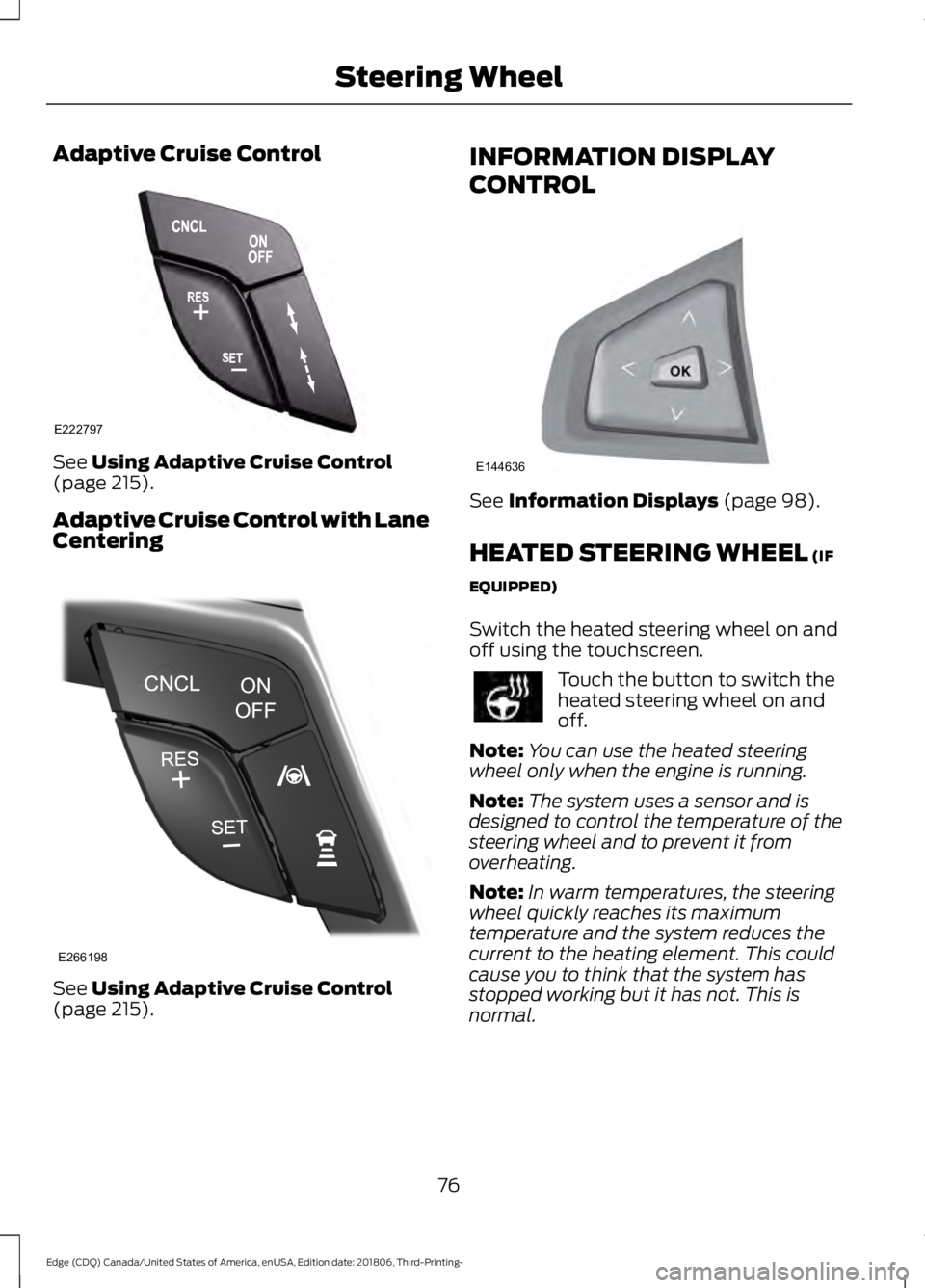
Adaptive Cruise Control
See Using Adaptive Cruise Control
(page 215).
Adaptive Cruise Control with Lane
Centering See
Using Adaptive Cruise Control
(page 215). INFORMATION DISPLAY
CONTROL
See
Information Displays (page 98).
HEATED STEERING WHEEL
(IF
EQUIPPED)
Switch the heated steering wheel on and
off using the touchscreen. Touch the button to switch the
heated steering wheel on and
off.
Note: You can use the heated steering
wheel only when the engine is running.
Note: The system uses a sensor and is
designed to control the temperature of the
steering wheel and to prevent it from
overheating.
Note: In warm temperatures, the steering
wheel quickly reaches its maximum
temperature and the system reduces the
current to the heating element. This could
cause you to think that the system has
stopped working but it has not. This is
normal.
76
Edge (CDQ) Canada/United States of America, enUSA, Edition date: 201806, Third-Printing- Steering WheelE222797 E266198 E144636
Page 119 of 547
Action
Message
You have not programmed enough keys to the system.
Not Enough Keys
Learned
The key battery is low. Change the battery as soon as possible.
Key Battery Low Replace
Soon
Informs you that they you are exiting your vehicle and the engine is on.
Engine ON
Lane Centering Assist Action
Message
Displays when the feature is currently unavailable.
Lane Centering Assist
Not Available
Displays when you have to switch on adaptive cruise control to use the feature.
For Lane Centering
Assist to work Turn On Adaptive Cruise
Lane Keeping System Action
Message
The system has malfunctioned. Contact an authorized dealer as soon as possible.
Lane Keeping Sys.
Malfunction Service Required
The system has detected a condition that has caused thesystem to be temporarily unavailable.
Front Camera Tempor-
arily Not Available
The system has detected a condition that requires you toclean the windshield in order for it to operate properly.
Front Camera Low Visib-
ility Clean Screen
The system has malfunctioned. Contact an authorized dealeras soon as possible.
Front Camera Malfunc-
tion Service Required
The system requests you to keep your hands on the steering wheel.
Keep Hands on Steering
Wheel
116
Edge (CDQ) Canada/United States of America, enUSA, Edition date: 201806, Third-Printing- Information Displays
Page 218 of 547
Keep the front of your vehicle free of dirt,
metal badges or objects. Vehicle front
protectors and aftermarket lights may also
block the sensor.
Due to the nature of radar technology, it is
possible to get a blockage warning with no
actual block. This happens, for example,
when driving in sparse rural or desert
environments. A false blocked condition
either self clears, or clears after you restart
your vehicle.
Switching to Normal Cruise
Control
WARNING: Normal cruise control
will not brake when your vehicle is
approaching slower vehicles. Always be
aware of which mode you have selected
and apply the brakes when necessary. The cruise control indicator light
replaces the adaptive cruise
control indicator light if you
select normal cruise control. The gap
setting does not display, and the system
does not respond to lead vehicles.
Automatic braking remains active to
maintain set speed.
You can change from adaptive cruise
control to normal cruise control through
the information display. USING ADAPTIVE CRUISE
CONTROL - VEHICLES WITH:
ADAPTIVE CRUISE CONTROL
WITH STOP AND GO/LANE
CENTERING WARNING:
Always pay close
attention to changing road conditions
when using the system. It does not
replace attentive driving. Failure to
follow this instruction could result in
personal injury or death. WARNING:
Do not use the system
when entering or leaving a highway, on
roads with intersections or roundabouts
or non-vehicular traffic or roads that are
winding, slippery, unpaved, or steep
slopes. WARNING:
Do not use the system
in poor visibility, for example fog, heavy
rain, spray or snow. WARNING:
Do not use the system
when towing a trailer that has
aftermarket electronic trailer brake
controls. Failure to follow this instruction
could result in the loss of control of your
vehicle, personal injury or death. WARNING:
Do not use tire sizes
other than those recommended because
this can affect the normal operation of
the system. Failure to do so may result
in a loss of vehicle control, which could
result in serious injury. WARNING:
The system may not
detect stationary or slow moving
vehicles below
6 mph (10 km/h).
215
Edge (CDQ) Canada/United States of America, enUSA, Edition date: 201806, Third-Printing- Cruise ControlE71340
Page 225 of 547
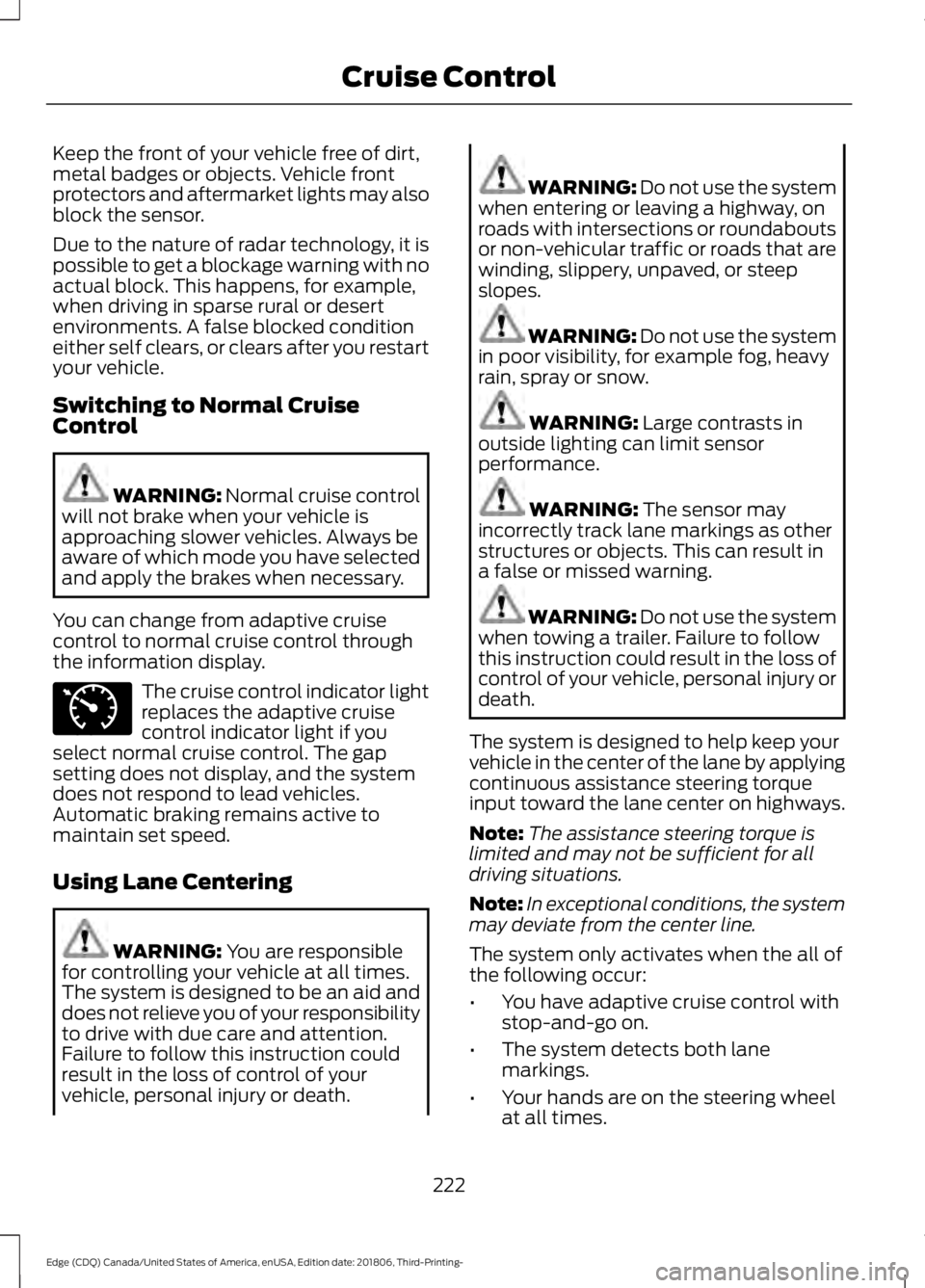
Keep the front of your vehicle free of dirt,
metal badges or objects. Vehicle front
protectors and aftermarket lights may also
block the sensor.
Due to the nature of radar technology, it is
possible to get a blockage warning with no
actual block. This happens, for example,
when driving in sparse rural or desert
environments. A false blocked condition
either self clears, or clears after you restart
your vehicle.
Switching to Normal Cruise
Control
WARNING: Normal cruise control
will not brake when your vehicle is
approaching slower vehicles. Always be
aware of which mode you have selected
and apply the brakes when necessary.
You can change from adaptive cruise
control to normal cruise control through
the information display. The cruise control indicator light
replaces the adaptive cruise
control indicator light if you
select normal cruise control. The gap
setting does not display, and the system
does not respond to lead vehicles.
Automatic braking remains active to
maintain set speed.
Using Lane Centering WARNING:
You are responsible
for controlling your vehicle at all times.
The system is designed to be an aid and
does not relieve you of your responsibility
to drive with due care and attention.
Failure to follow this instruction could
result in the loss of control of your
vehicle, personal injury or death. WARNING:
Do not use the system
when entering or leaving a highway, on
roads with intersections or roundabouts
or non-vehicular traffic or roads that are
winding, slippery, unpaved, or steep
slopes. WARNING:
Do not use the system
in poor visibility, for example fog, heavy
rain, spray or snow. WARNING:
Large contrasts in
outside lighting can limit sensor
performance. WARNING:
The sensor may
incorrectly track lane markings as other
structures or objects. This can result in
a false or missed warning. WARNING:
Do not use the system
when towing a trailer. Failure to follow
this instruction could result in the loss of
control of your vehicle, personal injury or
death.
The system is designed to help keep your
vehicle in the center of the lane by applying
continuous assistance steering torque
input toward the lane center on highways.
Note: The assistance steering torque is
limited and may not be sufficient for all
driving situations.
Note: In exceptional conditions, the system
may deviate from the center line.
The system only activates when the all of
the following occur:
• You have adaptive cruise control with
stop-and-go on.
• The system detects both lane
markings.
• Your hands are on the steering wheel
at all times.
222
Edge (CDQ) Canada/United States of America, enUSA, Edition date: 201806, Third-Printing- Cruise ControlE71340
Page 226 of 547
Note:
The system may not function if the
front camera or sensor is blocked or not
available.
Switching Lane Centering On and Off Press and release the button.
The indicator appears in the information
display. When the system is on, the color
of the indicator changes to indicate the
system status.
Gray indicates the system is on but
inactive.
Green indicates the system is active and
applying assistance steering torque input
to keep your vehicle in the center of the
lane.
The system activates when it detects valid
lane markings. If it does not detect valid
lane markings, the system stays inactive
until valid markings are available.
The system may not correctly operate in
any of the following conditions:
• Your vehicle is not centered in the lane.
• The lane is too narrow or wide.
• The system does not detect at least
one lane marking or when lanes merge
or split.
• You switch the direction indicator on.
• Limited steering torque input is applied.
• Areas under construction or new
infrastructure.
• When modifications to the steering
system have been made.
• When using a spare tire. When the system is active and detects no
steering activity for a certain period of time,
the system alerts you to put your hands on
the steering wheel. If you do not react to
the warnings the system cancels and slows
your vehicle down to idle speeds while
maintaining steering control.
The system also alerts you if your vehicle
crosses lane markings without detected
steering activity.
Note:
The system may detect a light grip
or touch on the steering wheel as hands-off
driving.
You can override the system at any time
by steering your vehicle.
Automatic Cancellation
When an external condition cancels the
system, for example, no lane markings
available, a tone sounds and a message
appears in the information display. If your vehicle starts to slow
down, you must contribute to
the steering control and press
and release the button to regain full
system performance.
Automatic cancellation can also occur if:
• The lane becomes too wide or too
narrow.
• The system cannot detect valid lane
markings.
• Lane markings are crossed.
Note: The system disables until the next
key cycle if your vehicle slows down due to
driver inactivity twice within a key cycle.
Blocked Sensor WARNING: The system may not
operate properly if the sensor is blocked.
Keep the windshield free from
obstruction.
223
Edge (CDQ) Canada/United States of America, enUSA, Edition date: 201806, Third-Printing- Cruise ControlE262175 E265299
Page 534 of 547
1
180 Degree Camera....................................205
Camera Views.................................................... 206
Using the 180 degree camera system.............................................................. 206
A
A/C See: Climate Control......................................... 124
About This Manual...........................................7
ABS See: Brakes........................................................... 184
ABS driving hints See: Hints on Driving With Anti-Lock
Brakes................................................................ 184
Accessories...................................................468 Exterior Style....................................................... 468
Interior Style........................................................ 468
Lifestyle................................................................ 468
Peace of Mind..................................................... 468
Accessories See: Replacement Parts
Recommendation............................................ 13
ACC See: Using Adaptive Cruise Control - Vehicles
With: Adaptive Cruise Control With Stop
and Go.............................................................. 208
See: Using Adaptive Cruise Control - Vehicles With: Adaptive Cruise Control With Stop
and Go/Lane Centering............................... 215
Active Park Assist.........................................196 Using Active Park Assist................................... 197
Adaptive Headlamps
....................................83
System Check....................................................... 84
Adjusting the Headlamps........................294 Vertical Aim Adjustment................................ 294
Adjusting the Steering Wheel - Vehicles With: Manual Adjustable Steering
Column............................................................73
Adjusting the Steering Wheel - Vehicles With: Power Adjustable Steering
Column............................................................73
End of Travel Position......................................... 74
Memory Feature.................................................... 74
AFS See: Adaptive Headlamps................................ 83Airbag Disposal..............................................48
Air Conditioning
See: Climate Control......................................... 124
Air Filter See: Changing the Engine Air Filter............298
Alarm See: Anti-Theft Alarm.......................................... 71
All-Wheel Drive
..............................................179
Ambient Lighting...........................................85 Adjusting the Brightness................................... 85
Changing the Color.............................................. 85
Switching Ambient Lighting Off..................... 85
Switching Ambient Lighting On..................... 85
Anti-Theft Alarm.............................................71 Arming the Alarm.................................................. 71
Disarming the Alarm............................................ 71
Appendices...................................................490
Apps..................................................................437 ........................................................................\
........... 437
SiriusXM Traffic and Travel Link................... 439
At a Glance
.........................................................17
Audible Warnings and Indicators.............97 Headlamps On Warning Chime...................... 97
Keyless Warning Alert......................................... 97
Parking Brake On Warning Chime..................97
Audio Control
...................................................74
Type One.................................................................. 74
Type Two.................................................................. 75
Audio Input Jack...........................................372
Audio System
.................................................361
General Information.......................................... 361
Audio Unit - Vehicles With: AM/FM/CD/ SYNC/Touchscreen Display
.................366
Adjusting the Volume...................................... 366
Changing Radio Stations............................... 366
Ejecting the CD................................................... 367
Inserting a CD...................................................... 367
Switching the Audio Unit On and Off.........367
Using Seek, Fast Forward and Reverse .............................................................. 367
Audio Unit - Vehicles With: AM/FM/CD/ SYNC
.............................................................362
Accessing the Apps Menu.............................. 362
Accessing the Clock Settings........................ 363
Accessing the Media Source Menu.............363
Accessing the Phone Features..................... 363
Accessing the Settings Menu........................ 363
Accessing the Sound Settings...................... 363
531
Edge (CDQ) Canada/United States of America, enUSA, Edition date: 201806, Third-Printing- Index
Page 537 of 547
Child Safety Locks.........................................30
Left-Hand Side....................................................... 31
Right-Hand Side.................................................... 31
Cleaning Leather Seats.............................303
Cleaning Products.......................................299
Materials............................................................... 299
Cleaning the Engine
....................................301
Cleaning the Exterior..................................299 Cleaning the Headlamps............................... 300
Exterior Chrome Parts..................................... 300
Exterior Plastic Parts....................................... 300
Stripes or Graphics........................................... 300
Underbody........................................................... 300
Under Hood......................................................... 300
Cleaning the Instrument Panel and Instrument Cluster Lens........................302
Cleaning the Interior...................................302 Mirrors.................................................................... 302
Cleaning the Wheels..................................304
Cleaning the Windows and Wiper Blades............................................................301
Clearing All MyKeys........................................57
Climate.............................................................421 Accessing Rear Climate Controls................423
Accessing the Climate Control Menu..........421
Directing the Airflow.......................................... 421
Rear Climate Control Lock Indicator..........423
Setting the Blower Motor Speed.................. 421
Setting the Temperature.................................. 421
Switching Auto Mode On and Off................421
Switching Dual Zone Mode On and Off....................................................................... 422
Switching Maximum Air Conditioning On and Off.............................................................. 422
Switching Maximum Defrost On and Off....................................................................... 422
Switching Rear Auto Mode On and Off....................................................................... 423
Switching Recirculated Air On and Off....................................................................... 423
Switching the Air Conditioning On and Off........................................................................\
421
Switching the Climate Controlled Seats On and Off.............................................................. 422
Switching the Climate Control On and Off....................................................................... 422
Switching the Heated Exterior Mirrors On and Off.............................................................. 422Switching the Heated Rear Window On and
Off....................................................................... 422
Switching the Heated Seats On and Off....................................................................... 422
Switching the Heated Steering Wheel On and Off.............................................................. 422
Switching the Heated Windshield On and Off....................................................................... 422
Switching the Rear Climate Controlled Seats On and Off.......................................... 423
Switching the Rear Heated Seats On and Off....................................................................... 423
Switching the Rear Ventilated Seats On and Off.............................................................. 423
Switching the Ventilated Seats On and Off....................................................................... 423
Climate Control
.............................................124
Climate Controlled Seats..........................144
Cooled Seats........................................................ 145
Cold Weather Precautions
.......................254
Coolant Check See: Engine Coolant Check........................... 286
Crash Sensors and Airbag Indicator........47
Creating a MyKey...........................................56 Programming and Changing Configurable
Settings............................................................... 56
Creating a Wi-Fi Hotspot.........................360 Connecting a Device to the Wi-Fi
Hotspot............................................................ 360
Finding the Wi-Fi Hotspot Name and Password......................................................... 360
Cross Traffic Alert........................................233 Blocked Sensors................................................. 234
Switching the System Off and On...............235
System Errors...................................................... 235
System Lights, Messages and Audible Alerts................................................................. 234
System Limitations........................................... 235
Using the Cross Traffic Alert System..........233
Cruise Control
..................................................75
Adaptive Cruise Control..................................... 76
Adaptive Cruise Control with Lane Centering............................................................ 76
Cruise Control........................................................ 75
Principle of Operation...................................... 207
Cruise control See: Using Cruise Control............................... 207
Customer Assistance..................................261
534
Edge (CDQ) Canada/United States of America, enUSA, Edition date: 201806, Third-Printing- Index
Page 540 of 547
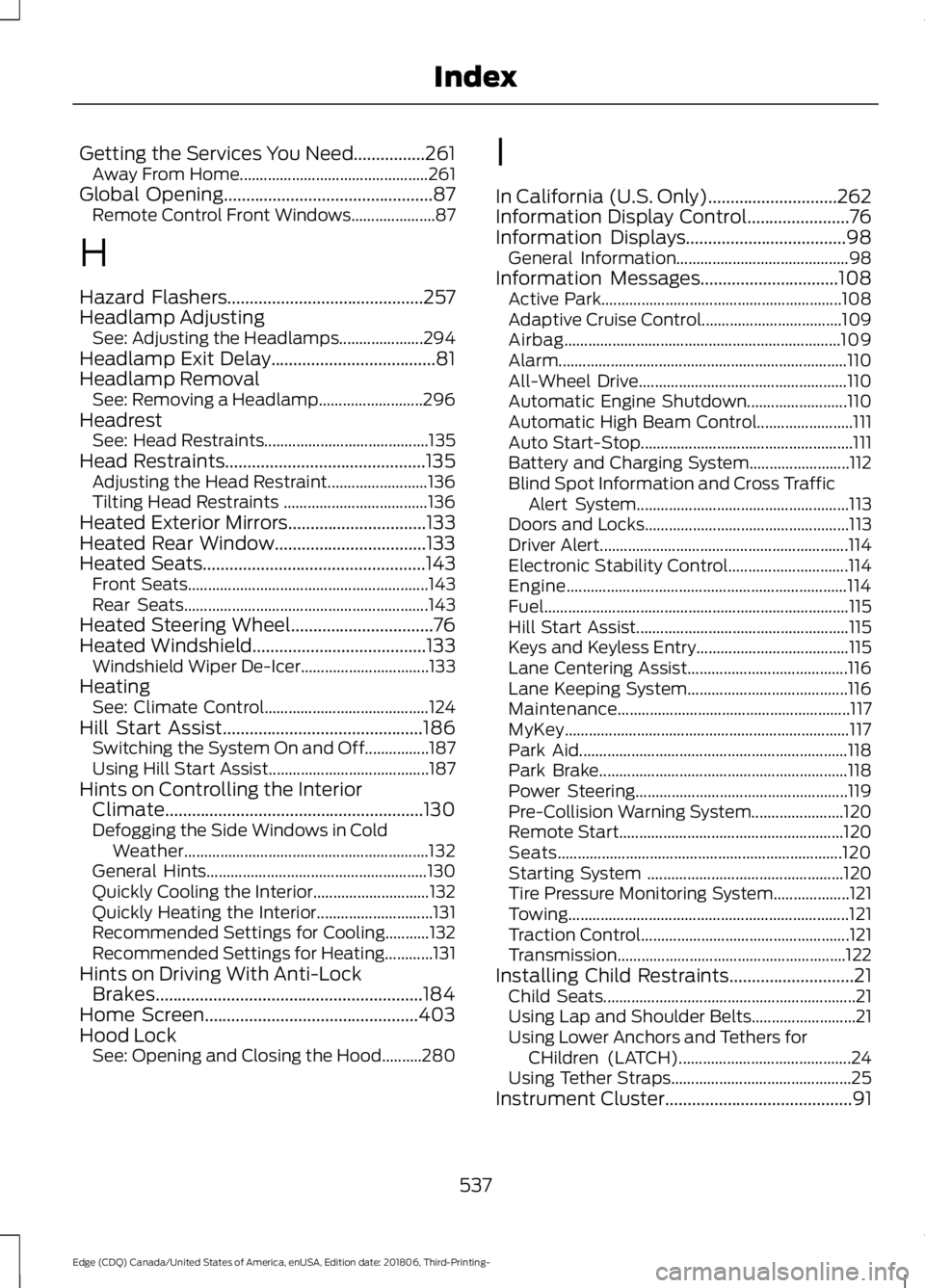
Getting the Services You Need................261
Away From Home............................................... 261
Global Opening...............................................87 Remote Control Front Windows..................... 87
H
Hazard Flashers............................................257
Headlamp Adjusting See: Adjusting the Headlamps..................... 294
Headlamp Exit Delay.....................................81
Headlamp Removal See: Removing a Headlamp.......................... 296
Headrest See: Head Restraints......................................... 135
Head Restraints.............................................135 Adjusting the Head Restraint......................... 136
Tilting Head Restraints .................................... 136
Heated Exterior Mirrors
...............................133
Heated Rear Window..................................133
Heated Seats
..................................................143
Front Seats............................................................ 143
Rear Seats............................................................. 143
Heated Steering Wheel................................76
Heated Windshield
.......................................133
Windshield Wiper De-Icer................................ 133
Heating See: Climate Control......................................... 124
Hill Start Assist.............................................186 Switching the System On and Off................187
Using Hill Start Assist........................................ 187
Hints on Controlling the Interior Climate..........................................................130
Defogging the Side Windows in Cold Weather............................................................. 132
General Hints....................................................... 130
Quickly Cooling the Interior............................. 132
Quickly Heating the Interior............................. 131
Recommended Settings for Cooling...........132
Recommended Settings for Heating............131
Hints on Driving With Anti-Lock Brakes............................................................184
Home Screen................................................403
Hood Lock See: Opening and Closing the Hood..........280 I
In California (U.S. Only)
.............................262
Information Display Control.......................76
Information Displays
....................................98
General Information........................................... 98
Information Messages
...............................108
Active Park............................................................ 108
Adaptive Cruise Control................................... 109
Airbag..................................................................... 109
Alarm........................................................................\
110
All-Wheel Drive.................................................... 110
Automatic Engine Shutdown......................... 110
Automatic High Beam Control........................ 111
Auto Start-Stop..................................................... 111
Battery and Charging System......................... 112
Blind Spot Information and Cross Traffic Alert System..................................................... 113
Doors and Locks................................................... 113
Driver Alert.............................................................. 114
Electronic Stability Control.............................. 114
Engine...................................................................... 114
Fuel........................................................................\
.... 115
Hill Start Assist..................................................... 115
Keys and Keyless Entry...................................... 115
Lane Centering Assist........................................ 116
Lane Keeping System........................................ 116
Maintenance.......................................................... 117
MyKey....................................................................... 117
Park Aid................................................................... 118
Park Brake.............................................................. 118
Power Steering..................................................... 119
Pre-Collision Warning System....................... 120
Remote Start........................................................ 120
Seats....................................................................... 120
Starting System ................................................. 120
Tire Pressure Monitoring System................... 121
Towing...................................................................... 121
Traction Control.................................................... 121
Transmission ......................................................... 122
Installing Child Restraints............................21 Child Seats............................................................... 21
Using Lap and Shoulder Belts.......................... 21
Using Lower Anchors and Tethers for CHildren (LATCH)........................................... 24
Using Tether Straps............................................. 25
Instrument Cluster
..........................................91
537
Edge (CDQ) Canada/United States of America, enUSA, Edition date: 201806, Third-Printing- Index
Page 545 of 547
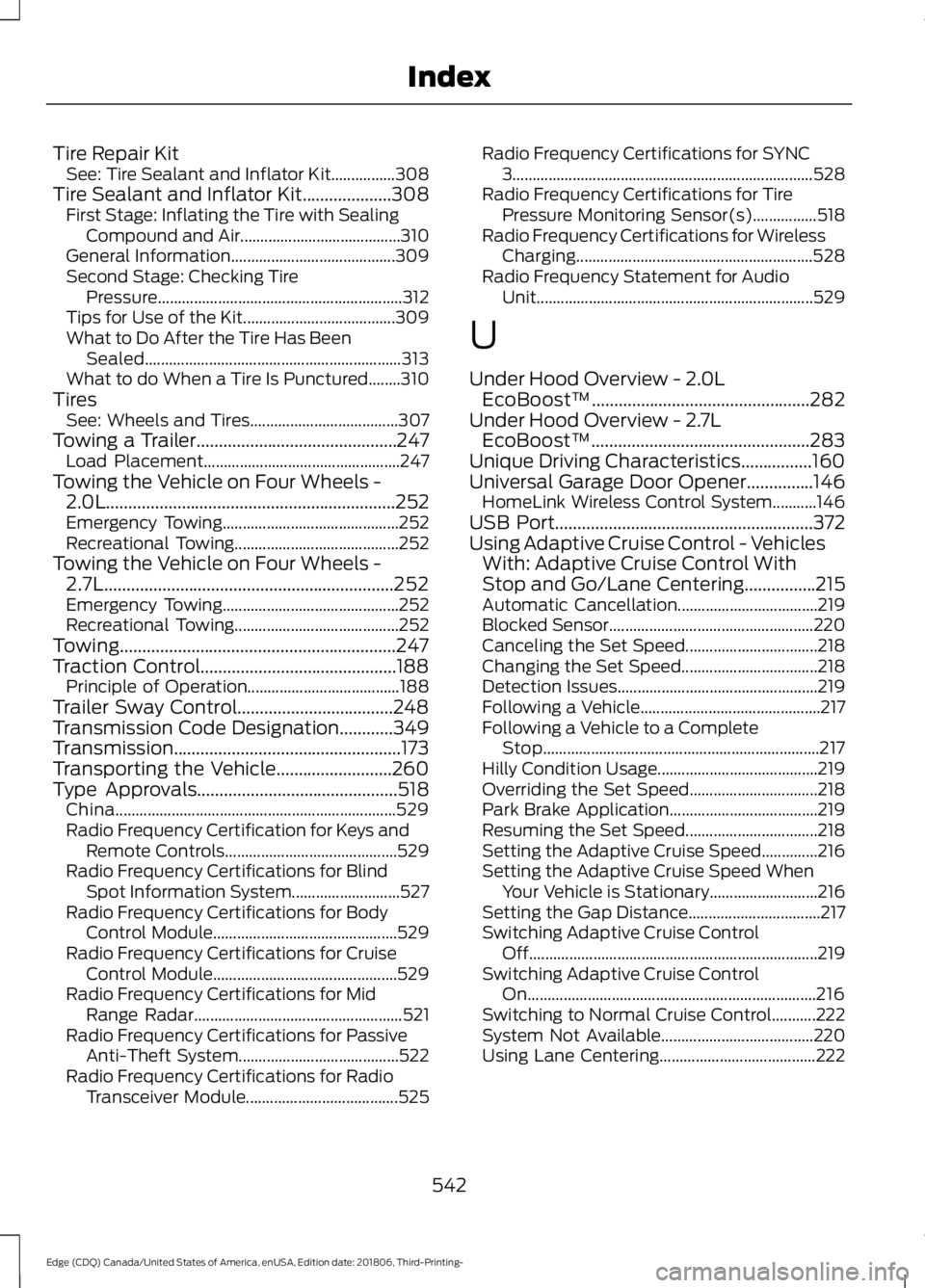
Tire Repair Kit
See: Tire Sealant and Inflator Kit................308
Tire Sealant and Inflator Kit....................308
First Stage: Inflating the Tire with Sealing
Compound and Air........................................ 310
General Information......................................... 309
Second Stage: Checking Tire Pressure............................................................. 312
Tips for Use of the Kit...................................... 309
What to Do After the Tire Has Been Sealed................................................................ 313
What to do When a Tire Is Punctured........310
Tires See: Wheels and Tires..................................... 307
Towing a Trailer.............................................247 Load Placement................................................. 247
Towing the Vehicle on Four Wheels - 2.0L.................................................................252
Emergency Towing............................................ 252
Recreational Towing......................................... 252
Towing the Vehicle on Four Wheels - 2.7L.................................................................252
Emergency Towing............................................ 252
Recreational Towing......................................... 252
Towing..............................................................247
Traction Control............................................188 Principle of Operation...................................... 188
Trailer Sway Control...................................248
Transmission Code Designation
............349
Transmission...................................................173
Transporting the Vehicle..........................260
Type Approvals
.............................................518
China...................................................................... 529
Radio Frequency Certification for Keys and Remote Controls........................................... 529
Radio Frequency Certifications for Blind Spot Information System........................... 527
Radio Frequency Certifications for Body Control Module.............................................. 529
Radio Frequency Certifications for Cruise Control Module.............................................. 529
Radio Frequency Certifications for Mid Range Radar.................................................... 521
Radio Frequency Certifications for Passive Anti-Theft System........................................ 522
Radio Frequency Certifications for Radio Transceiver Module...................................... 525Radio Frequency Certifications for SYNC
3........................................................................\
... 528
Radio Frequency Certifications for Tire Pressure Monitoring Sensor(s)................518
Radio Frequency Certifications for Wireless Charging........................................................... 528
Radio Frequency Statement for Audio Unit..................................................................... 529
U
Under Hood Overview - 2.0L EcoBoost™.................................................282
Under Hood Overview - 2.7L EcoBoost™.................................................283
Unique Driving Characteristics................160
Universal Garage Door Opener...............146 HomeLink Wireless Control System...........146
USB Port
..........................................................372
Using Adaptive Cruise Control - Vehicles With: Adaptive Cruise Control With
Stop and Go/Lane Centering................215
Automatic Cancellation................................... 219
Blocked Sensor................................................... 220
Canceling the Set Speed................................. 218
Changing the Set Speed.................................. 218
Detection Issues.................................................. 219
Following a Vehicle............................................. 217
Following a Vehicle to a Complete Stop..................................................................... 217
Hilly Condition Usage........................................ 219
Overriding the Set Speed................................ 218
Park Brake Application..................................... 219
Resuming the Set Speed................................. 218
Setting the Adaptive Cruise Speed..............216
Setting the Adaptive Cruise Speed When Your Vehicle is Stationary........................... 216
Setting the Gap Distance................................. 217
Switching Adaptive Cruise Control Off........................................................................\
219
Switching Adaptive Cruise Control On........................................................................\
216
Switching to Normal Cruise Control...........222
System Not Available...................................... 220
Using Lane Centering....................................... 222
542
Edge (CDQ) Canada/United States of America, enUSA, Edition date: 201806, Third-Printing- Index