climate settings FORD EDGE 2020 User Guide
[x] Cancel search | Manufacturer: FORD, Model Year: 2020, Model line: EDGE, Model: FORD EDGE 2020Pages: 495, PDF Size: 6.38 MB
Page 150 of 495
Cooled Seats
Note:
The cooled seats only function when
the engine is running. Press the cooled seat symbol to cycle
through the various cool settings and off.
More indicator lights indicate cooler
settings.
Climate controlled seat air filter
replacement
Your vehicle is equipped with lifetime air
filters that are integrated with the seats.
Regular maintenance or replacement is
not needed.
147
Edge (CDQ) Canada/United States of America, enUSA, Edition date: 201907, Third-Printing- SeatsE146309
Page 385 of 495
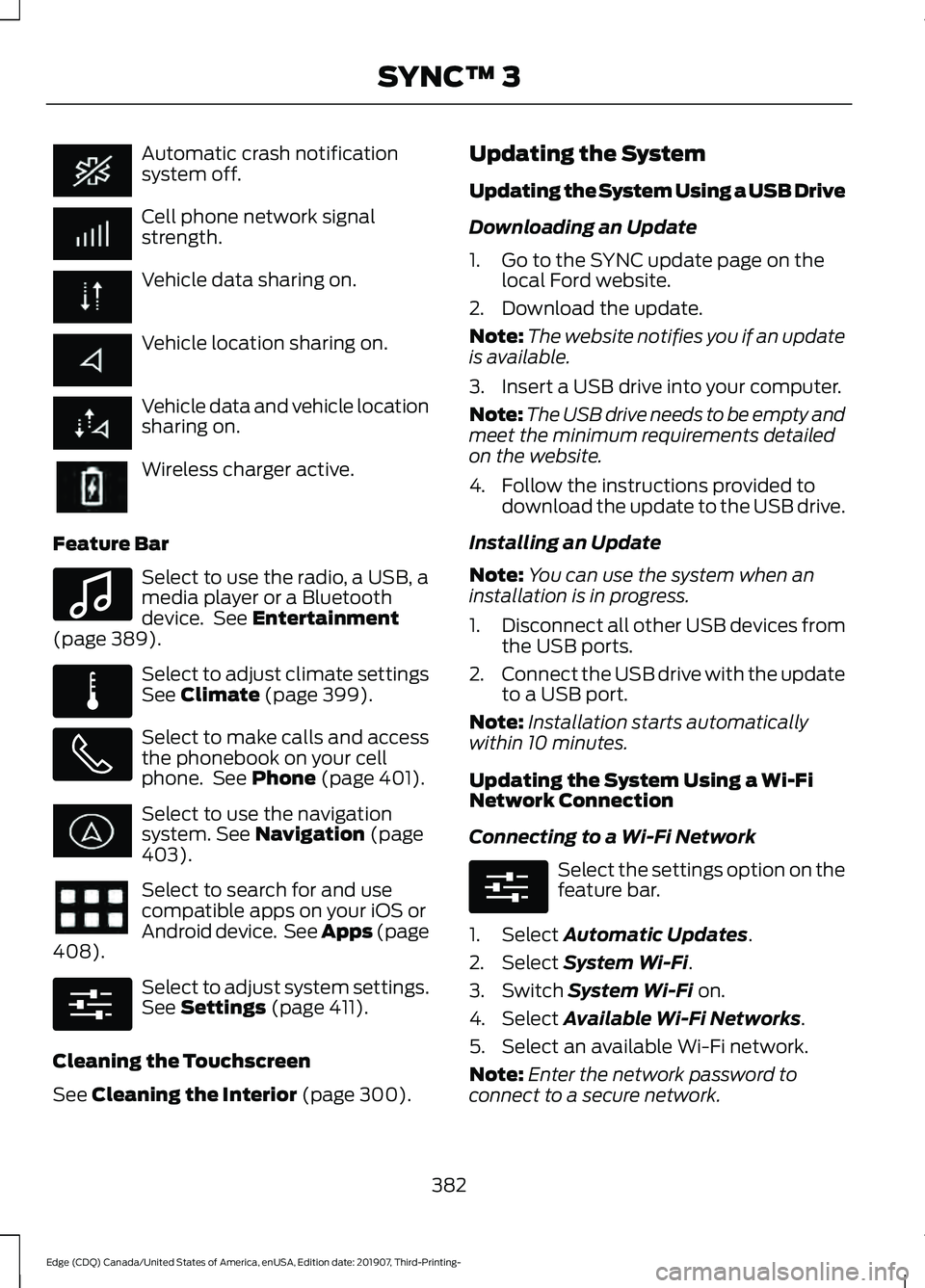
Automatic crash notification
system off.
Cell phone network signal
strength.
Vehicle data sharing on.
Vehicle location sharing on.
Vehicle data and vehicle location
sharing on.
Wireless charger active.
Feature Bar Select to use the radio, a USB, a
media player or a Bluetooth
device. See Entertainment
(page 389). Select to adjust climate settings
See
Climate (page 399).
Select to make calls and access
the phonebook on your cell
phone. See
Phone (page 401).
Select to use the navigation
system.
See Navigation (page
403). Select to search for and use
compatible apps on your iOS or
Android device. See Apps (page
408
). Select to adjust system settings.
See
Settings (page 411).
Cleaning the Touchscreen
See
Cleaning the Interior (page 300). Updating the System
Updating the System Using a USB Drive
Downloading an Update
1. Go to the SYNC update page on the
local Ford website.
2. Download the update.
Note: The website notifies you if an update
is available.
3. Insert a USB drive into your computer.
Note: The USB drive needs to be empty and
meet the minimum requirements detailed
on the website.
4. Follow the instructions provided to download the update to the USB drive.
Installing an Update
Note: You can use the system when an
installation is in progress.
1. Disconnect all other USB devices from
the USB ports.
2. Connect the USB drive with the update
to a USB port.
Note: Installation starts automatically
within 10 minutes.
Updating the System Using a Wi-Fi
Network Connection
Connecting to a Wi-Fi Network Select the settings option on the
feature bar.
1. Select
Automatic Updates.
2. Select
System Wi-Fi.
3. Switch
System Wi-Fi on.
4. Select
Available Wi-Fi Networks.
5. Select an available Wi-Fi network.
Note: Enter the network password to
connect to a secure network.
382
Edge (CDQ) Canada/United States of America, enUSA, Edition date: 201907, Third-Printing- SYNC™ 3 E100027 E283811 E280315 E280315
Page 402 of 495
Supported USB file systems include: FAT,
exFAT, and NTFS.
SYNC 3 is also able to organize the media
from your USB device by metadata tags.
Metadata tags, which are descriptive
software identifiers embedded in the
media files, provide information about the
file.
If your indexed media files contain no
information embedded in these metadata
tags, SYNC 3 may classify the empty
metadata tags as unknown.
SYNC 3 is capable of indexing up to
50,000 songs per USB device, for up to 10
devices.
CLIMATE
Touch the climate button on the
touchscreen to access your climate control
features.
Note:
You can switch temperature units
between Fahrenheit and Celsius. See
Settings (page 411).
Accessing the Climate Control
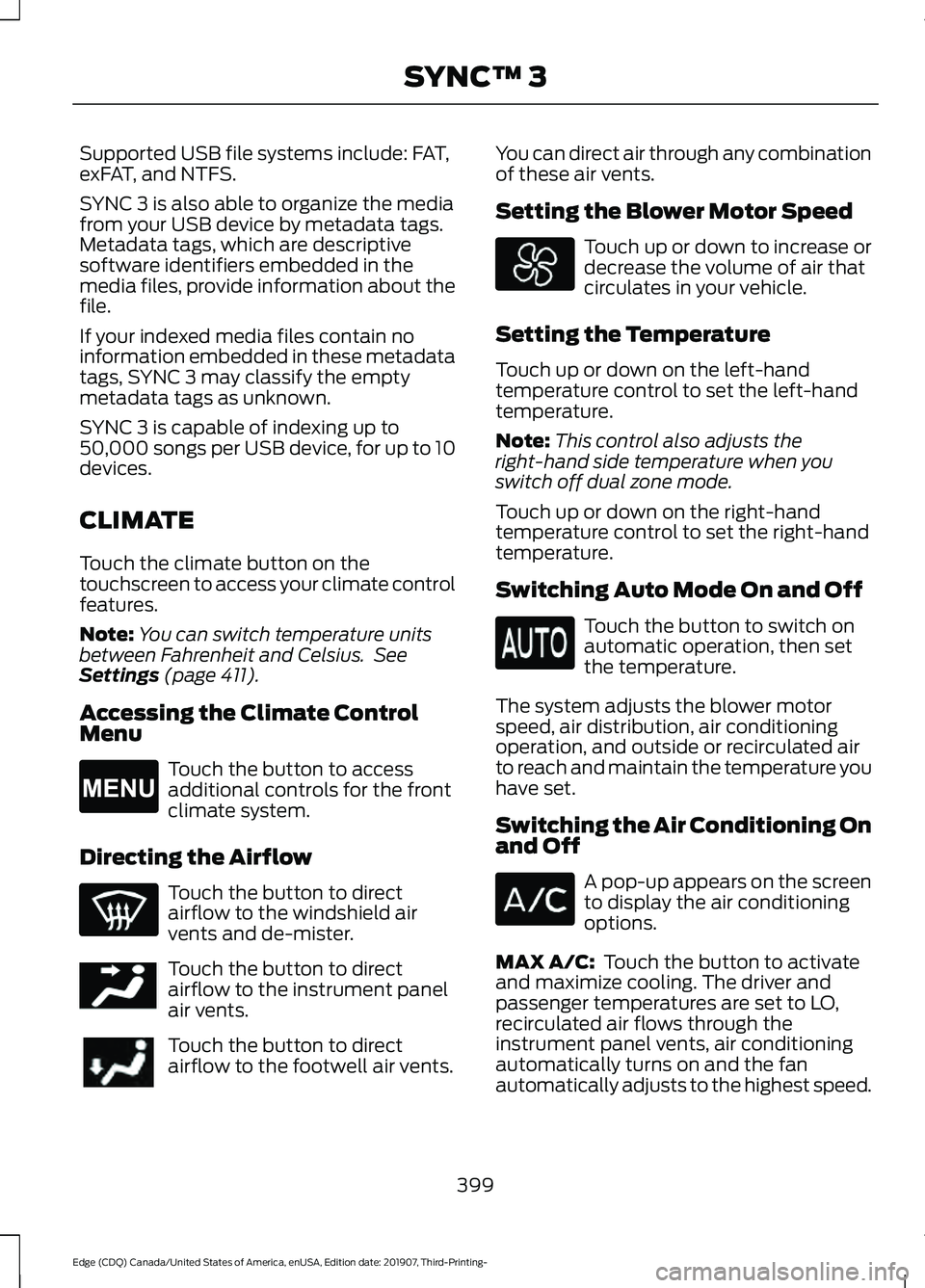
Menu Touch the button to access
additional controls for the front
climate system.
Directing the Airflow Touch the button to direct
airflow to the windshield air
vents and de-mister.
Touch the button to direct
airflow to the instrument panel
air vents.
Touch the button to direct
airflow to the footwell air vents. You can direct air through any combination
of these air vents.
Setting the Blower Motor Speed Touch up or down to increase or
decrease the volume of air that
circulates in your vehicle.
Setting the Temperature
Touch up or down on the left-hand
temperature control to set the left-hand
temperature.
Note: This control also adjusts the
right-hand side temperature when you
switch off dual zone mode.
Touch up or down on the right-hand
temperature control to set the right-hand
temperature.
Switching Auto Mode On and Off Touch the button to switch on
automatic operation, then set
the temperature.
The system adjusts the blower motor
speed, air distribution, air conditioning
operation, and outside or recirculated air
to reach and maintain the temperature you
have set.
Switching the Air Conditioning On
and Off A pop-up appears on the screen
to display the air conditioning
options.
MAX A/C:
Touch the button to activate
and maximize cooling. The driver and
passenger temperatures are set to LO,
recirculated air flows through the
instrument panel vents, air conditioning
automatically turns on and the fan
automatically adjusts to the highest speed.
399
Edge (CDQ) Canada/United States of America, enUSA, Edition date: 201907, Third-Printing- SYNC™ 3E265038 E244097
Page 403 of 495

A/C: Touch to switch the air conditioning
on or off. Use A/C with recirculated air to
improve cooling performance and
efficiency.
Note: In certain conditions, such as
maximum defrost, the air conditioning
compressor may continue to operate even
though you switch off the air conditioning.
Switching the Climate Control On
and Off Touch the button.
Switching the Climate Controlled
Seats On and Off Touch the button to cycle
through the various climate
controlled seat settings.
Switching Dual Zone Mode On and
Off Touch the button to switch on
temperature control for the
right-hand side of the vehicle.
Switching the Heated Exterior
Mirrors On and Off Touch the button.
Switching the Heated Windshield
On and Off Touch the button to clear the
windshield of thin ice and fog.
The heated windshield turns off
after a short period of time. Switching the Heated Rear
Window On and Off Touch the button to clear the
rear window of thin ice and fog.
Switching the Heated Seats On
and Off Touch the button to cycle
through the various heat
settings.
Switching the Heated Steering
Wheel On and Off Touch the button.
Switching Maximum Air
Conditioning On and Off Touch the button for maximum
cooling.
Recirculated air flows through the
instrument panel air vents, air conditioning
turns on and the blower motor adjusts to
the highest speed.
Switching Maximum Defrost On
and Off Touch the button for maximum
defrosting.
Air flows through the windshield air vents,
and the blower motor adjusts to the
highest speed.
You can also use this setting to defog and
clear the windshield of a thin covering of
ice.
Note: To prevent window fogging, you
cannot select recirculated air when
maximum defrost is on.
400
Edge (CDQ) Canada/United States of America, enUSA, Edition date: 201907, Third-Printing- SYNC™ 3 E265282 E265280 E266189 E184884
Page 404 of 495
Note:
The heated rear window also turns
on when you select maximum defrost.
Switching Recirculated Air On and
Off Touch the button to switch
between outside air and
recirculated air.
The air currently in the passenger
compartment recirculates. This may
reduce the time needed to cool the interior,
when used with A/C, and reduce unwanted
odors from entering your vehicle.
Note: Recirculated air may turn off, or
prevent you from switching on, in all air flow
modes except MAX A/C to reduce the risk
of fogging. Recirculation may also turn on
and off in various air distribution control
combinations during hot weather to improve
cooling efficiency.
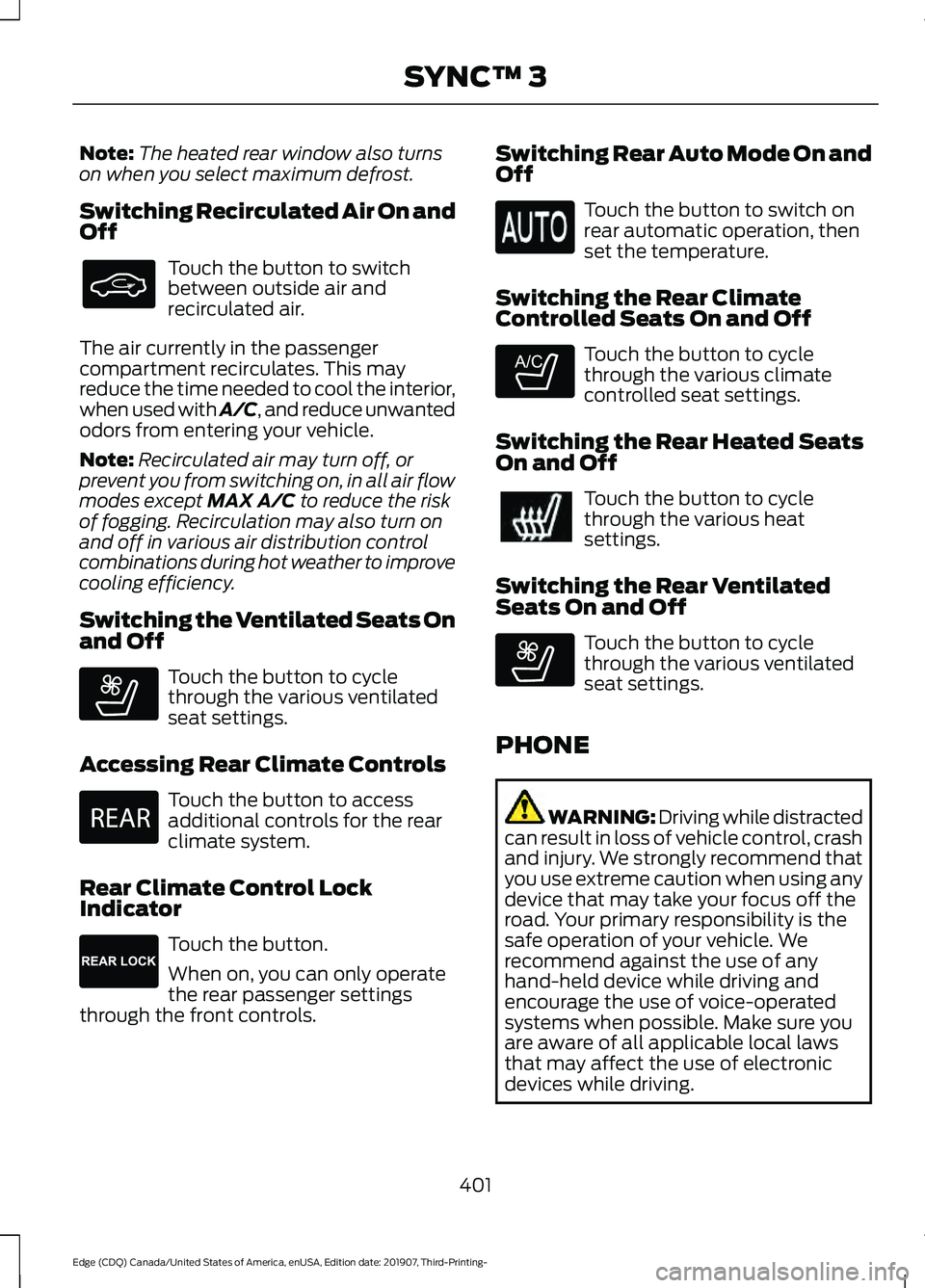
Switching the Ventilated Seats On
and Off Touch the button to cycle
through the various ventilated
seat settings.
Accessing Rear Climate Controls Touch the button to access
additional controls for the rear
climate system.
Rear Climate Control Lock
Indicator Touch the button.
When on, you can only operate
the rear passenger settings
through the front controls. Switching Rear Auto Mode On and
Off Touch the button to switch on
rear automatic operation, then
set the temperature.
Switching the Rear Climate
Controlled Seats On and Off Touch the button to cycle
through the various climate
controlled seat settings.
Switching the Rear Heated Seats
On and Off Touch the button to cycle
through the various heat
settings.
Switching the Rear Ventilated
Seats On and Off Touch the button to cycle
through the various ventilated
seat settings.
PHONE WARNING: Driving while distracted
can result in loss of vehicle control, crash
and injury. We strongly recommend that
you use extreme caution when using any
device that may take your focus off the
road. Your primary responsibility is the
safe operation of your vehicle. We
recommend against the use of any
hand-held device while driving and
encourage the use of voice-operated
systems when possible. Make sure you
are aware of all applicable local laws
that may affect the use of electronic
devices while driving.
401
Edge (CDQ) Canada/United States of America, enUSA, Edition date: 201907, Third-Printing- SYNC™ 3 E268558 E270447 E265289 E265282 E268558
Page 482 of 495
1
180 Degree Camera...................................209
Camera Views.................................................... 209
Using the Front 180 Degree Camera System............................................................. 209
A
A/C See: Climate Control.......................................... 131
About This Manual
...........................................7
ABS See: Brakes........................................................... 186
ABS driving hints See: Hints on Driving With Anti-Lock
Brakes................................................................ 186
Accessories....................................................426
Accessories See: Replacement Parts
Recommendation............................................ 14
ACC See: Using Adaptive Cruise Control..............211
Active Park Assist.........................................199 Using Active Park Assist................................. 200
Adaptive Headlamps...................................88 System Check....................................................... 88
Adjusting the Headlamps..........................291 Vertical Aim Adjustment.................................. 291
Adjusting the Steering Wheel - Vehicles With: Manual Adjustable Steering
Column
............................................................79
Adjusting the Steering Wheel - Vehicles With: Power Adjustable Steering
Column............................................................78
End of Travel Position......................................... 78
Memory Feature.................................................... 78
AFS See: Adaptive Headlamps............................... 88
Airbag Disposal................................................51
Air Conditioning See: Climate Control.......................................... 131
Air Filter See: Changing the Engine Air Filter.............283
Alarm See: Anti-Theft Alarm........................................ 76
All-Wheel Drive
..............................................181 Ambient Lighting...........................................89
Adjusting the Brightness................................... 90
Changing the Color............................................. 90
Switching Ambient Lighting Off.................... 90
Switching Ambient Lighting On..................... 90
Anti-Theft Alarm
............................................76
Arming the Alarm................................................. 76
Disarming the Alarm........................................... 76
Appendices....................................................447
Apps.................................................................408 SiriusXM Traffic and Travel Link................... 410
Using Apps on an Android Device..............409
Using Apps on an iOS Device....................... 409
Using Mobile Navigation on an Android Device............................................................... 409
At a Glance........................................................18
At a Glance - ST...............................................18 Engine Specifications.......................................... 18
Suspension Specifications................................ 19
Audible Warnings and Indicators
...........104
Headlamps On Warning Chime.................... 104
Keyless Warning Alert....................................... 104
Parking Brake On Warning Chime................104
Audio Control
...................................................79
You can operate the following functions
with the control:............................................... 79
Audio System.................................................372 General Information.......................................... 372
Audio Unit - Vehicles With: SYNC 3/Bang and Olufsen Audio System....................374
Accessing the Sound Settings...................... 374
Adjusting the Volume....................................... 374
Changing Radio Stations................................ 374
Ejecting the CD.................................................... 374
Inserting a CD...................................................... 374
Switching the Audio Unit On and Off.........375
Using Seek, Fast Forward and Reverse.............................................................. 375
Audio Unit - Vehicles With: SYNC 3
.......................................................................372
Adjusting the Volume....................................... 373
Changing Radio Stations................................ 373
Ejecting the CD.................................................... 373
Inserting a CD...................................................... 373
Switching the Audio Unit On and Off.........373
Using Seek, Fast Forward and Reverse.............................................................. 373
479
Edge (CDQ) Canada/United States of America, enUSA, Edition date: 201907, Third-Printing- Index
Page 483 of 495
Autolamps........................................................86
Windshield Wiper Activated
Headlamps........................................................ 86
Automatic Climate Control - Vehicles With: SYNC 3/Bang and Olufsen Audio
System...........................................................132
Setting the Blower Motor Speed.................. 132
Setting the Temperature.................................. 132
Switching Auto Mode On and Off................133
Switching Defrost On and Off........................ 133
Switching Maximum Air Conditioning On and Off............................................................... 133
Switching Maximum Defrost On and Off........................................................................\
133
Switching Recirculated Air On and Off........................................................................\
133
Switching the Air Conditioning On and Off........................................................................\
133
Switching the Climate Control On and Off........................................................................\
133
Automatic Climate Control - Vehicles With: SYNC 3................................................131
Setting the Blower Motor Speed................... 131
Setting the Temperature................................... 131
Switching Auto Mode On and Off.................131
Switching Defrost On and Off......................... 131
Switching Maximum Air Conditioning On and Off................................................................ 131
Switching Maximum Defrost On and Off........................................................................\
132
Switching Recirculated Air On and Off........................................................................\
132
Switching the Air Conditioning On and Off........................................................................\
. 131
Switching the Climate Control On and Off........................................................................\
. 131
Automatic High Beam Control...................91
Automatic High Beam Control Indicators.........................................................91
Automatic Transmission............................175 Automatic Transmission Adaptive
Learning............................................................ 180
If Your Vehicle Gets Stuck in Mud or Snow.................................................................. 180
Manual Park Release......................................... 178
SelectShift Automatic ™
Transmission.................................................... 177Understanding the Positions of Your Rotary
Shift Transmission......................................... 175
Automatic Transmission Fluid Check............................................................288
Auto-Start-Stop...........................................162 Disabling Auto-Start-Stop.............................. 163
Enabling Auto-Start-Stop............................... 162
Autowipers.......................................................82 Autowipers Settings............................................ 83
Auxiliary Power Points
................................153
110 Volt AC Power Point................................... 153
12 Volt DC Power Point..................................... 153
USB Port and Power Point Locations.........153
AWD See: All-Wheel Drive.......................................... 181
B
Battery See: Changing the 12V Battery..................... 289
Blind Spot Information System..............226 ........................................................................\
.......... 226
Switching the System On and Off..............228
System Errors...................................................... 228
Using the Blind Spot Information System............................................................... 227
BLIS See: Blind Spot Information System..........226
Body Styling Kits.........................................304
Bonnet Lock See: Opening and Closing the Hood...........277
Booster Seats
..................................................29
Types of Booster Seats...................................... 30
Brake Fluid Check........................................288 Brake Fluid Service Interval........................... 289
Brakes...............................................................186 General Information.......................................... 186
Breaking-In......................................................251
Bulb Specification Chart..........................366
C
Cabin Air Filter................................................135
Canceling the Set Speed............................211
Capacities and Specifications - 2.0L EcoBoost™.................................................346
Air Conditioning System................................. 346
480
Edge (CDQ) Canada/United States of America, enUSA, Edition date: 201907, Third-Printing- Index
Page 485 of 495
Cleaning the Interior..................................300
Mirrors................................................................... 300
Cleaning the Wheels..................................302
Cleaning the Windows and Wiper Blades..........................................................300
Clearing All MyKeys
........................................61
Climate............................................................399 Accessing Rear Climate Controls.................401
Accessing the Climate Control Menu........399
Directing the Airflow........................................ 399
Rear Climate Control Lock Indicator...........401
Setting the Blower Motor Speed.................399
Setting the Temperature................................ 399
Switching Auto Mode On and Off...............399
Switching Dual Zone Mode On and Off...................................................................... 400
Switching Maximum Air Conditioning On and Off............................................................. 400
Switching Maximum Defrost On and Off...................................................................... 400
Switching Rear Auto Mode On and Off....................................................................... 401
Switching Recirculated Air On and Off....................................................................... 401
Switching the Air Conditioning On and Off...................................................................... 399
Switching the Climate Controlled Seats On and Off............................................................. 400
Switching the Climate Control On and Off...................................................................... 400
Switching the Heated Exterior Mirrors On and Off............................................................. 400
Switching the Heated Rear Window On and Off...................................................................... 400
Switching the Heated Seats On and Off...................................................................... 400
Switching the Heated Steering Wheel On and Off............................................................. 400
Switching the Heated Windshield On and Off...................................................................... 400
Switching the Rear Climate Controlled Seats On and Off.......................................... 401
Switching the Rear Heated Seats On and Off....................................................................... 401
Switching the Rear Ventilated Seats On and Off.............................................................. 401
Switching the Ventilated Seats On and Off....................................................................... 401Climate Control..............................................131
Climate Controlled Seats..........................146
Cooled Seats......................................................... 147
Cold Weather Precautions........................251
Connected Vehicle......................................368
Connecting the Vehicle to a Mobile
Network........................................................... 368
Connected Vehicle Limitations
..............368
Connected Vehicle Requirements........368
Connected Vehicle – Troubleshooting........................................369
Connecting the Vehicle to a Mobile Network.......................................................368
Connecting FordPass to the Modem.........368
Enabling and Disabling the Modem...........368
What Is the Modem.......................................... 368
Connecting the Vehicle to a Wi-Fi Network.......................................................368
Coolant Check See: Engine Coolant Check........................... 284
Crash Sensors and Airbag Indicator
.......50
Creating a MyKey...........................................60 Programming and Changing Configurable
Settings.............................................................. 60
Creating a Vehicle Wi-Fi Hotspot............371 Connecting a Device to the Wi-Fi
Hotspot.............................................................. 371
Finding the Wi-Fi Hotspot Name and Password........................................................... 371
Cross Traffic Alert........................................228 Cross Traffic Alert Behavior When Trailer
is Attached...................................................... 230
Cross Traffic Alert Indicator........................... 230
Cross Traffic Alert Information Messages.......................................................... 231
Cross Traffic Alert System Limitations...................................................... 230
Cross Traffic Alert System Sensors............230
Switching the System On and Off..............230
Using Cross Traffic Alert.................................. 228
Cruise Control
................................................210
Cruise Control Indicators.............................211
Cruise Control - Vehicles With: Adaptive Cruise Control
..............................................80
Cruise Control - Vehicles With: Cruise Control............................................................80
Customer Assistance
.................................258
482
Edge (CDQ) Canada/United States of America, enUSA, Edition date: 201907, Third-Printing- Index
Page 488 of 495
General Information on Radio
Frequencies...................................................52
Intelligent Access................................................. 52
General Maintenance Information.......429 Multi-Point Inspection...................................... 431
Owner Checks and Services......................... 430
Protecting Your Investment........................... 429
Why Maintain Your Vehicle?......................... 429
Why Maintain Your Vehicle at Your Dealership?..................................................... 429
Getting Assistance Outside the U.S. and Canada..........................................................261
Getting the Services You Need...............258
Away From Home.............................................. 258
Global Opening
...............................................94
Remote Control Front Windows.................... 94
H
Hazard Flashers
...........................................254
Headlamp Adjusting See: Adjusting the Headlamps...................... 291
Headlamp Exit Delay....................................86
Headlamp Removal See: Removing a Headlamp.......................... 294
Headrest See: Head Restraints......................................... 137
Head Restraints
.............................................137
Adjusting the Head Restraint......................... 138
Tilting Head Restraints .................................... 138
Heated Exterior Mirrors...............................135
Heated Rear Window..................................135
Heated Seats..................................................145 Front Seats............................................................ 145
Rear Seats............................................................. 145
Heated Steering Wheel...............................80
Heated Windshield.......................................135 Windshield Wiper De-Icer................................ 135
Heating See: Climate Control.......................................... 131
Hill Start Assist.............................................188 Switching the System On and Off...............189
Using Hill Start Assist....................................... 189
Hints on Controlling the Interior Climate..........................................................134
Defogging the Side Windows in Cold Weather............................................................. 134
General Hints....................................................... 134Quickly Cooling the Interior.............................
134
Quickly Heating the Interior............................ 134
Recommended Settings for Cooling...........134
Recommended Settings for Heating..........134
Hints on Driving With Anti-Lock Brakes............................................................186
Hood Lock See: Opening and Closing the Hood...........277
Horn
......................................................................81
I
In California (U.S. Only)............................259
Information Display Control......................80
Information Displays
...................................105
General Information.......................................... 105
Information Messages
.................................115
Active Park.............................................................. 115
Adaptive Cruise Control.................................... 116
Airbag....................................................................... 116
Alarm........................................................................\
117
All-Wheel Drive..................................................... 117
Automatic Engine Shutdown.......................... 117
Automatic High Beam Control....................... 118
Auto Start-Stop................................................... 118
Battery and Charging System......................... 119
Blind Spot Information and Cross Traffic Alert System.................................................... 120
Doors and Locks................................................. 120
Driver Alert.............................................................. 121
Electronic Stability Control.............................. 121
Engine....................................................................... 121
Fuel........................................................................\
... 122
Hill Start Assist.................................................... 122
Keys and Keyless Entry..................................... 122
Lane Centering Assist........................................ 123
Lane Keeping System........................................ 123
Maintenance......................................................... 124
MyKey...................................................................... 124
Park Aid................................................................... 125
Park Brake.............................................................. 125
Power Steering.................................................... 126
Pre-Collision Warning System....................... 127
Remote Start........................................................ 127
Seats........................................................................\
127
Starting System .................................................. 127
Tire Pressure Monitoring System.................. 128
Towing....................................................................\
.128
485
Edge (CDQ) Canada/United States of America, enUSA, Edition date: 201907, Third-Printing- Index
Page 494 of 495

Switching Adaptive Cruise Control
Off........................................................................\
215
Switching Adaptive Cruise Control On........................................................................\
. 212
Switching to Normal Cruise Control............218
System Not Available........................................ 216
Using Lane Centering........................................ 218
Using All-Wheel Drive..................................181 Driving in Special Conditions with All-Wheel
Drive (AWD)...................................................... 181
Using MyKey With Remote Start Systems...........................................................61
Using Snow Chains.....................................329
Using Stability Control................................192
Electronic Stability Control ............................ 192
Using Summer Tires...................................329
Using Traction Control
...............................190
Switching the System Off............................... 190
System Indicator Lights and Messages......................................................... 190
Using a Switch..................................................... 190
Using Voice Recognition...........................383 Apps....................................................................... 388
Automatic Blower Motor Speed Reduction........................................................ 389
Climate.................................................................. 385
Entertainment.................................................... 384
General.................................................................. 383
Navigation............................................................. 387
Phone.................................................................... 386
SiriusXM Traffic and Travel Link.................. 388
Voice Settings..................................................... 389
Utilizing the Mediation/Arbitration Program (Canada Only)
.........................261
V
Vehicle Care
...................................................297
General Information.......................................... 297
Vehicle Certification Label.......................345
Vehicle Identification Number................344
Vehicle Storage
............................................302
Body....................................................................... 303
Brakes.................................................................... 303
Cooling system................................................... 303
Disconnecting Your 12 Volt Battery.............303
Engine.................................................................... 303
Fuel system......................................................... 303General..................................................................
303
Miscellaneous..................................................... 304
Removing Vehicle From Storage.................304
Tires........................................................................\
303
Vehicle Wi-Fi Hotspot.................................371
Ventilation See: Climate Control.......................................... 131
VIN See: Vehicle Identification Number............344
Voice Control...................................................80
W
Warning Lamps and Indicators................101 Adaptive Cruise Control.................................... 101
Anti-Lock Braking System............................... 101
Automatic Headlamp High Beam Indicator............................................................. 101
Auto Start-stop.................................................... 101
Battery..................................................................... 101
Blind Spot Monitor.............................................. 101
Brake System........................................................ 101
Cruise Control...................................................... 102
Direction Indicator.............................................. 102
Door Ajar................................................................ 102
Electric Park Brake............................................. 102
Engine Coolant Temperature......................... 102
Engine Oil.............................................................. 102
Fasten Seatbelt................................................... 102
Front Airbag.......................................................... 102
Front Fog Lamps Indicator.............................. 102
High Beam............................................................. 102
Hill Start Assist Indicator................................. 102
Hood Ajar............................................................... 103
Lane Keeping Aid................................................ 103
Liftgate Ajar.......................................................... 103
Low Fuel Level..................................................... 103
Low Tire Pressure Warning............................. 103
Low Washer Fluid............................................... 103
Parking Lamps..................................................... 103
Powertrain Fault................................................. 103
Service Engine Soon.......................................... 103
Stability Control.................................................. 103
Stability Control Off.......................................... 104
Washer Fluid Check
....................................292
Washers See: Cleaning the Exterior.............................. 298
See: Wipers and Washers................................. 82
491
Edge (CDQ) Canada/United States of America, enUSA, Edition date: 201907, Third-Printing- Index