reset FORD ESCAPE 2006 1.G Owners Manual
[x] Cancel search | Manufacturer: FORD, Model Year: 2006, Model line: ESCAPE, Model: FORD ESCAPE 2006 1.GPages: 288, PDF Size: 2.9 MB
Page 5 of 288
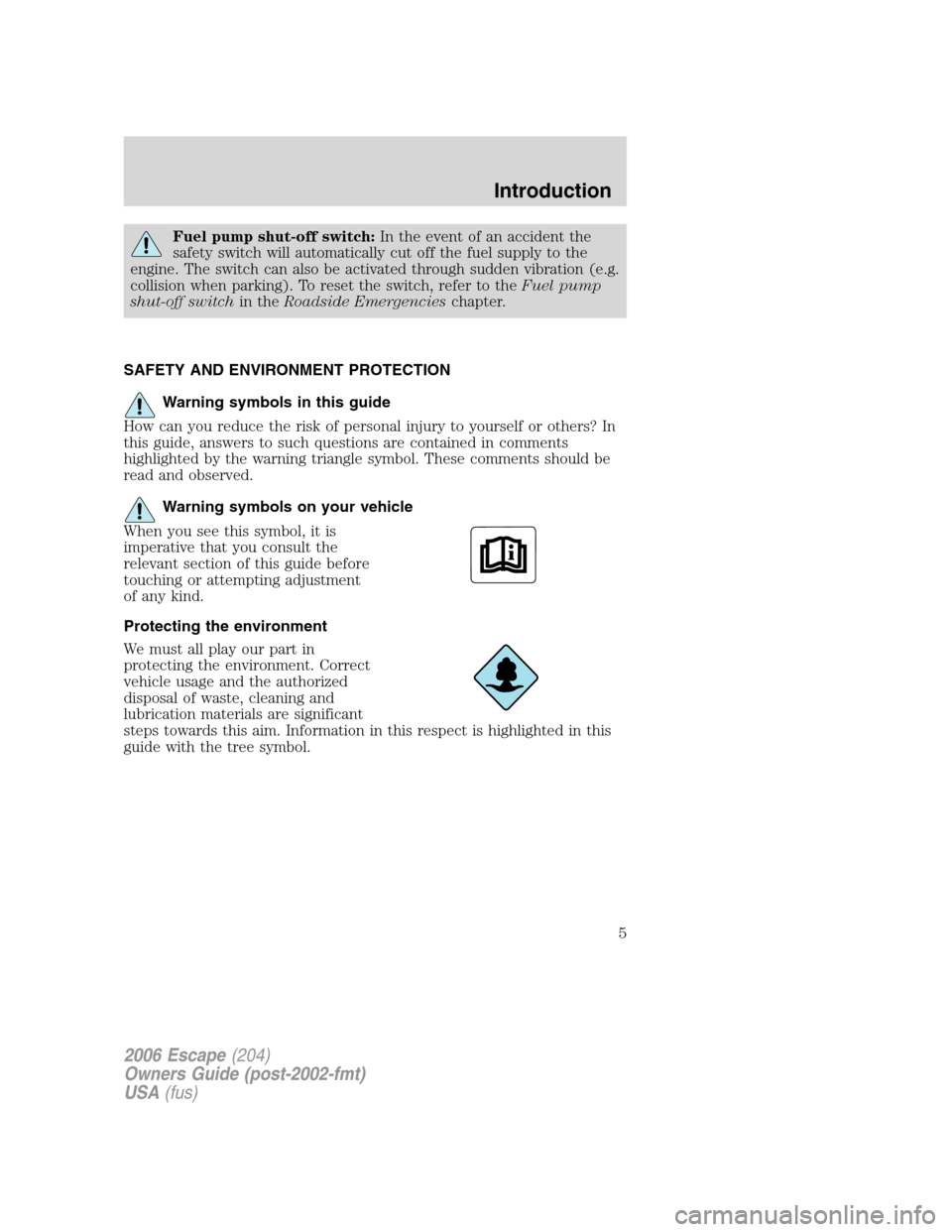
Fuel pump shut-off switch:In the event of an accident the
safety switch will automatically cut off the fuel supply to the
engine. The switch can also be activated through sudden vibration (e.g.
collision when parking). To reset the switch, refer to theFuel pump
shut-off switchin theRoadside Emergencieschapter.
SAFETY AND ENVIRONMENT PROTECTION
Warning symbols in this guide
How can you reduce the risk of personal injury to yourself or others? In
this guide, answers to such questions are contained in comments
highlighted by the warning triangle symbol. These comments should be
read and observed.
Warning symbols on your vehicle
When you see this symbol, it is
imperative that you consult the
relevant section of this guide before
touching or attempting adjustment
of any kind.
Protecting the environment
We must all play our part in
protecting the environment. Correct
vehicle usage and the authorized
disposal of waste, cleaning and
lubrication materials are significant
steps towards this aim. Information in this respect is highlighted in this
guide with the tree symbol.
2006 Escape(204)
Owners Guide (post-2002-fmt)
USA(fus)
Introduction
5
Page 10 of 288
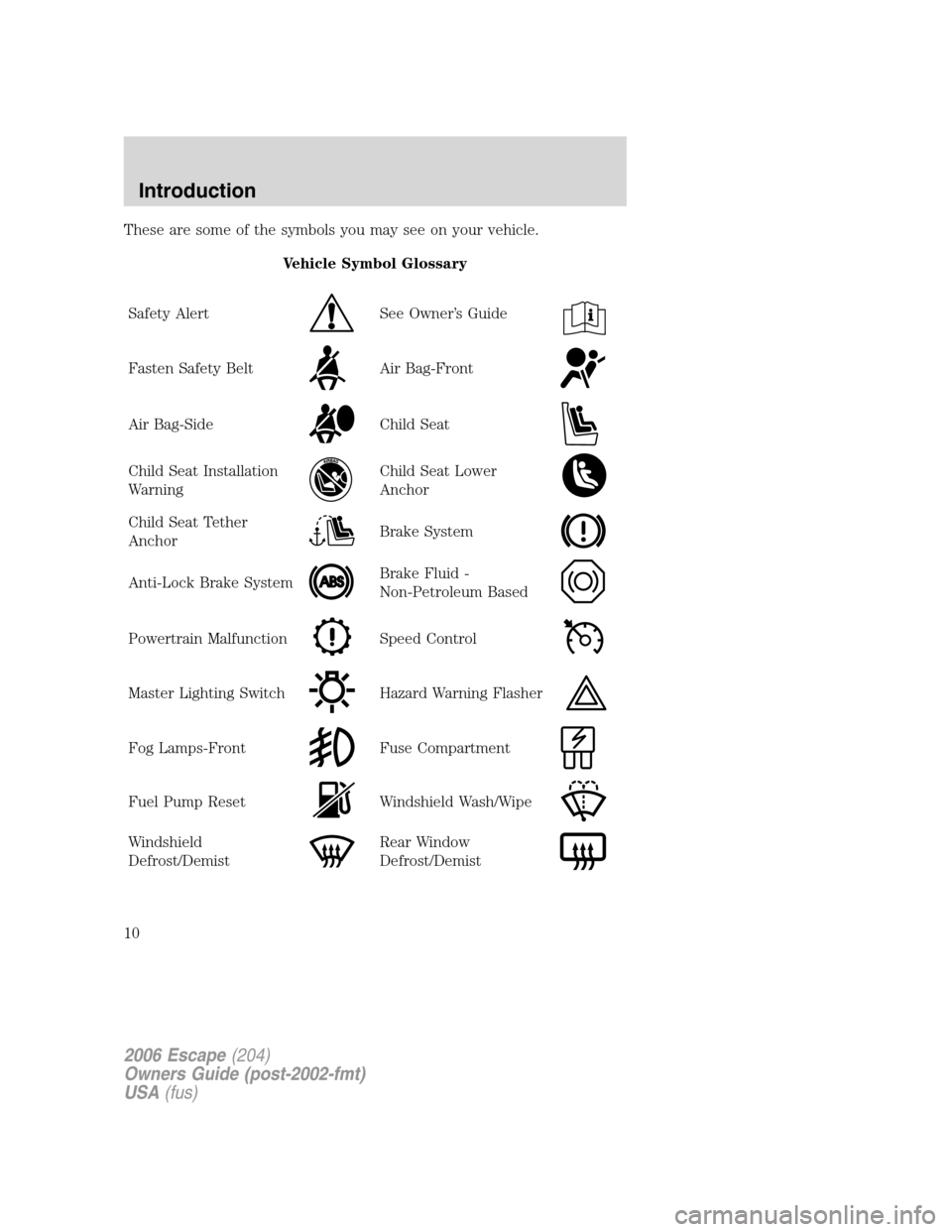
These are some of the symbols you may see on your vehicle.
Vehicle Symbol Glossary
Safety Alert
See Owner’s Guide
Fasten Safety BeltAir Bag-Front
Air Bag-SideChild Seat
Child Seat Installation
WarningChild Seat Lower
Anchor
Child Seat Tether
AnchorBrake System
Anti-Lock Brake SystemBrake Fluid -
Non-Petroleum Based
Powertrain MalfunctionSpeed Control
Master Lighting SwitchHazard Warning Flasher
Fog Lamps-FrontFuse Compartment
Fuel Pump ResetWindshield Wash/Wipe
Windshield
Defrost/DemistRear Window
Defrost/Demist
2006 Escape(204)
Owners Guide (post-2002-fmt)
USA(fus)
Introduction
10
Page 17 of 288
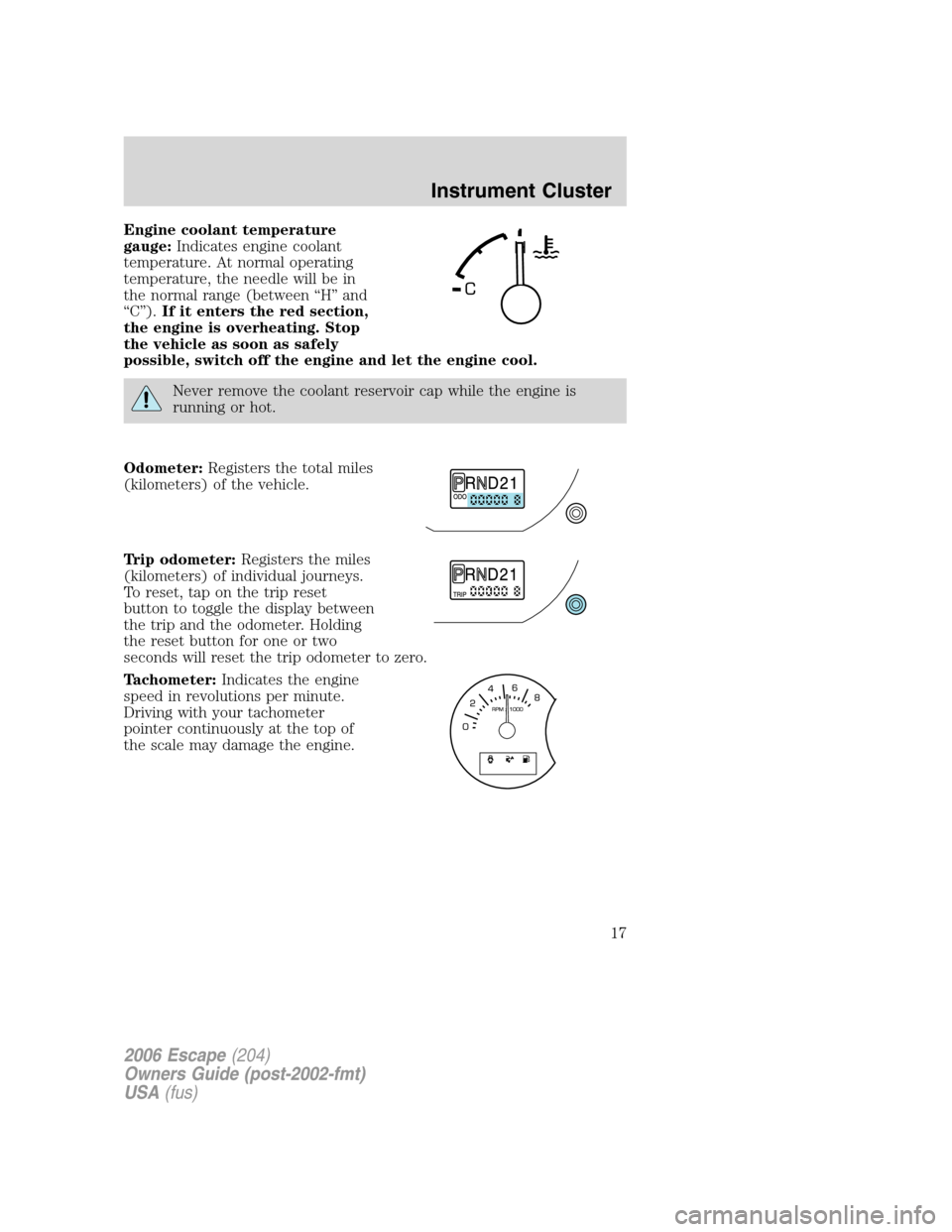
Engine coolant temperature
gauge:Indicates engine coolant
temperature. At normal operating
temperature, the needle will be in
the normal range (between “H” and
“C”).If it enters the red section,
the engine is overheating. Stop
the vehicle as soon as safely
possible, switch off the engine and let the engine cool.
Never remove the coolant reservoir cap while the engine is
running or hot.
Odometer:Registers the total miles
(kilometers) of the vehicle.
Trip odometer:Registers the miles
(kilometers) of individual journeys.
To reset, tap on the trip reset
button to toggle the display between
the trip and the odometer. Holding
the reset button for one or two
seconds will reset the trip odometer to zero.
Tachometer:Indicates the engine
speed in revolutions per minute.
Driving with your tachometer
pointer continuously at the top of
the scale may damage the engine.
2006 Escape(204)
Owners Guide (post-2002-fmt)
USA(fus)
Instrument Cluster
17
Page 20 of 288
Occupancy:Press DSP again to change the occupancy mode to optimize
sound for:
•ALL SEATS — Enhances acoustic sound for all seating locations.
•DRIVERS SEAT — Enhances acoustic sound for the driver. Rear seat
and passenger seat performance may be compromised in favor of the
driver.
•REAR SEATS - Enhances acoustic sound for the rear seat passengers.
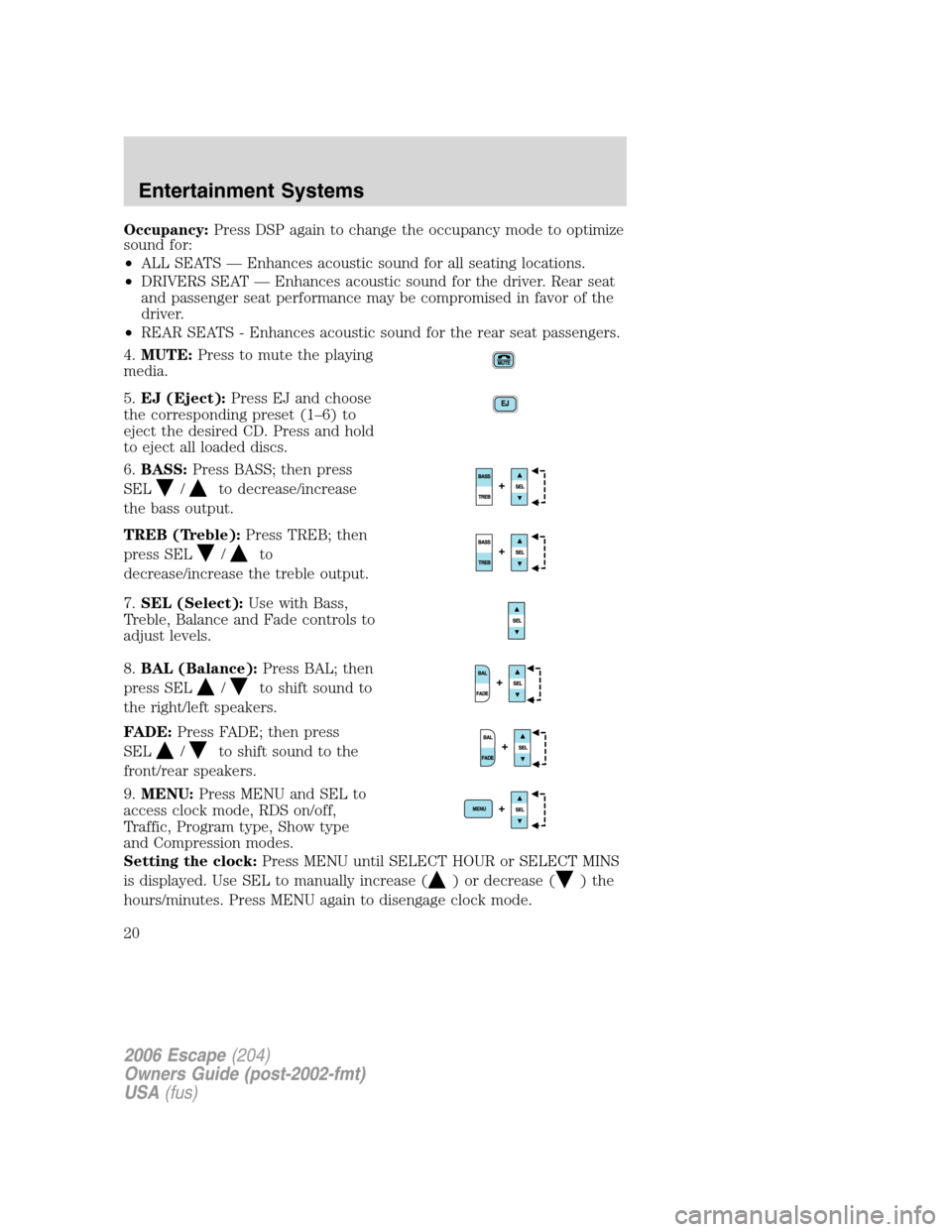
4.MUTE:Press to mute the playing
media.
5.EJ (Eject):Press EJ and choose
the corresponding preset (1–6) to
eject the desired CD. Press and hold
to eject all loaded discs.
6.BASS:Press BASS; then press
SEL
/to decrease/increase
the bass output.
TREB (Treble):Press TREB; then
press SEL
/to
decrease/increase the treble output.
7.SEL (Select):Use with Bass,
Treble, Balance and Fade controls to
adjust levels.
8.BAL (Balance):Press BAL; then
press SEL
/to shift sound to
the right/left speakers.
FADE:Press FADE; then press
SEL
/to shift sound to the
front/rear speakers.
9.MENU:Press MENU and SEL to
access clock mode, RDS on/off,
Traffic, Program type, Show type
and Compression modes.
Setting the clock:Press MENU until SELECT HOUR or SELECT MINS
is displayed. Use SEL to manually increase (
) or decrease ()the
hours/minutes. Press MENU again to disengage clock mode.
2006 Escape(204)
Owners Guide (post-2002-fmt)
USA(fus)
Entertainment Systems
20
Page 21 of 288
Traffic:Allows you to hear traffic broadcasts. With the feature ON, press
SEEK or SCAN to find a station broadcasting a traffic report (if it is
broadcasting RDS data).Traffic information is not available in most
U.S. markets.
FIND Program type:Allows you to search RDS-equipped stations for a
certain category of music format: Classic, Country, Info, Jazz, Oldies,
R&B, Religious, Rock, Soft, Top 40.
Show TYPE:Displays the station’s call letters and format.
Compression:With a CD playing, press to bring soft and loud CD
passages together for a more consistent listening level when in CD mode.
Shuffle:With a CD playing, press to play tracks in a random order.
Press MENU until SHUFFLE appears in the display. Use SEL to select
SHUFFLE DISC, SHUFFLE TRAC or SHUFFLE OFF.
10.Memory presets:To set a
station: Select frequency band
AM/FM; tune to a station, press and
hold a preset button until sound
returns. In CD mode, press to access the desired disc.
11.SAT (if equipped):Your
Audiophile radio comes equipped
with Satellite Ready capability. The
kit to enable the Satellite reception is available through your dealer.
Detailed satellite instructions are included with the dealer installed kit.
12.AM/FM:Press to select AM/FM
frequency band.
Autoset:Allows you to set the
strongest local radio stations without losing your original manually set
preset stations for AM/FM1/FM2. Press and momentarily hold AM/FM.
AUTOSET will flash on the display. When the six strongest stations are
filled, the station stored in preset 1 will begin playing. If there are less
than six strong stations, the system will store the last one in the
remaining presets. Press again to disengage.
13.Power/volume:Press to turn
ON/OFF; turn to increase or
decrease volume levels.
2006 Escape(204)
Owners Guide (post-2002-fmt)
USA(fus)
Entertainment Systems
21
Page 22 of 288
Speed sensitive volume (if equipped):Radio volume changes
automatically and slightly with vehicle speed to compensate for road and
wind noise. Recommended level is 1–3. Level 0 turns the feature off and
level 7 is the maximum setting.
Press and hold the volume control for five seconds. Then press SEL to
increase (
) or decrease () the volume setting. The level will
appear in the display.
14.LOAD:Press LOAD and the
corresponding preset (1–6) to load a
CD into the desired slot. Press and
hold to load up to six discs at once.
15.CD AUX:Press to access CD or
AUX mode.
CD units are designed to play
commercially pressed 4.75 in (12 cm) audio compact discs only.
Due to technical incompatibility, certain recordable and
re-recordable compact discs may not function correctly when
used in Ford CD players. Irregular shaped CDs, CDs with a
scratch protection film attached, and CDs with homemade paper
(adhesive) labels should not be inserted into the CD player. The
label may peel and cause the CD to become jammed. It is
recommended that homemade CDs be identified with permanent
felt tip marker rather than adhesive labels. Ballpoint pens may
damage CDs. Please contact your authorized dealer for further
information.
16.SCAN:Press to move up the
radio frequency band. SCAN
automatically finds a station, plays it
for five seconds, then moves to the next station. Press again to stop.
CD:Press to sample CD selections for eight seconds. Press again to stop.
17.DISC/TUNE:Radio: Press
orto manually tune down or up
the radio frequency band. CD:
Press
to select the previous disc orto select the next disc.
CAT:CAT is only available when equipped with Satellite Radio. Your
Audiophile radio comes equipped with Satellite ready capability. The kit
to enable Satellite reception is available through your dealer. Detailed
Satellite instructions are included with the dealer installed kit.
2006 Escape(204)
Owners Guide (post-2002-fmt)
USA(fus)
Entertainment Systems
22
Page 24 of 288
Irregular shaped CDs, CDs with a scratch protection film
attached, and CDs with homemade paper (adhesive) labels should
not be inserted into the CD player. The label may peel and cause
the CD to become jammed. It is recommended that homemade
CDs be identified with permanent felt tip marker rather than
adhesive labels. Ballpoint pens may damage CDs. Please contact
your dealer for further information.
2.AUTO — SCAN:AUTO: Auto
memory tuning allows you to set
strong radio stations without loosing
your original manually set preset stations.
Press the AM or FM1/2 control to select a frequency. Press and
momentarily hold the AUTO-S control. The system will beep. When the
first six strong stations are filled, the strongest station will start playing.
Press AUTO-S to select from the stored stations. One stored station will
be selected and played each time the control is pressed. The frequency
and the channel number will be displayed.
SCAN:Scan works in radio and CD mode. Press SCAN to hear a brief
sampling of all listenable stations on the frequency band or the first ten
seconds of each track. Press SCAN again to stop.
3.Eject:Press to eject the CD
currently playing. Press CD plus the
preset number to eject a specific
CD. Press and hold to eject all CDs.
4.TUNE — MENU:Press to enter
Menu mode. Press repeatedly to
scroll through the following options:
Bass:Press the control until BASS
appears in the display. Turn the
control to increase/decrease the
level of bass.
Mid-range (if equipped):Press the control until MID appears in the
display. Turn the control to increase/decrease the level of mid-range.
Treble:Press the control until TREB appears in the display. Turn the
control to increase/decrease the level of treble.
Fade:Press the control until FADE appears in the display. Turn the
control to adjust the sound between the rear and front speakers.
Balance:Press the control until BAL appears in the display. Turn the
control to adjust the sound between the left and right speakers.
2006 Escape(204)
Owners Guide (post-2002-fmt)
USA(fus)
Entertainment Systems
24
Page 25 of 288
5.CLK (Clock):Press to alternate
between clock display and audio
display.
Note:If the audio operation is selected while the clock mode is on, the
selected audio mode will be displayed for ten seconds, then the display
will revert to the clock mode.
Setting the clock:Press and hold CLK for approximately two seconds
until a beep is heard. The clock’s current time will flash. Press SCAN on
the minute set control (M) to set the minutes. Press AUTO-S on the
hour set control (H) to adjust the hours. Press CLK again to disengage
clock mode.
6.FF (Fast forward):In CD
mode, press and hold to advance
through a track at high speed.
7.REW (Rewind):In CD mode,
press and hold to reverse through a
track at high speed.
8.SHUF (Shuffle):Press to play
all tracks on the current CD in
random order.
9.RPT (Repeat):Press to repeat
the current CD track. The track will
repeat continuously until RPT is
pressed again.
10.DISC
: Press to skip forward
to the beginning of the next CD.
11.DISC
: Press to skip back to
the beginning of the previous CD.
12.Memory presets:To set a
station: Select frequency band AM/FM; tune to a station, press and hold
a preset button until sound returns.
13.Volume/ON/OFF:Press to turn
ON/OFF. Turn to increase/decrease
the level of volume.
2006 Escape(204)
Owners Guide (post-2002-fmt)
USA(fus)
Entertainment Systems
25
Page 28 of 288
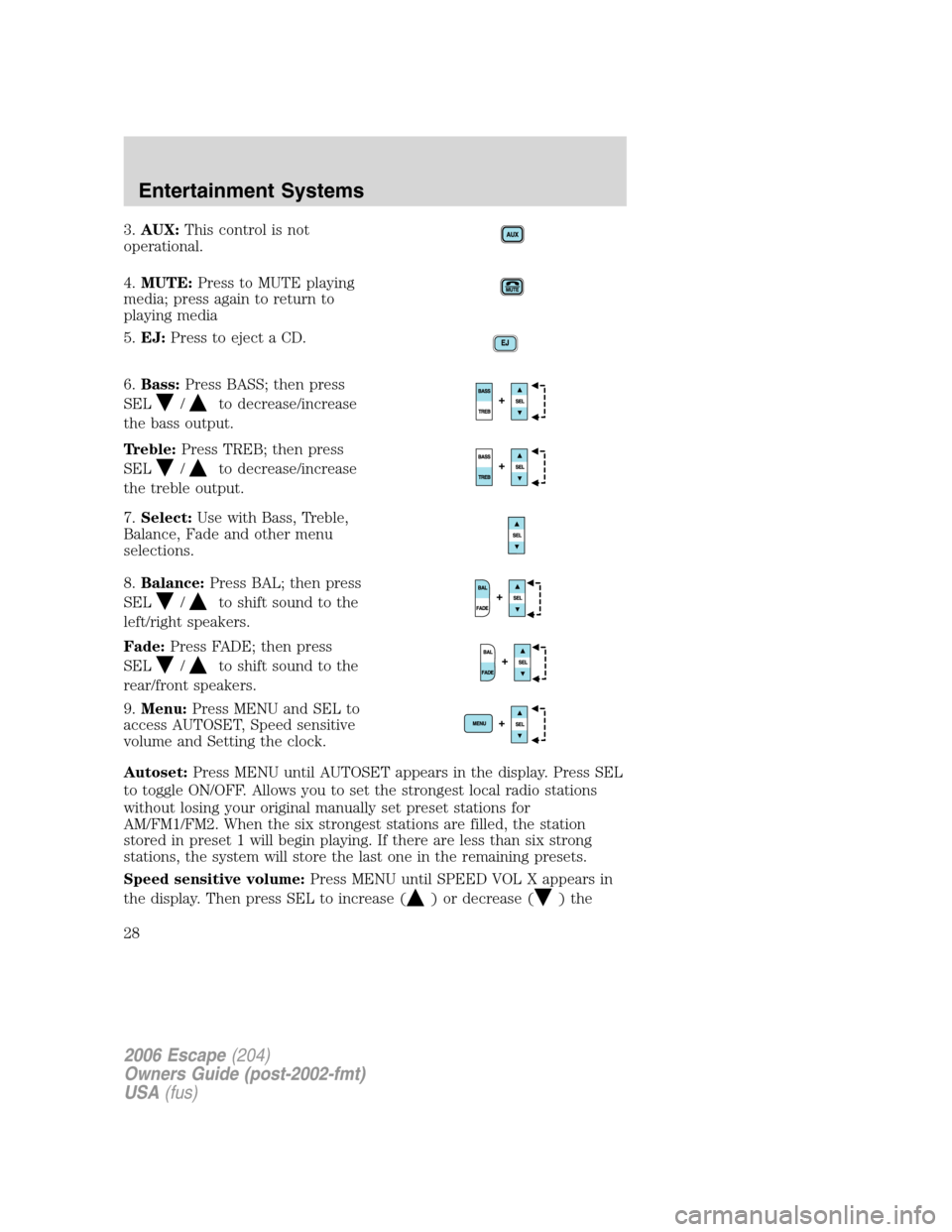
3.AUX:This control is not
operational.
4.MUTE:Press to MUTE playing
media; press again to return to
playing media
5.EJ:Press to eject a CD.
6.Bass:Press BASS; then press
SEL
/to decrease/increase
the bass output.
Treble:Press TREB; then press
SEL
/to decrease/increase
the treble output.
7.Select:Use with Bass, Treble,
Balance, Fade and other menu
selections.
8.Balance:Press BAL; then press
SEL
/to shift sound to the
left/right speakers.
Fade:Press FADE; then press
SEL
/to shift sound to the
rear/front speakers.
9.Menu:Press MENU and SEL to
access AUTOSET, Speed sensitive
volume and Setting the clock.
Autoset:Press MENU until AUTOSET appears in the display. Press SEL
to toggle ON/OFF. Allows you to set the strongest local radio stations
without losing your original manually set preset stations for
AM/FM1/FM2. When the six strongest stations are filled, the station
stored in preset 1 will begin playing. If there are less than six strong
stations, the system will store the last one in the remaining presets.
Speed sensitive volume:Press MENU until SPEED VOL X appears in
the display. Then press SEL to increase (
) or decrease ()the
2006 Escape(204)
Owners Guide (post-2002-fmt)
USA(fus)
Entertainment Systems
28
Page 30 of 288
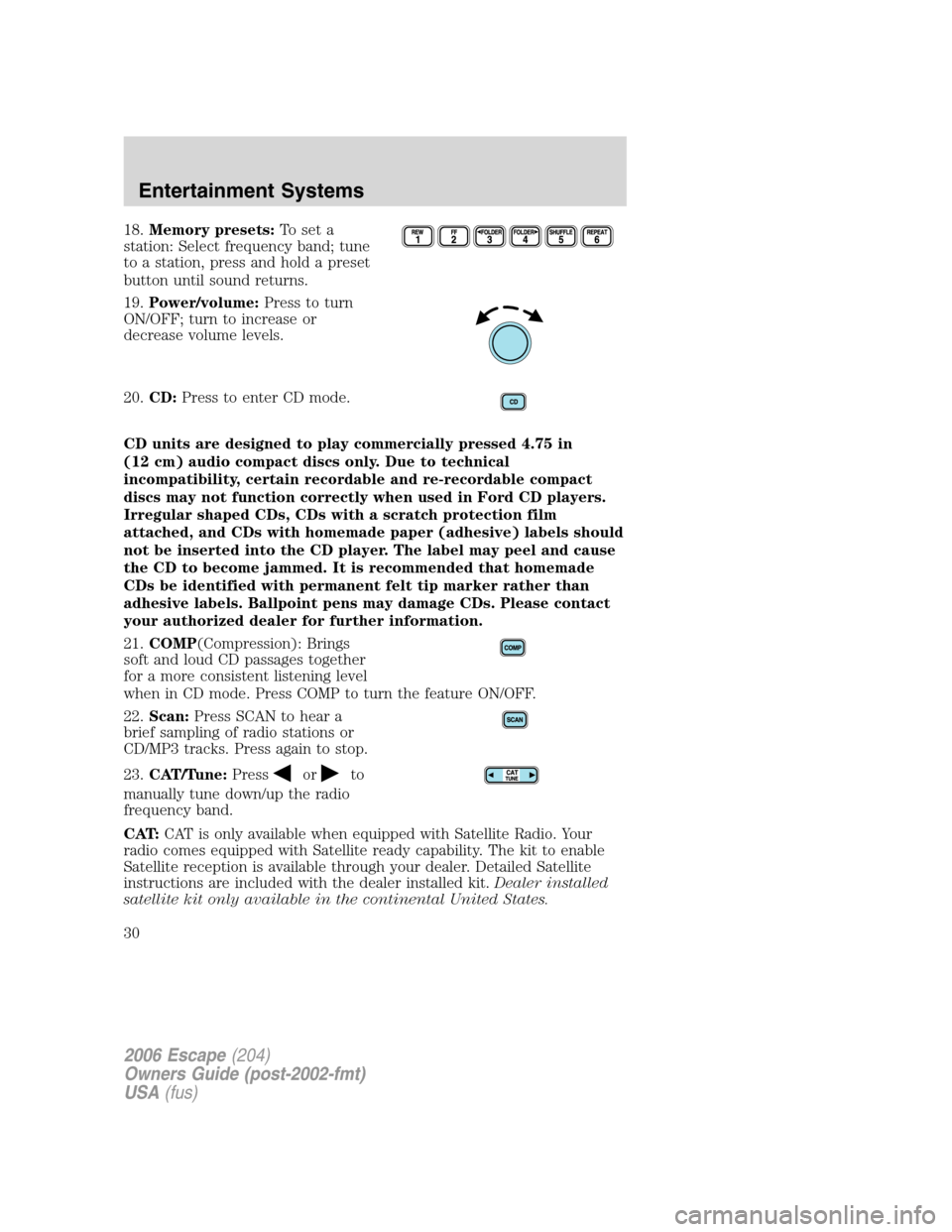
18.Memory presets:To set a
station: Select frequency band; tune
to a station, press and hold a preset
button until sound returns.
19.Power/volume:Press to turn
ON/OFF; turn to increase or
decrease volume levels.
20.CD:Press to enter CD mode.
CD units are designed to play commercially pressed 4.75 in
(12 cm) audio compact discs only. Due to technical
incompatibility, certain recordable and re-recordable compact
discs may not function correctly when used in Ford CD players.
Irregular shaped CDs, CDs with a scratch protection film
attached, and CDs with homemade paper (adhesive) labels should
not be inserted into the CD player. The label may peel and cause
the CD to become jammed. It is recommended that homemade
CDs be identified with permanent felt tip marker rather than
adhesive labels. Ballpoint pens may damage CDs. Please contact
your authorized dealer for further information.
21.COMP(Compression): Brings
soft and loud CD passages together
for a more consistent listening level
when in CD mode. Press COMP to turn the feature ON/OFF.
22.Scan:Press SCAN to hear a
brief sampling of radio stations or
CD/MP3 tracks. Press again to stop.
23.CAT/Tune:Press
orto
manually tune down/up the radio
frequency band.
CAT:CAT is only available when equipped with Satellite Radio. Your
radio comes equipped with Satellite ready capability. The kit to enable
Satellite reception is available through your dealer. Detailed Satellite
instructions are included with the dealer installed kit.Dealer installed
satellite kit only available in the continental United States.
2006 Escape(204)
Owners Guide (post-2002-fmt)
USA(fus)
Entertainment Systems
30