shift FORD ESCAPE 2014 3.G Owner's Manual
[x] Cancel search | Manufacturer: FORD, Model Year: 2014, Model line: ESCAPE, Model: FORD ESCAPE 2014 3.GPages: 428, PDF Size: 16.6 MB
Page 235 of 428
VEHICLE STORAGE
If you plan on storing your vehicle for an
extended period of time (30 days or more),
read the following maintenance
recommendations to make sure your
vehicle stays in good operating condition.
All motor vehicles and their components
were engineered and tested for reliable,
regular driving. Long term storage under
various conditions may lead to component
degradation or failure unless specific
precautions are taken to preserve the
components.
General
• Store all vehicles in a dry, ventilated
place.
• Protect from sunlight, if possible.
• If vehicles are stored outside, they
require regular maintenance to protect
against rust and damage.
Body
• Wash your vehicle thoroughly to
remove dirt, grease, oil, tar or mud from
exterior surfaces, rear-wheel housing
and underside of front fenders.
• Periodically wash your vehicle stored
in exposed locations.
• Touch-up exposed or primed metal to
prevent rust.
• Cover chrome and stainless steel parts
with a thick coat of auto wax to prevent
discoloration. Re-wax as necessary
when your vehicle is washed.
• Lubricate all hood, door and trunk lid
hinges, and latches with a light grade
oil.
• Cover interior trim to prevent fading.
• Keep all rubber parts free from oil and
solvents.
Engine
• The engine oil and filter should be
changed prior to storage, as used
engine oil contain contaminates that
may cause engine damage.
• Start the engine every 15 days. Run at
fast idle until it reaches normal
operating temperature
• With your foot on the brake, shift
through all the gears while the engine
is running.
Fuel system
• Fill the fuel tank with high-quality fuel
until the first automatic shutoff of the
fuel pump nozzle.
Note:During extended periods of vehicle
storage (30 days or more), fuel may
deteriorate due to oxidation. Add a quality
gas stabilizer product to your vehicle's fuel
system whenever actual or expected
storage periods exceed 30 days. Follow the
instructions on the additive label. your
vehicle should then be operated at idle
speed to circulate the additive throughout
the fuel system.
Cooling system
• Protect against freezing temperatures.
• When removing your vehicle from
storage, check coolant fluid level.
Confirm there are no cooling system
leaks, and fluid is at the recommended
level.
Battery
• Check and recharge as necessary. Keep
connections clean.
• If storing your vehicle for more than 30
days without recharging the battery, it
may be advisable to disconnect the
battery cables to ensure battery charge
is maintained for quick starting.
232
Vehicle Care
Page 283 of 428
When HD Radio broadcasts are active, you
can access the following functions:
•Scan allows you to hear a brief
sampling of all available stations. This
feature still works when HD Radio
reception is on, although it does not
scan for HD2-HD7 channels. You may
see the HD logo appear if the station
has a digital broadcast.•Memory presets allow you to save an
active channel as a memory preset.
Touch and hold a memory preset slot
until the sound returns. There is a brief
mute while the radio saves the station.
Sound returns when finished. When
switching to an HD2 or HD3 memory
preset, the sound mutes before the
digital audio plays, because the system
has to reacquire the digital signal.
Note:As with any saved radio station, you
cannot access the saved station if your
vehicle is outside the station’s reception
area.
HD Radio Reception and Station Troubleshooting
Potential reception issues
If you are listening to a multicast station and you are on
the fringe of the reception area, the station may mute due
to weak signal strength. Reception area
If you are listening to HD1, the system switches back to
the analog broadcast until the digital broadcast is available
again. However, if you are listening to any of the possible
HD2-HD7 multicast channels, the station mutes and stays
muted unless it is able to connect to the digital signal
again.
When the system first receives a station (aside from HD2-
HD7 multicast stations), it first plays the station in the
analog version. Once the receiver verifies the station is an
HD Radio station, it shifts to the digital version. Depending
on the station quality, you may hear a slight sound change
when the station changes from analog to digital. Blending
is the shift from analog to digital sound or digital back to
analog sound. Station blending
In order to provide the best possible
experience, use the contact form to report
any station issues found while listening to
a station broadcasting with HD Radio
technology. Independent entities own and
operate each station. These stations are
responsible for ensuring all audio streams
and data fields are accurate.
280
Audio System
Page 284 of 428
Potential station issues
Action Cause Issues
No action required. This is a
broadcast issue. This is poor time alignment
by the radio broadcaster. Echo, stutter, skip or repeat
in audio.
Increase or decrease in
audio volume.
No action required. The
reception issue may clear up
as you continue to drive. The radio is shifting between
analog and digital audio. Sound fading or blending in
and out.
No action required. This is
normal behavior. Wait until
the audio is available. The digital multicast is not
available until the HD Radio
broadcast is decoded. Once
decoded, the audio is avail-
able. There is an audio mute
delay when selecting HD2 or
HD3, multicast preset or
Direct Tune.
No action required. The
station is not available in
your current location. The previously stored
multicast preset or direct
tune is not available in your
current reception area. Cannot access HD2 or HD3
multicast channel when
recalling a preset or from a
direct tune.
Fill out the station issue
form at website listed
below.
*
Data service issue by the
radio broadcaster. Text information does not
match currently playing
audio.
Fill out the station issue
form at website listed
below.
*
Data service issue by the
radio broadcaster. There is no text information
shown for currently selected
frequency.
No action required. This is
normal behavior. Pressing Scan disables
HD2-HD7 channel search. HD2-HD7 stations not found
when Scan is pressed.
* http://www.ibiquity.com/automotive/report_radio_station_experiences
HD Radio Technology manufactured under
license from iBiquity Digital Corp. U.S. and
foreign patents. HD Radio and the HD and
HD Radio logos are proprietary trademarks
of iBiquity Digital Corp. Ford Motor
Company and iBiquity Digital Corp. are not
responsible for the content sent using HD
Radio technology. Content may be
changed, added or deleted at any time at
the station owner's discretion.
SATELLITE RADIO (IF EQUIPPED)
SIRIUS® broadcasts a variety of music,
news, sports, weather, traffic and
entertainment satellite radio channels. For
more information and a complete list of
SIRIUS satellite radio channels, visit
www.siriusxm.com in the United States,
www.sirius.ca in Canada, or call SIRIUS at
1-888-539-7474.
281
Audio System
Page 343 of 428
When HD Radio broadcasts are active, you
can access the following functions:
•Scan allows you to hear a brief
sampling of all available stations. This
feature still works when HD Radio
reception is on, although it does not
scan for HD2-HD7 channels. You may
see the HD logo appear if the station
has a digital broadcast.•Memory presets allow you to save an
active channel as a memory preset.
Touch and hold a memory preset slot
until the sound returns. There is a brief
mute while the radio saves the station.
Sound returns when finished. When
switching to an HD2 or HD3 memory
preset, the sound mutes before the
digital audio plays, because the system
has to reacquire the digital signal.
Note:As with any saved radio station, you
cannot access the saved station if your
vehicle is outside the station’s reception
area.
HD Radio Reception and Station Troubleshooting
Potential reception issues
If you are listening to a multicast station and you are on
the fringe of the reception area, the station may mute due
to weak signal strength. Reception area
If you are listening to HD1, the system switches back to
the analog broadcast until the digital broadcast is available
again. However, if you are listening to any of the possible
HD2-HD7 multicast channels, the station mutes and stays
muted unless it is able to connect to the digital signal
again.
When the system first receives a station (aside from HD2-
HD7 multicast stations), it first plays the station in the
analog version. Once the receiver verifies the station is an
HD Radio station, it shifts to the digital version. Depending
on the station quality, you may hear a slight sound change
when the station changes from analog to digital. Blending
is the shift from analog to digital sound or digital back to
analog sound. Station blending
In order to provide the best possible
experience, use the contact form to report
any station issues found while listening to
a station broadcasting with HD Radio
technology. Independent entities own and
operate each station. These stations are
responsible for ensuring all audio streams
and data fields are accurate.
340
MyFord Touch™ (If Equipped)
Page 344 of 428
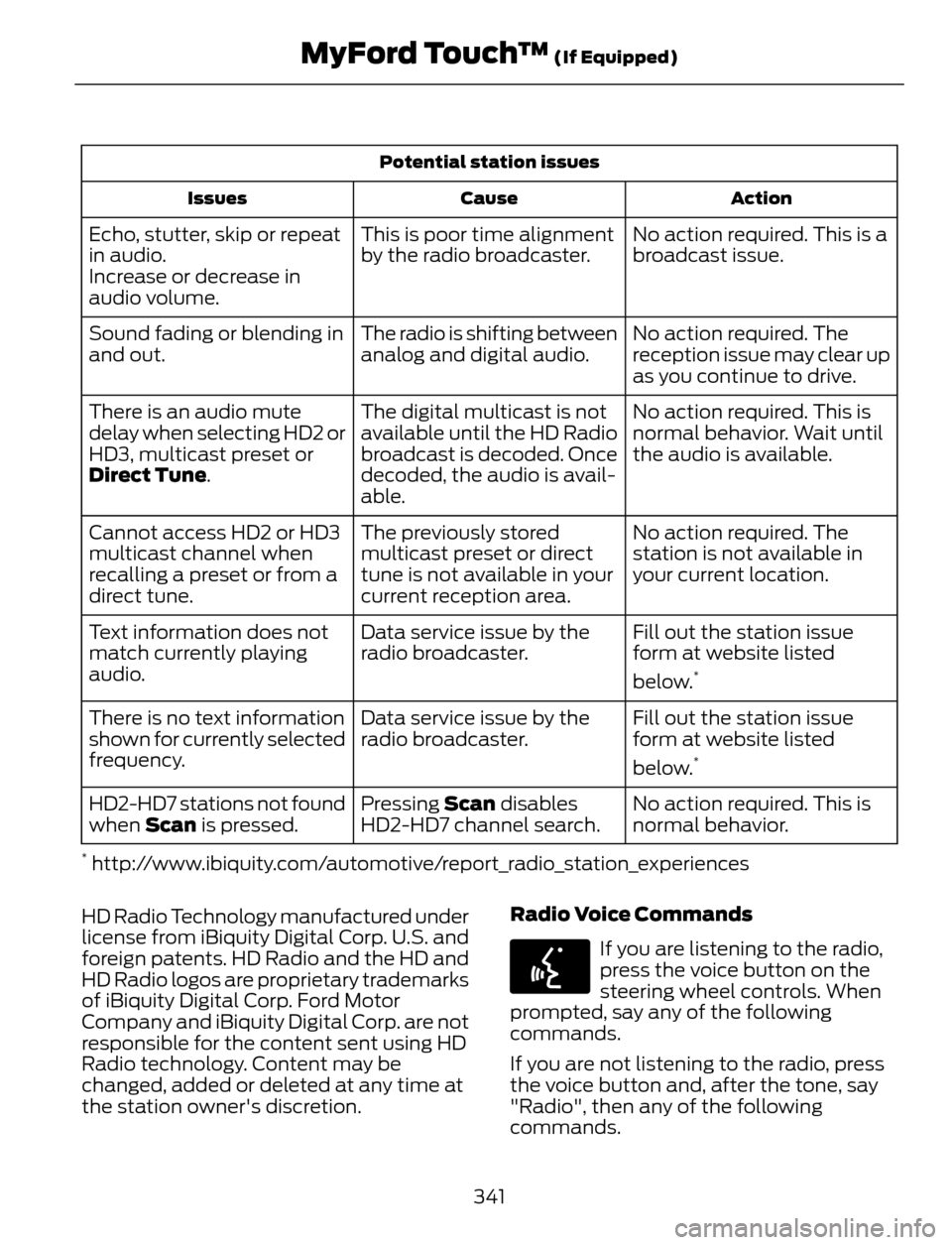
Potential station issues
Action Cause Issues
No action required. This is a
broadcast issue. This is poor time alignment
by the radio broadcaster. Echo, stutter, skip or repeat
in audio.
Increase or decrease in
audio volume.
No action required. The
reception issue may clear up
as you continue to drive. The radio is shifting between
analog and digital audio. Sound fading or blending in
and out.
No action required. This is
normal behavior. Wait until
the audio is available. The digital multicast is not
available until the HD Radio
broadcast is decoded. Once
decoded, the audio is avail-
able. There is an audio mute
delay when selecting HD2 or
HD3, multicast preset or
Direct Tune.
No action required. The
station is not available in
your current location. The previously stored
multicast preset or direct
tune is not available in your
current reception area. Cannot access HD2 or HD3
multicast channel when
recalling a preset or from a
direct tune.
Fill out the station issue
form at website listed
below.
*
Data service issue by the
radio broadcaster. Text information does not
match currently playing
audio.
Fill out the station issue
form at website listed
below.
*
Data service issue by the
radio broadcaster. There is no text information
shown for currently selected
frequency.
No action required. This is
normal behavior. Pressing Scan disables
HD2-HD7 channel search. HD2-HD7 stations not found
when Scan is pressed.
* http://www.ibiquity.com/automotive/report_radio_station_experiences
HD Radio Technology manufactured under
license from iBiquity Digital Corp. U.S. and
foreign patents. HD Radio and the HD and
HD Radio logos are proprietary trademarks
of iBiquity Digital Corp. Ford Motor
Company and iBiquity Digital Corp. are not
responsible for the content sent using HD
Radio technology. Content may be
changed, added or deleted at any time at
the station owner's discretion.Radio Voice Commands
E142599
If you are listening to the radio,
press the voice button on the
steering wheel controls. When
prompted, say any of the following
commands.
If you are not listening to the radio, press
the voice button and, after the tone, say
"Radio", then any of the following
commands.
341
MyFord Touch™ (If Equipped)
Page 418 of 428
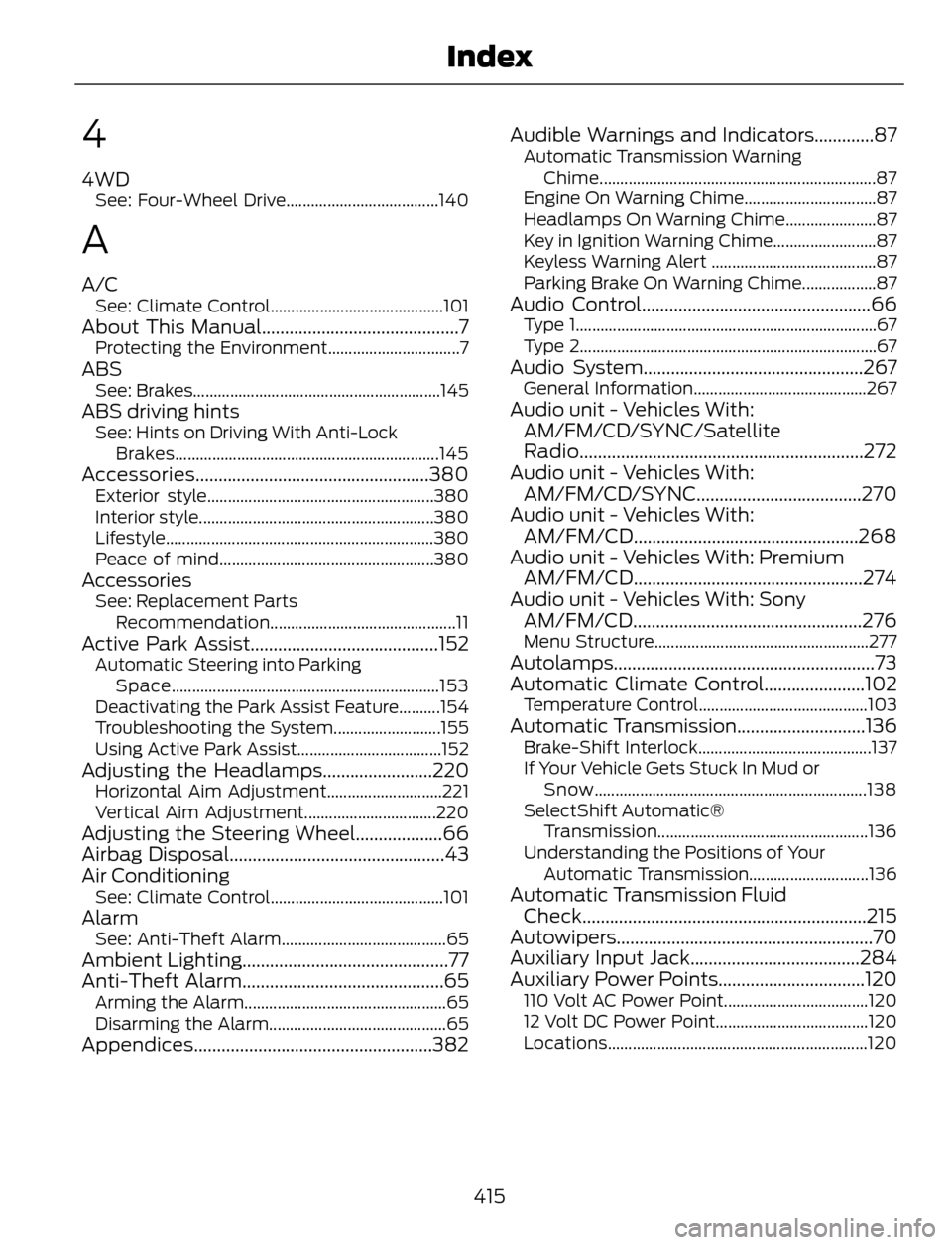
4
4WDSee: Four-Wheel Drive.....................................140
A
A/CSee: Climate Control..........................................101About This Manual...........................................7Protecting the Environment................................7ABSSee: Brakes............................................................145ABS driving hintsSee: Hints on Driving With Anti-Lock
Brakes................................................................145
Accessories...................................................380Exterior style.......................................................380
Interior style.........................................................380
Lifestyle.................................................................380
Peace of mind....................................................380
AccessoriesSee: Replacement Parts
Recommendation.............................................11
Active Park Assist.........................................152Automatic Steering into Parking
Space.................................................................153
Deactivating the Park Assist Feature..........154
Troubleshooting the System..........................155
Using Active Park Assist...................................152
Adjusting the Headlamps........................220Horizontal Aim Adjustment............................221
Vertical Aim Adjustment................................220
Adjusting the Steering Wheel...................66
Airbag Disposal...............................................43
Air Conditioning
See: Climate Control..........................................101AlarmSee: Anti-Theft Alarm........................................65Ambient Lighting.............................................77
Anti-Theft Alarm............................................65
Arming the Alarm.................................................65
Disarming the Alarm...........................................65
Appendices....................................................382Audible Warnings and Indicators.............87
Automatic Transmission Warning
Chime...................................................................87
Engine On Warning Chime................................87
Headlamps On Warning Chime......................87
Key in Ignition Warning Chime.........................87
Keyless Warning Alert ........................................87
Parking Brake On Warning Chime..................87
Audio Control..................................................66Type 1.........................................................................67
Type 2........................................................................67
Audio System................................................267General Information..........................................267Audio unit - Vehicles With:
AM/FM/CD/SYNC/Satellite
Radio..............................................................272
Audio unit - Vehicles With:
AM/FM/CD/SYNC....................................270
Audio unit - Vehicles With:
AM/FM/CD.................................................268
Audio unit - Vehicles With: Premium
AM/FM/CD..................................................274
Audio unit - Vehicles With: Sony
AM/FM/CD..................................................276
Menu Structure....................................................277Autolamps.........................................................73
Automatic Climate Control......................102
Temperature Control.........................................103Automatic Transmission............................136Brake-Shift Interlock..........................................137
If Your Vehicle Gets Stuck In Mud or
Snow..................................................................138
SelectShift Automatic®
Transmission...................................................136
Understanding the Positions of Your
Automatic Transmission.............................136
Automatic Transmission Fluid
Check..............................................................215
Autowipers........................................................70
Auxiliary Input Jack.....................................284
Auxiliary Power Points................................120
110 Volt AC Power Point...................................120
12 Volt DC Power Point.....................................120
Locations...............................................................120
415
Index