steering FORD ESCAPE 2018 User Guide
[x] Cancel search | Manufacturer: FORD, Model Year: 2018, Model line: ESCAPE, Model: FORD ESCAPE 2018Pages: 517, PDF Size: 6.62 MB
Page 59 of 517
CHECKING MYKEY SYSTEM
STATUS
You can find information on programmed
MyKey(s) using the information display
control on the steering wheel. See
Information Displays (page 93).
To find information on programmed MyKey(s), press the left arrow button to
access the main menu and scroll to: Description
Message
Press the
OK button.
Settings
Press the
OK button.
MyKey
Select one of the following:
Tracks the distance when drivers use a MyKey. The only way
to delete the accumulated distance is by using an admin key
to clear your MyKeys. If the distance does not accumulate as
expected, then the intended user is not using the MyKey, or
an admin key user recently cleared and then recreated a
MyKey.
MyKey Dist.
Indicates the number of MyKeys programmed to your vehicle.
Use this feature to detect how many MyKeys you have for
your vehicle and determine when a MyKey has been deleted.
{0} MyKeys
Indicates how many admin keys are programmed to your
vehicle. Use this feature to determine how many unrestricted
keys you have for your vehicle, and detect if an additional
MyKey has been programmed.
{0} Admin Keys
56
Escape (TM2) Canada/United States of America, JJ5J 19A321 AC enUSA, Edition date: 201706, Fourth-Printing MyKey
™
Page 74 of 517
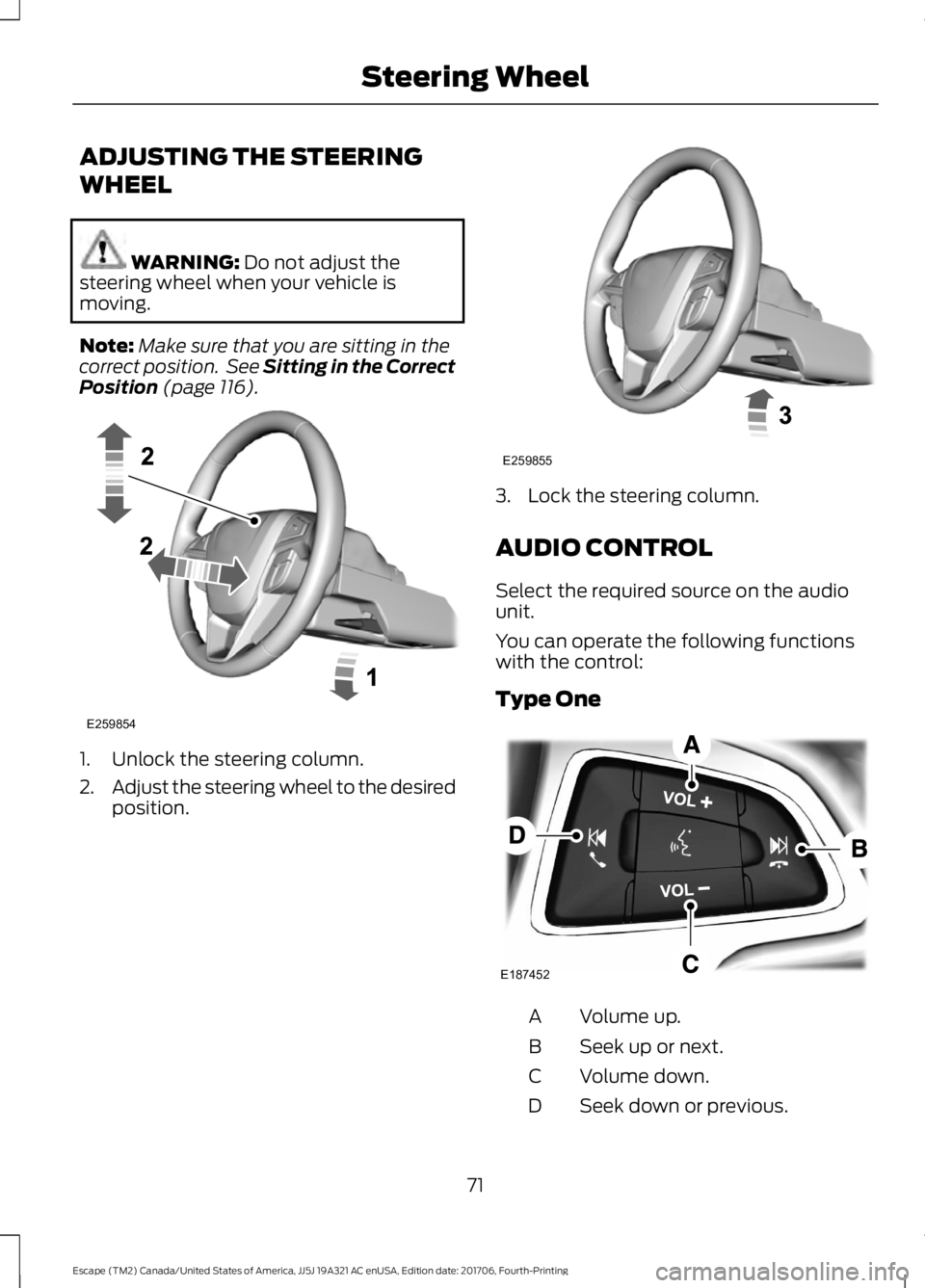
ADJUSTING THE STEERING
WHEEL
WARNING: Do not adjust the
steering wheel when your vehicle is
moving.
Note: Make sure that you are sitting in the
correct position. See Sitting in the Correct
Position
(page 116). 1. Unlock the steering column.
2.
Adjust the steering wheel to the desired
position. 3. Lock the steering column.
AUDIO CONTROL
Select the required source on the audio
unit.
You can operate the following functions
with the control:
Type One
Volume up.
A
Seek up or next.
B
Volume down.
C
Seek down or previous.
D
71
Escape (TM2) Canada/United States of America, JJ5J 19A321 AC enUSA, Edition date: 201706, Fourth-Printing Steering WheelE259854 E259855 E187452
Page 75 of 517
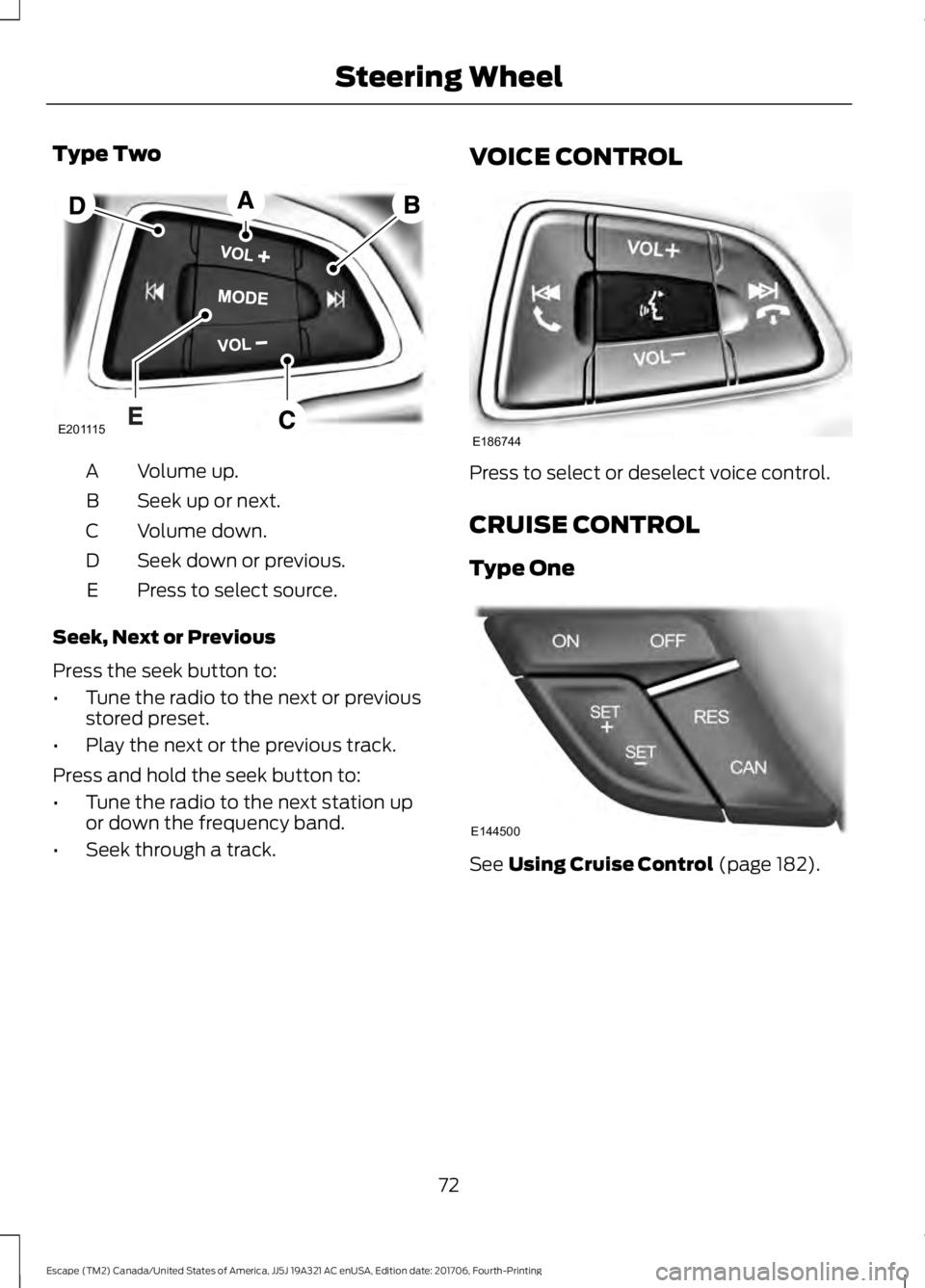
Type Two
Volume up.
A
Seek up or next.
B
Volume down.
C
Seek down or previous.
D
Press to select source.
E
Seek, Next or Previous
Press the seek button to:
• Tune the radio to the next or previous
stored preset.
• Play the next or the previous track.
Press and hold the seek button to:
• Tune the radio to the next station up
or down the frequency band.
• Seek through a track. VOICE CONTROL Press to select or deselect voice control.
CRUISE CONTROL
Type One
See Using Cruise Control (page 182).
72
Escape (TM2) Canada/United States of America, JJ5J 19A321 AC enUSA, Edition date: 201706, Fourth-Printing Steering WheelE201115 E186744 E144500
Page 76 of 517
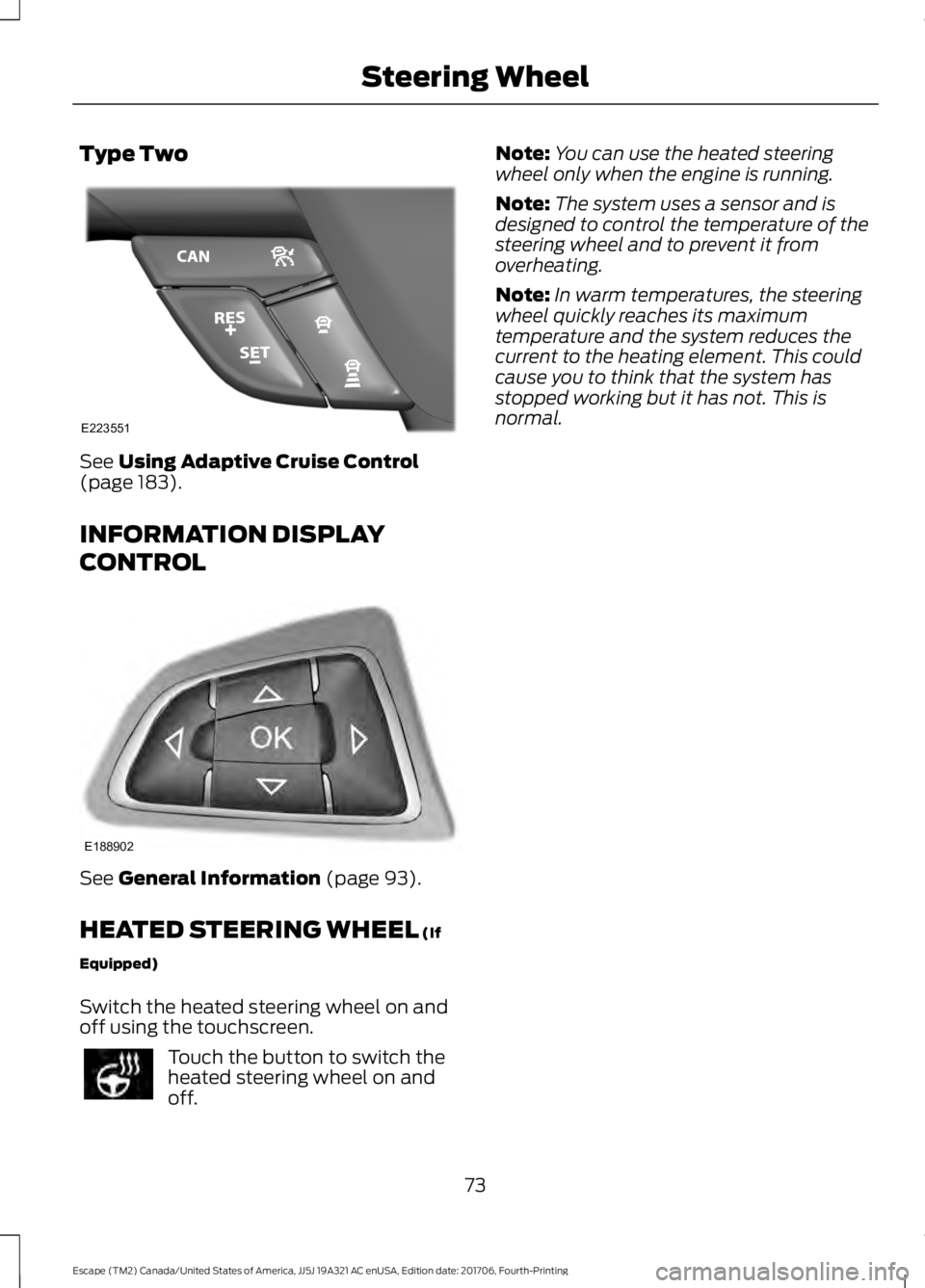
Type Two
See Using Adaptive Cruise Control
(page 183).
INFORMATION DISPLAY
CONTROL See
General Information (page 93).
HEATED STEERING WHEEL
(If
Equipped)
Switch the heated steering wheel on and
off using the touchscreen. Touch the button to switch the
heated steering wheel on and
off. Note:
You can use the heated steering
wheel only when the engine is running.
Note: The system uses a sensor and is
designed to control the temperature of the
steering wheel and to prevent it from
overheating.
Note: In warm temperatures, the steering
wheel quickly reaches its maximum
temperature and the system reduces the
current to the heating element. This could
cause you to think that the system has
stopped working but it has not. This is
normal.
73
Escape (TM2) Canada/United States of America, JJ5J 19A321 AC enUSA, Edition date: 201706, Fourth-Printing Steering WheelE223551 E188902
Page 96 of 517
GENERAL INFORMATION
WARNING: Driving while distracted
can result in loss of vehicle control, crash
and injury. We strongly recommend that
you use extreme caution when using any
device that may take your focus off the
road. Your primary responsibility is the safe
operation of your vehicle. We recommend
against the use of any hand-held device
while driving and encourage the use of
voice-operated systems when possible.
Make sure you are aware of all applicable
local laws that may affect the use of
electronic devices while driving.
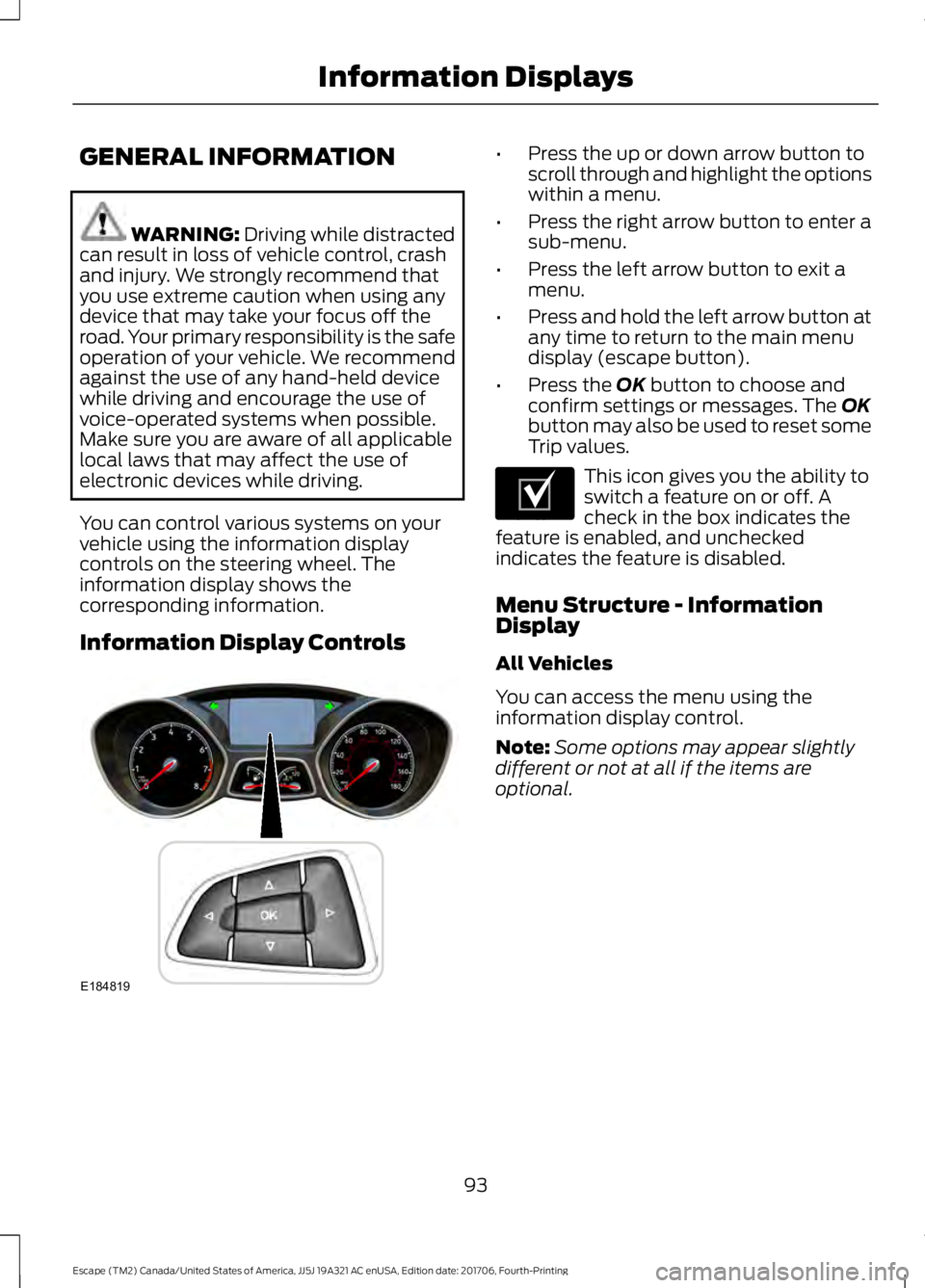
You can control various systems on your
vehicle using the information display
controls on the steering wheel. The
information display shows the
corresponding information.
Information Display Controls •
Press the up or down arrow button to
scroll through and highlight the options
within a menu.
• Press the right arrow button to enter a
sub-menu.
• Press the left arrow button to exit a
menu.
• Press and hold the left arrow button at
any time to return to the main menu
display (escape button).
• Press the
OK button to choose and
confirm settings or messages. The OK
button may also be used to reset some
Trip values. This icon gives you the ability to
switch a feature on or off. A
check in the box indicates the
feature is enabled, and unchecked
indicates the feature is disabled.
Menu Structure - Information
Display
All Vehicles
You can access the menu using the
information display control.
Note: Some options may appear slightly
different or not at all if the items are
optional.
93
Escape (TM2) Canada/United States of America, JJ5J 19A321 AC enUSA, Edition date: 201706, Fourth-Printing Information DisplaysE184819 E204495
Page 100 of 517
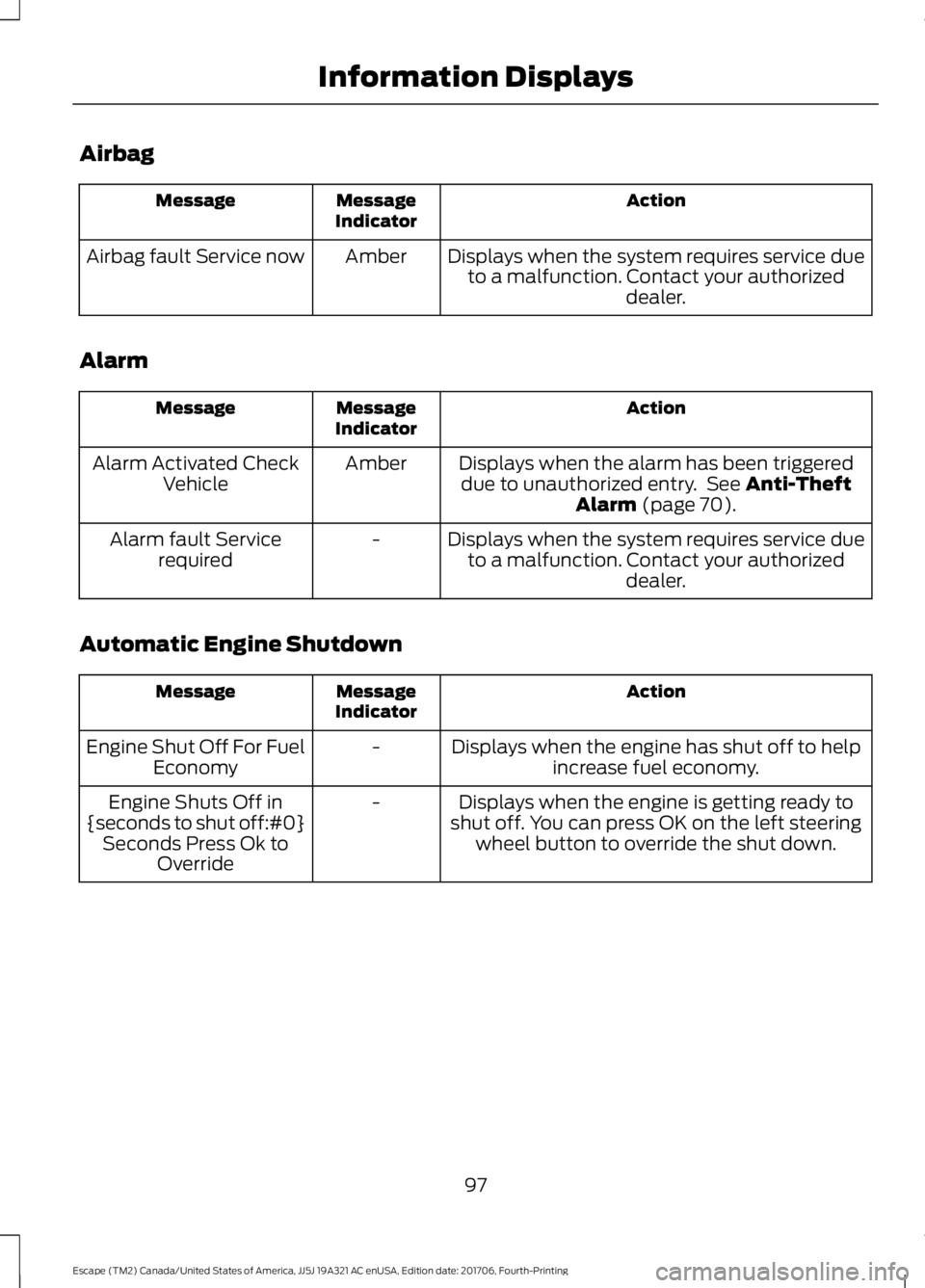
Airbag
Action
Message
Indicator
Message
Displays when the system requires service dueto a malfunction. Contact your authorized dealer.
Amber
Airbag fault Service now
Alarm Action
Message
Indicator
Message
Displays when the alarm has been triggereddue to unauthorized entry. See Anti-Theft
Alarm (page 70).
Amber
Alarm Activated Check
Vehicle
Displays when the system requires service dueto a malfunction. Contact your authorized dealer.
-
Alarm fault Service
required
Automatic Engine Shutdown Action
Message
Indicator
Message
Displays when the engine has shut off to helpincrease fuel economy.
-
Engine Shut Off For Fuel
Economy
Displays when the engine is getting ready to
shut off. You can press OK on the left steering wheel button to override the shut down.
-
Engine Shuts Off in
{seconds to shut off:#0} Seconds Press Ok to Override
97
Escape (TM2) Canada/United States of America, JJ5J 19A321 AC enUSA, Edition date: 201706, Fourth-Printing Information Displays
Page 107 of 517
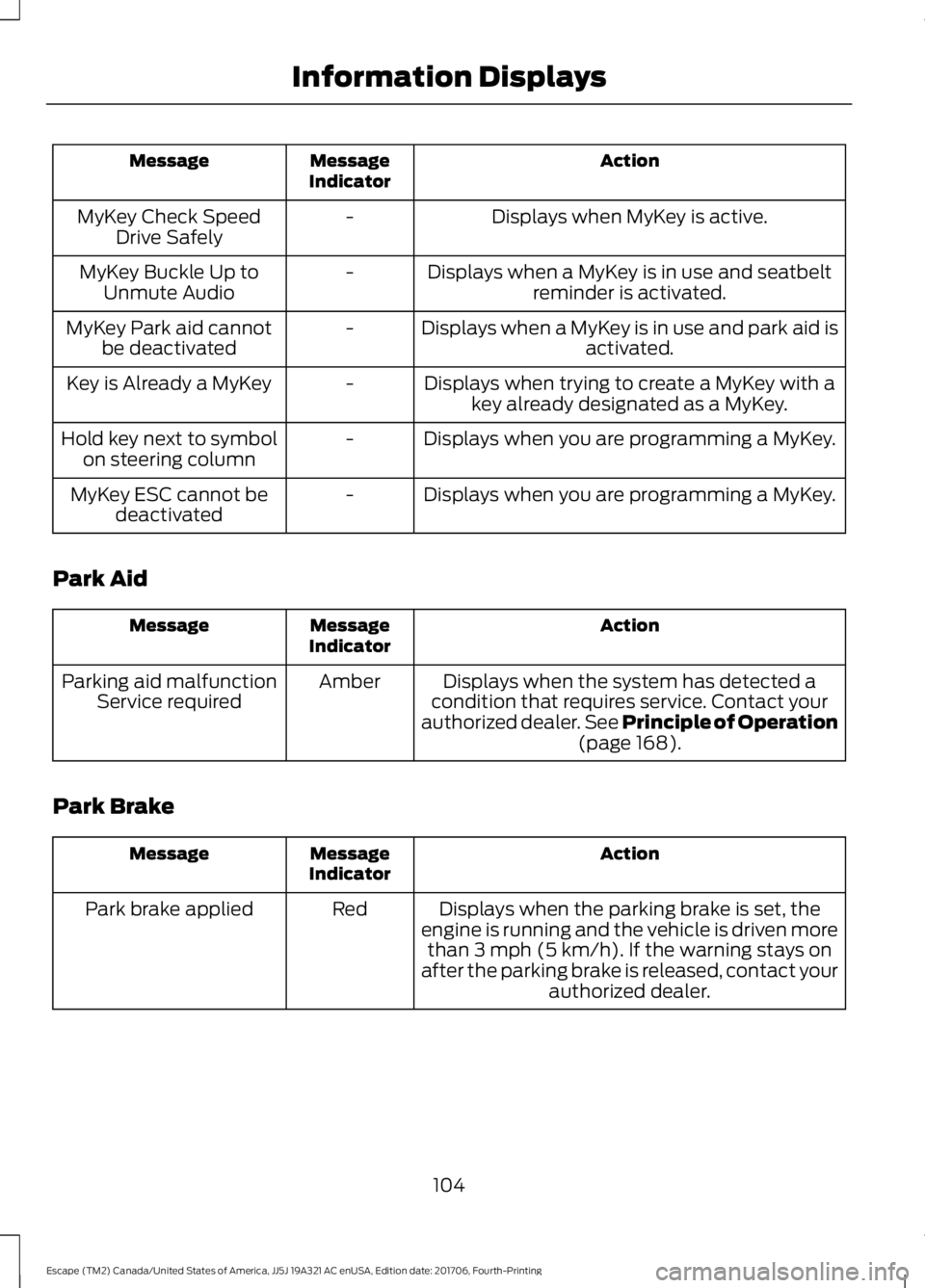
Action
Message
Indicator
Message
Displays when MyKey is active.
-
MyKey Check Speed
Drive Safely
Displays when a MyKey is in use and seatbeltreminder is activated.
-
MyKey Buckle Up to
Unmute Audio
Displays when a MyKey is in use and park aid isactivated.
-
MyKey Park aid cannot
be deactivated
Displays when trying to create a MyKey with akey already designated as a MyKey.
-
Key is Already a MyKey
Displays when you are programming a MyKey.
-
Hold key next to symbol
on steering column
Displays when you are programming a MyKey.
-
MyKey ESC cannot be
deactivated
Park Aid Action
Message
Indicator
Message
Displays when the system has detected a
condition that requires service. Contact your
authorized dealer. See Principle of Operation
(page 168).
Amber
Parking aid malfunction
Service required
Park Brake Action
Message
Indicator
Message
Displays when the parking brake is set, the
engine is running and the vehicle is driven more than
3 mph (5 km/h). If the warning stays on
after the parking brake is released, contact your authorized dealer.
Red
Park brake applied
104
Escape (TM2) Canada/United States of America, JJ5J 19A321 AC enUSA, Edition date: 201706, Fourth-Printing Information Displays
Page 108 of 517
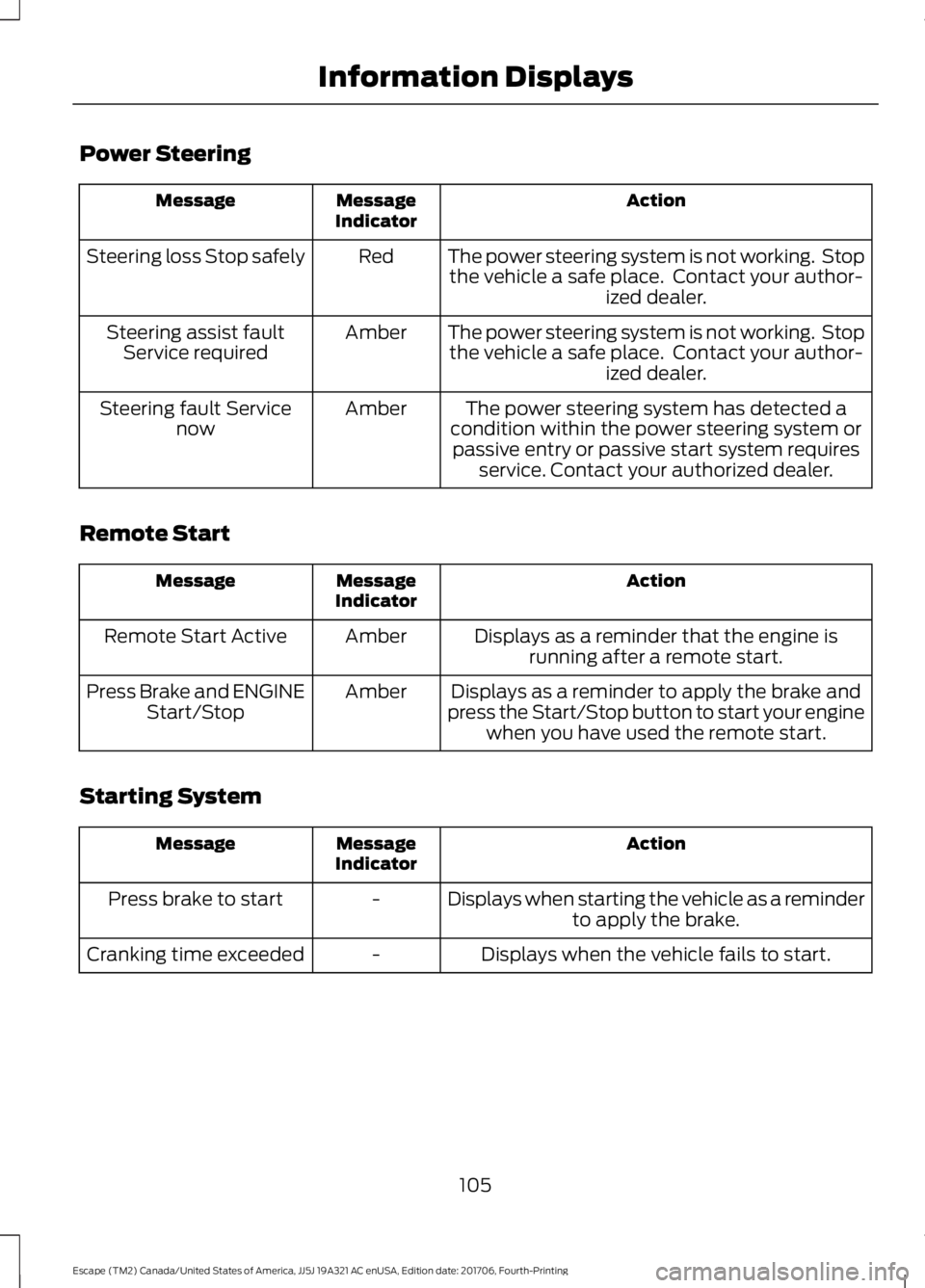
Power Steering
Action
Message
Indicator
Message
The power steering system is not working. Stopthe vehicle a safe place. Contact your author- ized dealer.
Red
Steering loss Stop safely
The power steering system is not working. Stopthe vehicle a safe place. Contact your author- ized dealer.
Amber
Steering assist fault
Service required
The power steering system has detected a
condition within the power steering system or passive entry or passive start system requires service. Contact your authorized dealer.
Amber
Steering fault Service
now
Remote Start Action
Message
Indicator
Message
Displays as a reminder that the engine isrunning after a remote start.
Amber
Remote Start Active
Displays as a reminder to apply the brake and
press the Start/Stop button to start your engine when you have used the remote start.
Amber
Press Brake and ENGINE
Start/Stop
Starting System Action
Message
Indicator
Message
Displays when starting the vehicle as a reminderto apply the brake.
-
Press brake to start
Displays when the vehicle fails to start.
-
Cranking time exceeded
105
Escape (TM2) Canada/United States of America, JJ5J 19A321 AC enUSA, Edition date: 201706, Fourth-Printing Information Displays
Page 118 of 517
Note:
Make sure you have a cabin air filter
installed at all times. This prevents foreign
objects from entering the system. Running
the system without a filter in place could
result in degradation or damage to the
system.
Replace the filter at regular intervals. See
Scheduled Maintenance (page 455).
For additional cabin air filter information,
or to replace the filter, see an authorized
dealer.
REMOTE START
(If Equipped)
The system adjusts the interior
temperature depending on your chosen
settings during remote start.
You cannot adjust the climate control
setting during remote start operation.
When you switch the ignition on, the
climate control system returns to the
previous settings. You can now make
adjustments.
You need to switch on certain
vehicle-dependent features, such as:
• Heated seats.
• Heated steering wheel.
• Heated mirrors.
• Heated rear window.
You can adjust the default remote start
settings using the information display
controls.
Automatic Settings
You can set the system to operate in AUTO
mode through the information display. The
system sets the interior temperature to
72°F (22°C)
.
In hot weather, the system is set to
72°F
(22°C). The cooled seats are set to high
(if available, and selected to AUTO in the
information display). In cold weather, the system is set to
72°F
(22°C). The heated rear window and
heated mirrors automatically turn on.
Previous Settings
You can set the system to operate using
your previous settings prior to switching
the vehicle off through the information
display. See Information Displays (page
93
).
115
Escape (TM2) Canada/United States of America, JJ5J 19A321 AC enUSA, Edition date: 201706, Fourth-Printing Climate Control
Page 119 of 517
SITTING IN THE CORRECT
POSITION
WARNING: Sitting improperly, out
of position or with the seatback reclined
too far can take weight off the seat cushion
and affect the decision of the passenger
sensing system, resulting in serious injury
or death in the event of a crash. Always sit
upright against your seat back, with your
feet on the floor. WARNING:
Do not recline the
seatback as this can cause the occupant
to slide under the safety belt, resulting in
serious injury in the event of a crash. WARNING:
Do not place objects
higher than the seatback to reduce the risk
of serious injury in the event of a crash or
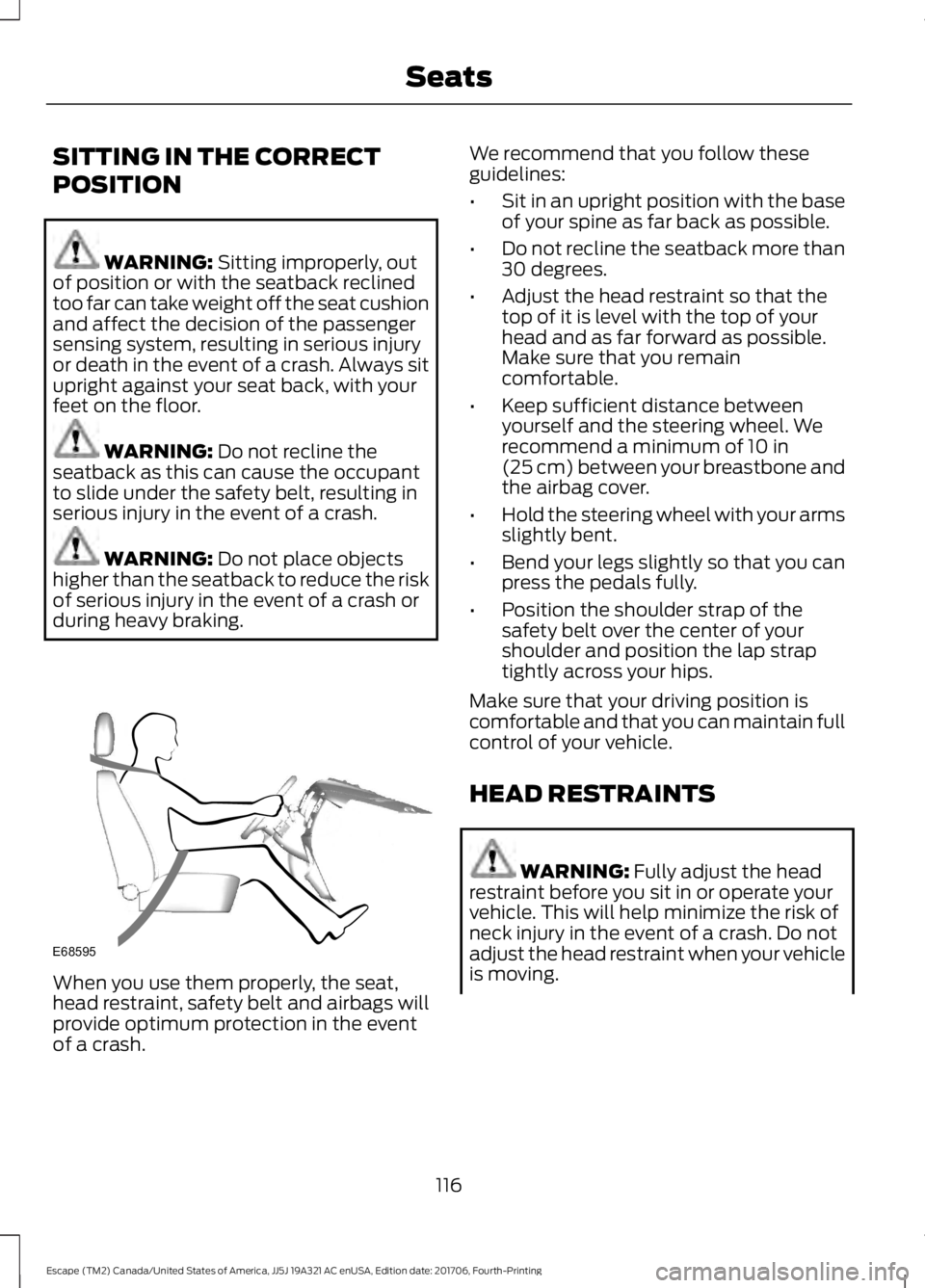
during heavy braking. When you use them properly, the seat,
head restraint, safety belt and airbags will
provide optimum protection in the event
of a crash. We recommend that you follow these
guidelines:
•
Sit in an upright position with the base
of your spine as far back as possible.
• Do not recline the seatback more than
30 degrees.
• Adjust the head restraint so that the
top of it is level with the top of your
head and as far forward as possible.
Make sure that you remain
comfortable.
• Keep sufficient distance between
yourself and the steering wheel. We
recommend a minimum of
10 in
(25 cm) between your breastbone and
the airbag cover.
• Hold the steering wheel with your arms
slightly bent.
• Bend your legs slightly so that you can
press the pedals fully.
• Position the shoulder strap of the
safety belt over the center of your
shoulder and position the lap strap
tightly across your hips.
Make sure that your driving position is
comfortable and that you can maintain full
control of your vehicle.
HEAD RESTRAINTS WARNING:
Fully adjust the head
restraint before you sit in or operate your
vehicle. This will help minimize the risk of
neck injury in the event of a crash. Do not
adjust the head restraint when your vehicle
is moving.
116
Escape (TM2) Canada/United States of America, JJ5J 19A321 AC enUSA, Edition date: 201706, Fourth-Printing SeatsE68595