brake sensor FORD ESCAPE 2019 User Guide
[x] Cancel search | Manufacturer: FORD, Model Year: 2019, Model line: ESCAPE, Model: FORD ESCAPE 2019Pages: 509, PDF Size: 6.69 MB
Page 205 of 509
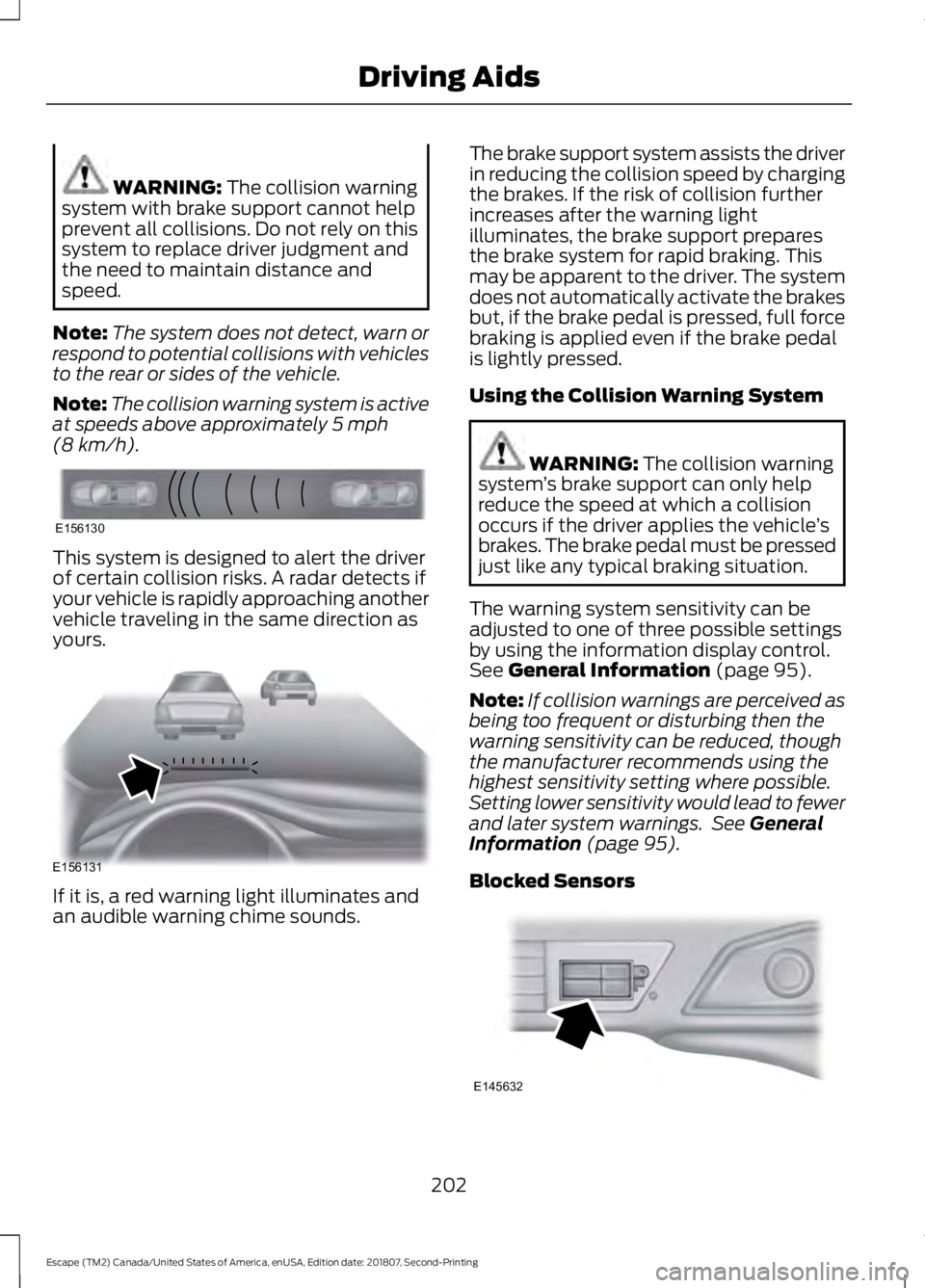
WARNING: The collision warning
system with brake support cannot help
prevent all collisions. Do not rely on this
system to replace driver judgment and
the need to maintain distance and
speed.
Note: The system does not detect, warn or
respond to potential collisions with vehicles
to the rear or sides of the vehicle.
Note: The collision warning system is active
at speeds above approximately
5 mph
(8 km/h). This system is designed to alert the driver
of certain collision risks. A radar detects if
your vehicle is rapidly approaching another
vehicle traveling in the same direction as
yours.
If it is, a red warning light illuminates and
an audible warning chime sounds. The brake support system assists the driver
in reducing the collision speed by charging
the brakes. If the risk of collision further
increases after the warning light
illuminates, the brake support prepares
the brake system for rapid braking. This
may be apparent to the driver. The system
does not automatically activate the brakes
but, if the brake pedal is pressed, full force
braking is applied even if the brake pedal
is lightly pressed.
Using the Collision Warning System WARNING: The collision warning
system ’s brake support can only help
reduce the speed at which a collision
occurs if the driver applies the vehicle ’s
brakes. The brake pedal must be pressed
just like any typical braking situation.
The warning system sensitivity can be
adjusted to one of three possible settings
by using the information display control.
See
General Information (page 95).
Note: If collision warnings are perceived as
being too frequent or disturbing then the
warning sensitivity can be reduced, though
the manufacturer recommends using the
highest sensitivity setting where possible.
Setting lower sensitivity would lead to fewer
and later system warnings. See
General
Information (page 95).
Blocked Sensors 202
Escape (TM2) Canada/United States of America, enUSA, Edition date: 201807, Second-Printing Driving AidsE156130 E156131 E145632
Page 206 of 509
If a message regarding a blocked sensor
appears in the information display, the
radar signals from the sensor have been
obstructed. The sensors are located behind
a fascia cover near the driver side of the
lower grille. When the sensors are
obstructed, a vehicle ahead cannot be
detected and the collision warning system
does not function. The following table lists
possible causes and actions for this
message being displayed. Action
Cause
Clean the grille surface in front of the radaror remove the object causing the obstruc- tion
The surface of the radar in the grille is dirty
or obstructed in some way
Wait a short time. It may take several
minutes for the radar to detect that it is no longer obstructed
The surface of the radar in the grille is clean
but the message remains in the display
The collision warning system is temporarily
disabled. Collision warning should automat-ically reactivate a short time after the weather conditions improve
Heavy rain, spray, snow, or fog is interfering
with the radar signals
The collision warning system is temporarily
disabled. Collision warning should automat-ically reactivate a short time after the weather conditions improve
Swirling water, or snow or ice on the surface
of the road may interfere with the radar signals
System Limitations WARNING: The collision warning
system ’s brake support can only help
reduce the speed at which a collision
occurs if the driver applies the vehicle ’s
brakes. The brake pedal must be pressed
just like any typical braking situation.
Due to the nature of radar technology,
there may be certain instances where
vehicles do not provide a collision warning.
These include:
• Stationary vehicles or vehicles moving
below 6 mph (10 km/h).
• Pedestrians or objects in the roadway.
• Oncoming vehicles in the same lane. •
Severe weather conditions (see
blocked sensor section).
• Debris build-up on the grille near the
headlamps (see blocked sensor
section).
• Small distance to vehicle ahead.
• Steering wheel and pedal movements
are large (very active driving style).
If the front end of the vehicle is hit or
damaged, the radar sensing zone may be
altered causing missed or false collision
warnings. See your authorized dealer to
have your collision warning radar checked
for proper coverage and operation.
203
Escape (TM2) Canada/United States of America, enUSA, Edition date: 201807, Second-Printing Driving Aids
Page 298 of 509
How Temperature Affects Your Tire
Pressure
The tire pressure monitoring system
monitors tire pressure in each pneumatic
tire. While driving in a normal manner, a
typical passenger tire inflation pressure
may increase about 2
–4 psi (14– 28 kPa)
from a cold start situation. If the vehicle is
stationary overnight with the outside
temperature significantly lower than the
daytime temperature, the tire pressure may
decrease about 3 psi (21 kPa) for a drop of
30°F (17°C) in ambient temperature. This
lower pressure value may be detected by
the tire pressure monitoring system as
being significantly lower than the
recommended inflation pressure and
activate the system warning light for low
tire pressure. If the low tire pressure
warning light is on, visually check each tire
to verify that no tire is flat. If one or more
tires are flat, repair as necessary. Check
the air pressure in the road tires. If any tire
is under-inflated, carefully drive the vehicle
to the nearest location where air can be
added to the tires. Inflate all the tires to
the recommended inflation pressure.
CHANGING A ROAD WHEEL WARNING:
The tire pressure
monitoring system is not a substitute for
manually checking tire pressures. You
should periodically check tire pressures
using a pressure gauge. Failure to
correctly maintain tire pressures could
increase the risk of tire failure, loss of
control, vehicle rollover and personal
injury. WARNING:
If the tire pressure
monitor sensor becomes damaged it
may not function. Note:
You should only use tire sealants in
roadside emergencies as they may cause
damage to the tire pressure monitoring
system sensor.
Note: The tire pressure monitoring system
indicator light illuminates when the spare
tire is in use. To restore the full function of
the monitoring system, all road wheels
equipped with tire pressure monitoring
sensors must be mounted on the vehicle.
If you get a flat tire when driving, do not
apply the brake heavily. Instead, gradually
decrease your speed. Hold the steering
wheel firmly and slowly move to a safe
place on the side of the road.
Have a flat serviced by an authorized
dealer in order to prevent damage to the
tire pressure monitoring system sensors.
See
Tire Pressure Monitoring System
(page 291). Replace the spare tire with a
road tire as soon as possible. During
repairing or replacing of the flat tire, have
the authorized dealer inspect the tire
pressure monitoring system sensor for
damage.
Dissimilar Spare Wheel and Tire
Assembly Information WARNING:
Failure to follow these
guidelines could result in an increased
risk of loss of vehicle control, injury or
death.
If you have a dissimilar spare wheel and
tire, then it is intended for temporary use
only. This means that if you need to use it,
you should replace it as soon as possible
with a road wheel and tire assembly that
is the same size and type as the road tires
and wheels that were originally provided
by us. If the dissimilar spare tire or wheel
is damaged, it should be replaced rather
than repaired.
295
Escape (TM2) Canada/United States of America, enUSA, Edition date: 201807, Second-Printing Wheels and Tires
Page 500 of 509
Car Wash
See: Cleaning the Exterior............................... 267
Catalytic Converter.......................................151 On-Board Diagnostics (OBD-II).................... 152
Readiness for Inspection and Maintenance (I/M) Testing.................................................... 152
Center Console..............................................133
Changing a Bulb............................................261 Cornering Lamp (HID Headlamps) ...........263
Lamp Assembly Condensation..................... 261
Replacing Fog, Park and Turn Signal Bulbs.................................................................. 263
Replacing Headlamp Bulbs........................... 262
Replacing HID Headlamp Bulbs.................. 263
Replacing High-Mount Brake Lamp Bulb.................................................................... 265
Replacing License Plate Lamp Bulb...........265
Replacing Reverse Lamp Assembly...........265
Replacing Side Marker Bulbs........................ 263
Replacing Turn, Tail and Brake Signal Bulbs................................................................. 264
Changing a Fuse...........................................242 Fuses....................................................................... 242
Changing a Road Wheel
...........................295
Dissimilar Spare Wheel and Tire Assembly
Information..................................................... 295
Tire Change Procedure.................................... 296
Changing the 12V Battery.........................256 Battery Management System...................... 258
Changing the Engine Air Filter................265 Duratec Engines................................................. 266
EcoBoost Engines............................................. 265
Changing the Wiper Blades.....................259 Front Wiper Blades........................................... 259
Rear Window Wiper Blade............................. 259
Checking MyKey System Status
...............57
MyKey Distance..................................................... 57
Number of Admin Keys...................................... 58
Number of MyKeys.............................................. 58
Checking the Wiper Blades
.....................258
Child Restraint and Seatbelt Maintenance.................................................39
Child Restraint Positioning.........................29
Child Safety......................................................20 General Information............................................ 20
Child Safety Locks...........................................31 Left-Hand Side...................................................... 32
Right-Hand Side................................................... 32Cleaning Leather Seats...............................271
Cleaning Products.......................................267
Materials................................................................ 267
Cleaning the Engine...................................269
Cleaning the Exterior..................................267 Cleaning the Headlamps................................ 268
Exterior Chrome Parts..................................... 268
Exterior Plastic Parts........................................ 268
Stripes or Graphics........................................... 268
Underbody........................................................... 268
Under Hood......................................................... 268
Cleaning the Instrument Panel and Instrument Cluster Lens
.........................270
Cleaning the Interior...................................270
Mirrors.................................................................... 270
Cleaning the Wheels...................................272
Cleaning the Windows and Wiper Blades...........................................................269
Clearing All MyKeys........................................57
Climate Control..............................................110
Collision Warning System.........................201 PRINCIPLE OF OPERATION........................... 201
Coolant Check See: Engine Coolant Check............................. 251
Cornering Lamps
............................................82
Crash Sensors and Airbag Indicator.......48
Creating a MyKey...........................................56 Programming and Changing Configurable
Settings............................................................... 57
Cross Traffic Alert.........................................198 Blocked Sensors................................................ 200
Switching the System Off and On..............200
System Errors..................................................... 200
System Lights, Messages and Audible Alerts................................................................. 200
System Limitations.......................................... 200
Using the Cross Traffic Alert System..........198
Cruise Control
..................................................73
Principle of Operation.......................................184
Type One.................................................................. 73
Type Two.................................................................. 74
Cruise control See: Using Cruise Control................................ 184
Customer Assistance
.................................226
497
Escape (TM2) Canada/United States of America, enUSA, Edition date: 201807, Second-Printing Index