steering wheel FORD ESCAPE 2020 Repair Manual
[x] Cancel search | Manufacturer: FORD, Model Year: 2020, Model line: ESCAPE, Model: FORD ESCAPE 2020Pages: 553, PDF Size: 7.73 MB
Page 469 of 553
Note:
Cabin conditioning can perform
differently depending on if you plug in with
the included convenience cord or a higher
power charging station. The power available
for conditioning is limited to the charging
station power available.
Note: Your vehicle may not always reach
the set cabin temperature due to charging
and ambient temperature conditions. This
is normal operation.
APPS
The system allows you interact with select
mobile apps while keeping your eyes on
the road. Voice commands, your steering
wheel buttons, or a quick tap on your
touchscreen give you advanced control of
compatible mobile apps. You can also
stream your favorite music or podcasts,
share your time of arrival with friends, and
keep connected safely.
When you start an app through the system
for the first time, you could be asked to
grant certain permissions. You can review
and change the permissions that you have
granted at any time when your vehicle is
not moving. We recommend that you
check your data plan before using your
apps through the system. Using them
could result in additional charges. We also
recommend that you check the app
provider's terms and conditions and
privacy policy before using their app. Make
sure that you have an active account for
apps that you want to use through the
system. Some apps will work with no
setup. Others require you to configure
some personal settings before you can use
them.
Note: For more information about available
apps, visit catalog.ford.com. Using Apps on an iOS Device Select the apps option on the
feature bar.
1. If your device is connected via USB, switch Apple CarPlay off. See Phone
(page 454).
2. Connect your device to a USB port or pair and connect using Bluetooth.
3. If prompted to enable CarPlay, select Disable
.
4. Start the apps on your device that you want to use through SYNC.
Note: If you close the apps on your device,
you will not be able to use them through the
system.
5. Select the app that you want to use on
the touchscreen.
Note: Connect your device to a USB port if
you want to use a navigation app. When
using a navigation app, keep your device
unlocked and the app open.
Using Apps on an Android Device Select the apps option on the
feature bar.
1. If your device is connected via USB, switch Android Auto off. See
Phone
(page 454).
2. Pair your device. See Phone
(page 454).
3. Start the apps on your device that you want to use through SYNC.
Note: If you close the apps on your device,
you will not be able to use them through the
system.
4. Select
Find Mobile Apps.
Note: The system searches and connects
to compatible apps that are running on your
device.
5. Select the app that you want to use on
the touchscreen.
466
Escape (CTC) Canada/United States of America, Vehicles Built From: 17-06-2019, enUSA, Edition date: 201906, Third-Printing- SYNC™ 3
(If Equipped)
Page 473 of 553
SYNC™ 3 TROUBLESHOOTING
Voice Recognition
Possible Cause and Resolution
Symptom
The system does not under-
stand what I am saying. –
You are using the wrong voice commands.
•See Using Voice Recognition (page 437).
• For a complete list of voice commands, refer to our
website.
– You are speaking too soon.
•Wait for the voice prompt before you speak.
The system does not under-
stand the name of a track or
artist. –
Device limitation. Bluetooth does not support voice
commands.
•Connect your device to a USB port.
• If you have an iOS device, press and hold the voice
control button on the steering wheel to use Siri to
play specific tracks.
– You are using the wrong voice commands.
•See
Using Voice Recognition (page 437).
• For a complete list of voice commands, refer to our
website.
– You are not saying the name exactly as it appears on
your device.
•Say the name of the track or artist exactly as it
appears on your device. Spell out any abbreviations
in the name.
The song or artist name may have some special char-
acters that are not being recognized by the system.
– The name contains special characters, for example *,
- or +.
•Rename the files on your device or use the touch-
screen to select and play the track.
470
Escape (CTC) Canada/United States of America, Vehicles Built From: 17-06-2019, enUSA, Edition date: 201906, Third-Printing- SYNC™ 3
(If Equipped)
Page 475 of 553
Possible Cause and Resolution
Symptom
–Incorrect device settings.
•Make sure that your device does not have an auto-
install program or active security settings.
• Check that your device is not set only to charge.
– Device lock screen enabled.
•Unlock your device before connecting it.
The system does not recog-
nize my device. –
Device limitation.
•Do not leave your device in your vehicle during very
hot or very cold weather conditions.
– Cable connection issue.
•Correctly connect the cable to your device and the
vehicle USB port.
– Incompatible cable.
•Use the cable recommended by the manufacturer
of your device.
The system does not under-
stand the name of a track or
artist. –
Device limitation. Bluetooth does not support voice
commands.
•Connect your device to a USB port.
• If you have an iOS device, press and hold the voice
control button on the steering wheel to use Siri to
play specific tracks.
I cannot stream audio from
my Bluetooth device. –
Incompatible device.
•Check the compatibility of your device on our
website.
– Device not connected.
•Pair your device. See Phone (page 454).
– Media player not running.
•Start the media player on your device.
The system does not recog-
nize the music on my device. –
Missing or incorrect audio file metadata, for example
artist, song title, album or genre.
•Repair the files on your device.
– Corrupt files.
•Repair the files on your device.
472
Escape (CTC) Canada/United States of America, Vehicles Built From: 17-06-2019, enUSA, Edition date: 201906, Third-Printing- SYNC™ 3
(If Equipped)
Page 493 of 553
When to Expect the OIL CHANGE REQUIRED Message
Vehicle Use and Example
Interval 1
No, or moderate, load or towing
Flat to moderately hilly roads
No extended idling Severe
5,000– 7,500 mi
(8,000– 12,000 km) Moderate to heavy load or towing
Mountainous or off-road conditions
Extended idling
Extended hot or cold operation
Extreme
3,000–5,000 mi
(5,000–8,000 km) Maximum load or towing
Extreme hot or cold operation
Extended engine idling
1 Hybrid vehicles may achieve longer distances between oil changes, but do not exceed
the 1 year max oil change interval. Remaining oil life can be accessed through the
information display. See Information Displays (page 110).
Normal Maintenance Intervals At Every Oil Change Interval as Indicated by the Information Display
1
Change the engine oil and filter.
Rotate the tires.
Perform a multi-point inspection, recommended.
Inspect the automatic transmission fluid level. Consult your dealer for requirements.
Inspect the brake pads, rotors, hoses and the parking brake.
Inspect the engine coolant level/strength and the hoses.
Inspect the exhaust system and heat shields.
Inspect the rear axle and U-joints - all-wheel drive.
Inspect the half-shaft boots.
Inspect the steering linkage, ball joints, suspension, tire-rod ends, driveshaft and the U-
joints.
490
Escape (CTC) Canada/United States of America, Vehicles Built From: 17-06-2019, enUSA, Edition date: 201906, Third-Printing- Scheduled Maintenance
Page 538 of 553
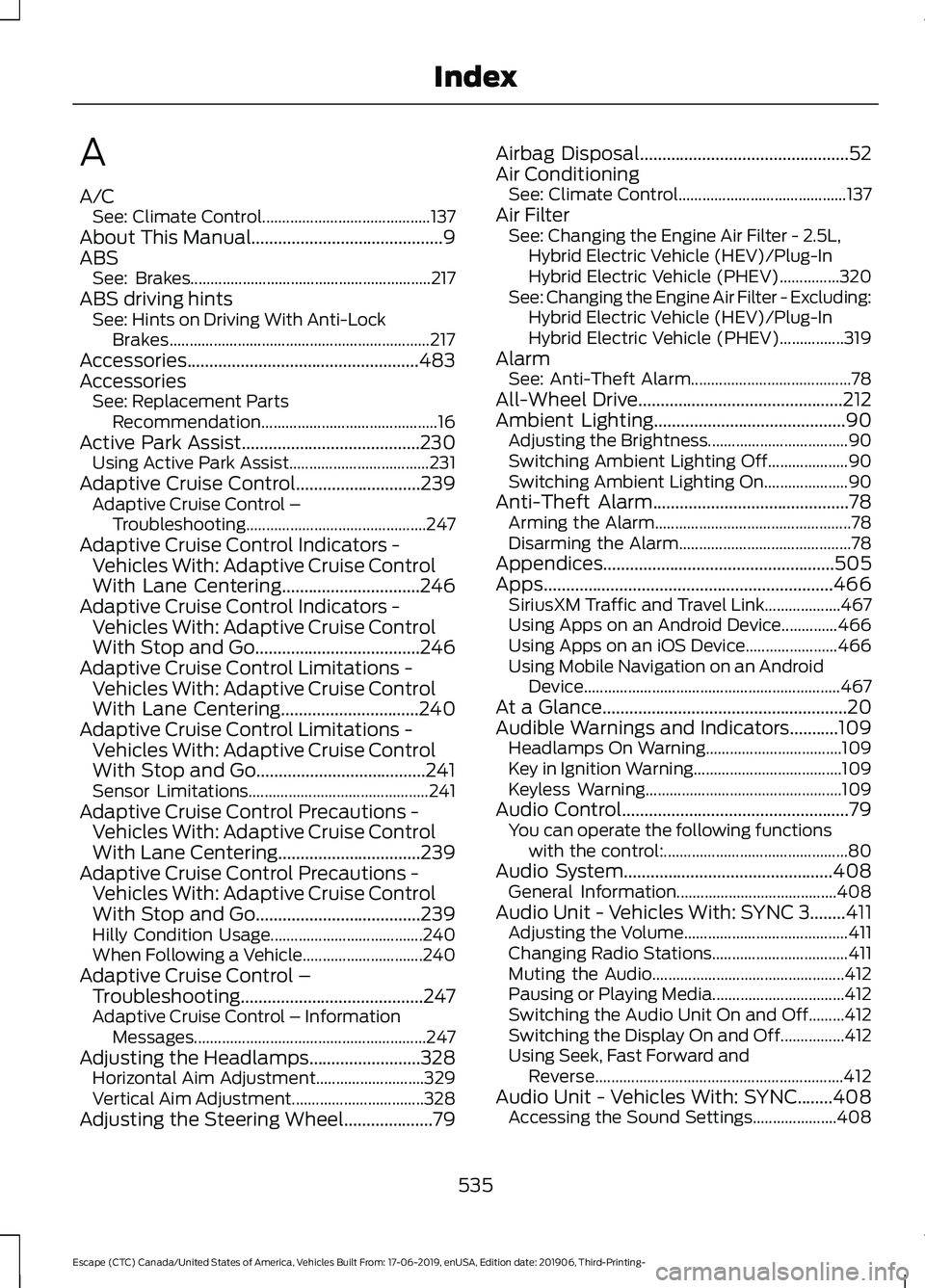
A
A/C
See: Climate Control.......................................... 137
About This Manual...........................................9
ABS See: Brakes............................................................ 217
ABS driving hints See: Hints on Driving With Anti-Lock
Brakes................................................................. 217
Accessories....................................................483
Accessories See: Replacement Parts
Recommendation............................................ 16
Active Park Assist........................................230
Using Active Park Assist................................... 231
Adaptive Cruise Control
............................239
Adaptive Cruise Control –
Troubleshooting............................................. 247
Adaptive Cruise Control Indicators - Vehicles With: Adaptive Cruise Control
With Lane Centering
...............................246
Adaptive Cruise Control Indicators - Vehicles With: Adaptive Cruise Control
With Stop and Go.....................................246
Adaptive Cruise Control Limitations - Vehicles With: Adaptive Cruise Control
With Lane Centering...............................240
Adaptive Cruise Control Limitations - Vehicles With: Adaptive Cruise Control
With Stop and Go......................................241
Sensor Limitations............................................. 241
Adaptive Cruise Control Precautions - Vehicles With: Adaptive Cruise Control
With Lane Centering................................239
Adaptive Cruise Control Precautions - Vehicles With: Adaptive Cruise Control
With Stop and Go.....................................239
Hilly Condition Usage...................................... 240
When Following a Vehicle.............................. 240
Adaptive Cruise Control – Troubleshooting.........................................247
Adaptive Cruise Control – Information Messages.......................................................... 247
Adjusting the Headlamps.........................328 Horizontal Aim Adjustment........................... 329
Vertical Aim Adjustment................................. 328
Adjusting the Steering Wheel
....................79 Airbag Disposal
...............................................52
Air Conditioning See: Climate Control.......................................... 137
Air Filter See: Changing the Engine Air Filter - 2.5L,
Hybrid Electric Vehicle (HEV)/Plug-In
Hybrid Electric Vehicle (PHEV)...............320
See: Changing the Engine Air Filter - Excluding: Hybrid Electric Vehicle (HEV)/Plug-In
Hybrid Electric Vehicle (PHEV)................319
Alarm See: Anti-Theft Alarm........................................ 78
All-Wheel Drive
..............................................212
Ambient Lighting...........................................90 Adjusting the Brightness................................... 90
Switching Ambient Lighting Off.................... 90
Switching Ambient Lighting On..................... 90
Anti-Theft Alarm............................................78 Arming the Alarm................................................. 78
Disarming the Alarm........................................... 78
Appendices....................................................505
Apps.................................................................466 SiriusXM Traffic and Travel Link................... 467
Using Apps on an Android Device..............466
Using Apps on an iOS Device....................... 466
Using Mobile Navigation on an Android Device................................................................ 467
At a Glance.......................................................20
Audible Warnings and Indicators...........109 Headlamps On Warning.................................. 109
Key in Ignition Warning..................................... 109
Keyless Warning................................................. 109
Audio Control
...................................................79
You can operate the following functions
with the control:.............................................. 80
Audio System
...............................................408
General Information........................................ 408
Audio Unit - Vehicles With: SYNC 3........411 Adjusting the Volume......................................... 411
Changing Radio Stations.................................. 411
Muting the Audio................................................ 412
Pausing or Playing Media................................. 412
Switching the Audio Unit On and Off.........412
Switching the Display On and Off................412
Using Seek, Fast Forward and Reverse.............................................................. 412
Audio Unit - Vehicles With: SYNC........408 Accessing the Sound Settings..................... 408
535
Escape (CTC) Canada/United States of America, Vehicles Built From: 17-06-2019, enUSA, Edition date: 201906, Third-Printing- Index
Page 545 of 553
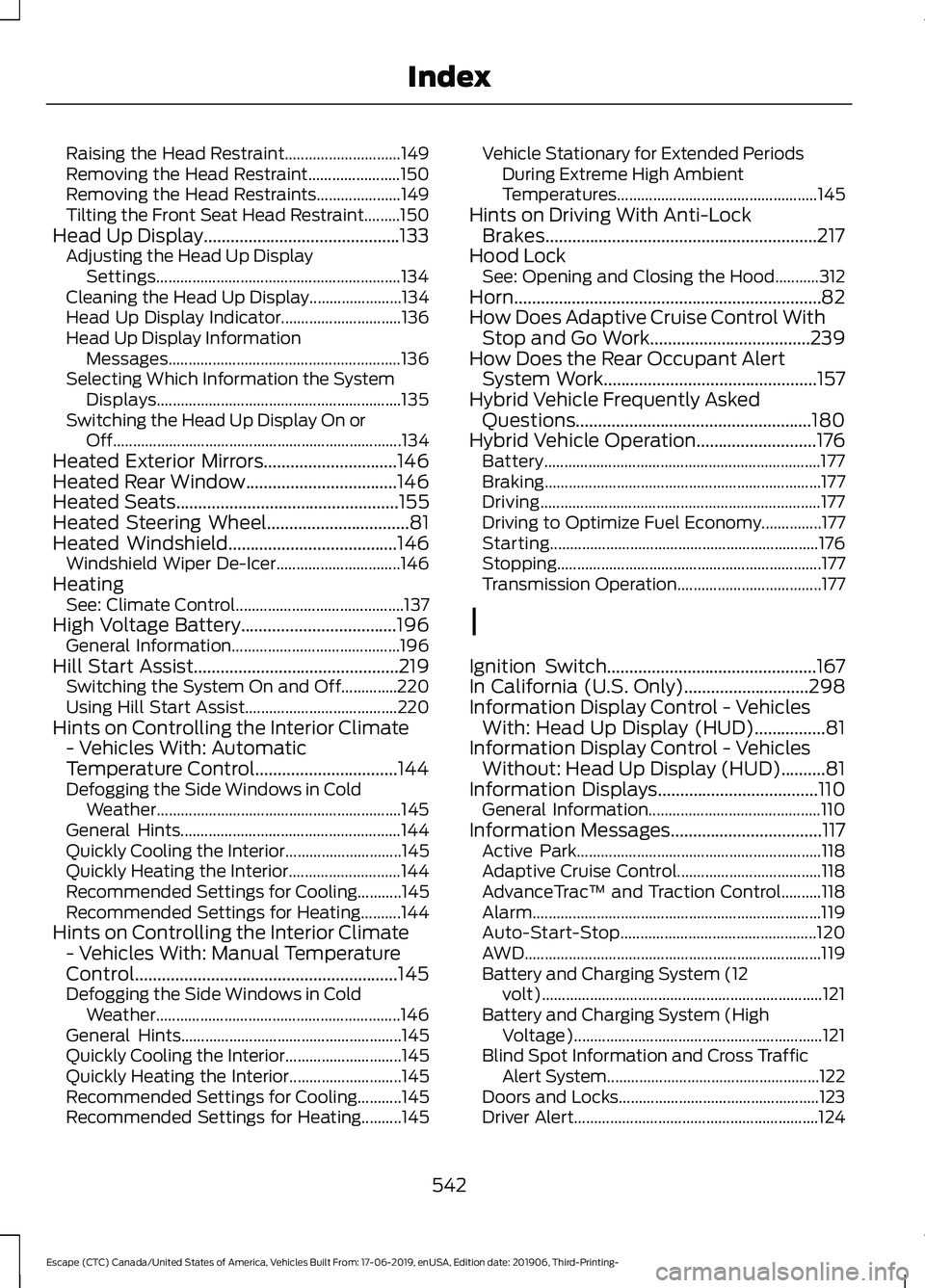
Raising the Head Restraint.............................
149
Removing the Head Restraint....................... 150
Removing the Head Restraints..................... 149
Tilting the Front Seat Head Restraint.........150
Head Up Display............................................133 Adjusting the Head Up Display
Settings............................................................. 134
Cleaning the Head Up Display....................... 134
Head Up Display Indicator.............................. 136
Head Up Display Information Messages.......................................................... 136
Selecting Which Information the System Displays............................................................. 135
Switching the Head Up Display On or Off........................................................................\
134
Heated Exterior Mirrors..............................146
Heated Rear Window..................................146
Heated Seats..................................................155
Heated Steering Wheel................................81
Heated Windshield......................................146
Windshield Wiper De-Icer............................... 146
Heating See: Climate Control.......................................... 137
High Voltage Battery...................................196 General Information.......................................... 196
Hill Start Assist
..............................................219
Switching the System On and Off..............220
Using Hill Start Assist...................................... 220
Hints on Controlling the Interior Climate - Vehicles With: Automatic
Temperature Control
................................144
Defogging the Side Windows in Cold
Weather............................................................. 145
General Hints....................................................... 144
Quickly Cooling the Interior............................. 145
Quickly Heating the Interior............................ 144
Recommended Settings for Cooling...........145
Recommended Settings for Heating..........144
Hints on Controlling the Interior Climate - Vehicles With: Manual Temperature
Control...........................................................145
Defogging the Side Windows in Cold Weather............................................................. 146
General Hints....................................................... 145
Quickly Cooling the Interior............................. 145
Quickly Heating the Interior............................ 145
Recommended Settings for Cooling...........145
Recommended Settings for Heating..........145 Vehicle Stationary for Extended Periods
During Extreme High Ambient
Temperatures.................................................. 145
Hints on Driving With Anti-Lock Brakes.............................................................217
Hood Lock See: Opening and Closing the Hood...........312
Horn.....................................................................82
How Does Adaptive Cruise Control With Stop and Go Work....................................239
How Does the Rear Occupant Alert System Work
................................................157
Hybrid Vehicle Frequently Asked Questions.....................................................180
Hybrid Vehicle Operation...........................176 Battery..................................................................... 177
Braking..................................................................... 177
Driving...................................................................... 177
Driving to Optimize Fuel Economy...............177
Starting................................................................... 176
Stopping.................................................................. 177
Transmission Operation.................................... 177
I
Ignition Switch
...............................................167
In California (U.S. Only)............................298
Information Display Control - Vehicles With: Head Up Display (HUD)................81
Information Display Control - Vehicles Without: Head Up Display (HUD)
..........81
Information Displays....................................110
General Information........................................... 110
Information Messages
..................................117
Active Park............................................................. 118
Adaptive Cruise Control.................................... 118
AdvanceTrac ™ and Traction Control..........118
Alarm........................................................................\
119
Auto-Start-Stop................................................. 120
AWD
........................................................................\
.. 119
Battery and Charging System (12 volt)...................................................................... 121
Battery and Charging System (High Voltage).............................................................. 121
Blind Spot Information and Cross Traffic Alert System..................................................... 122
Doors and Locks.................................................. 123
Driver Alert............................................................. 124
542
Escape (CTC) Canada/United States of America, Vehicles Built From: 17-06-2019, enUSA, Edition date: 201906, Third-Printing- Index
Page 548 of 553
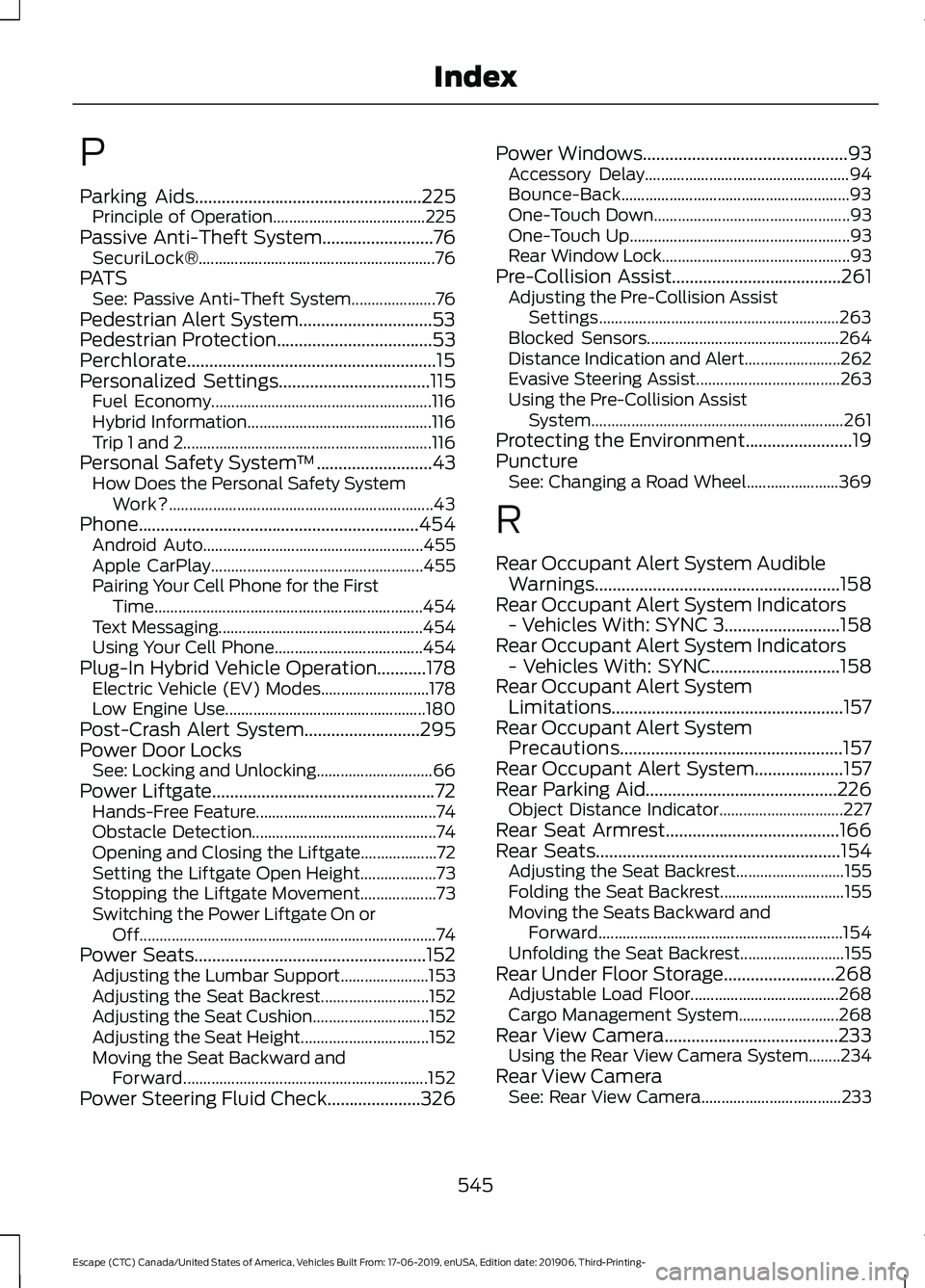
P
Parking Aids...................................................225
Principle of Operation...................................... 225
Passive Anti-Theft System.........................76
SecuriLock®........................................................... 76
PATS See: Passive Anti-Theft System..................... 76
Pedestrian Alert System..............................53
Pedestrian Protection
...................................53
Perchlorate........................................................15
Personalized Settings
..................................115
Fuel Economy....................................................... 116
Hybrid Information.............................................. 116
Trip 1 and 2.............................................................. 116
Personal Safety System ™
..........................43
How Does the Personal Safety System
Work?.................................................................. 43
Phone...............................................................454 Android Auto....................................................... 455
Apple CarPlay..................................................... 455
Pairing Your Cell Phone for the First Time................................................................... 454
Text Messaging................................................... 454
Using Your Cell Phone..................................... 454
Plug-In Hybrid Vehicle Operation
...........178
Electric Vehicle (EV) Modes........................... 178
Low Engine Use.................................................. 180
Post-Crash Alert System..........................295
Power Door Locks See: Locking and Unlocking............................. 66
Power Liftgate
..................................................72
Hands-Free Feature............................................. 74
Obstacle Detection.............................................. 74
Opening and Closing the Liftgate................... 72
Setting the Liftgate Open Height................... 73
Stopping the Liftgate Movement................... 73
Switching the Power Liftgate On or Off........................................................................\
.. 74
Power Seats
....................................................152
Adjusting the Lumbar Support...................... 153
Adjusting the Seat Backrest........................... 152
Adjusting the Seat Cushion............................. 152
Adjusting the Seat Height................................ 152
Moving the Seat Backward and Forward............................................................. 152
Power Steering Fluid Check
.....................326 Power Windows..............................................93
Accessory Delay................................................... 94
Bounce-Back......................................................... 93
One-Touch Down................................................. 93
One-Touch Up....................................................... 93
Rear Window Lock............................................... 93
Pre-Collision Assist......................................261 Adjusting the Pre-Collision Assist
Settings............................................................ 263
Blocked Sensors................................................ 264
Distance Indication and Alert........................ 262
Evasive Steering Assist.................................... 263
Using the Pre-Collision Assist System............................................................... 261
Protecting the Environment
........................19
Puncture See: Changing a Road Wheel....................... 369
R
Rear Occupant Alert System Audible Warnings.......................................................158
Rear Occupant Alert System Indicators - Vehicles With: SYNC 3..........................158
Rear Occupant Alert System Indicators - Vehicles With: SYNC.............................158
Rear Occupant Alert System Limitations....................................................157
Rear Occupant Alert System Precautions..................................................157
Rear Occupant Alert System....................157
Rear Parking Aid
...........................................226
Object Distance Indicator............................... 227
Rear Seat Armrest.......................................166
Rear Seats
.......................................................154
Adjusting the Seat Backrest........................... 155
Folding the Seat Backrest............................... 155
Moving the Seats Backward and Forward............................................................. 154
Unfolding the Seat Backrest.......................... 155
Rear Under Floor Storage
.........................268
Adjustable Load Floor..................................... 268
Cargo Management System......................... 268
Rear View Camera.......................................233 Using the Rear View Camera System........234
Rear View Camera See: Rear View Camera................................... 233
545
Escape (CTC) Canada/United States of America, Vehicles Built From: 17-06-2019, enUSA, Edition date: 201906, Third-Printing- Index
Page 550 of 553
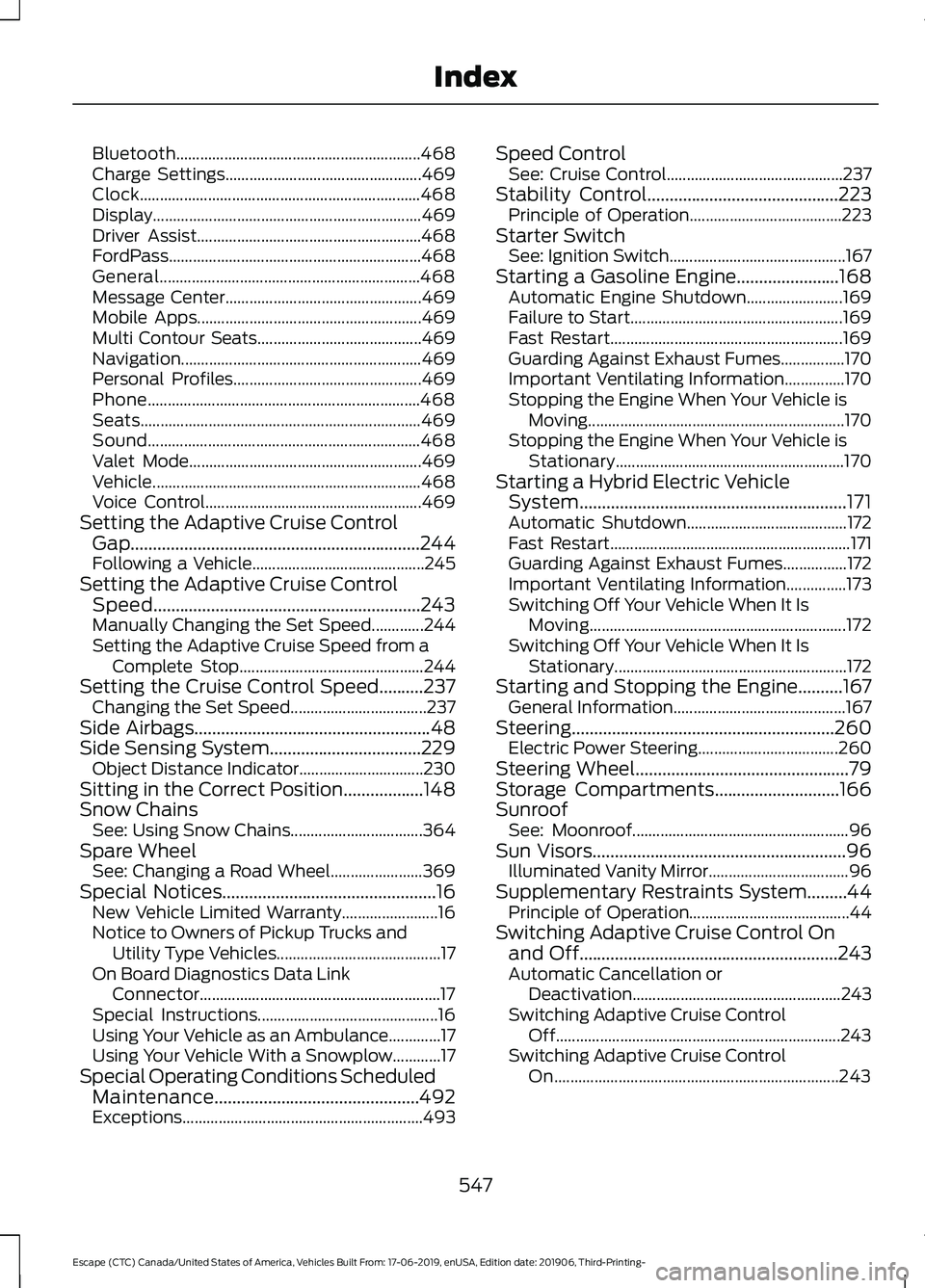
Bluetooth.............................................................
468
Charge Settings................................................. 469
Clock...................................................................... 468
Display................................................................... 469
Driver Assist........................................................ 468
FordPass............................................................... 468
General................................................................. 468
Message Center................................................. 469
Mobile Apps........................................................ 469
Multi Contour Seats......................................... 469
Navigation............................................................ 469
Personal Profiles............................................... 469
Phone.................................................................... 468
Seats...................................................................... 469
Sound.................................................................... 468
Valet Mode.......................................................... 469
Vehicle................................................................... 468
Voice Control...................................................... 469
Setting the Adaptive Cruise Control Gap .................................................................244
Following a Vehicle........................................... 245
Setting the Adaptive Cruise Control Speed
............................................................243
Manually Changing the Set Speed.............244
Setting the Adaptive Cruise Speed from a
Complete Stop.............................................. 244
Setting the Cruise Control Speed..........237 Changing the Set Speed.................................. 237
Side Airbags
.....................................................48
Side Sensing System..................................229 Object Distance Indicator............................... 230
Sitting in the Correct Position..................148
Snow Chains See: Using Snow Chains................................. 364
Spare Wheel See: Changing a Road Wheel....................... 369
Special Notices
................................................16
New Vehicle Limited Warranty........................ 16
Notice to Owners of Pickup Trucks and Utility Type Vehicles......................................... 17
On Board Diagnostics Data Link Connector............................................................ 17
Special Instructions............................................. 16
Using Your Vehicle as an Ambulance.............17
Using Your Vehicle With a Snowplow............17
Special Operating Conditions Scheduled Maintenance..............................................492
Exceptions............................................................ 493Speed Control
See: Cruise Control............................................ 237
Stability Control
...........................................223
Principle of Operation...................................... 223
Starter Switch See: Ignition Switch............................................ 167
Starting a Gasoline Engine.......................168 Automatic Engine Shutdown........................ 169
Failure to Start..................................................... 169
Fast Restart.......................................................... 169
Guarding Against Exhaust Fumes................170
Important Ventilating Information...............170
Stopping the Engine When Your Vehicle is Moving................................................................ 170
Stopping the Engine When Your Vehicle is Stationary......................................................... 170
Starting a Hybrid Electric Vehicle System............................................................171
Automatic Shutdown........................................ 172
Fast Restart............................................................ 171
Guarding Against Exhaust Fumes................172
Important Ventilating Information...............173
Switching Off Your Vehicle When It Is Moving................................................................ 172
Switching Off Your Vehicle When It Is Stationary.......................................................... 172
Starting and Stopping the Engine..........167 General Information........................................... 167
Steering...........................................................260 Electric Power Steering................................... 260
Steering Wheel
................................................79
Storage Compartments............................166
Sunroof See: Moonroof...................................................... 96
Sun Visors
.........................................................96
Illuminated Vanity Mirror................................... 96
Supplementary Restraints System.........44 Principle of Operation........................................ 44
Switching Adaptive Cruise Control On and Off..........................................................243
Automatic Cancellation or Deactivation.................................................... 243
Switching Adaptive Cruise Control Off....................................................................... 243
Switching Adaptive Cruise Control On....................................................................... 243
547
Escape (CTC) Canada/United States of America, Vehicles Built From: 17-06-2019, enUSA, Edition date: 201906, Third-Printing- Index