light FORD EXPEDITION 2008 3.G Workshop Manual
[x] Cancel search | Manufacturer: FORD, Model Year: 2008, Model line: EXPEDITION, Model: FORD EXPEDITION 2008 3.GPages: 392, PDF Size: 3.34 MB
Page 128 of 392
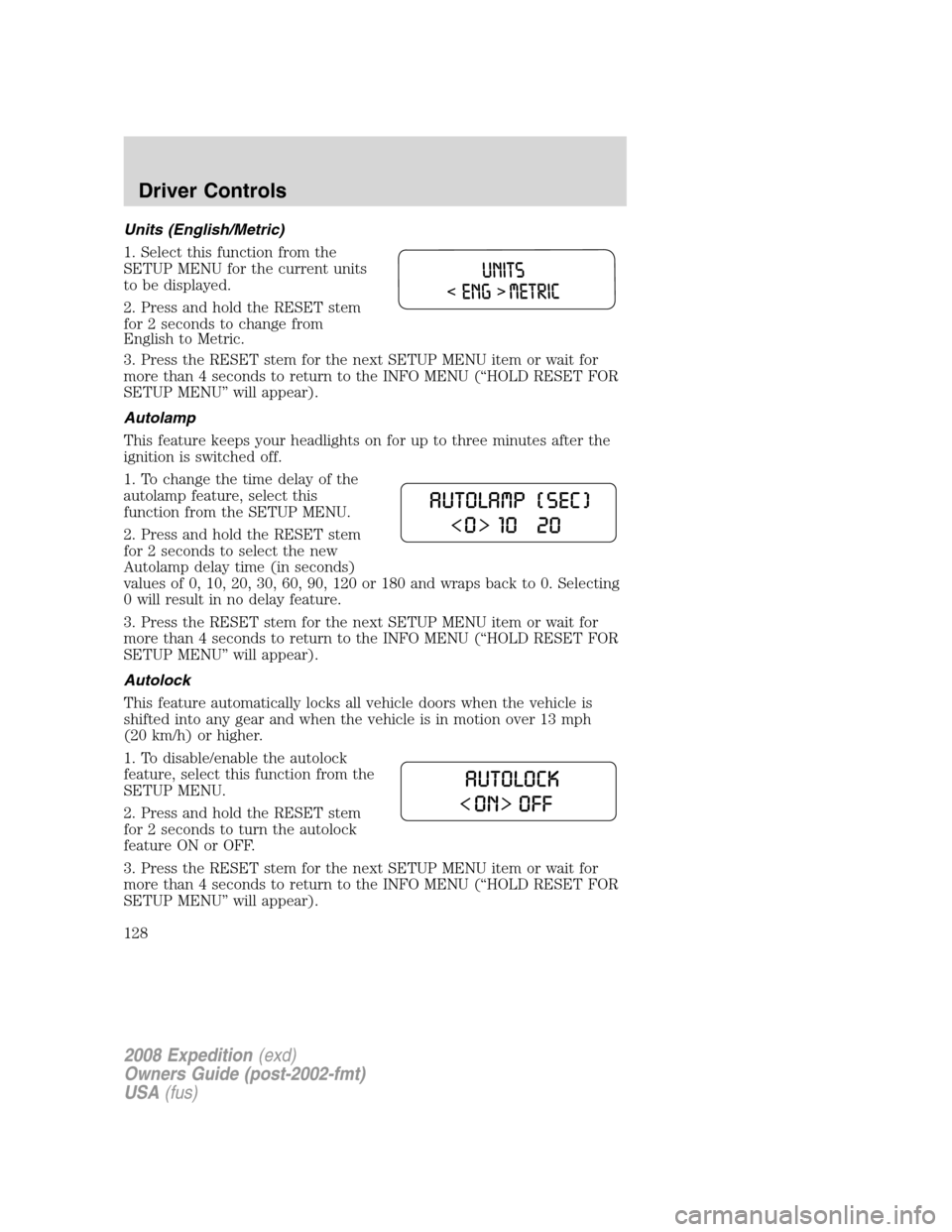
Units (English/Metric)
1. Select this function from the
SETUP MENU for the current units
to be displayed.
2. Press and hold the RESET stem
for 2 seconds to change from
English to Metric.
3. Press the RESET stem for the next SETUP MENU item or wait for
more than 4 seconds to return to the INFO MENU (“HOLD RESET FOR
SETUP MENU” will appear).
Autolamp
This feature keeps your headlights on for up to three minutes after the
ignition is switched off.
1. To change the time delay of the
autolamp feature, select this
function from the SETUP MENU.
2. Press and hold the RESET stem
for 2 seconds to select the new
Autolamp delay time (in seconds)
values of 0, 10, 20, 30, 60, 90, 120 or 180 and wraps back to 0. Selecting
0 will result in no delay feature.
3. Press the RESET stem for the next SETUP MENU item or wait for
more than 4 seconds to return to the INFO MENU (“HOLD RESET FOR
SETUP MENU” will appear).
Autolock
This feature automatically locks all vehicle doors when the vehicle is
shifted into any gear and when the vehicle is in motion over 13 mph
(20 km/h) or higher.
1. To disable/enable the autolock
feature, select this function from the
SETUP MENU.
2. Press and hold the RESET stem
for 2 seconds to turn the autolock
feature ON or OFF.
3. Press the RESET stem for the next SETUP MENU item or wait for
more than 4 seconds to return to the INFO MENU (“HOLD RESET FOR
SETUP MENU” will appear).
2008 Expedition(exd)
Owners Guide (post-2002-fmt)
USA(fus)
Driver Controls
128
Page 133 of 392
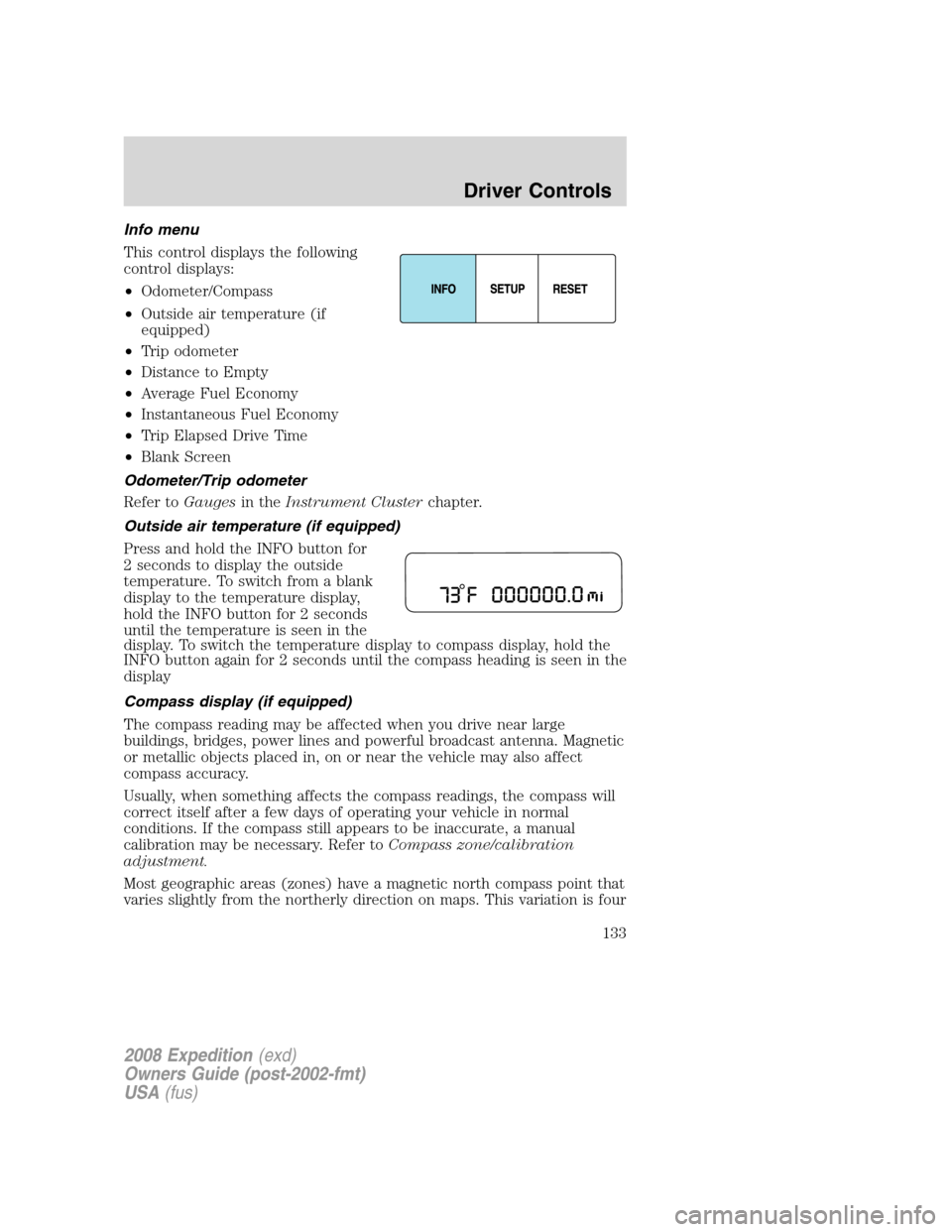
Info menu
This control displays the following
control displays:
•Odometer/Compass
•Outside air temperature (if
equipped)
•Trip odometer
•Distance to Empty
•Average Fuel Economy
•Instantaneous Fuel Economy
•Trip Elapsed Drive Time
•Blank Screen
Odometer/Trip odometer
Refer toGaugesin theInstrument Clusterchapter.
Outside air temperature (if equipped)
Press and hold the INFO button for
2 seconds to display the outside
temperature. To switch from a blank
display to the temperature display,
hold the INFO button for 2 seconds
until the temperature is seen in the
display. To switch the temperature display to compass display, hold the
INFO button again for 2 seconds until the compass heading is seen in the
display
Compass display (if equipped)
The compass reading may be affected when you drive near large
buildings, bridges, power lines and powerful broadcast antenna. Magnetic
or metallic objects placed in, on or near the vehicle may also affect
compass accuracy.
Usually, when something affects the compass readings, the compass will
correct itself after a few days of operating your vehicle in normal
conditions. If the compass still appears to be inaccurate, a manual
calibration may be necessary. Refer toCompass zone/calibration
adjustment.
Most geographic areas (zones) have a magnetic north compass point that
varies slightly from the northerly direction on maps. This variation is four
2008 Expedition(exd)
Owners Guide (post-2002-fmt)
USA(fus)
Driver Controls
133
Page 137 of 392
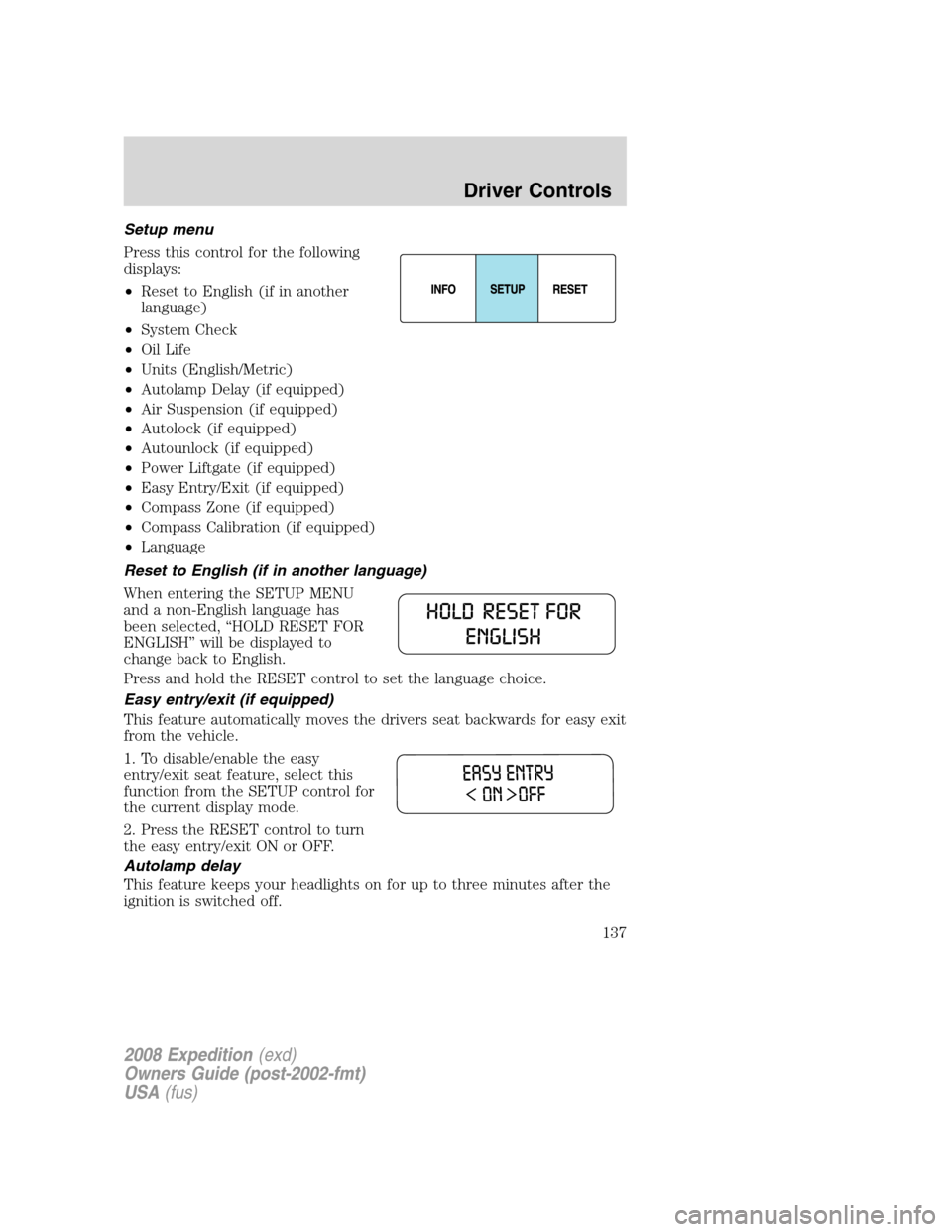
Setup menu
Press this control for the following
displays:
•Reset to English (if in another
language)
•System Check
•Oil Life
•Units (English/Metric)
•Autolamp Delay (if equipped)
•Air Suspension (if equipped)
•Autolock (if equipped)
•Autounlock (if equipped)
•Power Liftgate (if equipped)
•Easy Entry/Exit (if equipped)
•Compass Zone (if equipped)
•Compass Calibration (if equipped)
•Language
Reset to English (if in another language)
When entering the SETUP MENU
and a non-English language has
been selected, “HOLD RESET FOR
ENGLISH” will be displayed to
change back to English.
Press and hold the RESET control to set the language choice.
Easy entry/exit (if equipped)
This feature automatically moves the drivers seat backwards for easy exit
from the vehicle.
1. To disable/enable the easy
entry/exit seat feature, select this
function from the SETUP control for
the current display mode.
2. Press the RESET control to turn
the easy entry/exit ON or OFF.
Autolamp delay
This feature keeps your headlights on for up to three minutes after the
ignition is switched off.
2008 Expedition(exd)
Owners Guide (post-2002-fmt)
USA(fus)
Driver Controls
137
Page 164 of 392
•Repeat the previous step to program additional remote transmitters.
The locks will cycle once to confirm that each remote transmitter has
been programmed.
•When you have completed programming the remote transmitters, turn
the ignition to the 1 (OFF/LOCK) position or wait 20 seconds. The
doors will again lock/unlock to confirm programming has been
completed.
Illuminated entry
The lamps illuminate when the remote entry system is used to unlock
the door(s).
The system automatically turns off after 25 seconds or when the ignition
is turned to the 2 (ACCESSORY) or 3 (ON) position. The dome lamp
control mustnotbe set to the off position for the illuminated entry
system to operate.
Perimeter lamps illuminated entry
The following items will illuminate when the
(unlock) control on the
remote entry transmitter is pressed:
•Head lamps
•Park lamps
•Tail lamps
The lamps will automatically turn off:
•if the ignition switch is turned to the 3 (RUN) position, or
•the
(lock) control is pressed, or
•after 25 seconds of illumination.
Note:On some vehicles, the perimeter lamps illuminated entry feature
will not activate in daylight conditions.
Deactivating/activating perimeter lamps illuminated entry
You may enable/disable this feature by having your vehicle serviced by
your authorized dealer.
You may also perform the following power door lock sequence to
enable/disable the perimeter lamps feature.Note:Before starting, ensure
the ignition is in the 1 (LOCK) position and all vehicle doors are closed.
You must complete Steps 1–5 within 30 seconds or the procedure will
have to be repeated. If the procedure needs to be repeated, wait a
minimum of 30 seconds before beginning again.
2008 Expedition(exd)
Owners Guide (post-2002-fmt)
USA(fus)
Locks and Security
164
Page 165 of 392
1. The ignition must be OFF to
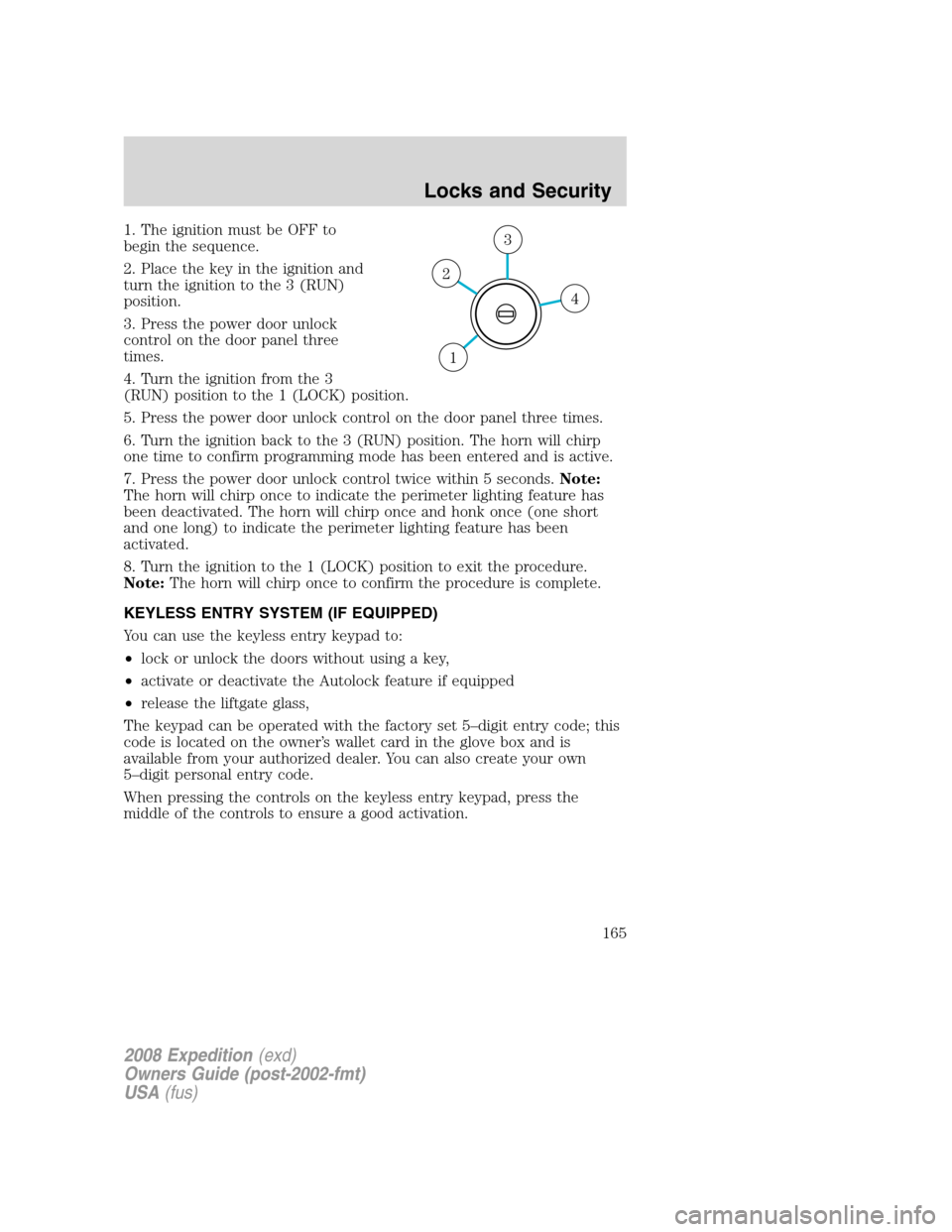
begin the sequence.
2. Place the key in the ignition and
turn the ignition to the 3 (RUN)
position.
3. Press the power door unlock
control on the door panel three
times.
4. Turn the ignition from the 3
(RUN) position to the 1 (LOCK) position.
5. Press the power door unlock control on the door panel three times.
6. Turn the ignition back to the 3 (RUN) position. The horn will chirp
one time to confirm programming mode has been entered and is active.
7. Press the power door unlock control twice within 5 seconds.Note:
The horn will chirp once to indicate the perimeter lighting feature has
been deactivated. The horn will chirp once and honk once (one short
and one long) to indicate the perimeter lighting feature has been
activated.
8. Turn the ignition to the 1 (LOCK) position to exit the procedure.
Note:The horn will chirp once to confirm the procedure is complete.
KEYLESS ENTRY SYSTEM (IF EQUIPPED)
You can use the keyless entry keypad to:
•lock or unlock the doors without using a key,
•activate or deactivate the Autolock feature if equipped
•release the liftgate glass,
The keypad can be operated with the factory set 5–digit entry code; this
code is located on the owner’s wallet card in the glove box and is
available from your authorized dealer. You can also create your own
5–digit personal entry code.
When pressing the controls on the keyless entry keypad, press the
middle of the controls to ensure a good activation.
4
3
2
1
2008 Expedition(exd)
Owners Guide (post-2002-fmt)
USA(fus)
Locks and Security
165
Page 175 of 392
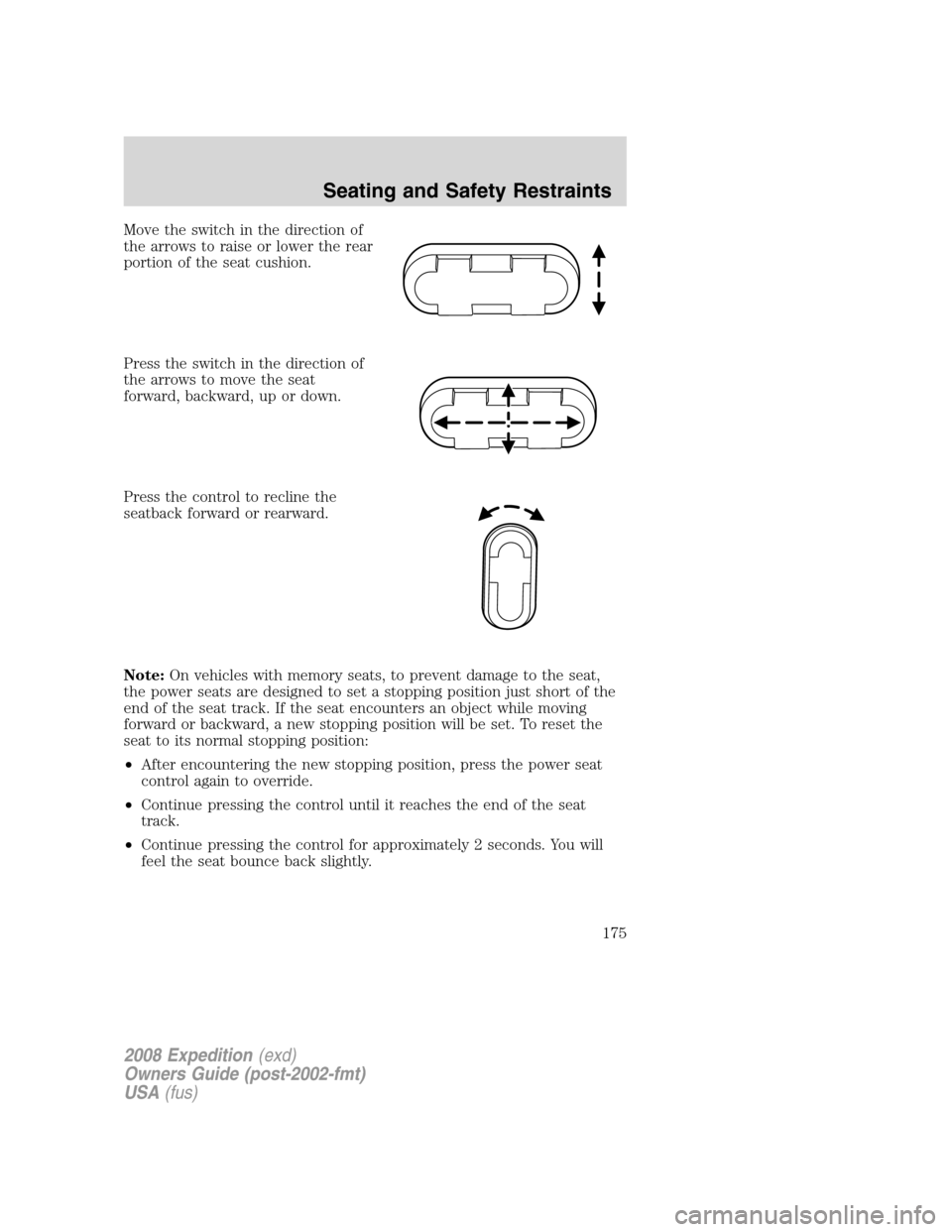
Move the switch in the direction of
the arrows to raise or lower the rear
portion of the seat cushion.
Press the switch in the direction of
the arrows to move the seat
forward, backward, up or down.
Press the control to recline the
seatback forward or rearward.
Note:On vehicles with memory seats, to prevent damage to the seat,
the power seats are designed to set a stopping position just short of the
end of the seat track. If the seat encounters an object while moving
forward or backward, a new stopping position will be set. To reset the
seat to its normal stopping position:
•After encountering the new stopping position, press the power seat
control again to override.
•Continue pressing the control until it reaches the end of the seat
track.
•Continue pressing the control for approximately 2 seconds. You will
feel the seat bounce back slightly.
2008 Expedition(exd)
Owners Guide (post-2002-fmt)
USA(fus)
Seating and Safety Restraints
175
Page 176 of 392
Memory seats/power mirrors/adjustable pedals (if equipped)
This system allows automatic
positioning of the driver seat, power
mirrors, and adjustable pedals to
two programmable positions.
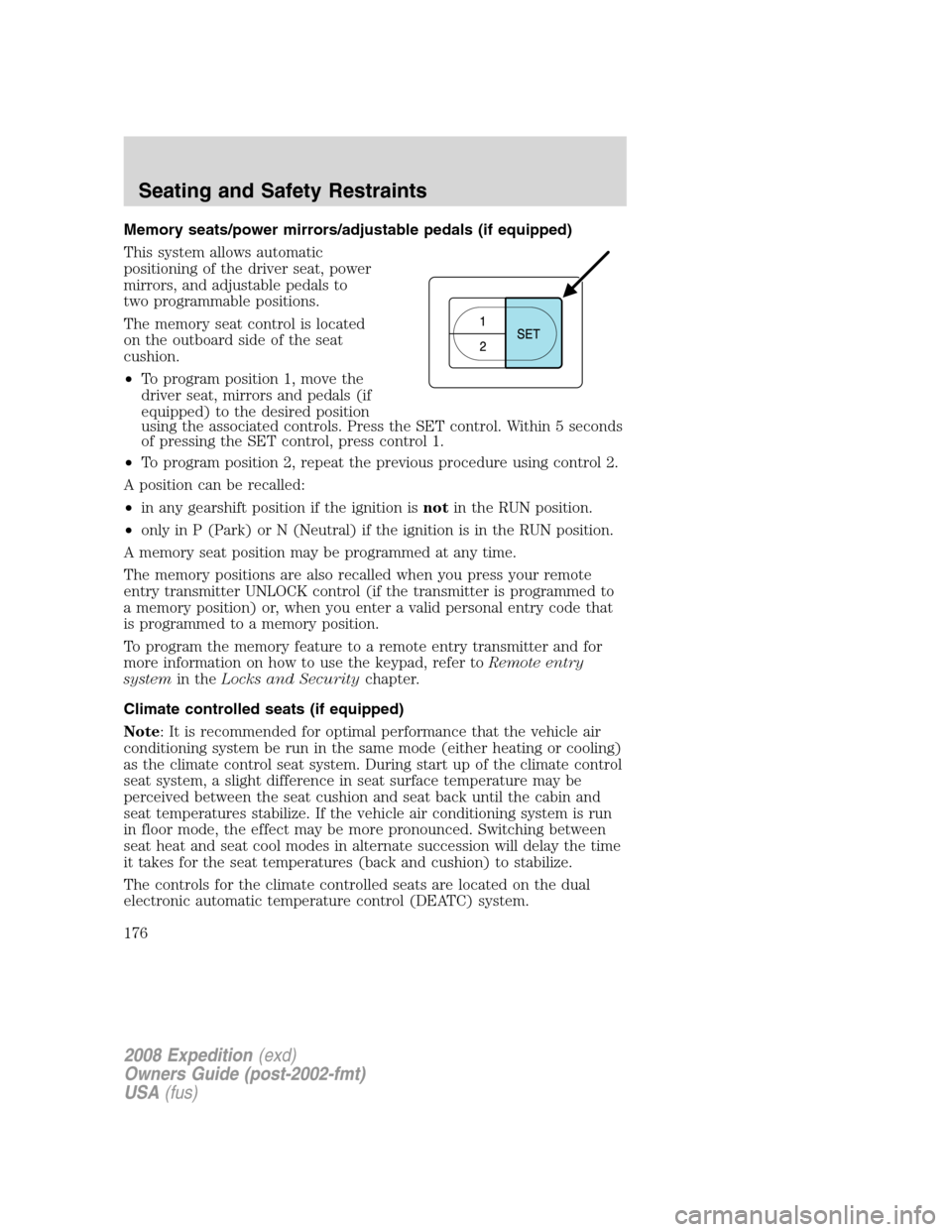
The memory seat control is located
on the outboard side of the seat
cushion.
•To program position 1, move the
driver seat, mirrors and pedals (if
equipped) to the desired position
using the associated controls. Press the SET control. Within 5 seconds
of pressing the SET control, press control 1.
•To program position 2, repeat the previous procedure using control 2.
A position can be recalled:
•in any gearshift position if the ignition isnotin the RUN position.
•only in P (Park) or N (Neutral) if the ignition is in the RUN position.
A memory seat position may be programmed at any time.
The memory positions are also recalled when you press your remote
entry transmitter UNLOCK control (if the transmitter is programmed to
a memory position) or, when you enter a valid personal entry code that
is programmed to a memory position.
To program the memory feature to a remote entry transmitter and for
more information on how to use the keypad, refer toRemote entry
systemin theLocks and Securitychapter.
Climate controlled seats (if equipped)
Note: It is recommended for optimal performance that the vehicle air
conditioning system be run in the same mode (either heating or cooling)
as the climate control seat system. During start up of the climate control
seat system, a slight difference in seat surface temperature may be
perceived between the seat cushion and seat back until the cabin and
seat temperatures stabilize. If the vehicle air conditioning system is run
in floor mode, the effect may be more pronounced. Switching between
seat heat and seat cool modes in alternate succession will delay the time
it takes for the seat temperatures (back and cushion) to stabilize.
The controls for the climate controlled seats are located on the dual
electronic automatic temperature control (DEATC) system.
2008 Expedition(exd)
Owners Guide (post-2002-fmt)
USA(fus)
Seating and Safety Restraints
176
Page 177 of 392
Heated seats
The heated seats will only function when the ignition is in RUN.
To operate the heated seats:
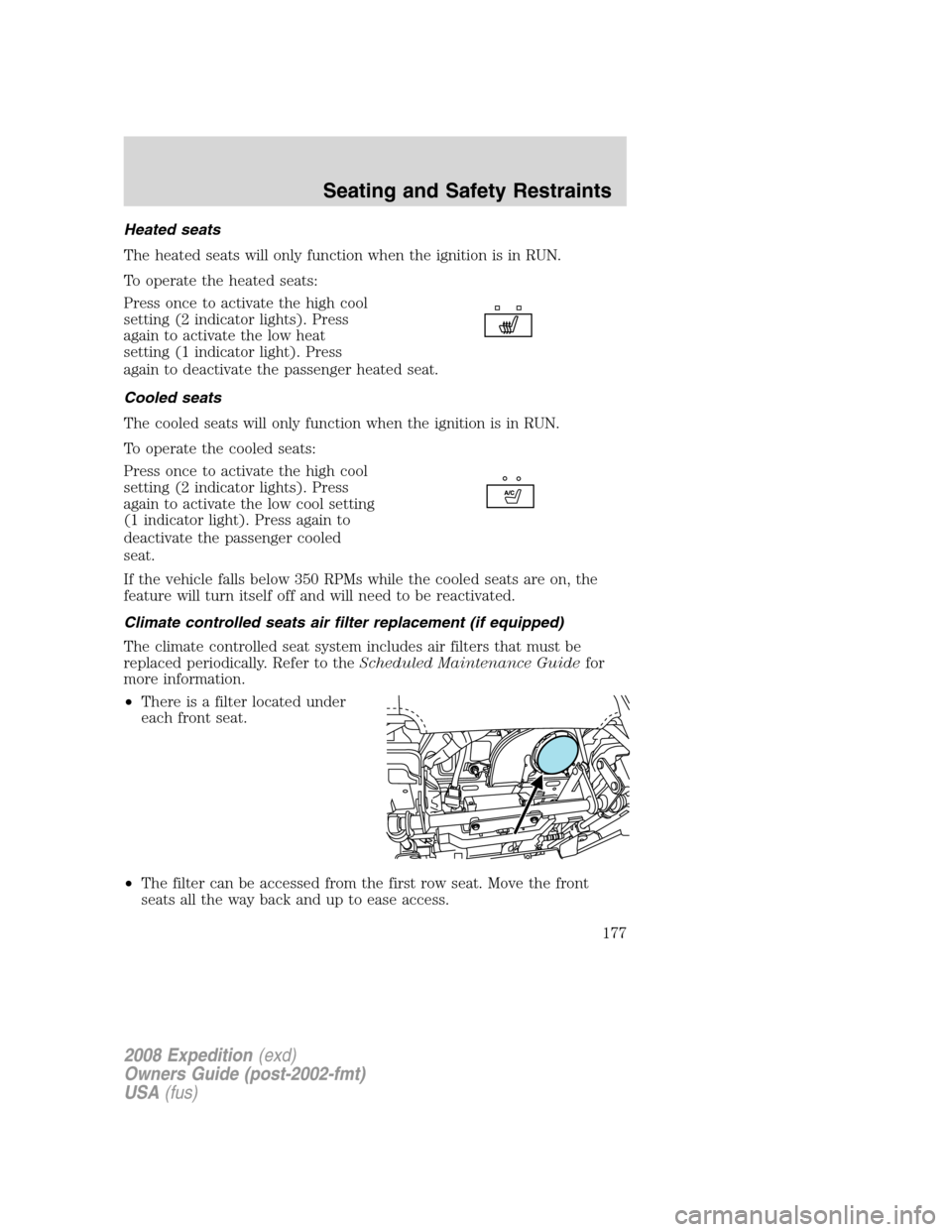
Press once to activate the high cool
setting (2 indicator lights). Press
again to activate the low heat
setting (1 indicator light). Press
again to deactivate the passenger heated seat.
Cooled seats
The cooled seats will only function when the ignition is in RUN.
To operate the cooled seats:
Press once to activate the high cool
setting (2 indicator lights). Press
again to activate the low cool setting
(1 indicator light). Press again to
deactivate the passenger cooled
seat.
If the vehicle falls below 350 RPMs while the cooled seats are on, the
feature will turn itself off and will need to be reactivated.
Climate controlled seats air filter replacement (if equipped)
The climate controlled seat system includes air filters that must be
replaced periodically. Refer to theScheduled Maintenance Guidefor
more information.
•There is a filter located under
each front seat.
•The filter can be accessed from the first row seat. Move the front
seats all the way back and up to ease access.
2008 Expedition(exd)
Owners Guide (post-2002-fmt)
USA(fus)
Seating and Safety Restraints
177
Page 188 of 392
door, pressing the unlock button on the key fob, pressing any
keyless entry keypad button, or turning the ignition key.
SAFETY RESTRAINTS
Personal Safety System™
The Personal Safety System™ provides an improved overall level of
frontal crash protection to front seat occupants and is designed to help
further reduce the risk of airbag-related injuries. The system is able to
analyze different occupant conditions and crash severity before activating
the appropriate safety devices to help better protect a range of
occupants in a variety of frontal crash situations.
Your vehicle’s Personal Safety System™ consists of:
•Driver and passenger dual-stage airbag supplemental restraints.
•Front safety belts with pretensioners, energy management retractors,
and safety belt usage sensors.
•Driver’s seat position sensor.
•Front crash severity sensor.
•Restraints Control Module (RCM).
•Restraint system warning light and back-up tone.
•The electrical wiring for the airbags, crash sensor(s), safety belt
pretensioners, front safety belt usage sensors, driver seat position
sensor, and indicator lights.
How does the Personal Safety System™ work?
The Personal Safety System™ can adapt the deployment strategy of your
vehicle’s safety devices according to crash severity and occupant
conditions. A collection of crash and occupant sensors provides
information to the Restraints Control Module (RCM). During a crash, the
RCM activates the safety belt pretensioners and/or either one or both
stages of the dual-stage airbag supplemental restraints based on crash
severity and occupant conditions.
The fact that the pretensioners or airbags did not activate for both front
seat occupants in a collision does not mean that something is wrong with
the system. Rather, it means the Personal Safety System™ determined
the accident conditions (crash severity, belt usage, etc.) were not
appropriate to activate these safety devices. Front airbags are designed
to activate only in frontal and near-frontal collisions, not rollovers,
side-impacts, or rear-impacts unless the collision causes sufficient
longitudinal deceleration.
2008 Expedition(exd)
Owners Guide (post-2002-fmt)
USA(fus)
Seating and Safety Restraints
188
Page 190 of 392
Determining if the Personal Safety System™ is operational
The Personal Safety System™ uses a warning light in the instrument
cluster or a back-up tone to indicate the condition of the system. Refer
to theWarning lights and chimessection in theInstrument Cluster
chapter. Routine maintenance of the Personal Safety System™ is not
required.
The Restraints Control Module (RCM) monitors its own internal circuits
and the circuits for the airbag supplemental restraints, crash sensor(s),
safety belt pretensioners, front safety belt buckle sensors, and the driver
seat position sensor. In addition, the RCM also monitors the restraints
warning light in the instrument cluster. A difficulty with the system is
indicated by one or more of the following:
•The warning light will either flash or stay lit.
•The warning light will not illuminate immediately after the ignition is
turned on.
•A series of five beeps will be heard. The tone pattern will repeat
periodically until the problem and warning light are repaired.
If any of these things happen, even intermittently, have the Personal
Safety System™ serviced at an authorized dealer immediately. Unless
serviced, the system may not function properly in the event of a
collision.
Safety restraints precautions
Always drive and ride with your seatback upright and the lap
belt snug and low across the hips.
To reduce the risk of injury, make sure children sit in the back
seat where they can be properly restrained.
Never let a passenger hold a child on his or her lap while the
vehicle is moving. The passenger cannot protect the child from
injury in a collision.
All occupants of the vehicle, including the driver, should always
properly wear their safety belts, even when an airbag
supplemental restraint system (SRS) is provided.
2008 Expedition(exd)
Owners Guide (post-2002-fmt)
USA(fus)
Seating and Safety Restraints
190