lock FORD EXPLORER 1997 2.G User Guide
[x] Cancel search | Manufacturer: FORD, Model Year: 1997, Model line: EXPLORER, Model: FORD EXPLORER 1997 2.GPages: 236, PDF Size: 2.43 MB
Page 68 of 236
REMOTE ENTRY SYSTEM
(IF EQUIPPED)
The remote entry system allows
you to lock or unlock all vehicle
doors without a key. The remote
entry system features only operate
with the ignition in the Off
position.
It also arms and disarms the
anti-theft system (if equipped).
(For more information on the
anti-theft system, refer to
Anti-theft systemin this chapter.)
The remote entry features only
operate with the ignition in the
OFF position.
Unlocking the doors
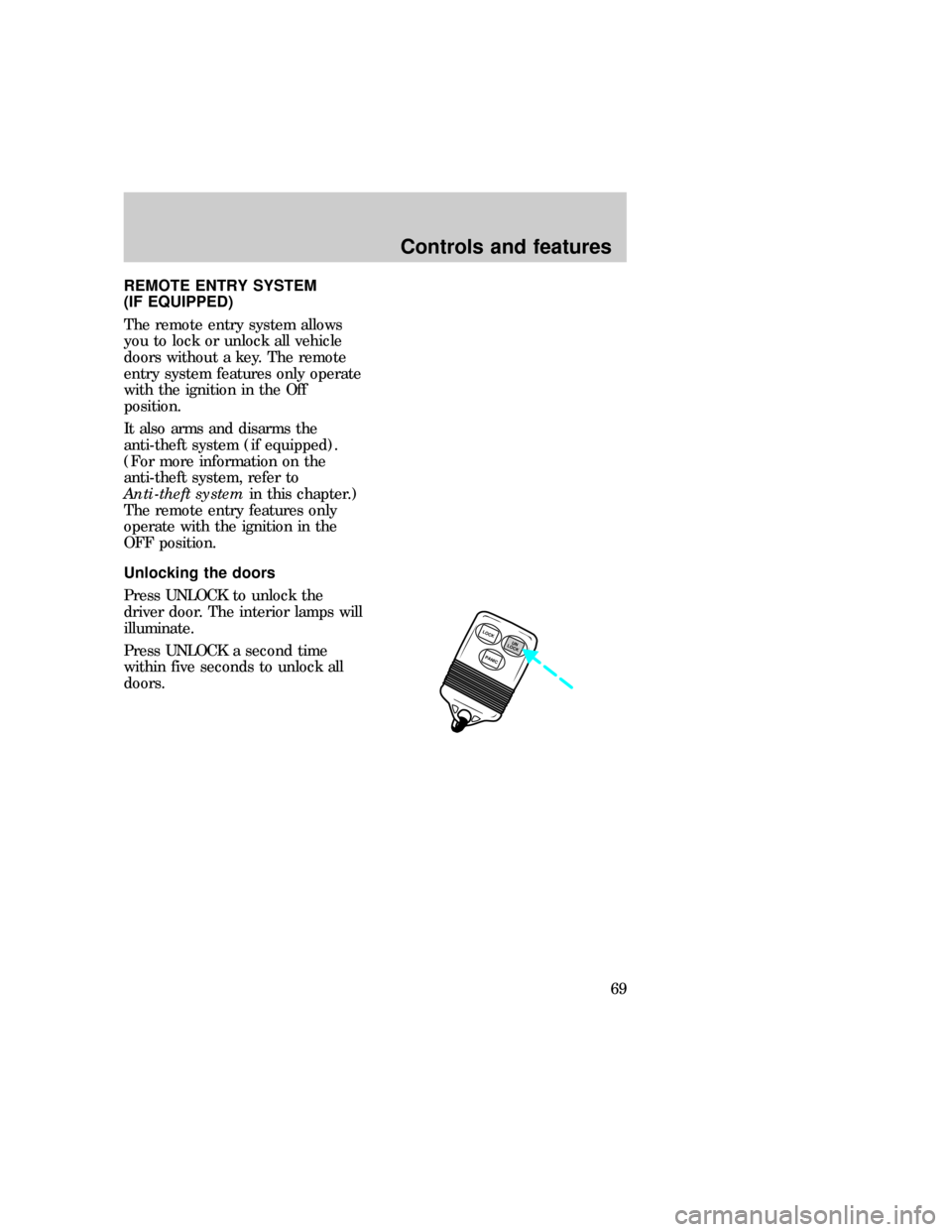
Press UNLOCK to unlock the
driver door. The interior lamps will
illuminate.
Press UNLOCK a second time
within five seconds to unlock all
doors.
LOCK
PANICUN
LOCK
com_remote_unlocking.01
uno_remote_locking
Controls and features
69
Page 69 of 236
Locking the doors
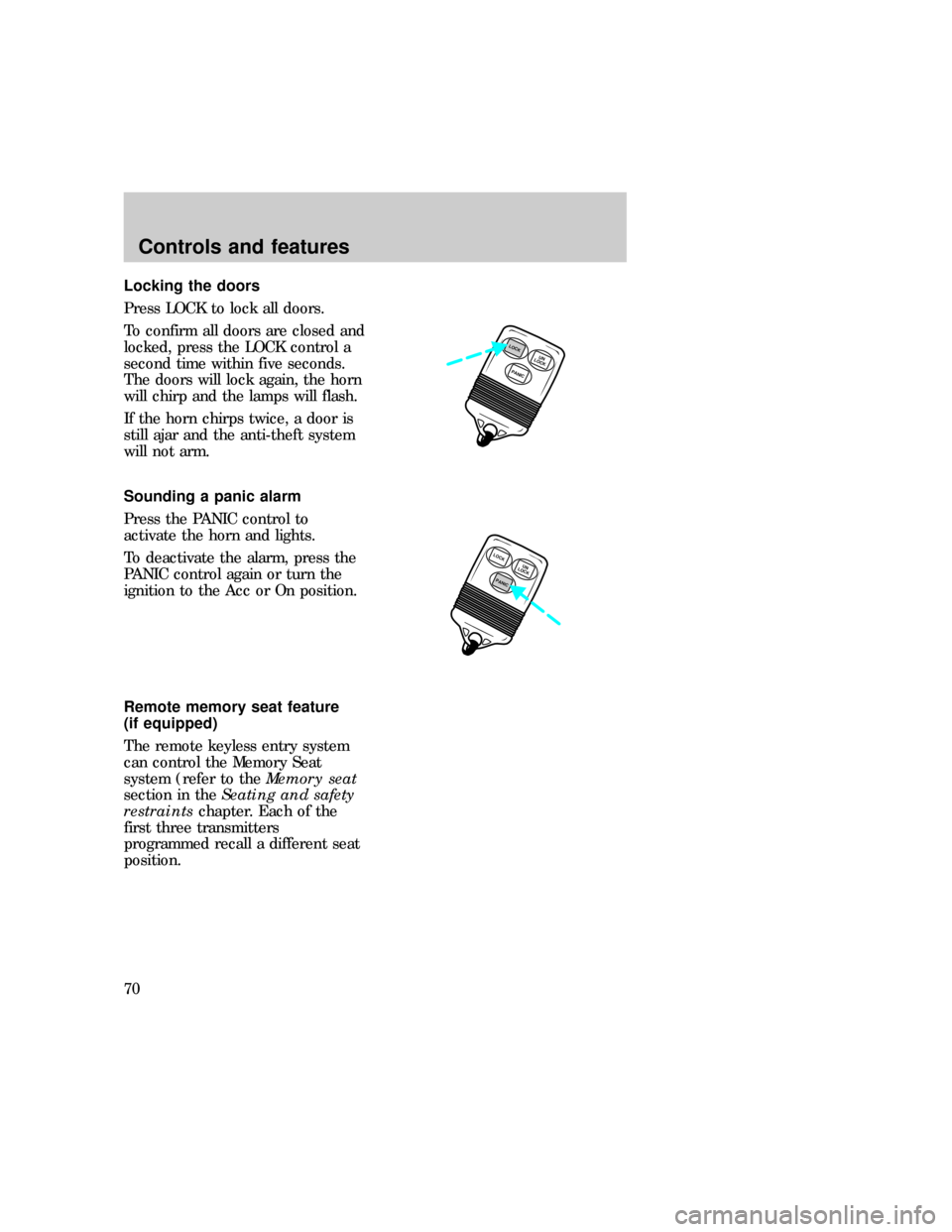
Press LOCK to lock all doors.
To confirm all doors are closed and
locked, press the LOCK control a
second time within five seconds.
The doors will lock again, the horn
will chirp and the lamps will flash.
If the horn chirps twice, a door is
still ajar and the anti-theft system
will not arm.
Sounding a panic alarm
Press the PANIC control to
activate the horn and lights.
To deactivate the alarm, press the
PANIC control again or turn the
ignition to the Acc or On position.
Remote memory seat feature
(if equipped)
The remote keyless entry system
can control the Memory Seat
system (refer to theMemory seat
section in theSeating and safety
restraintschapter. Each of the
first three transmitters
programmed recall a different seat
position.
PANICUN
LOCKLOCK
LOCK
PANICUN
LOCK
uno_remote_panic
uno_remote_memory_seat
Controls and features
70
Page 70 of 236
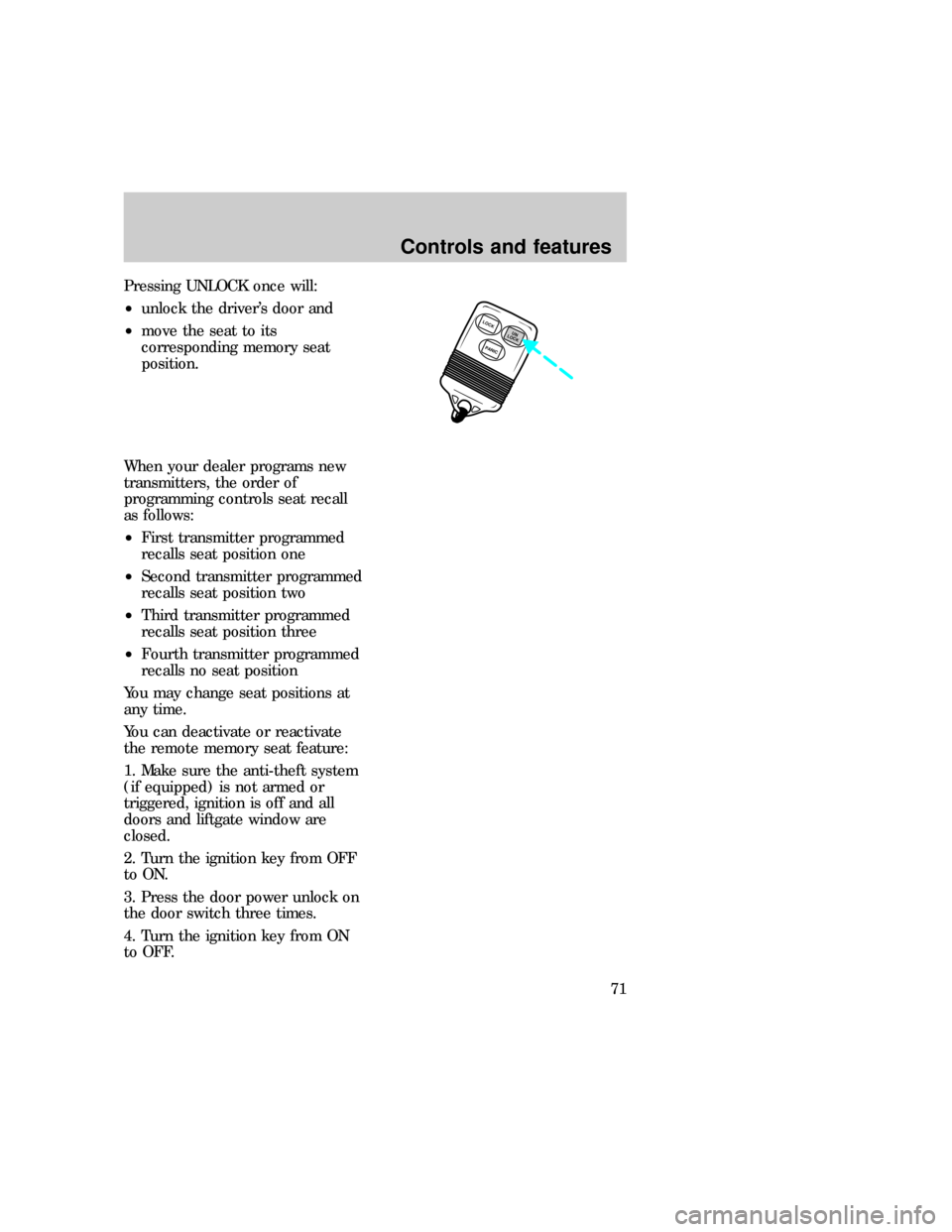
Pressing UNLOCK once will:
²unlock the driver's door and
²move the seat to its
corresponding memory seat
position.
When your dealer programs new
transmitters, the order of
programming controls seat recall
as follows:
²First transmitter programmed
recalls seat position one
²Second transmitter programmed
recalls seat position two
²Third transmitter programmed
recalls seat position three
²Fourth transmitter programmed
recalls no seat position
You may change seat positions at
any time.
You can deactivate or reactivate
the remote memory seat feature:
1. Make sure the anti-theft system
(if equipped) is not armed or
triggered, ignition is off and all
doors and liftgate window are
closed.
2. Turn the ignition key from OFF
to ON.
3. Press the door power unlock on
the door switch three times.
4. Turn the ignition key from ON
to OFF.
LOCK
PANICUN
LOCK
Controls and features
71
Page 71 of 236

5. Press the door power unlock
switch three times.
6. Turn the ignition key back to
ON within 30 seconds of step two.
7. The horn should chirp once. If
not, wait 30 seconds and repeat
steps one through six.
8. Press the door power unlock
switch twice.
9. Press the door power lock
switch.
10. The horn will chirp twice if the
remote memory seat feature was
deactivated, three times (two short
chirps followed by a long chirp) if
the remote memory seat feature
was activated.
11. Turn the ignition key to OFF.
12. The horn will chirp once to
confirm that you activated or
deactivated the remote memory
seat feature.
To reactivate the system, simply
repeat the instruction for
deactivating. By reentering the
code that deactivates the remote
memory seat, the keyless entry
system reinstates the feature.
The memory seat function will
continue to work from the door
switch even when deactivated at
the remote keyless entry module.
Replacing the batteries
The transmitter is powered by two
coin-type three-volt lithium
batteries. A decrease in operating
range can be caused by:
uno_remote_batteries
Controls and features
72
Page 72 of 236

²battery failure
²weather conditions
²structures around the vehicle
Replacement batteries for the
remote entry and/or anti-theft
system transmitters mat be
purchased at pharmacies, watch
stores or at authorized dealers.
To replace the batteries:
1. Twist a thin coin between the
two halves of the transmitter. DO
NOT TAKE THE FRONT PART OF
THE TRANSMITTER APART.
2. Place the positive (+ ) side of
new batteries down.
3. Snap the two halves back
together.
Replacing lost transmitters
Take all your vehicle's transmitters
to your dealer for reprogramming
if:
²a transmitter is lost or
²you want to purchase additional
transmitters (up to four may be
programmed).
This device complies with Part 15
of the FCC rules. Operation is
subject to two of the following
conditions: (1) The device may not
cause harmful interference, and
(2) This device must accept any
interference received, including
interference that may cause
undesired operation.
LOCK
PANICUN
LOCK
uno_remote_transmitters
uno_keyless_entry
Controls and features
73
Page 73 of 236
KEYLESS ENTRY SYSTEM
(IF EQUIPPED)
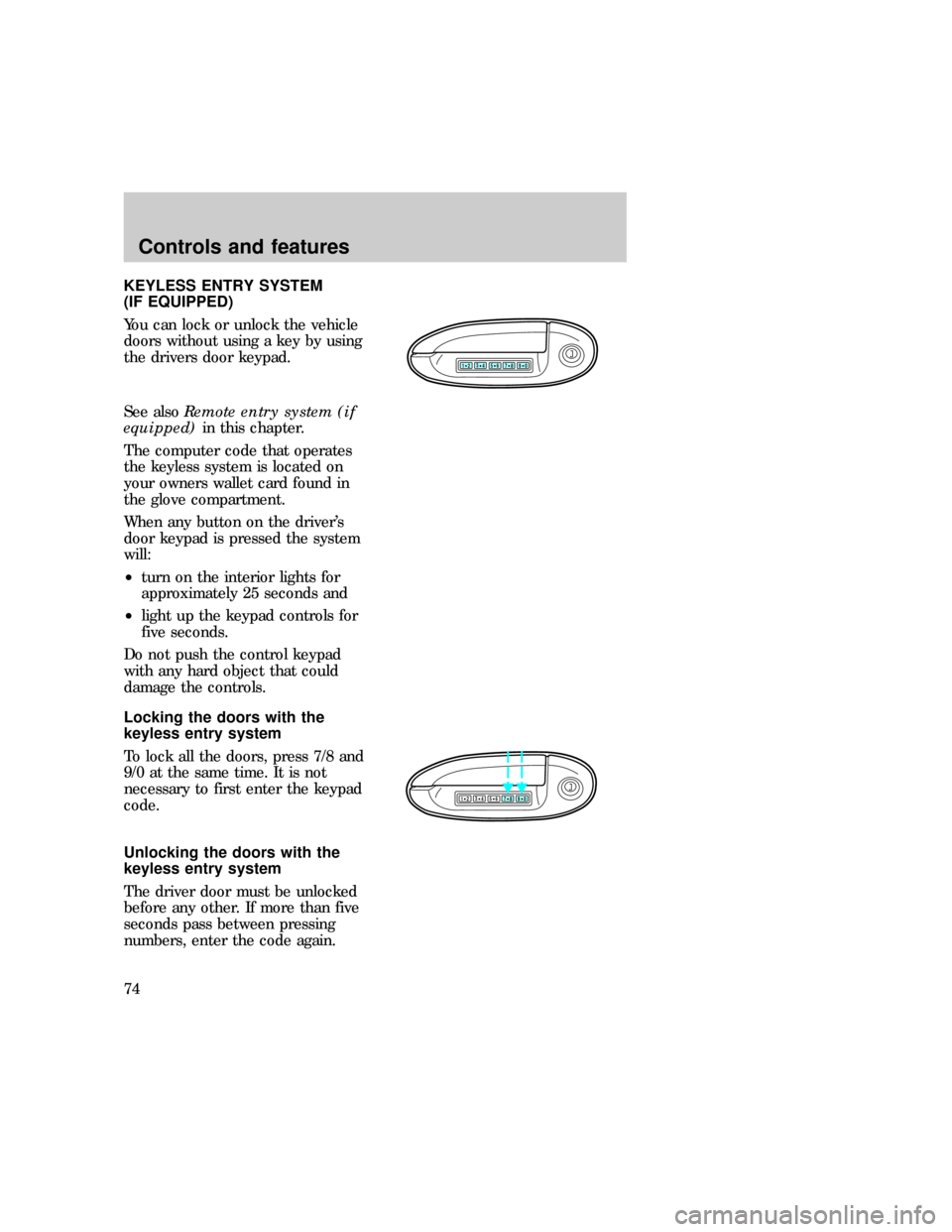
You can lock or unlock the vehicle
doors without using a key by using
the drivers door keypad.
See alsoRemote entry system (if
equipped)in this chapter.
The computer code that operates
the keyless system is located on
your owners wallet card found in
the glove compartment.
When any button on the driver's
door keypad is pressed the system
will:
²turn on the interior lights for
approximately 25 seconds and
²light up the keypad controls for
five seconds.
Do not push the control keypad
with any hard object that could
damage the controls.
Locking the doors with the
keyless entry system
To lock all the doors, press 7/8 and
9/0 at the same time. It is not
necessary to first enter the keypad
code.
Unlocking the doors with the
keyless entry system
The driver door must be unlocked
before any other. If more than five
seconds pass between pressing
numbers, enter the code again.
123
45678
90
123
45678
90
com_keyless_locking.01
uno_keyless_unlocking
Controls and features
74
Page 74 of 236

The system has shut down if the
keypad light is out. If the keyless
entry system does not work, use
the key or remote entry
transmitter(s).
1. To unlock the driver door, enter
one of the two codes. After
pressing the fifth number, the
driver door unlocks.
2. To unlock the passenger door(s)
and liftgate, press the 3/4 button
within five seconds of unlocking
the driver door.
Programming your own entry
code
This code does not replace the
permanent code from the
dealership.
To program your own code:
1. Select five digits for your
personal code.
2. Enter the permanent code that
the dealership gave you.
3. Within five seconds, press 1/2.
4. Within five seconds of pressing
1/2, enter your personal code,
pressing each digit within five
seconds of the previous digit.
You can now use either code. The
system remembers only one
personal code at a time.
To erase your personal code:
123
45678
90
123
45678
90
com_keyless_programming.01
Controls and features
75
Page 75 of 236
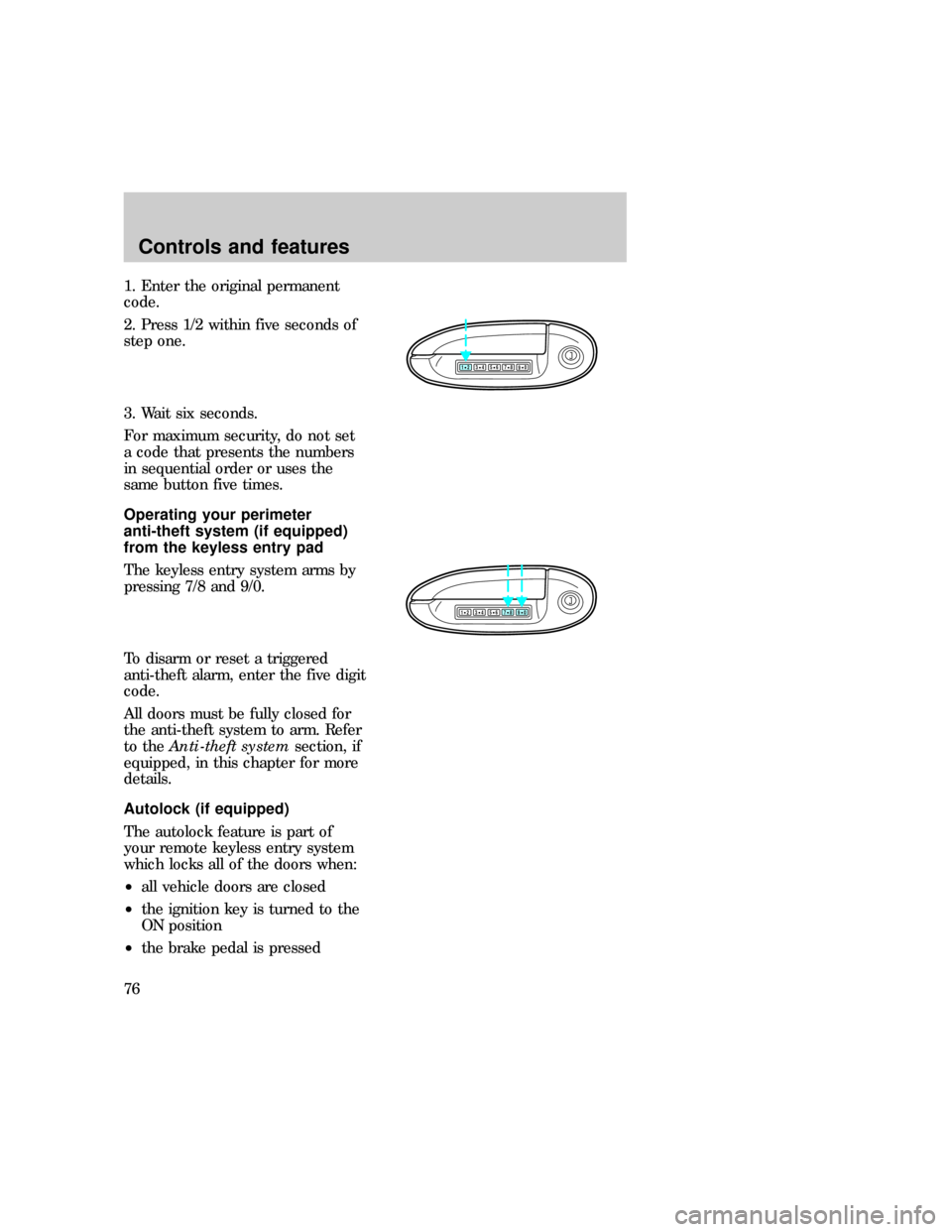
1. Enter the original permanent
code.
2. Press 1/2 within five seconds of
step one.
3. Wait six seconds.
For maximum security, do not set
a code that presents the numbers
in sequential order or uses the
same button five times.
Operating your perimeter
anti-theft system (if equipped)
from the keyless entry pad
The keyless entry system arms by
pressing 7/8 and 9/0.
To disarm or reset a triggered
anti-theft alarm, enter the five digit
code.
All doors must be fully closed for
the anti-theft system to arm. Refer
to theAnti-theft systemsection, if
equipped, in this chapter for more
details.
Autolock (if equipped)
The autolock feature is part of
your remote keyless entry system
which locks all of the doors when:
²all vehicle doors are closed
²the ignition key is turned to the
ON position
²the brake pedal is pressed
123
45678
90
123
45678
90
com_keyless_perimeter.01
uno_keyless_autolock
Controls and features
76
Page 76 of 236

²you shift through R (reverse)
²one second has elapsed after the
brake pedal is released.
The autolock feature repeats when:
²a door is opened and then all
doors are closed
²the brake pedal is released.
The autolock feature can be
disabled (or reenabled) by using
the keyless entry system:
1. Enter your permanent five-digit
entry code (not the user code you
may have set).
2. Within five seconds, press and
hold 7/8.
3. Within five more seconds, press
and release 3/4.
4. Release 7/8.
To reactivate the system, repeat
the system deactivating
instructions.
123
45678
90
Controls and features
77
Page 78 of 236
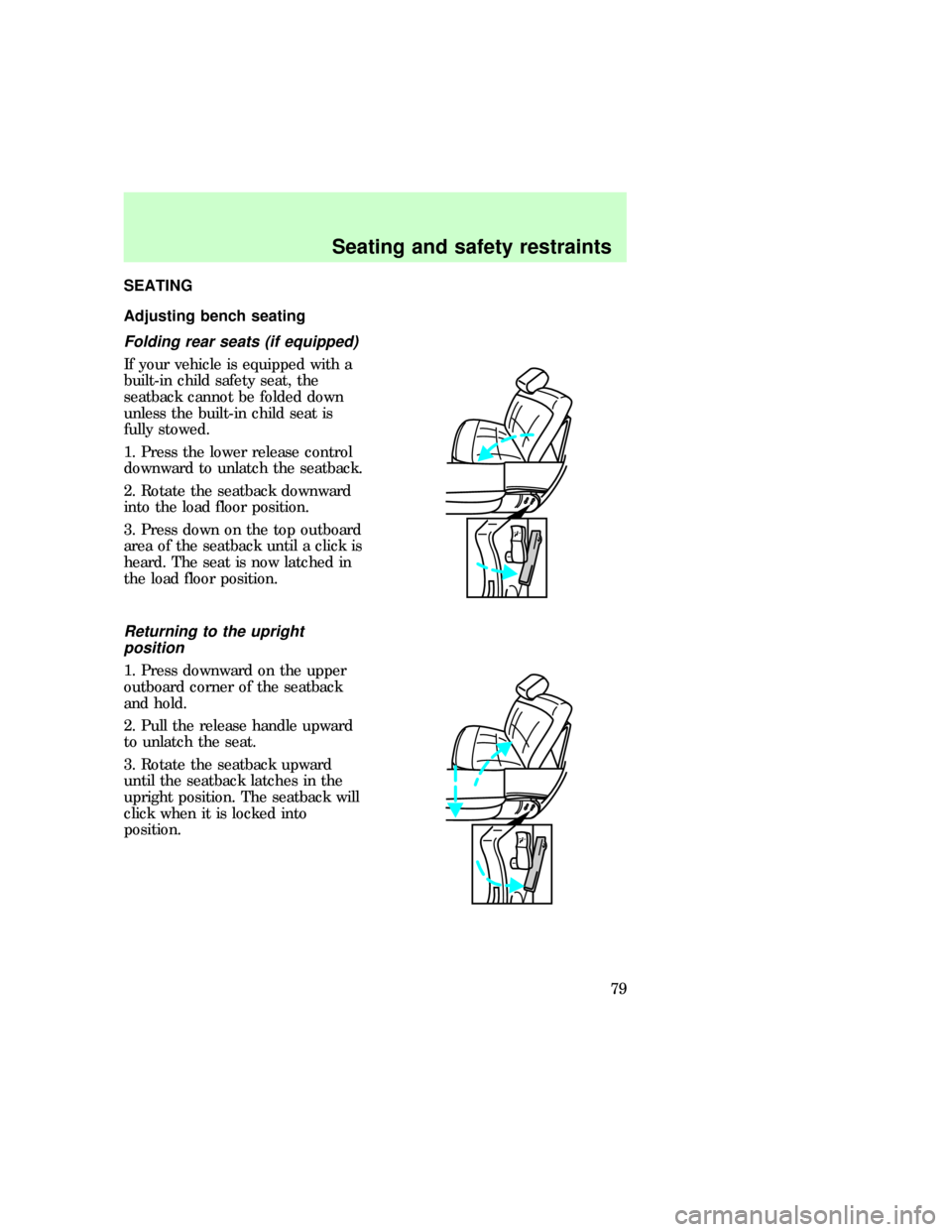
SEATING
Adjusting bench seating
Folding rear seats (if equipped)
If your vehicle is equipped with a
built-in child safety seat, the
seatback cannot be folded down
unless the built-in child seat is
fully stowed.
1. Press the lower release control
downward to unlatch the seatback.
2. Rotate the seatback downward
into the load floor position.
3. Press down on the top outboard
area of the seatback until a click is
heard. The seat is now latched in
the load floor position.
Returning to the upright
position
1. Press downward on the upper
outboard corner of the seatback
and hold.
2. Pull the release handle upward
to unlatch the seat.
3. Rotate the seatback upward
until the seatback latches in the
upright position. The seatback will
click when it is locked into
position.
uno_adjusting_bench
uno_adjust_man_bucket
Seating and safety restraints
79