audio FORD EXPLORER 1999 2.G Owners Manual
[x] Cancel search | Manufacturer: FORD, Model Year: 1999, Model line: EXPLORER, Model: FORD EXPLORER 1999 2.GPages: 264, PDF Size: 1.83 MB
Page 29 of 264
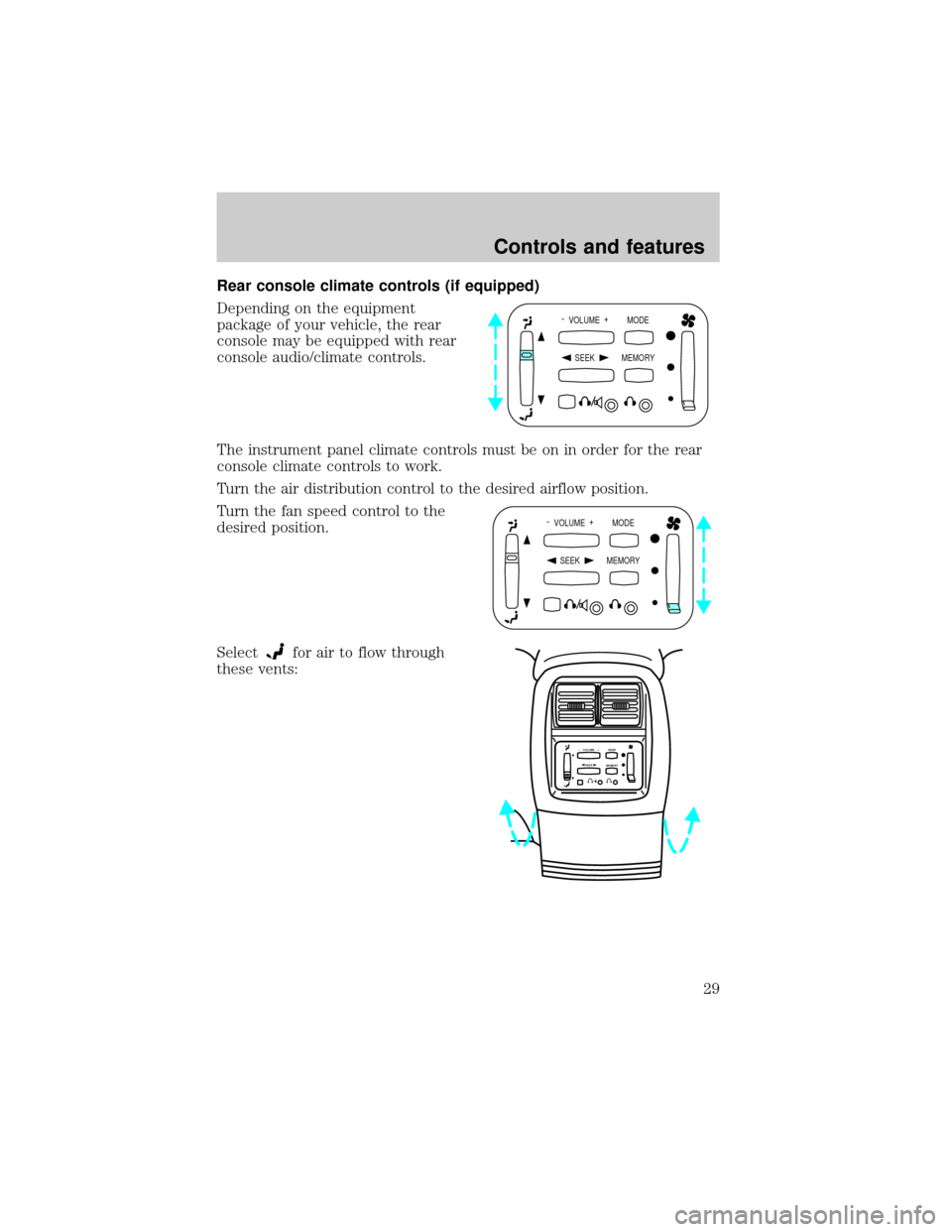
Rear console climate controls (if equipped)
Depending on the equipment
package of your vehicle, the rear
console may be equipped with rear
console audio/climate controls.
The instrument panel climate controls must be on in order for the rear
console climate controls to work.
Turn the air distribution control to the desired airflow position.
Turn the fan speed control to the
desired position.
Select
for air to flow through
these vents:
- VOLUME +
MODE
SEEK MEMORY
- VOLUME +
MODE
SEEK MEMORY
SEEK– VOLUME + BAND
MEMORY
Controls and features
29
Page 33 of 264
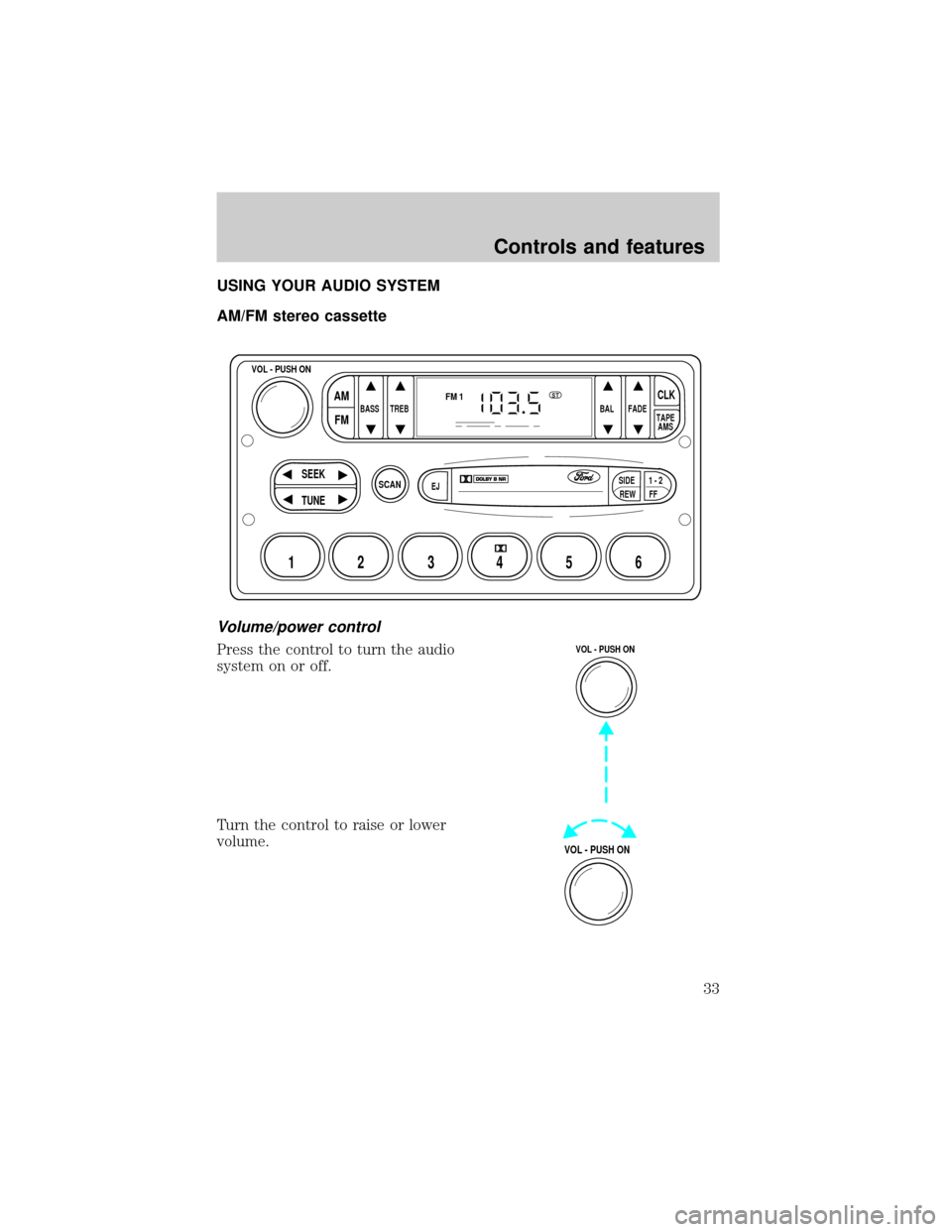
USING YOUR AUDIO SYSTEM
AM/FM stereo cassette
Volume/power control
Press the control to turn the audio
system on or off.
Turn the control to raise or lower
volume.
SCAN
BASS TREB BAL FADE
SIDE
EJ
REW FF1 - 2TAPE
AMS
VOL - PUSH ON
SEEK
TUNE
AM
FMCLK
12 3456
FM1ST
VOL - PUSH ON
VOL - PUSH ON
Controls and features
33
Page 36 of 264
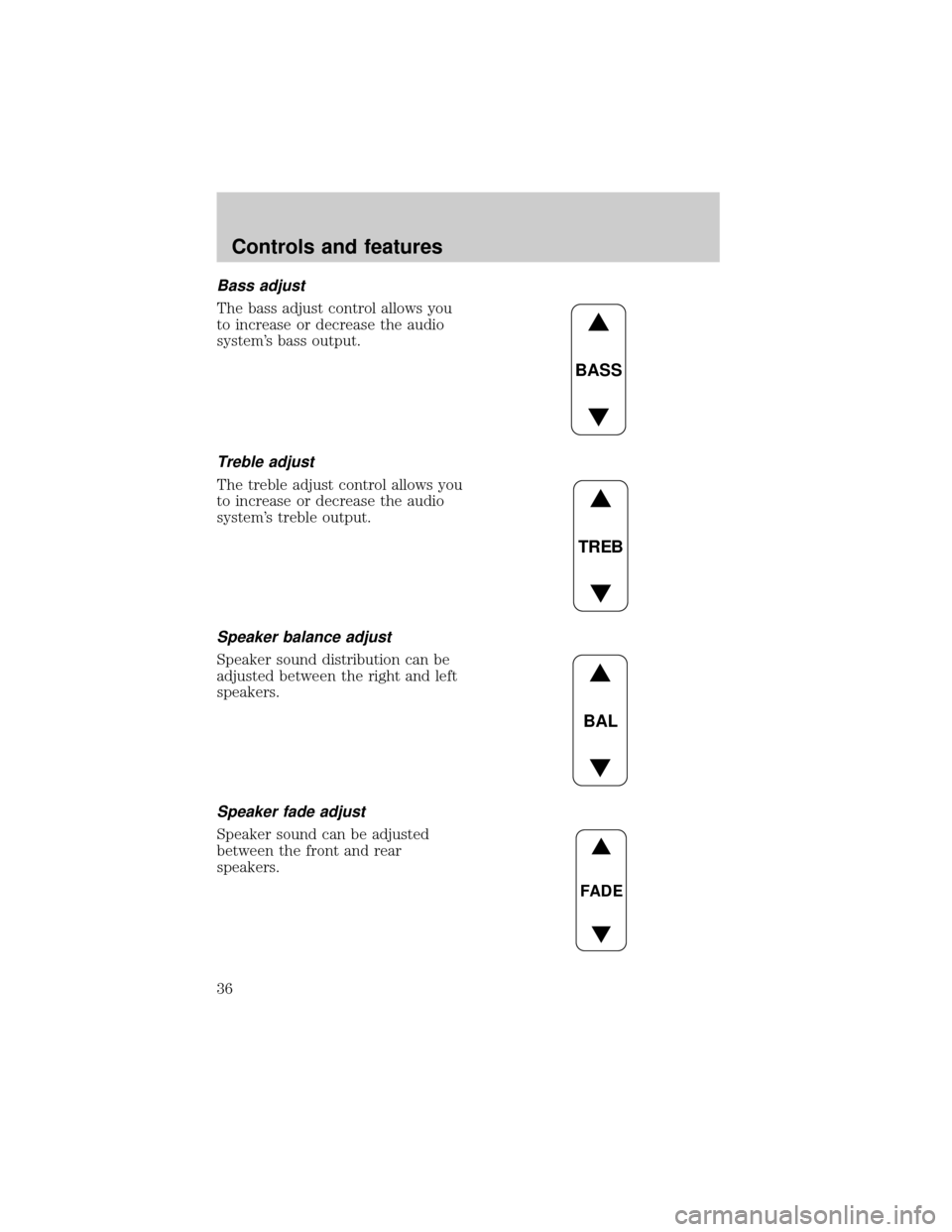
Bass adjust
The bass adjust control allows you
to increase or decrease the audio
system's bass output.
Treble adjust
The treble adjust control allows you
to increase or decrease the audio
system's treble output.
Speaker balance adjust
Speaker sound distribution can be
adjusted between the right and left
speakers.
Speaker fade adjust
Speaker sound can be adjusted
between the front and rear
speakers.
BASS
TREB
BAL
FADE
Controls and features
36
Page 40 of 264
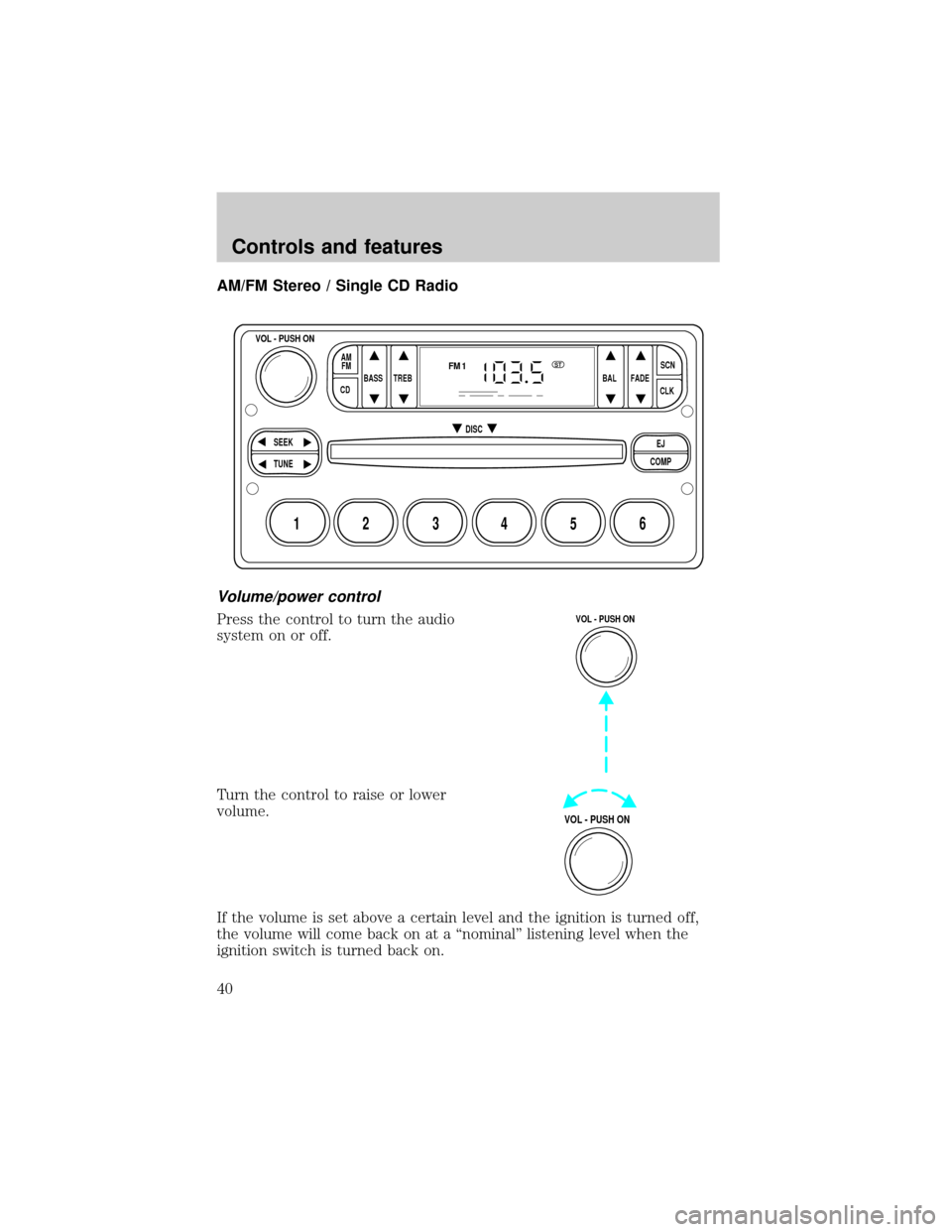
AM/FM Stereo / Single CD Radio
Volume/power control
Press the control to turn the audio
system on or off.
Turn the control to raise or lower
volume.
If the volume is set above a certain level and the ignition is turned off,
the volume will come back on at a ªnominalº listening level when the
ignition switch is turned back on.
BASS
CDTREB BAL FADESCN
CLK AM
FM
VOL - PUSH ON
SEEK
EJ
COMP DISC
TUNE
12 3456
FM1ST
VOL - PUSH ON
VOL - PUSH ON
Controls and features
40
Page 43 of 264
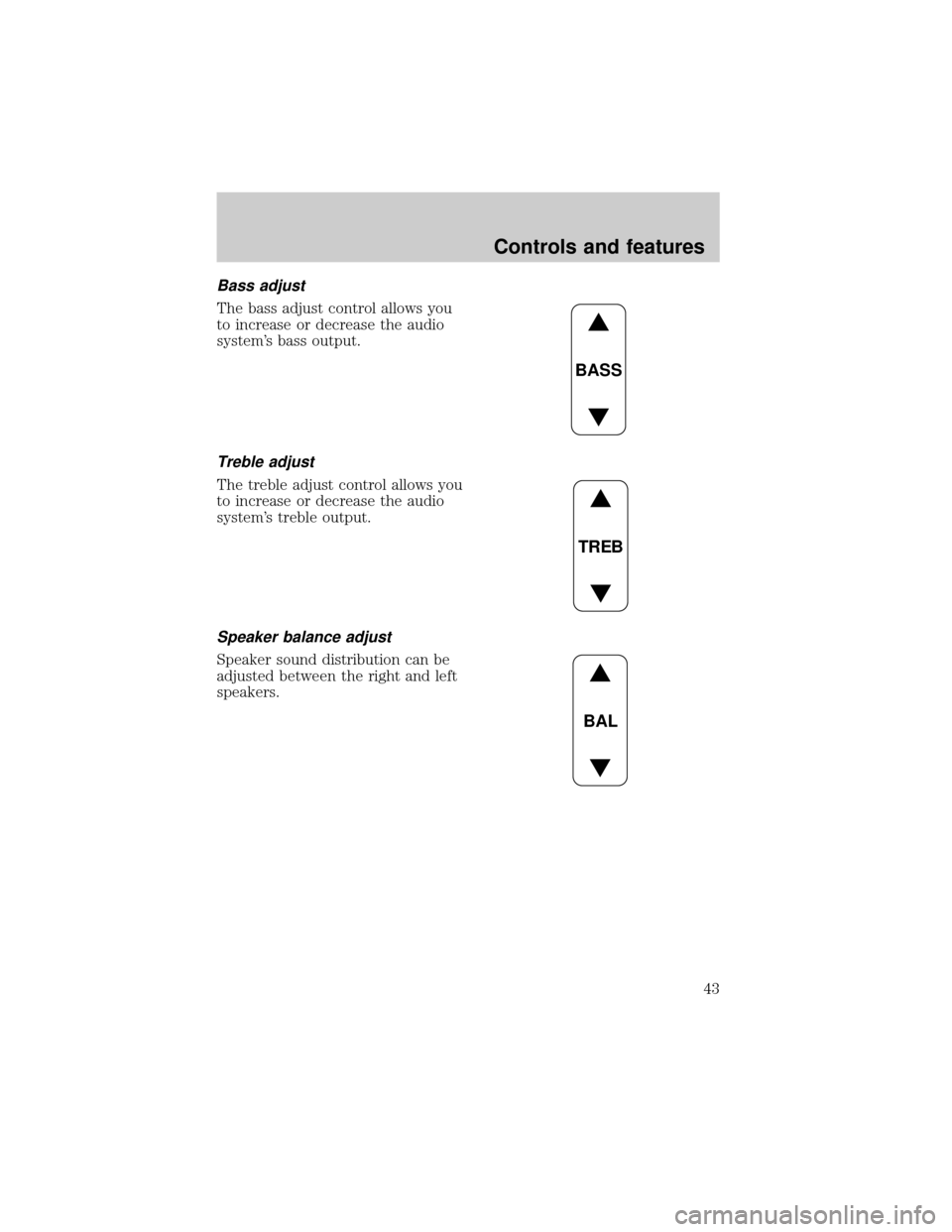
Bass adjust
The bass adjust control allows you
to increase or decrease the audio
system's bass output.
Treble adjust
The treble adjust control allows you
to increase or decrease the audio
system's treble output.
Speaker balance adjust
Speaker sound distribution can be
adjusted between the right and left
speakers.
BASS
TREB
BAL
Controls and features
43
Page 46 of 264
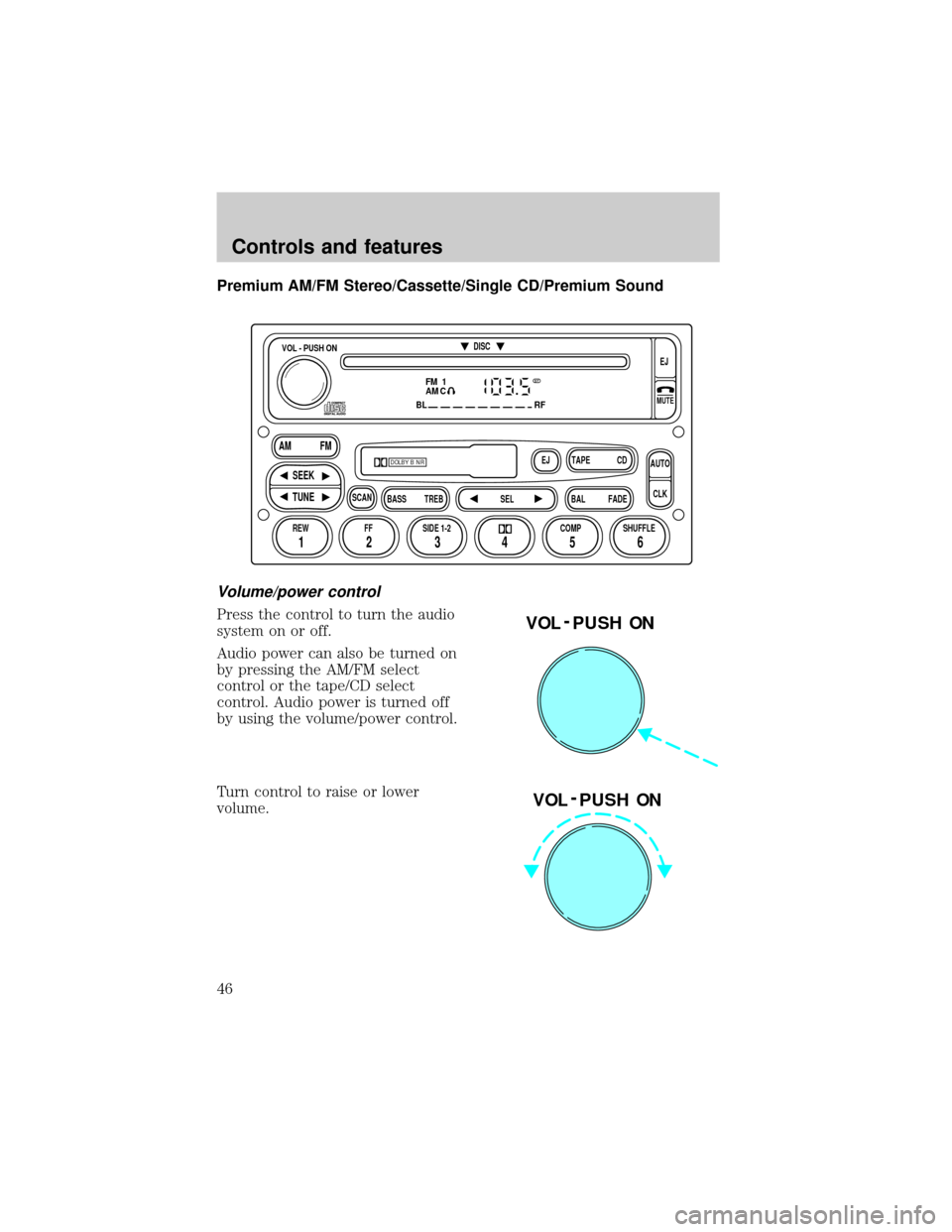
Premium AM/FM Stereo/Cassette/Single CD/Premium Sound
Volume/power control
Press the control to turn the audio
system on or off.
Audio power can also be turned on
by pressing the AM/FM select
control or the tape/CD select
control. Audio power is turned off
by using the volume/power control.
Turn control to raise or lower
volume.
FM 1
AMC
BL RF
REW FFSCAN
BASS TREB SEL BALTAPE DISC
EJ CD
FADEAUTO
CLK
SIDE 1-2 COMP SHUFFLEEJ
MUTE
VOL - PUSH ON
SEEK
TUNE AM FM
12 3456
DOLBY B NR
ST
VOL - PUSH ON
VOL - PUSH ON
Controls and features
46
Page 51 of 264
These stations are temporarily stored in the memory preset controls
(until deactivated) and are accessed in the same manner of your original
presets.
To deactivate autoset and return to your audio system's manually set
memory stations, press the AUTO control again.
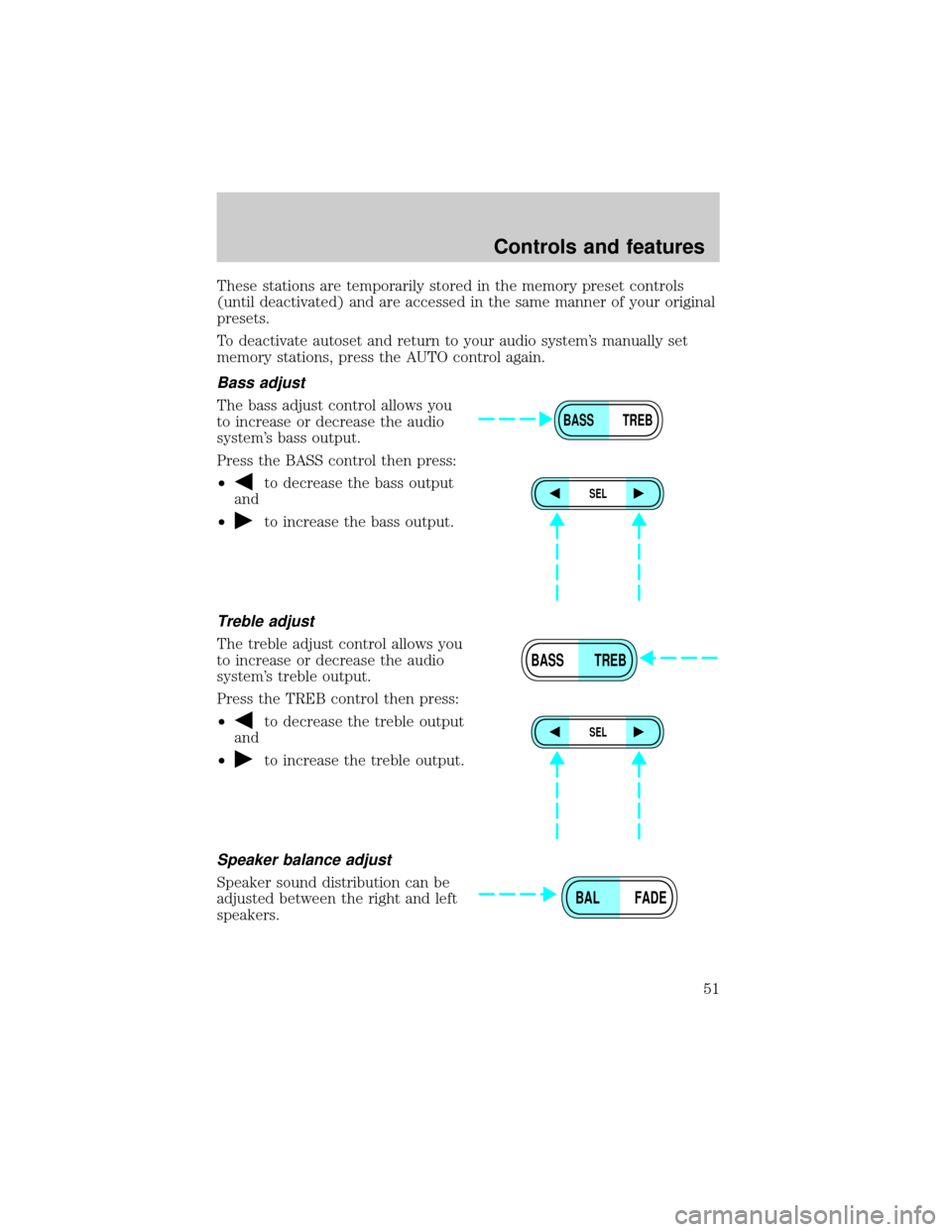
Bass adjust
The bass adjust control allows you
to increase or decrease the audio
system's bass output.
Press the BASS control then press:
²
to decrease the bass output
and
²
to increase the bass output.
Treble adjust
The treble adjust control allows you
to increase or decrease the audio
system's treble output.
Press the TREB control then press:
²
to decrease the treble output
and
²
to increase the treble output.
Speaker balance adjust
Speaker sound distribution can be
adjusted between the right and left
speakers.
BASS TREB
SEL
BASS TREB
SEL
BAL FADE
Controls and features
51
Page 52 of 264
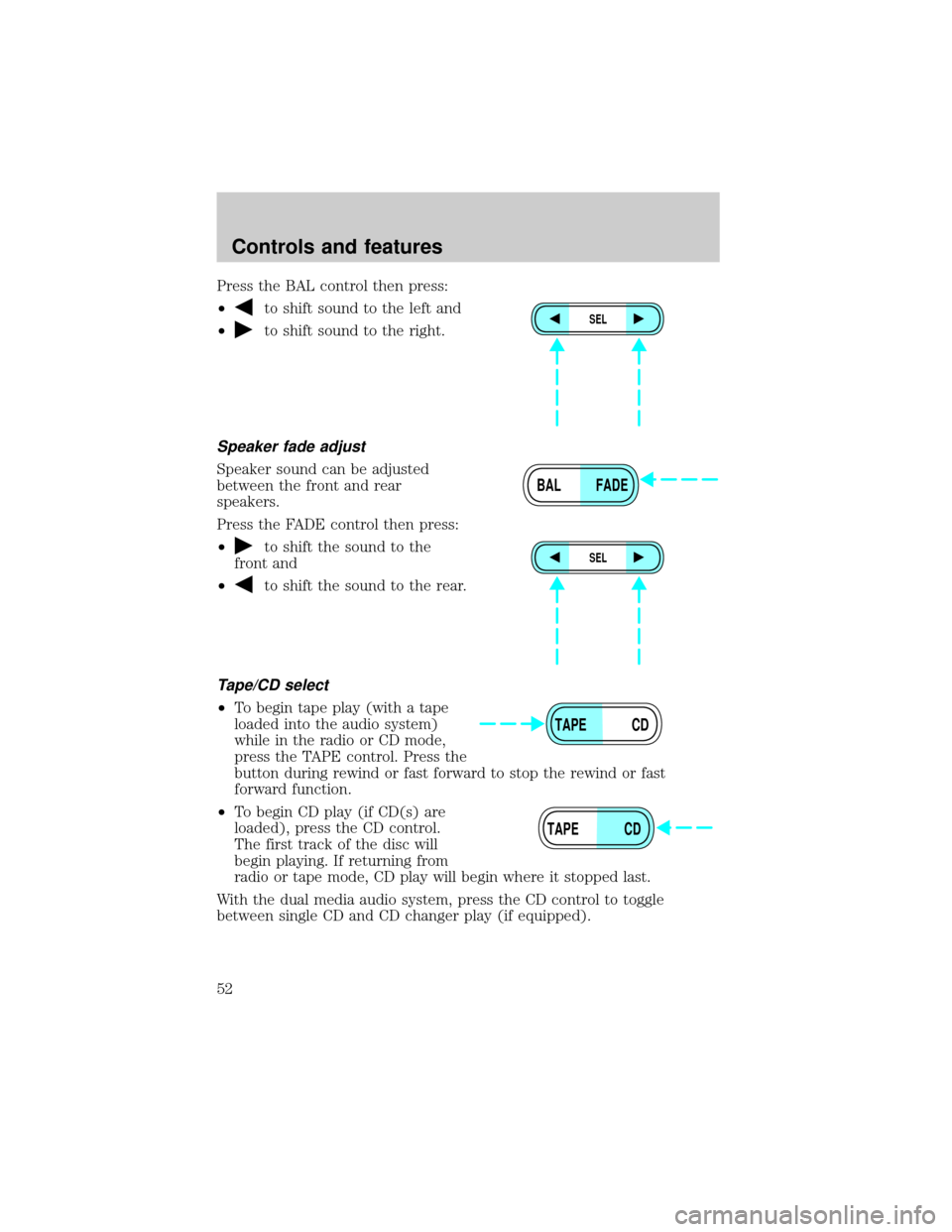
Press the BAL control then press:
²
to shift sound to the left and
²
to shift sound to the right.
Speaker fade adjust
Speaker sound can be adjusted
between the front and rear
speakers.
Press the FADE control then press:
²
to shift the sound to the
front and
²
to shift the sound to the rear.
Tape/CD select
²To begin tape play (with a tape
loaded into the audio system)
while in the radio or CD mode,
press the TAPE control. Press the
button during rewind or fast forward to stop the rewind or fast
forward function.
²To begin CD play (if CD(s) are
loaded), press the CD control.
The first track of the disc will
begin playing. If returning from
radio or tape mode, CD play will begin where it stopped last.
With the dual media audio system, press the CD control to toggle
between single CD and CD changer play (if equipped).
SEL
BAL FADE
SEL
TAPE CD
TAPE CD
Controls and features
52
Page 56 of 264
Mute mode
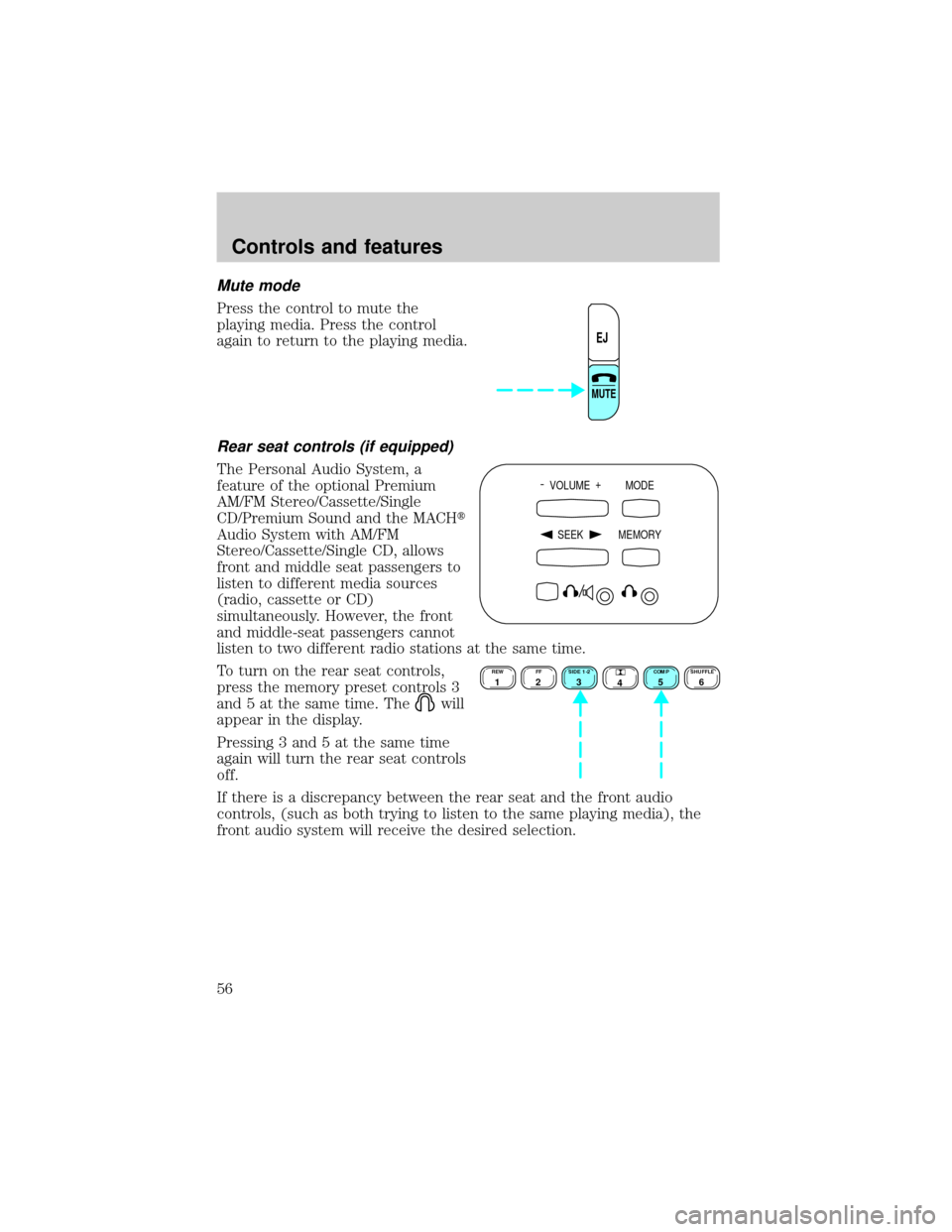
Press the control to mute the
playing media. Press the control
again to return to the playing media.
Rear seat controls (if equipped)
The Personal Audio System, a
feature of the optional Premium
AM/FM Stereo/Cassette/Single
CD/Premium Sound and the MACHt
Audio System with AM/FM
Stereo/Cassette/Single CD, allows
front and middle seat passengers to
listen to different media sources
(radio, cassette or CD)
simultaneously. However, the front
and middle-seat passengers cannot
listen to two different radio stations at the same time.
To turn on the rear seat controls,
press the memory preset controls 3
and 5 at the same time. The
will
appear in the display.
Pressing 3 and 5 at the same time
again will turn the rear seat controls
off.
If there is a discrepancy between the rear seat and the front audio
controls, (such as both trying to listen to the same playing media), the
front audio system will receive the desired selection.
EJ
MUTE
- VOLUME +
MODE
SEEK MEMORY
REW1FF2SIDE 1-23
4COMP5SHUFFLE6
Controls and features
56
Page 57 of 264
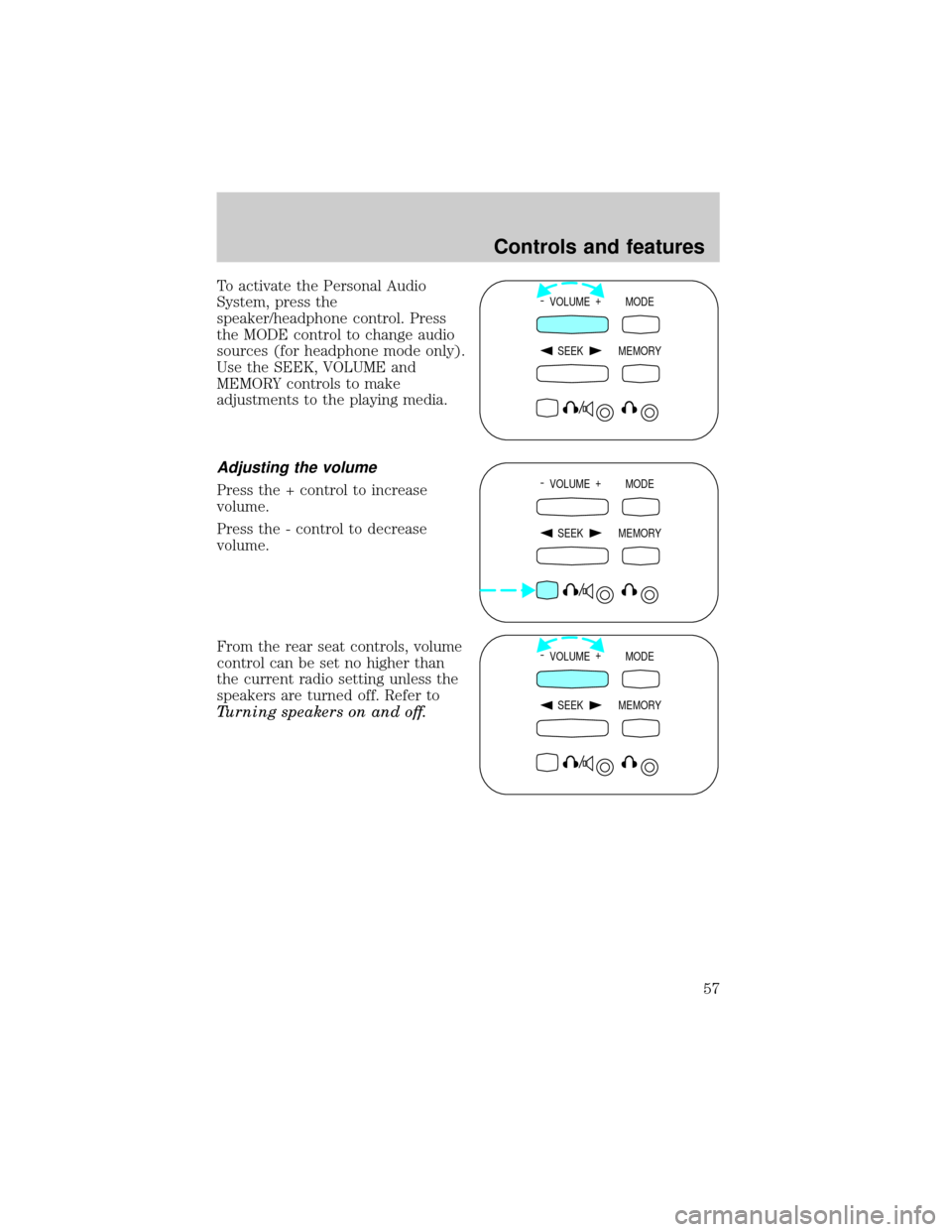
To activate the Personal Audio
System, press the
speaker/headphone control. Press
the MODE control to change audio
sources (for headphone mode only).
Use the SEEK, VOLUME and
MEMORY controls to make
adjustments to the playing media.
Adjusting the volume
Press the + control to increase
volume.
Press the - control to decrease
volume.
From the rear seat controls, volume
control can be set no higher than
the current radio setting unless the
speakers are turned off. Refer to
Turning speakers on and off.
- VOLUME +
MODE
SEEK MEMORY
- VOLUME +
MODE
SEEK MEMORY
- VOLUME +
MODE
SEEK MEMORY
Controls and features
57