display FORD EXPLORER 2009 4.G Workshop Manual
[x] Cancel search | Manufacturer: FORD, Model Year: 2009, Model line: EXPLORER, Model: FORD EXPLORER 2009 4.GPages: 407, PDF Size: 3.47 MB
Page 86 of 407
17.Temperature conversion:
Press to toggle between Fahrenheit
and Celsius temperature on the
DATC display only. The set point temperatures in Celsius will be
displayed in half-degree increments.
Operating tips
•To reduce fog build up on the windshield during humid weather, place
the air flow selector in the
position.
•To reduce humidity build up inside the vehicle, do not drive with the
air flow selector in OFF or with recirculated air engaged.
•Do not put objects under the front seats that will interfere with the
airflow to the rear seats.
•Remove any snow, ice or leaves from the air intake area at the base of
the windshield.
•To improve the A/C cool down, drive with the windows slightly open
for 2–3 minutes after start up or until the vehicle has been “aired out.”
•If you are driving during extreme high ambient temperatures and
idling for extended periods of time in gear, it is recommended to run
the A/C in the MAX A/C position, adjust the blower fan speed to the
lowest setting, turn off the rear A/C unit and put the vehicle’s
transmission into the P (Park) to continue to receive cool air from
your A/C system.
For maximum cooling performance:
•Select and A/C and recirculated air. Use recirculated air with A/C to
provide a cooler airflow.
•Move the temperature control to the coolest setting.
To allow side window defogging and demisting while warming up the
vehicle cabin:
1. Select
.
2. Select A/C.
3. Set the temperature control to maintain comfort.
4. Set the fan speed to the highest setting.
5. Direct the outer instrument panel vents towards the side windows. To
increase airflow to the outer instrument panel vents, close the vents
located in the middle of the instrument panel.
F C
2009 Explorer(exp)
Owners Guide, 1st Printing
USA(fus)
Climate Controls
86
Page 91 of 407
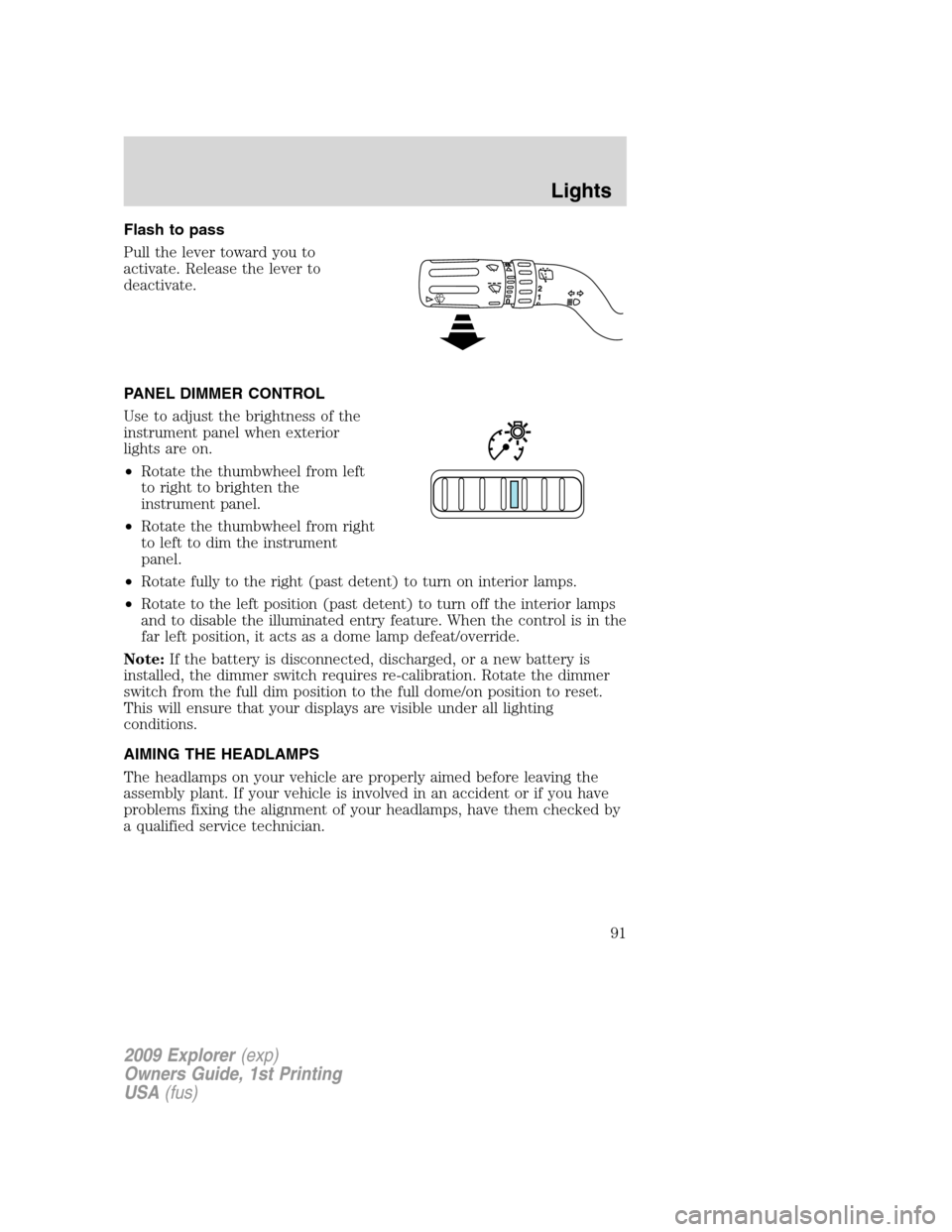
Flash to pass
Pull the lever toward you to
activate. Release the lever to
deactivate.
PANEL DIMMER CONTROL
Use to adjust the brightness of the
instrument panel when exterior
lights are on.
•Rotate the thumbwheel from left
to right to brighten the
instrument panel.
•Rotate the thumbwheel from right
to left to dim the instrument
panel.
•Rotate fully to the right (past detent) to turn on interior lamps.
•Rotate to the left position (past detent) to turn off the interior lamps
and to disable the illuminated entry feature. When the control is in the
far left position, it acts as a dome lamp defeat/override.
Note:If the battery is disconnected, discharged, or a new battery is
installed, the dimmer switch requires re-calibration. Rotate the dimmer
switch from the full dim position to the full dome/on position to reset.
This will ensure that your displays are visible under all lighting
conditions.
AIMING THE HEADLAMPS
The headlamps on your vehicle are properly aimed before leaving the
assembly plant. If your vehicle is involved in an accident or if you have
problems fixing the alignment of your headlamps, have them checked by
a qualified service technician.
2009 Explorer(exp)
Owners Guide, 1st Printing
USA(fus)
Lights
91
Page 115 of 407
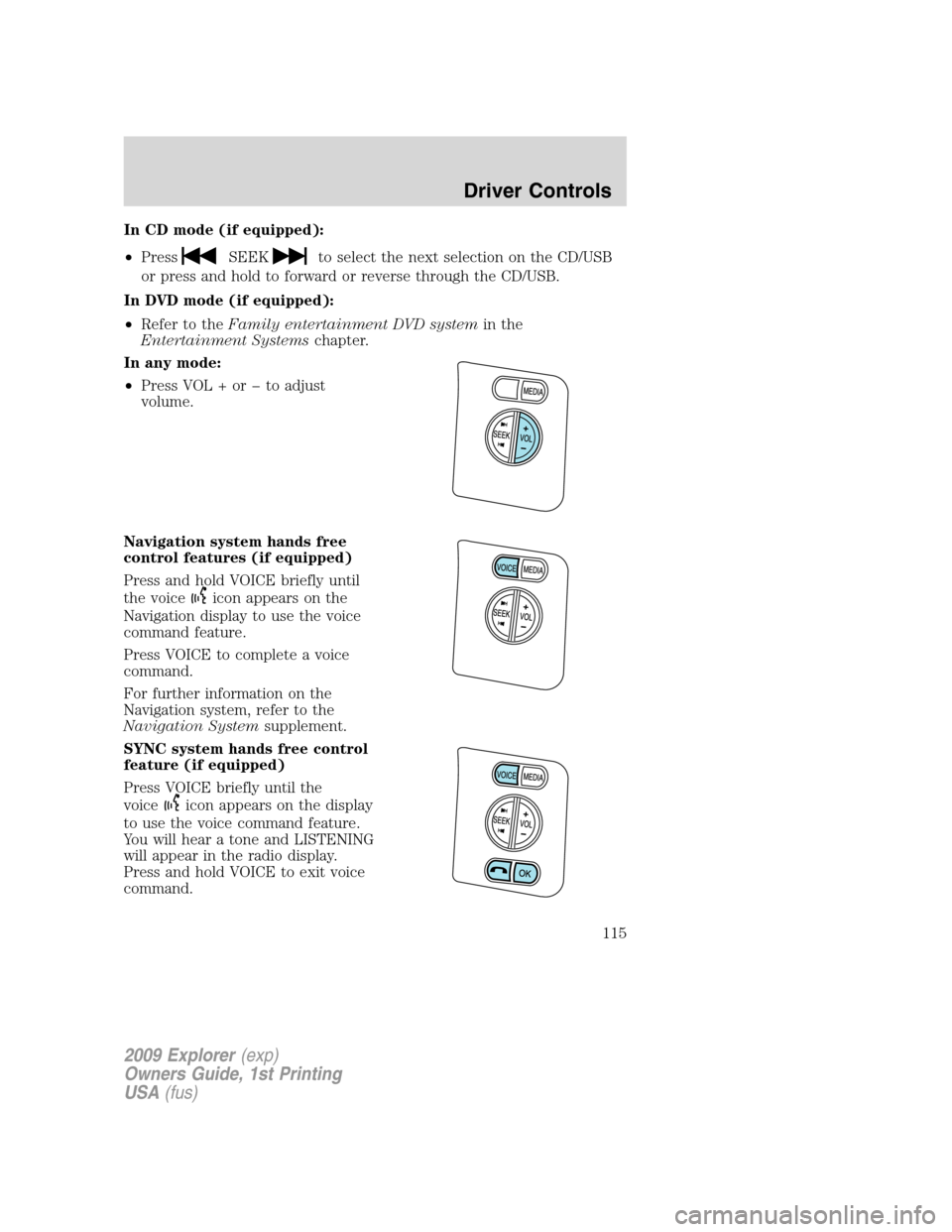
In CD mode (if equipped):
•Press
SEEKto select the next selection on the CD/USB
or press and hold to forward or reverse through the CD/USB.
In DVD mode (if equipped):
•Refer to theFamily entertainment DVD systemin the
Entertainment Systemschapter.
In any mode:
•Press VOL + or to adjust
volume.
Navigation system hands free
control features (if equipped)
Press and hold VOICE briefly until
the voice
icon appears on the
Navigation display to use the voice
command feature.
Press VOICE to complete a voice
command.
For further information on the
Navigation system, refer to the
Navigation Systemsupplement.
SYNC system hands free control
feature (if equipped)
Press VOICE briefly until the
voice
icon appears on the display
to use the voice command feature.
You will hear a tone and LISTENING
will appear in the radio display.
Press and hold VOICE to exit voice
command.
2009 Explorer(exp)
Owners Guide, 1st Printing
USA(fus)
Driver Controls
115
Page 116 of 407
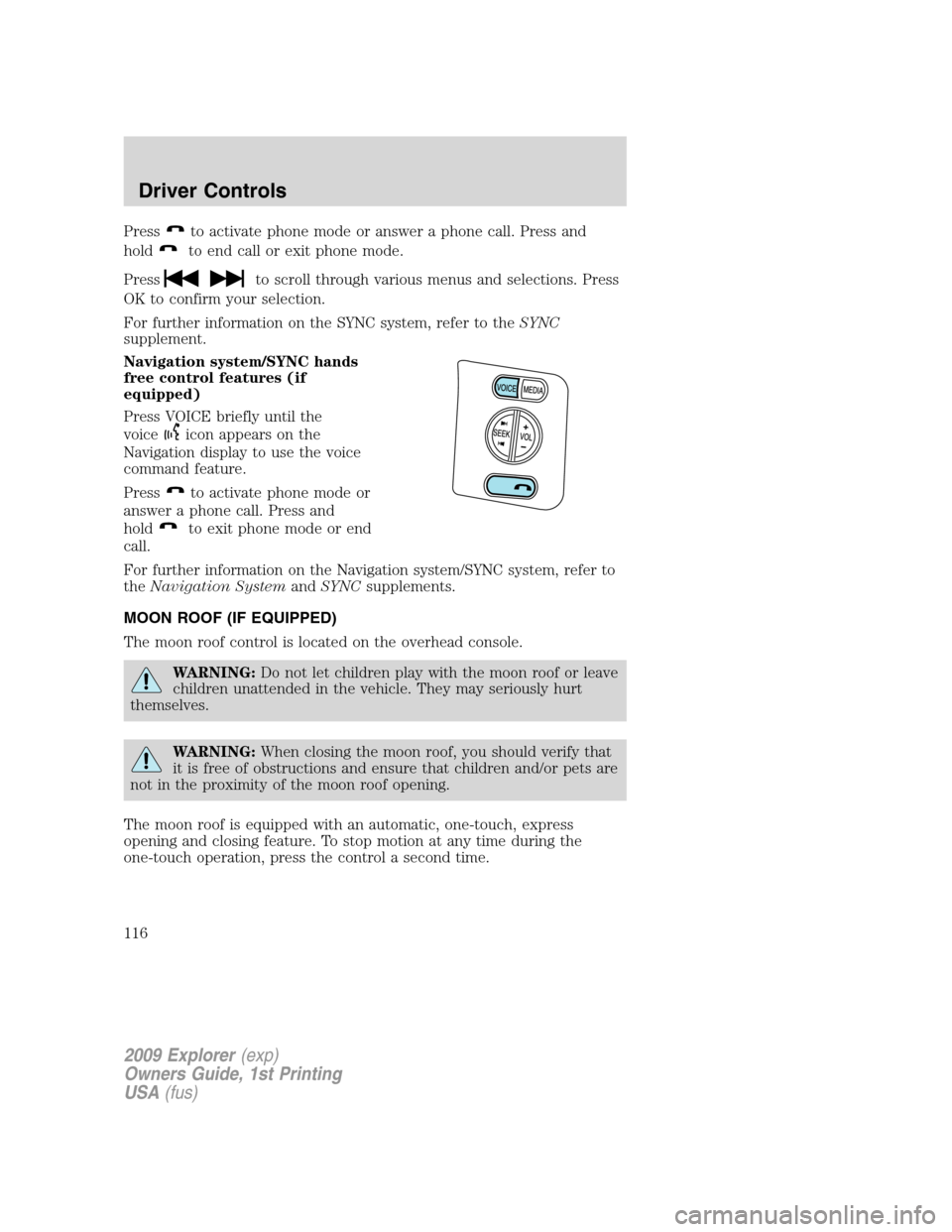
Pressto activate phone mode or answer a phone call. Press and
hold
to end call or exit phone mode.
Press
to scroll through various menus and selections. Press
OK to confirm your selection.
For further information on the SYNC system, refer to theSYNC
supplement.
Navigation system/SYNC hands
free control features (if
equipped)
Press VOICE briefly until the
voice
icon appears on the
Navigation display to use the voice
command feature.
Press
to activate phone mode or
answer a phone call. Press and
hold
to exit phone mode or end
call.
For further information on the Navigation system/SYNC system, refer to
theNavigation SystemandSYNCsupplements.
MOON ROOF (IF EQUIPPED)
The moon roof control is located on the overhead console.
WARNING:Do not let children play with the moon roof or leave
children unattended in the vehicle. They may seriously hurt
themselves.
WARNING:When closing the moon roof, you should verify that
it is free of obstructions and ensure that children and/or pets are
not in the proximity of the moon roof opening.
The moon roof is equipped with an automatic, one-touch, express
opening and closing feature. To stop motion at any time during the
one-touch operation, press the control a second time.
2009 Explorer(exp)
Owners Guide, 1st Printing
USA(fus)
Driver Controls
116
Page 123 of 407
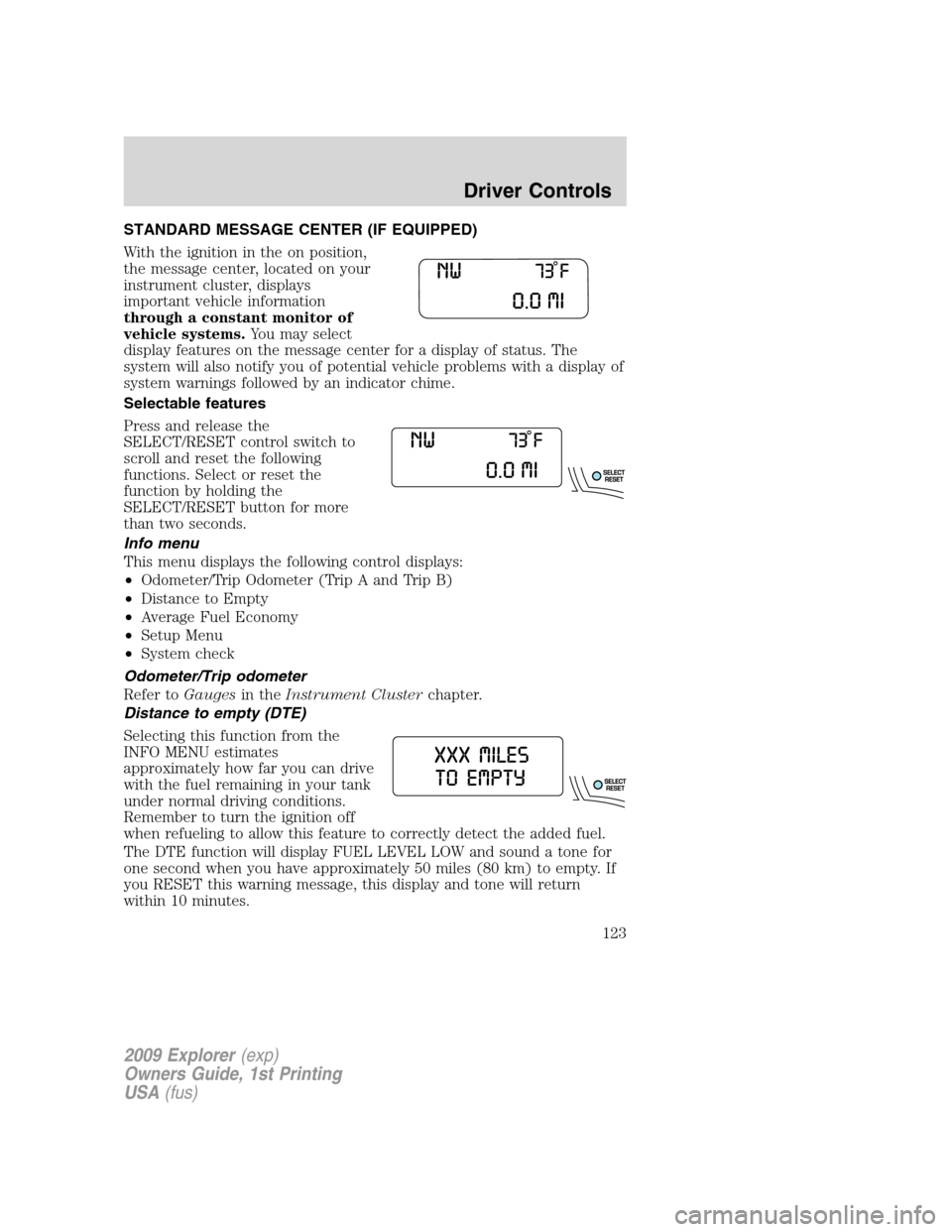
STANDARD MESSAGE CENTER (IF EQUIPPED)
With the ignition in the on position,
the message center, located on your
instrument cluster, displays
important vehicle information
through a constant monitor of
vehicle systems.You may select
display features on the message center for a display of status. The
system will also notify you of potential vehicle problems with a display of
system warnings followed by an indicator chime.
Selectable features
Press and release the
SELECT/RESET control switch to
scroll and reset the following
functions. Select or reset the
function by holding the
SELECT/RESET button for more
than two seconds.
Info menu
This menu displays the following control displays:
•Odometer/Trip Odometer (Trip A and Trip B)
•Distance to Empty
•Average Fuel Economy
•Setup Menu
•System check
Odometer/Trip odometer
Refer toGaugesin theInstrument Clusterchapter.
Distance to empty (DTE)
Selecting this function from the
INFO MENU estimates
approximately how far you can drive
with the fuel remaining in your tank
under normal driving conditions.
Remember to turn the ignition off
when refueling to allow this feature to correctly detect the added fuel.
The DTE function will display FUEL LEVEL LOW and sound a tone for
one second when you have approximately 50 miles (80 km) to empty. If
you RESET this warning message, this display and tone will return
within 10 minutes.
2009 Explorer(exp)
Owners Guide, 1st Printing
USA(fus)
Driver Controls
123
Page 124 of 407
DTE is calculated using a running average fuel economy, which is based
on your recent driving history of 500 miles (800 km). This value is not
the same as the average fuel economy display. The running average fuel
economy is reinitialized to a factory default value if the battery is
disconnected.
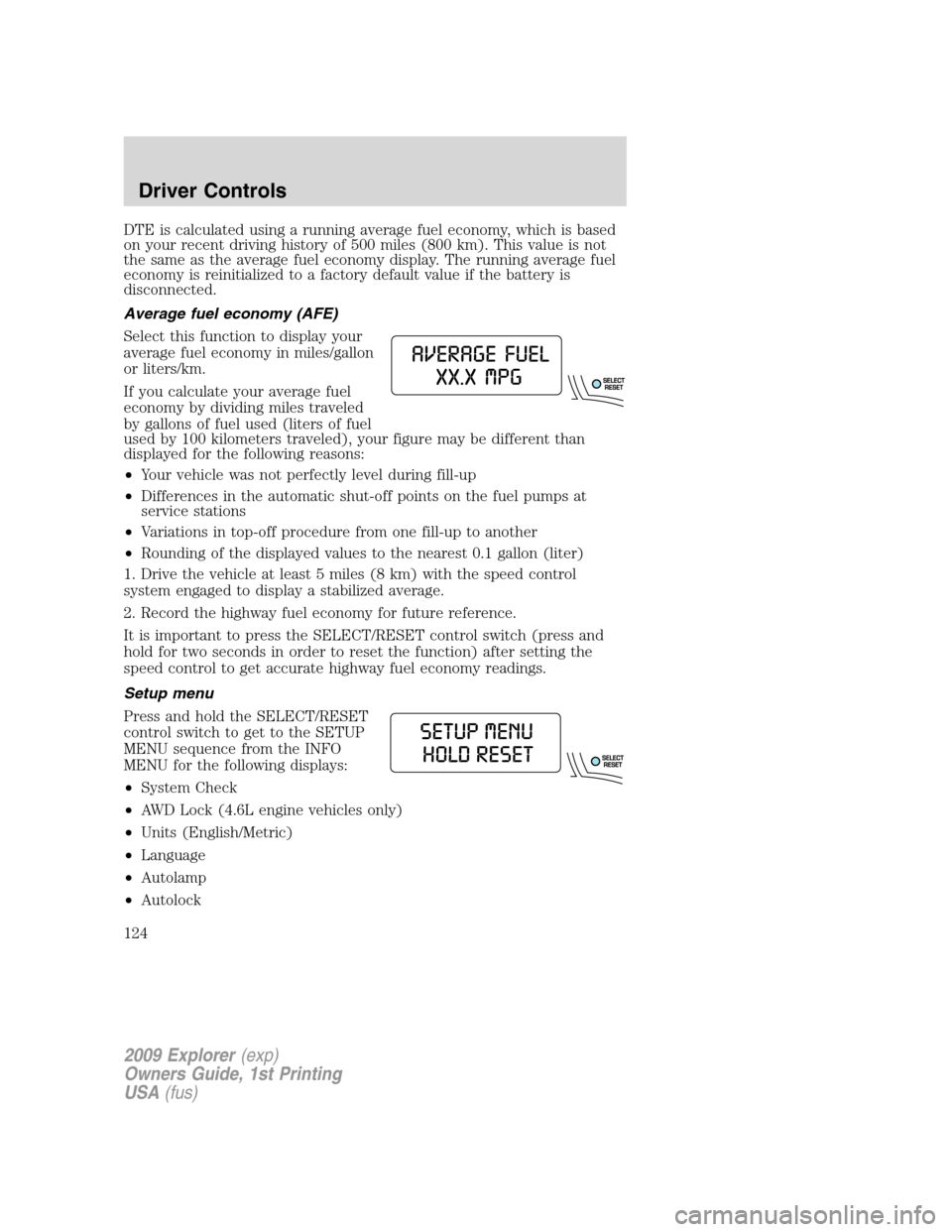
Average fuel economy (AFE)
Select this function to display your
average fuel economy in miles/gallon
or liters/km.
If you calculate your average fuel
economy by dividing miles traveled
by gallons of fuel used (liters of fuel
used by 100 kilometers traveled), your figure may be different than
displayed for the following reasons:
•Your vehicle was not perfectly level during fill-up
•Differences in the automatic shut-off points on the fuel pumps at
service stations
•Variations in top-off procedure from one fill-up to another
•Rounding of the displayed values to the nearest 0.1 gallon (liter)
1. Drive the vehicle at least 5 miles (8 km) with the speed control
system engaged to display a stabilized average.
2. Record the highway fuel economy for future reference.
It is important to press the SELECT/RESET control switch (press and
hold for two seconds in order to reset the function) after setting the
speed control to get accurate highway fuel economy readings.
Setup menu
Press and hold the SELECT/RESET
control switch to get to the SETUP
MENU sequence from the INFO
MENU for the following displays:
•System Check
•AWD Lock (4.6L engine vehicles only)
•Units (English/Metric)
•Language
•Autolamp
•Autolock
2009 Explorer(exp)
Owners Guide, 1st Printing
USA(fus)
Driver Controls
124
Page 125 of 407
•Autounlock
•Park Aid (if equipped)
•Trailer sway control
•Oil Life Reset and Start Value
•Compass display
•Compass zone adjustment
•Compass calibration adjustment
Briefly press the SELECT/RESET control switch to scroll through the
SETUP MENU display sequence. If the SELECT/RESET control switch is
not pressed within four seconds, the message center returns to the Info
Menu.
AWD lock (4.6L engine vehicles only)
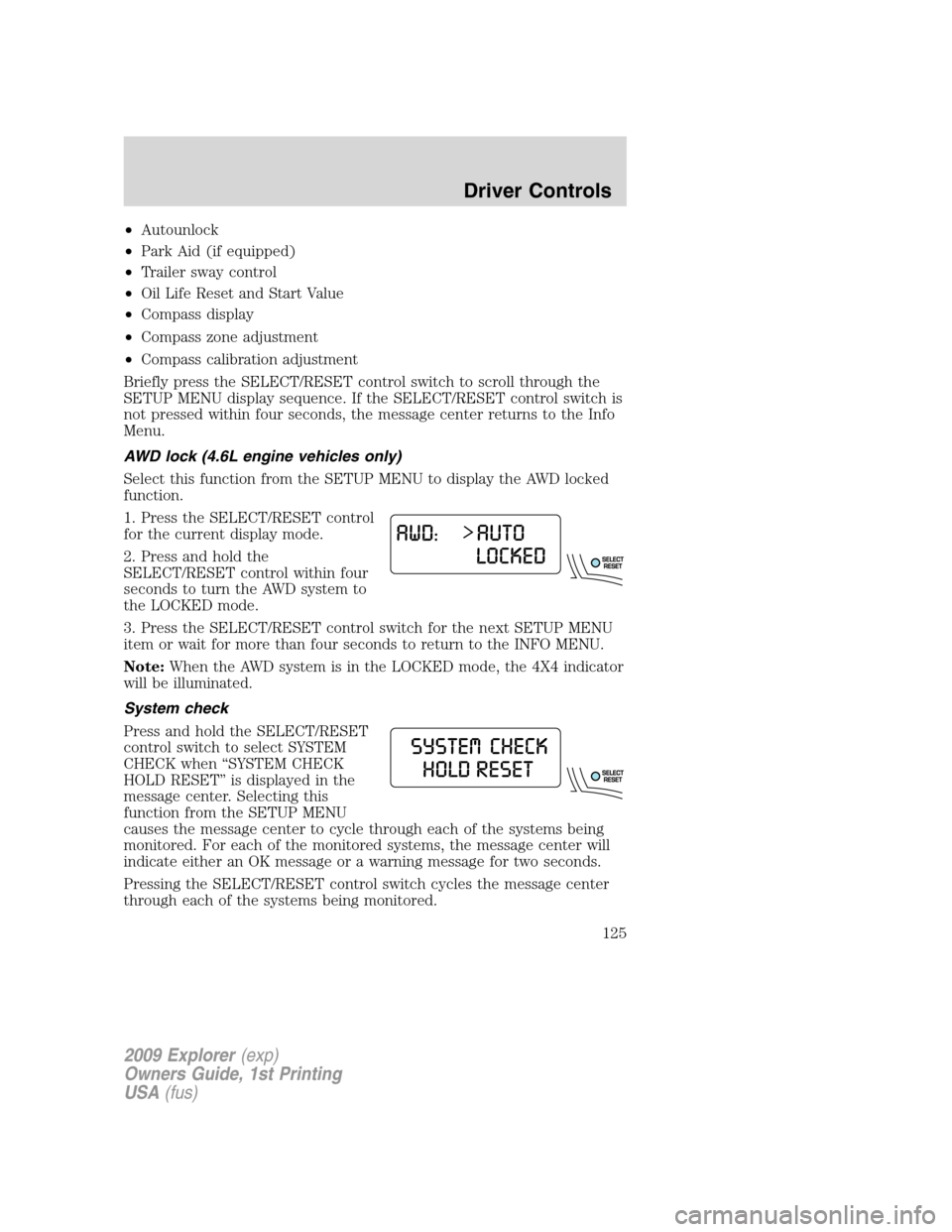
Select this function from the SETUP MENU to display the AWD locked
function.
1. Press the SELECT/RESET control
for the current display mode.
2. Press and hold the
SELECT/RESET control within four
seconds to turn the AWD system to
the LOCKED mode.
3. Press the SELECT/RESET control switch for the next SETUP MENU
item or wait for more than four seconds to return to the INFO MENU.
Note:When the AWD system is in the LOCKED mode, the 4X4 indicator
will be illuminated.
System check
Press and hold the SELECT/RESET
control switch to select SYSTEM
CHECK when “SYSTEM CHECK
HOLD RESET” is displayed in the
message center. Selecting this
function from the SETUP MENU
causes the message center to cycle through each of the systems being
monitored. For each of the monitored systems, the message center will
indicate either an OK message or a warning message for two seconds.
Pressing the SELECT/RESET control switch cycles the message center
through each of the systems being monitored.
2009 Explorer(exp)
Owners Guide, 1st Printing
USA(fus)
Driver Controls
125
Page 126 of 407
The sequence of the system check report and how it appears in the
message center is as follows:
1. OIL LIFE
2. CHARGING SYSTEM
3. WASHER FLUID
4. DOOR AJAR
5. EXTERIOR LAMP
6. BRAKE FLUID LEVEL
7. PARK BRAKE
8. MILES TO EMPTY
9. FUEL LEVEL LOW (will only display if 50 miles [80 km] or less to
empty)
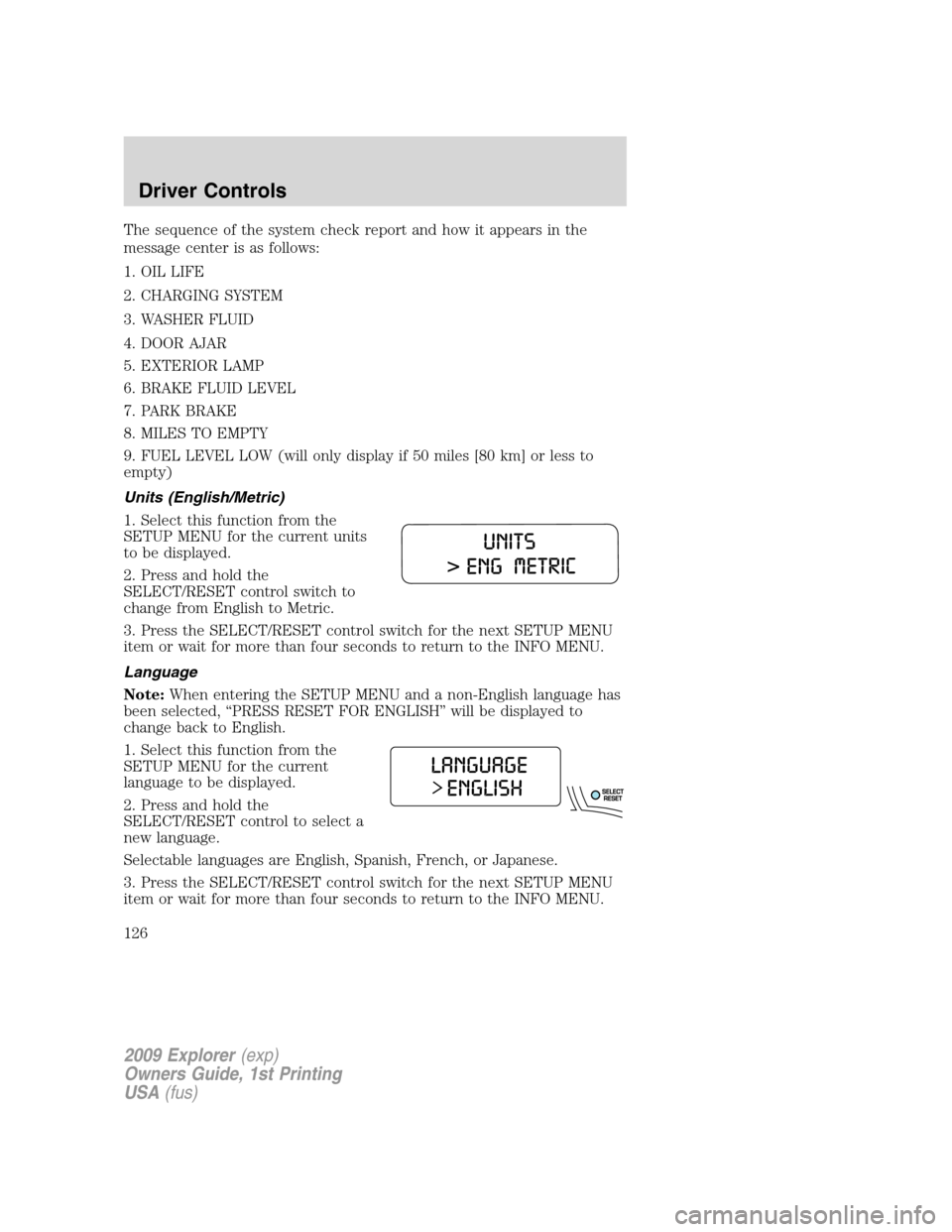
Units (English/Metric)
1. Select this function from the
SETUP MENU for the current units
to be displayed.
2. Press and hold the
SELECT/RESET control switch to
change from English to Metric.
3. Press the SELECT/RESET control switch for the next SETUP MENU
item or wait for more than four seconds to return to the INFO MENU.
Language
Note:When entering the SETUP MENU and a non-English language has
been selected, “PRESS RESET FOR ENGLISH” will be displayed to
change back to English.
1. Select this function from the
SETUP MENU for the current
language to be displayed.
2. Press and hold the
SELECT/RESET control to select a
new language.
Selectable languages are English, Spanish, French, or Japanese.
3. Press the SELECT/RESET control switch for the next SETUP MENU
item or wait for more than four seconds to return to the INFO MENU.
2009 Explorer(exp)
Owners Guide, 1st Printing
USA(fus)
Driver Controls
126
Page 128 of 407
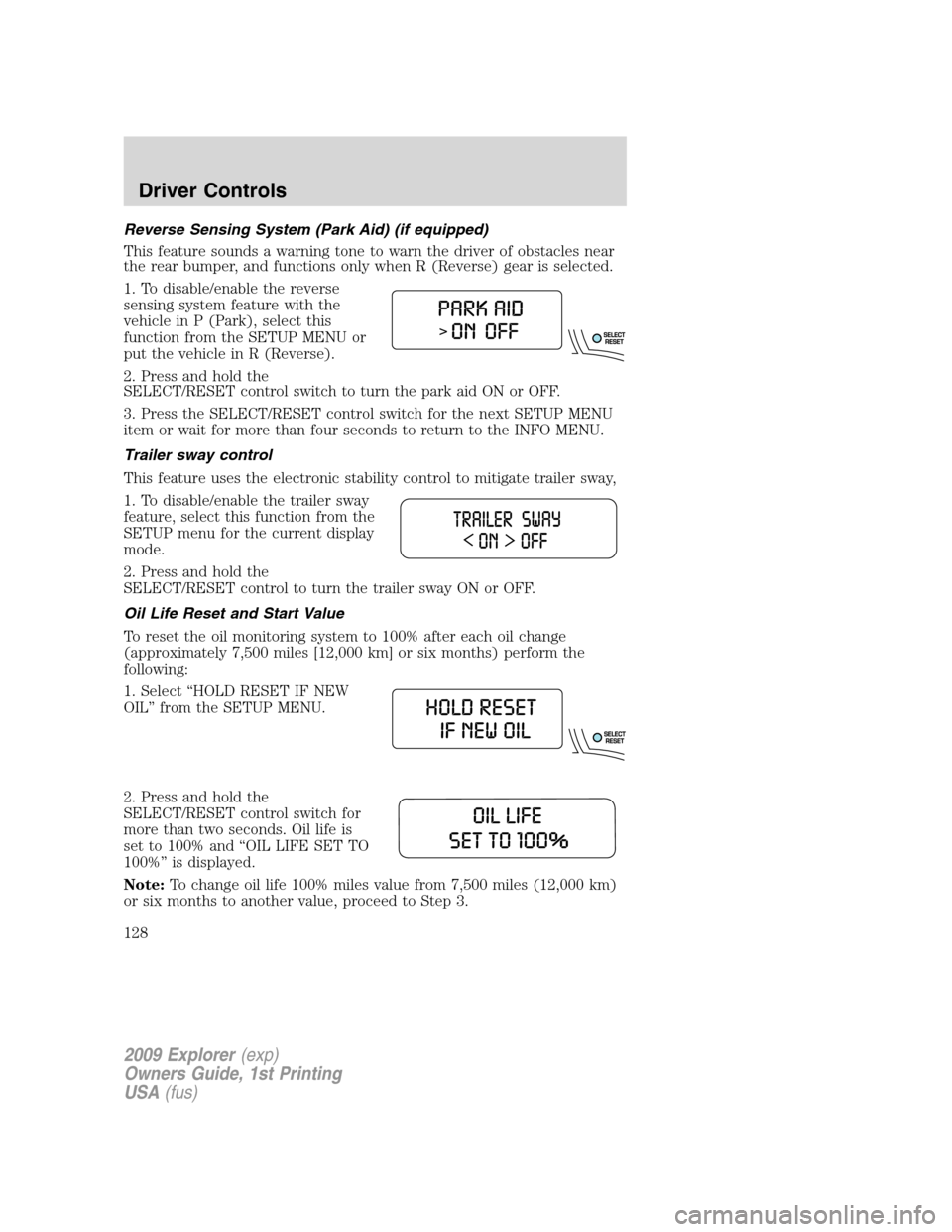
Reverse Sensing System (Park Aid) (if equipped)
This feature sounds a warning tone to warn the driver of obstacles near
the rear bumper, and functions only when R (Reverse) gear is selected.
1. To disable/enable the reverse
sensing system feature with the
vehicle in P (Park), select this
function from the SETUP MENU or
put the vehicle in R (Reverse).
2. Press and hold the
SELECT/RESET control switch to turn the park aid ON or OFF.
3. Press the SELECT/RESET control switch for the next SETUP MENU
item or wait for more than four seconds to return to the INFO MENU.
Trailer sway control
This feature uses the electronic stability control to mitigate trailer sway,
1. To disable/enable the trailer sway
feature, select this function from the
SETUP menu for the current display
mode.
2. Press and hold the
SELECT/RESET control to turn the trailer sway ON or OFF.
Oil Life Reset and Start Value
To reset the oil monitoring system to 100% after each oil change
(approximately 7,500 miles [12,000 km] or six months) perform the
following:
1. Select “HOLD RESET IF NEW
OIL” from the SETUP MENU.
2. Press and hold the
SELECT/RESET control switch for
more than two seconds. Oil life is
set to 100% and “OIL LIFE SET TO
100%” is displayed.
Note:To change oil life 100% miles value from 7,500 miles (12,000 km)
or six months to another value, proceed to Step 3.
2009 Explorer(exp)
Owners Guide, 1st Printing
USA(fus)
Driver Controls
128
Page 129 of 407
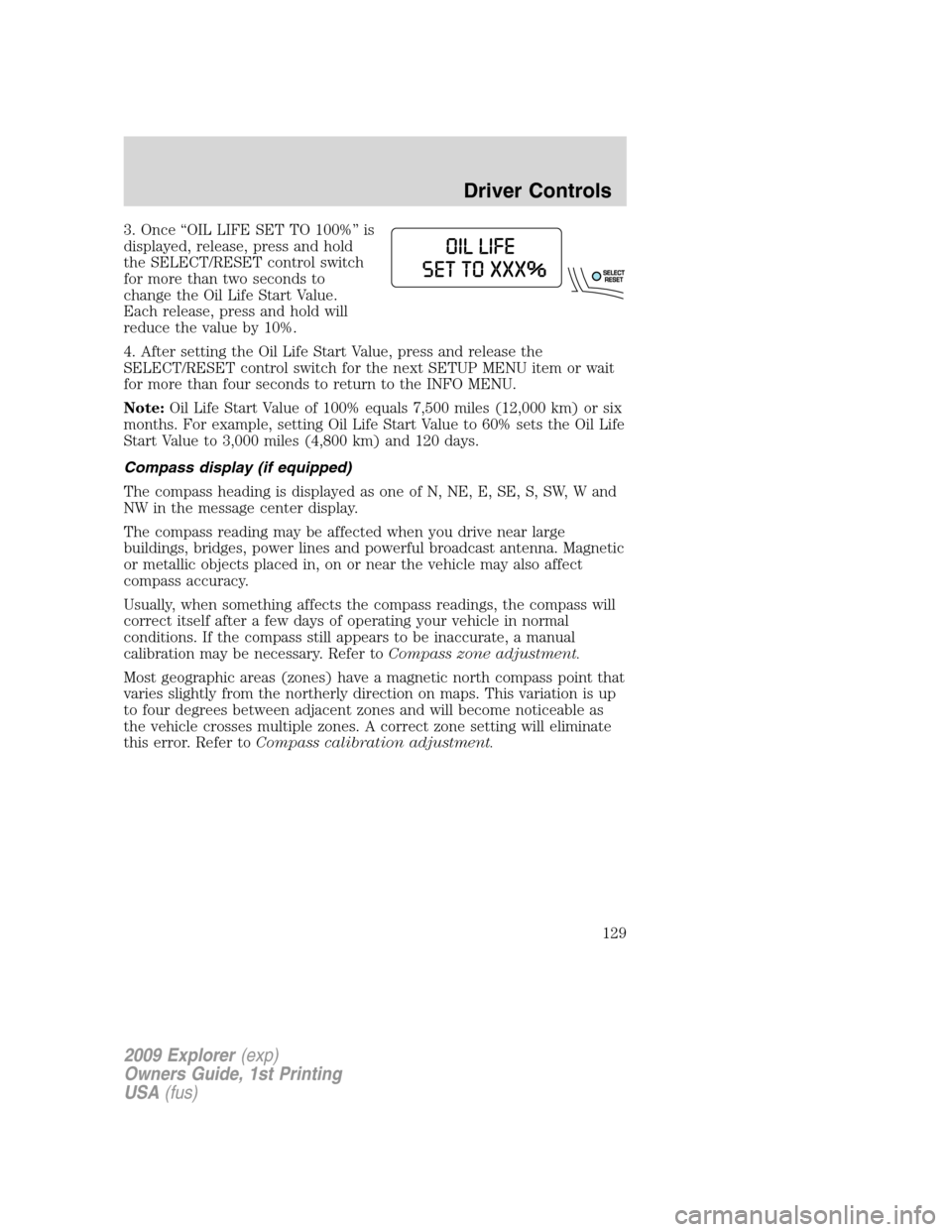
3. Once “OIL LIFE SET TO 100%” is
displayed, release, press and hold
the SELECT/RESET control switch
for more than two seconds to
change the Oil Life Start Value.
Each release, press and hold will
reduce the value by 10%.
4. After setting the Oil Life Start Value, press and release the
SELECT/RESET control switch for the next SETUP MENU item or wait
for more than four seconds to return to the INFO MENU.
Note:Oil Life Start Value of 100% equals 7,500 miles (12,000 km) or six
months. For example, setting Oil Life Start Value to 60% sets the Oil Life
Start Value to 3,000 miles (4,800 km) and 120 days.
Compass display (if equipped)
The compass heading is displayed as one of N, NE, E, SE, S, SW, W and
NW in the message center display.
The compass reading may be affected when you drive near large
buildings, bridges, power lines and powerful broadcast antenna. Magnetic
or metallic objects placed in, on or near the vehicle may also affect
compass accuracy.
Usually, when something affects the compass readings, the compass will
correct itself after a few days of operating your vehicle in normal
conditions. If the compass still appears to be inaccurate, a manual
calibration may be necessary. Refer toCompass zone adjustment.
Most geographic areas (zones) have a magnetic north compass point that
varies slightly from the northerly direction on maps. This variation is up
to four degrees between adjacent zones and will become noticeable as
the vehicle crosses multiple zones. A correct zone setting will eliminate
this error. Refer toCompass calibration adjustment.
2009 Explorer(exp)
Owners Guide, 1st Printing
USA(fus)
Driver Controls
129