warning lights FORD EXPLORER 2013 5.G User Guide
[x] Cancel search | Manufacturer: FORD, Model Year: 2013, Model line: EXPLORER, Model: FORD EXPLORER 2013 5.GPages: 576, PDF Size: 6.87 MB
Page 207 of 576
The fast restart feature allows you to restart your vehicle within
20 seconds of switching the vehicle off, if a valid passive key is not
present. Apply the brake pedal and press the start button for up to
20 seconds. After 20 seconds have expired, you can no longer start your
vehicle without the passive key present inside the vehicle.
Once the vehicle has started, the vehicle will remain running until being
turned off by the start button, even if the passive key is no longer found
in the vehicle. Whenever a door is opened and then closed while the
vehicle is running, the system will search for a passive key inside the
vehicle. If the passive key is no longer present in the vehicle, you will not
be able to restart your vehicle outside of the fast restart time.
Your vehicle may have remote start capability. Refer toRemote startin
theKeys and Remote Controlchapter.
STARTING A GASOLINE ENGINE
When the engine starts, the idle RPM runs faster to warm the engine. If
the engine idle speed does not slow down automatically, have the vehicle
checked.
Before starting the vehicle:
•Make sure all occupants buckle their safety belts.
•Make sure the headlamps and electrical accessories are off.
•Make sure the parking brake is set.
•Make sure the gearshift is in P (Park).
•Turn the key to on without turning the key to start.
Some warning lights will briefly illuminate.
Note:Do not touch the accelerator pedal.
1. Select park or neutral.
2. Fully press the brake pedal.
3. Turn the key to start the engine. The engine may continue cranking
for up to 15 seconds or until the vehicle starts.
Note:If the engine does not start on the first try, wait for a short period
of time and try again.
If you have difficulty starting the engine when the temperature is below
-13°F (-25°C), press the accelerator pedal slightly and try again.
Starting and Stopping the Engine207
2013 Explorer(exp)
Owners Guide gf, 1st Printing
USA(fus)
Page 226 of 576
HILL START ASSIST
WARNING:The hill start assist feature does not replace the
parking brake. When you leave the vehicle, always apply the
parking brake and shift the transmission into P (Park).
WARNING:You must remain in the vehicle once you have
activated the hill start assist feature.
WARNING:During all times, you are responsible for controlling
the vehicle, supervising the hill start assist system and
intervening, if required.
WARNING:If the engine is revved excessively, or if a
malfunction is detected when the hill start assist feature is active,
the hill start assist feature will be deactivated.
Note:This feature will not operate if the parking brake is activated.
Hill start assist keeps your vehicle stationary long enough to move your
foot from the brake pedal to the accelerator pedal when your vehicle is
on a slope.
The brakes are released automatically once the engine has developed
sufficient drive to prevent the vehicle from rolling down the slope. This is
an advantage when pulling away on a slope, (for example from a car park
ramp, traffic lights or when reversing uphill into a parking space).
Using Hill Start Assist
1. Press the brake pedal to bring the vehicle to a complete standstill.
Keep the brake pedal pressed.
2. If the sensors detect that the vehicle is on a slope, the hill start assist
feature will be activated automatically.
3. When you remove your foot from the brake pedal, the vehicle will
remain on the slope without rolling away for approximately two or three
seconds. This hold time will automatically be extended if you are in the
process of driving off.
4. Drive off in the normal manner. The brakes will be released automatically.
226Transmission
2013 Explorer(exp)
Owners Guide gf, 1st Printing
USA(fus)
Page 236 of 576
PRINCIPLES OF OPERATION
The traction control system helps avoid drive wheel spin and loss of
traction.
If your vehicle begins to slide, the system applies the brakes to individual
wheels and, when needed, reduces engine power at the same time. If the
wheels spin when accelerating on slippery or loose surfaces, the system
reduces engine power in order to increase traction.
USING TRACTION CONTROL
In certain situations (e.g. stuck in snow or mud), turning the traction
control off may be beneficial as this allows the wheels to spin with full
engine power. Turn off the traction control system using the information
display control. Refer to theInformation Displayschapter.
System indicator lights and messages
WARNING:If a failure has been detected within the Traction
Control System, the stability control light will illuminate steadily.
Verify that the Traction Control System was not manually disabled using
the information display control. If the stability control light still
illuminates steadily, have the system serviced by an authorized dealer
immediately. Operating your vehicle with Traction Control disabled
could lead to an increased risk of loss of vehicle control, vehicle
rollover, personal injury and death.
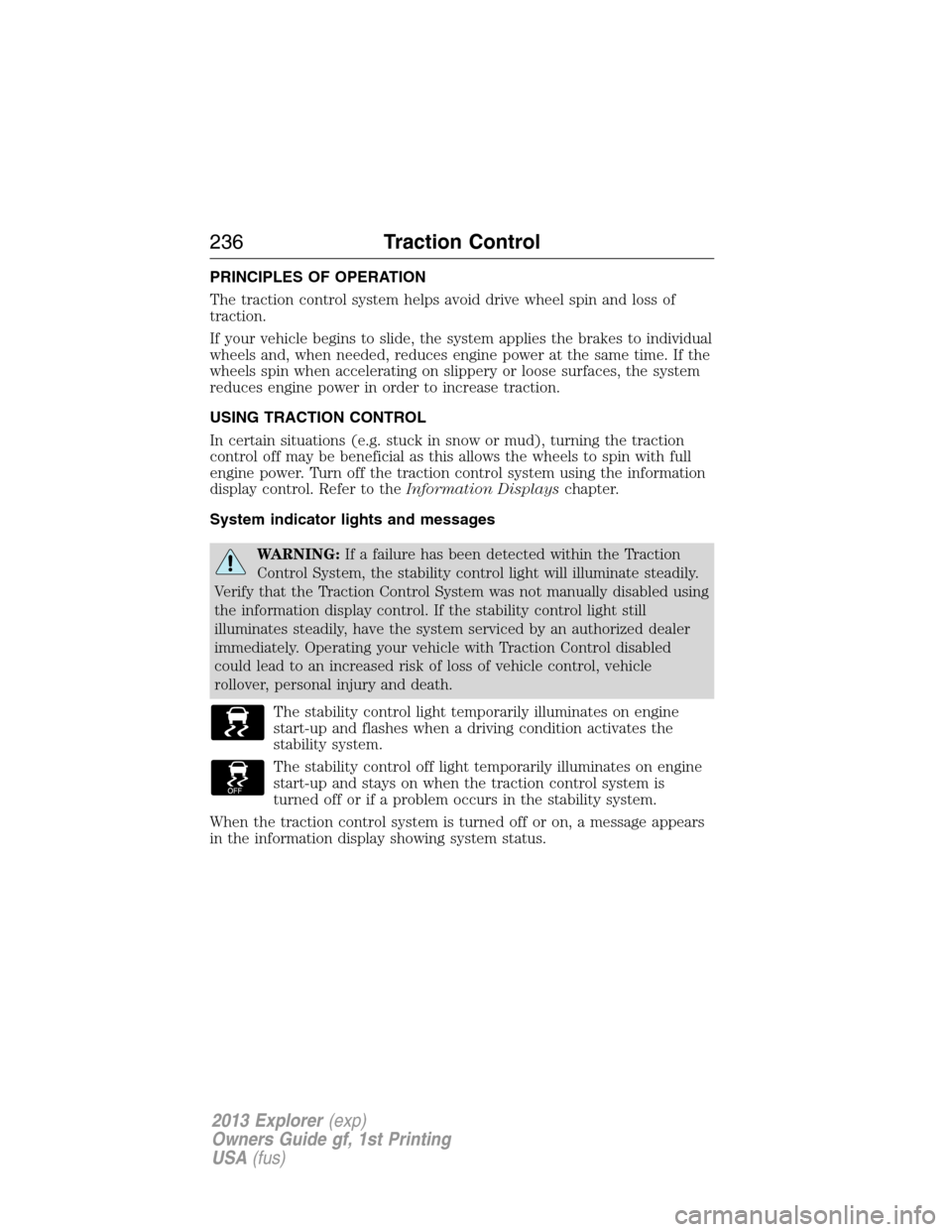
The stability control light temporarily illuminates on engine
start-up and flashes when a driving condition activates the
stability system.
The stability control off light temporarily illuminates on engine
start-up and stays on when the traction control system is
turned off or if a problem occurs in the stability system.
When the traction control system is turned off or on, a message appears
in the information display showing system status.
236Traction Control
2013 Explorer(exp)
Owners Guide gf, 1st Printing
USA(fus)
Page 252 of 576
Visual Park Aid Alert
Note:Visual park alert is only available when the transmission is in R
(Reverse).
Note:The reverse sensing system is not effective at speeds above 3 mph
(5 km/h) and may not detect certain angular or moving objects.
The system uses red, yellow and green highlights which appear on top of
the video image when an object is detected by the reverse sensing
system. The alert highlights the closest object detected. The reverse
sensing alert can be disabled and if visual park aid alert is enabled,
highlighted areas are still displayed.
Selectable settings for this feature are ON and OFF.
Manual Zoom
WARNING:When manual zoom is on, the full area behind the
vehicle is not shown. Be aware of your surroundings when using
the manual zoom feature.
Note:Manual zoom is only available when the transmission is in R
(Reverse).
Note:When manual zoom is enabled, only the centerline is shown.
Allows the driver to get a closer view of an object behind the vehicle.
The zoomed image keeps the bumper in the image to provide a
reference. The zoom is only active while the transmission is in R
(Reverse), When the transmission is shifted out of R (Reverse), the
feature automatically turns off and must be reset when it is used again.
Selectable settings for this feature are OFF, Level 1, Level 2 or Level 3.
Press the up and down arrows to change the view. The selection level
appears between the buttons (i.e. Level 1). The default setting for the
manual zoom is OFF.
Rear Camera Delay
When shifting the transmission out of R (Reverse) and into any gear
other than P (Park), the camera image remains in the display until the
vehicle speed reaches 5 mph (8 km/h). This occurs when the rear
camera delay feature is on, or until a radio button is selected.
Selectable settings for this feature are ON and OFF. The default setting
for the rear camera delay is OFF.
252Parking Aids
2013 Explorer(exp)
Owners Guide gf, 1st Printing
USA(fus)
Page 292 of 576
Trailer Brakes
Note:The braking system of the tow vehicle is rated for operation at the
GVWR not GCWR.
Be sure the trailer conforms to all applicable local and Federal
regulations regarding trailer braking. If the trailer is equipped with
electronically-controlled brakes, the brakes need to have an electronic
brake controller with associated wiring installed to the vehicle by an
authorized dealer.
WARNING:Do not connect a trailer’s hydraulic brake system
directly to your vehicle’s brake system. Your vehicle may not have
enough braking power and your chances of having a collision greatly
increase.
Trailer Lamps
Trailer lamps are required on most towed vehicles. Ensure all running
lights, brake lights, turn signals and hazard lights are working. Contact
your authorized dealer or trailer rental agency for proper instructions
and equipment for hooking up the lamps.
Before Towing a Trailer
Practice turning, stopping and backing-up to get the feel of the
vehicle-trailer combination before starting on a trip. When turning, make
wider turns so the trailer wheels will clear curbs and other obstacles.
When Towing a Trailer
•Do not drive faster than 70 mph (113 km/h) during the first 500 miles
(800 kilometers) and do not make full-throttle starts.
•Check your hitch, electrical connections and trailer wheel lug nuts
thoroughly after you have traveled 50 miles (80 kilometers).
•Place the gearshift lever in P (Park) to aid in engine/transmission
cooling and A/C efficiency during hot weather while stopped in traffic.
•Turn off the speed control. The speed control may turn off
automatically when you are towing on long, steep grades.
•
Shift to a lower gear when driving down a long or steep hill. Do not apply
the brakes continuously, as they may overheat and become less effective.
292Towing
2013 Explorer(exp)
Owners Guide gf, 1st Printing
USA(fus)
Page 382 of 576
Low tire
pressure
warning lightPossible cause Customer action required
Flashing
warning lightSpare tire in use Repair the damaged road wheel/tire
and reinstall it on the vehicle to
restore system functionality. For a
description on how the system
functions, refer toWhen your
temporary spare tire is installed
in this section.
TPMS
malfunctionIf the tires are properly inflated
and the spare tire is not in use but
the light remains on, contact your
authorized dealer as soon as
possible.
When inflating your tires
When putting air into your tires (such as at a gas station or in your
garage), the tire pressure monitoring system may not respond
immediately to the air added to your tires.
It may take up to two minutes of driving over 20 mph (32 km/h) for the
light to turn off after you have filled your tires to the recommended
inflation pressure.
How temperature affects your tire pressure
The tire pressure monitoring system (TPMS) monitors tire pressure in
each pneumatic tire. While driving in a normal manner, a typical
passenger tire inflation pressure may increase approximately 2 to 4 psi
(14 to 28 kPa) from a cold start situation. If the vehicle is stationary
overnight with the outside temperature significantly lower than the
daytime temperature, the tire pressure may decrease approximately 3 psi
(21 kPa) for a drop of 30°F (17°C) in ambient temperature. This lower
pressure value may be detected by the TPMS as being significantly lower
than the recommended inflation pressure and activate the TPMS warning
light for low tire pressure. If the low tire pressure warning light is on,
visually check each tire to verify that no tire is flat. (If one or more tires
are flat, repair as necessary.) Check air pressure in the road tires. If any
tire is under-inflated, carefully drive the vehicle to the nearest location
where air can be added to the tires. Inflate all the tires to the
recommended inflation pressure.
382Wheels and Tires
2013 Explorer(exp)
Owners Guide gf, 1st Printing
USA(fus)
Page 409 of 576
Additives and Chemicals
Ford Motor Company recommended additives and chemicals are listed in
this book and in theWorkshop Manual.Additional chemicals or
additives not approved by Ford and are not recommended as part of
normal maintenance. Please consult yourWarranty Manualfor
complete warranty information.
Oils, Fluids and Flushing
In many cases, fluid discoloration is a normal operating characteristic
and, by itself, does not necessarily indicate a concern or that the fluid
needs to be changed. However, discolored fluids that also show signs of
overheating and/or foreign material contamination should be inspected
immediately by a qualified expert such as the factory-trained technicians
at your dealership. Your vehicle’s oils and fluids should be changed at the
specified intervals or in conjunction with a repair. Flushing is a viable
way to change fluid for many vehicle sub-systems during scheduled
maintenance. It is critical that systems are flushed only with new fluid
that is the same as that required to fill and operate the system, or using
a Ford-approved flushing chemical.
Owner Checks and Services
Certain basic maintenance checks and inspections should be performed
every month or at six months intervals.
Check every month
Engine oil level
Function of all interior and exterior lights
Tires for wear and proper pressure, including spare
Windshield washer fluid level
Check every six months
Battery connections; clean if necessary
Body and door drain holes for obstructions; clean if necessary
Cooling system fluid level and coolant strength
Door weatherstrips for wear; lubricate if necessary
Hinges/latches/outside locks for proper operation; lubricate if necessary
Parking brake for proper operation
Safety belts and seat latches for wear and function
Safety warning lamps (brake, ABS, airbag, safety belt) for operation
Washer spray/wiper operation; clean or replace blades as necessary
Scheduled Maintenance409
2013 Explorer(exp)
Owners Guide gf, 1st Printing
USA(fus)
Page 572 of 576
G
Garage door opener .................. 189
Gas cap (see Fuel cap) ............ 215
Gauges ............................... 114–115
odometer ................................. 125
trip odometer .......................... 125
H
Hazard flashers ......................... 301
HD Radio™ ............................... 489
Headlamps
aiming ...................................... 342
bulb specifications .................. 349
flash to pass .............................. 98
high beam ......................... 98, 101
Head restraints ......................... 169
Heated steering wheel .............. 536
Heating ...................... 158, 160, 162
Help ............................................ 535
Hill descent mode ..................... 240
Hill start assist .......................... 226
Homelink wireless control
system ........................................ 193
Home screen ............................. 474
Hood .......................................... 324
How to use voice commands ... 481
I
Ignition ............................... 205, 392
Illuminated visor mirror ... 111–112
Information displays ................. 122
Infotainment display ................. 479Inspection/maintenance (I/M)
testing ........................................ 219
Instrument panel
cleaning ................................... 354
cluster ...................................... 115
Intelligent Access Key ................ 62
J
Jack ............................................ 383
positioning ............................... 383
storage ..................................... 383
Joining two calls
(multiparty/conference call) .... 435
Jump-starting your vehicle ...... 302
K
Keyless entry system
autolock ..................................... 78
keypad ....................................... 84
locking and unlocking doors .... 85
programming entry code ......... 84
Keys ....................................... 62, 86
positions of the ignition ......... 205
L
Lamps
bulb replacement
specifications chart ................ 349
headlamps, flash to pass .......... 98
interior lamps ................. 103–104
Lane keeping system ................ 264
LATCH anchors ........................... 30
Liftgate ............................ 76, 80–81
Lights, warning and indicator .. 115
Listening to music .................... 486
Loading instructions ................. 287
572Index
2013 Explorer(exp)
Owners Guide gf, 1st Printing
USA(fus)
Page 576 of 576
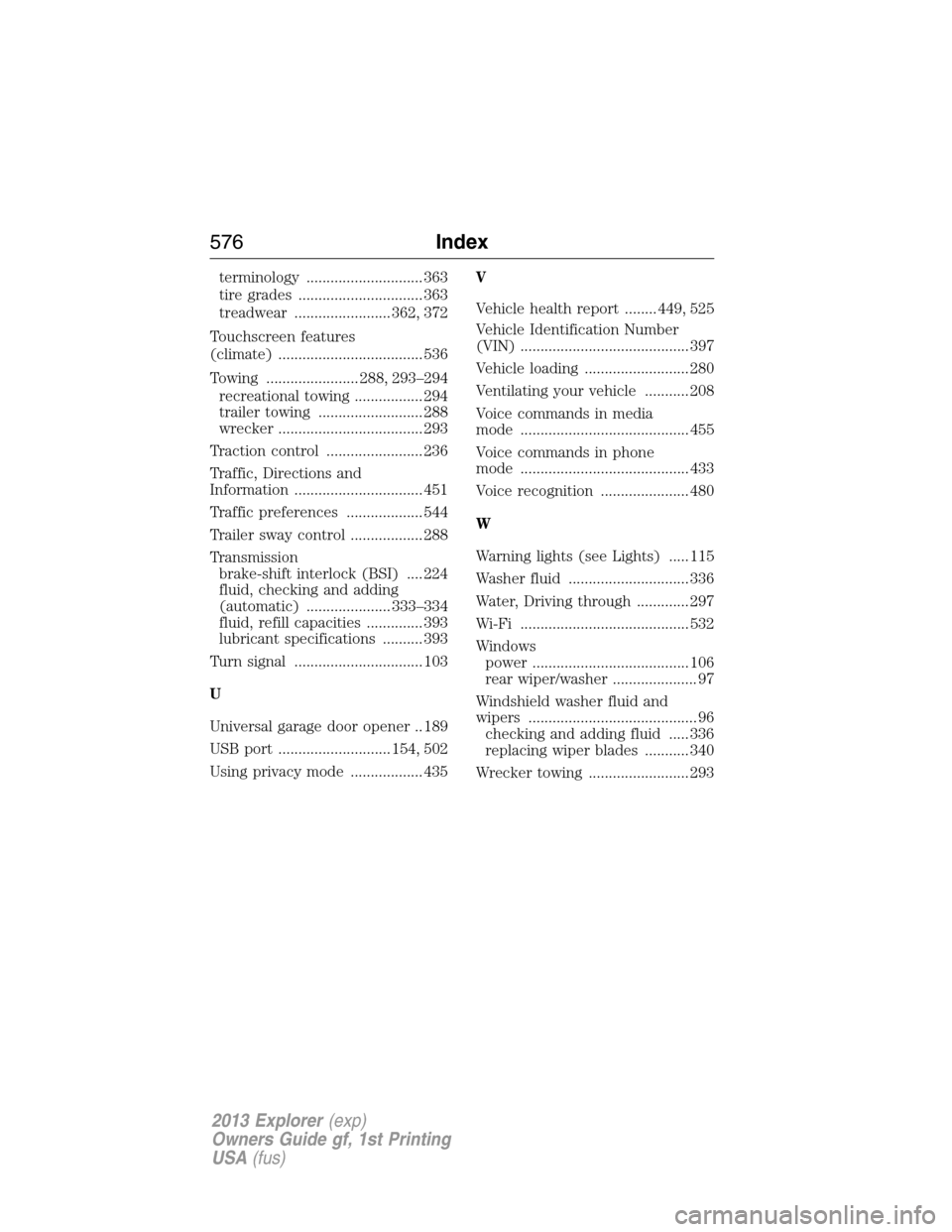
terminology ............................. 363
tire grades ............................... 363
treadwear ........................ 362, 372
Touchscreen features
(climate) .................................... 536
Towing ....................... 288, 293–294
recreational towing ................. 294
trailer towing .......................... 288
wrecker .................................... 293
Traction control ........................ 236
Traffic, Directions and
Information ................................ 451
Traffic preferences ................... 544
Trailer sway control .................. 288
Transmission
brake-shift interlock (BSI) .... 224
fluid, checking and adding
(automatic) ..................... 333–334
fluid, refill capacities .............. 393
lubricant specifications .......... 393
Turn signal ................................ 103
U
Universal garage door opener .. 189
USB port ............................ 154, 502
Using privacy mode .................. 435V
Vehicle health report ........ 449, 525
Vehicle Identification Number
(VIN) .......................................... 397
Vehicle loading .......................... 280
Ventilating your vehicle ........... 208
Voice commands in media
mode .......................................... 455
Voice commands in phone
mode .......................................... 433
Voice recognition ...................... 480
W
Warning lights (see Lights) ..... 115
Washer fluid .............................. 336
Water, Driving through ............. 297
Wi-Fi .......................................... 532
Windows
power ....................................... 106
rear wiper/washer ..................... 97
Windshield washer fluid and
wipers .......................................... 96
checking and adding fluid ..... 336
replacing wiper blades ........... 340
Wrecker towing ......................... 293
576Index
2013 Explorer(exp)
Owners Guide gf, 1st Printing
USA(fus)