USB FORD EXPLORER 2014 5.G Owner's Guide
[x] Cancel search | Manufacturer: FORD, Model Year: 2014, Model line: EXPLORER, Model: FORD EXPLORER 2014 5.GPages: 586, PDF Size: 9.07 MB
Page 525 of 586
Wireless & Internet
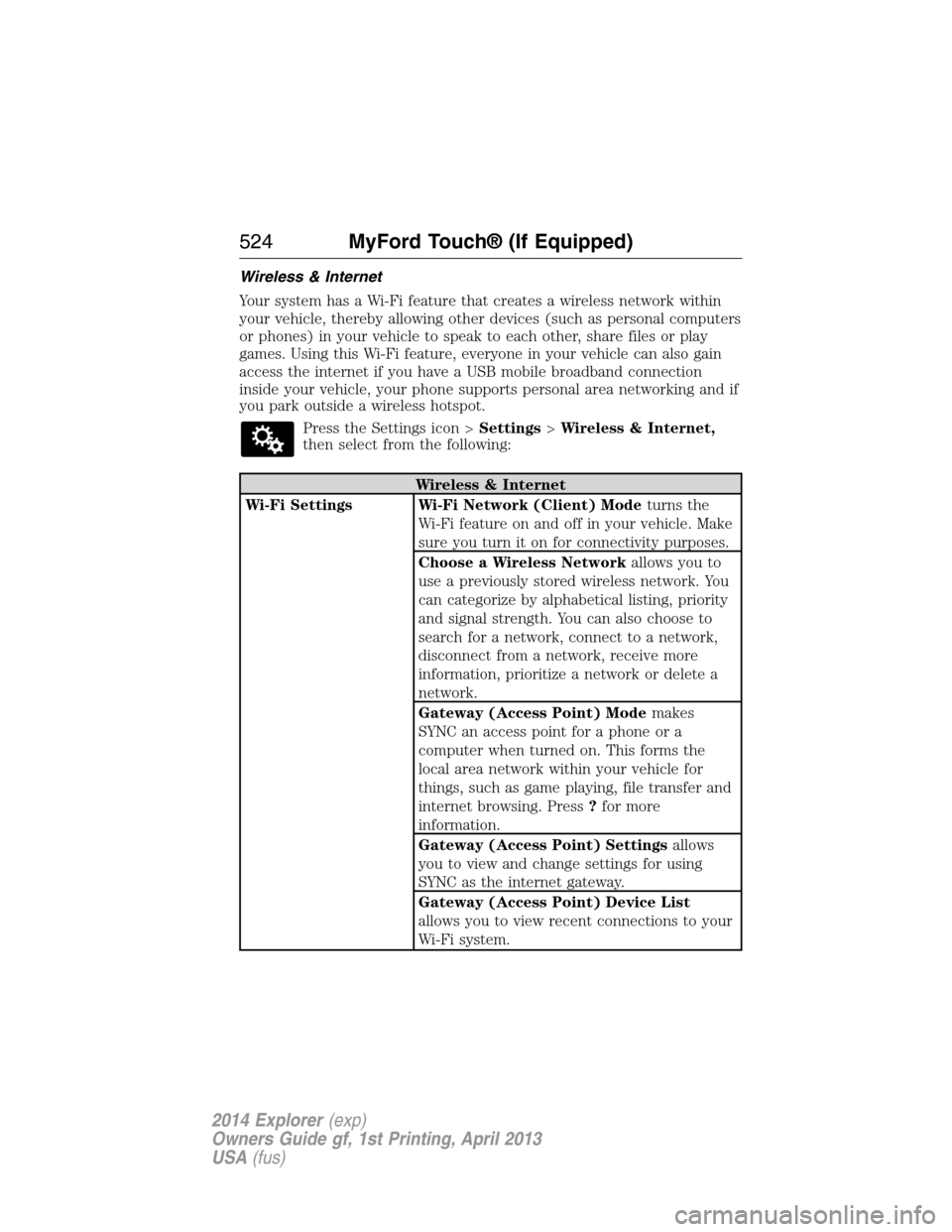
Your system has a Wi-Fi feature that creates a wireless network within
your vehicle, thereby allowing other devices (such as personal computers
or phones) in your vehicle to speak to each other, share files or play
games. Using this Wi-Fi feature, everyone in your vehicle can also gain
access the internet if you have a USB mobile broadband connection
inside your vehicle, your phone supports personal area networking and if
you park outside a wireless hotspot.
Press the Settings icon >Settings>Wireless & Internet,
then select from the following:
Wireless & Internet
Wi-Fi Settings Wi-Fi Network (Client) Modeturns the
Wi-Fi feature on and off in your vehicle. Make
sure you turn it on for connectivity purposes.
Choose a Wireless Networkallows you to
use a previously stored wireless network. You
can categorize by alphabetical listing, priority
and signal strength. You can also choose to
search for a network, connect to a network,
disconnect from a network, receive more
information, prioritize a network or delete a
network.
Gateway (Access Point) Modemakes
SYNC an access point for a phone or a
computer when turned on. This forms the
local area network within your vehicle for
things, such as game playing, file transfer and
internet browsing. Press?for more
information.
Gateway (Access Point) Settingsallows
you to view and change settings for using
SYNC as the internet gateway.
Gateway (Access Point) Device List
allows you to view recent connections to your
Wi-Fi system.
524MyFord Touch® (If Equipped)
2014 Explorer(exp)
Owners Guide gf, 1st Printing, April 2013
USA(fus)
Page 526 of 586
Wireless & Internet
USB Mobile
BroadbandInstead of using Wi-Fi, your system can also
use a USB mobile broadband connection to
access the internet. (You must turn on your
mobile broadband device on your personal
computer before connecting it to the system.)
This screen allows you to set up what is your
typical area for your USB mobile broadband
connection. (USB mobile broadband settings
may not display if the device is already on.)
You can select the following: Country, Carrier,
Phone Number, User Name and Password.
Bluetooth SettingsShows you the currently paired devices as
well as giving you your typical Bluetooth
options to connect, disconnect, set as favorite,
delete and add device. Bluetooth is a
registered trademark of the Bluetooth SIG.
Prioritize
Connection MethodsChoose your connection methods and change
them as needed. You can select to Change
Order and have the system either always
attempt to connect using a USB mobile
broadband or using Wi-Fi.
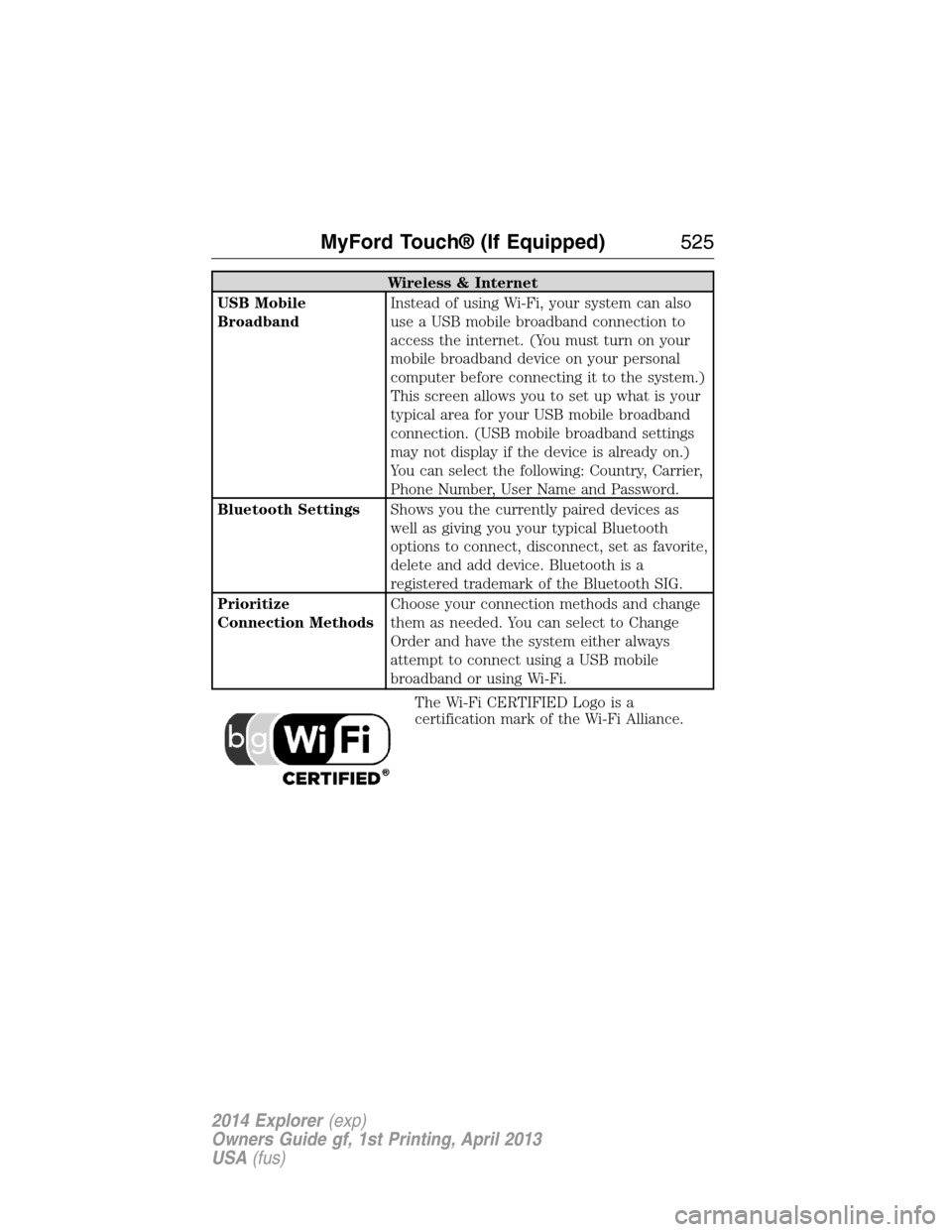
The Wi-Fi CERTIFIED Logo is a
certification mark of the Wi-Fi Alliance.
MyFord Touch® (If Equipped)525
2014 Explorer(exp)
Owners Guide gf, 1st Printing, April 2013
USA(fus)
Page 579 of 586
911 Assist™ ......................438, 512
A
ABS (see Brakes) .....................222
Accessing and using your USB
port ............................................490
Accessing call history/phone
book during active call .............427
Accessing your calendar ..........511
Accessing your media menu
features ......................................450
Accessing your phone menu
features ......................................429
Accessory delay ........................107
Active call menu options .........427
Active Park Assist .....................230
Adaptive Cruise Control ...........241
Adding (pairing) a phone ........498
Advanced menu options ...436, 456
Advanced menu options
(prompts, languages, defaults,
master reset, installing
applications) ..............................436
Airbag supplemental restraint
system ..........................................51
and child safety seats ..............52
description ................................51
disposal ......................................60
driver airbag ..............................51
passenger airbag .......................51
side airbag ...........................51, 55
Air cleaner filter .......333–334, 391
Air conditioning ........................144
manual heating and air
conditioning system ...............144
Air filter .....................................334Air filter, cabin ..........................152
All Wheel Drive (AWD),
driving off road .........................214
Ambient mood/lighting .............518
Ambulance packages ..................15
AM/FM .......................................478
Antifreeze
(see Engine coolant) ................318
Anti-lock brake system
(see Brakes) ..............................222
Anti-theft system ..................85, 88
arming the system ..............85, 88
disarming a triggered system ..88
Audio system
Single CD ................402, 406, 408
Audio system
(see Radio) ................402, 406, 408
Automatic transmission ............206
fluid, adding ............................324
fluid, checking ........................324
fluid, refill capacities ..............387
fluid, specification ..................387
Selectshift (SST) ....................209
Auxiliary Input Jack .................487
Auxiliary input jack (Line in) ..415
Auxiliary powerpoint ................183
A/V inputs ..........................417, 495
Axle
lubricant specifications ..........387
refill capacities ........................387
B
Battery .......................................329
acid, treating emergencies .....329
jumping a disabled battery ....291
maintenance-free ....................329
578Index
2014 Explorer(exp)
Owners Guide gf, 1st Printing, April 2013
USA(fus)
Page 584 of 586
Single CD ................402, 406, 408
Radio reception .........................400
Radio voice commands .............483
Rear heated seats .....................167
Rear view camera
display ................................235, 519
Rear window
defroster ....................144, 146, 148
Receiving a text
message .............................431, 502
Recommendations for
attaching safety restraints for
children ........................................24
Relays ................................302–303
Remote entry system
illuminated entry ................76–77
locking/unlocking doors ...........73
opening the trunk .....................74
replacing the batteries .............63
Reverse sensing system ...........230
Roadside assistance ..................289
Roll stability control .................225
Roof rack ...................................266
Route preferences ....................534
S
Safety Belt Maintenance ............47
Safety belts (see Safety
restraints) ..............................39, 42
Safety defects, reporting ..........301
Safety information ............419, 469
Safety restraints ..............39–40, 42
Belt-Minder® ............................43
Belt-Minder®,
deactivating/activating .............44extension assembly ..................42
for adults .............................39–40
for children ...............................24
inflatable safety belt .................45
Occupant Classification
Sensor ........................................53
safety belt maintenance ...........47
seat belt maintenance ..............47
warning light and chime ..........43
Safety restraints - LATCH
anchors ........................................30
Safety seats for children ............24
Safety Compliance
Certification Label ....................392
Satellite Radio ...................402, 484
Scheduled Maintenance Guide
Normal Scheduled
Maintenance and Log .............566
SD card ......................417, 490, 530
Seat belts (see Safety
restraints) ....................................39
Seats ..........................................166
child safety seats ......................24
climate control ........................165
easy access/easyout feature ..162
front seats ...............159–160, 164
heated ..............................163, 167
memory seat .....................64, 161
second row seats ....................166
third row seats ........168, 173, 175
Second-row power fold seat ....171
SecuriCode keyless entry
system ..........................................82
SecuriLock passive anti-theft
system ..........................................85
Selecting your media source
(USB, Line in, BT audio) .........450
Sending new text messages .....501
Index583
2014 Explorer(exp)
Owners Guide gf, 1st Printing, April 2013
USA(fus)
Page 586 of 586
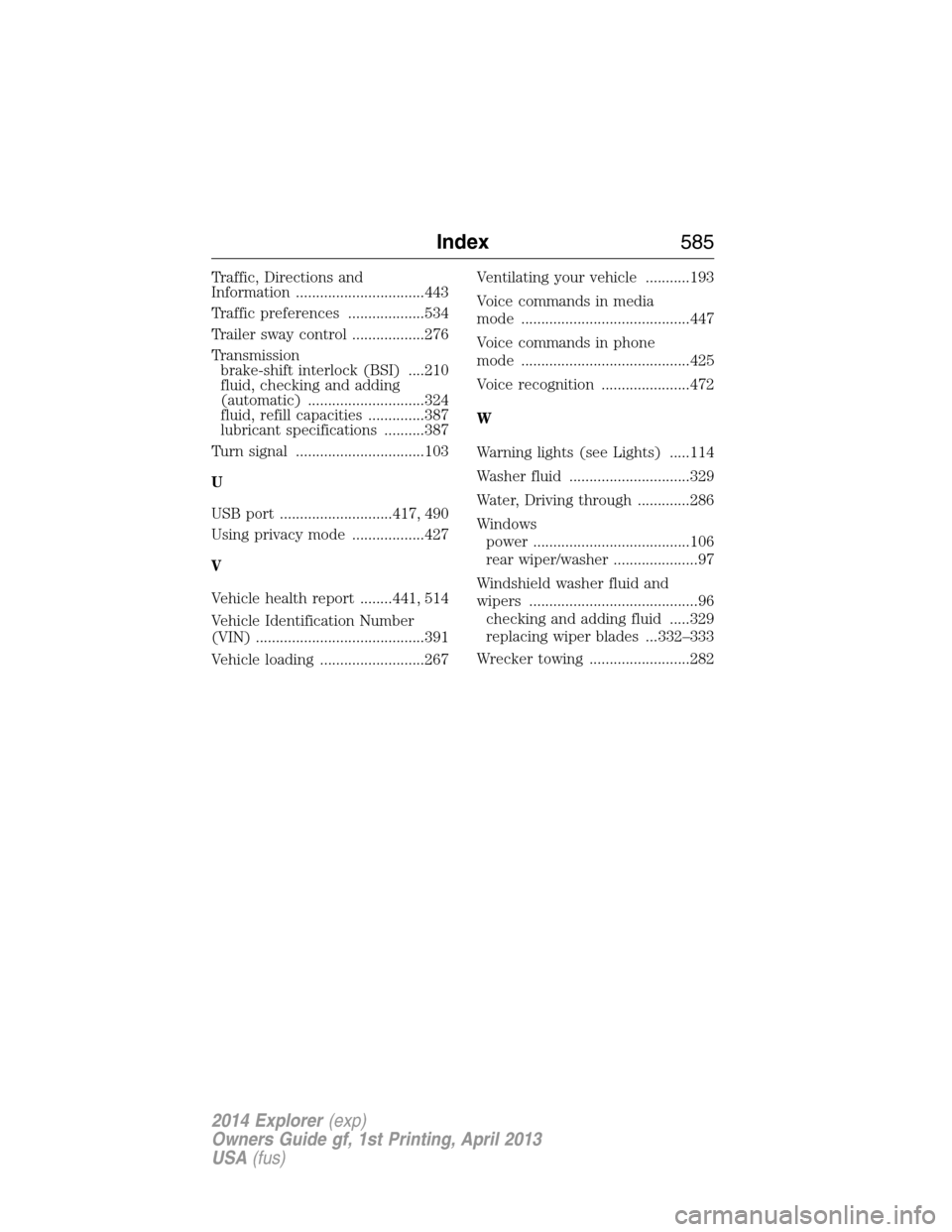
Traffic, Directions and
Information ................................443
Traffic preferences ...................534
Trailer sway control ..................276
Transmission
brake-shift interlock (BSI) ....210
fluid, checking and adding
(automatic) .............................324
fluid, refill capacities ..............387
lubricant specifications ..........387
Turn signal ................................103
U
USB port ............................417, 490
Using privacy mode ..................427
V
Vehicle health report ........441, 514
Vehicle Identification Number
(VIN) ..........................................391
Vehicle loading ..........................267Ventilating your vehicle ...........193
Voice commands in media
mode ..........................................447
Voice commands in phone
mode ..........................................425
Voice recognition ......................472
W
Warning lights (see Lights) .....114
Washer fluid ..............................329
Water, Driving through .............286
Windows
power .......................................106
rear wiper/washer .....................97
Windshield washer fluid and
wipers ..........................................96
checking and adding fluid .....329
replacing wiper blades ...332–333
Wrecker towing .........................282
Index585
2014 Explorer(exp)
Owners Guide gf, 1st Printing, April 2013
USA(fus)