cooling FORD EXPLORER 2020 Owners Manual
[x] Cancel search | Manufacturer: FORD, Model Year: 2020, Model line: EXPLORER, Model: FORD EXPLORER 2020Pages: 555, PDF Size: 8.16 MB
Page 110 of 555
WARNING: Do not remove the
coolant reservoir cap when the engine is
on or the cooling system is hot. Wait 10
minutes for the cooling system to cool
down. Cover the coolant reservoir cap
with a thick cloth to prevent the
possibility of scalding and slowly remove
the cap. Failure to follow this instruction
could result in personal injury.
Fuel Gauge
The fuel gauge indicates about how much
fuel is in the fuel tank.
The arrow adjacent to the fuel pump
symbol indicates on which side of your
vehicle the fuel filler door is located.
Note: The fuel gauge may vary slightly
when your vehicle is moving or on a slope.
Low Fuel Reminder
A low fuel level reminder displays and
sounds when the distance to empty
reaches
75 mi (120 km) to empty for
MyKey, and at 50 mi (80 km), 25 mi
(40 km), 10 mi (20 km) and 0 mi (0 km)
for all vehicle keys.
Note: The low fuel reminder can appear at
different fuel gauge positions depending on
fuel economy conditions. This variation is
normal.
WARNING LAMPS AND
INDICATORS
The following warning lamps and
indicators alert you to a vehicle condition
that may become serious. Some lamps
illuminate when you start your vehicle to
make sure they work. If any lamps remain
on after starting your vehicle, refer to the
respective system warning lamp for further
information. Note:
Some warning indicators appear in
the information display and function the
same as a warning lamp, but do not display
when you start your vehicle.
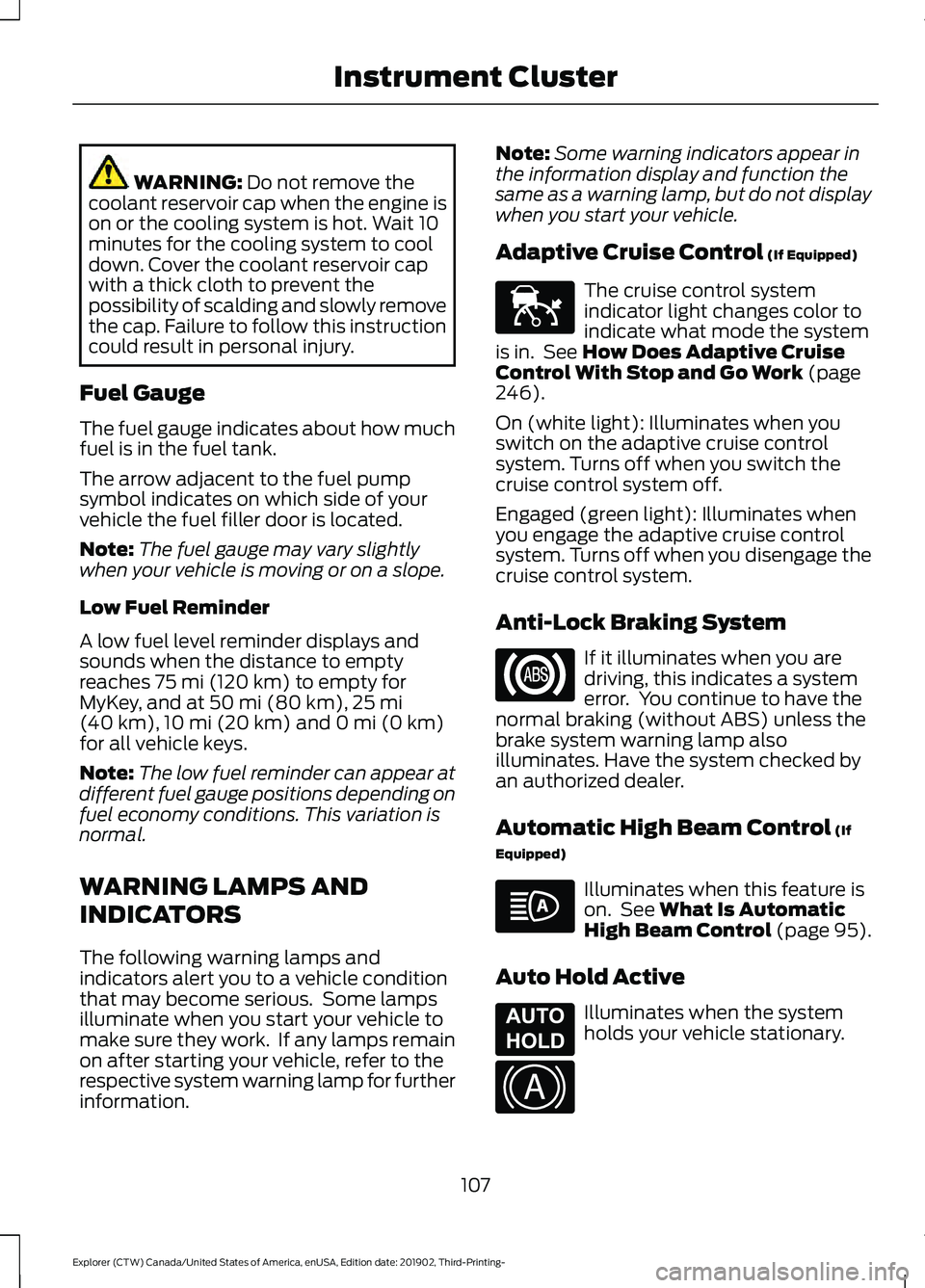
Adaptive Cruise Control
(If Equipped) The cruise control system
indicator light changes color to
indicate what mode the system
is in. See
How Does Adaptive Cruise
Control With Stop and Go Work (page
246).
On (white light): Illuminates when you
switch on the adaptive cruise control
system. Turns off when you switch the
cruise control system off.
Engaged (green light): Illuminates when
you engage the adaptive cruise control
system. Turns off when you disengage the
cruise control system.
Anti-Lock Braking System If it illuminates when you are
driving, this indicates a system
error. You continue to have the
normal braking (without ABS) unless the
brake system warning lamp also
illuminates. Have the system checked by
an authorized dealer.
Automatic High Beam Control
(If
Equipped) Illuminates when this feature is
on. See
What Is Automatic
High Beam Control (page 95).
Auto Hold Active Illuminates when the system
holds your vehicle stationary.
107
Explorer (CTW) Canada/United States of America, enUSA, Edition date: 201902, Third-Printing- Instrument ClusterE144524 E197933 E322410
Page 130 of 555
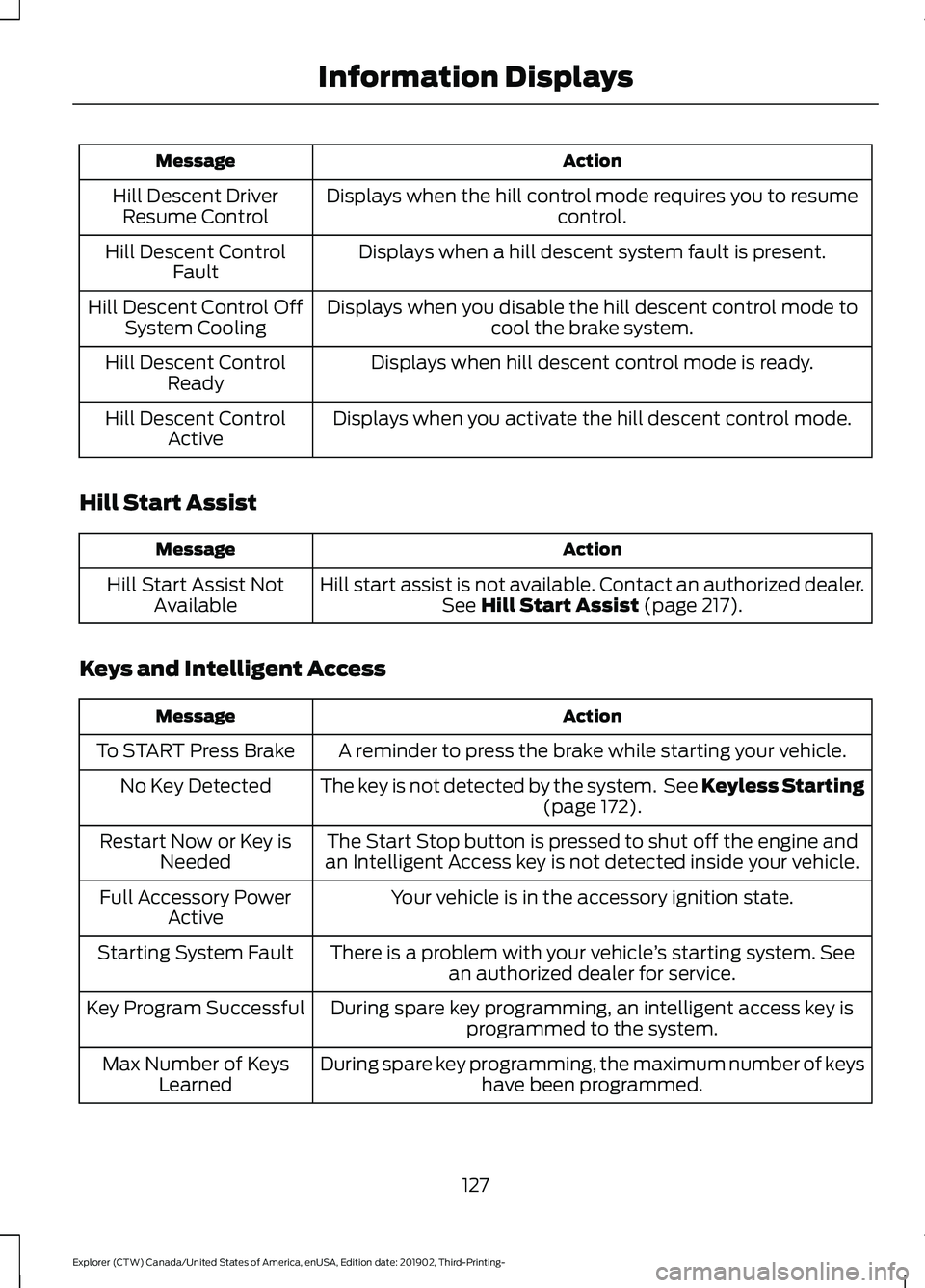
Action
Message
Displays when the hill control mode requires you to resume control.
Hill Descent Driver
Resume Control
Displays when a hill descent system fault is present.
Hill Descent Control
Fault
Displays when you disable the hill descent control mode to cool the brake system.
Hill Descent Control Off
System Cooling
Displays when hill descent control mode is ready.
Hill Descent Control
Ready
Displays when you activate the hill descent control mode.
Hill Descent Control
Active
Hill Start Assist Action
Message
Hill start assist is not available. Contact an authorized dealer.See Hill Start Assist (page 217).
Hill Start Assist Not
Available
Keys and Intelligent Access Action
Message
A reminder to press the brake while starting your vehicle.
To START Press Brake
The key is not detected by the system. See Keyless Starting(page
172).
No Key Detected
The Start Stop button is pressed to shut off the engine and
an Intelligent Access key is not detected inside your vehicle.
Restart Now or Key is
Needed
Your vehicle is in the accessory ignition state.
Full Accessory Power
Active
There is a problem with your vehicle ’s starting system. See
an authorized dealer for service.
Starting System Fault
During spare key programming, an intelligent access key isprogrammed to the system.
Key Program Successful
During spare key programming, the maximum number of keyshave been programmed.
Max Number of Keys
Learned
127
Explorer (CTW) Canada/United States of America, enUSA, Edition date: 201902, Third-Printing- Information Displays
Page 140 of 555
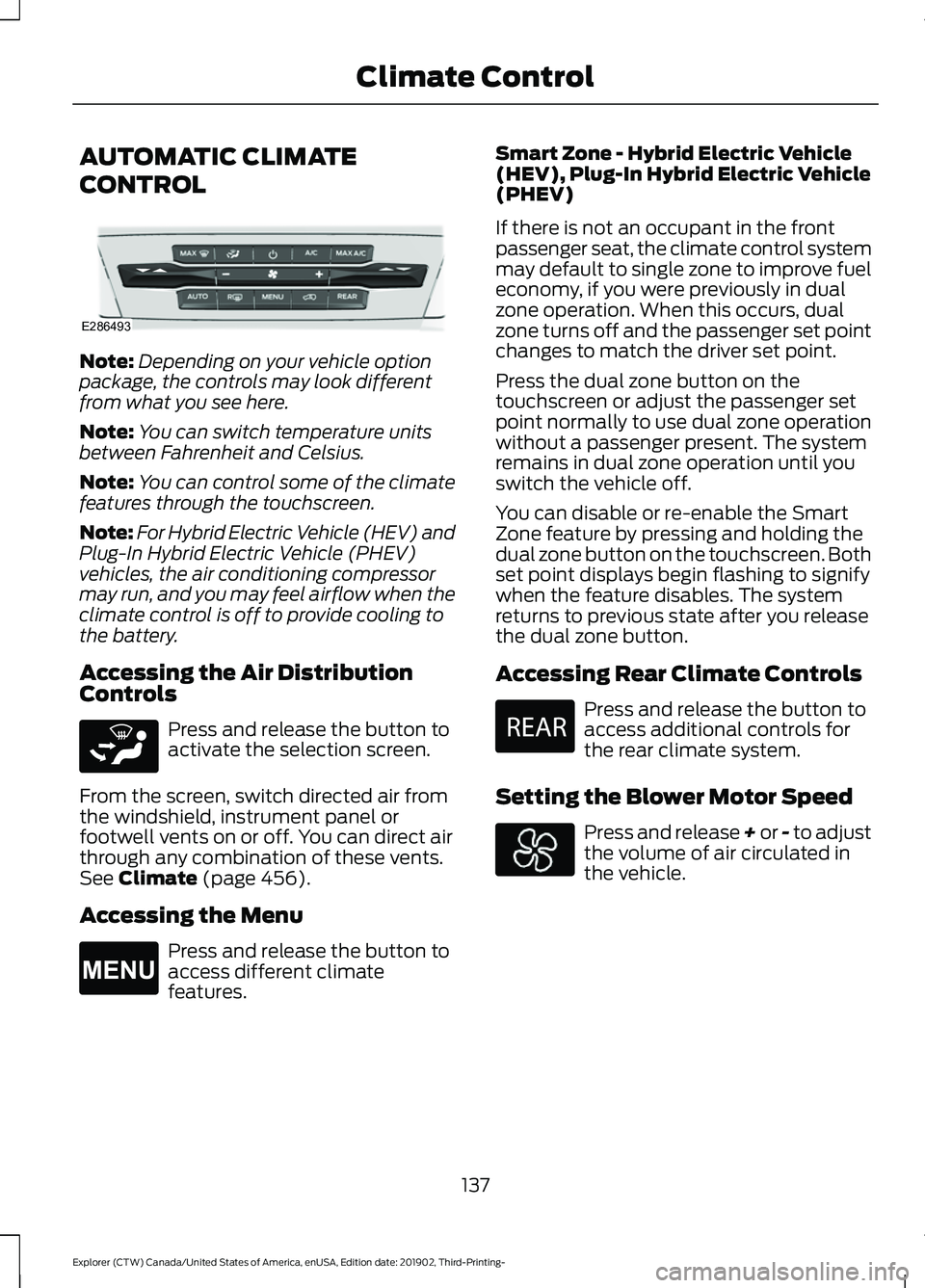
AUTOMATIC CLIMATE
CONTROL
Note:
Depending on your vehicle option
package, the controls may look different
from what you see here.
Note: You can switch temperature units
between Fahrenheit and Celsius.
Note: You can control some of the climate
features through the touchscreen.
Note: For Hybrid Electric Vehicle (HEV) and
Plug-In Hybrid Electric Vehicle (PHEV)
vehicles, the air conditioning compressor
may run, and you may feel airflow when the
climate control is off to provide cooling to
the battery.
Accessing the Air Distribution
Controls Press and release the button to
activate the selection screen.
From the screen, switch directed air from
the windshield, instrument panel or
footwell vents on or off. You can direct air
through any combination of these vents.
See Climate (page 456).
Accessing the Menu Press and release the button to
access different climate
features. Smart Zone - Hybrid Electric Vehicle
(HEV), Plug-In Hybrid Electric Vehicle
(PHEV)
If there is not an occupant in the front
passenger seat, the climate control system
may default to single zone to improve fuel
economy, if you were previously in dual
zone operation. When this occurs, dual
zone turns off and the passenger set point
changes to match the driver set point.
Press the dual zone button on the
touchscreen or adjust the passenger set
point normally to use dual zone operation
without a passenger present. The system
remains in dual zone operation until you
switch the vehicle off.
You can disable or re-enable the Smart
Zone feature by pressing and holding the
dual zone button on the touchscreen. Both
set point displays begin flashing to signify
when the feature disables. The system
returns to previous state after you release
the dual zone button.
Accessing Rear Climate Controls
Press and release the button to
access additional controls for
the rear climate system.
Setting the Blower Motor Speed Press and release + or - to adjust
the volume of air circulated in
the vehicle.
137
Explorer (CTW) Canada/United States of America, enUSA, Edition date: 201902, Third-Printing- Climate ControlE286493 E265283 E265038 E270447
Page 142 of 555
Switching the Air Conditioning On
and Off
Press and release the button.
Use air conditioning with recirculated air
to improve cooling performance and
efficiency.
Note: In certain conditions, for example,
maximum defrost, the air conditioning
compressor may continue to operate even
though you switch off the air conditioning.
Note: The A/C LED light may turn on and
off based on the temperature setting or the
current conditions.
Switching the Climate Control On
and Off Press and release the button.
Switching Maximum Air
Conditioning On and Off Press and release the button for
maximum cooling.
The driver and passenger temperatures
are set to LO, recirculated air flows through
the instrument panel air vents, air
conditioning turns on and the blower motor
adjusts to the highest speed.
Switching Maximum Defrost On
and Off Press and release the button for
maximum defrosting.
The driver and passenger temperatures
are set to HI, air flows through the
windshield air vents, and the blower motor
adjusts to the highest speed. Note:
Depending on your region, air
conditioning turns on.
You can also use this setting to defog and
clear the windshield of a thin covering of
ice.
Note: To prevent window fogging, you
cannot select recirculated air when
maximum defrost is on.
Note: The heated rear window also turns
on when you select maximum defrost.
Switching Recirculated Air On and
Off Press and release the button to
switch between outside air and
recirculated air.
The air currently in the passenger
compartment recirculates. This may
reduce the time needed to cool the interior,
when used with A/C, and reduce unwanted
odors from entering your vehicle.
Note: Recirculated air may turn off, or
prevent you from switching on, in all air flow
modes except
MAX A/C to reduce the risk
of fogging. Recirculation may also turn on
and off in various air distribution control
combinations during hot weather to improve
cooling efficiency.
HINTS ON CONTROLLING THE
INTERIOR CLIMATE
General Hints
Note: Prolonged use of recirculated air may
cause the windows to fog up.
Note: You may feel a small amount of air
from the footwell air vents regardless of the
air distribution setting.
Note: To reduce humidity build-up inside
your vehicle, do not drive with the system
switched off or with recirculated air always
switched on.
139
Explorer (CTW) Canada/United States of America, enUSA, Edition date: 201902, Third-Printing- Climate Control
Page 143 of 555
Note:
Do not place objects under the front
seats as this may interfere with the airflow
to the rear seats.
Note: Remove any snow, ice or leaves from
the air intake area at the base of the
windshield.
Note: To improve the time to reach a
comfortable temperature in hot weather,
drive with the windows open until you feel
cold air through the air vents.
Automatic Climate Control
Note: Adjusting the settings when your
vehicle interior is extremely hot or cold is
not necessary. Automatic mode is best
recommended to maintain set temperature.
Note: The system adjusts to heat or cool
the interior to the temperature you select
as quickly as possible.
Note: For the system to function efficiently,
the instrument panel and side air vents
should be fully open.
Note: If you select AUTO during cold
outside temperatures, the system directs
air flow to the windshield and side window
air vents. In addition, the blower motor may
run at a slower speed until the engine warms
up.
Note: If you select
AUTO during hot
temperatures and the inside of the vehicle
is hot, the system uses recirculated air to
maximize interior cooling. Blower motor
speed may also reduce until the air cools.
Quickly Heating the Interior
1. Press and release
AUTO.
2. Adjust the temperature function to the
setting you prefer.
Recommended Settings for
Heating
1. Press and release
AUTO. 2.
Adjust the temperature function to the
setting you prefer. Use
72°F (22°C) as
a starting point, then adjust the setting
as necessary.
Quickly Cooling the Interior
1. Press and release
MAX A/C.
Recommended Settings for
Cooling
1. Press and release
AUTO.
2. Adjust the temperature function to the
setting you prefer. Use
72°F (22°C) as
a starting point, then adjust the setting
as necessary.
Defogging the Side Windows in
Cold Weather
1. Press and release defrost or maximum
defrost.
2. Adjust the temperature control to the setting you prefer. Use
72°F (22°C) as
a starting point, then adjust the setting
as necessary.
REAR PASSENGER CLIMATE
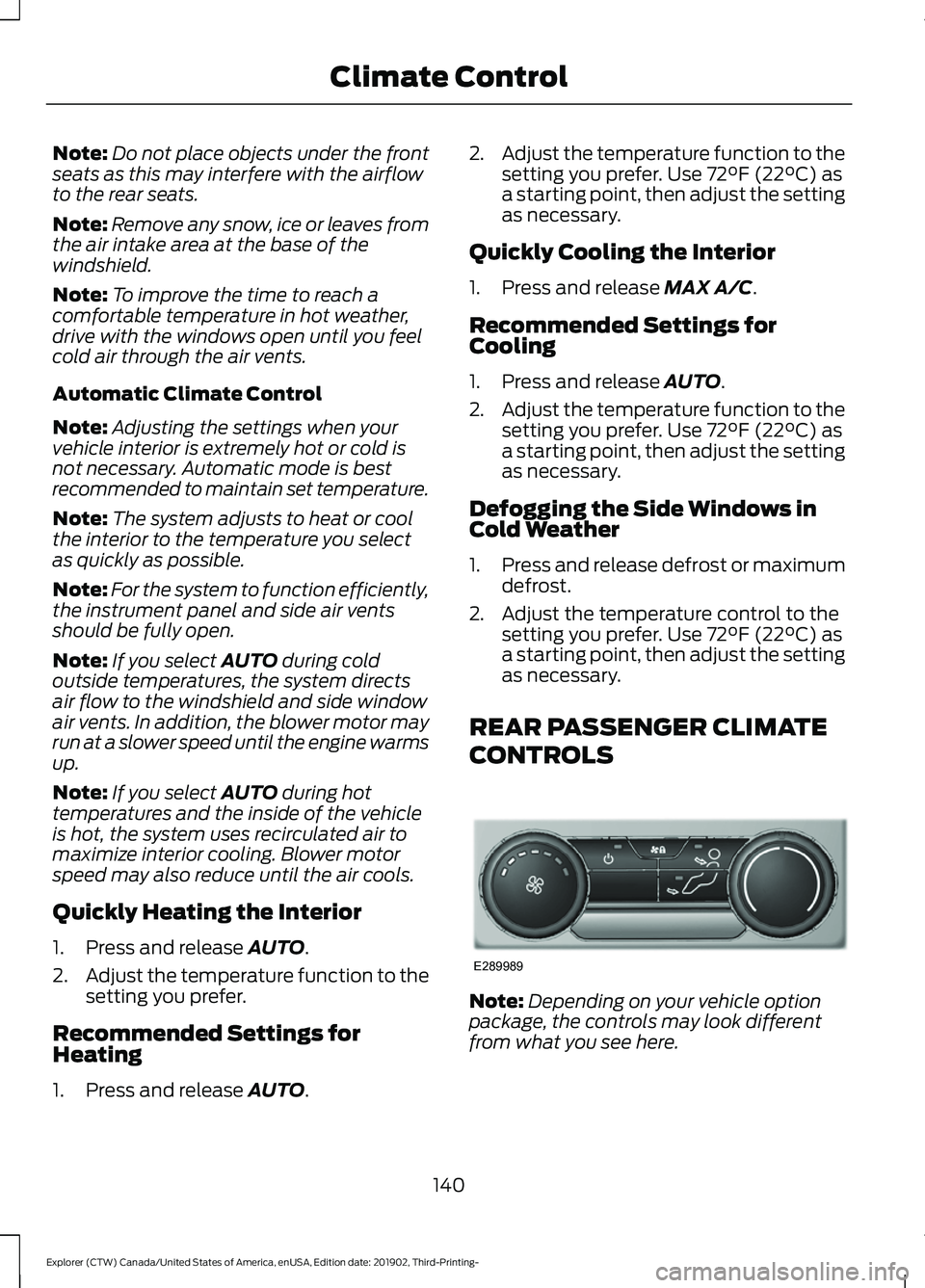
CONTROLS Note:
Depending on your vehicle option
package, the controls may look different
from what you see here.
140
Explorer (CTW) Canada/United States of America, enUSA, Edition date: 201902, Third-Printing- Climate ControlE289989
Page 185 of 555
HYBRID VEHICLE OPERATION
- 3.3L, HYBRID ELECTRIC
VEHICLE (HEV)
This hybrid vehicle combines electric and
gasoline propulsion to provide
breakthrough performance and improved
efficiency. Familiarizing yourself with these
unique characteristics provides an optimal
driving experience from your vehicle.
Starting
When you start your vehicle, a
green READY indicator light
appears in the instrument cluster
and a ready to drive message appears,
letting you know that your vehicle is ready
for driving.
The engine may not start because your
vehicle has a silent key start feature. This
fuel saving feature allows your vehicle to
be ready to drive without requiring the gas
engine to be running. The indicator remains
on when your vehicle is on, whether the
engine is running or not, to indicate your
vehicle is capable of movement using the
electric motor, gas engine or both.
Typically, the engine does not start unless
the vehicle is cold, a climate control
change is requested or you press the
accelerator pedal.
Driving
The gas engine starts and stops to provide
power when needed and to save fuel when
not needed. When coasting at low speeds,
coming to a stop, or standing, the gas
engine normally shuts down and your
vehicle operates in electric-only mode.
Conditions that may cause the engine to
start up or remain running include:
• Considerable vehicle acceleration.
• Climbing a hill. •
Charge level of high voltage battery is
low.
• High or low outside temperatures to
provide system heating or cooling.
• Engine is not warm enough to provide
passenger requested cabin
temperature.
• Towing a trailer.
• Selectable drive modes: Certain
selectable drive modes could cause
the engine to run.
• Live in Drive: Use of the paddle shifters
while in drive (D) could cause the
engine to run.
Stopping
The gas engine may shut off to conserve
fuel as you come to a stop. You do not
need to restart your vehicle. Simply step
on the accelerator when you are ready to
drive.
Transmission Operation
The engine and electric motor together
propel the vehicle through the automatic
transmission. This is normal hybrid
operating and helps deliver fuel efficiency
and performance.
Battery
Your hybrid has a high voltage battery. A
cool battery maintains battery life and
provides the best possible performance.
The vehicle's air conditioning system cools
the high voltage battery. When the air
conditioning system is on, you may notice
a slight increase in air temperature coming
from the climate control vents while the
battery is cooling. You may also notice cool
air flowing from the vents when the air
conditioning or blower is off.
182
Explorer (CTW) Canada/United States of America, enUSA, Edition date: 201902, Third-Printing- Unique Driving CharacteristicsE293827
Page 204 of 555
GENERAL INFORMATION
WARNING: This battery pack
should only be serviced by an authorized
electric vehicle technician. Improper
handling can result in personal injury or
death. WARNING:
Apply the parking
brake, shift into park (P), switch the
ignition off and remove the key before
you open the hood or have any service
or repair work completed. If you do not
switch the ignition off, the engine could
restart at any time. Failure to follow this
instruction could result in personal injury
or death. WARNING:
Do not touch the
electronic ignition system parts after you
have switched the ignition on or when
the engine is running. The system
operates at high voltage. Failure to
adhere to this warning could result in
serious personal injury or death. WARNING:
Keep your hands and
clothing clear of the engine cooling fan.
Your vehicle consists of various
high-voltage components and wiring. All
of the high-voltage power flows through
specific wiring assemblies labeled as such
or covered with a solid orange convolute,
or orange striped tape, or both. Do not
come in contact with these components.
The high-voltage battery system is a
high-voltage, lithium-ion battery system.
The pack is located underneath the vehicle.
The high voltage battery system uses an
advanced active liquid heating and cooling
system to regulate high voltage battery
temperature and help maximize the life of
the high voltage battery. Note:
The high-voltage battery does not
require regular service maintenance.
201
Explorer (CTW) Canada/United States of America, enUSA, Edition date: 201902, Third-Printing- High Voltage Battery
(If Equipped)
Page 231 of 555
WHAT IS HILL DESCENT
CONTROL
WARNING: Hill descent control
cannot control descent in all surface
conditions and circumstances, such as
ice or extremely steep grades. Hill
descent control is a driver assist system
and cannot substitute for good judgment
by the driver. Failure to do so may result
in loss of vehicle control, crash or serious
injury. WARNING:
The system does not
replace the parking brake. When you
leave your vehicle, always apply the
parking brake and shift the transmission
into park (P) for automatic transmission
or first gear for manual transmission.
Note: The system does not function below
3 mph (5 km/h)
.
Hill descent control allows the driver to set
and maintain vehicle speed while
descending steep slopes in various surface
conditions.
The system can maintain vehicle speeds
on downhill slopes between
3– 20 mph
(5– 32 km/h). Above 20 mph (32 km/h),
the system remains on but the descent
speed cannot be set or maintained.
The system requires a cool down interval
after a period of sustained use. The
amount of time that the system can
remain active before cooling varies with
conditions. The system provides a warning
in the message center and a tone sounds
when the system is about to disengage for
cooling. At this time, manually apply the
brakes as needed to maintain descent
speed. SWITCHING HILL DESCENT
CONTROL ON AND OFF Press the button on the center
console. A light illuminates in the
control and a tone sounds when
the system is active.
SETTING THE HILL DESCENT
SPEED WARNING:
The system does not
replace the parking brake. When you
leave your vehicle, always apply the
parking brake and shift the transmission
into park (P) for automatic transmission
or first gear for manual transmission. WARNING:
The system does not
control speed in low traction conditions
or extremely steep slopes. The system
is designed to be an aid and does not
relieve you of your responsibility to drive
with due care and attention. Failure to
follow this instruction could result in
personal injury.
To increase the descent speed, press the
accelerator pedal until you reach the speed
you prefer.
To decrease the descent speed, press the
brake pedal until you reach the speed you
prefer.
When you reach the speed you prefer,
either by accelerating or decelerating,
remove your feet from the pedals. The
system maintains the chosen vehicle
speed.
228
Explorer (CTW) Canada/United States of America, enUSA, Edition date: 201902, Third-Printing- Hill Descent Control
Page 297 of 555
Before Towing a Trailer
Practice turning, stopping and backing up
to get the feel of your vehicle-trailer
combination before starting on a trip.
When turning, make wider turns so the
trailer wheels clear curbs and other
obstacles.
When Towing a Trailer
•
Do not drive faster than 70 mph
(113 km/h) during the first 500 mi
(800 km).
• Do not make full-throttle starts.
• Check your hitch, electrical connections
and trailer wheel lug nuts thoroughly
after you have traveled 50 mi (80 km).
• When stopped in congested or heavy
traffic during hot weather, place the
gearshift in park (P) to aid engine and
transmission cooling and to help A/C
performance.
• Turn off the speed control with heavy
loads or in hilly terrain. The speed
control may turn off automatically
when you are towing on long, steep
grades.
• Shift to a lower gear when driving down
a long or steep hill. Do not apply the
brakes continuously, as they may
overheat and become less effective.
• If your transmission is equipped with a
Grade Assist or Tow/Haul feature, use
this feature when towing. This provides
engine braking and helps eliminate
excessive transmission shifting for
optimum fuel economy and
transmission cooling.
• Allow more distance for stopping with
a trailer attached. Anticipate stops and
brake gradually.
• Avoid parking on a grade. However, if
you must park on a grade:
1. Turn the steering wheel to point your vehicle tires away from traffic flow. 2. Set your vehicle parking brake.
3. Place the automatic transmission in
park (P).
4. Place wheel chocks in front and back of the trailer wheels. (Chocks not
included with vehicle.)
Launching or Retrieving a Boat or
Personal Watercraft (PWC)
Note: Disconnect the wiring to the trailer
before backing the trailer into the water.
Note: Reconnect the wiring to the trailer
after
removing the trailer from the water.
When backing down a ramp during boat
launching or retrieval:
• Do not allow the static water level to
rise above the bottom edge of the rear
bumper.
• Do not allow waves to break higher
than
6 in (15 cm) above the bottom
edge of the rear bumper.
Exceeding these limits may allow water to
enter vehicle components:
• Causing internal damage to the
components.
• Affecting driveability, emissions, and
reliability.
Replace the rear axle lubricant anytime
the rear axle has been submerged in water.
Water may have contaminated the rear
axle lubricant, which is not normally
checked or changed unless a leak is
suspected or other axle repair is required.
294
Explorer (CTW) Canada/United States of America, enUSA, Edition date: 201902, Third-Printing- Towing
Page 299 of 555
REDUCED ENGINE
PERFORMANCE
WARNING: If you continue to drive
your vehicle when the engine is
overheating, the engine could stop
without warning. Failure to follow this
instruction could result in the loss of
control of your vehicle.
If the engine coolant temperature gauge
needle moves to the upper limit position,
the engine is overheating. See Gauges
(page 104).
You must only drive your vehicle for a short
distance if the engine overheats. The
distance you can travel depends on
ambient temperature, vehicle load and
terrain. The engine continues to operate
with limited power for a short period of
time.
If the engine temperature continues to rise,
the fuel supply to the engine reduces. The
air conditioning switches off and the engine
cooling fan operates continually.
1. Gradually reduce your speed and stop your vehicle as soon as it is safe to do
so.
2. Immediately switch the engine off to prevent severe engine damage.
3. Wait for the engine to cool down.
4. Check the coolant level. See
Engine
Coolant Check (page 332).
5. Have your vehicle checked as soon as possible.
ECONOMICAL DRIVING
Fuel economy is affected by several things
such as how you drive, the conditions you
drive under and how you maintain your
vehicle. You may improve your fuel economy by
keeping these things in mind:
•
Accelerate and slow down in a smooth,
moderate fashion.
• Drive at steady speeds.
• Anticipate stops; slowing down may
eliminate the need to stop.
• Combine errands and minimize
stop-and-go driving.
• Close the windows for high-speed
driving.
• Drive at reasonable speeds (traveling
at
55 mph (88 km/h) uses 15% less
fuel than traveling at 65 mph
(105 km/h)).
• Keep the tires properly inflated and use
only the recommended size.
• Use the recommended engine oil.
• Perform all regularly scheduled
maintenance.
Avoid these actions; they reduce your fuel
economy:
• Sudden accelerations or hard
accelerations.
• Revving the engine before switching it
off.
• Idle for periods longer than one minute.
• Warm up your vehicle on cold
mornings.
• Use the air conditioner or front
defroster.
• Use the speed control in hilly terrain.
• Rest your foot on the brake pedal while
driving.
• Drive a heavily loaded vehicle or tow a
trailer.
296
Explorer (CTW) Canada/United States of America, enUSA, Edition date: 201902, Third-Printing- Driving Hints