warning FORD EXPLORER SPORT TRAC 2009 Owner's Manual
[x] Cancel search | Manufacturer: FORD, Model Year: 2009, Model line: EXPLORER SPORT TRAC, Model: FORD EXPLORER SPORT TRAC 2009Pages: 351, PDF Size: 2.67 MB
Page 63 of 351
WARNING:Handle a halogen headlamp bulb carefully and keep
out of children’s reach. Grasp the bulb only by its plastic base
and do not touch the glass. The oil from your hand could cause the
bulb to break the next time the headlamps are operated.
Reverse steps to reinstall bulb(s).
Replacing front parking lamp/turn signal/sidemarker bulbs
1. Turn off the headlamps and open
the hood.
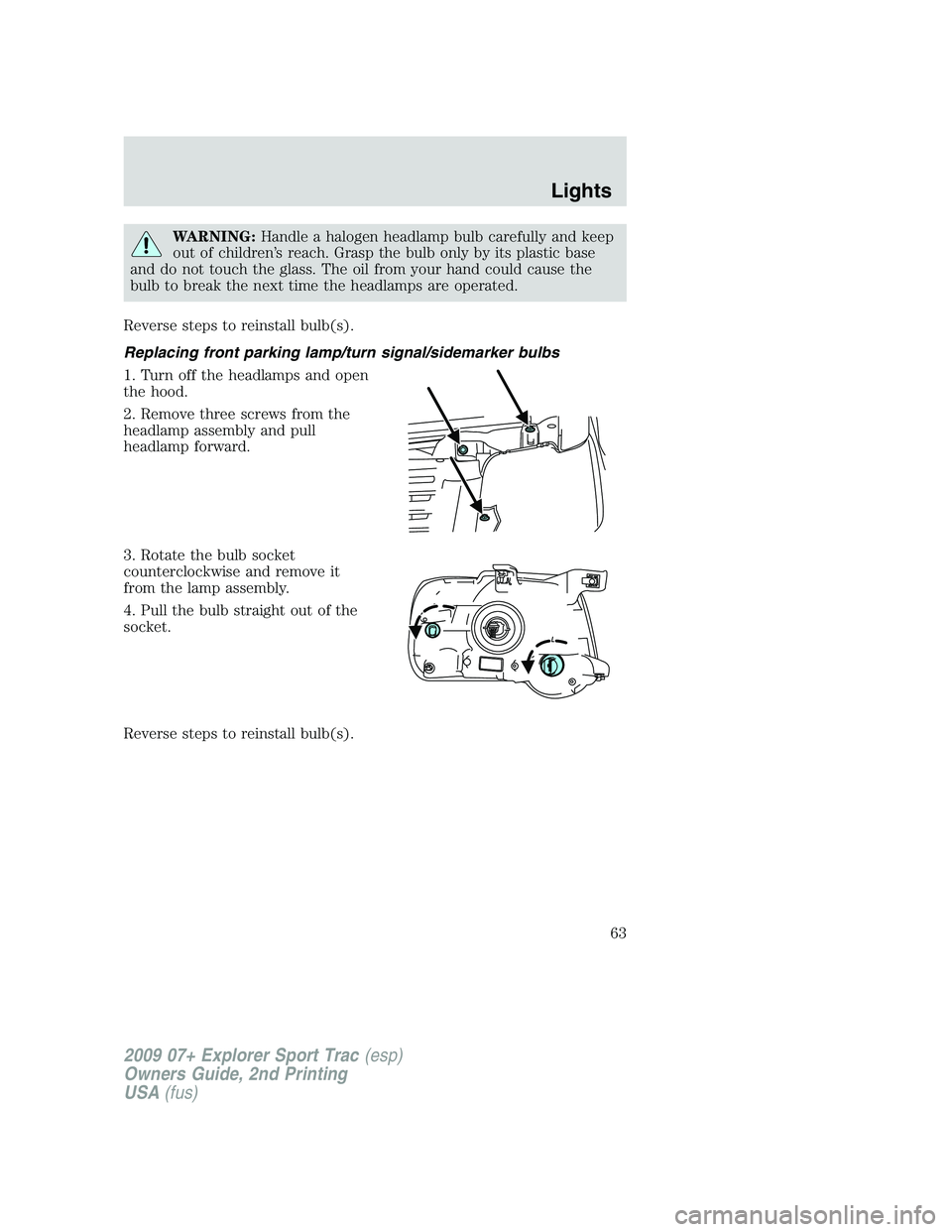
2. Remove three screws from the
headlamp assembly and pull
headlamp forward.
3. Rotate the bulb socket
counterclockwise and remove it
from the lamp assembly.
4. Pull the bulb straight out of the
socket.
Reverse steps to reinstall bulb(s).
2009 07+ Explorer Sport Trac(esp)
Owners Guide, 2nd Printing
USA(fus)
Lights
63
Page 67 of 351
TILT STEERING COLUMN
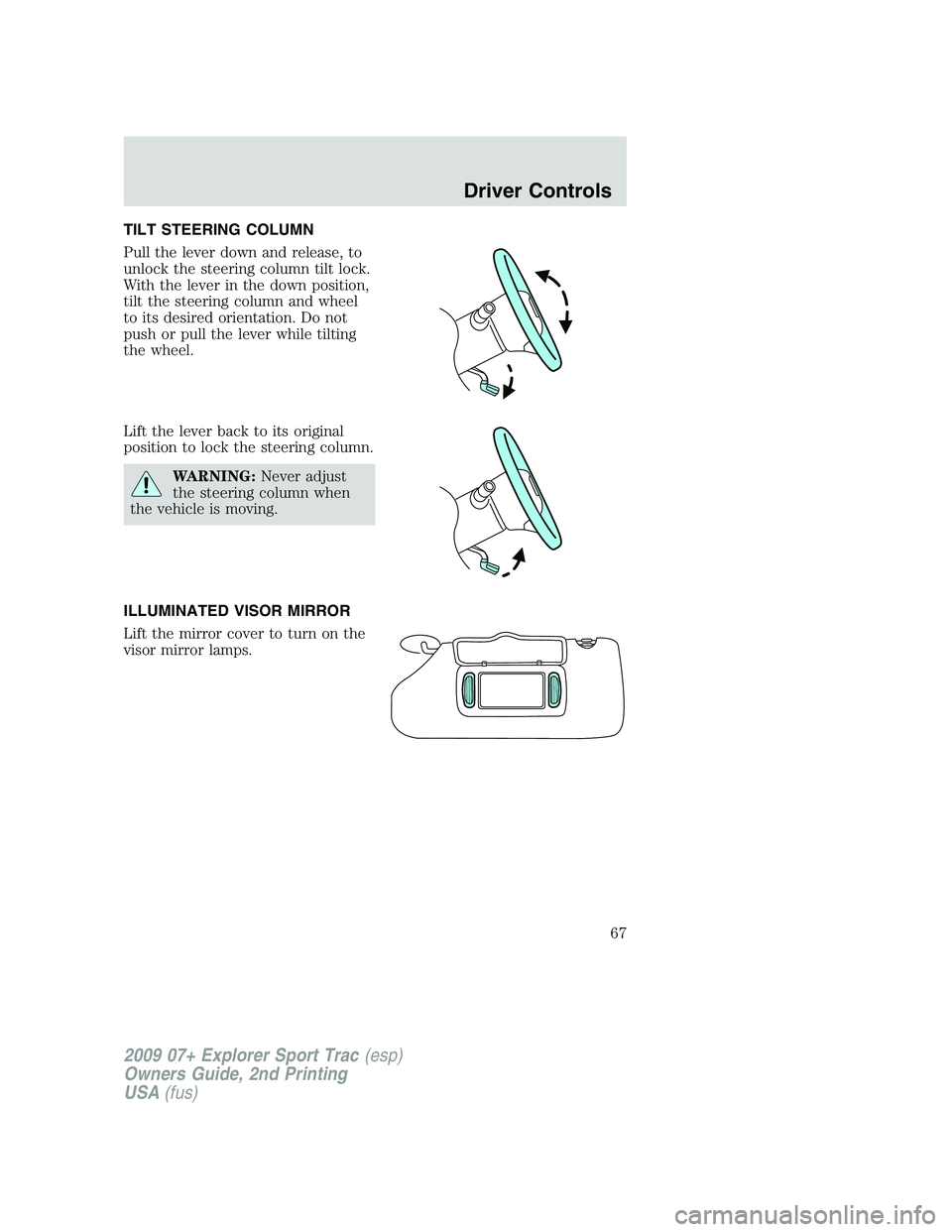
Pull the lever down and release, to
unlock the steering column tilt lock.
With the lever in the down position,
tilt the steering column and wheel
to its desired orientation. Do not
push or pull the lever while tilting
the wheel.
Lift the lever back to its original
position to lock the steering column.
WARNING:Never adjust
the steering column when
the vehicle is moving.
ILLUMINATED VISOR MIRROR
Lift the mirror cover to turn on the
visor mirror lamps.
2009 07+ Explorer Sport Trac (esp)
Owners Guide, 2nd Printing
USA (fus)
Driver Controls
67
Page 71 of 351
Truck bed auxiliary power point
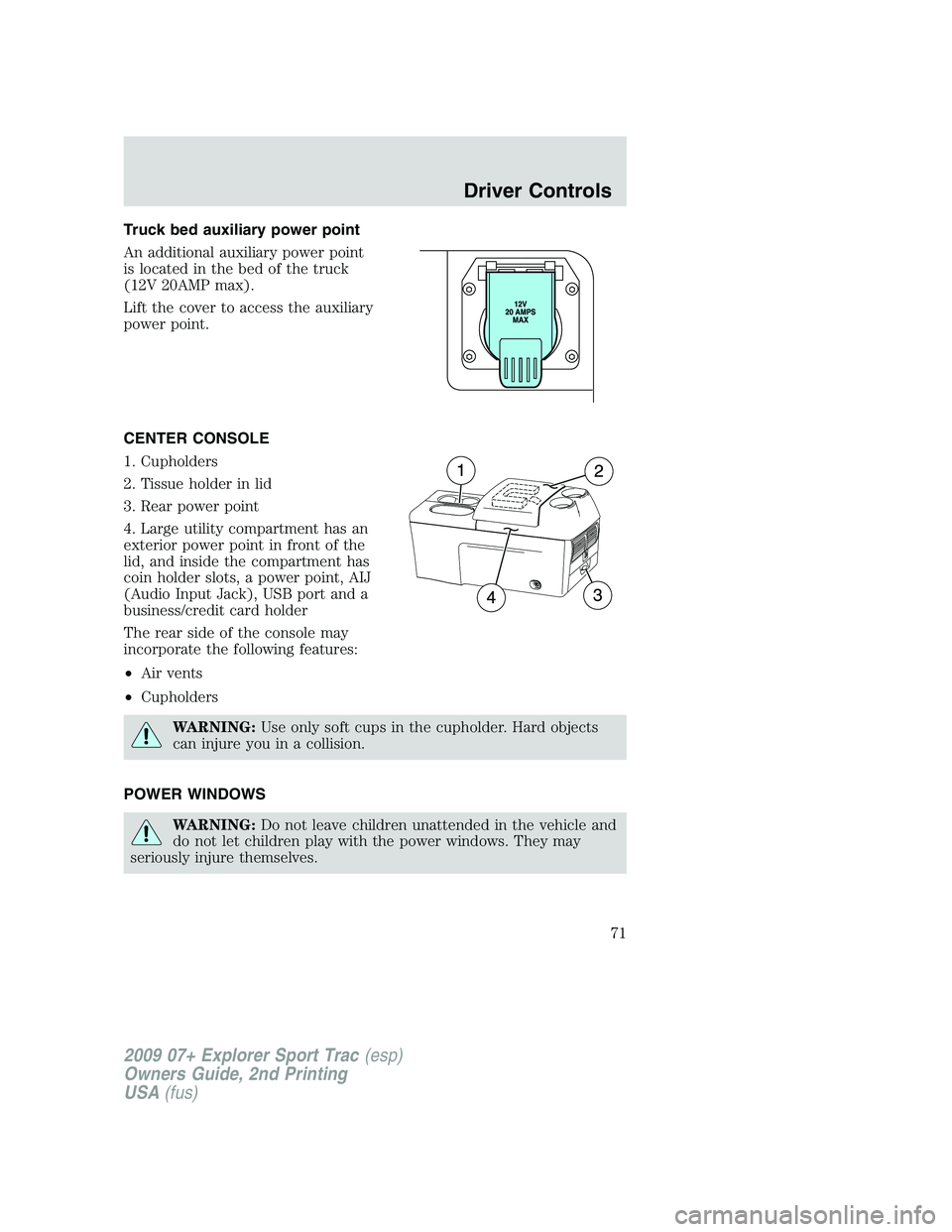
An additional auxiliary power point
is located in the bed of the truck
(12V 20AMP max).
Lift the cover to access the auxiliary
power point.
CENTER CONSOLE
1. Cupholders
2. Tissue holder in lid
3. Rear power point
4. Large utility compartment has an
exterior power point in front of the
lid, and inside the compartment has
coin holder slots, a power point, AIJ
(Audio Input Jack), USB port and a
business/credit card holder
The rear side of the console may
incorporate the following features:
•Air vents
•Cupholders
WARNING:Use only soft cups in the cupholder. Hard objects
can injure you in a collision.
POWER WINDOWS
WARNING:Do not leave children unattended in the vehicle and
do not let children play with the power windows. They may
seriously injure themselves.
2009 07+ Explorer Sport Trac(esp)
Owners Guide, 2nd Printing
USA(fus)
Driver Controls
71
Page 72 of 351
WARNING:When closing the power windows, you should verify
they are free of obstructions and ensure that children and/or
pets are not in the proximity of the window openings.
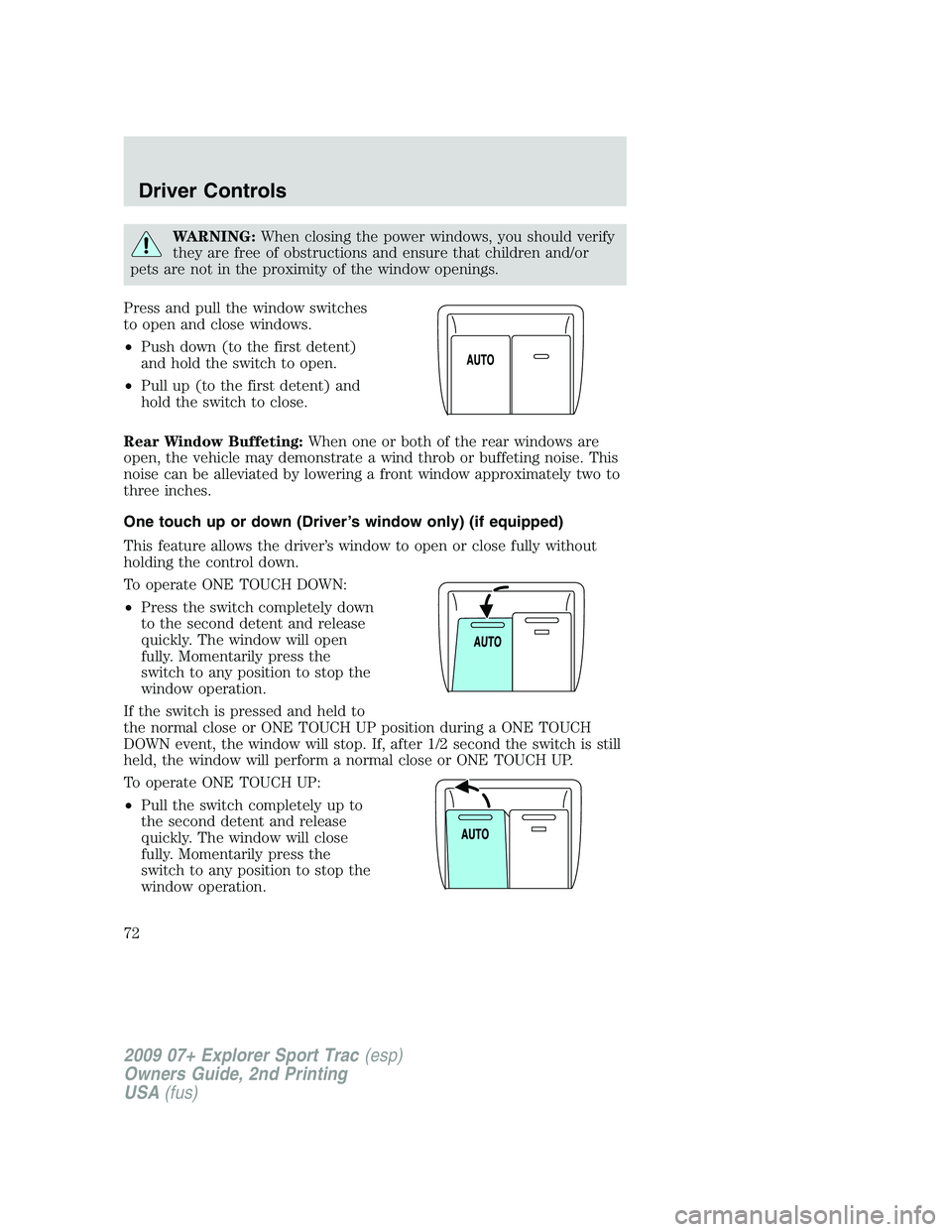
Press and pull the window switches
to open and close windows.
•Push down (to the first detent)
and hold the switch to open.
•Pull up (to the first detent) and
hold the switch to close.
Rear Window Buffeting:When one or both of the rear windows are
open, the vehicle may demonstrate a wind throb or buffeting noise. This
noise can be alleviated by lowering a front window approximately two to
three inches.
One touch up or down (Driver’s window only) (if equipped)
This feature allows the driver’s window to open or close fully without
holding the control down.
To operate ONE TOUCH DOWN:
•Press the switch completely down
to the second detent and release
quickly. The window will open
fully. Momentarily press the
switch to any position to stop the
window operation.
If the switch is pressed and held to
the normal close or ONE TOUCH UP position during a ONE TOUCH
DOWN event, the window will stop. If, after 1/2 second the switch is still
held, the window will perform a normal close or ONE TOUCH UP.
To operate ONE TOUCH UP:
•Pull the switch completely up to
the second detent and release
quickly. The window will close
fully. Momentarily press the
switch to any position to stop the
window operation.
2009 07+ Explorer Sport Trac(esp)
Owners Guide, 2nd Printing
USA(fus)
Driver Controls
72
Page 74 of 351
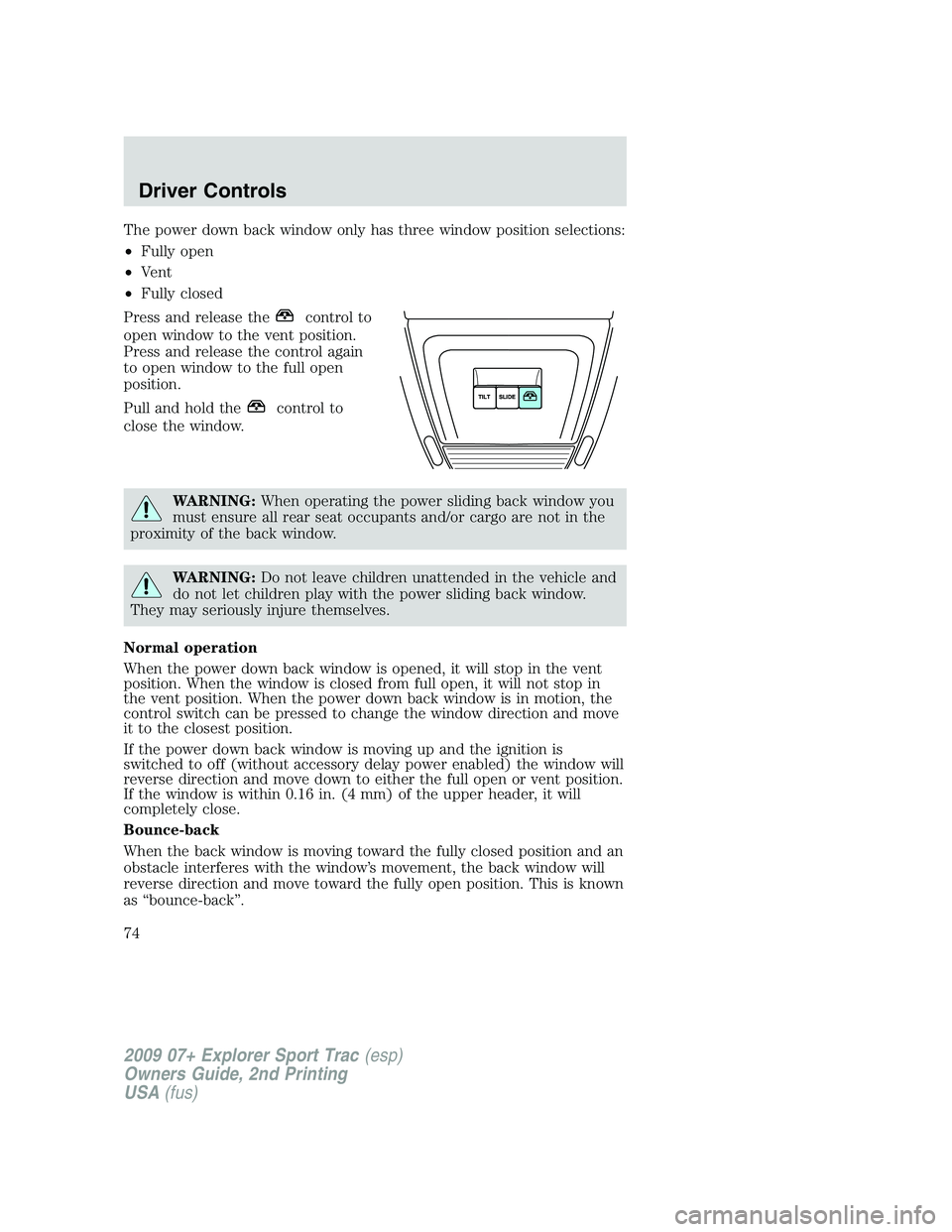
The power down back window only has three window position selections:
•Fully open
•Vent
•Fully closed
Press and release the
control to
open window to the vent position.
Press and release the control again
to open window to the full open
position.
Pull and hold the
control to
close the window.
WARNING:When operating the power sliding back window you
must ensure all rear seat occupants and/or cargo are not in the
proximity of the back window.
WARNING:Do not leave children unattended in the vehicle and
do not let children play with the power sliding back window.
They may seriously injure themselves.
Normal operation
When the power down back window is opened, it will stop in the vent
position. When the window is closed from full open, it will not stop in
the vent position. When the power down back window is in motion, the
control switch can be pressed to change the window direction and move
it to the closest position.
If the power down back window is moving up and the ignition is
switched to off (without accessory delay power enabled) the window will
reverse direction and move down to either the full open or vent position.
If the window is within 0.16 in. (4 mm) of the upper header, it will
completely close.
Bounce-back
When the back window is moving toward the fully closed position and an
obstacle interferes with the window’s movement, the back window will
reverse direction and move toward the fully open position. This is known
as “bounce-back”.
2009 07+ Explorer Sport Trac(esp)
Owners Guide, 2nd Printing
USA(fus)
Driver Controls
74
Page 75 of 351
Security override
If, during a bounce-back condition and within two seconds after the
window stops, the control is held in the closed direction,the back
window will travel closed with no bounce-back protection.If the
control is released before the window reaches fully closed, the back
window will continue moving with bounce-back re-enabled.
The following are possible reasons for using the security override:
•Ice on the window causing a restriction.
•Window unexpectedly reverses.
Position recovery mode
If the motor loses position and stops mid travel, the motor will respond
to switch inputs by moving 0.6 in. (15 mm) each switch command in the
up direction only. Down will be a one touch down operation. If the
window is stalled in the down position and there are no other system
faults, the motor shall relearn its position and resume full functionality. If
there is a feedback signal loss, the window will remain in its 0.6 in.
(15 mm) travel mode with each switch command and will not recover
full functionality. This will allow you to “inch” the window up to the fully
closed position. If the window does not operate correctly, see your dealer
for service.
INTERIOR MIRROR
The interior rear view mirror has two pivot points on the support arm
which lets you adjust the mirror UP or DOWN and from SIDE to SIDE.
WARNING:Do not adjust the mirror while the vehicle is in
motion.
Automatic dimming interior rear view mirror (if equipped)
Your vehicle may be equipped with an interior rear view mirror which
has an auto-dimming function. The electronic day/night mirror will
change from the normal (high reflective) state to the non-glare
(darkened) state when bright lights (glare) reach the mirror. When the
mirror detects bright light from behind the vehicle, it will automatically
adjust (darken) to minimize glare.
2009 07+ Explorer Sport Trac(esp)
Owners Guide, 2nd Printing
USA(fus)
Driver Controls
75
Page 76 of 351

Without microphone
With microphone
The mirror will automatically return to the normal state whenever the
vehicle is placed in R (Reverse) to ensure a bright clear view when
backing up.
Do not block the sensors on the front and back of the interior
rear view mirror since this may impair proper mirror
performance.
Do not clean the housing or glass of any mirror with harsh
abrasives, fuel or other petroleum-based cleaning products.
EXTERIOR MIRRORS
Power side view mirrors
WARNING:Do not adjust the mirror while the vehicle is in
motion.
The ignition must be in the accessory or on position to adjust the power
side view mirrors.
To adjust your mirrors:
1. Rotate the control clockwise to
adjust the right mirror and rotate
the control counterclockwise to
adjust the left mirror.
2. Move the control in the direction
you wish to tilt the mirror.
3. Return to the center position to lock mirrors in place.
2009 07+ Explorer Sport Trac(esp)
Owners Guide, 2nd Printing
USA(fus)
Driver Controls
76
Page 78 of 351
POWER ADJUSTABLE FOOT PEDALS (IF EQUIPPED)
The accelerator and brake pedal
should only be adjusted when the
vehicle is stopped and the gearshift
lever is in the P (Park) position.
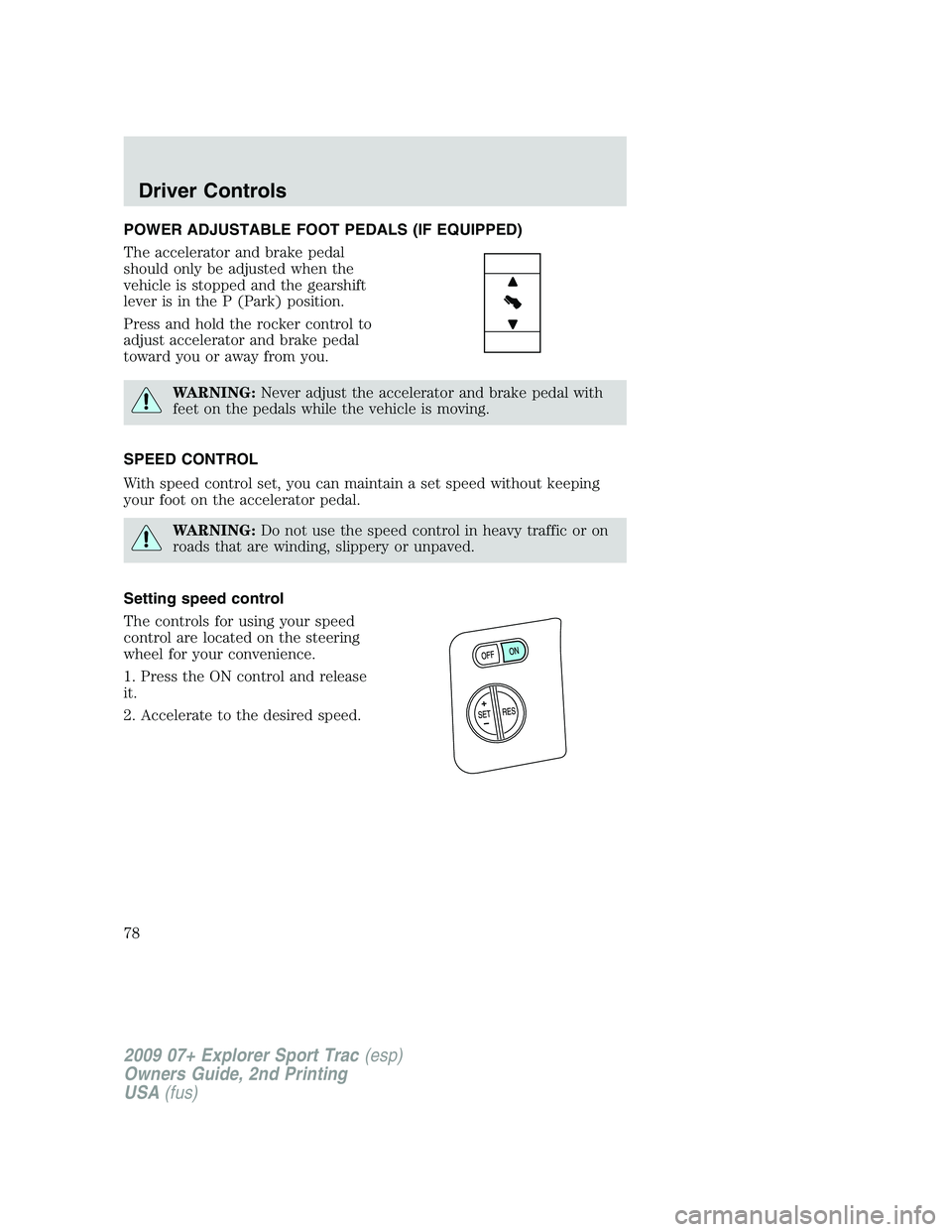
Press and hold the rocker control to
adjust accelerator and brake pedal
toward you or away from you.
WARNING:Never adjust the accelerator and brake pedal with
feet on the pedals while the vehicle is moving.
SPEED CONTROL
With speed control set, you can maintain a set speed without keeping
your foot on the accelerator pedal.
WARNING:Do not use the speed control in heavy traffic or on
roads that are winding, slippery or unpaved.
Setting speed control
The controls for using your speed
control are located on the steering
wheel for your convenience.
1. Press the ON control and release
it.
2. Accelerate to the desired speed.
2009 07+ Explorer Sport Trac(esp)
Owners Guide, 2nd Printing
USA(fus)
Driver Controls
78
Page 83 of 351

Navigation system/SYNC hands
free control features
(if equipped)
Press VOICE briefly until the
voice
icon appears on the
Navigation display to use the voice
command feature.
Press
to activate phone mode or
answer a phone call. Press and
hold
to exit phone mode or end
call.
For further information on the Navigation system/SYNC system, refer to
theNavigation SystemandSYNCsupplements.
MOON ROOF (IF EQUIPPED)
The moon roof control is located on the overhead console.
WARNING:Do not let children play with the moon roof or leave
children unattended in the vehicle. They may seriously hurt
themselves.
WARNING:When closing the moon roof, you should verify that
it is free of obstructions and ensure that children and/or pets are
not in the proximity of the moon roof opening.
The moon roof is equipped with an automatic, one-touch, express
opening and closing feature. To stop motion at any time during the
one-touch operation, press the control a second time.
To open the moon roof:Press and
release the SLIDE control, the moon
roof will open automatically. Press
the switch again to stop the moon
roof.
To close the moon roof:Pull and
release the SLIDE control, the moon
roof will close automatically. Press
the switch again to stop the moon
roof.
2009 07+ Explorer Sport Trac(esp)
Owners Guide, 2nd Printing
USA(fus)
Driver Controls
83
Page 84 of 351
Bounce-back:When an obstacle has been detected in the moon roof
opening as the moon roof is closing, the moon roof will automatically
open and stop at a prescribed position.
Bounce-back override:To override bounce-back function, pull and hold
the SLIDE switch within two seconds of a bounce-back event. The
closing force will begin to increase each time the moon roof is closed for
the first three closing cycles, with bounce-back active. For example:
Bounce-back can be used to overcome the resistance of ice on the moon
roof or seals
To vent the moon roof:Press and release the TILT control, the moon
roof will move to the vent position automatically from any moon roof
position. Press the switch again to stop the moon roof. Pull and hold the
TILT control to close the moon roof.
The moon roof has a built-in sliding shade that can be manually opened
or closed when the glass panel is shut. To close the shade, pull it toward
the front of the vehicle.
Accessory delay:
With accessory delay, the window switches, audio system, and moon roof
may be used for up to 10 minutes after the ignition switch is turned to
the off position or until either front door is opened.
STANDARD MESSAGE CENTER (IF EQUIPPED)
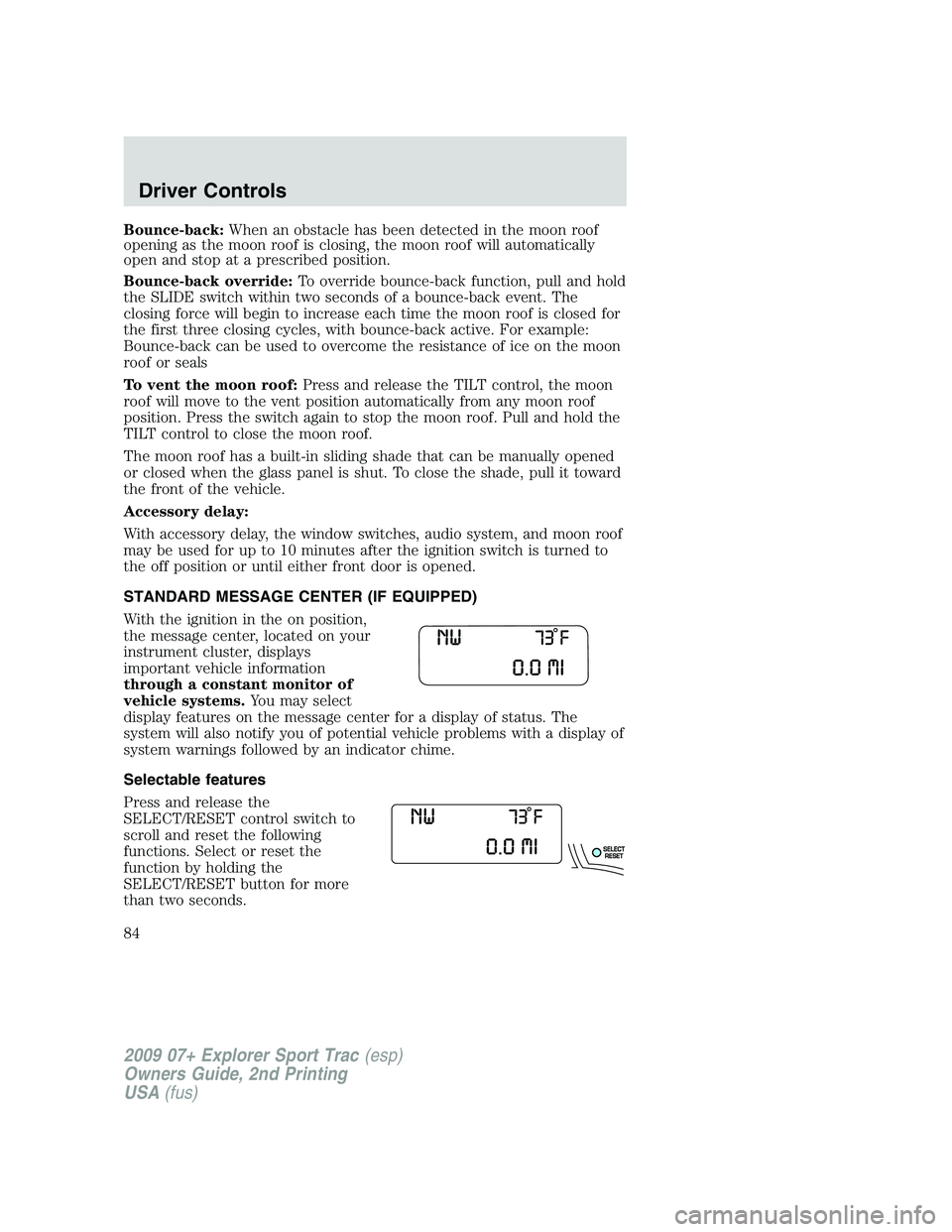
With the ignition in the on position,
the message center, located on your
instrument cluster, displays
important vehicle information
through a constant monitor of
vehicle systems.You may select
display features on the message center for a display of status. The
system will also notify you of potential vehicle problems with a display of
system warnings followed by an indicator chime.
Selectable features
Press and release the
SELECT/RESET control switch to
scroll and reset the following
functions. Select or reset the
function by holding the
SELECT/RESET button for more
than two seconds.
2009 07+ Explorer Sport Trac(esp)
Owners Guide, 2nd Printing
USA(fus)
Driver Controls
84