start stop button FORD F-150 2020 Owner's Manual
[x] Cancel search | Manufacturer: FORD, Model Year: 2020, Model line: F-150, Model: FORD F-150 2020Pages: 625, PDF Size: 7.98 MB
Page 335 of 625
Vehicles Sold in Canada: Getting
Roadside Assistance
To fully assist you should you have a
vehicle concern, Ford Motor Company of
Canada, Limited offers a complimentary
roadside assistance program. This program
is eligible within Canada or the continental
United States.
The service is available 24 hours a day,
seven days a week.
This program is separate from the New
Vehicle Limited Warranty, but the coverage
is concurrent with the powertrain coverage
period of your vehicle. Canadian roadside
coverage and benefits may differ from the
U.S. coverage.
If you require more information, please call
us in Canada at 1-800-665-2006, or visit
our website at www.ford.ca.
HAZARD FLASHERS
Note:
The hazard flashers operate when
the ignition is in any position, or if the key is
not in the ignition. If used when the vehicle
is not running, the battery loses charge. As
a result, there may be insufficient power to
restart your vehicle. The flasher control is on the
instrument panel. Use your
hazard flashers when your
vehicle is creating a safety hazard for other
motorists.
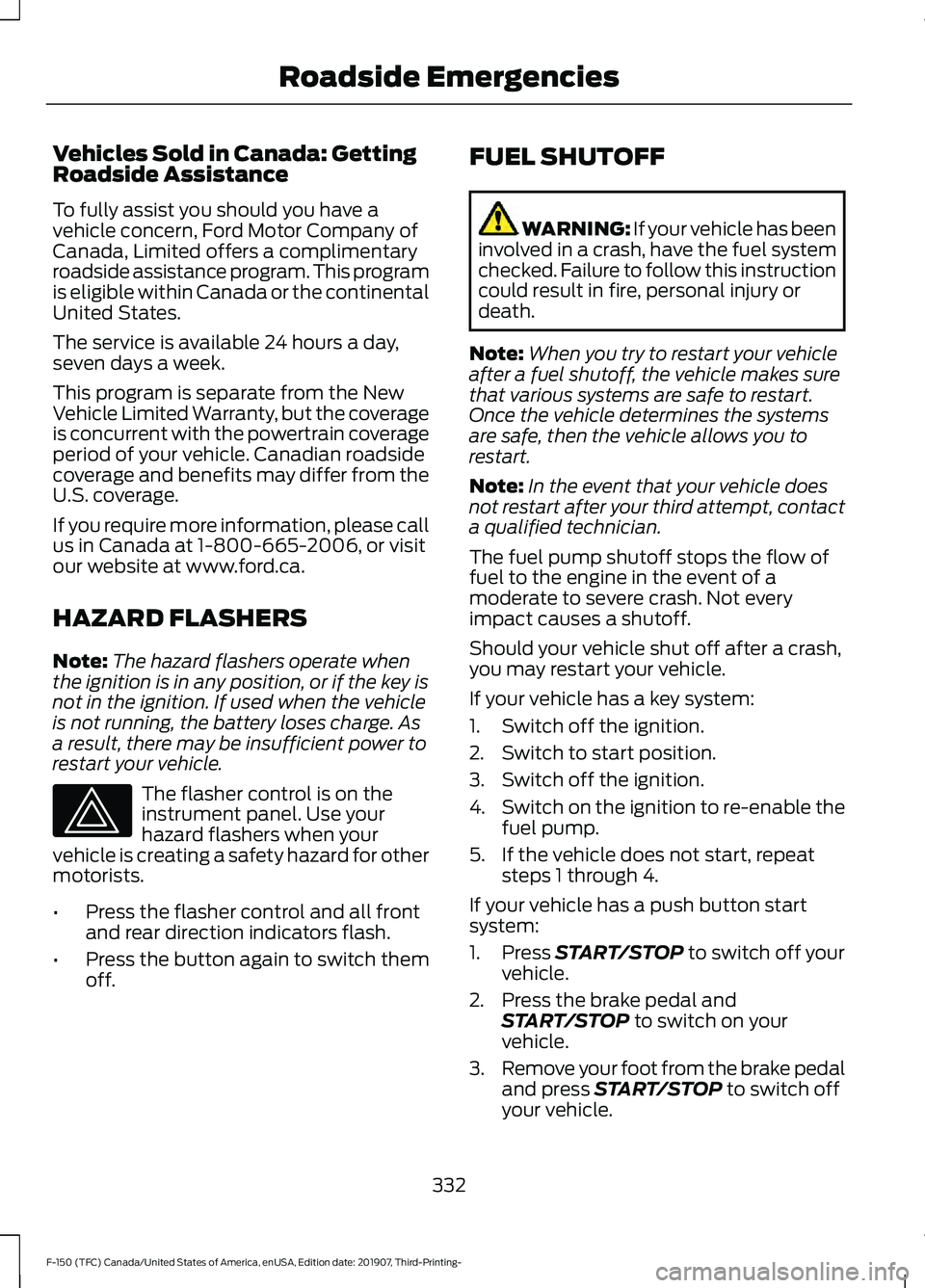
• Press the flasher control and all front
and rear direction indicators flash.
• Press the button again to switch them
off. FUEL SHUTOFF WARNING: If your vehicle has been
involved in a crash, have the fuel system
checked. Failure to follow this instruction
could result in fire, personal injury or
death.
Note: When you try to restart your vehicle
after a fuel shutoff, the vehicle makes sure
that various systems are safe to restart.
Once the vehicle determines the systems
are safe, then the vehicle allows you to
restart.
Note: In the event that your vehicle does
not restart after your third attempt, contact
a qualified technician.
The fuel pump shutoff stops the flow of
fuel to the engine in the event of a
moderate to severe crash. Not every
impact causes a shutoff.
Should your vehicle shut off after a crash,
you may restart your vehicle.
If your vehicle has a key system:
1. Switch off the ignition.
2. Switch to start position.
3. Switch off the ignition.
4. Switch on the ignition to re-enable the
fuel pump.
5. If the vehicle does not start, repeat steps 1 through 4.
If your vehicle has a push button start
system:
1. Press START/STOP to switch off your
vehicle.
2. Press the brake pedal and START/STOP
to switch on your
vehicle.
3. Remove your foot from the brake pedal
and press
START/STOP to switch off
your vehicle.
332
F-150 (TFC) Canada/United States of America, enUSA, Edition date: 201907, Third-Printing- Roadside Emergencies
Page 538 of 625
Action and Description
Menu Item
Select to choose from a listing of
weather locations.
Area
Touch this button to view scores and schedules from a variety
of sports. You can also save up to 10 favorite teams for easier
access. The score automatically refreshes when a game is in
progress.
Sports Info
Touch this button to view ski conditions for a specific area.
Ski Conditions
SETTINGS Press the button to enter the
settings menu.
Once you select a tile, press the
button next to a menu item to
view an explanation of the
feature or setting.
Sound
Select this tile to adjust the sound settings.
Clock
Select this tile to adjust the clock settings.
Bluetooth
Select this tile to switch Bluetooth on and
off and adjust the settings.
Phone
Select this tile to connect, disconnect, and
manage the connected device settings.
Audio
Select this tile to adjust the audio settings. Driver Assist (If Equipped)
Select this tile to adjust Driver Assist
features like Parking Aids, Lane Keeping
System, Pedestrian Detection, and
Auto-Start-Stop.
Vehicle
Select this tile to adjust vehicle settings
like windows, alarm, lighting, and MyKey
settings.
FordPass
Select this tile to adjust the FordPass
settings
General
Select this tile to adjust settings like
language, measurement units, or to reset
the system.
911 Assist
(If Equipped)
Select this tile to switch 911 Assist on and
off.
Automatic Updates
Select this tile to adjust the automatic
update settings.
Mobile Apps
Select this tile to adjust permissions,
enable, disable, and update mobile apps.
535
F-150 (TFC) Canada/United States of America, enUSA, Edition date: 201907, Third-Printing- SYNC™ 3
(If Equipped)E280315 E268570
Page 547 of 625
Apps
Possible Cause and Resolution
Symptom
The system cannot find any
apps. –
Incompatible device.
•You will need an Android device with OS 4.3 or
higher or an iOS device with iOS 8.0 or higher. Pair
and connect your Android device to find AppLink
compatible apps. Connect your iOS device to a
USB port or pair and connect using Bluetooth.
I have a compatible device
and it is correctly connected
but the system still cannot
find any apps. –
AppLink compatible apps not installed on your device.
•Download and install the latest version of the app.
– AppLink compatible apps not running on your device.
•Start the apps to allow the system to find them
and make sure you sign in to any apps if required.
– Incorrect app settings.
•Check and adjust the app settings on your device
and allow SYNC to access the app if required.
I have a compatible device,
it is correctly connected and
my apps are running but the
system still cannot find any
apps. –
Apps failed to fully close.
•Restart the apps and try again.
• If you have an Android device with apps that have
an exit or quit option, use this and then restart the
apps. Alternatively, use the force stop option in the
settings menu on your device.
• If you have an iOS device with iOS 7.0 or higher, tap
the home button on your device twice and then
swipe the app upward to close it.
I have an Android device
that is correctly connected,
I have restarted my apps
and they are running but the
system still cannot find
them. –
An issue on some older versions of the Android oper-
ating system could result in apps not being found.
•Switch Bluetooth off and on again to force the
system to reconnect to your device.
544
F-150 (TFC) Canada/United States of America, enUSA, Edition date: 201907, Third-Printing- SYNC™ 3 (If Equipped)
Page 623 of 625
Starting and Stopping the Engine..........179
General Information........................................... 179
Steering............................................................273 Adaptive Learning.............................................. 274
Electric Power Steering.................................... 273
Steering Wheel Lock - Vehicles With: Push Button Start.....................................180
Unlocking the Steering Wheel...................... 180
Steering Wheel Lock - Vehicles Without: Push Button Start.....................................180
Steering Wheel...............................................88
Storage Compartments..............................177
Sunroof See: Moonroof..................................................... 109
Sun Visors
.......................................................108
Illuminated Vanity Mirror................................. 108
Supplementary Restraints System
..........51
Principle of Operation.......................................... 51
Switching Automatic High Beam Control On and Off....................................................101
Activating the Automatic High Beam Control................................................................ 101
Switching Cruise Control On and Off...................................................................253
Switching Cruise Control Off......................... 253
Switching Cruise Control On......................... 253
Switching Off the Engine..........................188
Switching Rear Occupant Alert System On and Off...................................................169
Symbols Glossary
.............................................9
SYNC™ 3........................................................505
General Information......................................... 505
SYNC™ 3 Troubleshooting......................537 Additional Information and
Assistance....................................................... 549
Apps....................................................................... 544
Navigation............................................................ 543
Personal Profiles................................................ 547
Phone...................................................................... 541
Resetting the System...................................... 549
USB and Bluetooth Audio.............................. 538
Voice Recognition.............................................. 537
Wi-Fi Connectivity............................................. 546
SYNC™ Applications and Services........................................................492
911 Assist............................................................... 492
SYNC Mobile Apps........................................... 494SYNC™...........................................................488
General Information......................................... 488
SYNC™ Troubleshooting.........................496
T
Tailgate Lock
.....................................................77
Tailgate Step....................................................79
Closing the Step................................................... 80
Opening the Step................................................. 79
Tailgate...............................................................77
Technical Specifications See: Capacities and Specifications............424
The Better Business Bureau (BBB) Auto Line Program (U.S. Only).......................339
Tire Care
..........................................................392
Glossary of Tire Terminology........................ 393
Information About Uniform Tire Quality Grading............................................................. 392
Information Contained on the Tire Sidewall........................................................... 394
Temperature A B C............................................ 393
Traction AA A B C.............................................. 393
Treadwear............................................................. 392
Tire Pressure Monitoring System..........408 Changing Tires With a Tire Pressure
Monitoring System...................................... 409
Understanding Your Tire Pressure Monitoring System ..................................... 409
Tires See: Wheels and Tires...................................... 391
Towing a Trailer
............................................290
Load Placement.................................................. 291
Towing Points
...............................................336
Towing the Vehicle on Four Wheels...........................................................321
Emergency Towing............................................. 321
Recreational Towing.......................................... 321
Towing.............................................................290
Traction Control
............................................237
Principle of Operation....................................... 237
Trailer Reversing Aids.................................292 Principle of Operation...................................... 292
Pro Trailer Backup Assist™............................ 292
Setting Up Pro Trailer Backup Assist..........292
Troubleshooting................................................. 297
Using Pro Trailer Backup Assist................... 296
Trailer Sway Control...................................302
620
F-150 (TFC) Canada/United States of America, enUSA, Edition date: 201907, Third-Printing- Index