warning FORD F-450 2020 Owners Manual
[x] Cancel search | Manufacturer: FORD, Model Year: 2020, Model line: F-450, Model: FORD F-450 2020Pages: 631, PDF Size: 9.62 MB
Page 533 of 631
SiriusXM Traffic and Travel Link (If
Equipped)
WARNING: Driving while distracted
can result in loss of vehicle control, crash
and injury. We strongly recommend that
you use extreme caution when using any
device that may take your focus off the
road. Your primary responsibility is the
safe operation of your vehicle. We
recommend against the use of any
hand-held device while driving and
encourage the use of voice-operated
systems when possible. Make sure you
are aware of all applicable local laws
that may affect the use of electronic
devices while driving.
Note: SiriusXM Traffic and Travel Link may
not be available in all markets. Note:
In order to use SiriusXM Traffic and
Travel Link, your vehicle must have
navigation.
Note: A paid subscription is required to
access and use these features. Go to
www.siriusxm.com/travellink for more
information.
Note: Visit www.siriusxm.com/traffic and
click on Coverage map and details for a
complete listing of all traffic areas covered
by SiriusXM Traffic and Travel Link.
Note: Neither Sirius nor Ford is responsible
for any errors or inaccuracies in the SiriusXM
Traffic and Travel Link services or its use in
vehicles.
When you subscribe to SiriusXM Traffic
and Travel Link, it can help you locate the
best gas prices, find movie listings, get
current traffic alerts, view the current
weather map, get accurate ski conditions
and see scores to current sports games. Action and Description
Menu Item
Touch these buttons to identify traffic incidents on your route,
near your vehicle’s current location or near any of your favorite
places, if programmed.
Traffic on Route
Traffic Nearby
Touch this button to view fuel prices at stations close to your
vehicle’s location or on an active navigation route.
Fuel Prices
Touch this button to view nearby movie theaters and their
show times, if available.
Movie Listings
Touch this button to view the nearby weather, current weather,
or the five-day forecast for the chosen area.
Weather
Select to see the weather map,
which can show storms, radar
information, charts and winds.
Map
530
Super Duty (TFE), enUSA, Edition date: 201909, Third-Printing- SYNC™ 3 (If Equipped)
Page 558 of 631
Check Every Month
Air filter restriction gauge. 1
Engine oil level.
Function of all interior and exterior lights.
Tires including the spare for wear and proper pressure. Windshield washer fluid level.
Fuel and water separator. Drain if necessary or if indicated by the information display. 1
Holes and slots in the tail pipe to make sure they are functional and clear of debris. 1
1 Diesel vehicles only. Check Every Six Months
Battery connections. Clean if necessary.
Body and door drain holes for obstructions. Clean if necessary. Cooling system fluid level and coolant strength.
Door weatherstrips for wear. Lubricate if necessary.
Hinges, latches and outside locks for proper operation. Lubricate if necessary. Parking brake for proper operation.
Safety belts and seat latches for wear and function.
Safety warning lamps, brake, ABS, airbag and safety belt for operation.
Washer spray and wiper operation. Clean or replace blades as necessary.
555
Super Duty (TFE), enUSA, Edition date: 201909, Third-Printing- Scheduled Maintenance
Page 559 of 631
Multi-Point Inspection
In order to keep your vehicle running right,
it is important to have the systems on your
vehicle checked regularly. This can help
identify potential issues and prevent major
problems. We recommend having the
following multi-point inspection performed
at every scheduled maintenance interval
to help make sure your vehicle keeps
running great.Multi-Point Inspection
Hazard warning system operation
Accessory drive belt or belts
Horn operation
Battery performance
Radiator, cooler, heater and air conditioninghoses
Engine air filter
Suspension components for leaks ordamage
Exhaust system
Steering and linkage
Exterior lamps operation
Tires including the spare for wear andproper pressure 2
Fluid levels 1
; fill if necessary
Windshield for cracks, chips or pits
For oil and fluid leaks
Washer spray and wiper operation
Half-shaft dust boots
1 Brake, coolant recovery reservoir and window washer.
2 If your vehicle is equipped with a temporary mobility kit, check the tire sealant expiration
Use By date on the canister. Replace as needed.
Be sure to ask your dealership service
advisor or technician about the multi-point
vehicle inspection. It is a comprehensive
way to perform a thorough inspection of
your vehicle. Your checklist gives you
immediate feedback on the overall
condition of your vehicle. NORMAL SCHEDULED
MAINTENANCE
Intelligent Oil-Life Monitor
Your vehicle has an Intelligent Oil-Life
Monitor that determines when you should
change the engine oil based on how you
use your vehicle. By using several
important factors in its calculations, the
monitor helps reduce the cost of owning
your vehicle and reduces environmental
waste at the same time.
556
Super Duty (TFE), enUSA, Edition date: 201909, Third-Printing- Scheduled Maintenance
Page 584 of 631
ELECTROMAGNETIC
COMPATIBILITY
WARNING: Do not place objects
or mount equipment on or near the
airbag cover, on the side of the front or
rear seatbacks, or in areas that may
come into contact with a deploying
airbag. Failure to follow these
instructions may increase the risk of
personal injury in the event of a crash. WARNING: Do not fasten antenna
cables to vehicle wiring, fuel pipes and
brake pipes. WARNING:
Keep antenna and
power cables at least 4 in (10 cm) from
any electronic modules and airbags. Note:
We test and certify your vehicle to
meet electromagnetic compatibility
legislation. It is your responsibility to make
sure that any equipment an authorized
dealer installs on your vehicle complies with
applicable local legislation and other
requirements. Installation of some
aftermarket electronic devices could
degrade the performance of vehicle
functions, which use radio frequency signals
such as broadcast radio receiver, tire
pressure monitoring system, push button
start, Bluetooth connectivity or satellite
navigation.
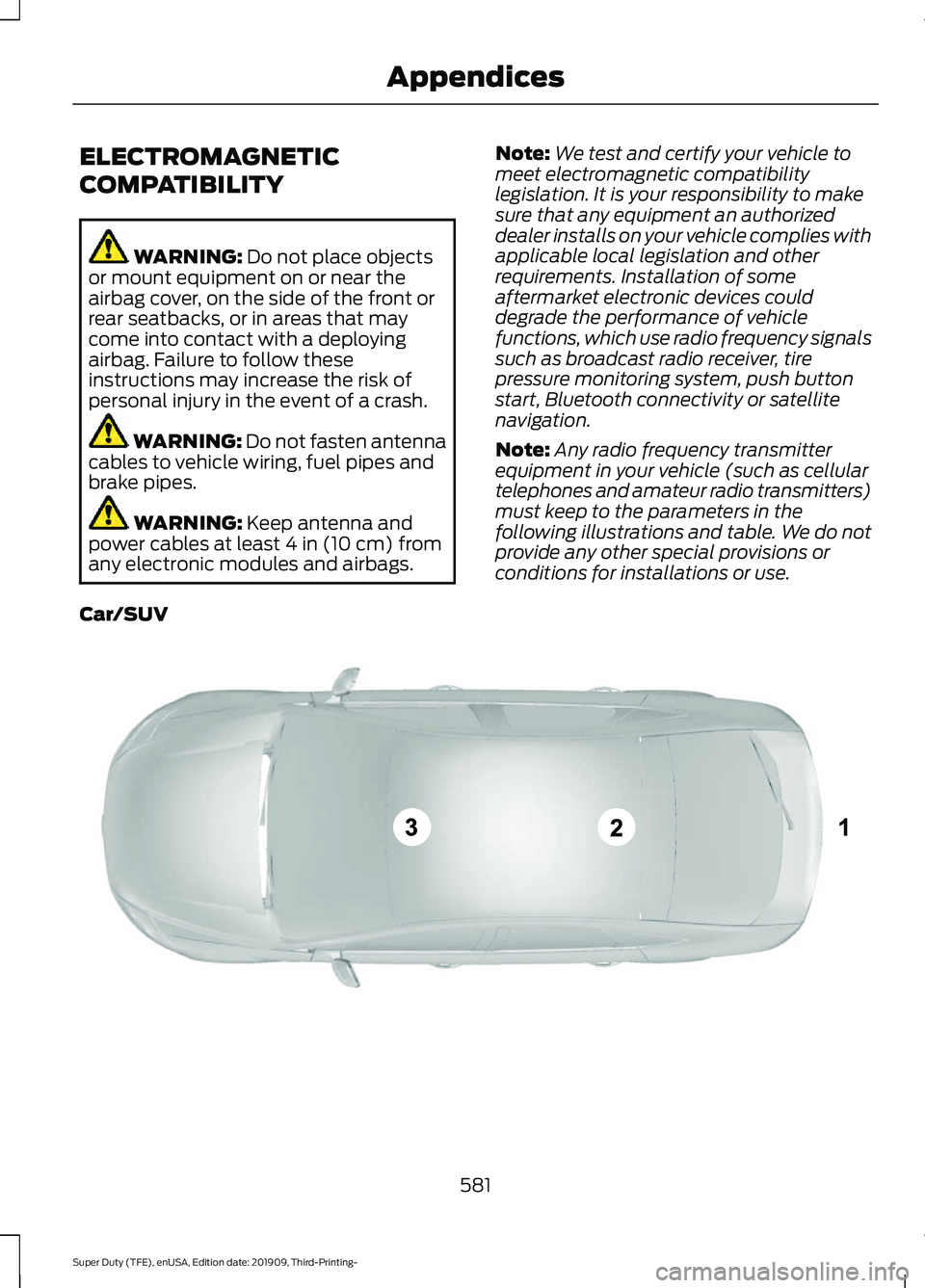
Note: Any radio frequency transmitter
equipment in your vehicle (such as cellular
telephones and amateur radio transmitters)
must keep to the parameters in the
following illustrations and table. We do not
provide any other special provisions or
conditions for installations or use.
Car/SUV 581
Super Duty (TFE), enUSA, Edition date: 201909, Third-Printing- AppendicesE239120
Page 599 of 631
HERE holds a non-exclusive license from
the United States Postal Service® to
publish and sell ZIP+4® information.
©United States Postal Service® 2014.
Prices are not established, controlled or
approved by the United States Postal
Service®. The following trademarks and
registrations are owned by the USPS:
United States Postal Service, USPS, and
ZIP+4
The Data for Mexico includes certain data
from Instituto Nacional de Estadística y
Geografía.
9.2 End User Terms Required by NAV2
(Shanghai) Co., Ltd
The data (“Data
”) is provided for your
personal, internal use only and not for
resale. It is protected by copyright, and is
subject to the following terms and
conditions which are agreed to by you, on
the one hand, and NAV2 (Shanghai) Co.,
Ltd (“NAV2”) and its licensors (including
their licensors and suppliers) on the other
hand. 20xx. All rights reserved
Terms and Conditions
Permitted Use. You agree to use this Data
together with the Telenav Software solely
for the internal business and personal
purposes for which you were licensed, and
not for service bureau, time-sharing or
other similar purposes. Accordingly, but
subject to the restrictions set forth in the
following paragraphs, you agree not to
otherwise reproduce, copy, modify,
decompile, disassemble, create any
derivative works of, or reverse engineer any
portion of this Data, and may not transfer
or distribute it in any form, for any purpose,
except to the extent permitted by
mandatory laws. Restrictions. Except where you have been
specifically licensed to do so by Telenav,
and without limiting the preceding
paragraph, you may not use this Data (a)
with any products, systems, or applications
installed or otherwise connected to or in
communication with vehicles, capable of
vehicle navigation, positioning, dispatch,
real time route guidance, fleet
management or similar applications; or (b)
with or in communication with any
positioning devices or any mobile or
wireless-connected electronic or computer
devices, including without limitation
cellular phones, palmtop and handheld
computers, pagers, and personal digital
assistants or PDAs.
Warning. The Data may contain
inaccurate or incomplete information due
to the passage of time, changing
circumstances, sources used and the
nature of collecting comprehensive
geographic data, any of which may lead to
incorrect results.
No Warranty.
This Data is provided to you
“ as is, ” and you agree to use it at your own
risk. Telenav and its licensors (and their
licensors and suppliers) make no
guarantees, representations or warranties
of any kind, express or implied, arising by
law or otherwise, including but not limited
to, content, quality, accuracy,
completeness, effectiveness, reliability,
fitness for a particular purpose, usefulness,
use or results to be obtained from this
Data, or that the Data or server will be
uninterrupted or error-free.
Disclaimer of Warranty:
TELENAV AND
ITS LICENSORS (INCLUDING THEIR
LICENSORS AND SUPPLIERS) DISCLAIM
ANY WARRANTIES, EXPRESS OR IMPLIED,
OF QUALITY, PERFORMANCE,
MERCHANTABILITY, FITNESS FOR A
596
Super Duty (TFE), enUSA, Edition date: 201909, Third-Printing- Appendices
Page 610 of 631
including any copyrighted material or
music file information. You agree that
Gracenote may enforce its respective
rights, collectively or separately, under this
agreement against you, directly in each
company's own name.
Gracenote uses a unique identifier to track
queries for statistical purposes. The
purpose of a randomly assigned numeric
identifier is to allow Gracenote to count
queries without knowing anything about
who you are. For more information, see the
web page at www.gracenote.com for the
Gracenote Privacy Policy.
THE GRACENOTE SOFTWARE, EACH ITEM
OF GRACENOTE DATA AND THE
GRACENOTE CONTENT ARE LICENSED
TO YOU "AS IS". NEITHER GRACENOTE
MAKES ANY REPRESENTATIONS OR
WARRANTIES, EXPRESS OR IMPLIED,
REGARDING THE ACCURACY OF ANY
GRACENOTE DATA FROM THE
GRACENOTE SERVERS OR GRACENOTE
CONTENT. GRACENOTE COLLECTIVELY
AND SEPARATELY RESERVE THE RIGHT
TO DELETE DATA AND/OR CONTENT
FROM THE COMPANIES' RESPECTIVE
SERVERS OR, IN THE CASE OF
GRACENOTE, CHANGE DATA
CATEGORIES FOR ANY CAUSE THAT
GRACENOTE DEEMS SUFFICIENT. NO
WARRANTY IS MADE THAT EITHER
GRACENOTE CONTENT OR THE
GRACENOTE SOFTWARE OR
GRACENOTE SERVERS ARE ERROR-FREE
OR THAT THE FUNCTIONING OF THE
GRACENOTE SOFTWARE OR
GRACENOTE SERVERS WILL BE
UNINTERRUPTED. GRACENOTE IS NOT
OBLIGATED TO PROVIDE YOU WITH ANY
ENHANCED OR ADDITIONAL DATA TYPES
THAT GRACENOTE MAY CHOOSE TO
PROVIDE IN THE FUTURE AND IS FREE
TO DISCONTINUE ITS ONLINE SERVICES
AT ANY TIME. GRACENOTE DISCLAIM ALL
WARRANTIES EXPRESS OR IMPLIED,
INCLUDING, BUT NOT LIMITED TO,
IMPLIED WARRANTIES OF
MERCHANTABILITY, FITNESS FOR A
PARTICULAR PURPOSE, TITLE, AND
NON-INFRINGEMENT. NEITHER
GRACENOTE WARRANTS THE RESULTS
THAT WILL BE OBTAINED BY YOUR USE
OF THE GRACENOTE SOFTWARE OR ANY
GRACENOTE SERVER. IN NO CASE WILL
GRACENOTE BE LIABLE FOR ANY
CONSEQUENTIAL OR INCIDENTAL
DAMAGES OR FOR ANY LOST PROFITS
OR LOST REVENUES FOR ANY REASON
WHATSOEVER. © Gracenote 2007.
Radio Frequency Statement
FCC ID: ACJ-SYNCG3-L
IC: 216B-SYNCG3-L
This device complies with Part 15 of the
FCC Rules and with RSS-210 of Industry
Canada. Operation is subject to the
following two conditions:
(1) This device may not cause harmful
interference, and
(2)
this device must accept any
interference received, including
interference that may cause undesired
operation. WARNING:
Changes or
modifications not expressively approved
by the party responsible for compliance
could void the user's authority to operate
the equipment. The term "IC:" before the
radio certification number only signifies
that Industry Canada technical
specifications were met.
The antenna used for this transmitter must
not be co-located or operating in
conjunction with any other antenna or
transmitter.
607
Super Duty (TFE), enUSA, Edition date: 201909, Third-Printing- Appendices
Page 613 of 631
WARNING: Changes or
modifications not expressively approved
by the party responsible for compliance
could void the user's authority to operate
the equipment. The term "IC:" before the
radio certification number only signifies
that Industry Canada technical
specifications were met.
These devices comply with Part 15 of the
FCC Rules and with RSS-210 of Industry
Canada. Operation is subject to the
following two conditions:
1. The device does not cause harmful interference.
2. The device accepts any interference received, including interference that
could cause undesired operation.
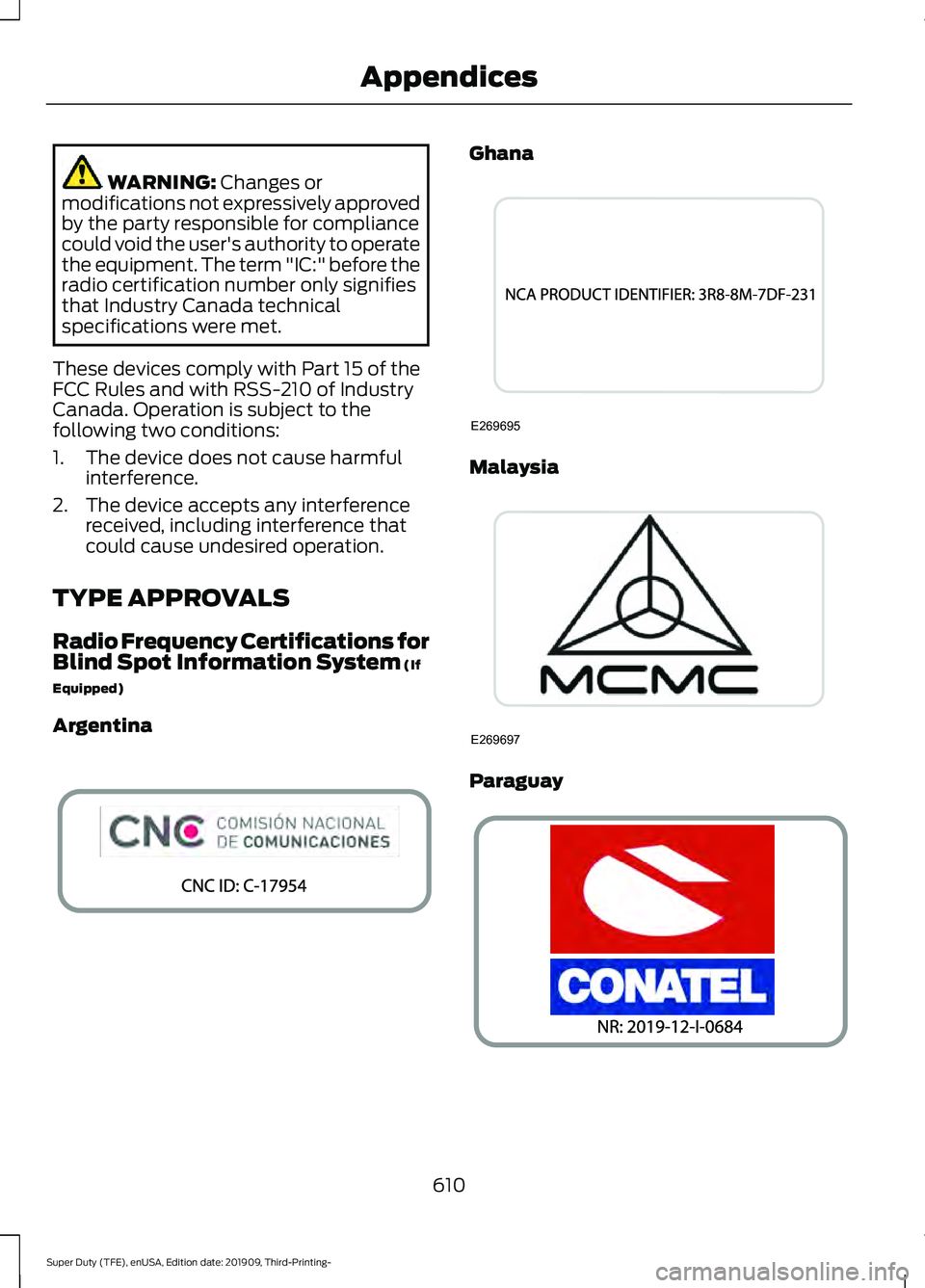
TYPE APPROVALS
Radio Frequency Certifications for
Blind Spot Information System
(If
Equipped)
Argentina Ghana
Malaysia
Paraguay
610
Super Duty (TFE), enUSA, Edition date: 201909, Third-Printing- AppendicesE337180 E269695 E269697 E337181
Page 614 of 631
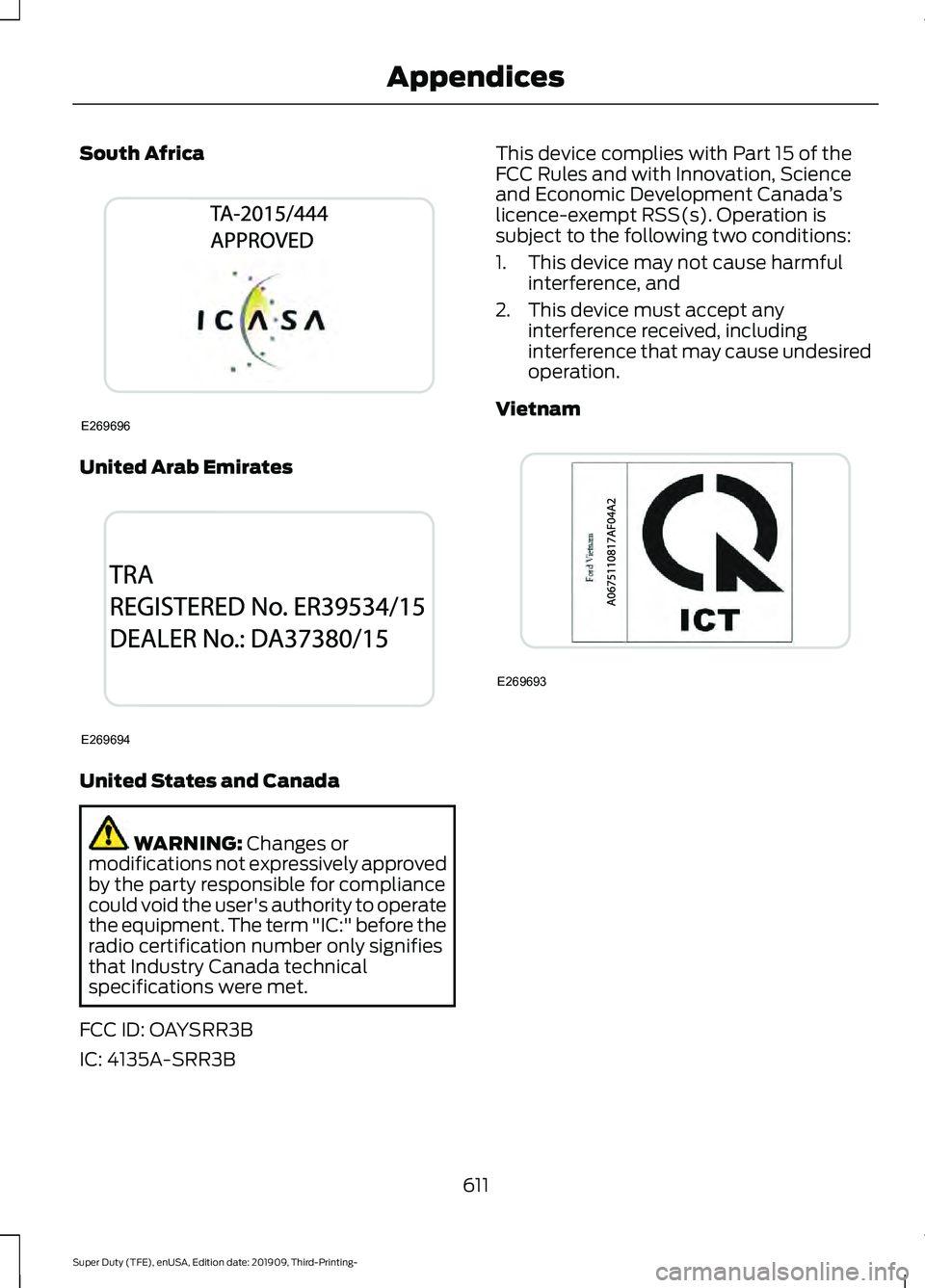
South Africa
United Arab Emirates
United States and Canada
WARNING: Changes or
modifications not expressively approved
by the party responsible for compliance
could void the user's authority to operate
the equipment. The term "IC:" before the
radio certification number only signifies
that Industry Canada technical
specifications were met.
FCC ID: OAYSRR3B
IC: 4135A-SRR3B This device complies with Part 15 of the
FCC Rules and with Innovation, Science
and Economic Development Canada
’s
licence-exempt RSS(s). Operation is
subject to the following two conditions:
1. This device may not cause harmful interference, and
2. This device must accept any interference received, including
interference that may cause undesired
operation.
Vietnam 611
Super Duty (TFE), enUSA, Edition date: 201909, Third-Printing- AppendicesE269696 E269694 E269693
Page 616 of 631
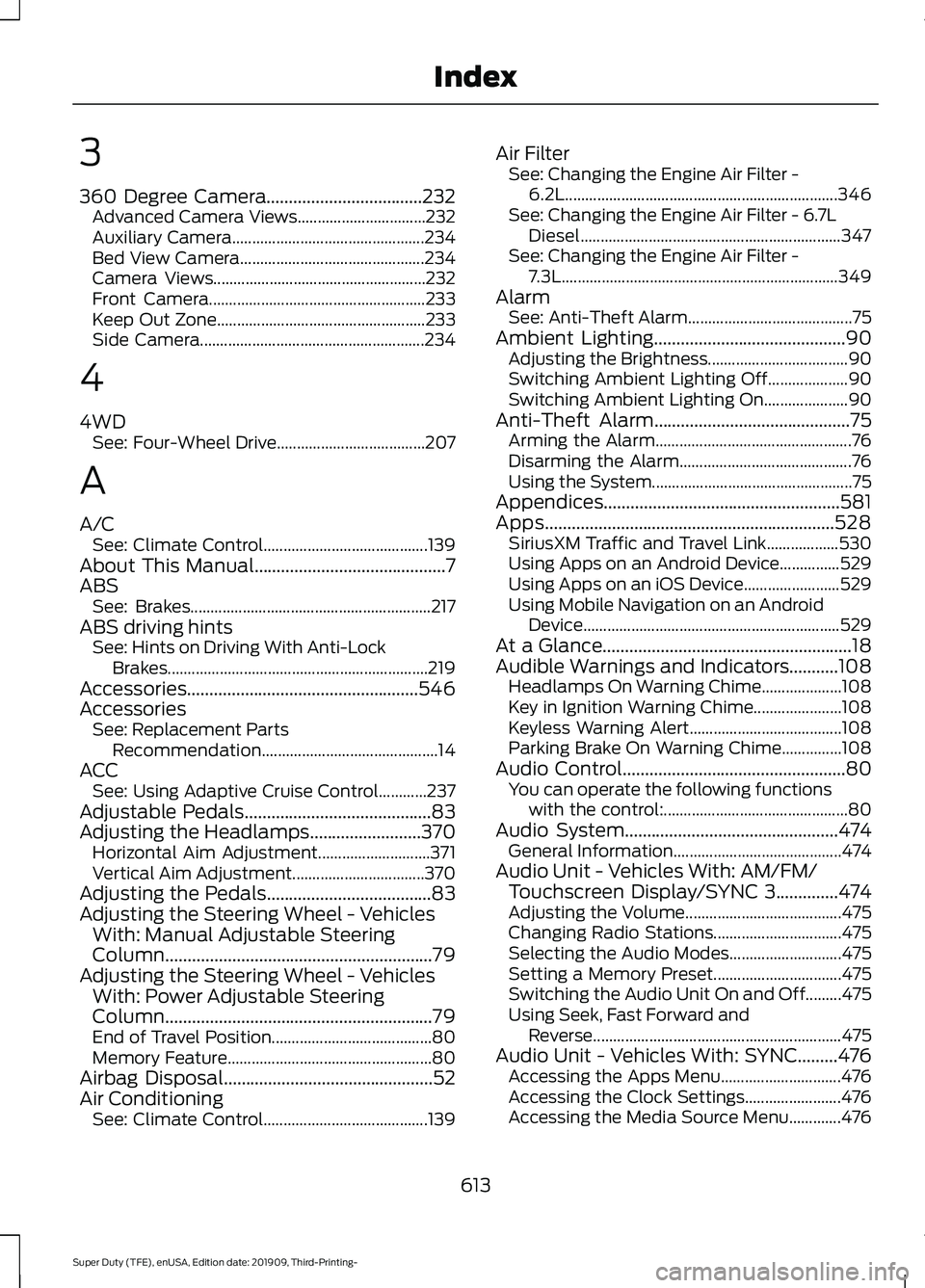
3
360 Degree Camera...................................232
Advanced Camera Views................................ 232
Auxiliary Camera................................................ 234
Bed View Camera.............................................. 234
Camera Views..................................................... 232
Front Camera...................................................... 233
Keep Out Zone.................................................... 233
Side Camera........................................................ 234
4
4WD See: Four-Wheel Drive..................................... 207
A
A/C See: Climate Control......................................... 139
About This Manual
...........................................7
ABS See: Brakes............................................................ 217
ABS driving hints See: Hints on Driving With Anti-Lock
Brakes................................................................. 219
Accessories....................................................546
Accessories See: Replacement Parts
Recommendation............................................ 14
ACC See: Using Adaptive Cruise Control............237
Adjustable Pedals
..........................................83
Adjusting the Headlamps.........................370
Horizontal Aim Adjustment............................ 371
Vertical Aim Adjustment................................. 370
Adjusting the Pedals
.....................................83
Adjusting the Steering Wheel - Vehicles With: Manual Adjustable Steering
Column
............................................................79
Adjusting the Steering Wheel - Vehicles With: Power Adjustable Steering
Column
............................................................79
End of Travel Position........................................ 80
Memory Feature................................................... 80
Airbag Disposal
...............................................52
Air Conditioning See: Climate Control......................................... 139Air Filter
See: Changing the Engine Air Filter -
6.2L.................................................................... 346
See: Changing the Engine Air Filter - 6.7L Diesel................................................................. 347
See: Changing the Engine Air Filter - 7.3L..................................................................... 349
Alarm See: Anti-Theft Alarm......................................... 75
Ambient Lighting...........................................90 Adjusting the Brightness................................... 90
Switching Ambient Lighting Off.................... 90
Switching Ambient Lighting On..................... 90
Anti-Theft Alarm............................................75 Arming the Alarm................................................. 76
Disarming the Alarm........................................... 76
Using the System.................................................. 75
Appendices.....................................................581
Apps
.................................................................528
SiriusXM Traffic and Travel Link.................. 530
Using Apps on an Android Device...............529
Using Apps on an iOS Device........................ 529
Using Mobile Navigation on an Android Device................................................................ 529
At a Glance........................................................18
Audible Warnings and Indicators...........108 Headlamps On Warning Chime.................... 108
Key in Ignition Warning Chime...................... 108
Keyless Warning Alert...................................... 108
Parking Brake On Warning Chime...............108
Audio Control
..................................................80
You can operate the following functions
with the control:.............................................. 80
Audio System
................................................474
General Information.......................................... 474
Audio Unit - Vehicles With: AM/FM/ Touchscreen Display/SYNC 3..............474
Adjusting the Volume....................................... 475
Changing Radio Stations................................ 475
Selecting the Audio Modes............................ 475
Setting a Memory Preset................................ 475
Switching the Audio Unit On and Off.........475
Using Seek, Fast Forward and Reverse.............................................................. 475
Audio Unit - Vehicles With: SYNC.........476 Accessing the Apps Menu.............................. 476
Accessing the Clock Settings........................ 476
Accessing the Media Source Menu.............476
613
Super Duty (TFE), enUSA, Edition date: 201909, Third-Printing- Index
Page 627 of 631
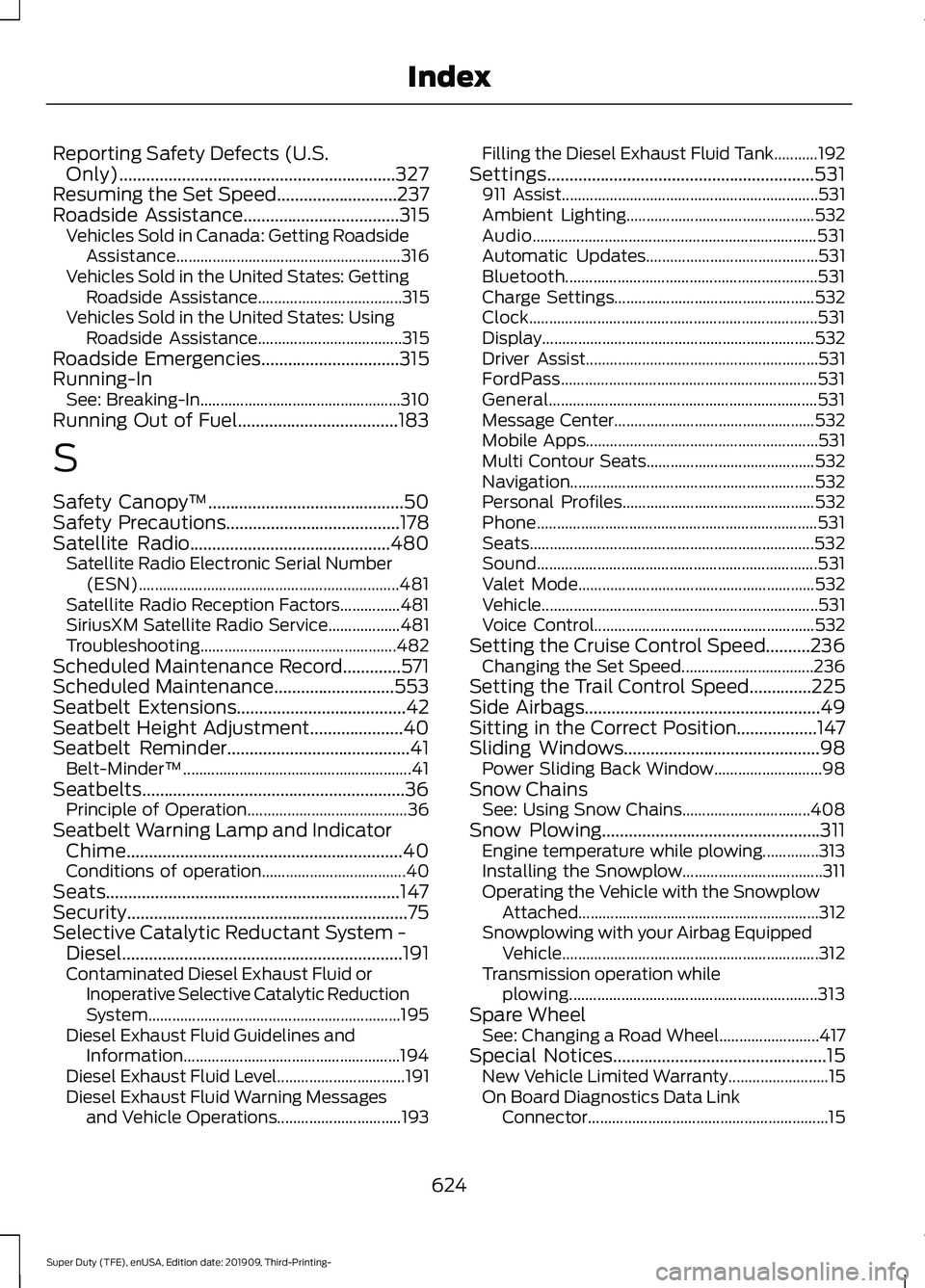
Reporting Safety Defects (U.S.
Only)..............................................................327
Resuming the Set Speed...........................237
Roadside Assistance...................................315
Vehicles Sold in Canada: Getting Roadside
Assistance........................................................ 316
Vehicles Sold in the United States: Getting Roadside Assistance.................................... 315
Vehicles Sold in the United States: Using Roadside Assistance.................................... 315
Roadside Emergencies
...............................315
Running-In See: Breaking-In.................................................. 310
Running Out of Fuel....................................183
S
Safety Canopy ™
............................................50
Safety Precautions.......................................178
Satellite Radio.............................................480
Satellite Radio Electronic Serial Number
(ESN)................................................................. 481
Satellite Radio Reception Factors...............481
SiriusXM Satellite Radio Service.................. 481
Troubleshooting................................................. 482
Scheduled Maintenance Record.............571
Scheduled Maintenance
...........................553
Seatbelt Extensions......................................42
Seatbelt Height Adjustment.....................40
Seatbelt Reminder.........................................41 Belt-Minder™......................................................... 41
Seatbelts...........................................................36 Principle of Operation........................................ 36
Seatbelt Warning Lamp and Indicator Chime..............................................................40
Conditions of operation.................................... 40
Seats..................................................................147
Security...............................................................75
Selective Catalytic Reductant System - Diesel...............................................................191
Contaminated Diesel Exhaust Fluid or Inoperative Selective Catalytic Reduction
System............................................................... 195
Diesel Exhaust Fluid Guidelines and Information...................................................... 194
Diesel Exhaust Fluid Level................................ 191
Diesel Exhaust Fluid Warning Messages and Vehicle Operations............................... 193Filling the Diesel Exhaust Fluid Tank...........192
Settings............................................................531 911 Assist................................................................ 531
Ambient Lighting............................................... 532
Audio....................................................................... 531
Automatic Updates........................................... 531
Bluetooth............................................................... 531
Charge Settings.................................................. 532
Clock........................................................................\
531
Display.................................................................... 532
Driver Assist.......................................................... 531
FordPass................................................................ 531
General................................................................... 531
Message Center.................................................. 532
Mobile Apps.......................................................... 531
Multi Contour Seats.......................................... 532
Navigation............................................................. 532
Personal Profiles................................................ 532
Phone...................................................................... 531
Seats....................................................................... 532
Sound...................................................................... 531
Valet Mode........................................................... 532
Vehicle..................................................................... 531
Voice Control....................................................... 532
Setting the Cruise Control Speed..........236 Changing the Set Speed................................. 236
Setting the Trail Control Speed..............225
Side Airbags.....................................................49
Sitting in the Correct Position..................147
Sliding Windows
............................................98
Power Sliding Back Window........................... 98
Snow Chains See: Using Snow Chains................................ 408
Snow Plowing.................................................311 Engine temperature while plowing..............313
Installing the Snowplow................................... 311
Operating the Vehicle with the Snowplow Attached............................................................ 312
Snowplowing with your Airbag Equipped Vehicle................................................................ 312
Transmission operation while plowing.............................................................. 313
Spare Wheel See: Changing a Road Wheel......................... 417
Special Notices
................................................15
New Vehicle Limited Warranty......................... 15
On Board Diagnostics Data Link Connector............................................................ 15
624
Super Duty (TFE), enUSA, Edition date: 201909, Third-Printing- Index