transmission FORD F-550 2022 User Guide
[x] Cancel search | Manufacturer: FORD, Model Year: 2022, Model line: F-550, Model: FORD F-550 2022Pages: 740, PDF Size: 12.6 MB
Page 139 of 740
FUEL GAUGE
WHAT IS THE FUEL GAUGE
Indicates approximately how much fuel is
in the fuel tank.
FUEL GAUGE LIMITATIONS
The fuel gauge may not provide an
accurate reading when your vehicle is on
an incline.
LOCATING THE FUEL FILLER
DOOR
The arrow adjacent to the fuel pump
symbol indicates on which side of your
vehicle the fuel filler door is located.
WHAT IS THE LOW FUEL
REMINDER
A low fuel level reminder displays and
sounds when the distance to empty
reaches 75 mi (120 km) to empty for
MyKey, and at 50 mi (80 km), 25 mi
(40 km), 12 mi (20 km) and 0 mi (0 km)
for all vehicle keys.
Note: The low fuel reminder can appear at
different fuel gauge positions depending on
fuel economy conditions. This variation is
normal.
WHAT IS DISTANCE TO EMPTY
Indicates the approximate distance your
vehicle can travel on the fuel remaining in
the tank. Changes in driving pattern can
cause the value to not only decrease but
also increase or stay constant for periods
of time. WHAT IS THE ENGINE
COOLANT TEMPERATURE
GAUGE
Indicates the engine coolant temperature.
WHAT IS THE ENGINE OIL
PRESSURE GAUGE
Indicates the engine oil pressure.
Note:
This is a configurable gauge.
WHAT IS THE TRANSMISSION
FLUID TEMPERATURE GAUGE
Indicates the transmission fluid
temperature.
Special operating conditions can cause
higher than normal operating
temperatures. See
Special Operating
Conditions Scheduled Maintenance
(page
636).
Note: This is a configurable gauge.
WHAT IS THE TURBO BOOST
GAUGE
Indicates the amount of manifold air
pressure in the engine.
Note: This is a configurable gauge.
WHAT IS THE DIESEL
EXHAUST FLUID GAUGE
Indicates the current diesel exhaust fluid
level.
136
2022 Super Duty (TFE) Canada/United States of America, enUSA, Edition date: 202103, First-Printing Instrument Cluster
Page 149 of 740
WHAT IS REMOTE START
The system allows you to remotely start
your vehicle and to adjust the interior
temperature according to the settings that
you chose.
REMOTE START
PRECAUTIONS
WARNING: Do not start the engine
in a closed garage or in other enclosed
areas. Exhaust fumes are toxic. Always
open the garage door before you start
the engine. Failure to follow this
instruction could result in personal injury
or death.
REMOTE START LIMITATIONS
Remote start does not work under the
following conditions:
• The alarm horn is sounding.
• The hood is open.
• The transmission is not in park (P).
• The ignition is on.
• The battery voltage is below the
minimum operating voltage.
Note: Do not use remote start if your fuel
level is low.
Note: You can use remote start with
FordPass. See Connecting the Vehicle to
a Wi-Fi Network (page 498).
ENABLING REMOTE START
1. Press
Settings on the touchscreen.
2. Press
Vehicle Settings.
3. Press
Remote Start Setup.
4. Switch
Remote Start on or off. Note:
To remote start with FordPass, make
sure that the modem is enabled.
See
Connecting FordPass to the Modem
(page
502).
REMOTELY STARTING AND
STOPPING THE VEHICLE
Remotely Starting the Vehicle Press the button on the remote
control.
Within three seconds, press the
button on the remote control.
Within three seconds, press the
button again.
Note: You can also use FordPass to start
the vehicle.
Note: The turn signal lamps flash twice.
Note: The parking lamps turn on when the
vehicle is running.
Note: The horn sounds if the system fails
to start.
Note: All other vehicle systems remain off
when you have remotely started the vehicle.
Note: The vehicle remains secured when
you have remotely started the vehicle. A
valid key must be inside your vehicle to
switch the ignition on and drive your vehicle.
Remotely Stopping the Vehicle Within three seconds, press the
button on the remote control.
Within three seconds, press the
button again.
146
2022 Super Duty (TFE) Canada/United States of America, enUSA, Edition date: 202103, First-Printing Remote Start
(If Equipped)E138623 E138625 E138625
Page 177 of 740
WHAT IS THE MEMORY
FUNCTION
The memory function recalls the position
of these features:
•
Driver seat.
• Power mirrors.
• Optional power steering column.
• Optional power adjustable pedals.
MEMORY FUNCTION
PRECAUTIONS WARNING: Before activating the
memory seat, make sure that the area
immediately surrounding the seat is clear
of obstructions and that all occupants
are clear of moving parts. WARNING:
Do not use the memory
function when your vehicle is moving.
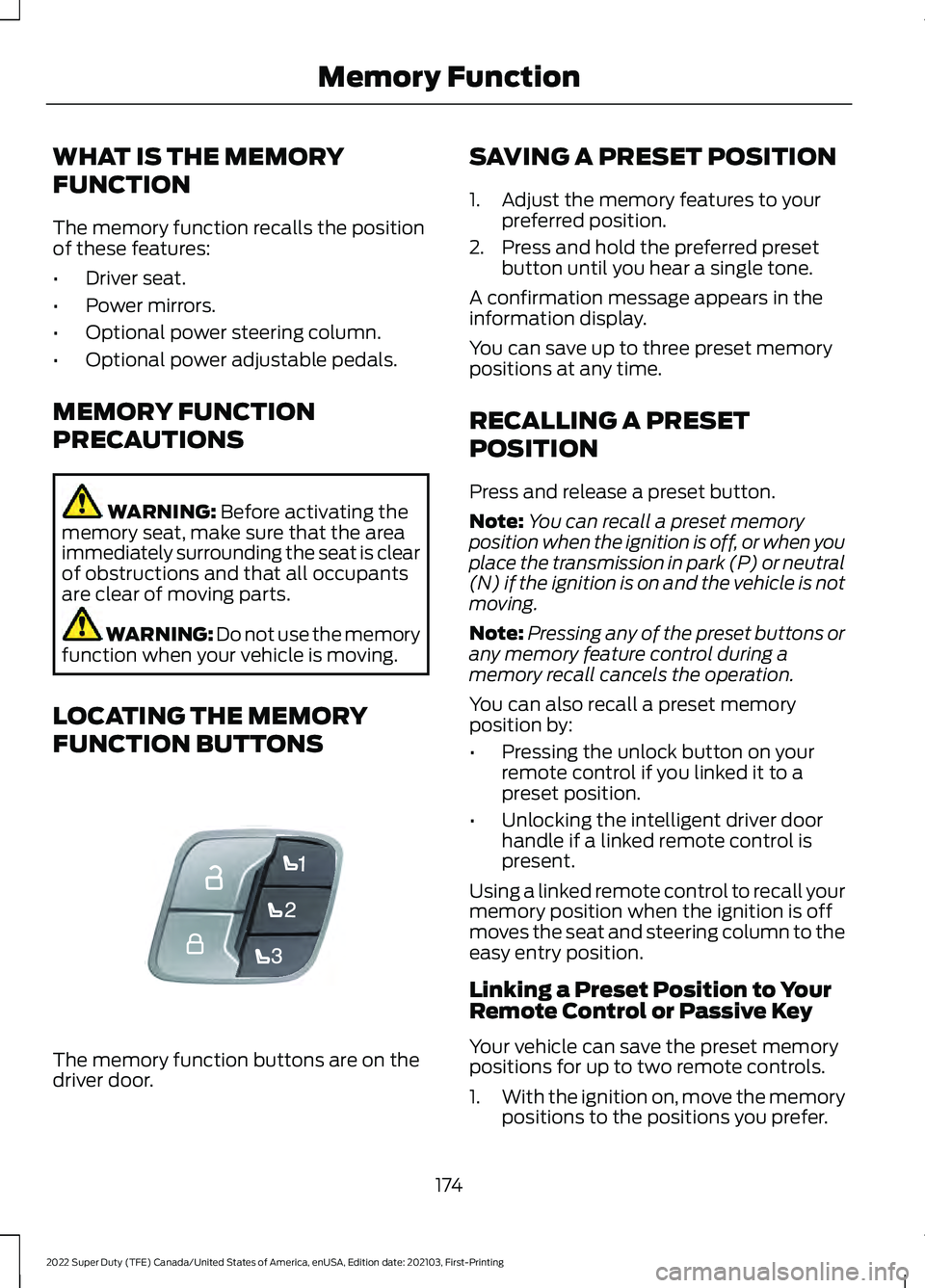
LOCATING THE MEMORY
FUNCTION BUTTONS The memory function buttons are on the
driver door. SAVING A PRESET POSITION
1. Adjust the memory features to your
preferred position.
2. Press and hold the preferred preset button until you hear a single tone.
A confirmation message appears in the
information display.
You can save up to three preset memory
positions at any time.
RECALLING A PRESET
POSITION
Press and release a preset button.
Note: You can recall a preset memory
position when the ignition is off, or when you
place the transmission in park (P) or neutral
(N) if the ignition is on and the vehicle is not
moving.
Note: Pressing any of the preset buttons or
any memory feature control during a
memory recall cancels the operation.
You can also recall a preset memory
position by:
• Pressing the unlock button on your
remote control if you linked it to a
preset position.
• Unlocking the intelligent driver door
handle if a linked remote control is
present.
Using a linked remote control to recall your
memory position when the ignition is off
moves the seat and steering column to the
easy entry position.
Linking a Preset Position to Your
Remote Control or Passive Key
Your vehicle can save the preset memory
positions for up to two remote controls.
1. With the ignition on, move the memory
positions to the positions you prefer.
174
2022 Super Duty (TFE) Canada/United States of America, enUSA, Edition date: 202103, First-Printing Memory FunctionE307868
Page 181 of 740
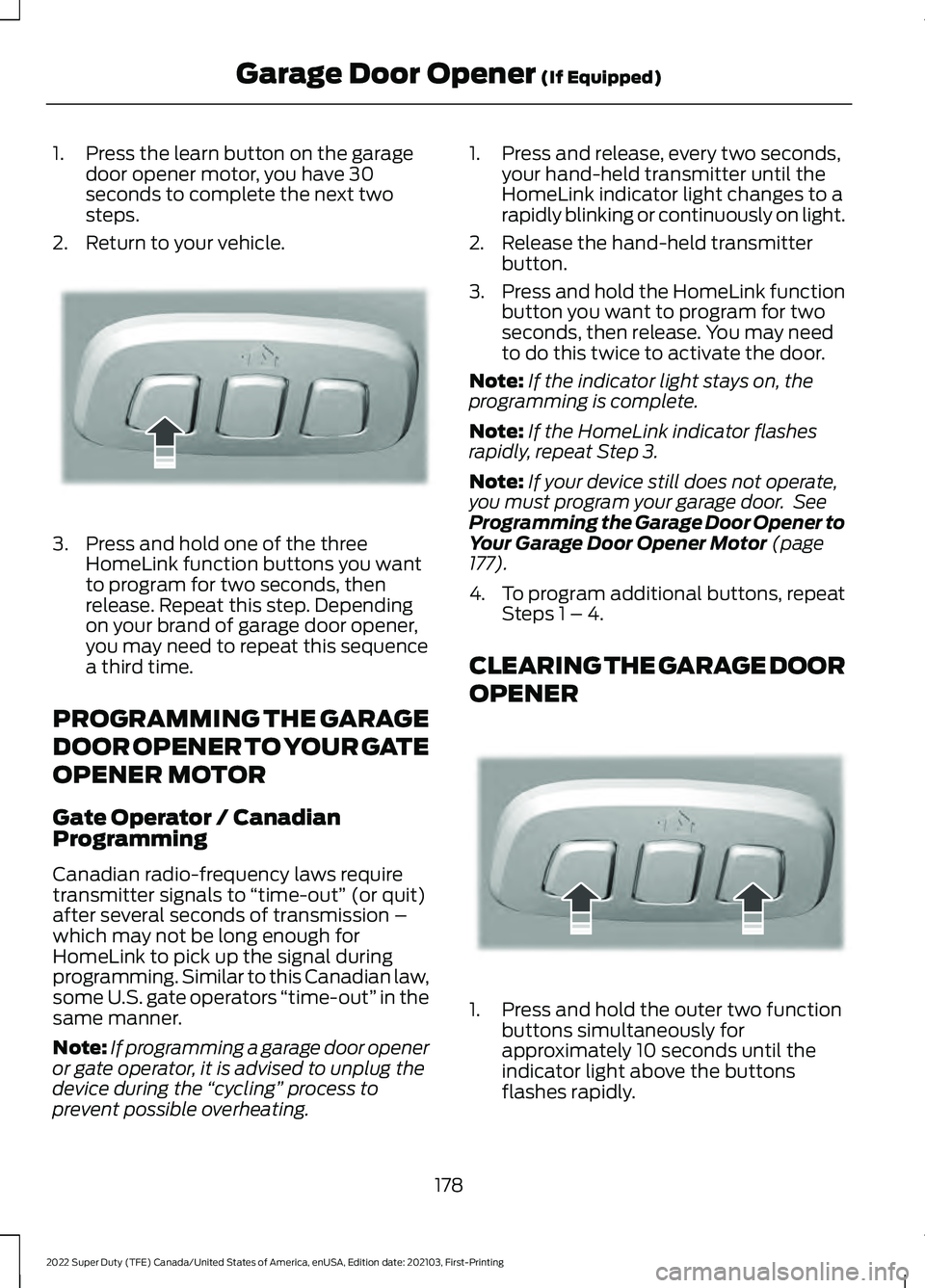
1. Press the learn button on the garage
door opener motor, you have 30
seconds to complete the next two
steps.
2. Return to your vehicle. 3. Press and hold one of the three
HomeLink function buttons you want
to program for two seconds, then
release. Repeat this step. Depending
on your brand of garage door opener,
you may need to repeat this sequence
a third time.
PROGRAMMING THE GARAGE
DOOR OPENER TO YOUR GATE
OPENER MOTOR
Gate Operator / Canadian
Programming
Canadian radio-frequency laws require
transmitter signals to “time-out” (or quit)
after several seconds of transmission –
which may not be long enough for
HomeLink to pick up the signal during
programming. Similar to this Canadian law,
some U.S. gate operators “time-out” in the
same manner.
Note: If programming a garage door opener
or gate operator, it is advised to unplug the
device during the “cycling” process to
prevent possible overheating. 1. Press and release, every two seconds,
your hand-held transmitter until the
HomeLink indicator light changes to a
rapidly blinking or continuously on light.
2. Release the hand-held transmitter button.
3. Press and hold the HomeLink function
button you want to program for two
seconds, then release. You may need
to do this twice to activate the door.
Note: If the indicator light stays on, the
programming is complete.
Note: If the HomeLink indicator flashes
rapidly, repeat Step 3.
Note: If your device still does not operate,
you must program your garage door. See
Programming the Garage Door Opener to
Your Garage Door Opener Motor (page
177).
4. To program additional buttons, repeat Steps 1 – 4.
CLEARING THE GARAGE DOOR
OPENER 1. Press and hold the outer two function
buttons simultaneously for
approximately 10 seconds until the
indicator light above the buttons
flashes rapidly.
178
2022 Super Duty (TFE) Canada/United States of America, enUSA, Edition date: 202103, First-Printing Garage Door Opener
(If Equipped)E188212 E188213
Page 195 of 740
Starting the Engine
Turn the key to position III. Release the
key when the engine starts.
PUSH BUTTON IGNITION
SWITCH
(IF EQUIPPED) Switching the Ignition Off
When the ignition is on or in accessory
mode, press the push button ignition
switch once without your foot on the brake
pedal.
Switching the Ignition to
Accessory Mode
When the ignition is off, press the push
button ignition switch once without your
foot on the brake pedal.
All electrical circuits and accessories are
operational and the warning lamps and
indicators illuminate.
Note:
Your vehicle has a battery saver
feature that shuts your vehicle off when it
detects a certain amount of battery drain,
or after approximately 30 minutes of
inactivity in accessory mode.
Starting the Engine
With the transmission in park (P), press
the brake pedal and press the push button
ignition switch. An indicator light on the
button illuminates when the ignition is on
and when the engine starts. Note:
The system may not function if the
passive key is close to metal objects or
electronic devices, for example keys or a cell
phone.
Note: A valid key must be inside your
vehicle to switch the ignition on and start
the engine.
STARTING THE ENGINE
STARTING A GASOLINE ENGINE -
VEHICLES WITHOUT: PUSH
BUTTON START
Before starting your vehicle, check the
following:
• Make sure that the headlamps and
electrical accessories are off.
• Make sure that the parking brake is on.
• Make sure that the transmission is in
park (P).
1. Fully press the brake pedal.
Note: Do not touch the accelerator pedal. 2. Turn the key to position
III.
Note: The engine may continue cranking
for up to 15 seconds or until it starts.
Note: The engine takes longer to start at
lower temperatures. It may crank for several
seconds when very cold.
192
2022 Super Duty (TFE) Canada/United States of America, enUSA, Edition date: 202103, First-Printing Starting and Stopping the EngineE321258 E322354
Page 196 of 740
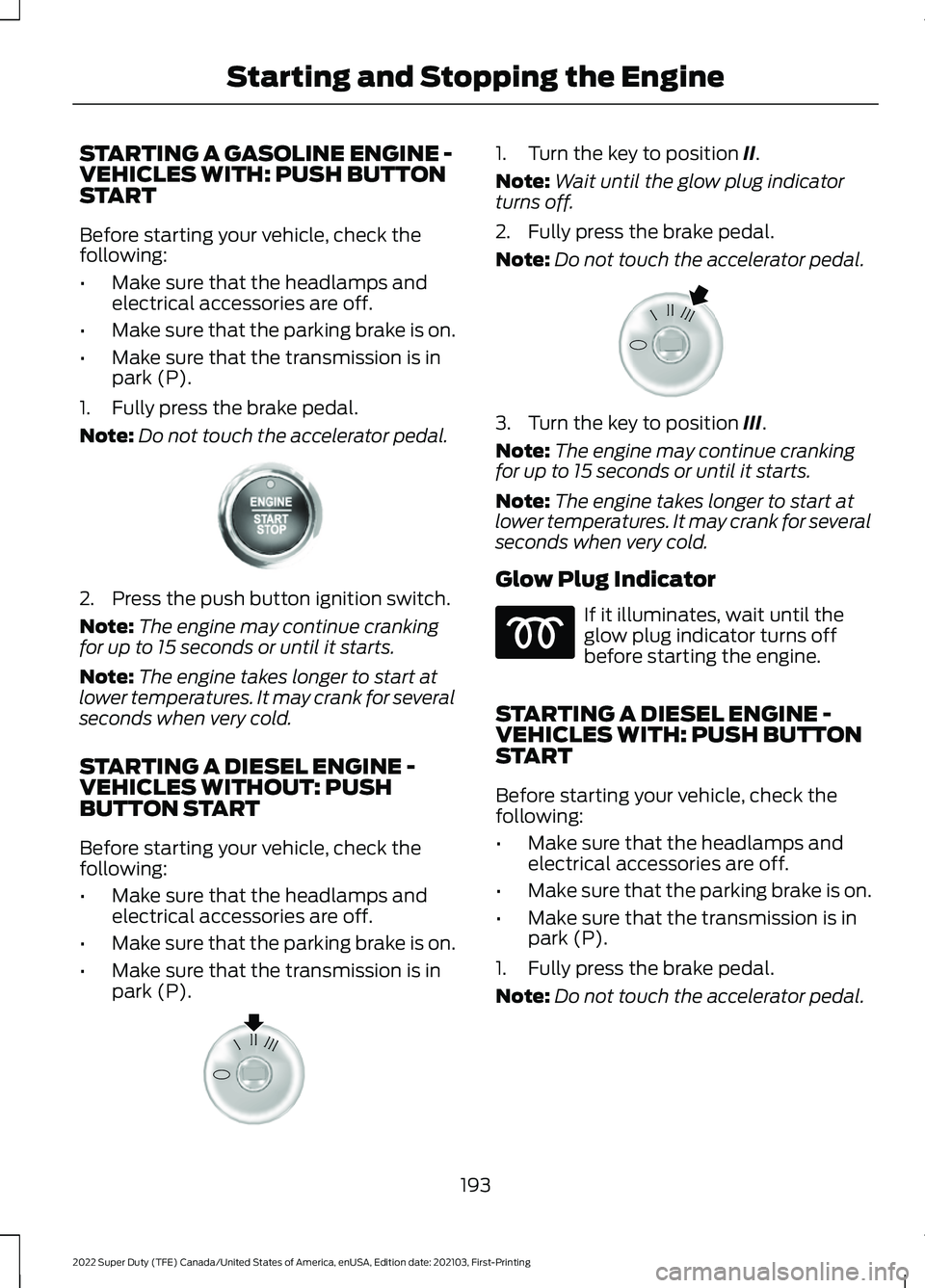
STARTING A GASOLINE ENGINE -
VEHICLES WITH: PUSH BUTTON
START
Before starting your vehicle, check the
following:
•
Make sure that the headlamps and
electrical accessories are off.
• Make sure that the parking brake is on.
• Make sure that the transmission is in
park (P).
1. Fully press the brake pedal.
Note: Do not touch the accelerator pedal.2. Press the push button ignition switch.
Note:
The engine may continue cranking
for up to 15 seconds or until it starts.
Note: The engine takes longer to start at
lower temperatures. It may crank for several
seconds when very cold.
STARTING A DIESEL ENGINE -
VEHICLES WITHOUT: PUSH
BUTTON START
Before starting your vehicle, check the
following:
• Make sure that the headlamps and
electrical accessories are off.
• Make sure that the parking brake is on.
• Make sure that the transmission is in
park (P). 1. Turn the key to position II.
Note: Wait until the glow plug indicator
turns off.
2. Fully press the brake pedal.
Note: Do not touch the accelerator pedal. 3. Turn the key to position
III.
Note: The engine may continue cranking
for up to 15 seconds or until it starts.
Note: The engine takes longer to start at
lower temperatures. It may crank for several
seconds when very cold.
Glow Plug Indicator If it illuminates, wait until the
glow plug indicator turns off
before starting the engine.
STARTING A DIESEL ENGINE -
VEHICLES WITH: PUSH BUTTON
START
Before starting your vehicle, check the
following:
• Make sure that the headlamps and
electrical accessories are off.
• Make sure that the parking brake is on.
• Make sure that the transmission is in
park (P).
1. Fully press the brake pedal.
Note: Do not touch the accelerator pedal.
193
2022 Super Duty (TFE) Canada/United States of America, enUSA, Edition date: 202103, First-Printing Starting and Stopping the EngineE321258 E322357 E322354
Page 203 of 740
STARTING AND STOPPING THE
ENGINE – FREQUENTLY ASKED
QUESTIONS - GASOLINE,
VEHICLES WITHOUT: PUSH
BUTTON START
Why is the engine idle speed high when
I am starting the engine?
The speed at which the engine idles
immediately after starting is optimized
to minimize vehicle emissions and
maximize cabin comfort and fuel
economy.
Why does the engine not crank? You can only attempt to start the
engine for a limited amount of time
before the starting system temporarily
disables. If you exceed the starting
time limit, a message may appear and
you cannot attempt to start the engine
for at least 15 minutes.
Why do I experience different driving
characteristics? If you disconnect the battery, your
vehicle may exhibit some unusual
driving characteristics for
approximately 5 mi (8 km) after you
reconnect it. This is because the engine
management system must realign
itself with the engine. You can
disregard any unusual driving
characteristics during this period.
Why can I not start the engine? If you cannot start the engine after 3
attempts, wait 10 seconds and do the
following:
1. Fully press the brake pedal or the clutch pedal.
Note: Make sure that the parking brake is
applied.
Note: Make sure that the transmission is in
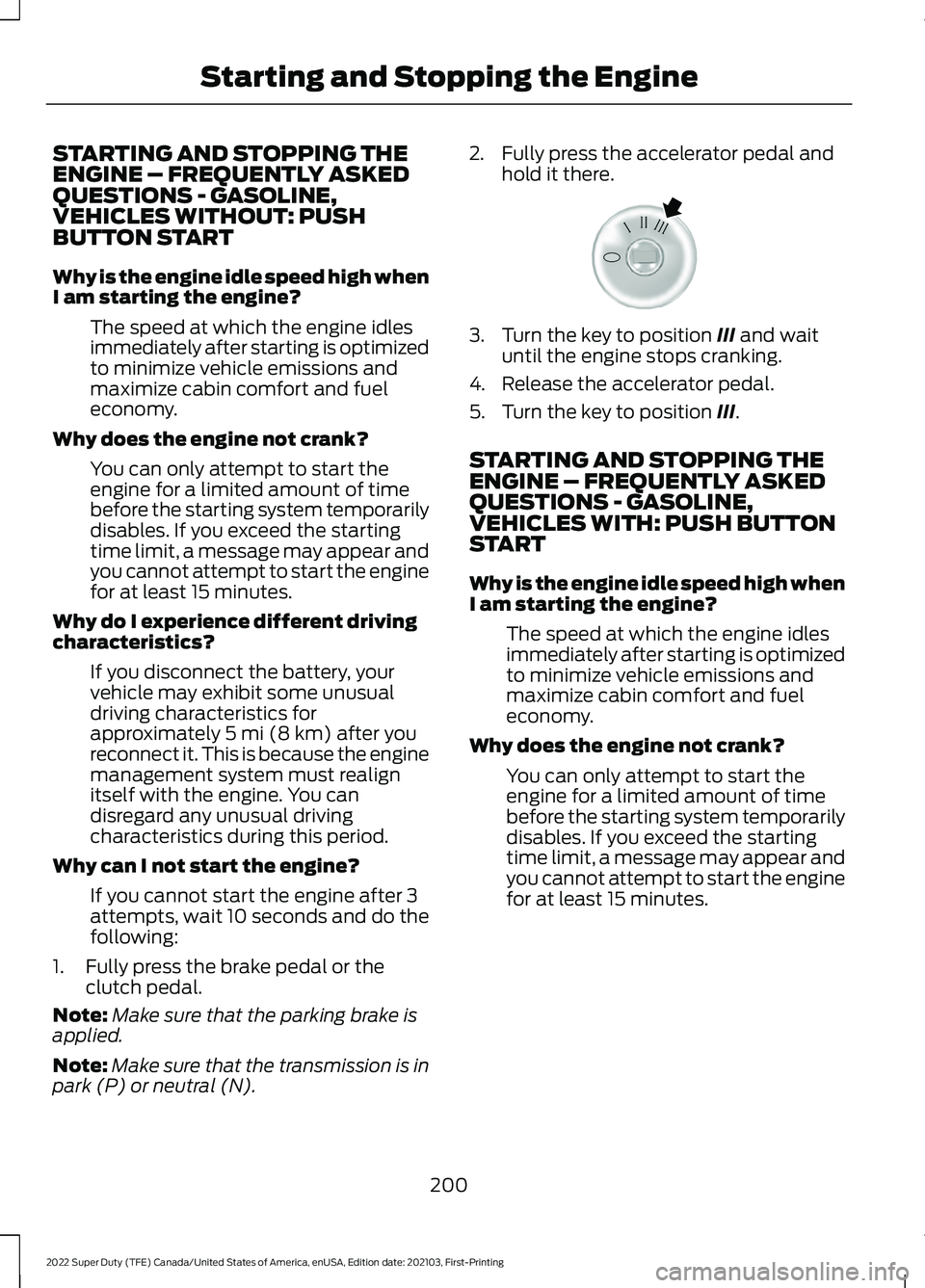
park (P) or neutral (N). 2. Fully press the accelerator pedal and
hold it there. 3. Turn the key to position
III and wait
until the engine stops cranking.
4. Release the accelerator pedal.
5. Turn the key to position
III.
STARTING AND STOPPING THE
ENGINE – FREQUENTLY ASKED
QUESTIONS - GASOLINE,
VEHICLES WITH: PUSH BUTTON
START
Why is the engine idle speed high when
I am starting the engine? The speed at which the engine idles
immediately after starting is optimized
to minimize vehicle emissions and
maximize cabin comfort and fuel
economy.
Why does the engine not crank? You can only attempt to start the
engine for a limited amount of time
before the starting system temporarily
disables. If you exceed the starting
time limit, a message may appear and
you cannot attempt to start the engine
for at least 15 minutes.
200
2022 Super Duty (TFE) Canada/United States of America, enUSA, Edition date: 202103, First-Printing Starting and Stopping the EngineE322354
Page 204 of 740
Why do I experience different driving
characteristics?
If you disconnect the battery, your
vehicle may exhibit some unusual
driving characteristics for
approximately 5 mi (8 km) after you
reconnect it. This is because the engine
management system must realign
itself with the engine. You can
disregard any unusual driving
characteristics during this period.
Why can I not start the engine? If you cannot start the engine after 3
attempts, wait 10 seconds and do the
following:
1. Fully press the brake pedal or the clutch pedal.
Note: Make sure that the parking brake is
applied.
Note: Make sure that the transmission is in
park (P) or neutral (N).
2. Fully press the accelerator pedal and hold it there.
3. Press the push button ignition switch.
Note: The engine cranks for a short period
of time and then it stops.
4. Release the accelerator pedal. 5. Press the push button ignition switch. Why does the system not detect a
passive key?
If the system does not detect a passive
key and you are unable to start the
engine, insert the passive key into the
backup position and press the push
button ignition switch to start the
engine. See
Accessing the Passive
Key Backup Position (page 197).
STARTING AND STOPPING THE
ENGINE – FREQUENTLY ASKED
QUESTIONS - DIESEL, VEHICLES
WITHOUT: PUSH BUTTON START
Why is the engine idle speed high when
I am starting the engine? The speed at which the engine idles
immediately after starting is optimized
to minimize vehicle emissions and
maximize cabin comfort and fuel
economy.
Why does the engine not crank? You can only attempt to start the
engine for a limited amount of time
before the starting system temporarily
disables. If you exceed the starting
time limit, a message may appear and
you cannot attempt to start the engine
for at least 15 minutes.
Why do I experience different driving
characteristics? If you disconnect the battery, your
vehicle may exhibit some unusual
driving characteristics for
approximately
5 mi (8 km) after you
reconnect it. This is because the engine
management system must realign
itself with the engine. You can
disregard any unusual driving
characteristics during this period.
Why can I not start the engine? If you cannot start the engine, do the
following:
201
2022 Super Duty (TFE) Canada/United States of America, enUSA, Edition date: 202103, First-Printing Starting and Stopping the EngineE321258
Page 205 of 740
1. Fully press the brake pedal or the
clutch pedal.
Note: Make sure that the parking brake is
applied.
Note: Make sure that the transmission is in
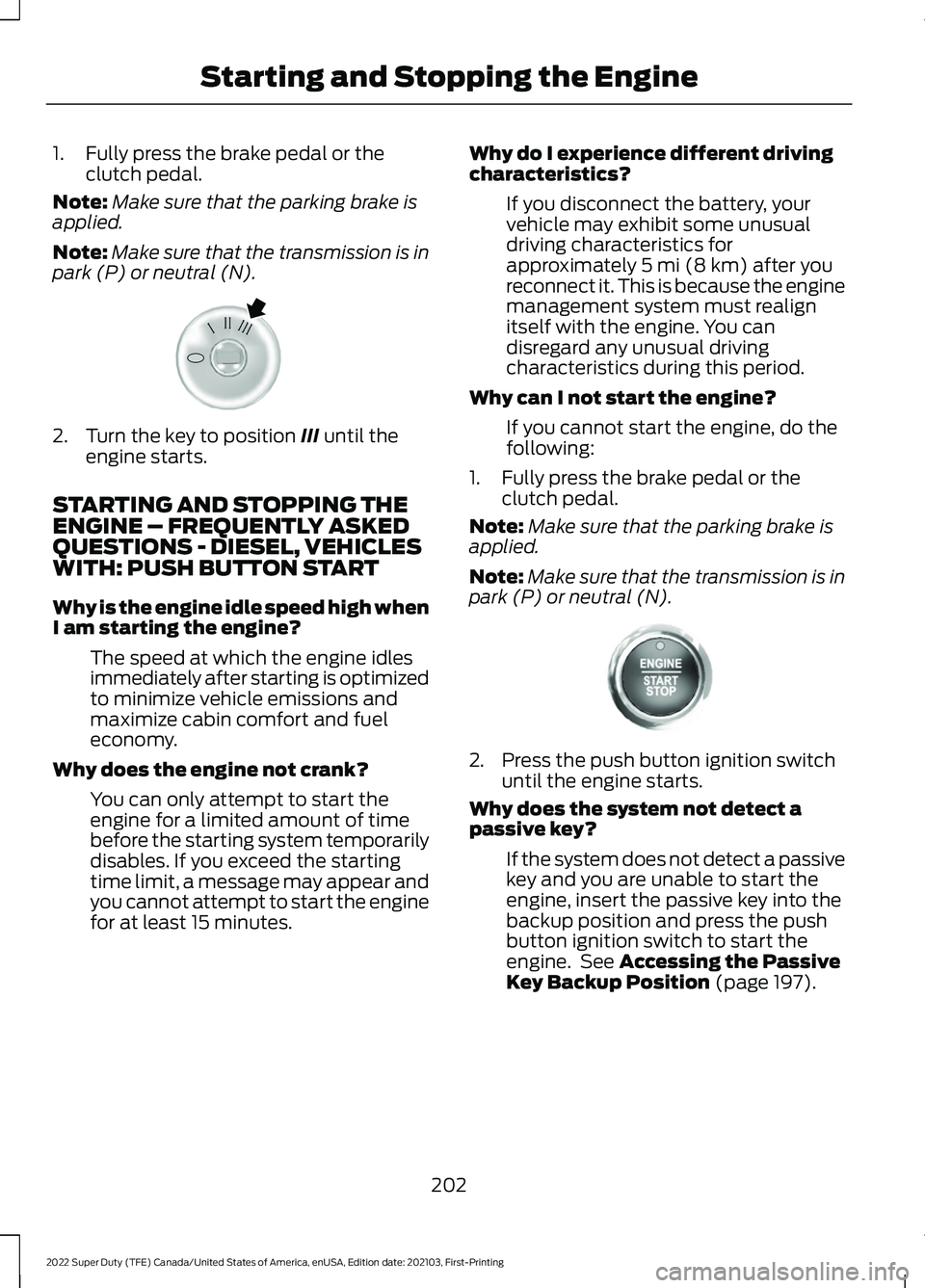
park (P) or neutral (N). 2. Turn the key to position III until the
engine starts.
STARTING AND STOPPING THE
ENGINE – FREQUENTLY ASKED
QUESTIONS - DIESEL, VEHICLES
WITH: PUSH BUTTON START
Why is the engine idle speed high when
I am starting the engine? The speed at which the engine idles
immediately after starting is optimized
to minimize vehicle emissions and
maximize cabin comfort and fuel
economy.
Why does the engine not crank? You can only attempt to start the
engine for a limited amount of time
before the starting system temporarily
disables. If you exceed the starting
time limit, a message may appear and
you cannot attempt to start the engine
for at least 15 minutes. Why do I experience different driving
characteristics?
If you disconnect the battery, your
vehicle may exhibit some unusual
driving characteristics for
approximately
5 mi (8 km) after you
reconnect it. This is because the engine
management system must realign
itself with the engine. You can
disregard any unusual driving
characteristics during this period.
Why can I not start the engine? If you cannot start the engine, do the
following:
1. Fully press the brake pedal or the clutch pedal.
Note: Make sure that the parking brake is
applied.
Note: Make sure that the transmission is in
park (P) or neutral (N). 2. Press the push button ignition switch
until the engine starts.
Why does the system not detect a
passive key?
If the system does not detect a passive
key and you are unable to start the
engine, insert the passive key into the
backup position and press the push
button ignition switch to start the
engine. See
Accessing the Passive
Key Backup Position (page 197).
202
2022 Super Duty (TFE) Canada/United States of America, enUSA, Edition date: 202103, First-Printing Starting and Stopping the EngineE322354 E321258
Page 227 of 740
AUTOMATIC TRANSMISSION
PRECAUTIONS
WARNING: Apply the parking
brake, shift into park (P), switch the
ignition off and remove the key before
you leave your vehicle. Failure to follow
this instruction could result in personal
injury or death. WARNING:
Do not use tow/haul
when the road surface is slippery. Failure
to follow this instruction could result in
the loss of control of your vehicle. WARNING:
When your vehicle is
stationary, keep the brake pedal fully
pressed when shifting gears. Failure to
follow this instruction could result in
personal injury, death or property
damage. WARNING:
Do not apply the brake
pedal and accelerator pedal
simultaneously. Applying both pedals
simultaneously for more than a few
seconds will limit engine performance,
which may result in difficulty maintaining
speed in traffic and could lead to serious
injury.
AUTOMATIC TRANSMISSION
POSITIONS
PARK (P)
This position locks the driveline and
prevents the wheels from turning. Come
to a complete stop before putting your
vehicle into and out of park (P). REVERSE (R) WARNING:
Move the transmission
selector lever to reverse (R) only when
your vehicle is stationary and the engine
is at idle speed.
This position allows your vehicle to move
backward. Come to a complete stop
before shifting into and out of reverse (R).
NEUTRAL (N) WARNING:
In neutral (N) your
vehicle is free to roll.
This position allows your vehicle to roll
free. Hold the brake pedal down when in
this position.
Note: You can start your vehicle in this
position.
DRIVE (D)
Drive (D) is the normal driving position, and
allows automatic upshifts and downshifts
through all available gears.
MANUAL (M)
To select manual (M) mode, place the
gearshift in the manual (M) position.
This position allows you to change gears
up or down as preferred using the + or -
buttons on the shifter lever.
To return to the normal drive (D) position,
move the shifter into the drive (D) position.
SHIFTING YOUR VEHICLE INTO
GEAR
1. Fully press down on the brake pedal.
224
2022 Super Duty (TFE) Canada/United States of America, enUSA, Edition date: 202103, First-Printing Automatic Transmission