language FORD F150 2009 12.G Owners Manual
[x] Cancel search | Manufacturer: FORD, Model Year: 2009, Model line: F150, Model: FORD F150 2009 12.GPages: 405, PDF Size: 2.82 MB
Page 91 of 405
Setup Menu
Press and hold the SELECT/RESET stem to get into the SETUP menu
sequence from the INFO menu for the following items:
•Oil Life
•Units (English/Metric)
•Rear Park Aid (if equipped)
•Autolamp (if equipped)
•Autolock (if equipped)
•Autounlock (if equipped)
•Easy Entry (if equipped)
•Trailer Sway (if equipped)
•Language
•Reset to English–if in another language (see Note below)
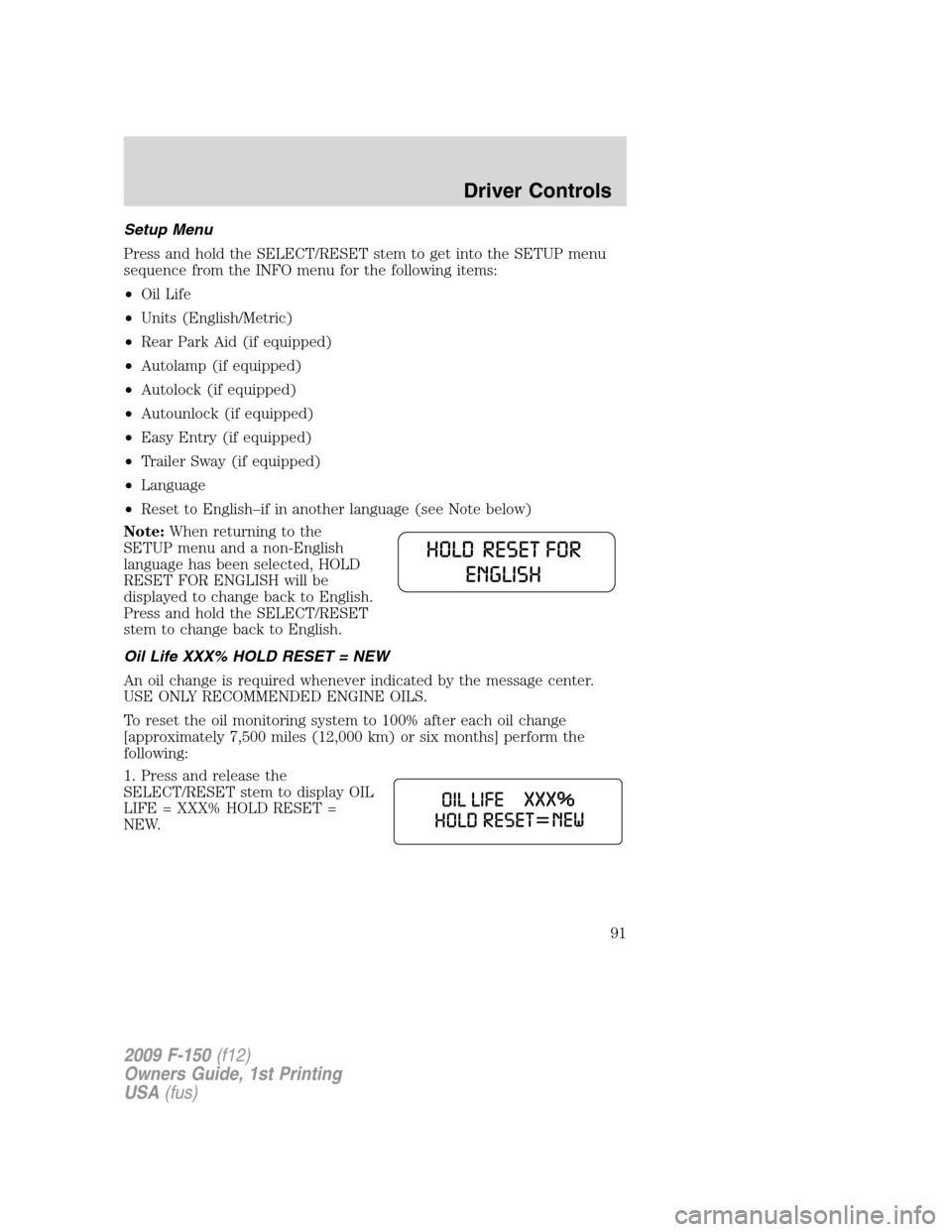
Note:When returning to the
SETUP menu and a non-English
language has been selected, HOLD
RESET FOR ENGLISH will be
displayed to change back to English.
Press and hold the SELECT/RESET
stem to change back to English.
Oil Life XXX% HOLD RESET = NEW
An oil change is required whenever indicated by the message center.
USE ONLY RECOMMENDED ENGINE OILS.
To reset the oil monitoring system to 100% after each oil change
[approximately 7,500 miles (12,000 km) or six months] perform the
following:
1. Press and release the
SELECT/RESET stem to display OIL
LIFE = XXX% HOLD RESET =
NEW.
2009 F-150(f12)
Owners Guide, 1st Printing
USA(fus)
Driver Controls
91
Page 94 of 405
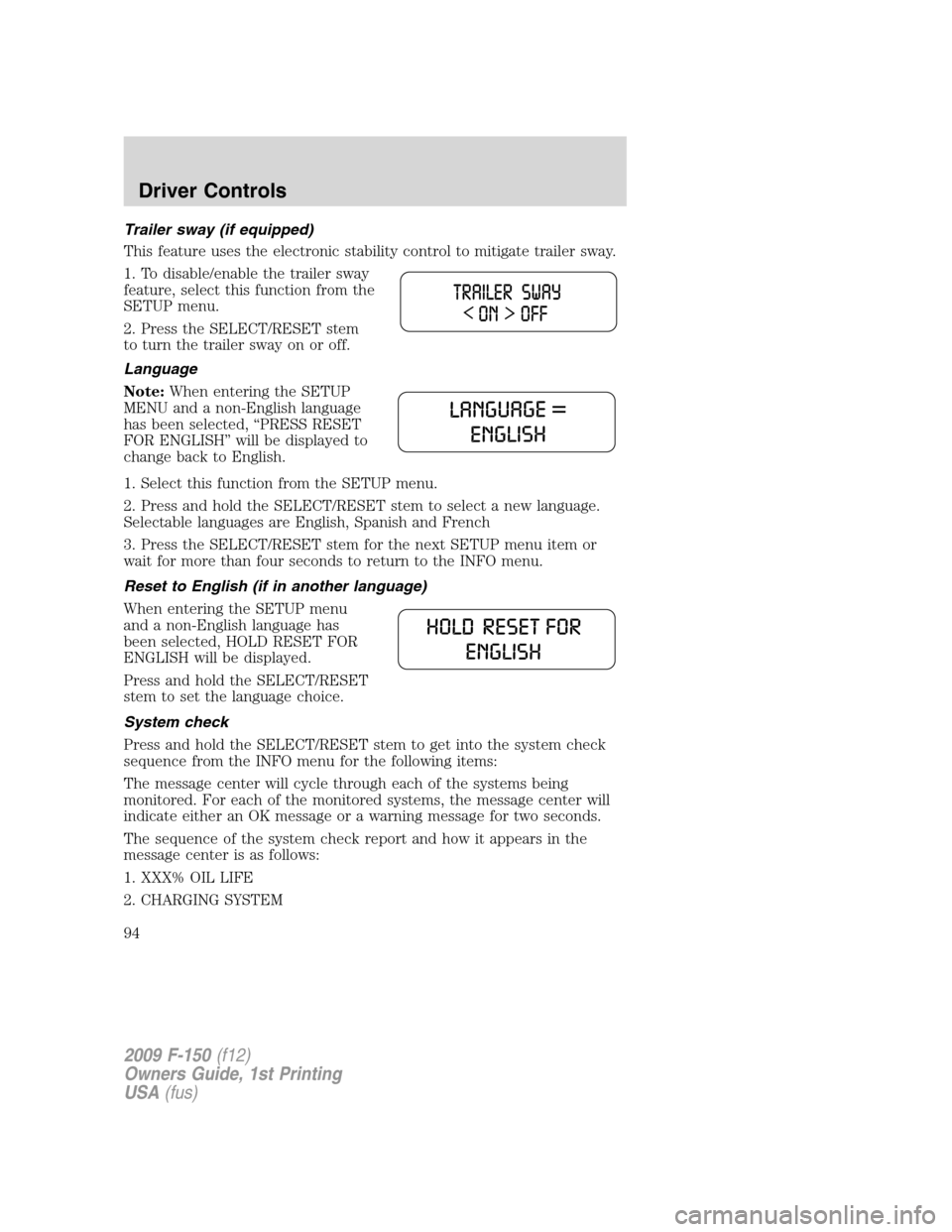
Trailer sway (if equipped)
This feature uses the electronic stability control to mitigate trailer sway.
1. To disable/enable the trailer sway
feature, select this function from the
SETUP menu.
2. Press the SELECT/RESET stem
to turn the trailer sway on or off.
Language
Note:When entering the SETUP
MENU and a non-English language
has been selected, “PRESS RESET
FOR ENGLISH” will be displayed to
change back to English.
1. Select this function from the SETUP menu.
2. Press and hold the SELECT/RESET stem to select a new language.
Selectable languages are English, Spanish and French
3. Press the SELECT/RESET stem for the next SETUP menu item or
wait for more than four seconds to return to the INFO menu.
Reset to English (if in another language)
When entering the SETUP menu
and a non-English language has
been selected, HOLD RESET FOR
ENGLISH will be displayed.
Press and hold the SELECT/RESET
stem to set the language choice.
System check
Press and hold the SELECT/RESET stem to get into the system check
sequence from the INFO menu for the following items:
The message center will cycle through each of the systems being
monitored. For each of the monitored systems, the message center will
indicate either an OK message or a warning message for two seconds.
The sequence of the system check report and how it appears in the
message center is as follows:
1. XXX% OIL LIFE
2. CHARGING SYSTEM
2009 F-150(f12)
Owners Guide, 1st Printing
USA(fus)
Driver Controls
94
Page 103 of 405
Setup menu
Press this control for the following
displays:
•Reset For System Check
•Oil Life
•Rear Park Aid (if equipped)
•Running Boards (if equipped)
•Autolamp
•Autolock
•Autounlock
•Easy Entry (if equipped)
•Trailer Sway (if equipped)
•Units (English/Metric)
•Language
•Reset to English (if in another language)
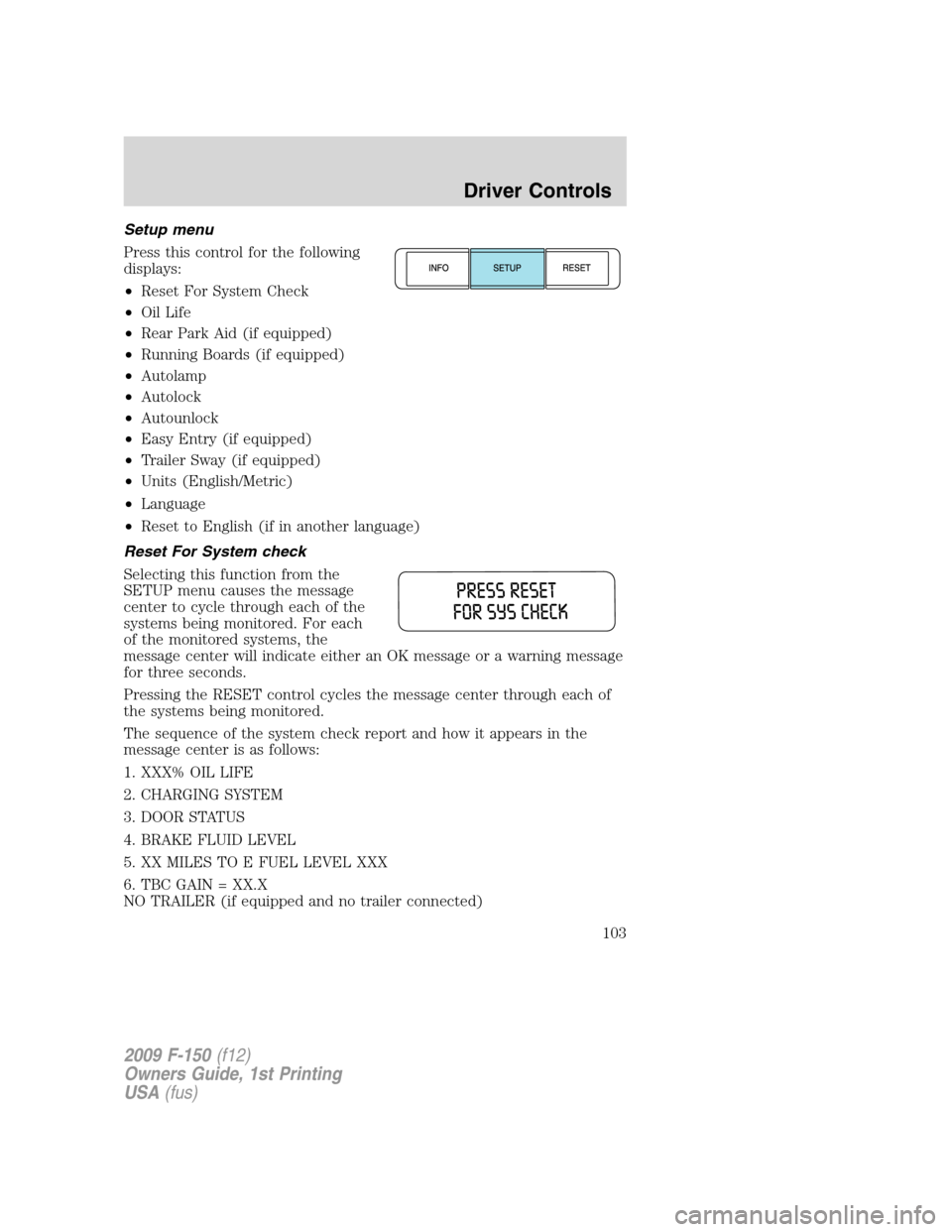
Reset For System check
Selecting this function from the
SETUP menu causes the message
center to cycle through each of the
systems being monitored. For each
of the monitored systems, the
message center will indicate either an OK message or a warning message
for three seconds.
Pressing the RESET control cycles the message center through each of
the systems being monitored.
The sequence of the system check report and how it appears in the
message center is as follows:
1. XXX% OIL LIFE
2. CHARGING SYSTEM
3. DOOR STATUS
4. BRAKE FLUID LEVEL
5. XX MILES TO E FUEL LEVEL XXX
6. TBC GAIN = XX.X
NO TRAILER (if equipped and no trailer connected)
2009 F-150(f12)
Owners Guide, 1st Printing
USA(fus)
Driver Controls
103
Page 107 of 405
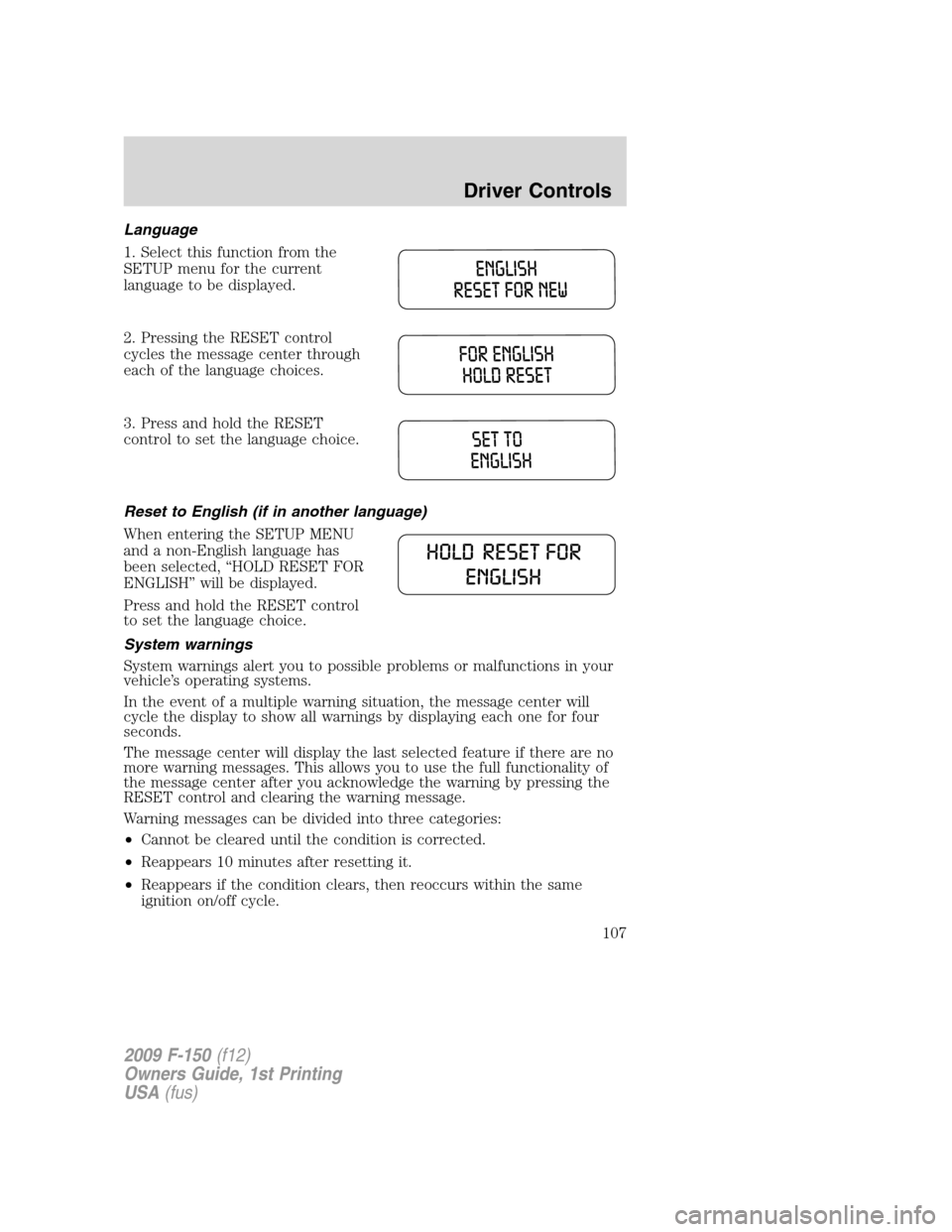
Language
1. Select this function from the
SETUP menu for the current
language to be displayed.
2. Pressing the RESET control
cycles the message center through
each of the language choices.
3. Press and hold the RESET
control to set the language choice.
Reset to English (if in another language)
When entering the SETUP MENU
and a non-English language has
been selected, “HOLD RESET FOR
ENGLISH” will be displayed.
Press and hold the RESET control
to set the language choice.
System warnings
System warnings alert you to possible problems or malfunctions in your
vehicle’s operating systems.
In the event of a multiple warning situation, the message center will
cycle the display to show all warnings by displaying each one for four
seconds.
The message center will display the last selected feature if there are no
more warning messages. This allows you to use the full functionality of
the message center after you acknowledge the warning by pressing the
RESET control and clearing the warning message.
Warning messages can be divided into three categories:
•Cannot be cleared until the condition is corrected.
•Reappears 10 minutes after resetting it.
•Reappears if the condition clears, then reoccurs within the same
ignition on/off cycle.
2009 F-150(f12)
Owners Guide, 1st Printing
USA(fus)
Driver Controls
107