sensor FORD F150 2016 13.G Workshop Manual
[x] Cancel search | Manufacturer: FORD, Model Year: 2016, Model line: F150, Model: FORD F150 2016 13.GPages: 505, PDF Size: 6.27 MB
Page 364 of 505
11.
Set all four tires to the recommended
air pressure as indicated on the
Safety Compliance Certification
Label (affixed to either the door hinge
pillar, door-latch post, or the door
edge that meets the door-latch post,
next to the driver's seating position)
or Tire Label located on the B-Pillar
or the edge of the driver's door.
CHANGING A ROAD WHEEL WARNINGS
The use of tire sealant may damage
your tire pressure monitoring system
and should only be used in roadside
emergencies. If you must use a sealant, the
Ford Tire Mobility Kit sealant should be
used. The tire pressure monitoring system
sensor and valve stem on the wheel must
be replaced by an authorized dealer after
use of the sealant. If the tire pressure monitor sensor
becomes damaged, it will no longer
function. See Tire Pressure
Monitoring System (page 356). Note:
The tire pressure monitoring system
indicator light will illuminate when the spare
tire is in use. To restore the full function of
the monitoring system, all road wheels
equipped with tire pressure monitoring
sensors must be mounted on this vehicle.
If you get a flat tire while driving, do not
apply the brake heavily. Instead, gradually
decrease your speed. Hold the steering
wheel firmly and slowly move to a safe
place on the side of the road. Have a flat serviced by an authorized
dealer in order to prevent damage to the
system sensors
See Tire Pressure
Monitoring System (page 356). Replace
the spare tire with a road tire as soon as
possible. During repairing or replacing of
the flat tire, have the authorized dealer
inspect the system sensor for damage.
Dissimilar Spare Wheel and Tire
Assembly Information WARNING
Failure to follow these guidelines
could result in an increased risk of
loss of vehicle control, injury or death.
If you have a dissimilar spare wheel and
tire, then it is intended for temporary use
only. This means that if you need to use it,
you should replace it as soon as possible
with a road wheel and tire assembly that
is the same size and type as the road tires
and wheels that were originally provided
by Ford. If the dissimilar spare tire or wheel
is damaged, it should be replaced rather
than repaired.
A dissimilar spare wheel and tire assembly
is defined as a spare wheel and tire
assembly that is different in brand, size or
appearance from the road tires and wheels
and can be one of three types:
1.
T-type mini-spare:
This spare tire
begins with the letter T for tire size and
may have Temporary Use Only molded in
the sidewall.
2. Full-size dissimilar spare with label
on wheel:
This spare tire has a label on
the wheel that states: THIS WHEEL AND
TIRE ASSEMBLY FOR TEMPORARY USE
ONLY
361
F-150 (TFC) Canada/United States of America, enUSA, Edition date: 08/2015, First Printing Wheels and Tires
Page 432 of 505
To Access Using Voice Commands
Press the voice button then when prompted say:
Action and Description
Menu Item
Say the name of the application after the tone.
The app should start. When an app is running through SYNC, you can press the voice button and speak commands specific to the app, for example "Play Playlist Road Trip".
mobile (apps |
applications)
Use this command to discover the available voice commands.
help
SYNC Mobile App Voice Commands
The following voice commands are always available: Action and Description
Menu Item
SYNC prompts you to say the name of an
app to start it on SYNC.
mobile (apps | applications)
SYNC lists all of the currently available
mobile apps.
list [mobile] (apps | applications)
Searches your connected mobile device for
SYNC-compatible mobile apps.
find [new] [mobile] (apps | applications)
help
You can say the name of a mobile app at any time to start the mobile app on SYNC.
App Permissions
App permissions are organized by groups.
You can grant these group permissions
individually. You can change a permission
group status any time when not driving, by
using the settings menu. When you launch an app using SYNC, the
system may ask you to grant certain
permissions, for example:
•
To allow your vehicle to provide vehicle
information to the app such as, but not
limited to: Fuel level, fuel economy, fuel
consumption, engine speed, rain
sensor, odometer, VIN, external
temperature, gear position, tire
pressure, and head lamp status.
• To allow your vehicle to provide driving
characteristic information such as, but
not limited to: MyKey, seat belt status,
engine revolutions per minute, gear
position, braking events, steering wheel
angle, and accelerator pedal position.
429
F-150 (TFC) Canada/United States of America, enUSA, Edition date: 08/2015, First Printing SYNC™
Page 451 of 505
For a complete listing of the accessories
that are available for your vehicle, please
contact your authorized dealer or visit the
online store web site:
Web Address (United States)
www.Accessories.Ford.com Web Address (Canada)
www.Accessories.Ford.ca
Ford Accessories are available for your
vehicle through an authorized Ford dealer.
Ford Motor Company will repair or replace
any properly authorized dealer-installed
Ford Original Accessory found to be
defective in factory-supplied materials or
workmanship during the warranty period,
as well as any component damaged by the
defective accessories.
Ford Motor Company will warrant your
accessory through the warranty that
provides the greatest benefit:
• 24 months, unlimited mileage.
• The remainder of your new vehicle
limited warranty.
Contact an authorized dealer for details
and a copy of the warranty.
Exterior style
• Bed rails.
• Chrome exhaust tips.
• Custom graphics*.
• Hood deflector.
• Running boards.
• Side window deflectors.
• Splash guards. Interior style
•
Ambient lighting.
• Electrochromatic
compass/temperature interior mirror.
• Floor mats.
• Leather-trimmed interior seating*.
Lifestyle
• Bed extender.
• Bedliners and bedmats.
• Bed ramps.
• Bed side step.
• Ford Telematics ™*.
• Hitch balls and towbars.
• Interior cargo organization and
management.
• In-vehicle safe*.
• Racks and carriers*.
• Rear-seat entertainment*.
• Smoker's package.
• Sportliner cargo liner*.
• Tonneau covers*.
• Towing mirrors.
• Trailer brake controller.
• Trailer hitches, wiring harnesses and
accessories.
• Truck bed camping tent*.
• Truck bed cargo organization and
management.
• Wireless charging*.
Peace of mind
• Back-up alarm*.
• Bed hooks*.
• Bumper- and hitch-mounted parking
sensors*.
• Keyless entry keypad.
• Locking fuel plug.
448
F-150 (TFC) Canada/United States of America, enUSA, Edition date: 08/2015, First Printing Accessories
Page 491 of 505
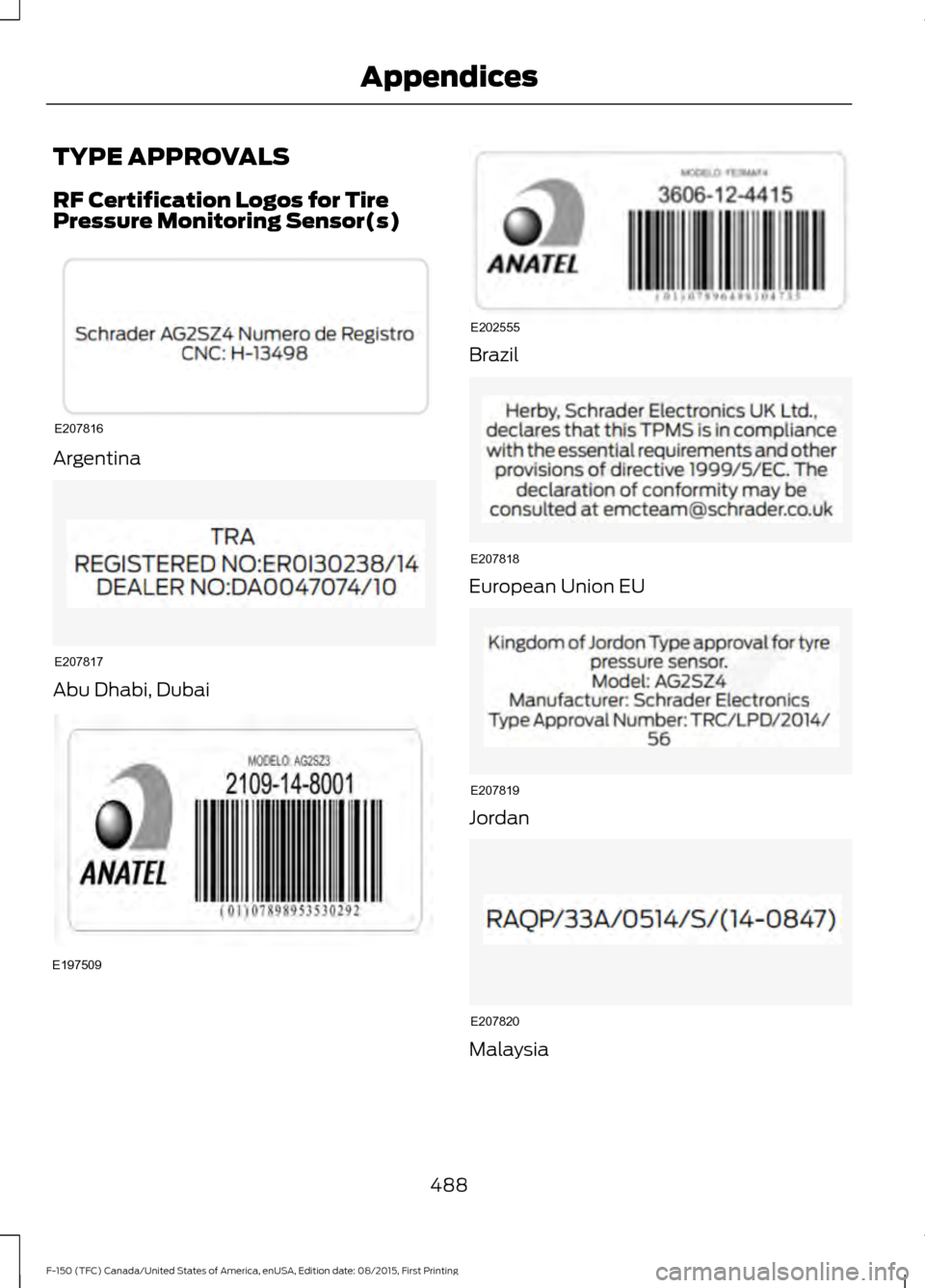
TYPE APPROVALS
RF Certification Logos for Tire
Pressure Monitoring Sensor(s)
Argentina
Abu Dhabi, Dubai Brazil
European Union EU
Jordan
Malaysia
488
F-150 (TFC) Canada/United States of America, enUSA, Edition date: 08/2015, First Printing AppendicesE207816 E207817 E197509 E202555 E207818 E207819 E207820
Page 496 of 505
Changing a Road Wheel............................361
Dissimilar Spare Wheel and Tire Assembly
Information...................................................... 361
Location of the Spare Tire and Tools.........362
Tire Change Procedure.................................... 363
Changing the 12V Battery..........................318 Battery Management System...................... 320
Changing the Engine Air Filter................329
Changing the Wiper Blades.....................320
Checking MyKey System Status...............59
Checking the Wiper Blades
.....................320
Child Restraint and Seatbelt Maintenance..................................................41
Child Restraint Positioning
.........................30
Child Safety.......................................................15
General Information............................................. 15
Child Safety Locks...........................................31 Left-Hand Side...................................................... 32
Right-Hand Side................................................... 32
Cleaning Leather Seats.............................334 With King Ranch Edition................................. 334
Without King Ranch Edition.......................... 334
Cleaning Products
.......................................330
Cleaning the Alloy Wheels.......................335
Cleaning the Engine....................................332
Cleaning the Exterior..................................330 Exterior Chrome Parts....................................... 331
Exterior Plastic Parts......................................... 331
Stripes or Graphics............................................. 331
Underbody............................................................. 331
Cleaning the Instrument Panel and Instrument Cluster Lens.........................333
Cleaning the Interior...................................333
Cleaning the Windows and Wiper Blades...........................................................332
Clearing All MyKeys
.......................................58
Climate Control.............................................139
Climate Controlled Seats..........................155 Cooled Seats........................................................ 156
Collision Warning System........................238 Principle Of Operation..................................... 238
Coolant Check See: Engine Coolant Check............................. 313
Crash Sensors and Airbag Indicator.......49
Creating a MyKey
...........................................58
Programming/Changing Configurable
Settings............................................................... 58Cross Traffic Alert........................................234
False Alerts........................................................... 237
Switching the System Off and On...............237
System Errors....................................................... 237
System Lights, Messages and Audible Alerts................................................................. 236
System Limitations........................................... 236
Using the System............................................... 234
Cruise Control
.................................................80
Principle of Operation...................................... 220
Type 1........................................................................\
80
Type 2....................................................................... 80
Cruise control See: Using Cruise Control............................... 220
Customer Assistance..................................291
D
Data Recording
..................................................9
Event Data Recording........................................... 9
Service Data Recording........................................ 9
Daytime Running Lamps
............................86
Type 1 - Conventional
(Non-Configurable)....................................... 86
Type 2 - Configurable......................................... 86
Digital Radio
.................................................404
HD Radio Reception and Station
Troubleshooting........................................... 405
Direction Indicators
.......................................88
Lane Change.......................................................... 88
Driver Alert
......................................................228
Using Driver Alert............................................... 228
Driver and Passenger Airbags...................44 Children and Airbags.......................................... 44
Proper Driver and Front Passenger Seating Adjustment........................................................ 44
Driving Aids
....................................................228
Driving Hints...................................................281
Driving Through Water...............................282
DRL See: Daytime Running Lamps........................ 86
E
Economical Driving
......................................281
493
F-150 (TFC) Canada/United States of America, enUSA, Edition date: 08/2015, First Printing Index
Page 503 of 505
Tire Pressure Monitoring System..........356
Changing Tires With a Tire Pressure
Monitoring System........................................ 357
Understanding Your Tire Pressure Monitoring System ....................................... 357
Tires See: Wheels and Tires..................................... 338
Towing a Trailer.............................................252
Load Placement................................................. 252
Towing Points................................................276
Towing the Vehicle on Four Wheels..........................................................278
Emergency Towing............................................ 278
Recreational Towing......................................... 278
Towing..............................................................252
Traction Control...........................................203 Principle of Operation...................................... 203
Trailer Sway Control
...................................262
Transfer Case Fluid Check.........................317
Transmission Code Designation
.............373
Transmission..................................................182
Transmission See: Transmission.............................................. 182
Transporting the Vehicle............................277
Type Approvals
............................................488
RF Certification Logos for Tire Pressure
Monitoring Sensor(s)................................. 488
U
Under Hood Overview - 2.7L EcoBoost™................................................308
2.7L EcoBoost..................................................... 308
Under Hood Overview - 3.5L Ecoboost™.................................................309
Under Hood Overview - 3.5L....................310
Under Hood Overview - 5.0L.....................311
Unique Driving Characteristics.................172
Universal Garage Door Opener...............158 HomeLink Wireless Control System...........158
USB Port.........................................................409 Using Adaptive Cruise Control.................221
Blocked Sensor................................................... 226
Changing the Set Speed................................. 224
Detection Issues................................................. 225
Disengaging the System................................. 224
Following a Vehicle............................................ 222
Hilly Condition Usage....................................... 225
Low Speed Automatic Cancellation...........225
Overriding the System..................................... 224
Resuming the Set Speed................................ 224
Setting a Speed.................................................. 222
Setting the Gap Distance................................ 223
Switching the System Off............................... 225
Switching the System On............................... 222
Switching to Normal Cruise Control...........227
System Not Available....................................... 226
Using Cruise Control...................................220 Switching Cruise Control Off.......................... 221
Switching Cruise Control On and Off.........220
Using Four-Wheel Drive
............................188
4WD Indicator Lights........................................ 188
Driving Off-Road With Truck and Utility Vehicles.............................................................. 191
How Your Vehicle Differs From Other Vehicles.............................................................. 191
Using the 2-Speed Automatic 4WD System.............................................................. 189
Using the Electronic Shift on the Fly 4WD system............................................................... 188
Using Hill Descent Control.......................207 Hill descent modes........................................... 207
Using MyKey With Remote Start Systems..........................................................60
Using Power Running Boards....................76 Automatic Power Deploy.................................. 76
Automatic Power Stow...................................... 76
Bounce-back.......................................................... 77
Enabling and Disabling...................................... 76
Manual Power Deploy......................................... 76
Using Snow Chains
.....................................355
Using Stability Control..............................205 AdvanceTrac ™ with Roll Stability Control ™
(RSC™)............................................................ 205
500
F-150 (TFC) Canada/United States of America, enUSA, Edition date: 08/2015, First Printing Index