key battery FORD F150 2017 13.G User Guide
[x] Cancel search | Manufacturer: FORD, Model Year: 2017, Model line: F150, Model: FORD F150 2017 13.GPages: 599, PDF Size: 7.34 MB
Page 174 of 599
Failure to Start
If you cannot start the engine after three
attempts, wait 10 seconds and follow this
procedure:
1. Fully press the brake pedal.
2. Move the transmission selector lever
to position P.
3. Fully press the accelerator pedal and hold it there.
4. Start the engine.
Automatic Engine Shutdown
If your vehicle is equipped with a keyless
ignition, it has a feature that automatically
shuts down the engine if it has been idling
for an extended period. The ignition also
turns off in order to save battery power.
Before the engine shuts down, a message
appears in the information display showing
a timer counting down from 30 seconds.
If you do not intervene within 30 seconds,
the engine shuts down. Another message
appears in the information display to
inform you that the engine has shut down
in order to save fuel. Start your vehicle as
you normally do.
Automatic Engine Shutdown Override
Note: You cannot permanently switch off
the automatic engine shutdown feature.
When you switch it off temporarily, it turns
on at the next ignition cycle.
You can stop the engine shutdown, or reset
the timer, at any point before the
30-second countdown has expired by
doing any of the following: •
You can reset the timer by interacting
with your vehicle (such as pressing the
brake pedal or accelerator pedal).
• You can temporarily switch off the
shutdown feature any time the ignition
is on (for the current ignition cycle
only). Use the information display to
do so. See Information Displays
(page 110).
• During the countdown before engine
shutdown, you are prompted to press
OK or RESET (depending on your type
of information display) to temporarily
switch the feature off (for the current
ignition cycle only).
Stopping the Engine When Your
Vehicle is Stationary
Vehicles with an Ignition Key
1. Move the transmission selector lever to position
P.
2. Turn the key to off.
3. Apply the parking brake.
Vehicles with Keyless Start
1. Move the transmission selector lever to position
P.
2. Press the button once.
3. Apply the parking brake.
Note: This switches off the ignition, all
electrical circuits, warning lamps and
indicators.
Note: If the engine is idling for 30 minutes,
the ignition and engine automatically shut
down.
171
F-150 (TFC) Canada/United States of America, enUSA, First Printing Starting and Stopping the Engine
Page 188 of 599
Readiness for Inspection and
Maintenance (I/M) Testing
Some state and provincial and local
governments may have
Inspection/Maintenance (I/M) programs
to inspect the emission control equipment
on your vehicle. Failure to pass this
inspection could prevent you from getting
a vehicle registration.
If the service engine soon
indicator is on or the bulb does
not work, your vehicle may need
service. See On-Board Diagnostics.
Your vehicle may not pass the I/M test if
the service engine soon indicator is on or
not working properly (bulb is burned out),
or if the OBD-II system has determined
that some of the emission control systems
have not been properly checked. In this
case, the vehicle is not ready for I/M
testing.
If the vehicle ’s engine or transmission has
just been serviced, or the battery has
recently run down or been replaced, the
OBD-II system may indicate that the
vehicle is not ready for I/M testing. To
determine if the vehicle is ready for I/M
testing, turn the ignition key to the on
position for 15 seconds without cranking
the engine. If the service engine soon
indicator blinks eight times, it means that
the vehicle is not ready for I/M testing; if
the service engine soon indicator stays on
solid, it means that your vehicle is ready
for I/M testing.
The OBD-II system checks the emission
control system during normal driving. A
complete check may take several days.
If the vehicle is not ready for I/M testing,
you can perform the following driving cycle
consisting of mixed city and highway
driving: 1. 15 minutes of steady driving on an
expressway or highway followed by 20
minutes of stop-and-go driving with at
least four 30-second idle periods.
2. Allow your vehicle to sit for at least eight hours with the ignition off. Then,
start the vehicle and complete the
above driving cycle. The vehicle must
warm up to its normal operating
temperature. Once started, do not turn
off the vehicle until the above driving
cycle is complete.
If the vehicle is still not ready for I/M
testing, you need to repeat the above
driving cycle.
185
F-150 (TFC) Canada/United States of America, enUSA, First Printing Fuel and Refueling
Page 289 of 599
Note:
You may hear an audible noise as the
transfer case shifts into its neutral position.
This is normal.
6. Leave the transmission in position N
and turn the ignition as far as it will go
toward the off position (it will not turn
fully off when the transmission is in
position
N). If your vehicle has an
ignition key, you must leave the key in
the ignition while towing. To lock and
unlock your vehicle, use the keyless
entry keypad or extra set of keys. If your
vehicle has intelligent access, press the
engine
START/STOP button once
without pressing the brake pedal. You
do not need to leave your keys in the
vehicle. You can lock and unlock your
vehicle as you normally do.
7. Release the brake pedal. WARNINGS
Do not disconnect the battery during
recreational towing. Doing so will
prevent the transfer case from
shifting properly and may cause the vehicle
to roll even if the transmission is in P
(Park). Shifting the transfer case to its
neutral position for recreational
towing may cause the vehicle to be
able to roll even if the transmission is in P
(Park). The driver or others could be
injured. Make sure the foot brake is
depressed and the vehicle is in a secure
and safe position while the transfer case
is being shifted to its neutral position. Failing to put the transfer case in its
neutral position will damage vehicle
components.
Note:
You can check four-wheel-down
towing status at any time by opening the
driver's door or turning the ignition to the
accessory or on position and verifying the
NEUTRAL TOW ENABLED
message
displays in the cluster. To exit four-wheel-down towing and return
the transfer case to its
2H position:
1. With your vehicle still properly secured
to the tow vehicle, put the ignition in
the on position, but do not start the
engine. If your vehicle has an ignition
key, turn the key to on. If your vehicle
has intelligent access, press the engine
START/STOP
button once without
pressing the brake pedal.
2. Press and hold the brake pedal.
3. Shift the transmission out of N and into
any gear.
4. Release the brake pedal.
Note: If completed successfully, the
instrument cluster displays
4X2, and
NEUTRAL TOW DISABLED.
Note: If the indicator light and message do
not display, you must perform the procedure
again from the beginning.
Note: You may hear an audible noise as the
transfer case shifts out of its neutral
position. This is normal.
Note: If
SHIFT DELAY PULL FORWARD
displays in the instrument cluster, transfer
case gear tooth blockage is present. See the
instructions after this section.
5. Apply the parking brake, and then disconnect the vehicle from the tow
vehicle.
6. Release the parking brake, start the engine, and shift the transmission to
position
D to make sure the transfer
case is out of position N.
7. If the transfer case does not successfully shift out of position N, set
the parking brake until you can have
your vehicle serviced.
286
F-150 (TFC) Canada/United States of America, enUSA, First Printing Towing
Page 296 of 599
ROADSIDE ASSISTANCE
Vehicles Sold in the United States:
Getting Roadside Assistance
To fully assist you should you have a
vehicle concern, Ford Motor Company
offers a complimentary roadside
assistance program. This program is
separate from the New Vehicle Limited
Warranty. The service is available:
•
24 hours a day, seven days a week.
• For the coverage period listed on the
Roadside Assistance Card included in
your Owner's Manual portfolio.
Roadside Assistance covers:
• A flat tire change with a good spare, if
provided with the vehicle (except
vehicles supplied with a tire inflation
kit).
• Battery jump start.
• Lock-out assistance (key replacement
cost is the customer's responsibility).
• Fuel delivery — independent service
contractors, if not prohibited by state,
local or municipal law, shall deliver up
to 2 gal (7.6 L) of gasoline or 5 gal
(18.9 L) of diesel fuel to a disabled
vehicle. Roadside Assistance limits fuel
delivery service to two no-charge
occurrences within a 12-month period.
• Winch out — available within
100 ft
(30.5 m) of a paved or county
maintained road, no recoveries.
• Towing — independent service
contractors, if not prohibited by state,
local or municipal law, shall tow Ford
eligible vehicles to an authorized dealer
within
35 mi (56 km) of the
disablement location or to the nearest authorized dealer. If a member
requests a tow to an authorized dealer
that is more than
35 mi (56 km) from
the disablement location, the member
shall be responsible for any mileage
costs in excess of
35 mi (56 km).
Roadside Assistance includes up to $200
for a towed trailer if the disabled eligible
vehicle requires service at the nearest
authorized dealer. If the towing vehicle is
operational but the trailer is not, then the
trailer does not qualify for any roadside
services.
Vehicles Sold in the United States:
Using Roadside Assistance
Complete the roadside assistance
identification card and place it in your
wallet for quick reference. This card is in
the owner's information portfolio in the
glove compartment.
United States Ford vehicle customers who
require Roadside Assistance, call
1-800-241-3673.
If you need to arrange roadside assistance
for yourself, Ford Motor Company
reimburses a reasonable amount for
towing to the nearest dealership within
35 mi (56 km)
. To obtain reimbursement
information, United States Ford vehicle
customers call 1-800-241-3673.
Customers need to submit their original
receipts.
Vehicles Sold in Canada: Getting
Roadside Assistance
To fully assist you should you have a
vehicle concern, Ford Motor Company of
Canada, Limited offers a complimentary
roadside assistance program. This program
is eligible within Canada or the continental
United States.
293
F-150 (TFC) Canada/United States of America, enUSA, First Printing Roadside Emergencies
Page 297 of 599
This program is separate from the New
Vehicle Limited Warranty, but the coverage
is concurrent with the powertrain coverage
period of your vehicle.
Canadian customers who require roadside
assistance, call 1-800-665-2006.
Vehicles Sold in Canada: Using
Roadside Assistance
Complete the roadside assistance
identification card and place it in your
wallet for quick reference.
In Canada, this card is found in the
Warranty Guide in the glove compartment
of your vehicle.
Vehicles Sold in Canada: Roadside
Assistance Program Coverage
The service is available 24 hours a day,
seven days a week.
Canadian roadside coverage and benefits
may differ from the U.S. coverage.
For complete program coverage details
you may contact your dealer, you can call
us in Canada at 1-800-665-2006, or visit
our website at www.ford.ca.
HAZARD WARNING FLASHERS
Note:
The hazard warning flashers will
operate when the ignition is in any position
or if the key is not in the ignition. If used
when the engine is not running, the battery
will lose charge. As a result, there may be
insufficient power to restart your engine. The hazard flasher control is
located on the instrument panel
by the radio. Use it when your
vehicle is disabled and is creating a safety
hazard for other motorists. •
Press the flasher control and all front
and rear direction indicators flash.
• Press the flasher control again to turn
them off.
FUEL SHUTOFF WARNING
Failure to inspect and, if necessary,
repair fuel leaks after a collision may
increase the risk of fire and serious
injury. Ford Motor Company recommends
that the fuel system be inspected by an
authorized dealer after any collision. In the event of a moderate to severe
collision, this vehicle is equipped with a
fuel pump shut-off feature that stops the
flow of fuel to the engine. Not every impact
will cause a shut-off.
Should your vehicle shut off after a
collision, you may restart your vehicle. For
vehicles equipped with a key system:
1. Switch off the ignition.
2. Switch on the ignition.
3. Repeat Steps 1 and 2 to re-enable the
fuel pump.
For vehicles equipped with a push button
start system:
1. Press the START/STOP button to
switch off the ignition.
2. Press the brake pedal and press the START/STOP
button to switch on the
ignition.
294
F-150 (TFC) Canada/United States of America, enUSA, First Printing Roadside EmergenciesE142663
Page 499 of 599
To call a number in your contacts,
select:
Action and Description
Menu Item
You can then select the
name of the contact you
want to call. Any numbers
stored for that contact
display along with any
stored contact photos. You
can then select the
number that you want to
call. The system begins the
call.
Contacts
To call a number from your recent calls,
select: Action and Description
Menu Item
You can then select an
entry that you want to call.
The system begins the call.
Recent Call
List
To call a number that is not stored in
your phone, select: Action and Description
Menu Item
Select the digits of the
number you wish to call.
Phone
Keypad
The system begins the call.
Call
Pressing the backspace button deletes the
last digit you typed.
Receiving Calls
During an incoming call, an audible tone
sounds. Caller information appears in the
display if it is available. To accept the call, select: Menu Item
Accept
Note: You can also accept the call by
pressing the phone button on the steering
wheel.
To reject the call, select: Menu Item
Reject
Note: You can also reject the call by
pressing the phone button on the steering
wheel.
Ignore the call by doing nothing. SYNC 3
logs it as a missed call.
During a Phone Call
During a phone call, the contacts name
and number display on the screen along
with the call duration.
The phone status items are also visible:
• Signal Strength.
• Battery.
• 911 Assist (United States and Canada
Only). See Settings (page 509).
You can select any of the following during
an active phone call:
496
F-150 (TFC) Canada/United States of America, enUSA, First Printing SYNC™ 3
(If Equipped)
Page 590 of 599
Changing a Road Wheel............................372
Dissimilar Spare Wheel and Tire Assembly
Information...................................................... 372
Tire Change Procedure.................................... 373
Changing the 12V Battery.........................329 Battery Management System...................... 330
Changing the Engine Air Filter................339
Changing the Wiper Blades......................331
Checking MyKey System Status................61
Checking the Wiper Blades.......................331
Child Restraint and Seatbelt Maintenance.................................................42
Child Restraint Positioning..........................31
Child Safety.......................................................16 General Information............................................. 16
Child Safety Locks..........................................32 Left-Hand Side...................................................... 33
Right-Hand Side................................................... 33
Cleaning Leather Seats.............................344 With King Ranch Edition................................. 345
Without King Ranch Edition.......................... 344
Cleaning Products
......................................340
Cleaning the Engine....................................342
Cleaning the Exterior...................................341 Exterior Chrome Parts....................................... 341
Exterior Plastic Parts......................................... 341
Stripes or Graphics............................................. 341
Underbody........................................................... 342
Under Hood.......................................................... 342
Cleaning the Instrument Panel and Instrument Cluster Lens........................344
Cleaning the Interior...................................343
Cleaning the Wheels
..................................346
Cleaning the Windows and Wiper Blades...........................................................343
Clearing All MyKeys......................................60
Climate...........................................................490
Climate Control
..............................................141
Climate Controlled Seats...........................157 Cooled Seats........................................................ 158
Collision Warning System
........................244
Principle Of Operation..................................... 244
Coolant Check See: Engine Coolant Check............................ 323
Crash Sensors and Airbag Indicator.........51
Creating a MyKey...........................................60 Programming/Changing Configurable
Settings.............................................................. 60Cross Traffic Alert
........................................240
False Alerts........................................................... 242
Switching the System Off and On...............243
System Errors...................................................... 243
System Lights, Messages and Audible Alerts.................................................................. 242
System Limitations........................................... 242
Using the System.............................................. 240
Cruise Control..................................................82 Principle of Operation...................................... 224
Type 1........................................................................\
82
Type 2....................................................................... 82
Cruise control See: Using Cruise Control............................... 224
Customer Assistance
................................300
D
Data Recording
..................................................9
Event Data Recording.......................................... 10
Service Data Recording........................................ 9
Daytime Running Lamps............................89 Type 1 - Conventional
(Non-Configurable)....................................... 89
Type 2 - Configurable......................................... 89
Digital Radio
....................................................417
HD Radio Reception and Station
Troubleshooting............................................. 418
Direction Indicators
........................................91
Lane Change........................................................... 91
Doors and Locks.............................................64
Drive Control.................................................246 Selectable Steering.......................................... 246
Driver Alert
......................................................232
Using Driver Alert............................................... 232
Driver and Passenger Airbags...................46 Children and Airbags.......................................... 46
Proper Driver and Front Passenger Seating Adjustment....................................................... 46
Driving Aids
.....................................................232
Driving Hints..................................................288
Driving Through Water..............................289
DRL See: Daytime Running Lamps........................ 89
E
Economical Driving
.....................................288
587
F-150 (TFC) Canada/United States of America, enUSA, First Printing Index
Page 593 of 599
Recommended Settings for Cooling..........146
Recommended Settings for Heating..........146
Side Window Defogging in Cold
Weather............................................................. 147
Hints on Driving With Anti-Lock Brakes...........................................................203
Home Screen.................................................472
Hood Lock See: Opening and Closing the Hood............317
I
Ignition Switch
...............................................168
In California (U.S. Only).............................301
Information Display Control
.......................83
Information Displays....................................110
General Information........................................... 110
Information Messages
................................126
4WD........................................................................\
140
Active Park............................................................. 127
Adaptive Cruise Control.................................... 127
AdvanceTrac and Traction Control..............128
Airbag...................................................................... 128
Alarm and Security............................................ 128
Battery and Charging System........................ 129
Blind Spot Information and Cross Traffic Alert System.................................................... 129
Collision Warning System............................... 130
Doors and Locks................................................. 130
Driver Alert.............................................................. 131
Drivetrain................................................................. 131
Engine....................................................................... 131
Fuel........................................................................\
... 132
Keys and Intelligent Access............................ 132
Lane Keeping System........................................ 133
Maintenance......................................................... 133
MyKey...................................................................... 134
Off Road................................................................. 134
Park Aid.................................................................. 135
Park Brake.............................................................. 135
Power Steering.................................................... 136
Pro Trailer Backup Assist................................. 136
Remote Start........................................................ 137
Seats....................................................................... 138
Side-Wind............................................................. 138
Starting System ................................................. 138
Tire Pressure Monitoring System.................. 139
Trailer....................................................................... 139Installing Child Restraints.............................17
Child Seats............................................................... 17
Combining Seatbelt and LATCH Lower Anchors for Attaching Child Safety
Seats.................................................................... 26
Front Seat Tether Strap Attachment (Regular Cab).................................................... 27
Rear Seat Tether Strap Attachment (Crew Cab and Super Cab)...................................... 28
Use of Inboard Lower Anchors from the Outboard Seating Positions (Center
Seating Use) ..................................................... 25
Using Inflatable Seatbelts (Rear Seat Outboard Positions)....................................... 22
Using Lap and Shoulder Belts (Except Front Center Position of Super Cab and Crew
Cab)...................................................................... 18
Using Lap and Shoulder Belts (Front Center Position of Super Cab and Crew
Cab)..................................................................... 20
Using Lower Anchors and Tethers for CHildren (LATCH)........................................... 24
Using Tether Straps............................................. 26
Instrument Cluster
.......................................102
Instrument Lighting Dimmer.....................88
Interior Lamps
.................................................92
Front Interior Lamps........................................... 92
Rear Interior Lamps............................................. 94
Interior Mirror
...................................................99
Auto-Dimming Mirror......................................... 99
Introduction.........................................................7
J
Jump Starting the Vehicle........................295 Connecting the Jumper Cables.................... 295
Jump Starting..................................................... 296
Preparing Your Vehicle.....................................295
Removing the Jumper Cables....................... 296
K
Keyless Entry...................................................66 SECURICODE™ KEYLESS ENTRY
KEYPAD.............................................................. 66
Keyless Starting............................................168 Ignition Modes..................................................... 169
Keys and Remote Controls.........................53
590
F-150 (TFC) Canada/United States of America, enUSA, First Printing Index
Page 594 of 599
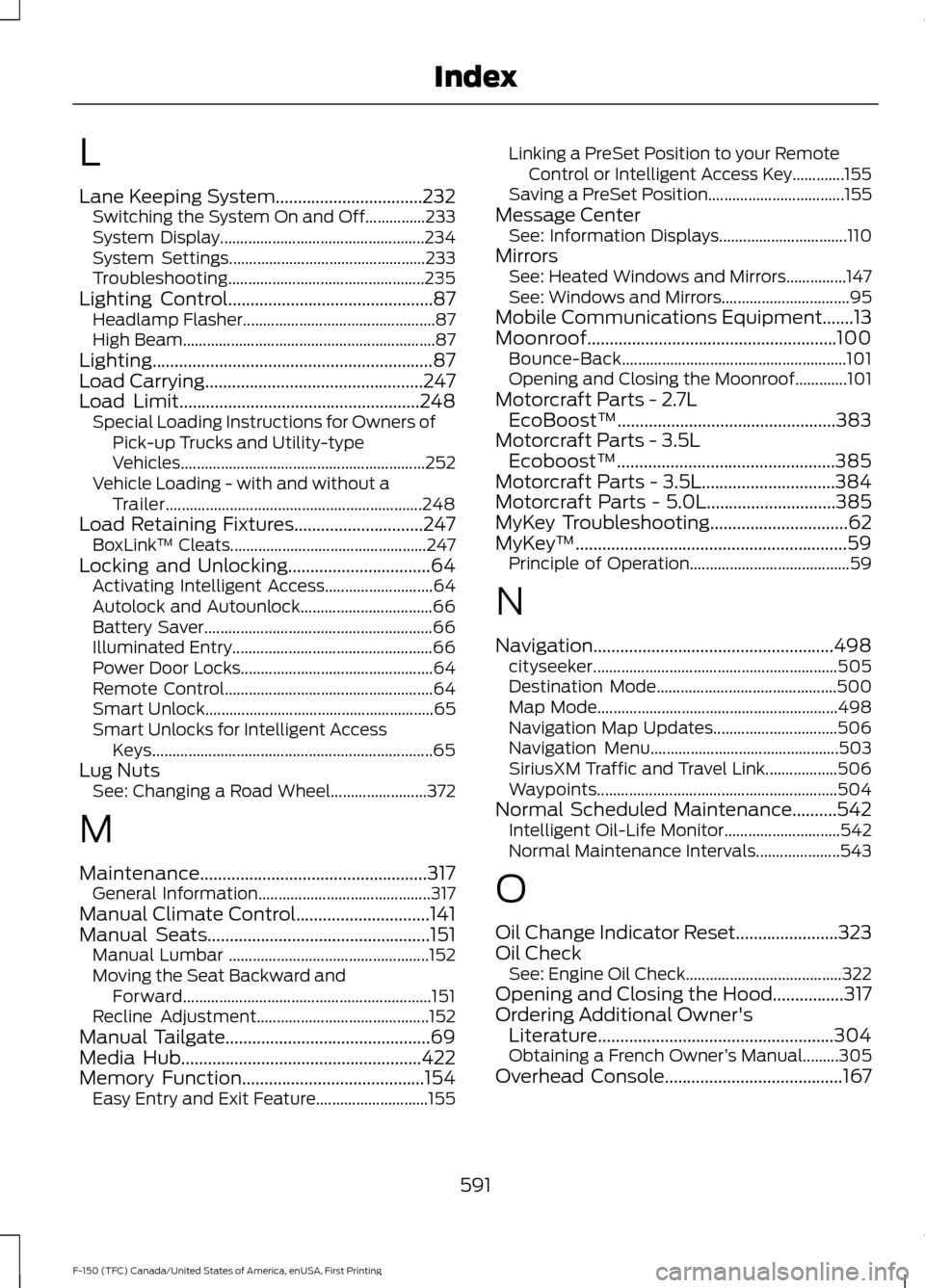
L
Lane Keeping System.................................232
Switching the System On and Off...............233
System Display................................................... 234
System Settings................................................. 233
Troubleshooting................................................. 235
Lighting Control..............................................87
Headlamp Flasher................................................ 87
High Beam............................................................... 87
Lighting...............................................................87
Load Carrying
.................................................247
Load Limit......................................................248
Special Loading Instructions for Owners of
Pick-up Trucks and Utility-type
Vehicles............................................................. 252
Vehicle Loading - with and without a Trailer................................................................ 248
Load Retaining Fixtures.............................247 BoxLink ™ Cleats................................................. 247
Locking and Unlocking
................................64
Activating Intelligent Access........................... 64
Autolock and Autounlock................................. 66
Battery Saver......................................................... 66
Illuminated Entry.................................................. 66
Power Door Locks................................................ 64
Remote Control.................................................... 64
Smart Unlock......................................................... 65
Smart Unlocks for Intelligent Access Keys...................................................................... 65
Lug Nuts See: Changing a Road Wheel........................ 372
M
Maintenance...................................................317 General Information........................................... 317
Manual Climate Control
..............................141
Manual Seats..................................................151
Manual Lumbar .................................................. 152
Moving the Seat Backward and Forward.............................................................. 151
Recline Adjustment........................................... 152
Manual Tailgate..............................................69
Media Hub......................................................422
Memory Function
.........................................154
Easy Entry and Exit Feature............................ 155Linking a PreSet Position to your Remote
Control or Intelligent Access Key.............155
Saving a PreSet Position.................................. 155
Message Center See: Information Displays................................ 110
Mirrors See: Heated Windows and Mirrors...............147
See: Windows and Mirrors................................ 95
Mobile Communications Equipment.......13
Moonroof........................................................100 Bounce-Back
........................................................ 101
Opening and Closing the Moonroof.............101
Motorcraft Parts - 2.7L EcoBoost™.................................................383
Motorcraft Parts - 3.5L Ecoboost™.................................................385
Motorcraft Parts - 3.5L..............................384
Motorcraft Parts - 5.0L
.............................385
MyKey Troubleshooting...............................62
MyKey ™.............................................................59
Principle of Operation........................................ 59
N
Navigation......................................................498 cityseeker............................................................. 505
Destination Mode............................................. 500
Map Mode............................................................ 498
Navigation Map Updates............................... 506
Navigation Menu............................................... 503
SiriusXM Traffic and Travel Link.................. 506
Waypoints............................................................ 504
Normal Scheduled Maintenance..........542 Intelligent Oil-Life Monitor............................. 542
Normal Maintenance Intervals..................... 543
O
Oil Change Indicator Reset.......................323
Oil Check See: Engine Oil Check....................................... 322
Opening and Closing the Hood................317
Ordering Additional Owner's Literature.....................................................304
Obtaining a French Owner ’s Manual.........305
Overhead Console
........................................167
591
F-150 (TFC) Canada/United States of America, enUSA, First Printing Index
Page 595 of 599
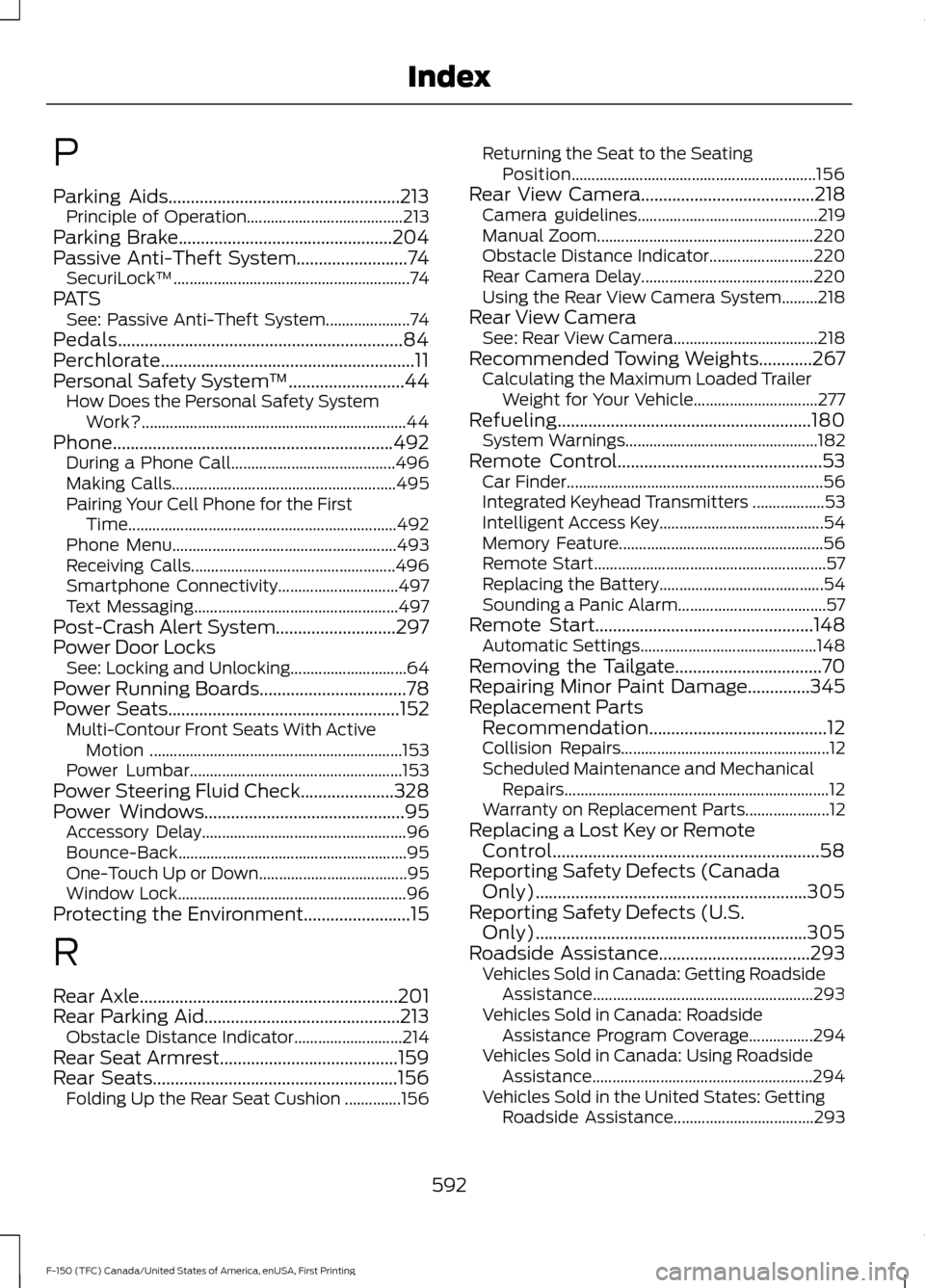
P
Parking Aids....................................................213
Principle of Operation....................................... 213
Parking Brake................................................204
Passive Anti-Theft System
.........................74
SecuriLock ™........................................................... 74
PATS See: Passive Anti-Theft System..................... 74
Pedals................................................................84
Perchlorate.........................................................11
Personal Safety System ™
..........................44
How Does the Personal Safety System
Work?.................................................................. 44
Phone
...............................................................492
During a Phone Call......................................... 496
Making Calls........................................................ 495
Pairing Your Cell Phone for the First Time................................................................... 492
Phone Menu........................................................ 493
Receiving Calls................................................... 496
Smartphone Connectivity.............................. 497
Text Messaging................................................... 497
Post-Crash Alert System...........................297
Power Door Locks See: Locking and Unlocking............................. 64
Power Running Boards
.................................78
Power Seats....................................................152
Multi-Contour Front Seats With Active
Motion ............................................................... 153
Power Lumbar..................................................... 153
Power Steering Fluid Check.....................328
Power Windows
.............................................95
Accessory Delay................................................... 96
Bounce-Back......................................................... 95
One-Touch Up or Down..................................... 95
Window Lock......................................................... 96
Protecting the Environment........................15
R
Rear Axle
..........................................................201
Rear Parking Aid............................................213
Obstacle Distance Indicator........................... 214
Rear Seat Armrest........................................159
Rear Seats.......................................................156 Folding Up the Rear Seat Cushion ..............156 Returning the Seat to the Seating
Position............................................................. 156
Rear View Camera
.......................................218
Camera guidelines............................................. 219
Manual Zoom...................................................... 220
Obstacle Distance Indicator.......................... 220
Rear Camera Delay........................................... 220
Using the Rear View Camera System.........218
Rear View Camera See: Rear View Camera.................................... 218
Recommended Towing Weights
............267
Calculating the Maximum Loaded Trailer
Weight for Your Vehicle............................... 277
Refueling.........................................................180 System Warnings................................................ 182
Remote Control..............................................53 Car Finder................................................................ 56
Integrated Keyhead Transmitters .................. 53
Intelligent Access Key......................................... 54
Memory Feature................................................... 56
Remote Start.......................................................... 57
Replacing the Battery......................................... 54
Sounding a Panic Alarm..................................... 57
Remote Start.................................................148 Automatic Settings............................................ 148
Removing the Tailgate.................................70
Repairing Minor Paint Damage..............345
Replacement Parts Recommendation........................................12
Collision Repairs.................................................... 12
Scheduled Maintenance and Mechanical Repairs.................................................................. 12
Warranty on Replacement Parts..................... 12
Replacing a Lost Key or Remote Control............................................................58
Reporting Safety Defects (Canada Only).............................................................305
Reporting Safety Defects (U.S. Only).............................................................305
Roadside Assistance..................................293 Vehicles Sold in Canada: Getting Roadside
Assistance....................................................... 293
Vehicles Sold in Canada: Roadside Assistance Program Coverage................294
Vehicles Sold in Canada: Using Roadside Assistance....................................................... 294
Vehicles Sold in the United States: Getting Roadside Assistance................................... 293
592
F-150 (TFC) Canada/United States of America, enUSA, First Printing Index