instrument panel FORD F250 2008 User Guide
[x] Cancel search | Manufacturer: FORD, Model Year: 2008, Model line: F250, Model: FORD F250 2008Pages: 400, PDF Size: 3.5 MB
Page 91 of 400
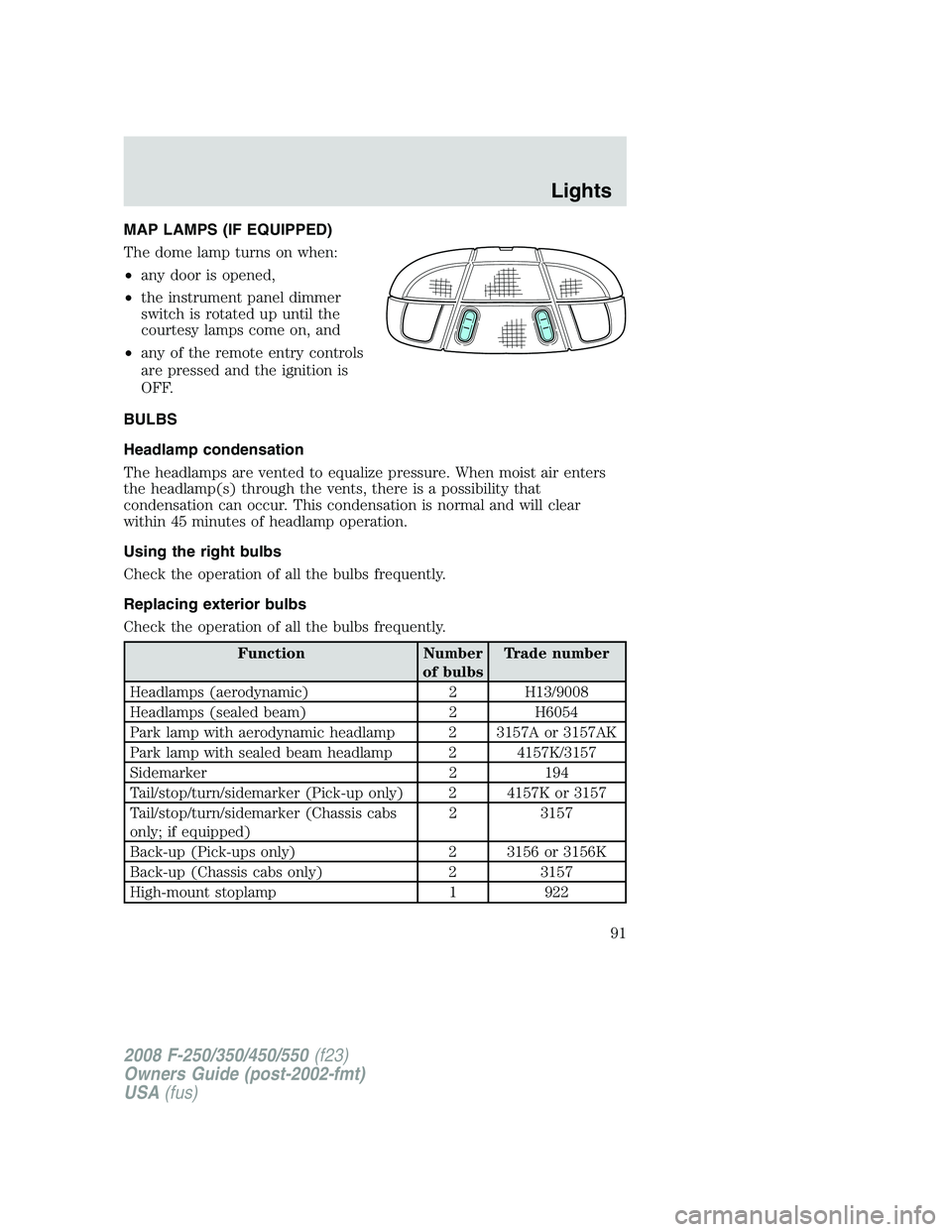
MAP LAMPS (IF EQUIPPED)
The dome lamp turns on when:
•any door is opened,
•the instrument panel dimmer
switch is rotated up until the
courtesy lamps come on, and
•any of the remote entry controls
are pressed and the ignition is
OFF.
BULBS
Headlamp condensation
The headlamps are vented to equalize pressure. When moist air enters
the headlamp(s) through the vents, there is a possibility that
condensation can occur. This condensation is normal and will clear
within 45 minutes of headlamp operation.
Using the right bulbs
Check the operation of all the bulbs frequently.
Replacing exterior bulbs
Check the operation of all the bulbs frequently.
Function Number
of bulbsTrade number
Headlamps (aerodynamic) 2 H13/9008
Headlamps (sealed beam) 2 H6054
Park lamp with aerodynamic headlamp 2 3157A or 3157AK
Park lamp with sealed beam headlamp 2 4157K/3157
Sidemarker 2 194
Tail/stop/turn/sidemarker (Pick-up only) 2 4157K or 3157
Tail/stop/turn/sidemarker (Chassis cabs
only; if equipped)2 3157
Back-up (Pick-ups only) 2 3156 or 3156K
Back-up (Chassis cabs only) 2 3157
High-mount stoplamp 1 922
2008 F-250/350/450/550(f23)
Owners Guide (post-2002-fmt)
USA(fus)
Lights
91
Page 92 of 400
Function Number
of bulbsTrade number
Foglamp 2 9145
License plate lamp 2 194
Cargo lamp 2 906
Mirror turn signal 2 2825
Mirror clearance lamp 2 2825
Front clearance lamps (2) and Front
identification lamps (3)5 194
Rear fender clearance* 4 W5W
Interior visor lamp (if equipped) 4 194
Rear identification 3 194
All replacement bulbs are clear in color except where noted.
To replace all instrument panel lights - see your authorized dealer
* Dual rear wheels, or if equipped.
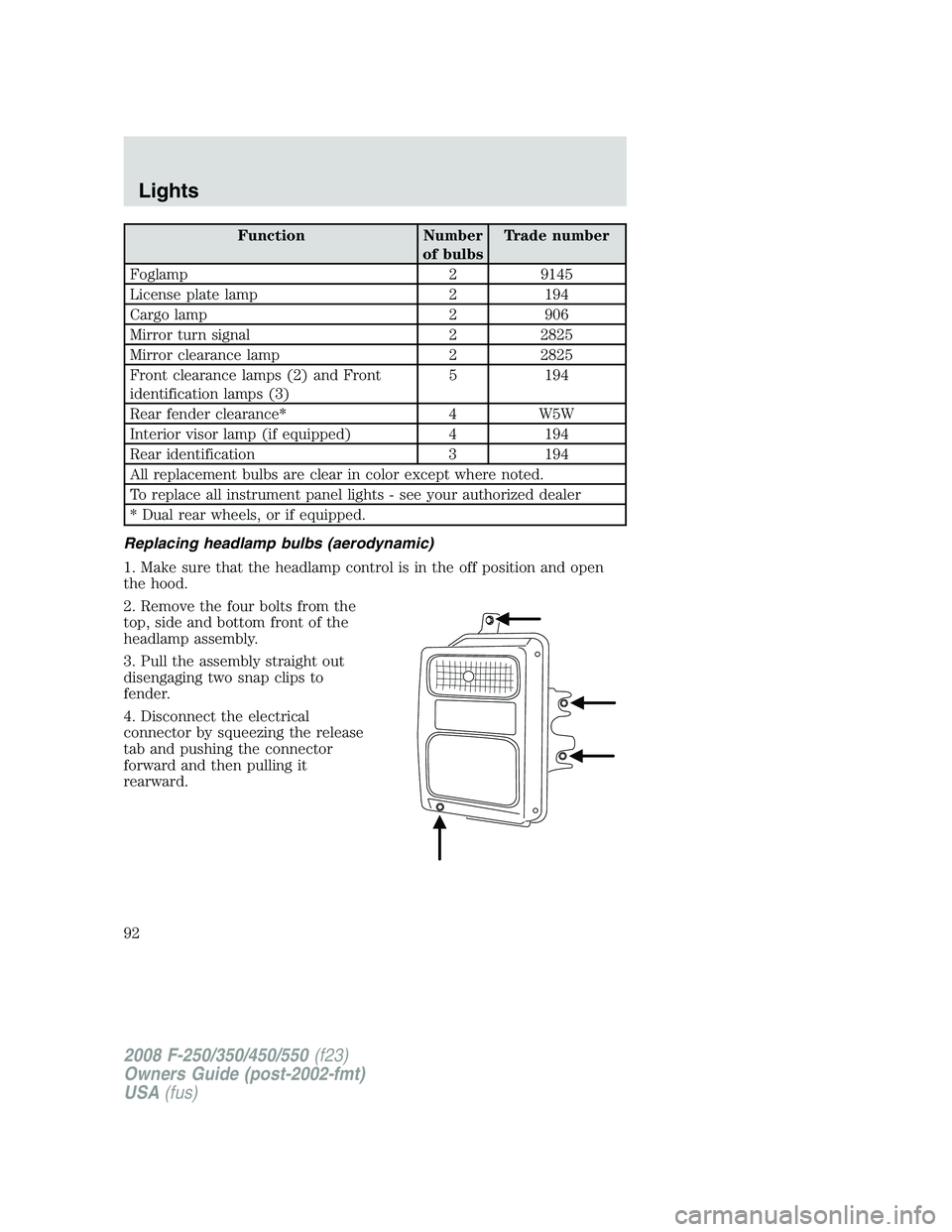
Replacing headlamp bulbs (aerodynamic)
1. Make sure that the headlamp control is in the off position and open
the hood.
2. Remove the four bolts from the
top, side and bottom front of the
headlamp assembly.
3. Pull the assembly straight out
disengaging two snap clips to
fender.
4. Disconnect the electrical
connector by squeezing the release
tab and pushing the connector
forward and then pulling it
rearward.
2008 F-250/350/450/550(f23)
Owners Guide (post-2002-fmt)
USA(fus)
Lights
92
Page 101 of 400
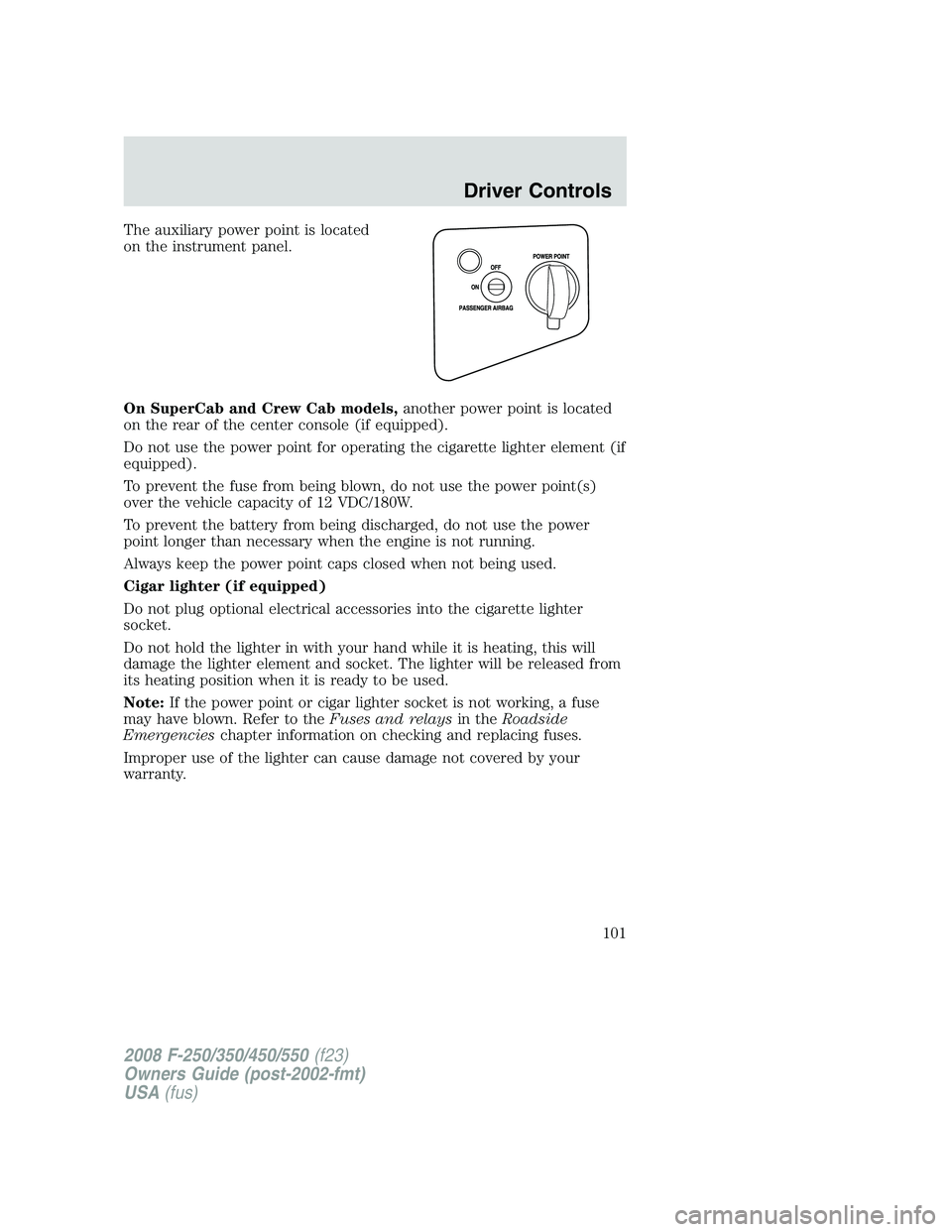
The auxiliary power point is located
on the instrument panel.
On SuperCab and Crew Cab models,another power point is located
on the rear of the center console (if equipped).
Do not use the power point for operating the cigarette lighter element (if
equipped).
To prevent the fuse from being blown, do not use the power point(s)
over the vehicle capacity of 12 VDC/180W.
To prevent the battery from being discharged, do not use the power
point longer than necessary when the engine is not running.
Always keep the power point caps closed when not being used.
Cigar lighter (if equipped)
Do not plug optional electrical accessories into the cigarette lighter
socket.
Do not hold the lighter in with your hand while it is heating, this will
damage the lighter element and socket. The lighter will be released from
its heating position when it is ready to be used.
Note:If the power point or cigar lighter socket is not working, a fuse
may have blown. Refer to theFuses and relaysin theRoadside
Emergencieschapter information on checking and replacing fuses.
Improper use of the lighter can cause damage not covered by your
warranty.
2008 F-250/350/450/550(f23)
Owners Guide (post-2002-fmt)
USA(fus)
Driver Controls
101
Page 103 of 400
When closing the power windows, you should verify they are free
of obstructions and ensure that children and/or pets are not in
the proximity of the window openings.
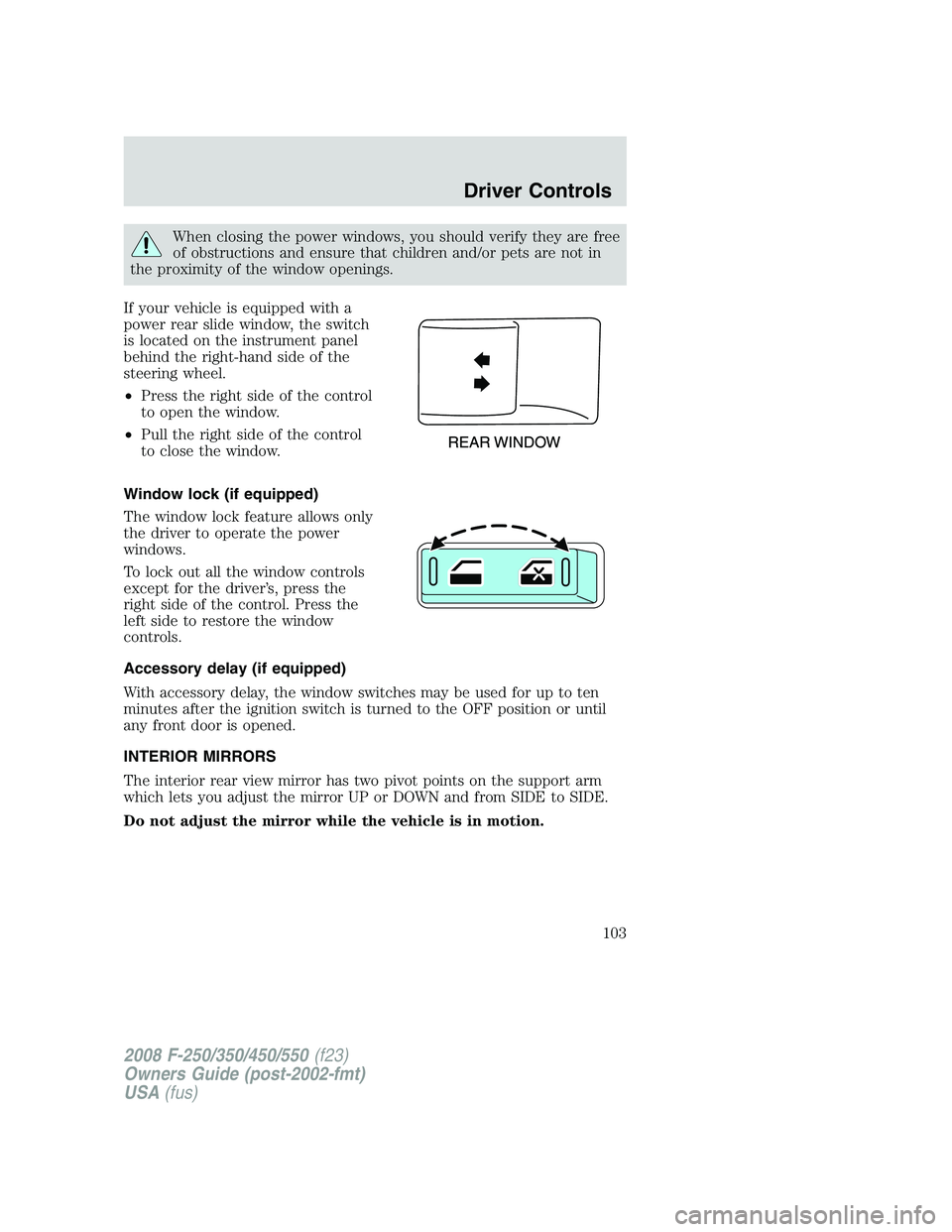
If your vehicle is equipped with a
power rear slide window, the switch
is located on the instrument panel
behind the right-hand side of the
steering wheel.
•Press the right side of the control
to open the window.
•Pull the right side of the control
to close the window.
Window lock (if equipped)
The window lock feature allows only
the driver to operate the power
windows.
To lock out all the window controls
except for the driver’s, press the
right side of the control. Press the
left side to restore the window
controls.
Accessory delay (if equipped)
With accessory delay, the window switches may be used for up to ten
minutes after the ignition switch is turned to the OFF position or until
any front door is opened.
INTERIOR MIRRORS
The interior rear view mirror has two pivot points on the support arm
which lets you adjust the mirror UP or DOWN and from SIDE to SIDE.
Do not adjust the mirror while the vehicle is in motion.
2008 F-250/350/450/550(f23)
Owners Guide (post-2002-fmt)
USA(fus)
Driver Controls
103
Page 114 of 400
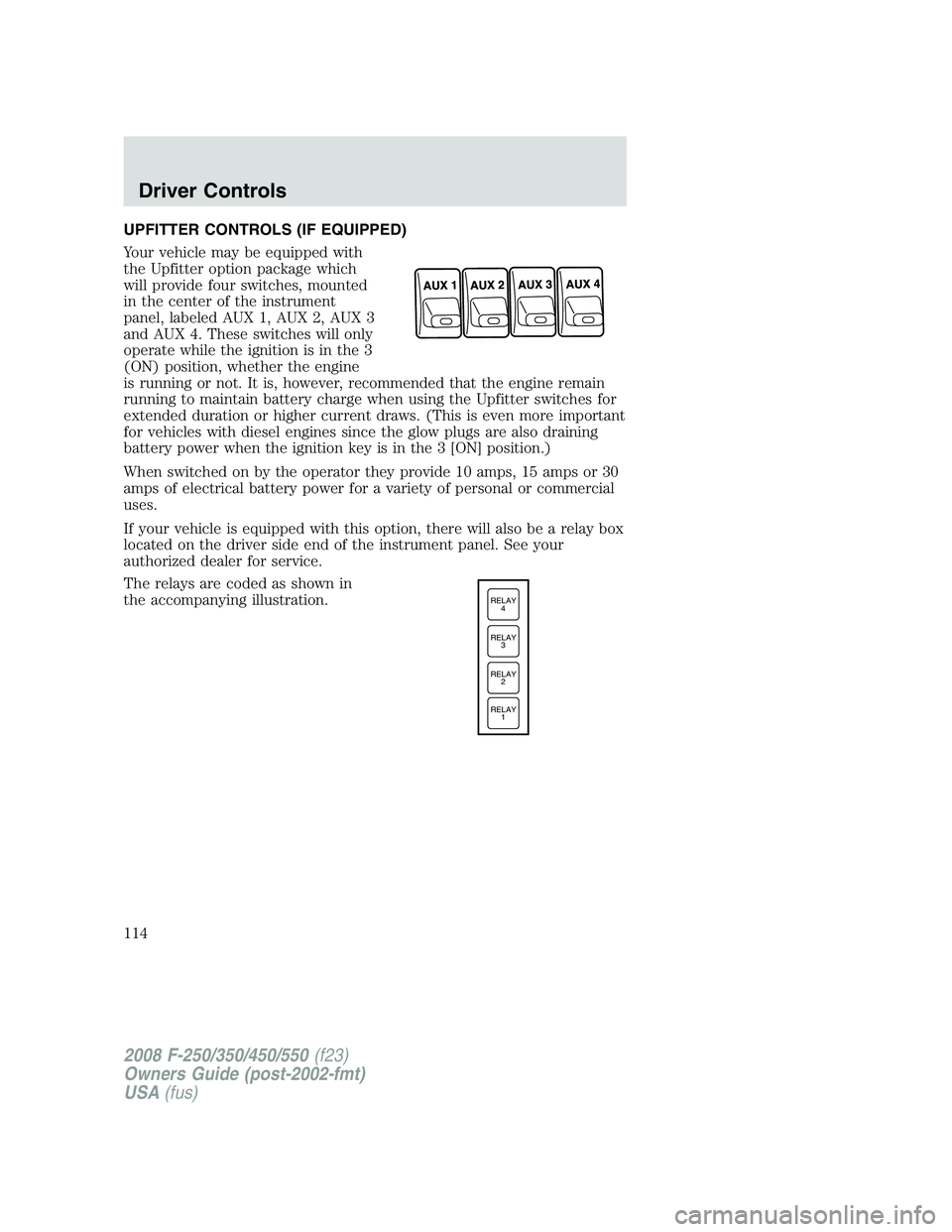
UPFITTER CONTROLS (IF EQUIPPED)
Your vehicle may be equipped with
the Upfitter option package which
will provide four switches, mounted
in the center of the instrument
panel, labeled AUX 1, AUX 2, AUX 3
and AUX 4. These switches will only
operate while the ignition is in the 3
(ON) position, whether the engine
is running or not. It is, however, recommended that the engine remain
running to maintain battery charge when using the Upfitter switches for
extended duration or higher current draws. (This is even more important
for vehicles with diesel engines since the glow plugs are also draining
battery power when the ignition key is in the 3 [ON] position.)
When switched on by the operator they provide 10 amps, 15 amps or 30
amps of electrical battery power for a variety of personal or commercial
uses.
If your vehicle is equipped with this option, there will also be a relay box
located on the driver side end of the instrument panel. See your
authorized dealer for service.
The relays are coded as shown in
the accompanying illustration.
RELAY
1 RELAY
2 RELAY
3 RELAY
4
2008 F-250/350/450/550(f23)
Owners Guide (post-2002-fmt)
USA(fus)
Driver Controls
114
Page 115 of 400
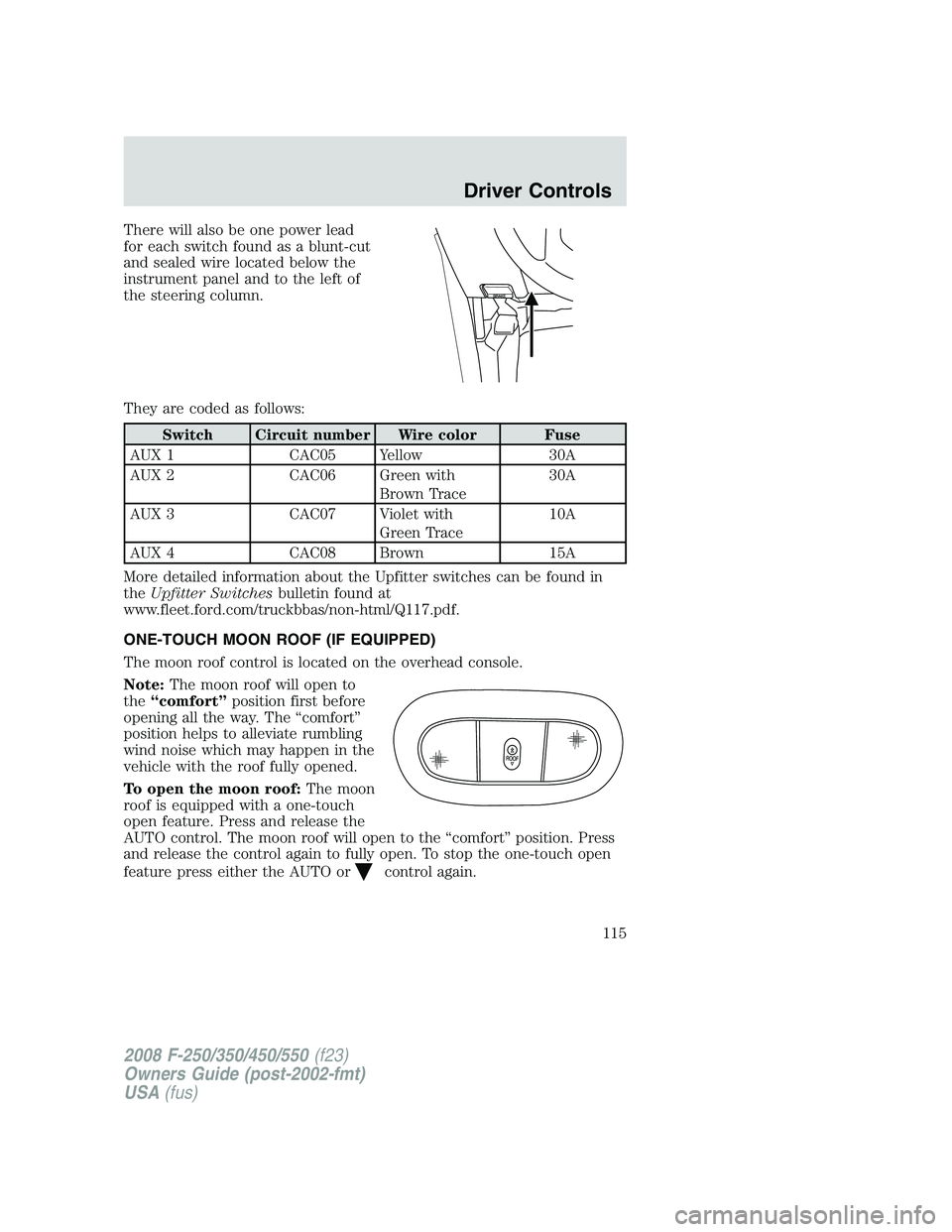
There will also be one power lead
for each switch found as a blunt-cut
and sealed wire located below the
instrument panel and to the left of
the steering column.
They are coded as follows:
Switch Circuit number Wire color Fuse
AUX 1 CAC05 Yellow 30A
AUX 2 CAC06 Green with
Brown Trace30A
AUX 3 CAC07 Violet with
Green Trace10A
AUX 4 CAC08 Brown 15A
More detailed information about the Upfitter switches can be found in
theUpfitter Switchesbulletin found at
www.fleet.ford.com/truckbbas/non-html/Q117.pdf.
ONE-TOUCH MOON ROOF (IF EQUIPPED)
The moon roof control is located on the overhead console.
Note:The moon roof will open to
the“comfort”position first before
opening all the way. The “comfort”
position helps to alleviate rumbling
wind noise which may happen in the
vehicle with the roof fully opened.
To open the moon roof:The moon
roof is equipped with a one-touch
open feature. Press and release the
AUTO control. The moon roof will open to the “comfort” position. Press
and release the control again to fully open. To stop the one-touch open
feature press either the AUTO or
control again.
2008 F-250/350/450/550(f23)
Owners Guide (post-2002-fmt)
USA(fus)
Driver Controls
115
Page 120 of 400
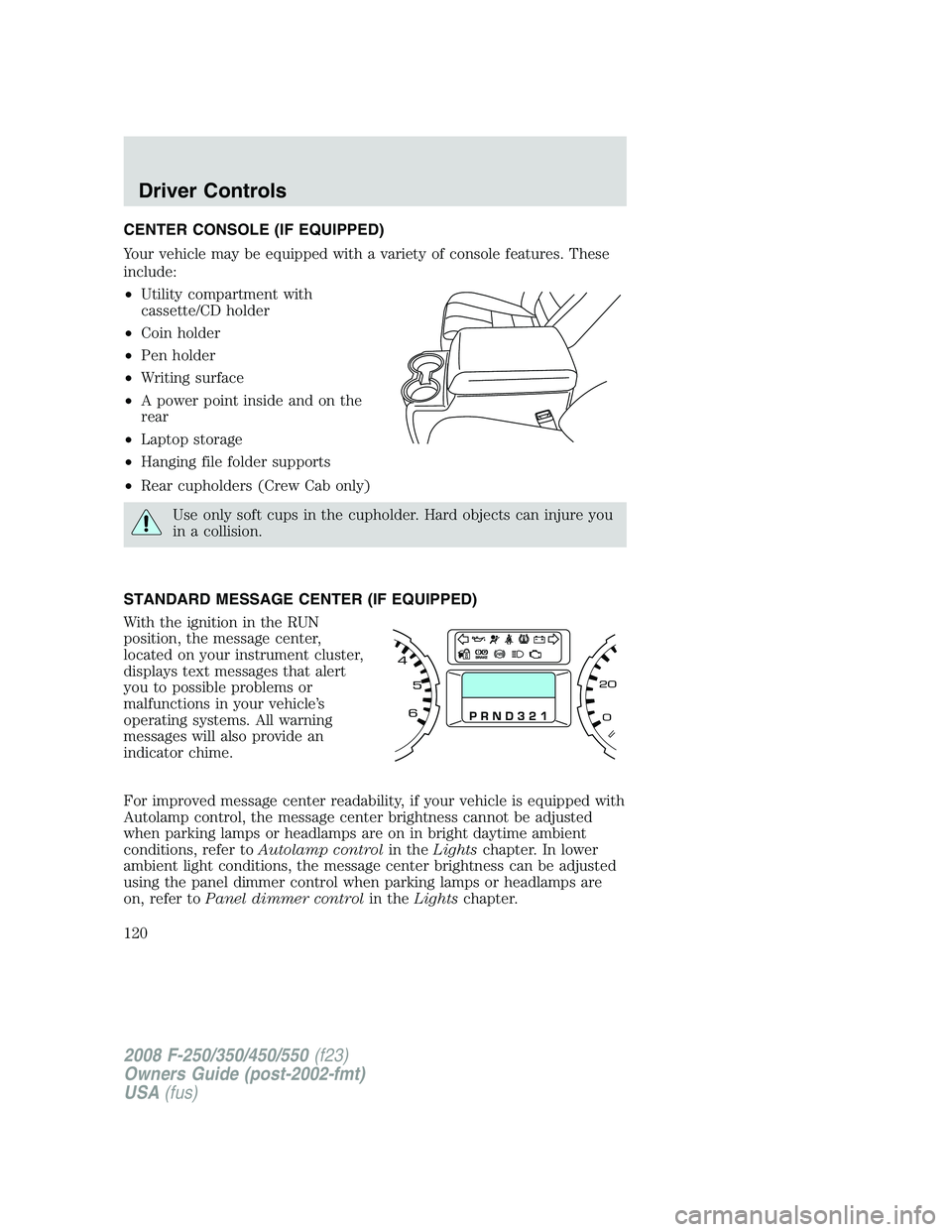
CENTER CONSOLE (IF EQUIPPED)
Your vehicle may be equipped with a variety of console features. These
include:
•Utility compartment with
cassette/CD holder
•Coin holder
•Pen holder
•Writing surface
•A power point inside and on the
rear
•Laptop storage
•Hanging file folder supports
•Rear cupholders (Crew Cab only)
Use only soft cups in the cupholder. Hard objects can injure you
in a collision.
STANDARD MESSAGE CENTER (IF EQUIPPED)
With the ignition in the RUN
position, the message center,
located on your instrument cluster,
displays text messages that alert
you to possible problems or
malfunctions in your vehicle’s
operating systems. All warning
messages will also provide an
indicator chime.
For improved message center readability, if your vehicle is equipped with
Autolamp control, the message center brightness cannot be adjusted
when parking lamps or headlamps are on in bright daytime ambient
conditions, refer toAutolamp controlin theLightschapter. In lower
ambient light conditions, the message center brightness can be adjusted
using the panel dimmer control when parking lamps or headlamps are
on, refer toPanel dimmer controlin theLightschapter.
2008 F-250/350/450/550(f23)
Owners Guide (post-2002-fmt)
USA(fus)
Driver Controls
120
Page 129 of 400
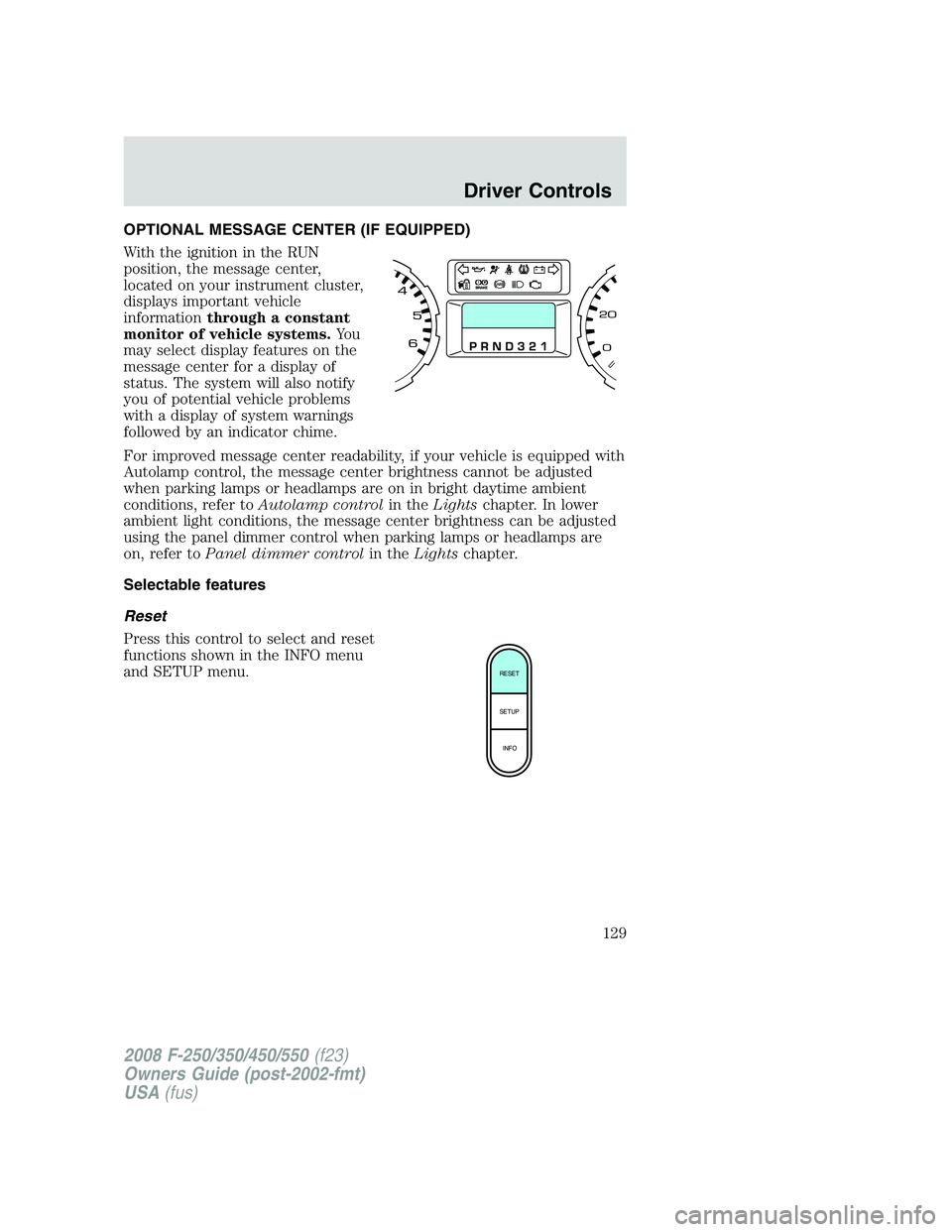
OPTIONAL MESSAGE CENTER (IF EQUIPPED)
With the ignition in the RUN
position, the message center,
located on your instrument cluster,
displays important vehicle
informationthrough a constant
monitor of vehicle systems.Yo u
may select display features on the
message center for a display of
status. The system will also notify
you of potential vehicle problems
with a display of system warnings
followed by an indicator chime.
For improved message center readability, if your vehicle is equipped with
Autolamp control, the message center brightness cannot be adjusted
when parking lamps or headlamps are on in bright daytime ambient
conditions, refer toAutolamp controlin theLightschapter. In lower
ambient light conditions, the message center brightness can be adjusted
using the panel dimmer control when parking lamps or headlamps are
on, refer toPanel dimmer controlin theLightschapter.
Selectable features
Reset
Press this control to select and reset
functions shown in the INFO menu
and SETUP menu.
RESET
SETUP
INFO
2008 F-250/350/450/550(f23)
Owners Guide (post-2002-fmt)
USA(fus)
Driver Controls
129
Page 147 of 400
Autolock feature (if equipped)
The autolock feature will lock all the doors when:
•all the doors are closed,
•the ignition is in the 3 (ON) position,
•you shift into any gear putting the vehicle in motion, and
•the vehicle attains a speed greater than 12 mph (20 km/h) for greater
than 2 seconds.
The autolock feature repeats when:
•any door is opened then closed while the ignition is in the 3 (ON)
position and the vehicle speed is 9 mph (15 km/h) or lower, and
•the vehicle then attains a speed greater than 12 mph (20 km/h) for
greater than 2 seconds.
Deactivating/activating autolock feature
There are four methods to enable/disable this feature:
•Through your authorized dealer,
•by using a power door unlock/lock procedure,
•using a keypad procedure (if equipped), or
•or by using the instrument cluster message center (if equipped). Refer
toOptional message centerin theDriver controlschapter.
Note:The autolock feature can be activated/deactivated independently
of the autounlock feature.
Power door lock switch autolock enable/disable procedure
Before starting, ensure the ignition is in the 1 (OFF/LOCK) position and
all vehicle doors are closed. You must complete Steps 1–5 within 30
seconds or the procedure will have to be repeated. If the procedure
needs to be repeated, wait a minimum of 30 seconds before beginning
again.
1. Place the key in the ignition and
turn the ignition to the 3 (ON)
position.
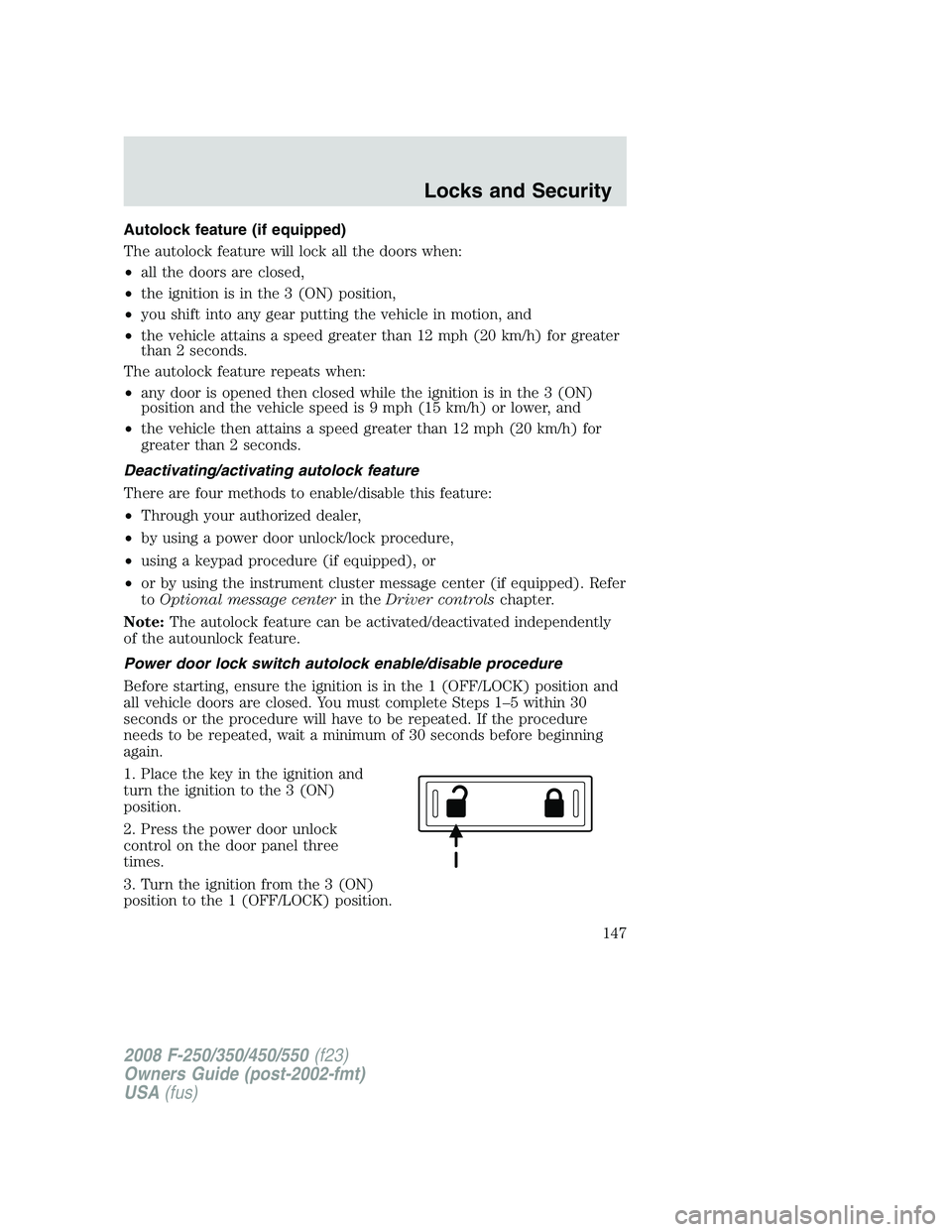
2. Press the power door unlock
control on the door panel three
times.
3. Turn the ignition from the 3 (ON)
position to the 1 (OFF/LOCK) position.
2008 F-250/350/450/550(f23)
Owners Guide (post-2002-fmt)
USA(fus)
Locks and Security
147
Page 153 of 400
Activating the memory seat feature
To activate this feature:
1. Position the seat, adjustable pedals and mirrors to the position
desired.
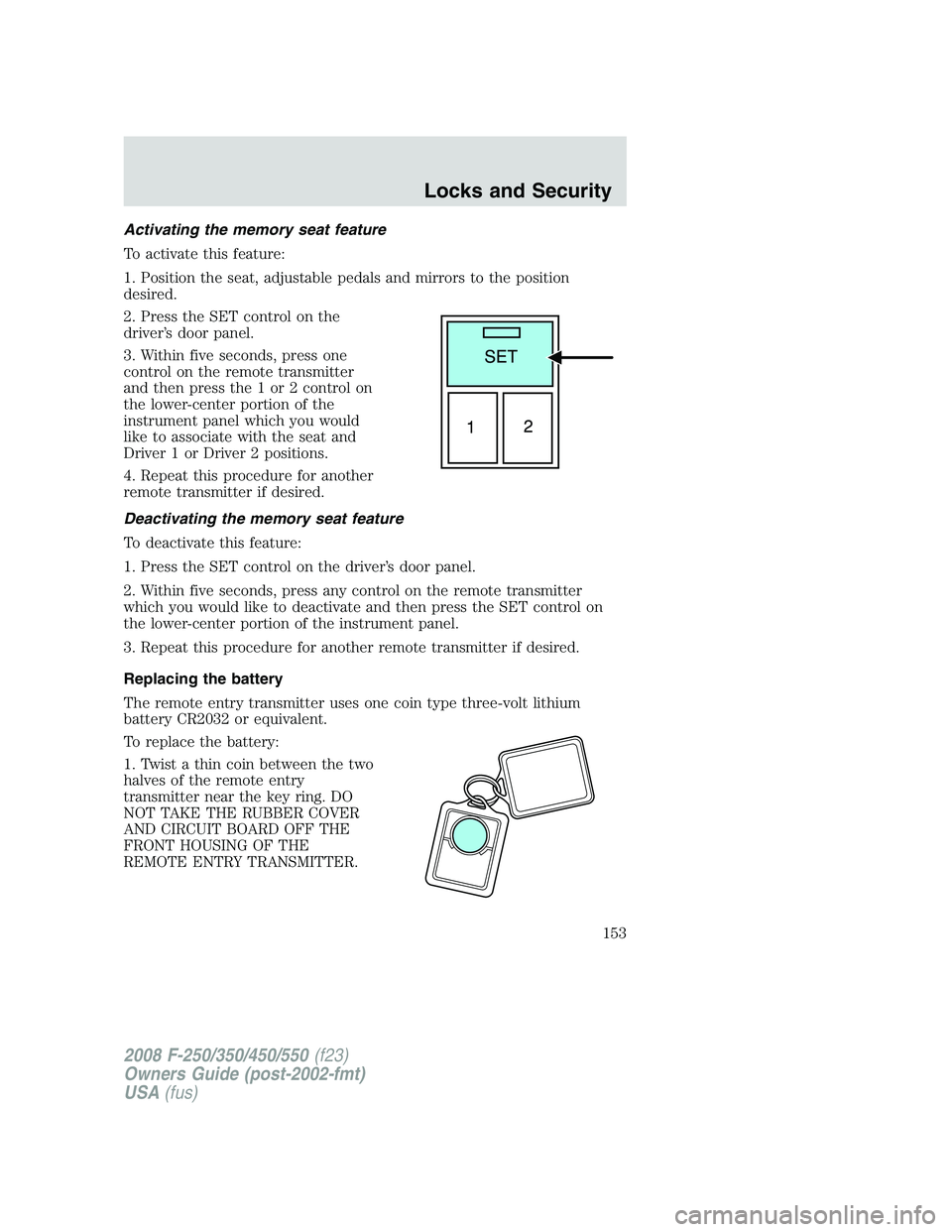
2. Press the SET control on the
driver’s door panel.
3. Within five seconds, press one
control on the remote transmitter
and then press the 1 or 2 control on
the lower-center portion of the
instrument panel which you would
like to associate with the seat and
Driver 1 or Driver 2 positions.
4. Repeat this procedure for another
remote transmitter if desired.
Deactivating the memory seat feature
To deactivate this feature:
1. Press the SET control on the driver’s door panel.
2. Within five seconds, press any control on the remote transmitter
which you would like to deactivate and then press the SET control on
the lower-center portion of the instrument panel.
3. Repeat this procedure for another remote transmitter if desired.
Replacing the battery
The remote entry transmitter uses one coin type three-volt lithium
battery CR2032 or equivalent.
To replace the battery:
1. Twist a thin coin between the two
halves of the remote entry
transmitter near the key ring. DO
NOT TAKE THE RUBBER COVER
AND CIRCUIT BOARD OFF THE
FRONT HOUSING OF THE
REMOTE ENTRY TRANSMITTER.
2008 F-250/350/450/550(f23)
Owners Guide (post-2002-fmt)
USA(fus)
Locks and Security
153