display FORD F250 2009 Workshop Manual
[x] Cancel search | Manufacturer: FORD, Model Year: 2009, Model line: F250, Model: FORD F250 2009Pages: 419, PDF Size: 3.58 MB
Page 134 of 419
REAR RIGHT DOOR AJAR— Displayed when the rear right door is
not completely closed.
XXX MILES TO E FUEL LEVEL LOW— Displayed as an early
reminder of a low fuel condition.
WIRING FAULT ON TRAILER (if equipped)— Displayed if there
are certain faults in the vehicle wiring and trailer wiring/brake system.
Refer toTrailer towingin theTires, Wheels and Loadingchapter for
more information.
TRAILER BRAKE MODULE FAULT (if equipped)— Displayed and
accompanied by a single chime, in response to faults sensed by the TBC.
Refer toTrailer towingin theTires, Wheels and Loadingchapter for
more information.
TRAILER DISCONNECTED (if equipped)— Displayed when a
trailer connection becomes disconnected, either intentionally or
unintentionally, and has been sensed during a given ignition cycle. Refer
toTrailer towingin theTires, Wheels and Loadingchapter for more
information.
BRAKE FLUID LEVEL LOW— Indicates the brake fluid level is low
and the brake system should be inspected immediately. Refer toBrake
fluidin theMaintenance and Specificationschapter.
LOW TIRE PRESSURE (if equipped)— Displayed when one or more
tires on your vehicle have low tire pressure. Refer toInflating Your
Tiresin theTires, Wheels and Loadingchapter.
TIRE PRESSURE MONITOR FAULT (if equipped)— Displayed
when the Tire Pressure Monitoring System is malfunctioning. If the
warning stays on or continues to come on, contact your authorized
dealer as soon as possible.
TIRE PRESSURE SENSOR FAULT (if equipped)— Displayed when
a tire pressure sensor is malfunctioning, or your spare tire is in use. For
more information on how the system operates under these conditions,
refer toUnderstanding Your Tire Pressure Monitoring System
(TPMS)in theTires, Wheels and Loadingchapter. If the warning stays
on or continues to come on, contact your authorized dealer as soon as
possible.
CHECK AIR FILTER (Diesel engine only)— Refer toInstrument
Clusterin your6.0 and 6.4 Liter Power Stroke Direct Injection Turbo
Diesel Owner’s Guide Supplement.
2009 F-250/350/450/550(f23)
Owners Guide, 3rd Printing
USA(fus)
Driver Controls
134
Page 135 of 419
DRAIN WATER SEPARATOR (Diesel engine only)— Displayed
when the water separator has reached a predetermined capacity and
needs to be drained. Refer to your6.0 and 6.4 Liter Power Stroke
Direct Injection Turbo Diesel Owner’s Guide Supplementfor more
information.
STOP SAFELY NOW (Diesel engine only)— Displays and a chime
sounds when the vehicle exhaust system temperature exceeds intended
operating range. If this warning occurs, the engine power is reduced and
the engine will shutdown when the vehicle speed is below 3 mph
(5 km/h).Stop the vehicle as soon as safely possibleand contact
your authorized dealer. Depending on the severity of the
over-temperature condition, the vehicle may or may not restart after
cycling the ignition off. If the vehicle restarts, there may be limited
power, or there could be full function. If the exhaust over-temperature
condition reoccurs the message center will display, STOP SAFELY NOW,
the chime will sound, the engine power will be reduced again and shut
down below 3 mph (5km/h).
ENGINE TURNS OFF IN XX (Diesel engine only)— Displayed
when the vehicle is in the final 30 seconds of a countdown to where the
engine will intentionally be turned off by the PCM. The diesel engine
shutdown is a (Regulatory) requirement which may be required of a
particular diesel vehicle for sale in States requiring this feature.
ENGINE TURNED OFF (Diesel engine only)— Displayed after the
30 second countdown.
ENGINE WARMING PLEASE WAIT XX (Diesel engine only)—
Displayed in extremely cold weather; typically around –15°F (–26°C).
The accelerator pedal will not respond to pressing; this is done so the
engine oil can be properly circulated to avoid engine damage from lack
of lubrication. A timer will begin a countdown from 30 seconds, then OK
TO DRIVE will display once the counter has reached 0 (zero) and the
accelerator pedal will respond to pressing.
OK TO DRIVE (Diesel engine only)— Displayed when the time
counter has reached 0 (zero) and the engine is sufficiently warm enough
to drive in extremely cold weather (refer to the ENGINE WARMING
description mentioned previously).
2009 F-250/350/450/550(f23)
Owners Guide, 3rd Printing
USA(fus)
Driver Controls
135
Page 136 of 419
DRIVE TO CLEAN EXHAUST FILTER (Diesel engine only)—
Displayed when the engine control module detects the Diesel Particulate
Filter (DPF) is full of particulates and that the vehicle is not being
operated in a manner to allow automatic cleaning. The vehicle operator
has to drive the vehicle above 30 mph (48 km/h) for at least 20 minutes
to clean the DPF. This will continue to be displayed until an adequate
drive cycle is completed. This message is NORMAL.Note:
Power-Take-Off (PTO) and/or Stationary Elevated Idle (SEIC) must be
disabled in order to initiate Diesel Particulate Filter (DPF) cleaning.
CLEANING EXHAUST FILTER (Diesel engine only)— Displays
continuously when the vehicle has entered the cleaning mode normally;
or when cleaning the filter after a DRIVE TO CLEAN EXHAUST FILTER
message was previously displayed. When this message is displayed
various engine actions will raise the exhaust temperature in the DPF to
clean the exhaust filter. After the exhaust filter is cleaned, the exhaust
temperature will fall back to normal levels. This message is NORMAL.
WARNING:When the CLEANING EXHAUST FILTER message
appears in the message center do not park near flammable
materials, vapors and structures until filter cleaning is complete.
EXHAUST FILTER DRIVE COMPLETE (Diesel engine only)—
Displayed when the vehicle has completed the adequate drive cycle to
clean the DPF. This message is NORMAL.
WARNING:Do not park, idle, or drive your vehicle in dry grass
or other dry ground cover. The emission system heats up the
engine compartment and exhaust system, which can start a fire.
XX% OIL LIFE CHANGE SOON (Gas engine only)— Displayed
when an oil change will soon be required and shows the percentage of oil
life left.
OIL CHANGE REQUIRED (Gas engine only)— Displayed when the
oil life left reaches 0%, the OIL CHANGE REQUIRED message will be
displayed. OIL LIFE OK displays after you have changed the oil.
2009 F-250/350/450/550(f23)
Owners Guide, 3rd Printing
USA(fus)
Driver Controls
136
Page 137 of 419
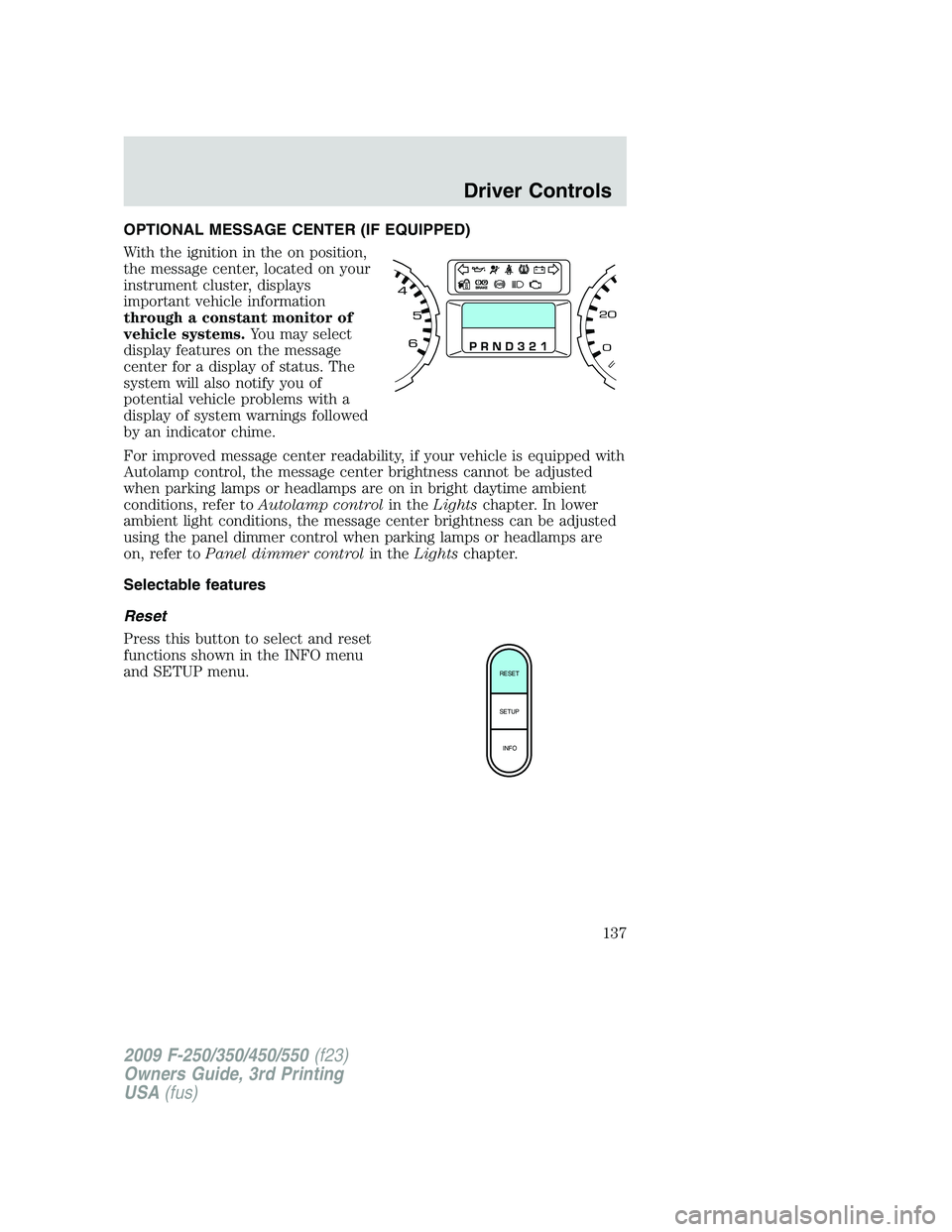
OPTIONAL MESSAGE CENTER (IF EQUIPPED)
With the ignition in the on position,
the message center, located on your
instrument cluster, displays
important vehicle information
through a constant monitor of
vehicle systems.You may select
display features on the message
center for a display of status. The
system will also notify you of
potential vehicle problems with a
display of system warnings followed
by an indicator chime.
For improved message center readability, if your vehicle is equipped with
Autolamp control, the message center brightness cannot be adjusted
when parking lamps or headlamps are on in bright daytime ambient
conditions, refer toAutolamp controlin theLightschapter. In lower
ambient light conditions, the message center brightness can be adjusted
using the panel dimmer control when parking lamps or headlamps are
on, refer toPanel dimmer controlin theLightschapter.
Selectable features
Reset
Press this button to select and reset
functions shown in the INFO menu
and SETUP menu.
RESET
SETUP
INFO
2009 F-250/350/450/550(f23)
Owners Guide, 3rd Printing
USA(fus)
Driver Controls
137
Page 138 of 419
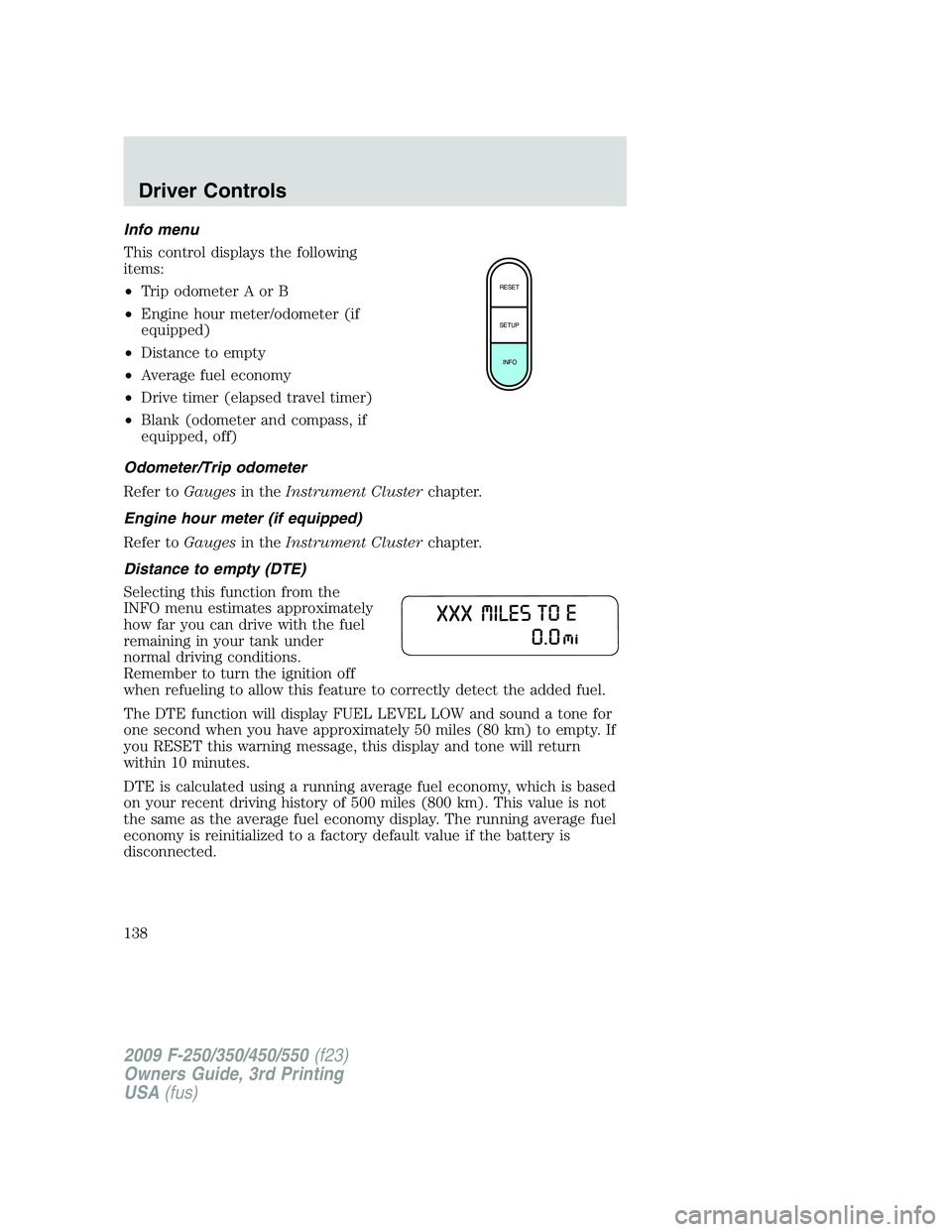
Info menu
This control displays the following
items:
•Trip odometer A or B
•Engine hour meter/odometer (if
equipped)
•Distance to empty
•Average fuel economy
•Drive timer (elapsed travel timer)
•Blank (odometer and compass, if
equipped, off)
Odometer/Trip odometer
Refer toGaugesin theInstrument Clusterchapter.
Engine hour meter (if equipped)
Refer toGaugesin theInstrument Clusterchapter.
Distance to empty (DTE)
Selecting this function from the
INFO menu estimates approximately
how far you can drive with the fuel
remaining in your tank under
normal driving conditions.
Remember to turn the ignition off
when refueling to allow this feature to correctly detect the added fuel.
The DTE function will display FUEL LEVEL LOW and sound a tone for
one second when you have approximately 50 miles (80 km) to empty. If
you RESET this warning message, this display and tone will return
within 10 minutes.
DTE is calculated using a running average fuel economy, which is based
on your recent driving history of 500 miles (800 km). This value is not
the same as the average fuel economy display. The running average fuel
economy is reinitialized to a factory default value if the battery is
disconnected.
RESET
SETUP
INFO
2009 F-250/350/450/550(f23)
Owners Guide, 3rd Printing
USA(fus)
Driver Controls
138
Page 139 of 419
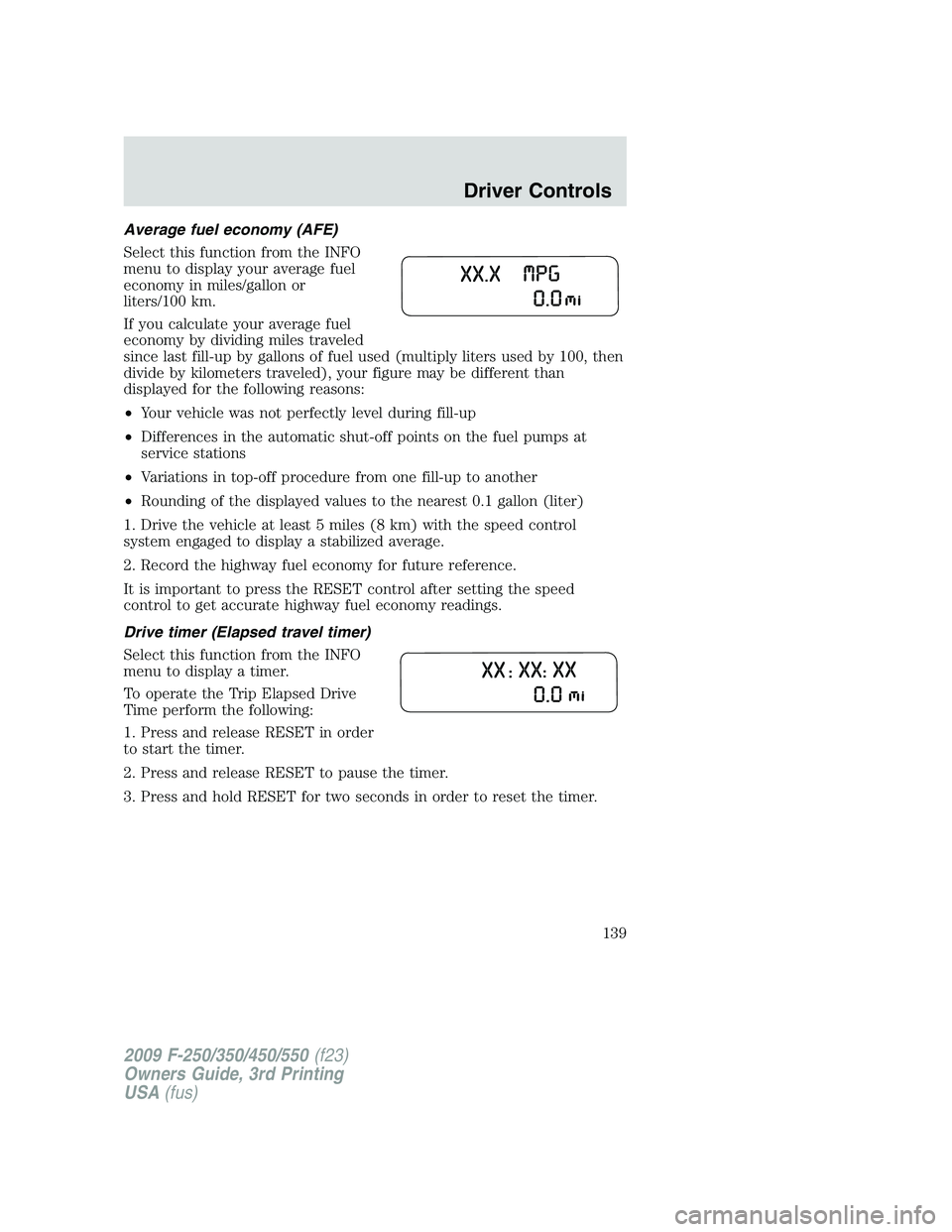
Average fuel economy (AFE)
Select this function from the INFO
menu to display your average fuel
economy in miles/gallon or
liters/100 km.
If you calculate your average fuel
economy by dividing miles traveled
since last fill-up by gallons of fuel used (multiply liters used by 100, then
divide by kilometers traveled), your figure may be different than
displayed for the following reasons:
•Your vehicle was not perfectly level during fill-up
•Differences in the automatic shut-off points on the fuel pumps at
service stations
•Variations in top-off procedure from one fill-up to another
•Rounding of the displayed values to the nearest 0.1 gallon (liter)
1. Drive the vehicle at least 5 miles (8 km) with the speed control
system engaged to display a stabilized average.
2. Record the highway fuel economy for future reference.
It is important to press the RESET control after setting the speed
control to get accurate highway fuel economy readings.
Drive timer (Elapsed travel timer)
Select this function from the INFO
menu to display a timer.
To operate the Trip Elapsed Drive
Time perform the following:
1. Press and release RESET in order
to start the timer.
2. Press and release RESET to pause the timer.
3. Press and hold RESET for two seconds in order to reset the timer.
2009 F-250/350/450/550(f23)
Owners Guide, 3rd Printing
USA(fus)
Driver Controls
139
Page 140 of 419
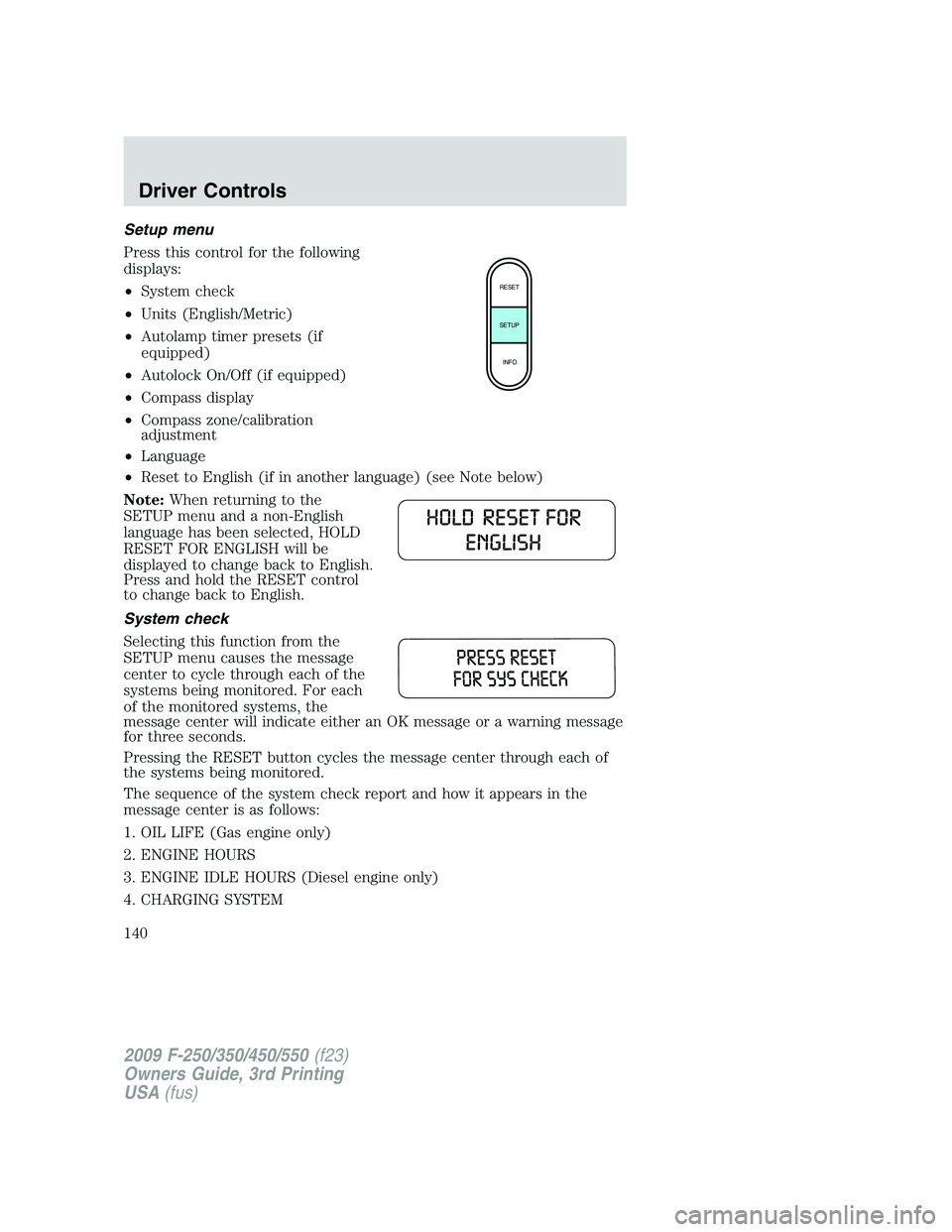
Setup menu
Press this control for the following
displays:
•System check
•Units (English/Metric)
•Autolamp timer presets (if
equipped)
•Autolock On/Off (if equipped)
•Compass display
•Compass zone/calibration
adjustment
•Language
•Reset to English (if in another language) (see Note below)
Note:When returning to the
SETUP menu and a non-English
language has been selected, HOLD
RESET FOR ENGLISH will be
displayed to change back to English.
Press and hold the RESET control
to change back to English.
System check
Selecting this function from the
SETUP menu causes the message
center to cycle through each of the
systems being monitored. For each
of the monitored systems, the
message center will indicate either an OK message or a warning message
for three seconds.
Pressing the RESET button cycles the message center through each of
the systems being monitored.
The sequence of the system check report and how it appears in the
message center is as follows:
1. OIL LIFE (Gas engine only)
2. ENGINE HOURS
3. ENGINE IDLE HOURS (Diesel engine only)
4. CHARGING SYSTEM
RESET
SETUP
INFO
2009 F-250/350/450/550(f23)
Owners Guide, 3rd Printing
USA(fus)
Driver Controls
140
Page 141 of 419
5. AIR FILTER (Diesel engine only)
6. DOOR AJAR
7. BRAKE SYSTEM
8. TBC GAIN = XX.X
NO TRAILER (if equipped and no trailer connected)
9. TBC GAIN = XX.X
OUTPUT = ////// (if equipped and trailer connected)
10. FUEL LEVEL
Oil Life XXX% HOLD RESET = NEW
An oil change is required whenever indicated by the message center and
according to the recommended maintenance schedule. USE ONLY
RECOMMENDED ENGINE OILS.
To reset the oil monitoring system to 100% after each oil change
(approximately 7,500 miles [12,000 km] or six months) perform the
following:
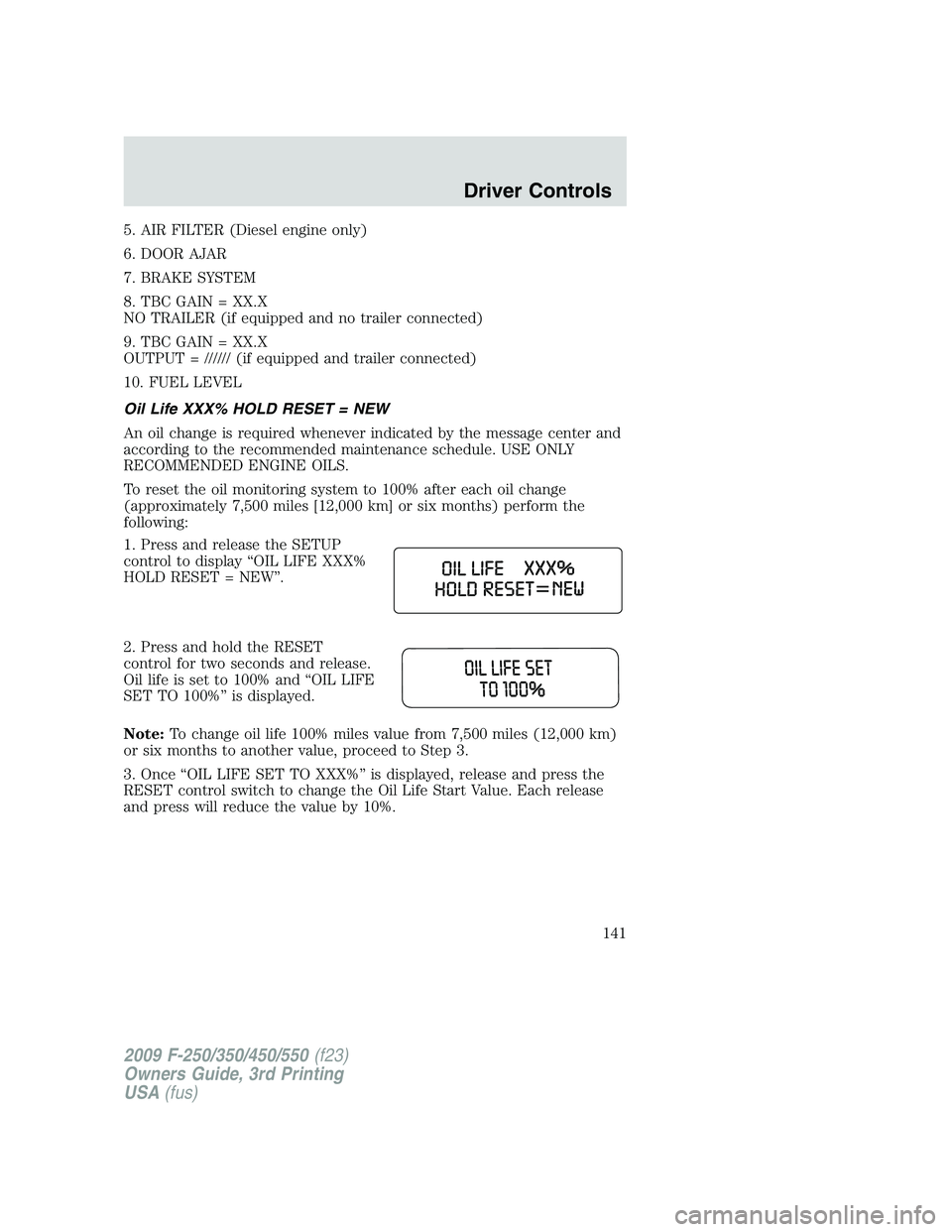
1. Press and release the SETUP
control to display “OIL LIFE XXX%
HOLD RESET = NEW”.
2. Press and hold the RESET
control for two seconds and release.
Oil life is set to 100% and “OIL LIFE
SET TO 100%” is displayed.
Note:To change oil life 100% miles value from 7,500 miles (12,000 km)
or six months to another value, proceed to Step 3.
3. Once “OIL LIFE SET TO XXX%” is displayed, release and press the
RESET control switch to change the Oil Life Start Value. Each release
and press will reduce the value by 10%.
2009 F-250/350/450/550(f23)
Owners Guide, 3rd Printing
USA(fus)
Driver Controls
141
Page 142 of 419
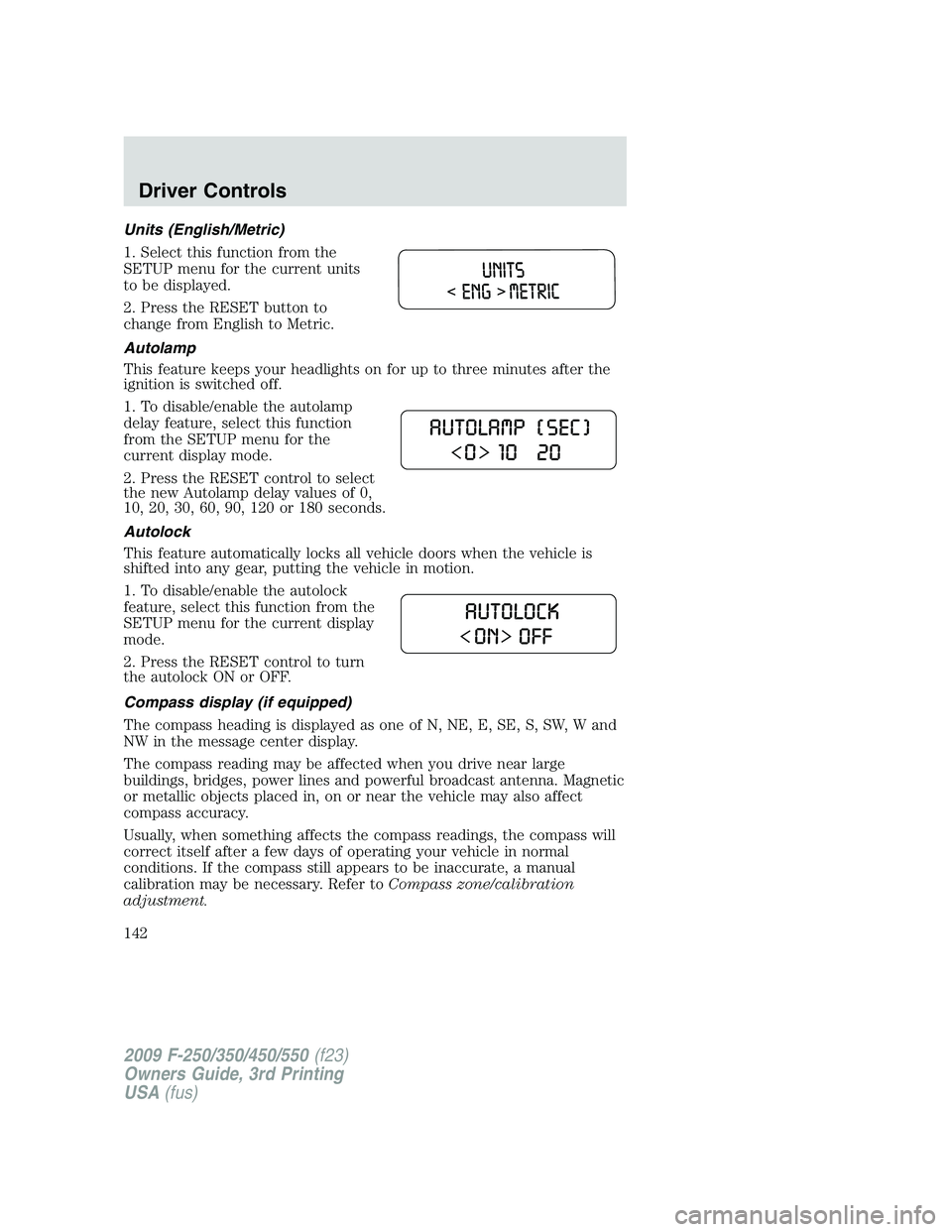
Units (English/Metric)
1. Select this function from the
SETUP menu for the current units
to be displayed.
2. Press the RESET button to
change from English to Metric.
Autolamp
This feature keeps your headlights on for up to three minutes after the
ignition is switched off.
1. To disable/enable the autolamp
delay feature, select this function
from the SETUP menu for the
current display mode.
2. Press the RESET control to select
the new Autolamp delay values of 0,
10, 20, 30, 60, 90, 120 or 180 seconds.
Autolock
This feature automatically locks all vehicle doors when the vehicle is
shifted into any gear, putting the vehicle in motion.
1. To disable/enable the autolock
feature, select this function from the
SETUP menu for the current display
mode.
2. Press the RESET control to turn
the autolock ON or OFF.
Compass display (if equipped)
The compass heading is displayed as one of N, NE, E, SE, S, SW, W and
NW in the message center display.
The compass reading may be affected when you drive near large
buildings, bridges, power lines and powerful broadcast antenna. Magnetic
or metallic objects placed in, on or near the vehicle may also affect
compass accuracy.
Usually, when something affects the compass readings, the compass will
correct itself after a few days of operating your vehicle in normal
conditions. If the compass still appears to be inaccurate, a manual
calibration may be necessary. Refer toCompass zone/calibration
adjustment.
2009 F-250/350/450/550(f23)
Owners Guide, 3rd Printing
USA(fus)
Driver Controls
142
Page 143 of 419
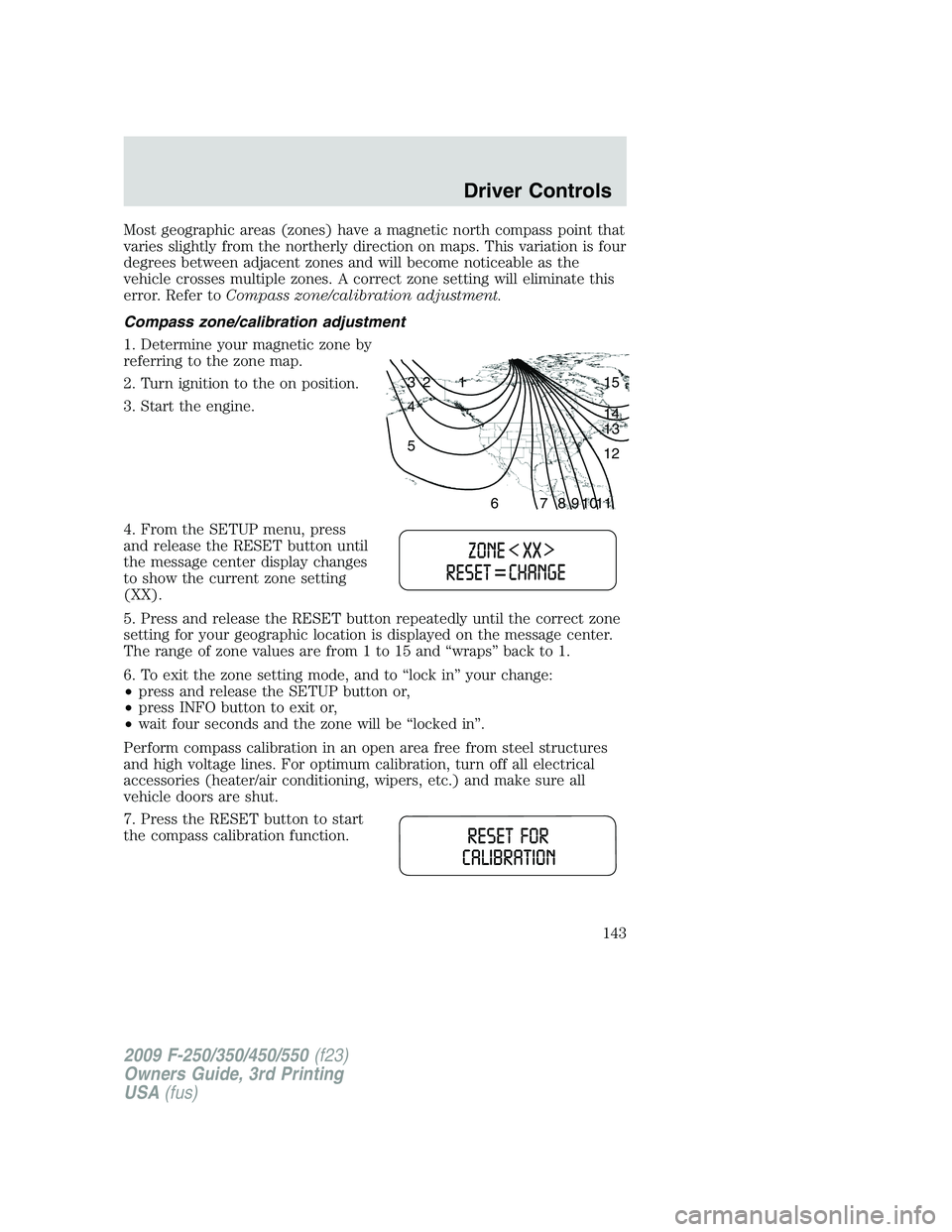
Most geographic areas (zones) have a magnetic north compass point that
varies slightly from the northerly direction on maps. This variation is four
degrees between adjacent zones and will become noticeable as the
vehicle crosses multiple zones. A correct zone setting will eliminate this
error. Refer toCompass zone/calibration adjustment.
Compass zone/calibration adjustment
1. Determine your magnetic zone by
referring to the zone map.
2. Turn ignition to the on position.
3. Start the engine.
4. From the SETUP menu, press
and release the RESET button until
the message center display changes
to show the current zone setting
(XX).
5. Press and release the RESET button repeatedly until the correct zone
setting for your geographic location is displayed on the message center.
The range of zone values are from 1 to 15 and “wraps” back to 1.
6. To exit the zone setting mode, and to “lock in” your change:
•press and release the SETUP button or,
•press INFO button to exit or,
•wait four seconds and the zone will be “locked in”.
Perform compass calibration in an open area free from steel structures
and high voltage lines. For optimum calibration, turn off all electrical
accessories (heater/air conditioning, wipers, etc.) and make sure all
vehicle doors are shut.
7. Press the RESET button to start
the compass calibration function.
1 2 3
4
5
6 7 8 9 101112 13 14 15
2009 F-250/350/450/550(f23)
Owners Guide, 3rd Printing
USA(fus)
Driver Controls
143