check engine light FORD F250 SUPER DUTY 2014 User Guide
[x] Cancel search | Manufacturer: FORD, Model Year: 2014, Model line: F250 SUPER DUTY, Model: FORD F250 SUPER DUTY 2014Pages: 460, PDF Size: 6.55 MB
Page 169 of 460
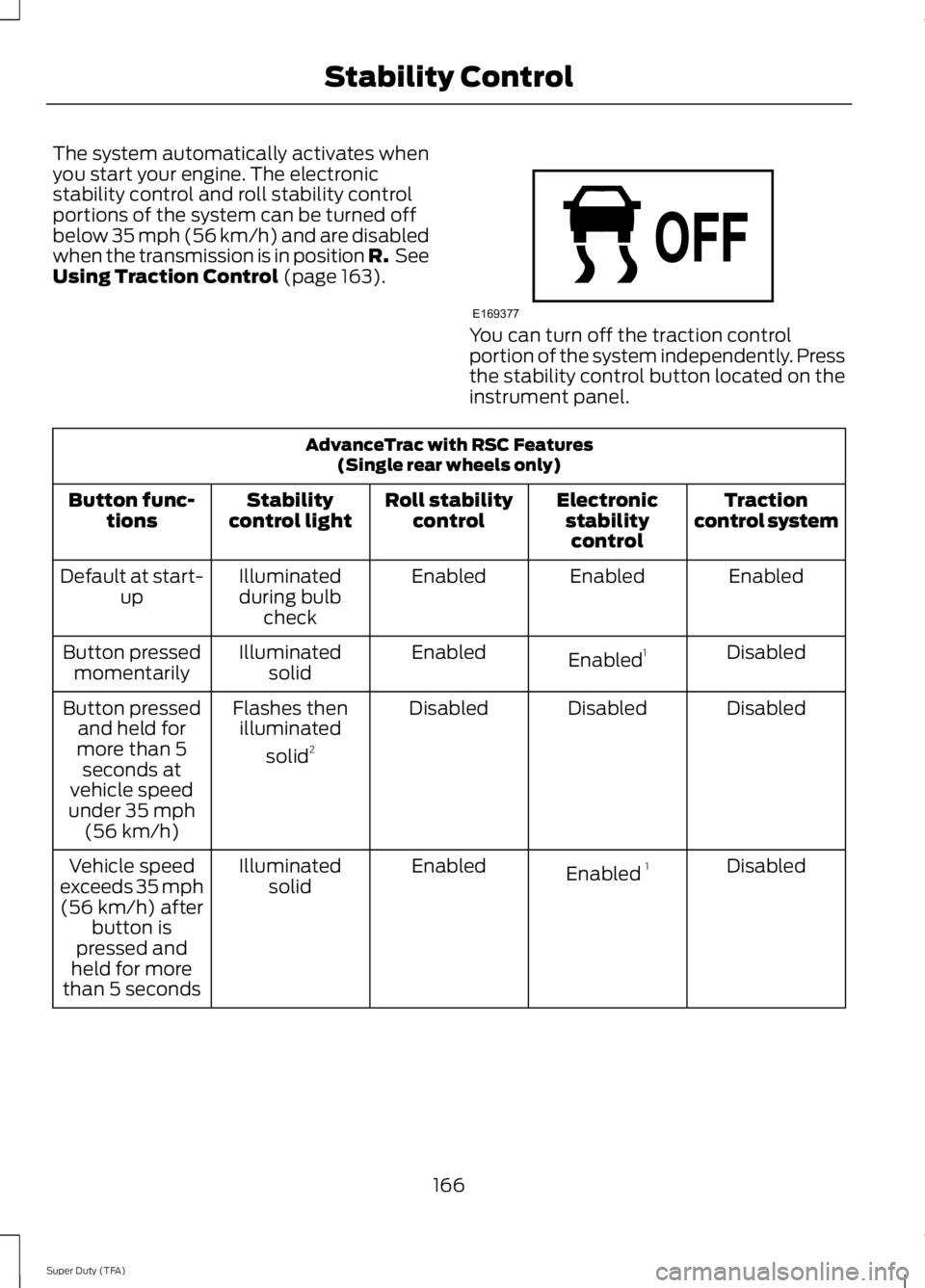
The system automatically activates whenyou start your engine. The electronicstability control and roll stability controlportions of the system can be turned offbelow 35 mph (56 km/h) and are disabledwhen the transmission is in position R. SeeUsing Traction Control (page 163).
You can turn off the traction controlportion of the system independently. Pressthe stability control button located on theinstrument panel.
AdvanceTrac with RSC Features(Single rear wheels only)
Tractioncontrol systemElectronicstabilitycontrol
Roll stabilitycontrolStabilitycontrol lightButton func-tions
EnabledEnabledEnabledIlluminatedduring bulbcheck
Default at start-up
DisabledEnabled1EnabledIlluminatedsolidButton pressedmomentarily
DisabledDisabledDisabledFlashes thenilluminated
solid2
Button pressedand held formore than 5seconds atvehicle speedunder 35 mph(56 km/h)
DisabledEnabled 1EnabledIlluminatedsolidVehicle speedexceeds 35 mph(56 km/h) afterbutton ispressed andheld for morethan 5 seconds
166
Super Duty (TFA)
Stability ControlE169377
Page 191 of 460
TRAILER SWAY CONTROL (IF
EQUIPPED)
WARNING
Turning off trailer sway controlincreases the risk of loss of vehiclecontrol, serious injury or death. Forddoes not recommend disabling this featureexcept in situations where speed reductionmay be detrimental (such as hill climbing),the driver has significant trailer towingexperience, and can control trailer swayand maintain safe operation.
Note:This feature does not prevent trailersway, but reduces it once it begins.
Note:This feature cannot stop all trailersfrom swaying.
Note:In some cases, if vehicle speed is toohigh, the system may activate multipletimes, gradually reducing vehicle speed.
This feature applies your vehicle brakes atindividual wheels and, if necessary, reducesengine power. If the trailer begins to sway,the stability control light flashes and themessage TRAILER SWAY REDUCESPEED appears in the information display.The first thing to do is slow your vehicledown, then pull safely to the side of theroad and check for proper tongue load andtrailer load distribution. See LoadCarrying (page 176).
RECOMMENDED TOWING
WEIGHTS
Note:Do not exceed a trailerweight of 5000 pounds (2268kilograms) when towing with, orby, bumper only.
Note:Make sure to take intoconsideration trailer frontal area.Do not exceed 60 feet2 (5.6
meters2) trailer frontal area.
Note:Exceeding this limitationmay significantly reduce theperformance of your towingvehicle. Selecting a trailer with alow aerodynamic drag and roundedfront design helps optimizeperformance and fuel economy.
Note:For high altitude operation,reduce the gross combined weightby 2% per 1000 feet (300 meters)starting at the 1000 foot (300meter) elevation point.
Note:Certain states requireelectric trailer brakes for trailersover a specified weight. Be sure tocheck state regulations for thisspecified weight. The maximumtrailer weights listed may be limitedto this specified weight, as yourvehicle's electrical system may notinclude the wiring connectorneeded to use electric trailerbrakes.
Your vehicle may tow a class I, II,III and IV trailer or fifth-wheeltrailer provided the maximumtrailer weight is less than or equalto the maximum trailer weightlisted for your vehicleconfiguration on the followingchart.
188
Super Duty (TFA)
Towing
Page 198 of 460
Trailer Lamps
WARNING
Never connect any trailer lamp wiringto the vehicle's tail lamp wiring; thismay damage the electrical systemresulting in fire. Contact your authorizeddealer as soon as possible for assistancein proper trailer tow wiring installation.Additional electrical equipment may berequired.
Trailer lamps are required on most towedvehicles. Make sure all running lights, brakelights, turn signals and hazard lights areworking.
Using a Step Bumper (If Equipped)
The rear bumper is equipped with anintegral hitch and only requires a ball witha one-inch (25.4 millimeter) shankdiameter. The bumper has a 5000-pound(2268 kilogram) trailer weight and a500-pound (227 kilogram) tongue weightcapacity
If it is necessary to relocate the hitch ballposition, you must install a frame-mountedtrailer hitch.
Before Towing a Trailer
Practice turning, stopping and backing upto get the feel of your vehicle-trailercombination before starting on a trip.When turning, make wider turns so thetrailer wheels clear curbs and otherobstacles.
When Towing a Trailer
•Do not drive faster than 70 mph (113km/h) during the first 500 miles (800kilometers).
•Do not make full-throttle starts.
•Check your hitch, electrical connectionsand trailer wheel lug nuts thoroughlyafter you have traveled 50 miles (80kilometers).
•When stopped in congested or heavytraffic during hot weather, place thegearshift in position P to aid engine andtransmission cooling and to help A/Cperformance.
•Turn off the speed control with heavyloads or in hilly terrain. The speedcontrol may turn off automaticallywhen you are towing on long, steepgrades.
•Shift to a lower gear when driving downa long or steep hill. Do not apply thebrakes continuously, as they mayoverheat and become less effective.
•If your transmission is equipped with aGrade Assist or Tow/Haul feature, usethis feature when towing. This providesengine braking and helps eliminateexcessive transmission shifting foroptimum fuel economy andtransmission cooling.
•If your vehicle is equipped withAdvanceTrac with RSC, this systemmay turn on during typical corneringmaneuvers with a heavily loaded trailer.This is normal. Turning the corner at aslower speed while towing may reducethis tendency.
•If you are towing a trailer frequently inhot weather, hilly conditions, at thegross combined weight rating (or anycombination of these factors), considerrefilling your rear axle with syntheticgear lubricant (if the axle is not alreadyfilled with it). See Capacities andSpecifications (page 292).
195
Super Duty (TFA)
Towing
Page 231 of 460
Adding Engine Coolant
WARNINGS
Do not add engine coolant when theengine is hot. Steam and scaldingliquids released from a hot coolingsystem can burn you badly. Also, you canbe burned if you spill coolant on hot engineparts.
Do not put engine coolant in thewindshield washer fluid container. Ifsprayed on the windshield, enginecoolant could make it difficult to seethrough the windshield.
To reduce the risk of personal injury,make sure the engine is cool beforeunscrewing the coolant pressurerelief cap. The cooling system is underpressure; steam and hot liquid can comeout forcefully when the cap is loosenedslightly.
Do not add coolant further than theMAX mark.
Note:Do not use stop leak pellets, coolingsystem sealants, or additives as they cancause damage to the engine cooling orheating systems. This damage would notbe covered under your vehicle’s warranty.
Note:During normal vehicle operation, theengine coolant may change color fromorange to pink or light red. As long as theengine coolant is clear and uncontaminated,this color change does not indicate theengine coolant has degraded nor does itrequire the engine coolant to be drained, thesystem to be flushed, or the engine coolantto be replaced.
•Do not mix different colors or types ofcoolant in your vehicle. Make sure thecorrect coolant is used. Mixing ofengine coolants may harm yourengine’s cooling system. The use of animproper coolant may harm engine andcooling system components and mayvoid the warranty. Use predilutedengine coolant meeting the Fordspecification. See Capacities andSpecifications (page 292).
•In case of emergency, a large amountof water without engine coolant maybe added in order to reach a vehicleservice location. In this instance, thecooling system must be drained,chemically cleaned with Motorcraft®Premium Cooling System Flush, andrefilled with engine coolant as soon aspossible. Water alone (without enginecoolant) can cause engine damagefrom corrosion, overheating or freezing.
•Do not use alcohol, methanol, brine orany engine coolants mixed with alcoholor methanol antifreeze (coolant).Alcohol and other liquids can causeengine damage from overheating orfreezing.
•Do not add extra inhibitors or additivesto the coolant. These can be harmfuland compromise the corrosionprotection of the engine coolant.
Unscrew the cap slowly. Any pressure willescape as you unscrew the cap.
Add prediluted engine coolant meeting theFord specification. See Capacities andSpecifications (page 292).
Whenever coolant has been added, thecoolant level in the coolant reservoirshould be checked the next few times youdrive the vehicle. If necessary, add enoughprediluted engine coolant to bring thecoolant level to the proper level.
228
Super Duty (TFA)
Maintenance
Page 234 of 460
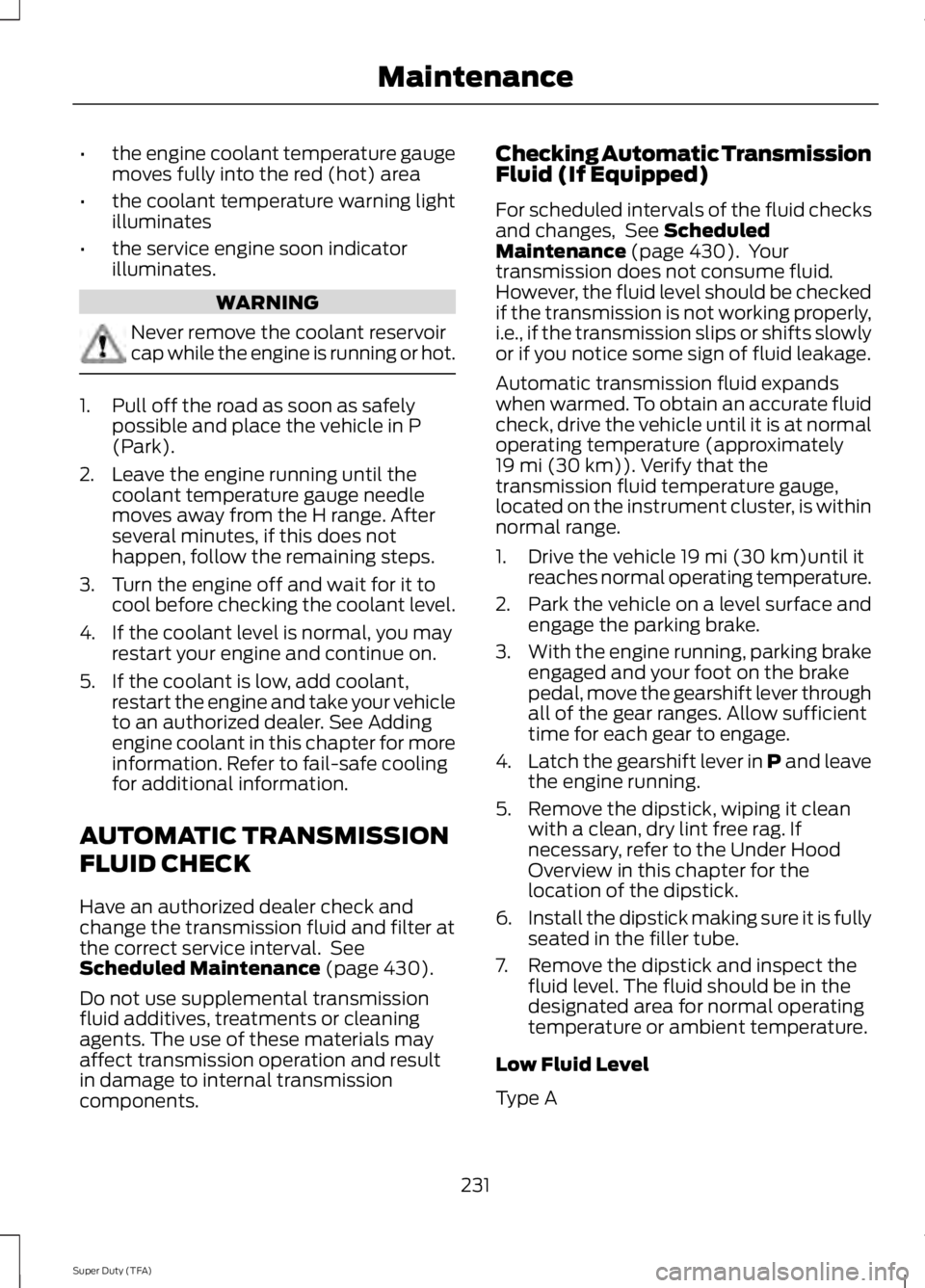
•the engine coolant temperature gaugemoves fully into the red (hot) area
•the coolant temperature warning lightilluminates
•the service engine soon indicatorilluminates.
WARNING
Never remove the coolant reservoircap while the engine is running or hot.
1. Pull off the road as soon as safelypossible and place the vehicle in P(Park).
2. Leave the engine running until thecoolant temperature gauge needlemoves away from the H range. Afterseveral minutes, if this does nothappen, follow the remaining steps.
3. Turn the engine off and wait for it tocool before checking the coolant level.
4. If the coolant level is normal, you mayrestart your engine and continue on.
5. If the coolant is low, add coolant,restart the engine and take your vehicleto an authorized dealer. See Addingengine coolant in this chapter for moreinformation. Refer to fail-safe coolingfor additional information.
AUTOMATIC TRANSMISSION
FLUID CHECK
Have an authorized dealer check andchange the transmission fluid and filter atthe correct service interval. SeeScheduled Maintenance (page 430).
Do not use supplemental transmissionfluid additives, treatments or cleaningagents. The use of these materials mayaffect transmission operation and resultin damage to internal transmissioncomponents.
Checking Automatic TransmissionFluid (If Equipped)
For scheduled intervals of the fluid checksand changes, See ScheduledMaintenance (page 430). Yourtransmission does not consume fluid.However, the fluid level should be checkedif the transmission is not working properly,i.e., if the transmission slips or shifts slowlyor if you notice some sign of fluid leakage.
Automatic transmission fluid expandswhen warmed. To obtain an accurate fluidcheck, drive the vehicle until it is at normaloperating temperature (approximately19 mi (30 km)). Verify that thetransmission fluid temperature gauge,located on the instrument cluster, is withinnormal range.
1. Drive the vehicle 19 mi (30 km)until itreaches normal operating temperature.
2.Park the vehicle on a level surface andengage the parking brake.
3.With the engine running, parking brakeengaged and your foot on the brakepedal, move the gearshift lever throughall of the gear ranges. Allow sufficienttime for each gear to engage.
4.Latch the gearshift lever in P and leavethe engine running.
5. Remove the dipstick, wiping it cleanwith a clean, dry lint free rag. Ifnecessary, refer to the Under HoodOverview in this chapter for thelocation of the dipstick.
6.Install the dipstick making sure it is fullyseated in the filler tube.
7. Remove the dipstick and inspect thefluid level. The fluid should be in thedesignated area for normal operatingtemperature or ambient temperature.
Low Fluid Level
Type A
231
Super Duty (TFA)
Maintenance
Page 434 of 460
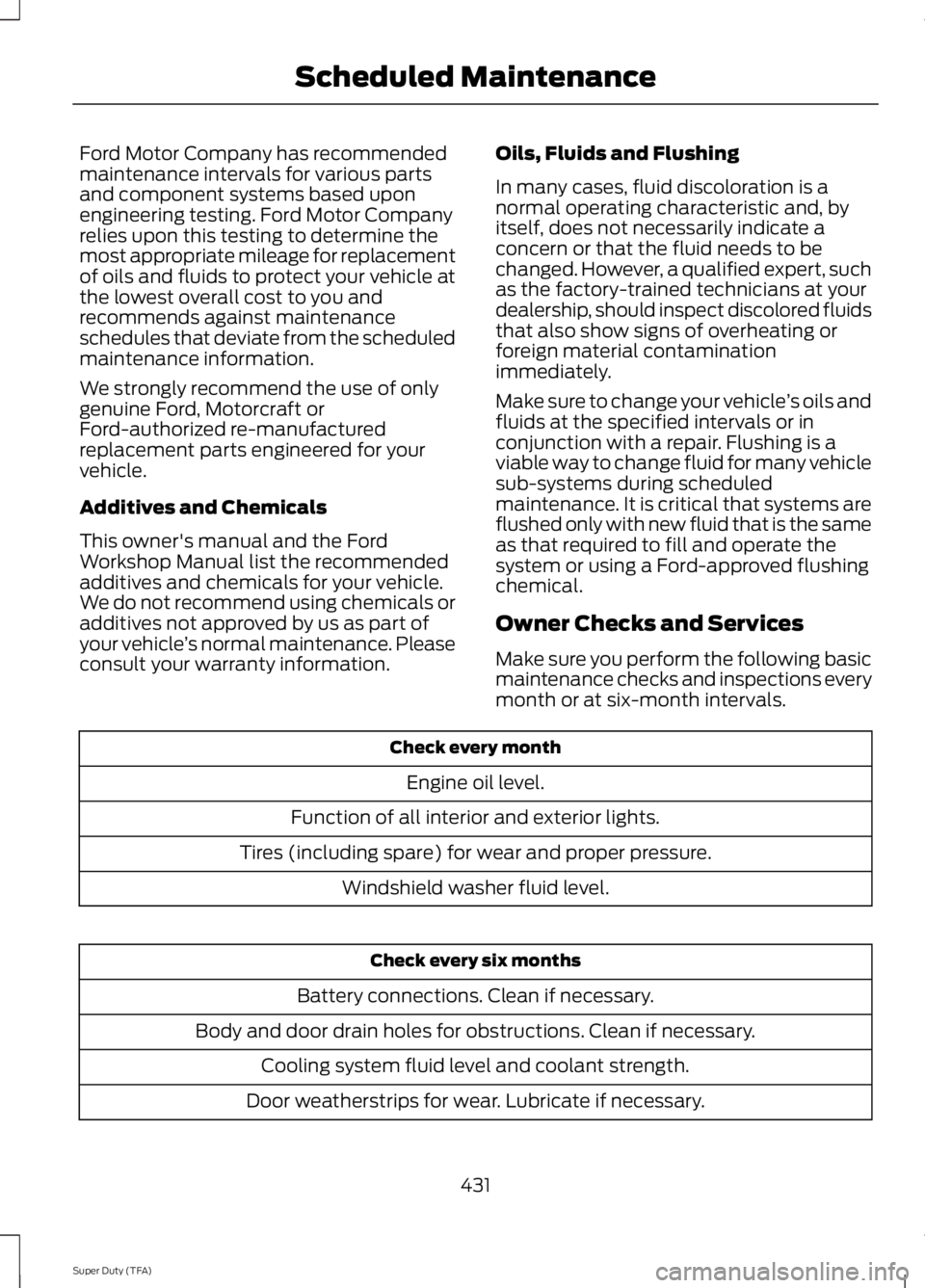
Ford Motor Company has recommendedmaintenance intervals for various partsand component systems based uponengineering testing. Ford Motor Companyrelies upon this testing to determine themost appropriate mileage for replacementof oils and fluids to protect your vehicle atthe lowest overall cost to you andrecommends against maintenanceschedules that deviate from the scheduledmaintenance information.
We strongly recommend the use of onlygenuine Ford, Motorcraft orFord-authorized re-manufacturedreplacement parts engineered for yourvehicle.
Additives and Chemicals
This owner's manual and the FordWorkshop Manual list the recommendedadditives and chemicals for your vehicle.We do not recommend using chemicals oradditives not approved by us as part ofyour vehicle’s normal maintenance. Pleaseconsult your warranty information.
Oils, Fluids and Flushing
In many cases, fluid discoloration is anormal operating characteristic and, byitself, does not necessarily indicate aconcern or that the fluid needs to bechanged. However, a qualified expert, suchas the factory-trained technicians at yourdealership, should inspect discolored fluidsthat also show signs of overheating orforeign material contaminationimmediately.
Make sure to change your vehicle’s oils andfluids at the specified intervals or inconjunction with a repair. Flushing is aviable way to change fluid for many vehiclesub-systems during scheduledmaintenance. It is critical that systems areflushed only with new fluid that is the sameas that required to fill and operate thesystem or using a Ford-approved flushingchemical.
Owner Checks and Services
Make sure you perform the following basicmaintenance checks and inspections everymonth or at six-month intervals.
Check every month
Engine oil level.
Function of all interior and exterior lights.
Tires (including spare) for wear and proper pressure.
Windshield washer fluid level.
Check every six months
Battery connections. Clean if necessary.
Body and door drain holes for obstructions. Clean if necessary.
Cooling system fluid level and coolant strength.
Door weatherstrips for wear. Lubricate if necessary.
431
Super Duty (TFA)
Scheduled Maintenance
Page 440 of 460
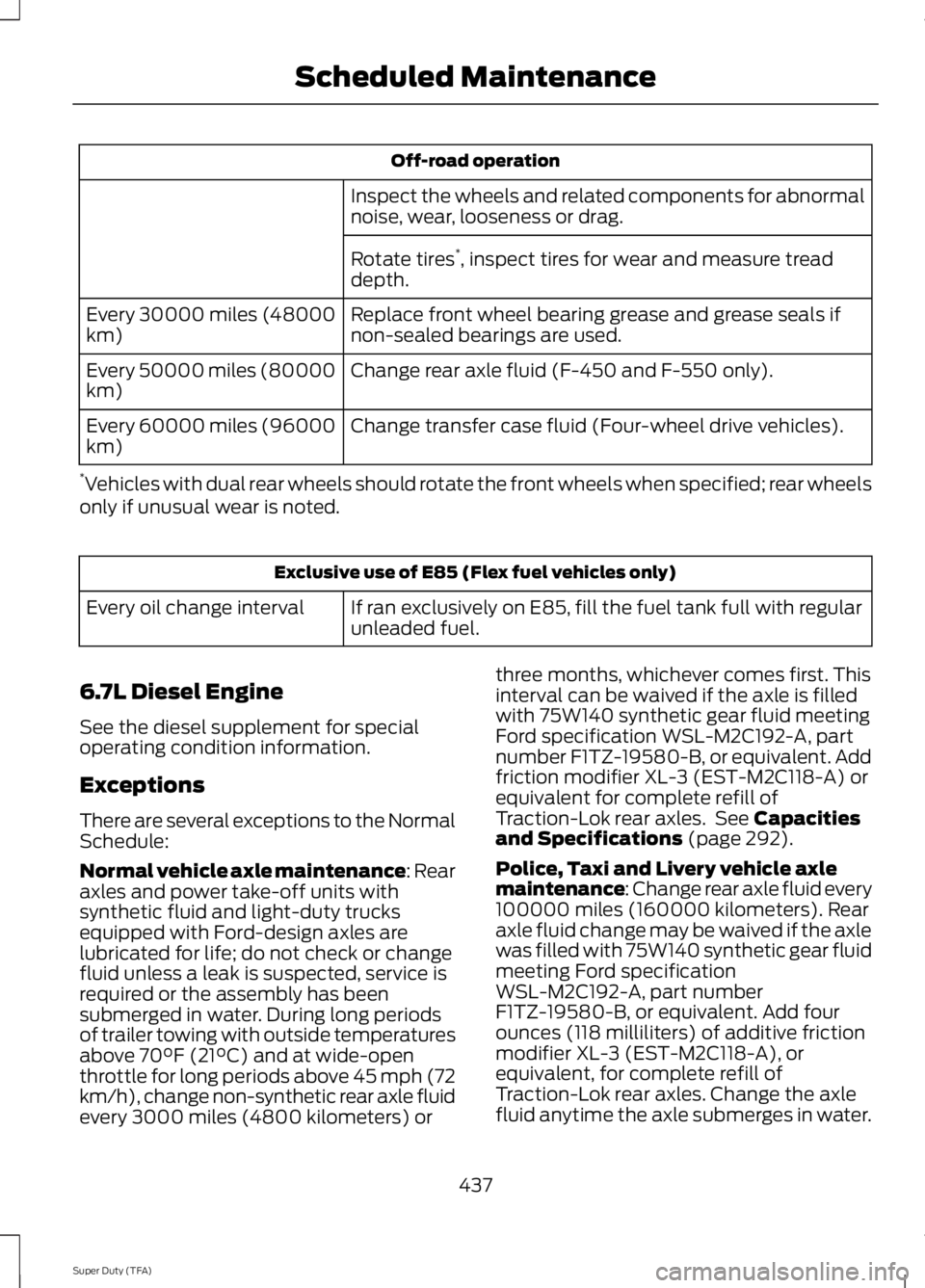
Off-road operation
Inspect the wheels and related components for abnormalnoise, wear, looseness or drag.
Rotate tires*, inspect tires for wear and measure treaddepth.
Replace front wheel bearing grease and grease seals ifnon-sealed bearings are used.Every 30000 miles (48000km)
Change rear axle fluid (F-450 and F-550 only).Every 50000 miles (80000km)
Change transfer case fluid (Four-wheel drive vehicles).Every 60000 miles (96000km)
*Vehicles with dual rear wheels should rotate the front wheels when specified; rear wheelsonly if unusual wear is noted.
Exclusive use of E85 (Flex fuel vehicles only)
If ran exclusively on E85, fill the fuel tank full with regularunleaded fuel.Every oil change interval
6.7L Diesel Engine
See the diesel supplement for specialoperating condition information.
Exceptions
There are several exceptions to the NormalSchedule:
Normal vehicle axle maintenance: Rearaxles and power take-off units withsynthetic fluid and light-duty trucksequipped with Ford-design axles arelubricated for life; do not check or changefluid unless a leak is suspected, service isrequired or the assembly has beensubmerged in water. During long periodsof trailer towing with outside temperaturesabove 70°F (21°C) and at wide-openthrottle for long periods above 45 mph (72km/h), change non-synthetic rear axle fluidevery 3000 miles (4800 kilometers) or
three months, whichever comes first. Thisinterval can be waived if the axle is filledwith 75W140 synthetic gear fluid meetingFord specification WSL-M2C192-A, partnumber F1TZ-19580-B, or equivalent. Addfriction modifier XL-3 (EST-M2C118-A) orequivalent for complete refill ofTraction-Lok rear axles. See Capacitiesand Specifications (page 292).
Police, Taxi and Livery vehicle axlemaintenance: Change rear axle fluid every100000 miles (160000 kilometers). Rearaxle fluid change may be waived if the axlewas filled with 75W140 synthetic gear fluidmeeting Ford specificationWSL-M2C192-A, part numberF1TZ-19580-B, or equivalent. Add fourounces (118 milliliters) of additive frictionmodifier XL-3 (EST-M2C118-A), orequivalent, for complete refill ofTraction-Lok rear axles. Change the axlefluid anytime the axle submerges in water.
437
Super Duty (TFA)
Scheduled Maintenance
Page 459 of 460
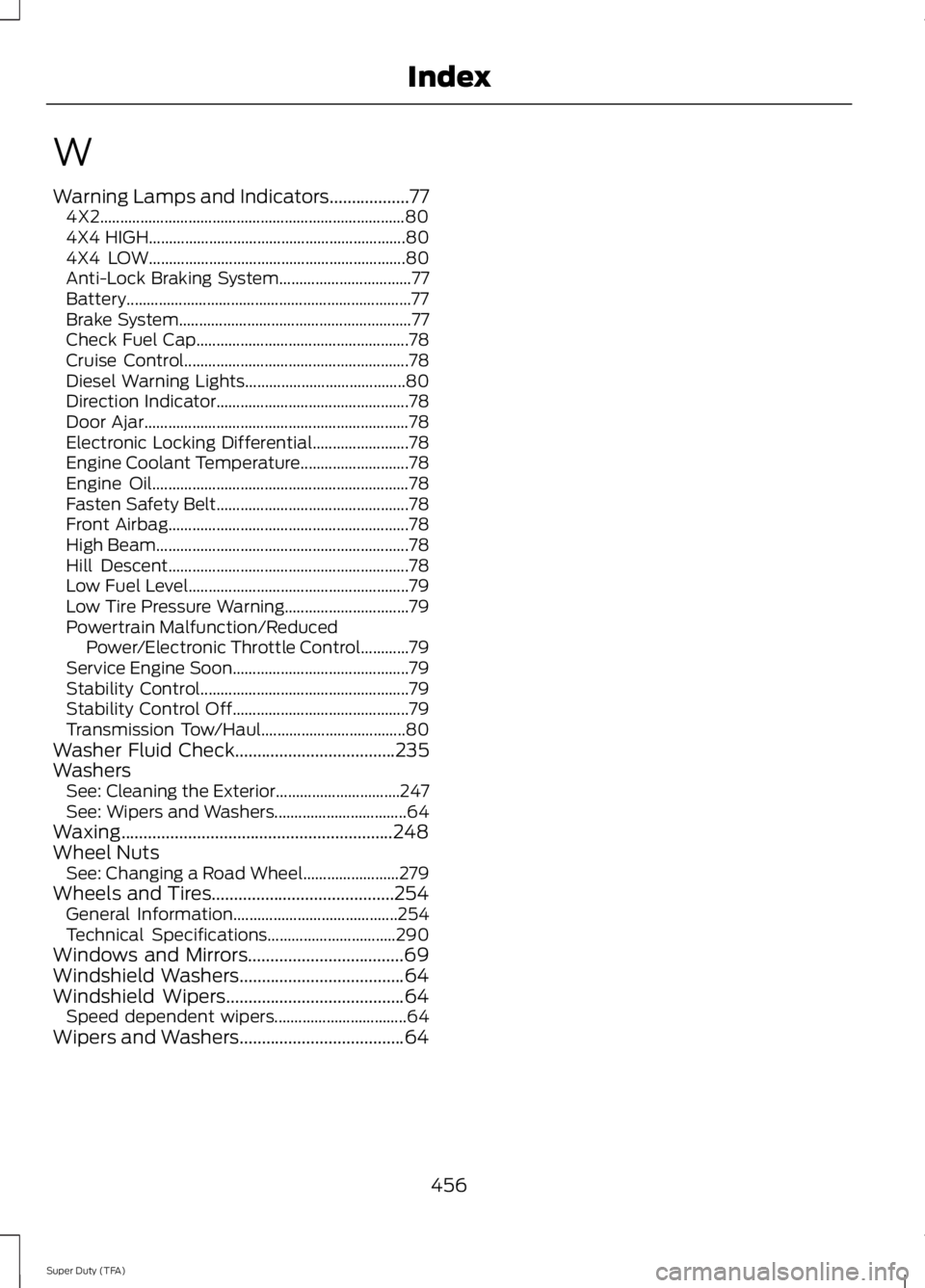
W
Warning Lamps and Indicators..................774X2............................................................................804X4 HIGH................................................................804X4 LOW................................................................80Anti-Lock Braking System.................................77Battery.......................................................................77Brake System..........................................................77Check Fuel Cap.....................................................78Cruise Control........................................................78Diesel Warning Lights........................................80Direction Indicator................................................78Door Ajar..................................................................78Electronic Locking Differential........................78Engine Coolant Temperature...........................78Engine Oil................................................................78Fasten Safety Belt................................................78Front Airbag............................................................78High Beam...............................................................78Hill Descent............................................................78Low Fuel Level.......................................................79Low Tire Pressure Warning...............................79Powertrain Malfunction/ReducedPower/Electronic Throttle Control............79Service Engine Soon............................................79Stability Control....................................................79Stability Control Off............................................79Transmission Tow/Haul....................................80Washer Fluid Check....................................235WashersSee: Cleaning the Exterior...............................247See: Wipers and Washers.................................64Waxing.............................................................248Wheel NutsSee: Changing a Road Wheel........................279Wheels and Tires.........................................254General Information.........................................254Technical Specifications................................290Windows and Mirrors...................................69Windshield Washers.....................................64Windshield Wipers........................................64Speed dependent wipers.................................64Wipers and Washers.....................................64
456
Super Duty (TFA)
Index