hood open FORD F450 SUPER DUTY 2020 User Guide
[x] Cancel search | Manufacturer: FORD, Model Year: 2020, Model line: F450 SUPER DUTY, Model: FORD F450 SUPER DUTY 2020Pages: 633, PDF Size: 9.18 MB
Page 351 of 633
3. Make sure that your vehicle is on level
ground.
4. Switch the engine off and wait 15 minutes for the oil to drain into the oil
pan. Checking the engine oil level too
soon after you switch the engine off
may result in an inaccurate reading.
5. Open the hood. See Opening and
Closing the Hood (page 342).
6. Remove the dipstick and wipe it with a clean, lint-free cloth. See
Under
Hood Overview (page 344).
7. Replace the dipstick and remove it again to check the oil level. See
Engine Oil Dipstick
(page 346).
8. Make sure that the oil level is between
the maximum and minimum marks. If
the oil level is at the minimum mark,
add oil immediately. See
Capacities
and Specifications (page 450).
9. If the oil level is correct, replace the dipstick and make sure it is fully seated.
Note: Do not remove the dipstick when the
engine is running.
Note: If the oil level is between the
maximum and minimum marks, the oil level
is acceptable. Do not add oil.
Note: The oil consumption of new engines
reaches its normal level after approximately
3,000 mi (5,000 km)
.
Adding Engine Oil WARNING: Do not remove the filler
cap when the engine is running.
Do not use supplemental engine oil
additives because they are unnecessary
and could lead to engine damage that may
not be covered by the vehicle Warranty.
To top up the engine oil level do the
following: 1. Clean the area surrounding the engine
oil filler cap before you remove it.
2. Remove the engine oil filler cap. See Under Hood Overview
(page 344).
Turn it counterclockwise and remove
it.
3. Add engine oil of the proper viscosity and grade that meets Ford
specifications. See
Capacities and
Specifications (page 450). You may
have to use a funnel to pour the engine
oil into the opening.
4. Recheck the oil level.
5. If the oil level is correct, replace the dipstick and make sure it is fully seated.
6. Replace the engine oil filler cap. Turn it clockwise until you feel a strong
resistance.
Note: Do not add oil further than the
maximum mark. Oil levels above the
maximum mark may cause engine damage.
Note: Make sure you install the oil filler cap
correctly.
Note: Soak up any spillage with an
absorbent cloth immediately.
Engine lubrication for severe
service operation
The following conditions define severe
operation for which engine operation with
SAE 5W-40 oil which meets Ford
specification, WSS-M2C171-F1, is
recommended. Oil and oil filter change
intervals will be determined by the
Intelligent Oil Life Monitor™ as noted
previously.
ENGINE OIL CHECK - 7.3L
To check the engine oil level consistently
and accurately, do the following:
348
Super Duty (TFE) Canada/United States of America, enUSA, Edition date: 201909, Second-Printing Maintenance
Page 352 of 633
1.
Make sure the parking brake is on. Make
sure the transmission is in park (P) or
neutral (N).
2. Run the engine until it reaches normal operating temperature.
3. Make sure that your vehicle is on level ground.
4. Switch the engine off and wait 15 minutes for the oil to drain into the oil
pan. Checking the engine oil level too
soon after you switch the engine off
may result in an inaccurate reading.
5. Open the hood. See Maintenance
(page 342).
6. Remove the dipstick and wipe it with a clean, lint-free cloth. See
Maintenance
(page 342).
7. Replace the dipstick and remove it again to check the oil level. See
Maintenance
(page 342).
8. Make sure that the oil level is between
the maximum and minimum marks. If
the oil level is at the minimum mark,
add oil immediately. See
Capacities
and Specifications (page 433).
9. If the oil level is correct, replace the dipstick and make sure it is fully seated.
Note: Do not remove the dipstick when the
engine is running.
Note: If the oil level is between the
maximum and minimum marks, the oil level
is acceptable. Do not add oil.
Note: The oil consumption of new engines
reaches its normal level after approximately
3,000 mi (5,000 km)
.
Adding Engine Oil WARNING: Do not remove the filler
cap when the engine is running. Do not use supplemental engine oil
additives because they are unnecessary
and could lead to engine damage that may
not be covered by the vehicle Warranty.
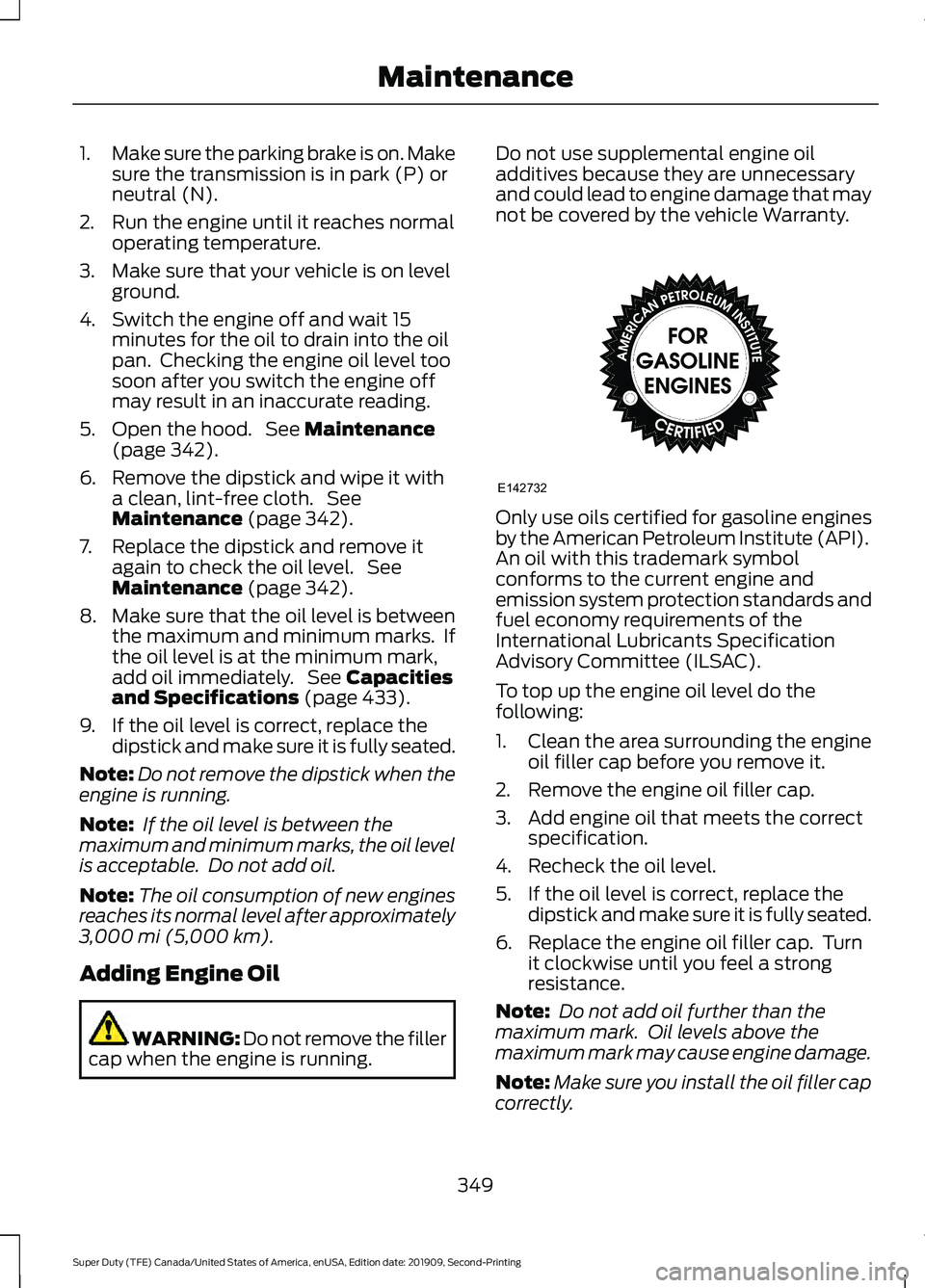
Only use oils certified for gasoline engines
by the American Petroleum Institute (API).
An oil with this trademark symbol
conforms to the current engine and
emission system protection standards and
fuel economy requirements of the
International Lubricants Specification
Advisory Committee (ILSAC).
To top up the engine oil level do the
following:
1. Clean the area surrounding the engine
oil filler cap before you remove it.
2. Remove the engine oil filler cap.
3. Add engine oil that meets the correct specification.
4. Recheck the oil level.
5. If the oil level is correct, replace the dipstick and make sure it is fully seated.
6. Replace the engine oil filler cap. Turn it clockwise until you feel a strong
resistance.
Note: Do not add oil further than the
maximum mark. Oil levels above the
maximum mark may cause engine damage.
Note: Make sure you install the oil filler cap
correctly.
349
Super Duty (TFE) Canada/United States of America, enUSA, Edition date: 201909, Second-Printing MaintenanceE142732
Page 356 of 633
4. Remove the auxiliary foam filter from
the air filter housing.
5. To install, reverse the removal procedure. The housing cover can be
oscillated slightly left to right to assist
with installation as needed, until
positioned such that all three clips can
be re-engaged.
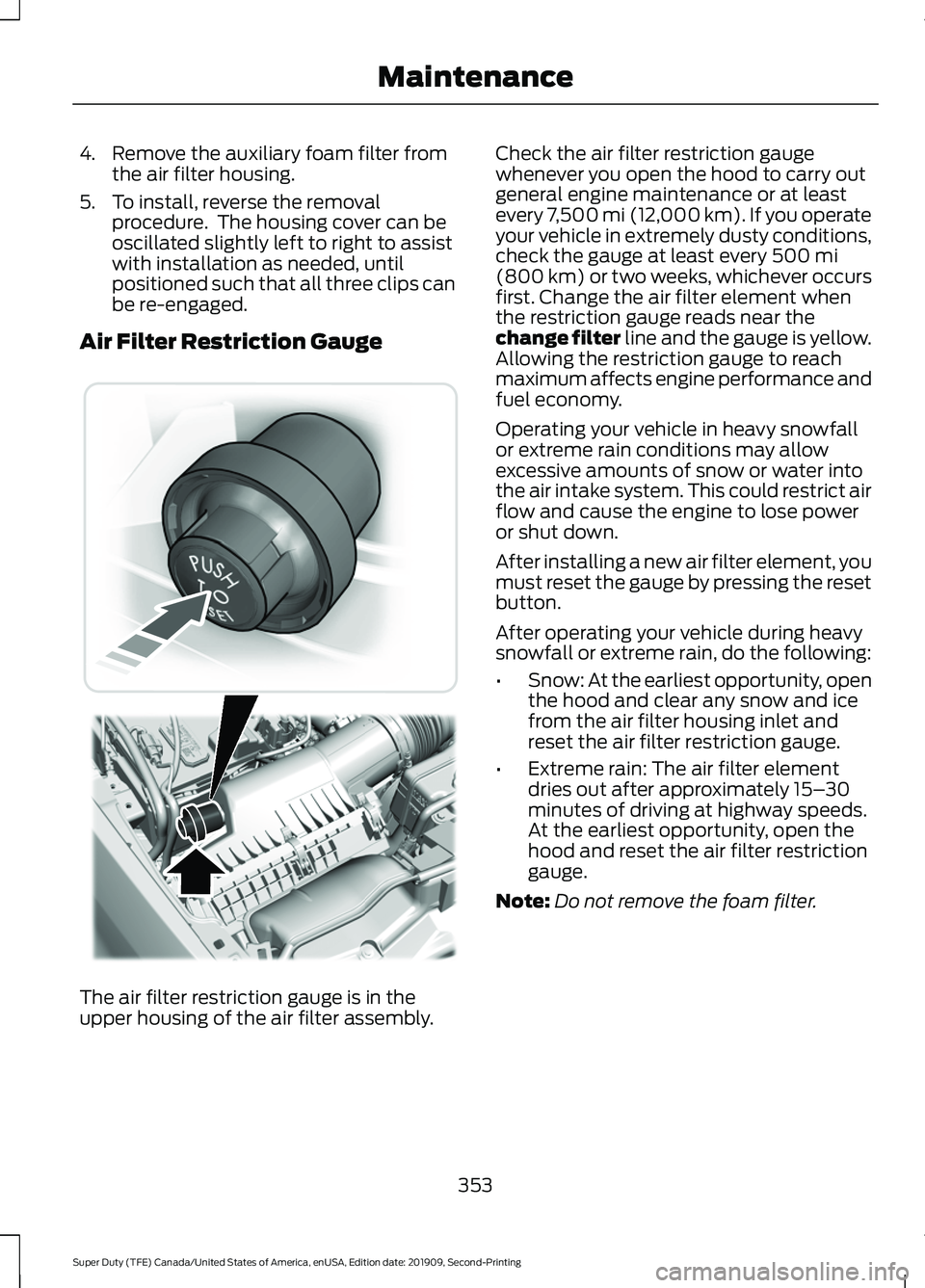
Air Filter Restriction Gauge The air filter restriction gauge is in the
upper housing of the air filter assembly. Check the air filter restriction gauge
whenever you open the hood to carry out
general engine maintenance or at least
every 7,500 mi (12,000 km). If you operate
your vehicle in extremely dusty conditions,
check the gauge at least every 500 mi
(800 km) or two weeks, whichever occurs
first. Change the air filter element when
the restriction gauge reads near the
change filter line and the gauge is yellow.
Allowing the restriction gauge to reach
maximum affects engine performance and
fuel economy.
Operating your vehicle in heavy snowfall
or extreme rain conditions may allow
excessive amounts of snow or water into
the air intake system. This could restrict air
flow and cause the engine to lose power
or shut down.
After installing a new air filter element, you
must reset the gauge by pressing the reset
button.
After operating your vehicle during heavy
snowfall or extreme rain, do the following:
• Snow: At the earliest opportunity, open
the hood and clear any snow and ice
from the air filter housing inlet and
reset the air filter restriction gauge.
• Extreme rain: The air filter element
dries out after approximately 15– 30
minutes of driving at highway speeds.
At the earliest opportunity, open the
hood and reset the air filter restriction
gauge.
Note: Do not remove the foam filter.
353
Super Duty (TFE) Canada/United States of America, enUSA, Edition date: 201909, Second-Printing Maintenance E310420
Page 378 of 633

ADJUSTING THE HEADLAMPS
Vertical Aim Adjustment
The headlamps on your vehicle are
properly aimed at the assembly plant. If
your vehicle has been in an accident, the
alignment of your headlamps should be
checked by your authorized dealer.
Headlamp Aiming Target
8 feet (2.4 meters)
A
Center height of lamp to ground
B
25 feet (7.6 meters)
C
Horizontal reference line
D
Vertical Aim Adjustment Procedure
1. Park the vehicle directly in front of a wall or screen on a level surface,
approximately 25 ft (7.6 m) away.
2. Measure the height of the headlamp bulb center from the ground and mark
an
8 ft (2.4 m) horizontal reference line
on the vertical wall or screen at this
height.
Note: To see a clearer light pattern for
adjusting, you may want to block the light
from one headlamp while adjusting the
other. 3. Turn on the low beam headlamps to
illuminate the wall or screen and open
the hood. 4. On the wall or screen you will observe
a flat zone of high intensity light
located at the top of the right hand
portion of the beam pattern. If the top
edge of the high intensity light zone is
not at the horizontal reference line, the
headlamp will need to be adjusted. 5. Locate the vertical adjuster on each
headlamp. Using a Phillips #2
screwdriver, turn the adjuster either
clockwise or counterclockwise in order
to adjust the vertical aim of the
headlamp.
Note: A. LED headlamp.
375
Super Duty (TFE) Canada/United States of America, enUSA, Edition date: 201909, Second-Printing MaintenanceE142592 E142465 A
B
E223774
Page 619 of 633
Accessing the Phone Features....................
480
Accessing the Settings Menu....................... 480
Accessing the Sound Settings..................... 480
Adjusting the Volume....................................... 481
Changing Radio Stations................................. 481
Listening to the Radio....................................... 481
Playing or Pausing Media................................ 481
Switching Radio Text On and Off.................481
Switching Repeat Mode On and Off...........481
Switching Shuffle Mode On and Off...........481
Switching the Audio Unit On and Off.........481
Switching the Display On and Off...............481
Using Seek, Fast Forward and Reverse............................................................. 482
Using the Display Control............................... 482
Using the Number Block................................. 482
Autolamps........................................................90 Windshield Wiper Activated
Headlamps........................................................ 90
Automatic Climate Control.......................143 Directing the Airflow.......................................... 143
Setting the Blower Motor Speed.................. 144
Setting the Temperature................................. 144
Switching Auto Mode On and Off................144
Switching Dual Zone Mode On and Off....................................................................... 144
Switching Maximum Air Conditioning On and Off.............................................................. 144
Switching Maximum Defrost On and Off....................................................................... 144
Switching Recirculated Air On and Off........................................................................\
145
Switching the Air Conditioning On and Off....................................................................... 144
Switching the Climate Control On and Off....................................................................... 144
Automatic High Beam Control.................95
Automatic High Beam Control Indicators.......................................................95
Automatic Transmission...........................207
Brake-Shift Interlock........................................ 209
For F350, F450, F550 and F600 Chassis Cab Vehicles................................................... 209
If Your Vehicle Gets Stuck in Mud or Snow.................................................................... 211
Understanding the Shift Positions of Your Automatic Transmission............................ 207Understanding Your SelectShift
Automatic ™ Transmission....................... 208
Automatic Transmission Fluid Check
.............................................................370
Autowipers........................................................87
Auxiliary Power Points
................................167
400 Watt AC Power Point............................... 167
DC Power Point.................................................... 167
Locations............................................................... 168
Auxiliary Switches
........................................551
Upfitter Interface Module............................... 554
B
Battery See: Changing the 12V Battery...................... 373
Bed Extender....................................................73 Grocery mode........................................................ 75
Tailgate mode........................................................ 74
Bed Ramps.....................................................274 Installing the Ramp Holder............................ 276
Stowing the Bed Ramp.................................... 276
Using the Bed Ramp......................................... 275
Blind Spot Information System..............253 Blind Spot Information System with Trailer
Tow..................................................................... 255
Switching the System Off and On...............257
System Errors....................................................... 257
Using the System............................................... 254
BLIS See: Blind Spot Information System..........253
Bonnet Lock See: Opening and Closing the Hood..........342
Booster Seats..................................................33 Types of Booster Seats...................................... 34
Brake Fluid Check.........................................371 Brake Fluid Service Interval............................ 372
Brakes...............................................................222 General Information.......................................... 222
Breaking-In......................................................315
Bulb Specification Chart
............................471
C
Canceling the Set Speed..........................230
Capacities and Specifications - 6.2L.................................................................441
Air Conditioning System.................................. 441
616
Super Duty (TFE) Canada/United States of America, enUSA, Edition date: 201909, Second-Printing Index
Page 625 of 633
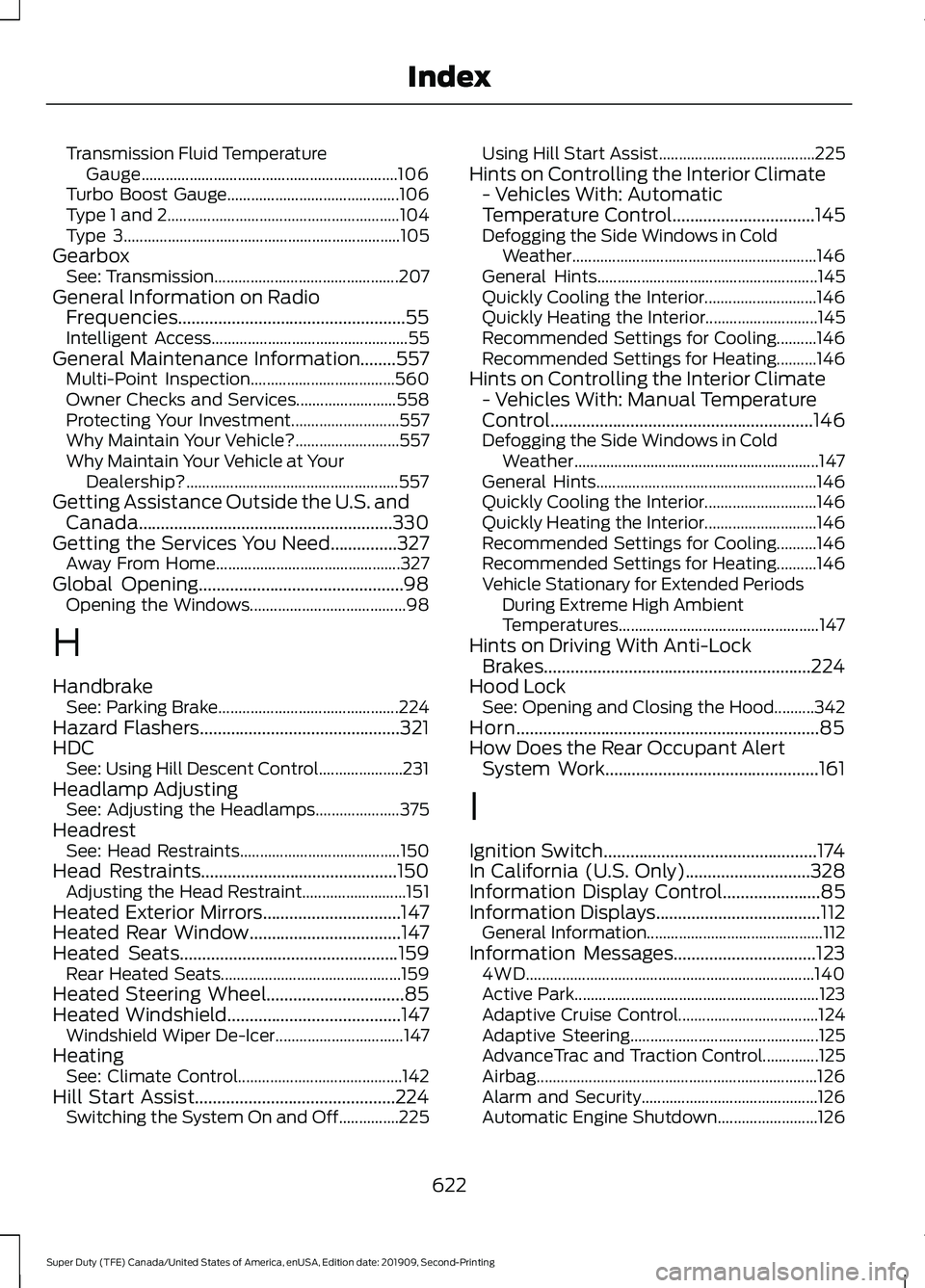
Transmission Fluid Temperature
Gauge................................................................ 106
Turbo Boost Gauge........................................... 106
Type 1 and 2.......................................................... 104
Type 3..................................................................... 105
Gearbox See: Transmission.............................................. 207
General Information on Radio Frequencies...................................................55
Intelligent Access................................................. 55
General Maintenance Information........557 Multi-Point Inspection.................................... 560
Owner Checks and Services......................... 558
Protecting Your Investment........................... 557
Why Maintain Your Vehicle?.......................... 557
Why Maintain Your Vehicle at Your Dealership?..................................................... 557
Getting Assistance Outside the U.S. and Canada.........................................................330
Getting the Services You Need...............327 Away From Home.............................................. 327
Global Opening..............................................98 Opening the Windows....................................... 98
H
Handbrake See: Parking Brake............................................. 224
Hazard Flashers.............................................321
HDC See: Using Hill Descent Control.....................231
Headlamp Adjusting See: Adjusting the Headlamps..................... 375
Headrest See: Head Restraints........................................ 150
Head Restraints............................................150 Adjusting the Head Restraint.......................... 151
Heated Exterior Mirrors...............................147
Heated Rear Window
..................................147
Heated Seats.................................................159
Rear Heated Seats............................................. 159
Heated Steering Wheel...............................85
Heated Windshield
.......................................147
Windshield Wiper De-Icer................................ 147
Heating See: Climate Control......................................... 142
Hill Start Assist.............................................224 Switching the System On and Off...............225 Using Hill Start Assist.......................................
225
Hints on Controlling the Interior Climate - Vehicles With: Automatic
Temperature Control
................................145
Defogging the Side Windows in Cold
Weather............................................................. 146
General Hints....................................................... 145
Quickly Cooling the Interior............................ 146
Quickly Heating the Interior............................ 145
Recommended Settings for Cooling..........146
Recommended Settings for Heating..........146
Hints on Controlling the Interior Climate - Vehicles With: Manual Temperature
Control...........................................................146
Defogging the Side Windows in Cold Weather............................................................. 147
General Hints....................................................... 146
Quickly Cooling the Interior............................ 146
Quickly Heating the Interior............................ 146
Recommended Settings for Cooling..........146
Recommended Settings for Heating..........146
Vehicle Stationary for Extended Periods During Extreme High Ambient
Temperatures.................................................. 147
Hints on Driving With Anti-Lock Brakes............................................................224
Hood Lock See: Opening and Closing the Hood..........342
Horn....................................................................85
How Does the Rear Occupant Alert System Work................................................161
I
Ignition Switch................................................174
In California (U.S. Only)............................328
Information Display Control......................85
Information Displays
.....................................112
General Information............................................ 112
Information Messages................................123 4WD........................................................................\
140
Active Park............................................................. 123
Adaptive Cruise Control................................... 124
Adaptive Steering............................................... 125
AdvanceTrac and Traction Control..............125
Airbag...................................................................... 126
Alarm and Security............................................ 126
Automatic Engine Shutdown......................... 126
622
Super Duty (TFE) Canada/United States of America, enUSA, Edition date: 201909, Second-Printing Index
Page 627 of 633
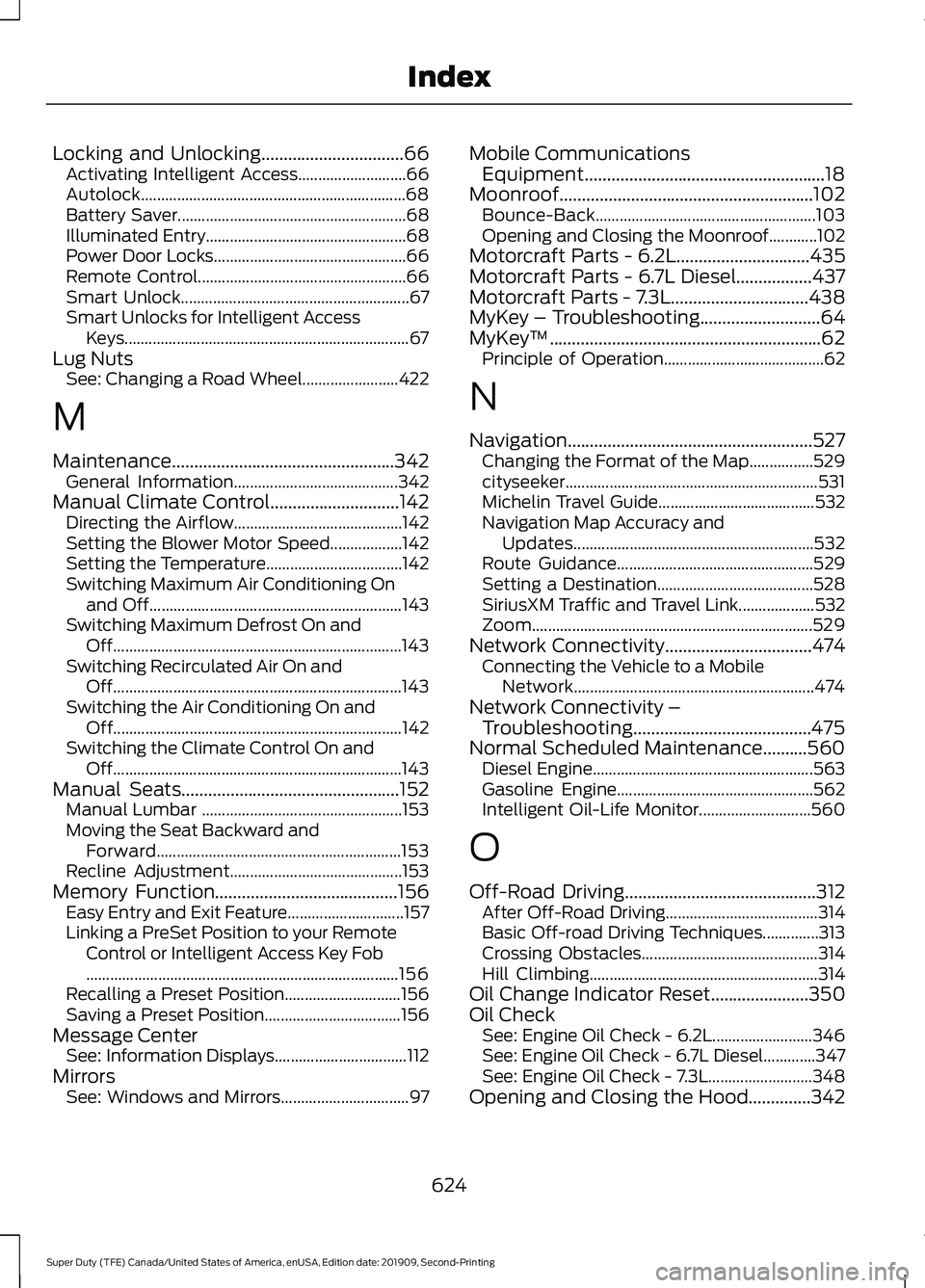
Locking and Unlocking................................66
Activating Intelligent Access........................... 66
Autolock.................................................................. 68
Battery Saver......................................................... 68
Illuminated Entry.................................................. 68
Power Door Locks................................................ 66
Remote Control.................................................... 66
Smart Unlock......................................................... 67
Smart Unlocks for Intelligent Access Keys....................................................................... 67
Lug Nuts See: Changing a Road Wheel........................ 422
M
Maintenance..................................................342 General Information......................................... 342
Manual Climate Control.............................142 Directing the Airflow.......................................... 142
Setting the Blower Motor Speed.................. 142
Setting the Temperature.................................. 142
Switching Maximum Air Conditioning On and Off............................................................... 143
Switching Maximum Defrost On and Off........................................................................\
143
Switching Recirculated Air On and Off........................................................................\
143
Switching the Air Conditioning On and Off........................................................................\
142
Switching the Climate Control On and Off........................................................................\
143
Manual Seats.................................................152 Manual Lumbar .................................................. 153
Moving the Seat Backward and Forward............................................................. 153
Recline Adjustment........................................... 153
Memory Function.........................................156
Easy Entry and Exit Feature............................. 157
Linking a PreSet Position to your Remote Control or Intelligent Access Key Fob
........................................................................\
...... 156
Recalling a Preset Position............................. 156
Saving a Preset Position.................................. 156
Message Center See: Information Displays................................. 112
Mirrors See: Windows and Mirrors................................ 97Mobile Communications
Equipment......................................................18
Moonroof.........................................................102 Bounce-Back....................................................... 103
Opening and Closing the Moonroof............102
Motorcraft Parts - 6.2L
..............................435
Motorcraft Parts - 6.7L Diesel.................437
Motorcraft Parts - 7.3L...............................438
MyKey – Troubleshooting
...........................64
MyKey ™.............................................................62
Principle of Operation........................................ 62
N
Navigation.......................................................527 Changing the Format of the Map................529
cityseeker............................................................... 531
Michelin Travel Guide....................................... 532
Navigation Map Accuracy and Updates............................................................ 532
Route Guidance................................................. 529
Setting a Destination....................................... 528
SiriusXM Traffic and Travel Link................... 532
Zoom...................................................................... 529
Network Connectivity
.................................474
Connecting the Vehicle to a Mobile
Network............................................................ 474
Network Connectivity – Troubleshooting........................................475
Normal Scheduled Maintenance..........560 Diesel Engine....................................................... 563
Gasoline Engine................................................. 562
Intelligent Oil-Life Monitor............................ 560
O
Off-Road Driving...........................................312 After Off-Road Driving...................................... 314
Basic Off-road Driving Techniques..............313
Crossing Obstacles............................................ 314
Hill Climbing......................................................... 314
Oil Change Indicator Reset
......................350
Oil Check See: Engine Oil Check - 6.2L......................... 346
See: Engine Oil Check - 6.7L Diesel.............347
See: Engine Oil Check - 7.3L.......................... 348
Opening and Closing the Hood..............342
624
Super Duty (TFE) Canada/United States of America, enUSA, Edition date: 201909, Second-Printing Index
Page 631 of 633
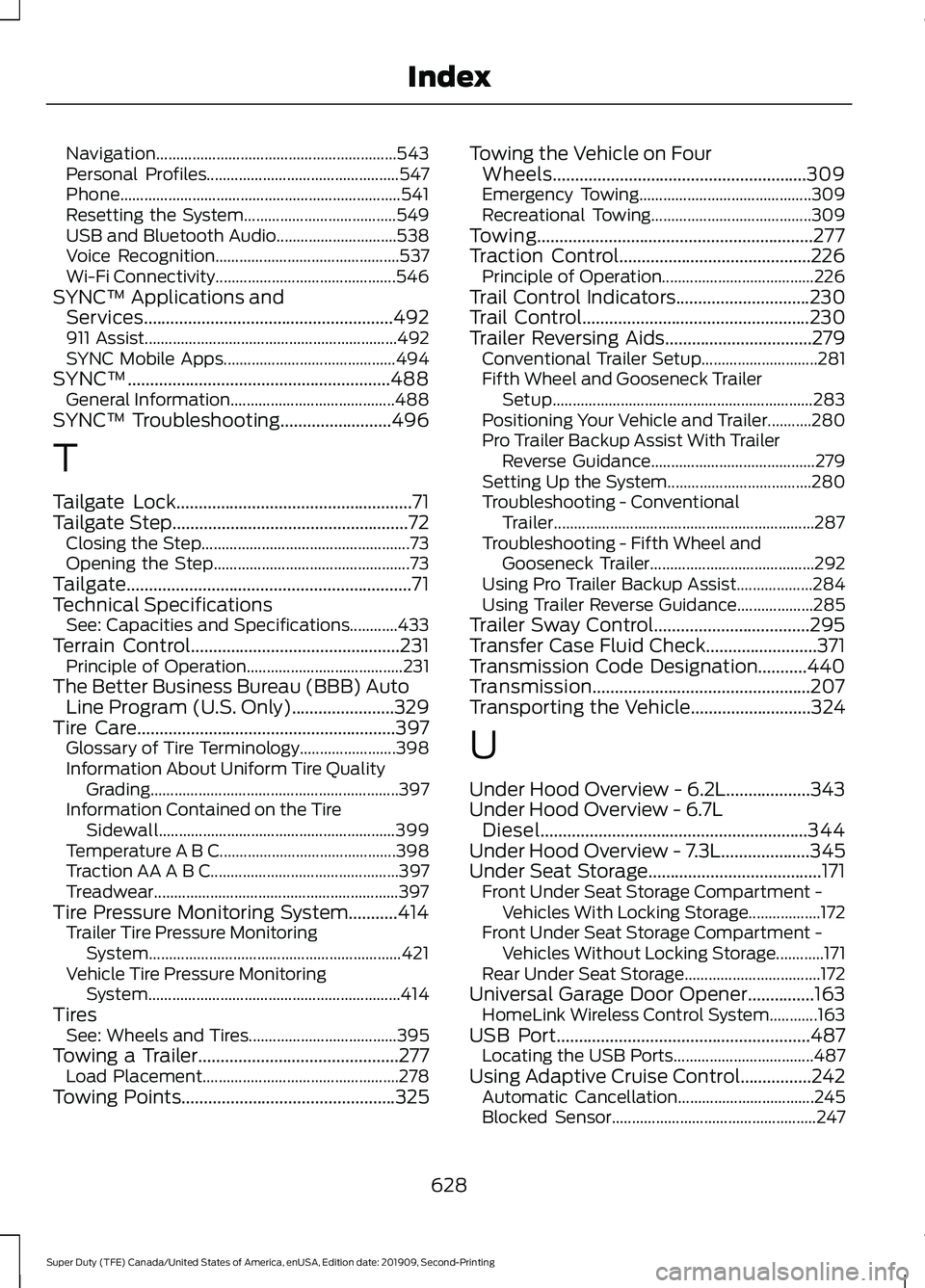
Navigation............................................................
543
Personal Profiles................................................ 547
Phone...................................................................... 541
Resetting the System...................................... 549
USB and Bluetooth Audio.............................. 538
Voice Recognition.............................................. 537
Wi-Fi Connectivity............................................. 546
SYNC™ Applications and Services........................................................492
911 Assist............................................................... 492
SYNC Mobile Apps........................................... 494
SYNC™...........................................................488 General Information......................................... 488
SYNC™ Troubleshooting.........................496
T
Tailgate Lock.....................................................71
Tailgate Step.....................................................72
Closing the Step.................................................... 73
Opening the Step................................................. 73
Tailgate................................................................71
Technical Specifications See: Capacities and Specifications............433
Terrain Control
...............................................231
Principle of Operation....................................... 231
The Better Business Bureau (BBB) Auto Line Program (U.S. Only).......................329
Tire Care
..........................................................397
Glossary of Tire Terminology........................ 398
Information About Uniform Tire Quality Grading.............................................................. 397
Information Contained on the Tire Sidewall........................................................... 399
Temperature A B C............................................ 398
Traction AA A B C............................................... 397
Treadwear............................................................. 397
Tire Pressure Monitoring System...........414 Trailer Tire Pressure Monitoring
System............................................................... 421
Vehicle Tire Pressure Monitoring System............................................................... 414
Tires See: Wheels and Tires..................................... 395
Towing a Trailer.............................................277 Load Placement................................................. 278
Towing Points
................................................325 Towing the Vehicle on Four
Wheels.........................................................309
Emergency Towing........................................... 309
Recreational Towing........................................ 309
Towing..............................................................277
Traction Control
...........................................226
Principle of Operation...................................... 226
Trail Control Indicators
..............................230
Trail Control...................................................230
Trailer Reversing Aids.................................279 Conventional Trailer Setup............................. 281
Fifth Wheel and Gooseneck Trailer Setup................................................................. 283
Positioning Your Vehicle and Trailer...........280
Pro Trailer Backup Assist With Trailer Reverse Guidance......................................... 279
Setting Up the System.................................... 280
Troubleshooting - Conventional Trailer................................................................. 287
Troubleshooting - Fifth Wheel and Gooseneck Trailer......................................... 292
Using Pro Trailer Backup Assist................... 284
Using Trailer Reverse Guidance................... 285
Trailer Sway Control...................................295
Transfer Case Fluid Check.........................371
Transmission Code Designation...........440
Transmission.................................................207
Transporting the Vehicle
...........................324
U
Under Hood Overview - 6.2L...................343
Under Hood Overview - 6.7L Diesel............................................................344
Under Hood Overview - 7.3L
....................345
Under Seat Storage.......................................171
Front Under Seat Storage Compartment -
Vehicles With Locking Storage.................. 172
Front Under Seat Storage Compartment - Vehicles Without Locking Storage............171
Rear Under Seat Storage.................................. 172
Universal Garage Door Opener
...............163
HomeLink Wireless Control System............163
USB Port
.........................................................487
Locating the USB Ports................................... 487
Using Adaptive Cruise Control................242 Automatic Cancellation.................................. 245
Blocked Sensor................................................... 247
628
Super Duty (TFE) Canada/United States of America, enUSA, Edition date: 201909, Second-Printing Index