navigation FORD F450 SUPER DUTY 2020 Owner's Manual
[x] Cancel search | Manufacturer: FORD, Model Year: 2020, Model line: F450 SUPER DUTY, Model: FORD F450 SUPER DUTY 2020Pages: 633, PDF Size: 9.18 MB
Page 600 of 633
distribute, sublicense or otherwise
transfer the TeleNav Software to
others, except as part of your
permanent transfer of the TeleNav
Software; or (e) use the TeleNav
Software in any manner that
I. infringes the intellectual property or
proprietary rights, rights of publicity or
privacy or other rights of any party,
ii. violates any law, statute, ordinance or
regulation, including but not limited to laws
and regulations related to spamming,
privacy, consumer and child protection,
obscenity or defamation, or
iii. is harmful, threatening, abusive,
harassing, tortuous, defamatory, vulgar,
obscene, libelous, or otherwise
objectionable; and (f) lease, rent out, or
otherwise permit unauthorized access by
third parties to the TeleNav Software
without advanced written permission of
TeleNav.
4. Disclaimers
• To the fullest extent permissible
pursuant to applicable law, in no event
will TeleNav, its licensors and suppliers,
or agents or employees of any of the
foregoing, be liable for any decision
made or action taken by you or anyone
else in reliance on the information
provided by the TeleNav Software.
TeleNav also does not warrant the
accuracy of the map or other data used
for the TeleNav Software. Such data
may not always reflect reality due to,
among other things, road closures,
construction, weather, new roads and
other changing conditions. You are
responsible for the entire risk arising
out of your use of the TeleNav
Software. For example but without
limitation, you agree not to rely on the
TeleNav Software for critical
navigation in areas where the
well-being or survival of you or others is dependent on the accuracy of
navigation, as the maps or functionality
of the TeleNav Software are not
intended to support such high risk
applications, especially in more remote
geographical areas.
• TELENAV EXPRESSLY DISCLAIMS
AND EXCLUDES ALL WARRANTIES IN
CONNECTION WITH THE TELENAV
SOFTWARE, WHETHER STATUTORY,
EXPRESS OR IMPLIED, INCLUDING ALL
WARRANTIES WHICH MAY ARISE
FROM COURSE OF DEALING, CUSTOM
OR TRADE AND INCLUDING, BUT NOT
LIMITED TO, THE IMPLIED
WARRANTIES OF MERCHANTABILITY,
FITNESS FOR A PARTICULAR
PURPOSE AND NON-INFRINGEMENT
OF THIRD PARTY RIGHTS WITH
RESPECT TO THE TELENAV
SOFTWARE.
• Certain jurisdictions do not permit the
disclaimer of certain warranties, so this
limitation may not apply to you.
5. Limitation of Liability
• TO THE EXTENT PERMITTED UNDER
APPLICABLE LAW, UNDER NO
CIRCUMSTANCES SHALL TELENAV
OR ITS LICENSORS AND SUPPLIERS
BE LIABLE TO YOU OR TO ANY THIRD
PARTY FOR ANY INDIRECT,
INCIDENTAL, CONSEQUENTIAL,
SPECIAL OR EXEMPLARY DAMAGES
(INCLUDING IN EACH CASE, BUT NOT
LIMITED TO, DAMAGES FOR THE
INABILITY TO USE THE EQUIPMENT
OR ACCESS DATA, LOSS OF DATA,
LOSS OF BUSINESS, LOSS OF
PROFITS, BUSINESS INTERRUPTION
OR THE LIKE) ARISING OUT OF THE
USE OF OR INABILITY TO USE THE
TELENAV SOFTWARE, EVEN IF
TELENAV HAS BEEN ADVISED OF THE
POSSIBILITY OF SUCH DAMAGES.
NOTWITHSTANDING ANY DAMAGES
THAT YOU MIGHT INCUR FOR ANY
597
Super Duty (TFE) Canada/United States of America, enUSA, Edition date: 201909, Second-Printing Appendices
Page 603 of 633
HERE holds a non-exclusive license from
the United States Postal Service® to
publish and sell ZIP+4® information.
©United States Postal Service® 2014.
Prices are not established, controlled or
approved by the United States Postal
Service®. The following trademarks and
registrations are owned by the USPS:
United States Postal Service, USPS, and
ZIP+4
The Data for Mexico includes certain data
from Instituto Nacional de Estadística y
Geografía.
9.2 End User Terms Required by NAV2
(Shanghai) Co., Ltd
The data (“Data
”) is provided for your
personal, internal use only and not for
resale. It is protected by copyright, and is
subject to the following terms and
conditions which are agreed to by you, on
the one hand, and NAV2 (Shanghai) Co.,
Ltd (“NAV2”) and its licensors (including
their licensors and suppliers) on the other
hand. 20xx. All rights reserved
Terms and Conditions
Permitted Use. You agree to use this Data
together with the Telenav Software solely
for the internal business and personal
purposes for which you were licensed, and
not for service bureau, time-sharing or
other similar purposes. Accordingly, but
subject to the restrictions set forth in the
following paragraphs, you agree not to
otherwise reproduce, copy, modify,
decompile, disassemble, create any
derivative works of, or reverse engineer any
portion of this Data, and may not transfer
or distribute it in any form, for any purpose,
except to the extent permitted by
mandatory laws. Restrictions. Except where you have been
specifically licensed to do so by Telenav,
and without limiting the preceding
paragraph, you may not use this Data (a)
with any products, systems, or applications
installed or otherwise connected to or in
communication with vehicles, capable of
vehicle navigation, positioning, dispatch,
real time route guidance, fleet
management or similar applications; or (b)
with or in communication with any
positioning devices or any mobile or
wireless-connected electronic or computer
devices, including without limitation
cellular phones, palmtop and handheld
computers, pagers, and personal digital
assistants or PDAs.
Warning. The Data may contain
inaccurate or incomplete information due
to the passage of time, changing
circumstances, sources used and the
nature of collecting comprehensive
geographic data, any of which may lead to
incorrect results.
No Warranty.
This Data is provided to you
“ as is, ” and you agree to use it at your own
risk. Telenav and its licensors (and their
licensors and suppliers) make no
guarantees, representations or warranties
of any kind, express or implied, arising by
law or otherwise, including but not limited
to, content, quality, accuracy,
completeness, effectiveness, reliability,
fitness for a particular purpose, usefulness,
use or results to be obtained from this
Data, or that the Data or server will be
uninterrupted or error-free.
Disclaimer of Warranty:
TELENAV AND
ITS LICENSORS (INCLUDING THEIR
LICENSORS AND SUPPLIERS) DISCLAIM
ANY WARRANTIES, EXPRESS OR IMPLIED,
OF QUALITY, PERFORMANCE,
MERCHANTABILITY, FITNESS FOR A
600
Super Duty (TFE) Canada/United States of America, enUSA, Edition date: 201909, Second-Printing Appendices
Page 611 of 633
MAKES NO WARRANTY, EXPRESS OR
IMPLIED, OF MERCHANTABILITY OR
FITNESS FOR A PARTICULAR PURPOSE,
SUITABILITY, OR PERFORMANCE
REGARDING ANY SERVICES OR GOODS,
AND IN NO EVENT SHALL AT&T BE
LIABLE, WHETHER OR NOT DUE TO ITS
OWN NEGLIGENCE, FOR ANY: (A) ACT OR
OMISSION OF A THIRD PARTY; (B)
MISTAKES, OMISSIONS, INTERRUPTIONS,
ERRORS, FAILURES TO TRANSMIT,
DELAYS, OR DEFECTS IN THE SERVICE
PROVIDED BY OR THROUGH THE
UNDERLYING CARRIER; (C) DAMAGE OR
INJURY CAUSED BY SUSPENSION OR
TERMINATION BY THE UNDERLYING
CARRIER; OR (D) DAMAGE OR INJURY
CAUSED BY A FAILURE OR DELAY IN
CONNECTING A CALL TO ANY ENTITY,
INCLUDING 911 OR ANY OTHER
EMERGENCY SERVICE. TO THE FULL
EXTENT ALLOWED BY LAW, THE END
USER RELEASES, INDEMNIFIES AND
HOLDS THE UNDERLYING CARRIER
HARMLESS FROM AND AGAINST ANY
AND ALL CLAIMS OF ANY PERSON OR
ENTITY FOR DAMAGES OF ANY NATURE
ARISING IN ANY WAY FROM OR RELATING
TO, DIRECTLY OR INDIRECTLY, SERVICES
PROVIDED BY THE UNDERLYING CARRIER
OR ANY PERSON’
S USE THEREOF,
INCLUDING CLAIMS ARISING IN WHOLE
OR IN PART FROM THE ALLEGED
NEGLIGENCE OF THE UNDERLYING
CARRIER.
VII. China Territory
Personal Use Only
You agree to use this Data together with
[insert name of Client Application] for the
solely personal, non-commercial purposes
for which you were licensed, and not for
service bureau, time-sharing or other
similar purposes. Accordingly, but subject
to the restrictions set forth in the following
paragraphs, you may copy this Data only
as necessary for your personal use to (i) view it, and (ii) save it, provided that you
do not remove any copyright notices that
appear and do not modify the Data in any
way. You agree not to otherwise reproduce,
copy, modify, decompile, disassemble or
reverse engineer any portion of this Data,
and may not transfer or distribute it in any
form, for any purpose, except to the extent
permitted by mandatory laws.
Restrictions
Except where you have been specifically
licensed to do so by NAV2 , and without
limiting the preceding paragraph, you may
not (a) use this Data with any products,
systems, or applications installed or
otherwise connected to or in
communication with vehicles, capable of
vehicle navigation, positioning, dispatch,
real time route guidance, fleet
management or similar applications; or (b)
with or in communication with any
positioning devices or any mobile or
wireless-connected electronic or computer
devices, including without limitation
cellular phones, palmtop and handheld
computers, pagers, and personal digital
assistants or PDAs. You agree to cease
using this Data if you fail to comply with
these terms and conditions.
Limited Warranty
NAV2 warrants that (a) the Data will
perform substantially in accordance with
the accompanying written materials for a
period of ninety (90) days from the date
of receipt, and (b) any support services
provided by NAV2 shall be substantially as
described in applicable written materials
provided to you by NAV2, and NAV2’
s
support engineers will make commercially
reasonable efforts to solve any problem
issues.
608
Super Duty (TFE) Canada/United States of America, enUSA, Edition date: 201909, Second-Printing Appendices
Page 618 of 633
3
360 Degree Camera....................................237
Advanced Camera Views................................ 237
Auxiliary Camera................................................ 239
Bed View Camera.............................................. 239
Camera Views...................................................... 237
Front Camera...................................................... 238
Keep Out Zone.................................................... 238
Side Camera........................................................ 239
4
4WD See: Four-Wheel Drive...................................... 212
A
A/C See: Climate Control......................................... 142
About This Manual...........................................9
ABS See: Brakes........................................................... 222
ABS driving hints See: Hints on Driving With Anti-Lock
Brakes................................................................ 224
Accessories....................................................550
Accessories See: Replacement Parts
Recommendation............................................ 16
ACC See: Using Adaptive Cruise Control............242
Adjustable Pedals.........................................86
Adjusting the Headlamps.........................375 Horizontal Aim Adjustment........................... 376
Vertical Aim Adjustment................................. 375
Adjusting the Pedals....................................86
Adjusting the Steering Wheel - Vehicles With: Manual Adjustable Steering
Column............................................................82
Adjusting the Steering Wheel - Vehicles With: Power Adjustable Steering
Column............................................................82
End of Travel Position......................................... 83
Memory Feature................................................... 83
Airbag Disposal...............................................54
Air Conditioning See: Climate Control......................................... 142Air Filter
See: Changing the Engine Air Filter -
6.2L
...................................................................... 351
See: Changing the Engine Air Filter - 6.7L Diesel
................................................................. 352
See: Changing the Engine Air Filter - 7.3L..................................................................... 354
Alarm See: Anti-Theft Alarm........................................ 78
Ambient Lighting............................................93 Adjusting the Brightness................................... 93
Switching Ambient Lighting Off..................... 93
Switching Ambient Lighting On...................... 93
Anti-Theft Alarm............................................78 Arming the Alarm................................................. 79
Disarming the Alarm........................................... 79
Using the System................................................. 79
Appendices....................................................585
Apps..................................................................532 SiriusXM Traffic and Travel Link................... 534
Using Apps on an Android Device...............533
Using Apps on an iOS Device........................ 533
Using Mobile Navigation on an Android Device................................................................ 533
At a Glance.......................................................20
Audible Warnings and Indicators
..............111
Headlamps On Warning Chime...................... 111
Key in Ignition Warning Chime......................... 111
Keyless Warning Alert......................................... 111
Parking Brake On Warning Chime.................. 111
Audio Control
..................................................84
You can operate the following functions
with the control:.............................................. 84
Audio System
................................................478
General Information......................................... 478
Audio Unit - Vehicles With: AM/FM/ Touchscreen Display/SYNC 3..............478
Adjusting the Volume....................................... 479
Changing Radio Stations................................ 479
Selecting the Audio Modes............................ 479
Setting a Memory Preset................................ 479
Switching the Audio Unit On and Off........479
Using Seek, Fast Forward and Reverse............................................................. 479
Audio Unit - Vehicles With: SYNC........480 Accessing the Apps Menu............................. 480
Accessing the Clock Settings....................... 480
Accessing the Media Source Menu............480
615
Super Duty (TFE) Canada/United States of America, enUSA, Edition date: 201909, Second-Printing Index
Page 627 of 633
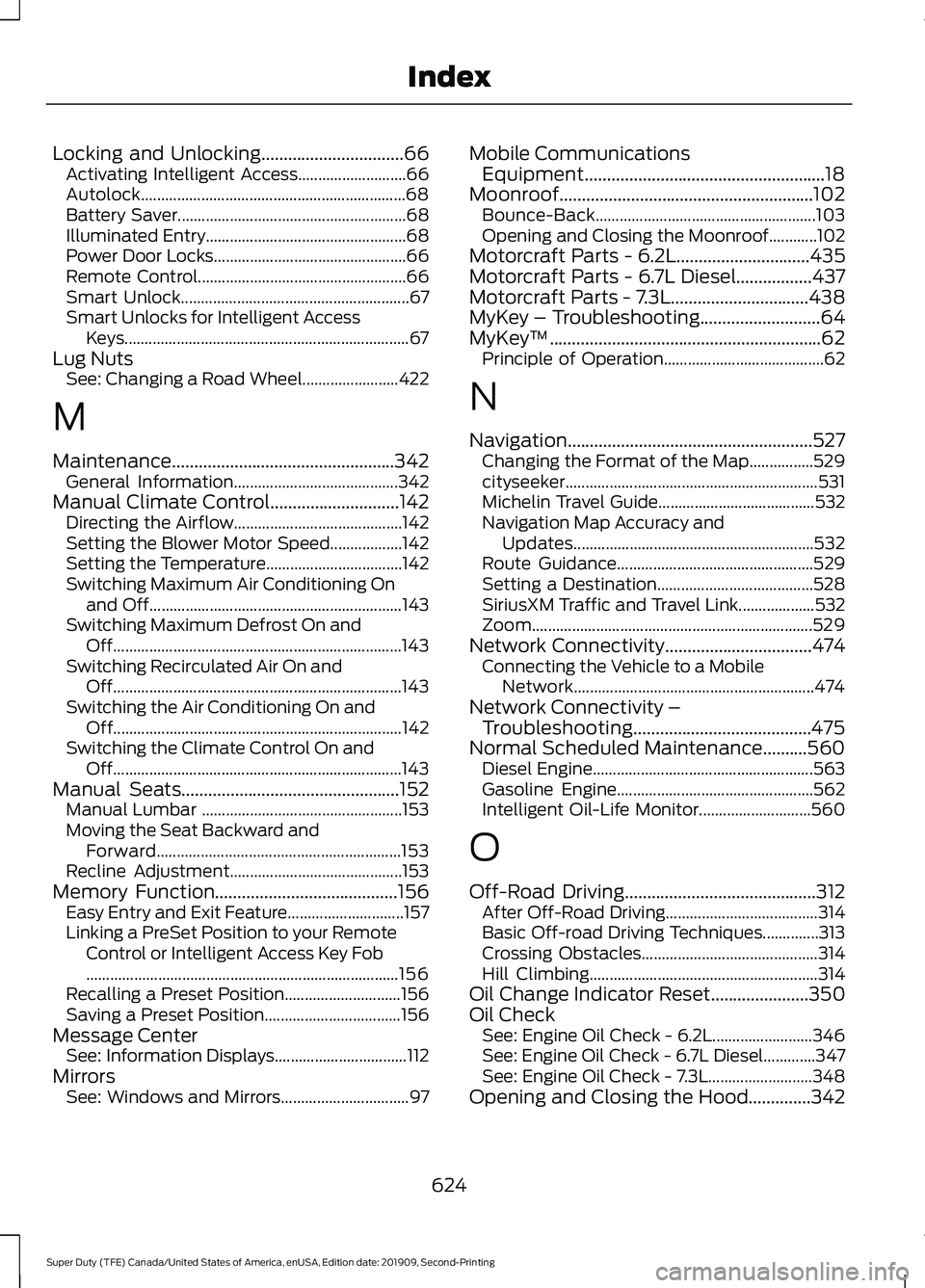
Locking and Unlocking................................66
Activating Intelligent Access........................... 66
Autolock.................................................................. 68
Battery Saver......................................................... 68
Illuminated Entry.................................................. 68
Power Door Locks................................................ 66
Remote Control.................................................... 66
Smart Unlock......................................................... 67
Smart Unlocks for Intelligent Access Keys....................................................................... 67
Lug Nuts See: Changing a Road Wheel........................ 422
M
Maintenance..................................................342 General Information......................................... 342
Manual Climate Control.............................142 Directing the Airflow.......................................... 142
Setting the Blower Motor Speed.................. 142
Setting the Temperature.................................. 142
Switching Maximum Air Conditioning On and Off............................................................... 143
Switching Maximum Defrost On and Off........................................................................\
143
Switching Recirculated Air On and Off........................................................................\
143
Switching the Air Conditioning On and Off........................................................................\
142
Switching the Climate Control On and Off........................................................................\
143
Manual Seats.................................................152 Manual Lumbar .................................................. 153
Moving the Seat Backward and Forward............................................................. 153
Recline Adjustment........................................... 153
Memory Function.........................................156
Easy Entry and Exit Feature............................. 157
Linking a PreSet Position to your Remote Control or Intelligent Access Key Fob
........................................................................\
...... 156
Recalling a Preset Position............................. 156
Saving a Preset Position.................................. 156
Message Center See: Information Displays................................. 112
Mirrors See: Windows and Mirrors................................ 97Mobile Communications
Equipment......................................................18
Moonroof.........................................................102 Bounce-Back....................................................... 103
Opening and Closing the Moonroof............102
Motorcraft Parts - 6.2L
..............................435
Motorcraft Parts - 6.7L Diesel.................437
Motorcraft Parts - 7.3L...............................438
MyKey – Troubleshooting
...........................64
MyKey ™.............................................................62
Principle of Operation........................................ 62
N
Navigation.......................................................527 Changing the Format of the Map................529
cityseeker............................................................... 531
Michelin Travel Guide....................................... 532
Navigation Map Accuracy and Updates............................................................ 532
Route Guidance................................................. 529
Setting a Destination....................................... 528
SiriusXM Traffic and Travel Link................... 532
Zoom...................................................................... 529
Network Connectivity
.................................474
Connecting the Vehicle to a Mobile
Network............................................................ 474
Network Connectivity – Troubleshooting........................................475
Normal Scheduled Maintenance..........560 Diesel Engine....................................................... 563
Gasoline Engine................................................. 562
Intelligent Oil-Life Monitor............................ 560
O
Off-Road Driving...........................................312 After Off-Road Driving...................................... 314
Basic Off-road Driving Techniques..............313
Crossing Obstacles............................................ 314
Hill Climbing......................................................... 314
Oil Change Indicator Reset
......................350
Oil Check See: Engine Oil Check - 6.2L......................... 346
See: Engine Oil Check - 6.7L Diesel.............347
See: Engine Oil Check - 7.3L.......................... 348
Opening and Closing the Hood..............342
624
Super Duty (TFE) Canada/United States of America, enUSA, Edition date: 201909, Second-Printing Index
Page 629 of 633
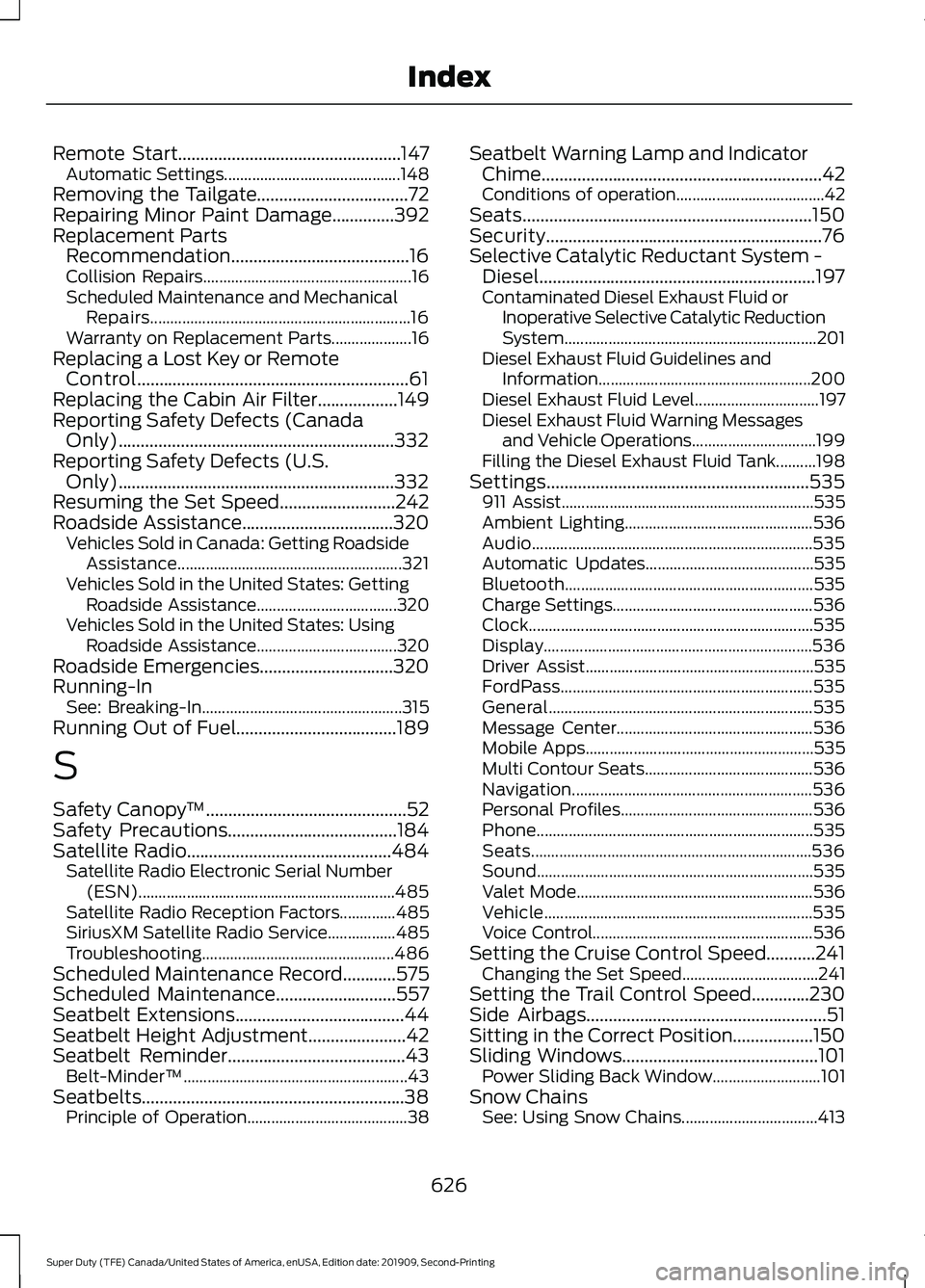
Remote Start..................................................147
Automatic Settings............................................ 148
Removing the Tailgate..................................72
Repairing Minor Paint Damage..............392
Replacement Parts Recommendation........................................16
Collision Repairs.................................................... 16
Scheduled Maintenance and Mechanical Repairs................................................................. 16
Warranty on Replacement Parts.................... 16
Replacing a Lost Key or Remote Control.............................................................61
Replacing the Cabin Air Filter..................149
Reporting Safety Defects (Canada Only)..............................................................332
Reporting Safety Defects (U.S. Only)..............................................................332
Resuming the Set Speed..........................242
Roadside Assistance..................................320
Vehicles Sold in Canada: Getting Roadside
Assistance........................................................ 321
Vehicles Sold in the United States: Getting Roadside Assistance................................... 320
Vehicles Sold in the United States: Using Roadside Assistance................................... 320
Roadside Emergencies..............................320
Running-In See: Breaking-In.................................................. 315
Running Out of Fuel....................................189
S
Safety Canopy ™
.............................................52
Safety Precautions......................................184
Satellite Radio
..............................................484
Satellite Radio Electronic Serial Number
(ESN)................................................................ 485
Satellite Radio Reception Factors..............485
SiriusXM Satellite Radio Service.................485
Troubleshooting................................................ 486
Scheduled Maintenance Record
............575
Scheduled Maintenance...........................557
Seatbelt Extensions......................................44
Seatbelt Height Adjustment......................42
Seatbelt Reminder........................................43
Belt-Minder™........................................................ 43
Seatbelts...........................................................38 Principle of Operation........................................ 38Seatbelt Warning Lamp and Indicator
Chime...............................................................42
Conditions of operation..................................... 42
Seats.................................................................150
Security..............................................................76
Selective Catalytic Reductant System - Diesel..............................................................197
Contaminated Diesel Exhaust Fluid or Inoperative Selective Catalytic Reduction
System............................................................... 201
Diesel Exhaust Fluid Guidelines and Information..................................................... 200
Diesel Exhaust Fluid Level............................... 197
Diesel Exhaust Fluid Warning Messages and Vehicle Operations............................... 199
Filling the Diesel Exhaust Fluid Tank..........198
Settings...........................................................535 911 Assist............................................................... 535
Ambient Lighting............................................... 536
Audio...................................................................... 535
Automatic Updates.......................................... 535
Bluetooth.............................................................. 535
Charge Settings.................................................. 536
Clock....................................................................... 535
Display................................................................... 536
Driver Assist......................................................... 535
FordPass............................................................... 535
General.................................................................. 535
Message Center................................................. 536
Mobile Apps......................................................... 535
Multi Contour Seats.......................................... 536
Navigation............................................................ 536
Personal Profiles................................................ 536
Phone..................................................................... 535
Seats...................................................................... 536
Sound..................................................................... 535
Valet Mode........................................................... 536
Vehicle................................................................... 535
Voice Control....................................................... 536
Setting the Cruise Control Speed...........241 Changing the Set Speed.................................. 241
Setting the Trail Control Speed.............230
Side Airbags
......................................................51
Sitting in the Correct Position..................150
Sliding Windows............................................101 Power Sliding Back Window........................... 101
Snow Chains See: Using Snow Chains.................................. 413
626
Super Duty (TFE) Canada/United States of America, enUSA, Edition date: 201909, Second-Printing Index
Page 631 of 633
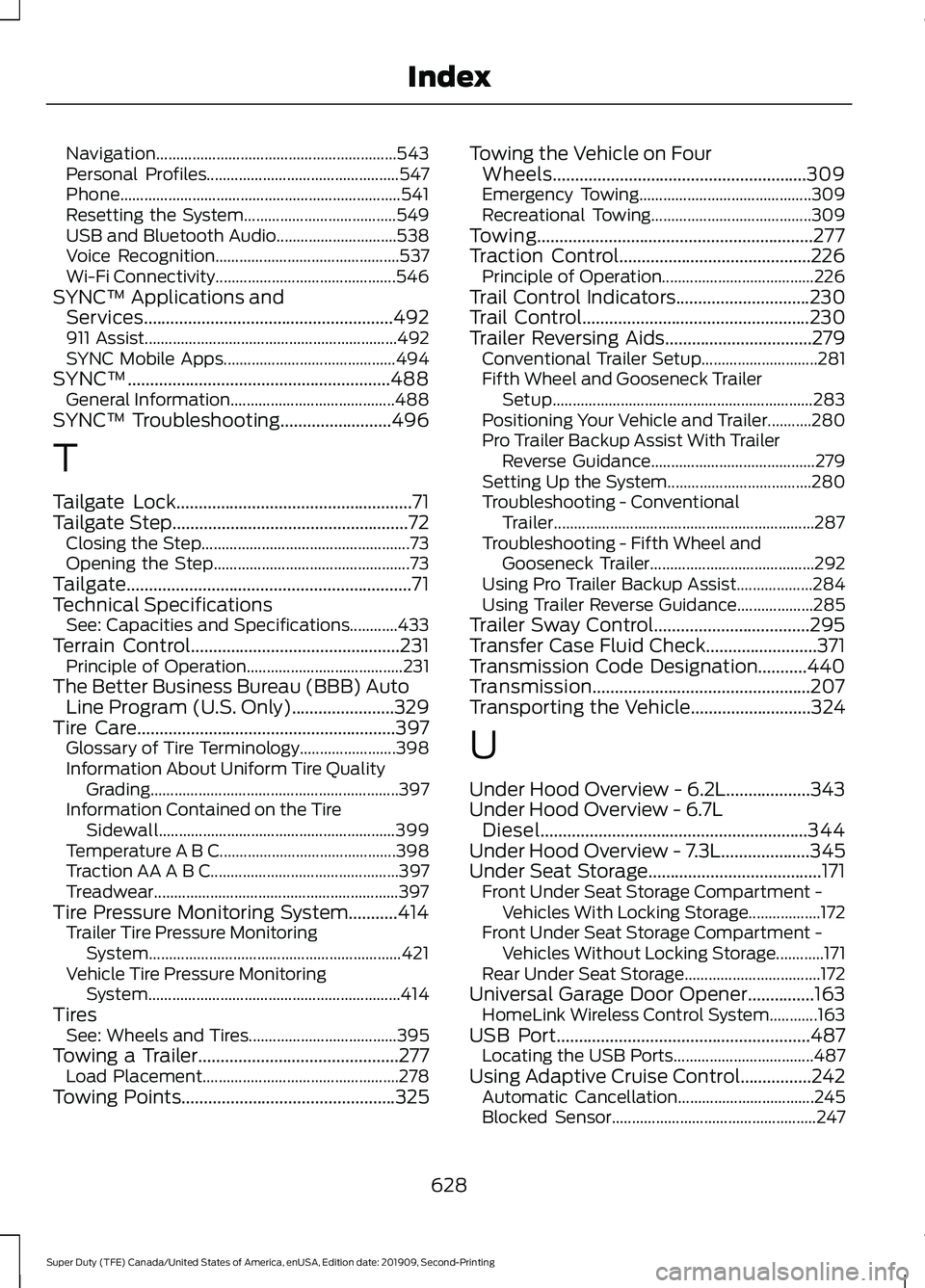
Navigation............................................................
543
Personal Profiles................................................ 547
Phone...................................................................... 541
Resetting the System...................................... 549
USB and Bluetooth Audio.............................. 538
Voice Recognition.............................................. 537
Wi-Fi Connectivity............................................. 546
SYNC™ Applications and Services........................................................492
911 Assist............................................................... 492
SYNC Mobile Apps........................................... 494
SYNC™...........................................................488 General Information......................................... 488
SYNC™ Troubleshooting.........................496
T
Tailgate Lock.....................................................71
Tailgate Step.....................................................72
Closing the Step.................................................... 73
Opening the Step................................................. 73
Tailgate................................................................71
Technical Specifications See: Capacities and Specifications............433
Terrain Control
...............................................231
Principle of Operation....................................... 231
The Better Business Bureau (BBB) Auto Line Program (U.S. Only).......................329
Tire Care
..........................................................397
Glossary of Tire Terminology........................ 398
Information About Uniform Tire Quality Grading.............................................................. 397
Information Contained on the Tire Sidewall........................................................... 399
Temperature A B C............................................ 398
Traction AA A B C............................................... 397
Treadwear............................................................. 397
Tire Pressure Monitoring System...........414 Trailer Tire Pressure Monitoring
System............................................................... 421
Vehicle Tire Pressure Monitoring System............................................................... 414
Tires See: Wheels and Tires..................................... 395
Towing a Trailer.............................................277 Load Placement................................................. 278
Towing Points
................................................325 Towing the Vehicle on Four
Wheels.........................................................309
Emergency Towing........................................... 309
Recreational Towing........................................ 309
Towing..............................................................277
Traction Control
...........................................226
Principle of Operation...................................... 226
Trail Control Indicators
..............................230
Trail Control...................................................230
Trailer Reversing Aids.................................279 Conventional Trailer Setup............................. 281
Fifth Wheel and Gooseneck Trailer Setup................................................................. 283
Positioning Your Vehicle and Trailer...........280
Pro Trailer Backup Assist With Trailer Reverse Guidance......................................... 279
Setting Up the System.................................... 280
Troubleshooting - Conventional Trailer................................................................. 287
Troubleshooting - Fifth Wheel and Gooseneck Trailer......................................... 292
Using Pro Trailer Backup Assist................... 284
Using Trailer Reverse Guidance................... 285
Trailer Sway Control...................................295
Transfer Case Fluid Check.........................371
Transmission Code Designation...........440
Transmission.................................................207
Transporting the Vehicle
...........................324
U
Under Hood Overview - 6.2L...................343
Under Hood Overview - 6.7L Diesel............................................................344
Under Hood Overview - 7.3L
....................345
Under Seat Storage.......................................171
Front Under Seat Storage Compartment -
Vehicles With Locking Storage.................. 172
Front Under Seat Storage Compartment - Vehicles Without Locking Storage............171
Rear Under Seat Storage.................................. 172
Universal Garage Door Opener
...............163
HomeLink Wireless Control System............163
USB Port
.........................................................487
Locating the USB Ports................................... 487
Using Adaptive Cruise Control................242 Automatic Cancellation.................................. 245
Blocked Sensor................................................... 247
628
Super Duty (TFE) Canada/United States of America, enUSA, Edition date: 201909, Second-Printing Index
Page 632 of 633
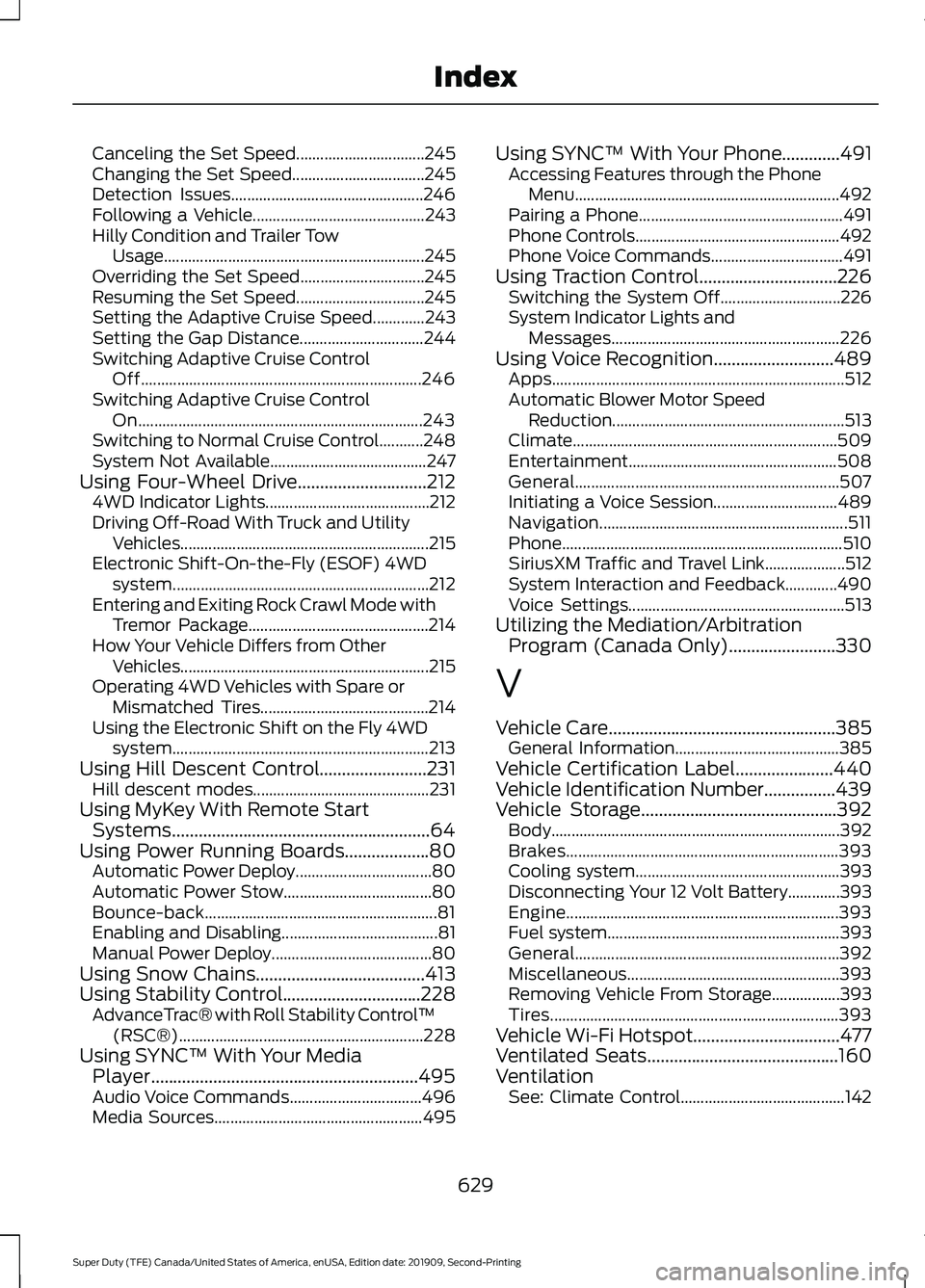
Canceling the Set Speed................................
245
Changing the Set Speed................................. 245
Detection Issues................................................ 246
Following a Vehicle........................................... 243
Hilly Condition and Trailer Tow Usage.................................................................245
Overriding the Set Speed............................... 245
Resuming the Set Speed................................ 245
Setting the Adaptive Cruise Speed.............243
Setting the Gap Distance............................... 244
Switching Adaptive Cruise Control Off...................................................................... 246
Switching Adaptive Cruise Control On....................................................................... 243
Switching to Normal Cruise Control...........248
System Not Available....................................... 247
Using Four-Wheel Drive.............................212
4WD Indicator Lights......................................... 212
Driving Off-Road With Truck and Utility Vehicles.............................................................. 215
Electronic Shift-On-the-Fly (ESOF) 4WD system................................................................ 212
Entering and Exiting Rock Crawl Mode with Tremor Package............................................. 214
How Your Vehicle Differs from Other Vehicles.............................................................. 215
Operating 4WD Vehicles with Spare or Mismatched Tires.......................................... 214
Using the Electronic Shift on the Fly 4WD system................................................................ 213
Using Hill Descent Control
........................231
Hill descent modes............................................ 231
Using MyKey With Remote Start Systems..........................................................64
Using Power Running Boards
...................80
Automatic Power Deploy.................................. 80
Automatic Power Stow..................................... 80
Bounce-back.......................................................... 81
Enabling and Disabling....................................... 81
Manual Power Deploy........................................ 80
Using Snow Chains
......................................413
Using Stability Control...............................228 AdvanceTrac® with Roll Stability Control ™
(RSC®)............................................................. 228
Using SYNC™ With Your Media Player
............................................................495
Audio Voice Commands................................. 496
Media Sources.................................................... 495Using SYNC™ With Your Phone.............491
Accessing Features through the Phone
Menu.................................................................. 492
Pairing a Phone................................................... 491
Phone Controls................................................... 492
Phone Voice Commands................................. 491
Using Traction Control...............................226 Switching the System Off.............................. 226
System Indicator Lights and Messages......................................................... 226
Using Voice Recognition
...........................489
Apps........................................................................\
. 512
Automatic Blower Motor Speed Reduction.......................................................... 513
Climate.................................................................. 509
Entertainment.................................................... 508
General.................................................................. 507
Initiating a Voice Session............................... 489
Navigation.............................................................. 511
Phone...................................................................... 510
SiriusXM Traffic and Travel Link.................... 512
System Interaction and Feedback.............490
Voice Settings...................................................... 513
Utilizing the Mediation/Arbitration Program (Canada Only)........................330
V
Vehicle Care...................................................385 General Information......................................... 385
Vehicle Certification Label
......................440
Vehicle Identification Number................439
Vehicle Storage............................................392 Body........................................................................\
392
Brakes.................................................................... 393
Cooling system................................................... 393
Disconnecting Your 12 Volt Battery.............393
Engine.................................................................... 393
Fuel system.......................................................... 393
General.................................................................. 392
Miscellaneous..................................................... 393
Removing Vehicle From Storage.................393
Tires........................................................................\
393
Vehicle Wi-Fi Hotspot
.................................477
Ventilated Seats...........................................160
Ventilation See: Climate Control......................................... 142
629
Super Duty (TFE) Canada/United States of America, enUSA, Edition date: 201909, Second-Printing Index