light FORD F650 2005 11.G User Guide
[x] Cancel search | Manufacturer: FORD, Model Year: 2005, Model line: F650, Model: FORD F650 2005 11.GPages: 272, PDF Size: 1.5 MB
Page 23 of 272
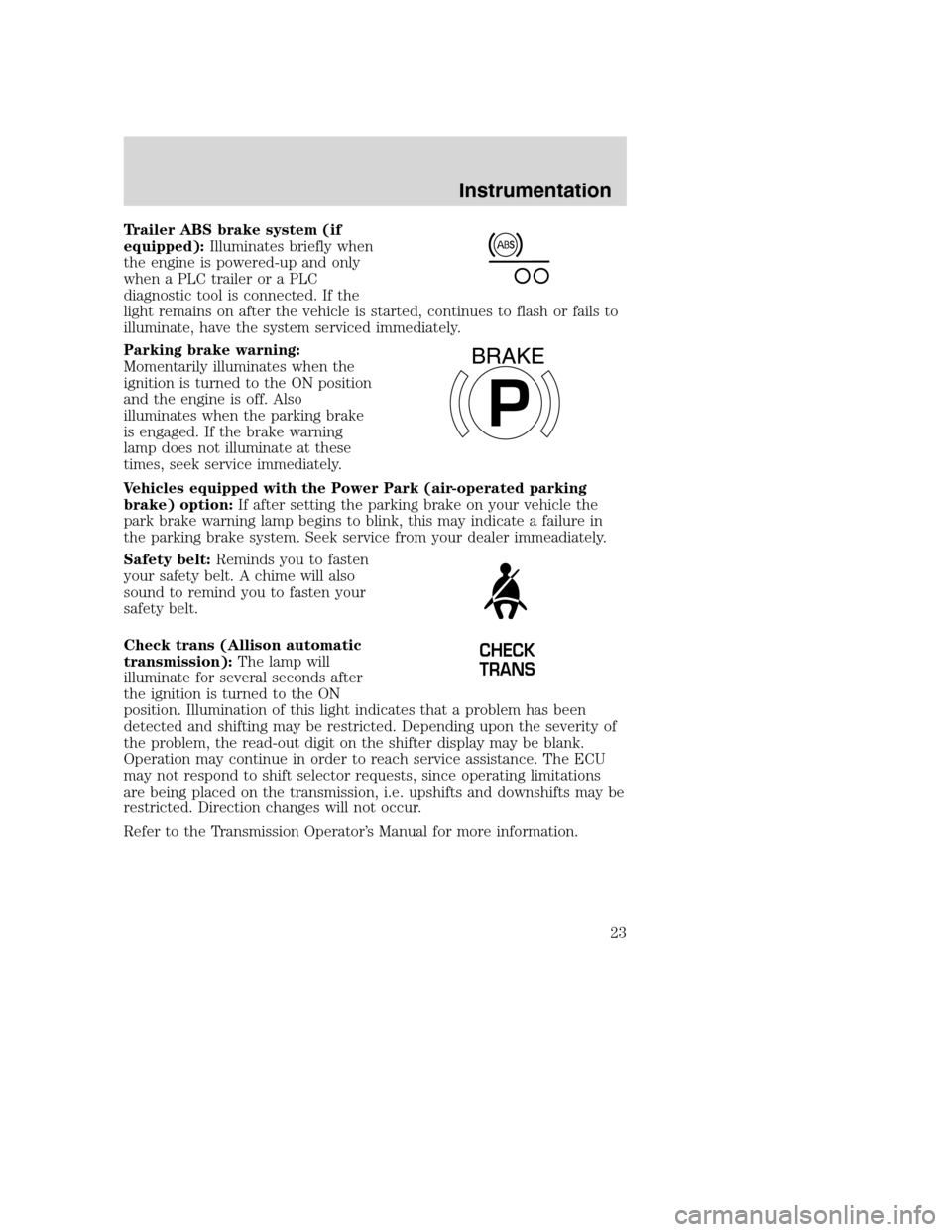
Trailer ABS brake system (if
equipped):Illuminates briefly when
the engine is powered-up and only
when a PLC trailer or a PLC
diagnostic tool is connected. If the
light remains on after the vehicle is started, continues to flash or fails to
illuminate, have the system serviced immediately.
Parking brake warning:
Momentarily illuminates when the
ignition is turned to the ON position
and the engine is off. Also
illuminates when the parking brake
is engaged. If the brake warning
lamp does not illuminate at these
times, seek service immediately.
Vehicles equipped with the Power Park (air-operated parking
brake) option:If after setting the parking brake on your vehicle the
park brake warning lamp begins to blink, this may indicate a failure in
the parking brake system. Seek service from your dealer immeadiately.
Safety belt:Reminds you to fasten
your safety belt. A chime will also
sound to remind you to fasten your
safety belt.
Check trans (Allison automatic
transmission):The lamp will
illuminate for several seconds after
the ignition is turned to the ON
position. Illumination of this light indicates that a problem has been
detected and shifting may be restricted. Depending upon the severity of
the problem, the read-out digit on the shifter display may be blank.
Operation may continue in order to reach service assistance. The ECU
may not respond to shift selector requests, since operating limitations
are being placed on the transmission, i.e. upshifts and downshifts may be
restricted. Direction changes will not occur.
Refer to the Transmission Operator’s Manual for more information.
P
BRAKE
CHECK
TRANS
Instrumentation
23
Page 24 of 272
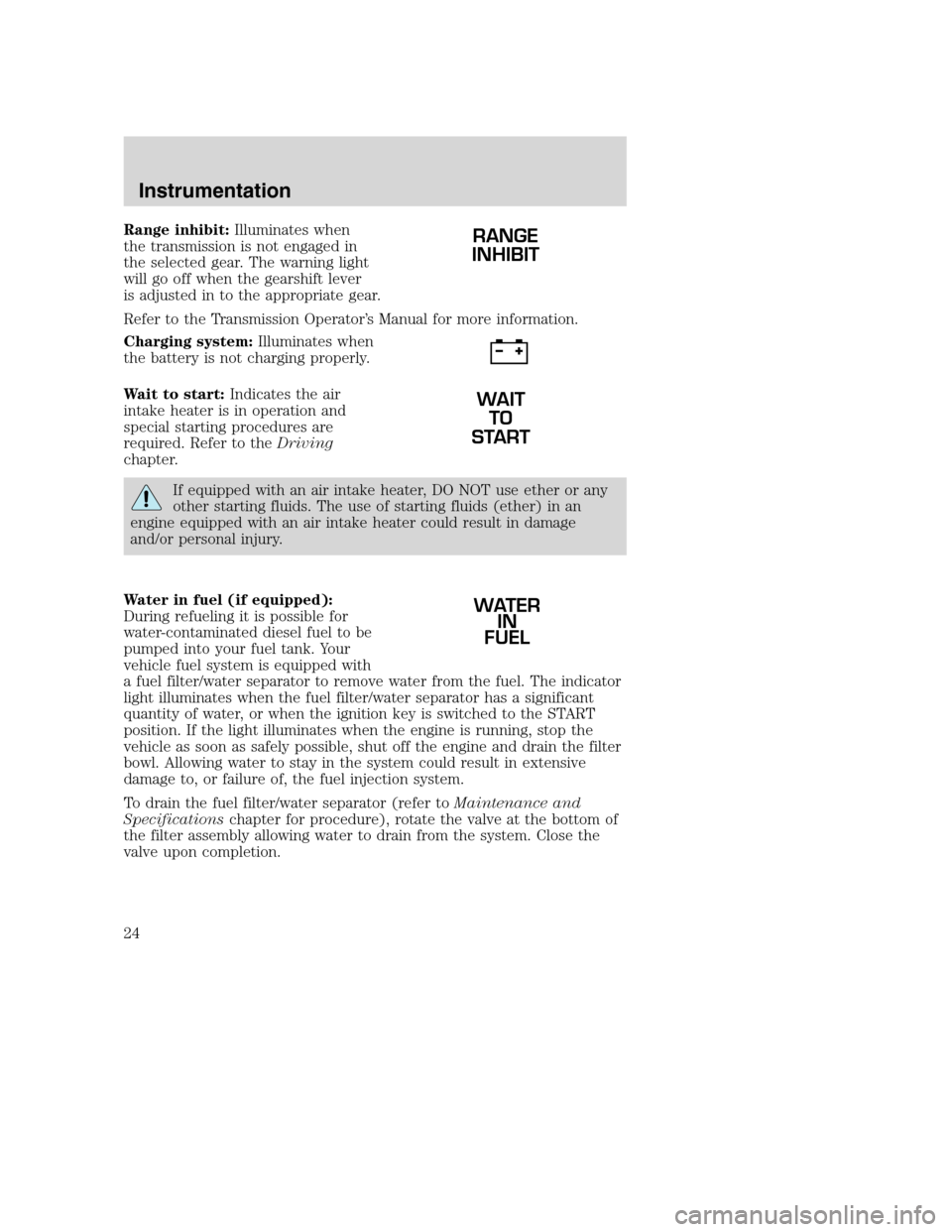
Range inhibit:Illuminates when
the transmission is not engaged in
the selected gear. The warning light
will go off when the gearshift lever
is adjusted in to the appropriate gear.
Refer to the Transmission Operator’s Manual for more information.
Charging system:Illuminates when
the battery is not charging properly.
Wait to start:Indicates the air
intake heater is in operation and
special starting procedures are
required. Refer to theDriving
chapter.
If equipped with an air intake heater, DO NOT use ether or any
other starting fluids. The use of starting fluids (ether) in an
engine equipped with an air intake heater could result in damage
and/or personal injury.
Water in fuel (if equipped):
During refueling it is possible for
water-contaminated diesel fuel to be
pumped into your fuel tank. Your
vehicle fuel system is equipped with
a fuel filter/water separator to remove water from the fuel. The indicator
light illuminates when the fuel filter/water separator has a significant
quantity of water, or when the ignition key is switched to the START
position. If the light illuminates when the engine is running, stop the
vehicle as soon as safely possible, shut off the engine and drain the filter
bowl. Allowing water to stay in the system could result in extensive
damage to, or failure of, the fuel injection system.
To drain the fuel filter/water separator (refer toMaintenance and
Specificationschapter for procedure), rotate the valve at the bottom of
the filter assembly allowing water to drain from the system. Close the
valve upon completion.
RANGE
INHIBIT
WAIT
TO
START
WATER
IN
FUEL
Instrumentation
24
Page 25 of 272
Do not drain water separator while engine is running. Fuel may
ignite if separator is drained while engine is running or vehicle is
moving.
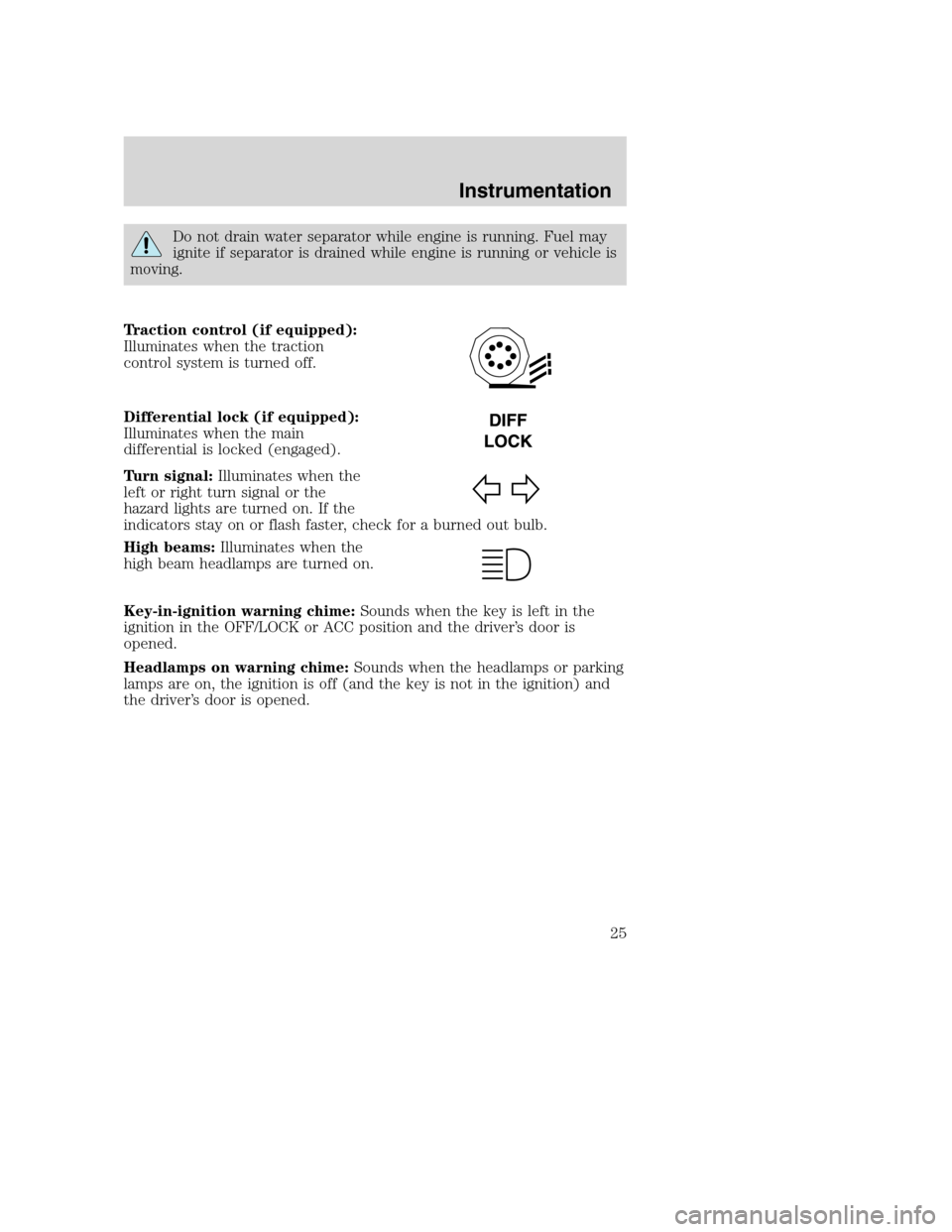
Traction control (if equipped):
Illuminates when the traction
control system is turned off.
Differential lock (if equipped):
Illuminates when the main
differential is locked (engaged).
Turn signal:Illuminates when the
left or right turn signal or the
hazard lights are turned on. If the
indicators stay on or flash faster, check for a burned out bulb.
High beams:Illuminates when the
high beam headlamps are turned on.
Key-in-ignition warning chime:Sounds when the key is left in the
ignition in the OFF/LOCK or ACC position and the driver’s door is
opened.
Headlamps on warning chime:Sounds when the headlamps or parking
lamps are on, the ignition is off (and the key is not in the ignition) and
the driver’s door is opened.
Instrumentation
25
Page 29 of 272
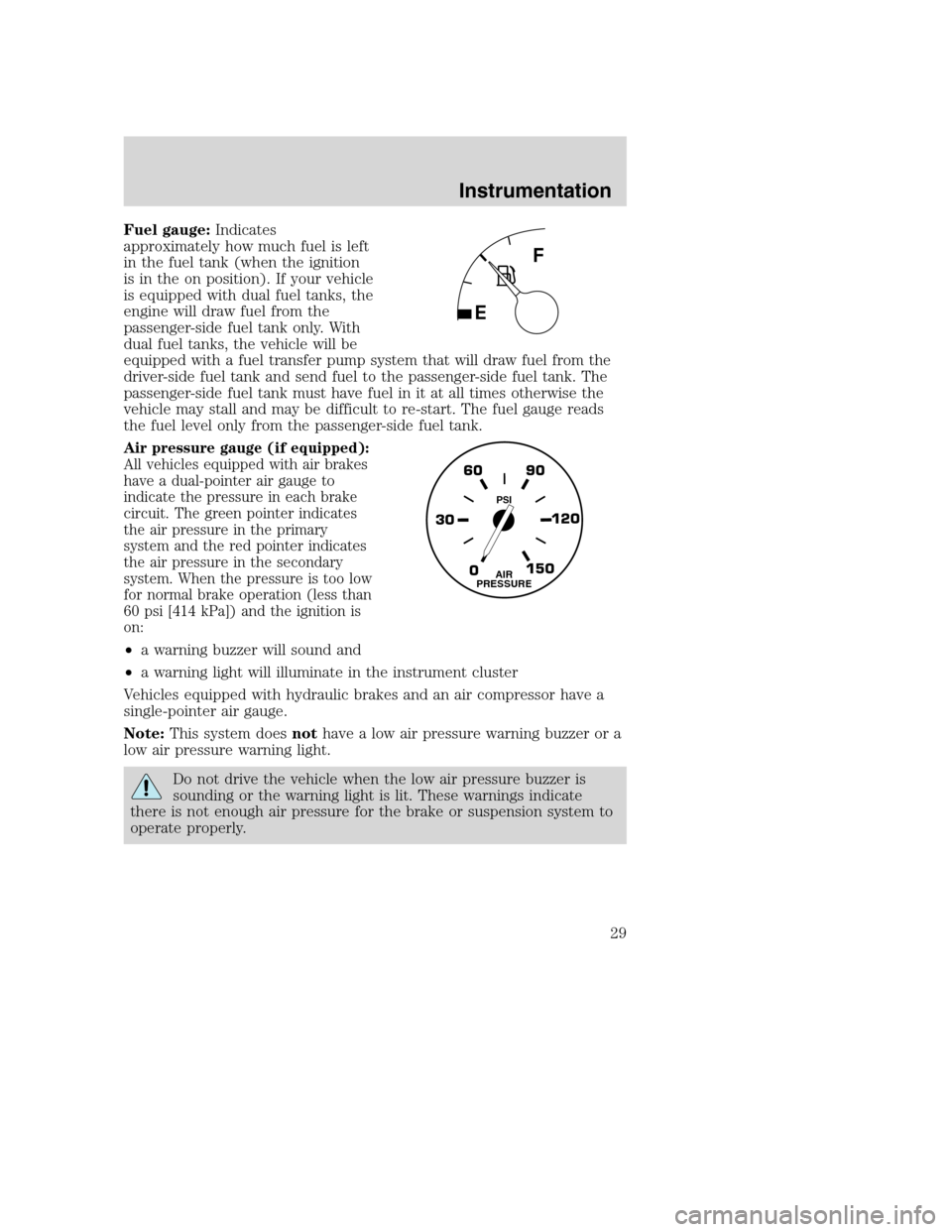
Fuel gauge:Indicates
approximately how much fuel is left
in the fuel tank (when the ignition
is in the on position). If your vehicle
is equipped with dual fuel tanks, the
engine will draw fuel from the
passenger-side fuel tank only. With
dual fuel tanks, the vehicle will be
equipped with a fuel transfer pump system that will draw fuel from the
driver-side fuel tank and send fuel to the passenger-side fuel tank. The
passenger-side fuel tank must have fuel in it at all times otherwise the
vehicle may stall and may be difficult to re-start. The fuel gauge reads
the fuel level only from the passenger-side fuel tank.
Air pressure gauge (if equipped):
All vehicles equipped with air brakes
have a dual-pointer air gauge to
indicate the pressure in each brake
circuit. The green pointer indicates
the air pressure in the primary
system and the red pointer indicates
the air pressure in the secondary
system. When the pressure is too low
for normal brake operation (less than
60 psi [414 kPa]) and the ignition is
on:
•a warning buzzer will sound and
•a warning light will illuminate in the instrument cluster
Vehicles equipped with hydraulic brakes and an air compressor have a
single-pointer air gauge.
Note:This system doesnothave a low air pressure warning buzzer or a
low air pressure warning light.
Do not drive the vehicle when the low air pressure buzzer is
sounding or the warning light is lit. These warnings indicate
there is not enough air pressure for the brake or suspension system to
operate properly.
0 30120 90 60
150AIR
PRESSURE
PSI
Instrumentation
29
Page 41 of 272
Setting the clock:Press MENU until SELECT HOUR or SELECT
MINUTE is displayed. Use SEL to manually increase (
) or decrease
(
) the hours/minutes. Press MENU again to disengage clock mode.
10.Memory presets:To set a
station: Select frequency band
AM/FM; tune to a station, press and
hold a preset button until sound
returns.
11.CD:Press to select CD mode.
12.AM/FM:Press to select AM/FM
frequency band.
Autostore:Allows you to set the
strongest local radio stations without losing your original manually set
preset stations for AM/FM1/FM2 . Press and momentarily hold AM/FM.
AUTOSTORE will flash on the display. When the six strongest stations
are filled, the station stored in preset 1 will begin playing. If there are
less than six strong stations, the system will store the last one in the
remaining presets. Press again to disengage.
13.Power/volume:Press to turn
ON/OFF; turn to increase or
decrease volume levels.
Automatic Volume Control(if equipped): Changes the volume
automatically and slightly with vehicle speed to compensate for road and
wind noise. The recommended level is 1–3. Level 0 turns the speed
sensitive volume off and level 7 is the maximum setting.
Press and hold the volume control for five seconds. Then, press the SEL
control to increase or decrease volume levels. The selected level will
appear in the display.
14.Load:Press to load a CD. Press
and hold to load up to six discs.
15.Shuffle:Press to play tracks in
random order.
Entertainment systems
41
Page 42 of 272
16.Scan:Press for a brief sampling
of radio stations or CD tracks. Press
again to stop.
17.Disc tune:Radio: Press
orto manually tune down or up
the radio frequency band.
CD:Press
to select the previous track orto select the next track
on the CD.
RADIO FREQUENCIES
AM and FM frequencies are established by the Federal Communications
Commission (FCC) and the Canadian Radio and Telecommunications
Commission (CRTC). Those frequencies are:
AM - 530, 540–1700, 1710 kHz
FM- 87.7, 87.9–107.7, 107.9 MHz
RADIO RECEPTION FACTORS
There are three factors that can effect radio reception:
•Distance/strength: The further you travel from an FM station, the
weaker the signal and the weaker the reception.
•Terrain: Hills, mountains, tall buildings, power lines, electric fences,
traffic lights and thunderstorms can interfere with your reception.
•Station overload: When you pass a broadcast tower, a stronger signal
may overtake a weaker one and play while the weak station frequency
is displayed.
CASSETTE/PLAYER CARE
Do:
•Use only cassettes that are 90 minutes long or less.
•Tighten very loose tapes by inserting a finger or pencil into the hole
and turning the hub.
•Remove loose labels before inserting tapes.
•Allow tapes which have been subjected to extreme heat, humidity or
cold to reach a moderate temperature before playing.
•Clean the cassette player head with a cassette cleaning cartridge after
10–12 hours of play to maintain good sound/operation.
Entertainment systems
42
Page 43 of 272
Don’t:
•Expose tapes to direct sunlight, extreme humidity, heat or cold.
•Leave tapes in the cassette player for a long time when not being
played.
CD/CD PLAYER CARE
Do:
•Handle discs by their edges only. Never touch the playing surface.
•Inspect discs before playing. Clean only with an approved CD cleaner
and wipe from the center out.
Don’t:
•Expose discs to direct sunlight or heat sources for extended periods
of time.
•Insert more than one disc into each slot of the CD changer magazine.
•Clean using a circular motion.
CD units are designed to play commercially pressed 4.75 inch (12
cm) audio compact discs only. Due to technical incompatibility,
certain recordable and re-recordable compact discs may not
function correctly when used in Ford CD players. Irregular
shaped CDs, CDs with a scratch protection film attached, and CDs
with homemade paper (adhesive) labels should not be inserted
into the CD player. The label may peel and cause the CD to
become jammed. It is recommended that homemade CDs be
identified with permanent felt tip marker rather than adhesive
labels. Ball point pens may damage CDs. Please contact your
dealer for further information.
AUDIO SYSTEM WARRANTY AND SERVICE
Refer to theWarranty Guidefor audio system warranty information. If
service is necessary, see your dealer or qualified technician.
Entertainment systems
43
Page 47 of 272
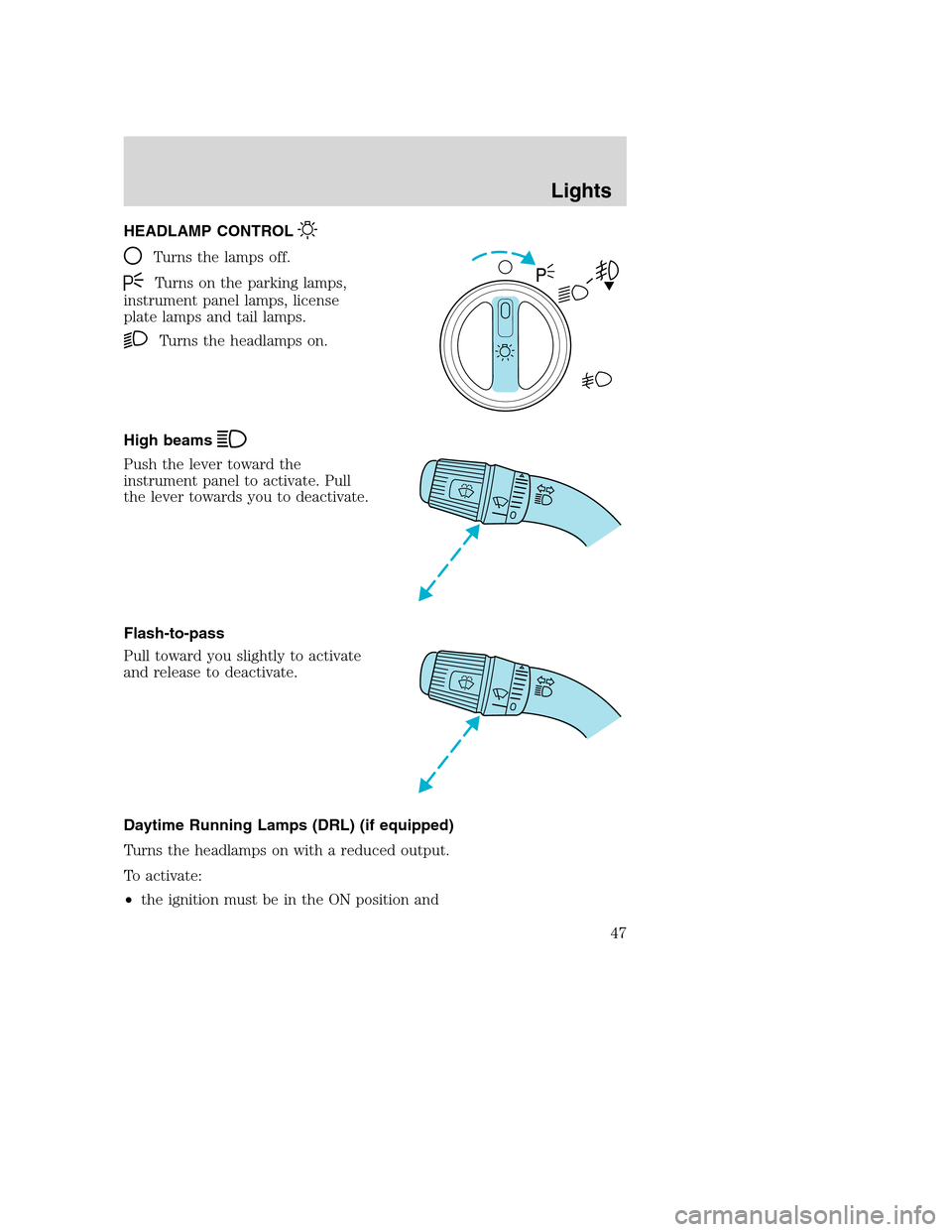
HEADLAMP CONTROL
Turns the lamps off.
Turns on the parking lamps,
instrument panel lamps, license
plate lamps and tail lamps.
Turns the headlamps on.
High beams
Push the lever toward the
instrument panel to activate. Pull
the lever towards you to deactivate.
Flash-to-pass
Pull toward you slightly to activate
and release to deactivate.
Daytime Running Lamps (DRL) (if equipped)
Turns the headlamps on with a reduced output.
To activate:
•the ignition must be in the ON position and
Lights
Lights
47
Page 48 of 272
•the headlamp control is in the OFF, parking lamp or autolamp
position.
Always remember to turn on your headlamps at dusk or during
inclement weather. The Daytime Running Lamp (DRL) system
does not activate your tail lamps and generally may not provide
adequate lighting during these conditions. Failure to activate your
headlamps under these conditions may result in a collision.
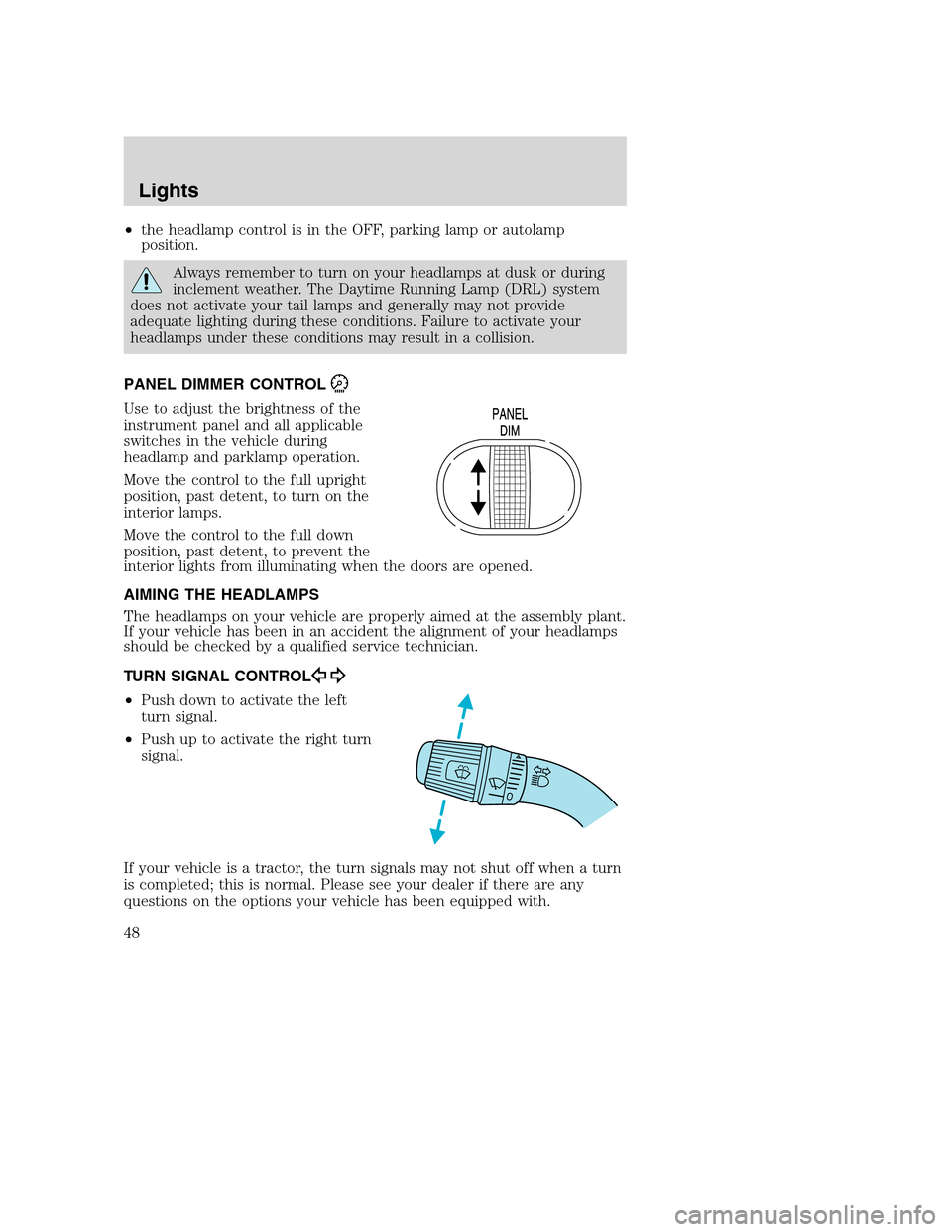
PANEL DIMMER CONTROL
Use to adjust the brightness of the
instrument panel and all applicable
switches in the vehicle during
headlamp and parklamp operation.
Move the control to the full upright
position, past detent, to turn on the
interior lamps.
Move the control to the full down
position, past detent, to prevent the
interior lights from illuminating when the doors are opened.
AIMING THE HEADLAMPS
The headlamps on your vehicle are properly aimed at the assembly plant.
If your vehicle has been in an accident the alignment of your headlamps
should be checked by a qualified service technician.
TURN SIGNAL CONTROL
•Push down to activate the left
turn signal.
•Push up to activate the right turn
signal.
If your vehicle is a tractor, the turn signals may not shut off when a turn
is completed; this is normal. Please see your dealer if there are any
questions on the options your vehicle has been equipped with.
Lights
48
Page 49 of 272
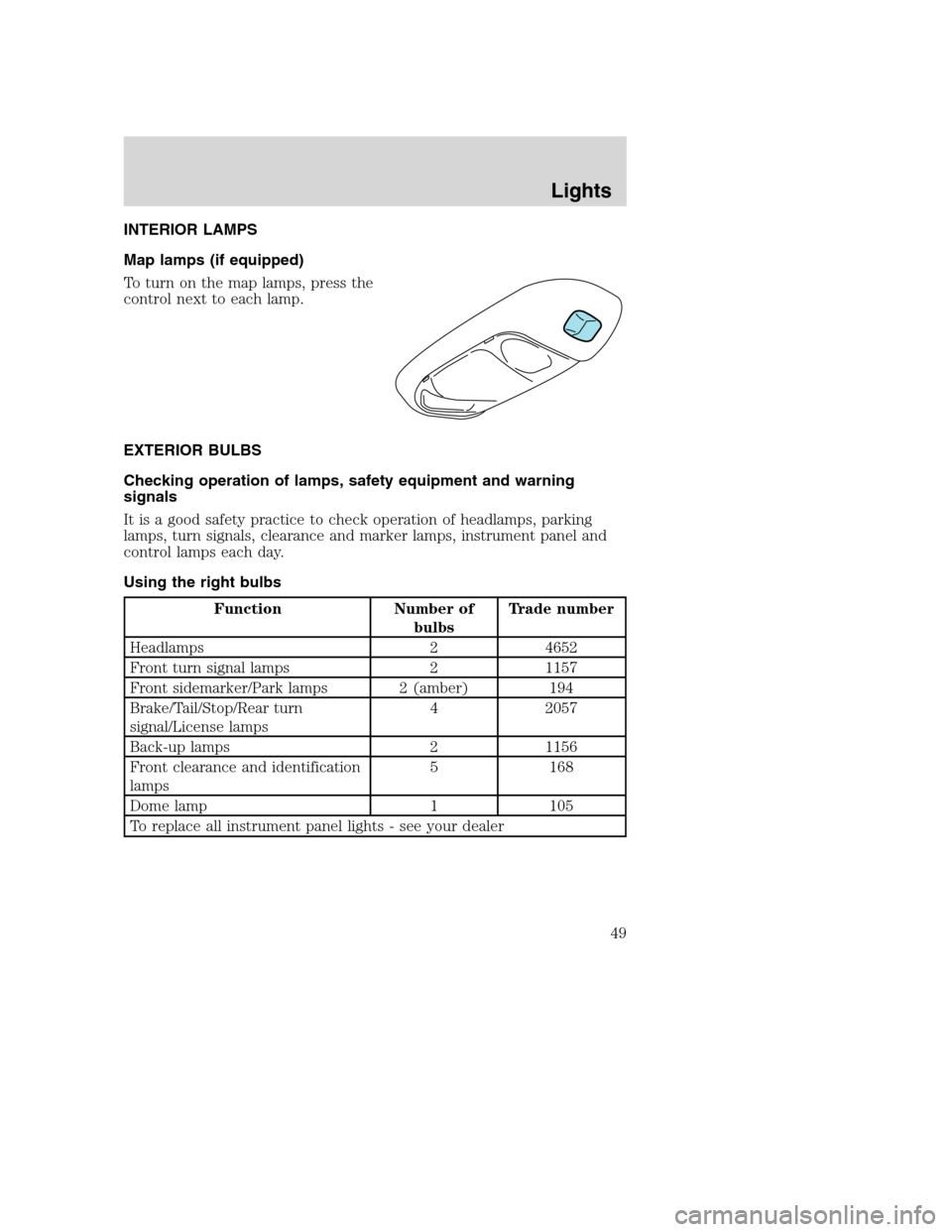
INTERIOR LAMPS
Map lamps (if equipped)
To turn on the map lamps, press the
control next to each lamp.
EXTERIOR BULBS
Checking operation of lamps, safety equipment and warning
signals
It is a good safety practice to check operation of headlamps, parking
lamps, turn signals, clearance and marker lamps, instrument panel and
control lamps each day.
Using the right bulbs
Function Number of
bulbsTrade number
Headlamps 2 4652
Front turn signal lamps 2 1157
Front sidemarker/Park lamps 2 (amber) 194
Brake/Tail/Stop/Rear turn
signal/License lamps4 2057
Back-up lamps 2 1156
Front clearance and identification
lamps5 168
Dome lamp 1 105
To replace all instrument panel lights - see your dealer
Lights
49