warning light FORD F650 2013 12.G User Guide
[x] Cancel search | Manufacturer: FORD, Model Year: 2013, Model line: F650, Model: FORD F650 2013 12.GPages: 378, PDF Size: 3.82 MB
Page 51 of 378
Deactivating and Activating the Belt-Minder® Feature
WARNING:While the design allows you to deactivate your
Belt-Minder®, this system is designed to improve your chances of
being safely belted and surviving an accident. We recommend you leave
the Belt-Minder® system activated for yourself and others who may use
the vehicle. To reduce the risk of injury, do not deactivate or activate
the Belt-Minder® feature while driving the vehicle.
Read Steps 1-4 thoroughly before proceeding with the deactivation or
activation programming procedure.
The system can be deactivated and activated by performing the following
procedure:
Before following the procedure, make sure that:
•the parking brake is set
•the gearshift is in positionP(if equipped) orNfor an automatic
transmission or neutral for a manual transmission
•the ignition is off
•all vehicle doors are closed
•the driver’s safety belt is unbuckled
•the parklamps and headlamps are off.
1. Turn the ignition on. (DO NOT START THE ENGINE.)
2. Wait until the safety belt warning light turns off (approximately one
or two minutes).
•Steps 3–5 must be completed within 60 seconds after the safety
belt warning light turns off, or the procedure has to be repeated.
3. Buckle then unbuckle the safety belt three times at a moderate
speed, ending with the safety belt in the unbuckled state.
4. Turn on the parklamps and headlamps, then turn them off.
5. Buckle then unbuckle the safety belt three times at a moderate
speed, ending with the safety belt in the unbuckled state.
•After Step 5, the safety belt warning light turns on for three
seconds.
6. Within seven seconds of the light turning on, buckle then unbuckle
the safety belt.
•This disables the Belt-Minder® feature if it is currently enabled.
•This enables the Belt-Minder® feature if it is currently disabled.
50Safety Belts
2013 F-650/750(f67)
Owners Guide gf, 2nd Printing, March 2013
USA(fus)
Page 52 of 378
Confirmation of disabling Belt-Minder® is provided by the safety belt
warning light flashing four times per second for three seconds.
Confirmation of enabling Belt-Minder® is provided by:
•the safety belt warning light flashing four times per second for three
seconds
•the safety belt warning light turning off
•the safety belt warning light flashing four times per second for three
seconds.
After receiving confirmation, the procedure is complete.
CHILD RESTRAINT AND SAFETY BELT MAINTENANCE
Inspect the vehicle safety belts and child safety seat systems periodically
to make sure they work properly and are not damaged. Inspect the
vehicle and child seat safety belts to make sure there are no nicks, tears
or cuts. Replace if necessary. All vehicle safety belt assemblies, including
retractors, buckles, front safety belt buckle assemblies, buckle support
assemblies (slide bar-if equipped), shoulder belt height adjusters (if
equipped), shoulder belt guide on seat back (if equipped), child safety
seat LATCH and tether anchors, and attaching hardware, should be
inspected after a crash. Read the child restraint manufacturer’s
instructions for additional inspection and maintenance information
specific to the child restraint. Ford Motor Company recommends that all
safety belt assemblies in use in vehicles involved in a crash be replaced.
However, if the crash was minor and an authorized dealer finds that the
belts do not show damage and continue to operate properly, they do not
need to be replaced. Safety belt assemblies not in use during a crash
should also be inspected and replaced if either damage or improper
operation is noted.
For proper care of soiled safety belts, seeCleaning the interiorin the
Vehicle Carechapter.
Safety Belts51
2013 F-650/750(f67)
Owners Guide gf, 2nd Printing, March 2013
USA(fus)
Page 58 of 378
INSTRUMENT LIGHTING DIMMER
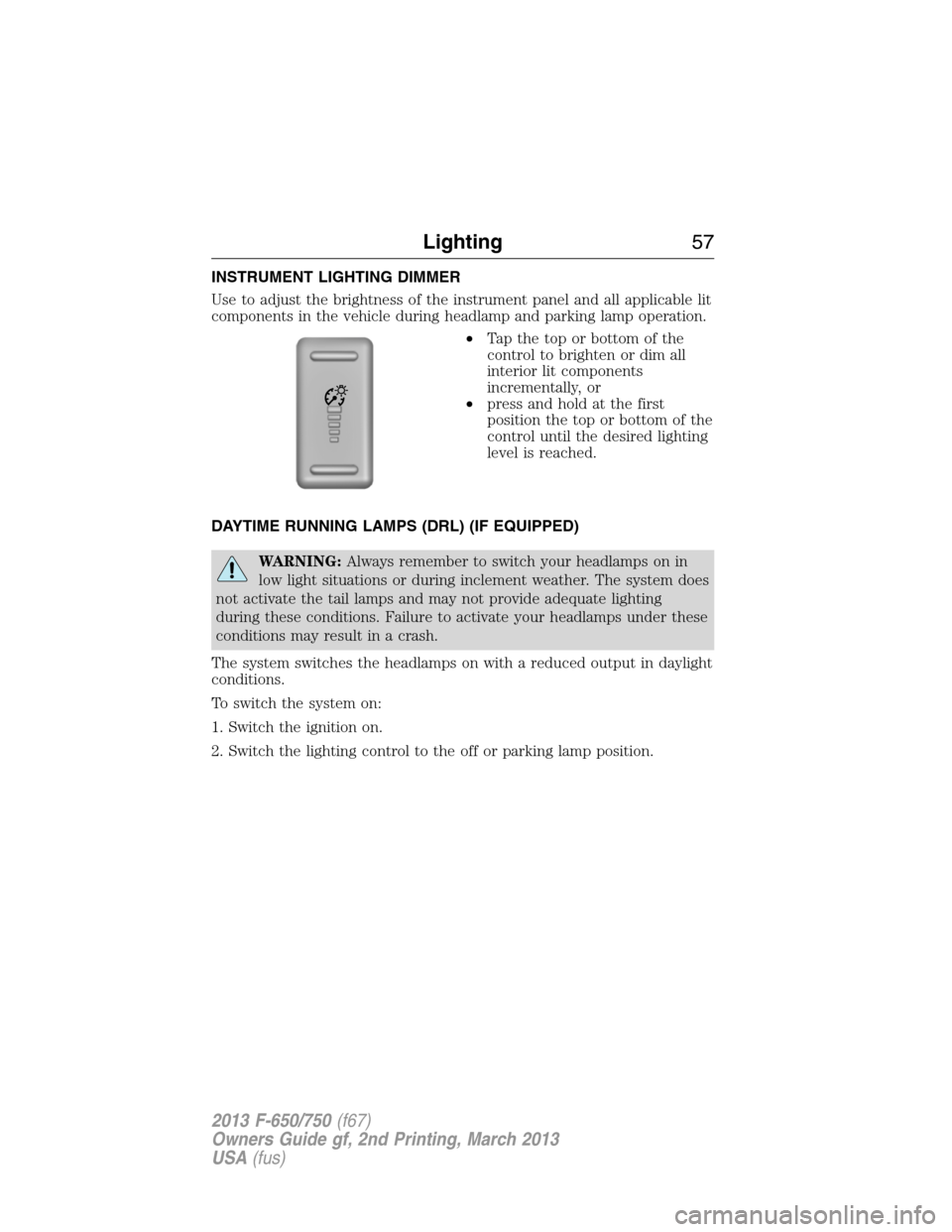
Use to adjust the brightness of the instrument panel and all applicable lit
components in the vehicle during headlamp and parking lamp operation.
•Tapthetoporbottomofthe
control to brighten or dim all
interior lit components
incrementally, or
•press and hold at the first
position the top or bottom of the
control until the desired lighting
level is reached.
DAYTIME RUNNING LAMPS (DRL) (IF EQUIPPED)
WARNING:Always remember to switch your headlamps on in
low light situations or during inclement weather. The system does
not activate the tail lamps and may not provide adequate lighting
during these conditions. Failure to activate your headlamps under these
conditions may result in a crash.
The system switches the headlamps on with a reduced output in daylight
conditions.
To switch the system on:
1. Switch the ignition on.
2. Switch the lighting control to the off or parking lamp position.
Lighting57
2013 F-650/750(f67)
Owners Guide gf, 2nd Printing, March 2013
USA(fus)
Page 60 of 378
POWER WINDOWS (IF EQUIPPED)
WARNING:Do not leave children unattended in your vehicle
and do not let them play with the power windows. They may
seriously injure themselves.
WARNING:When closing the power windows, you should verify
they are free of obstructions and make sure that children and
pets are not in the proximity of the window openings.
Note:You may hear a rumbling noise when one or both of the rear
windows are open. Lower a front window slightly to reduce this noise.
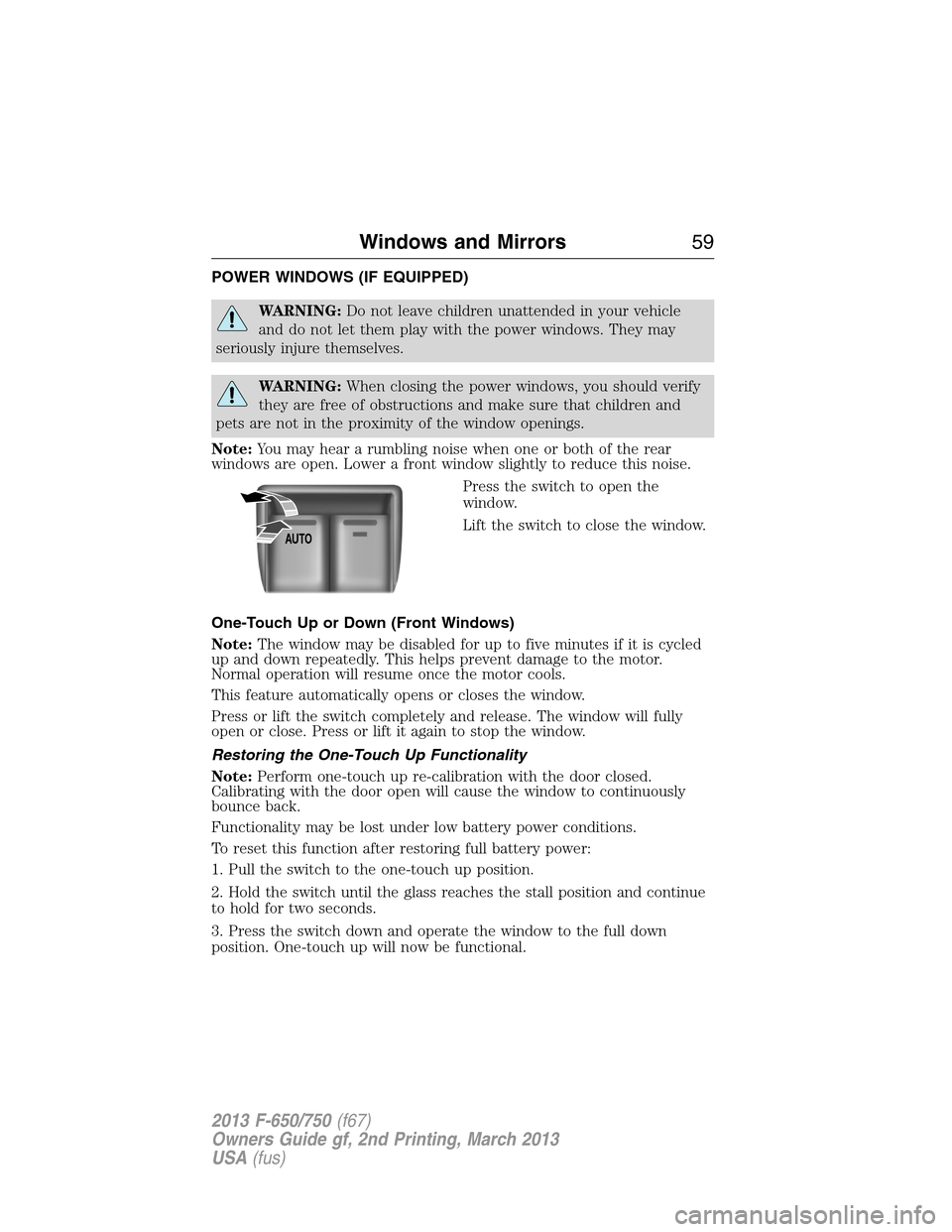
Press the switch to open the
window.
Lift the switch to close the window.
One-Touch Up or Down (Front Windows)
Note:The window may be disabled for up to five minutes if it is cycled
up and down repeatedly. This helps prevent damage to the motor.
Normal operation will resume once the motor cools.
This feature automatically opens or closes the window.
Press or lift the switch completely and release. The window will fully
open or close. Press or lift it again to stop the window.
Restoring the One-Touch Up Functionality
Note:Perform one-touch up re-calibration with the door closed.
Calibrating with the door open will cause the window to continuously
bounce back.
Functionality may be lost under low battery power conditions.
To reset this function after restoring full battery power:
1. Pull the switch to the one-touch up position.
2. Hold the switch until the glass reaches the stall position and continue
to hold for two seconds.
3. Press the switch down and operate the window to the full down
position. One-touch up will now be functional.
AUTO
Windows and Mirrors59
2013 F-650/750(f67)
Owners Guide gf, 2nd Printing, March 2013
USA(fus)
Page 61 of 378
Bounce-Back (One-Touch Up or Down Windows Only)
The window will stop automatically while closing and reverse some
distance if there is an obstacle in the way.
Overriding the Bounce-Back Feature
WARNING:When you override the bounce-back feature the
window will not reverse if it detects an obstacle. Take care when
closing the windows to avoid personal injury or damage to your vehicle.
Pull up the window switch and hold within two seconds of the window
reaching the bounce-back position. The window will travel up with no
bounce-back protection. The window will stop if you release the switch
before the window is fully closed.
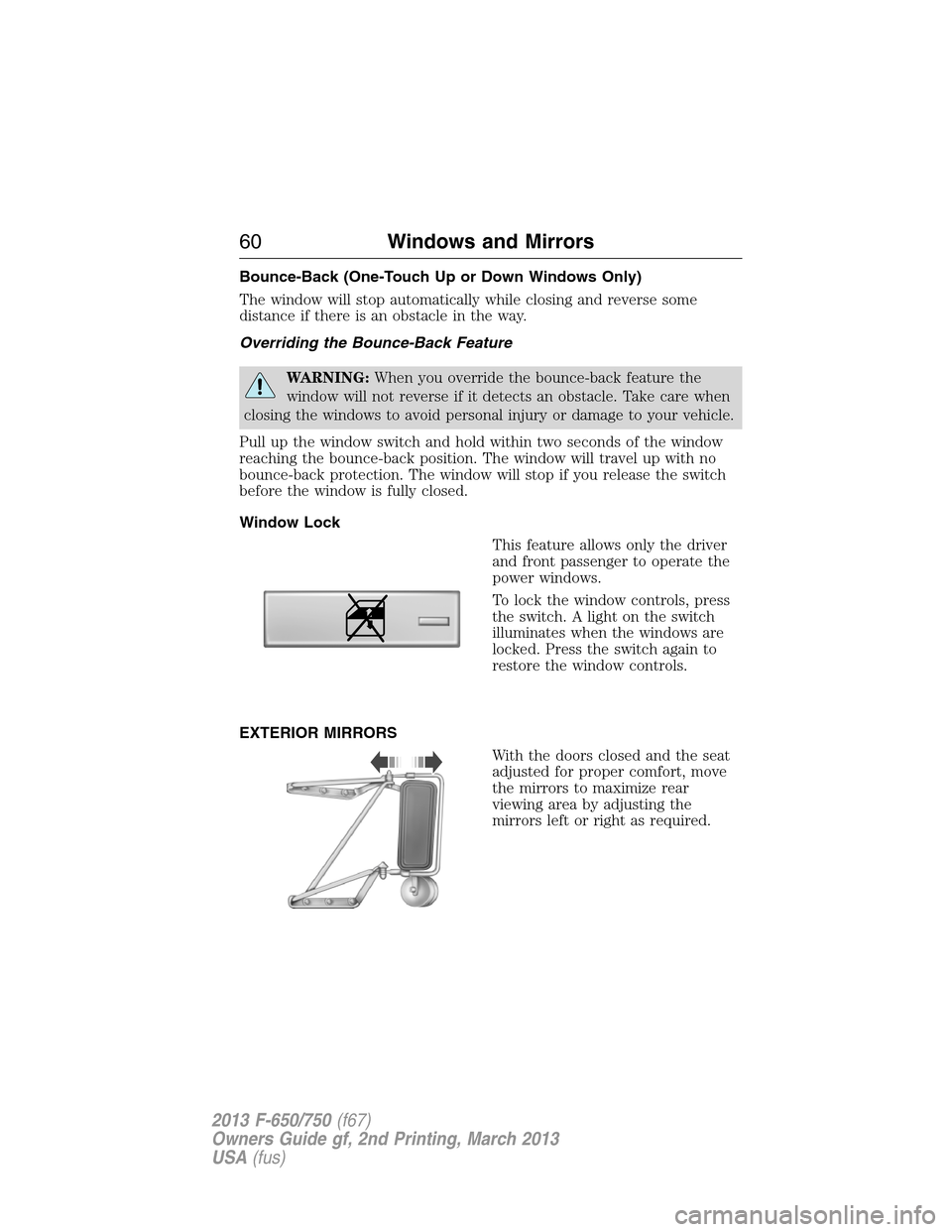
Window Lock
This feature allows only the driver
and front passenger to operate the
power windows.
To lock the window controls, press
the switch. A light on the switch
illuminates when the windows are
locked. Press the switch again to
restore the window controls.
EXTERIOR MIRRORS
With the doors closed and the seat
adjusted for proper comfort, move
the mirrors to maximize rear
viewing area by adjusting the
mirrors left or right as required.
60Windows and Mirrors
2013 F-650/750(f67)
Owners Guide gf, 2nd Printing, March 2013
USA(fus)
Page 66 of 378
Engine Coolant Temperature Gauge
Indicates engine coolant temperature. At normal operating temperature,
the level indicator is in the normal range. If the engine coolant
temperature exceeds the normal range, stop the vehicle as soon as safely
possible, switch off the engine and let the engine cool.
WARNING:Never remove the coolant reservoir cap while the
engine is running or hot.
Diesel Exhaust Fluid (DEF) Gauge
Indicates fluid level in DEF tank.
Fuel Gauge
Indicates approximately how much fuel is left in the fuel tank (when the
ignition is on). The fuel gauge may vary slightly when the vehicle is in
motion or on a grade. The fuel icon and arrow indicates which side of
the vehicle the fuel filler door is located.
Information Display
Odometer:Located in the bottom of the information display. Registers
the accumulated distance your vehicle has travelled.
Trip Computer:SeeGeneral informationin theInformation Displays
chapter.
Vehicle Settings and Personalization:SeeGeneral informationin
theInformation Displayschapter.
Instrument Cluster65
2013 F-650/750(f67)
Owners Guide gf, 2nd Printing, March 2013
USA(fus)
Page 68 of 378
Engine Coolant Temperature Gauge
Indicates engine coolant temperature. At normal operating temperature,
the level indicator is in the normal range. If the engine coolant
temperature exceeds the normal range, stop the vehicle as soon as safely
possible, switch off the engine and let the engine cool.
WARNING:Never remove the coolant reservoir cap while the
engine is running or hot.
Transmission Fluid Temperature Gauge
Indicates transmission fluid temperature. At normal operating
temperature, the level indicator is in the normal range. If the
transmission fluid temperature exceeds the normal range, stop the
vehicle as soon as safely possible and verify the airflow is not restricted,
such as snow or debris blocking airflow through the grill. Also, higher
than normal operating temperature can be caused by special operation
conditions (i.e., snowplowing, towing or off-road use). Operating the
transmission for extended periods of time with the gauge in the higher
than normal area may cause internal transmission damage. Altering the
severity of the driving conditions is recommended to lower the
transmission temperature into the normal range. If the gauge continues
to show high temperatures, see your authorized dealer.
Fuel Gauge
Indicates approximately how much fuel is left in the fuel tank (when the
ignition is on). The fuel gauge may vary slightly when the vehicle is in
motion or on a grade. The fuel icon and arrow indicates which side of
the vehicle the fuel filler door is located.
Information Display
Odometer:Located in the bottom of the information display. Registers
the accumulated distance your vehicle has travelled.
Trip Computer:SeeGeneral informationin theInformation Displays
chapter.
Vehicle Settings and Personalization:SeeGeneral informationin
theInformation Displayschapter.
Instrument Cluster67
2013 F-650/750(f67)
Owners Guide gf, 2nd Printing, March 2013
USA(fus)
Page 69 of 378
Gauge Package (If Equipped)
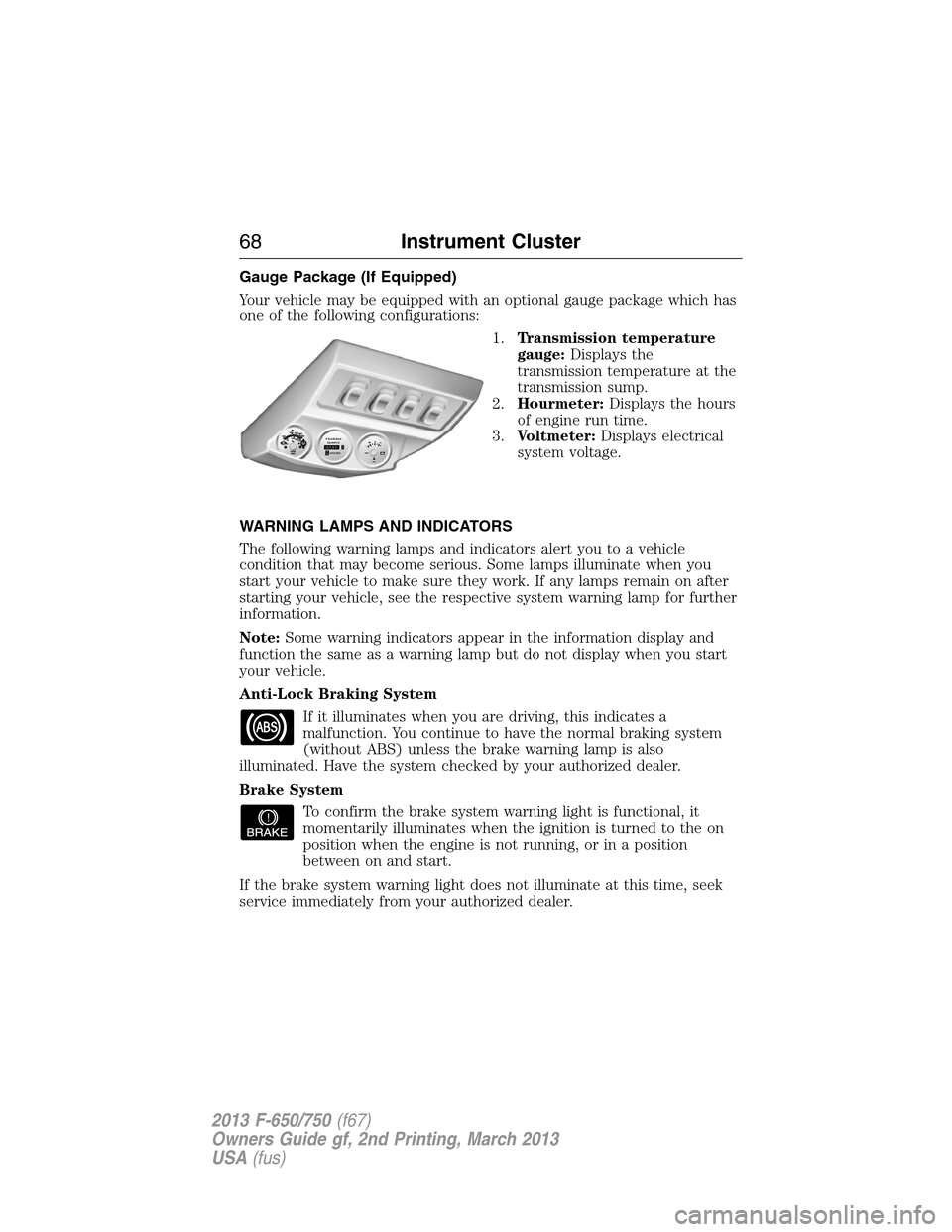
Your vehicle may be equipped with an optional gauge package which has
one of the following configurations:
1.Transmission temperature
gauge:Displays the
transmission temperature at the
transmission sump.
2.Hourmeter:Displays the hours
of engine run time.
3.Voltmeter:Displays electrical
system voltage.
WARNING LAMPS AND INDICATORS
The following warning lamps and indicators alert you to a vehicle
condition that may become serious. Some lamps illuminate when you
start your vehicle to make sure they work. If any lamps remain on after
starting your vehicle, see the respective system warning lamp for further
information.
Note:Some warning indicators appear in the information display and
function the same as a warning lamp but do not display when you start
your vehicle.
Anti-Lock Braking System
If it illuminates when you are driving, this indicates a
malfunction. You continue to have the normal braking system
(without ABS) unless the brake warning lamp is also
illuminated. Have the system checked by your authorized dealer.
Brake System
To confirm the brake system warning light is functional, it
momentarily illuminates when the ignition is turned to the on
position when the engine is not running, or in a position
between on and start.
If the brake system warning light does not illuminate at this time, seek
service immediately from your authorized dealer.
68Instrument Cluster
2013 F-650/750(f67)
Owners Guide gf, 2nd Printing, March 2013
USA(fus)
Page 70 of 378
WARNING:Driving a vehicle with the brake system warning
light on is dangerous. A significant decrease in braking
performance may occur. It takes you longer to stop the vehicle. Have
the vehicle checked by your authorized dealer. Driving extended
distances with the parking brake engaged can cause brake failure and
the risk of personal injury.
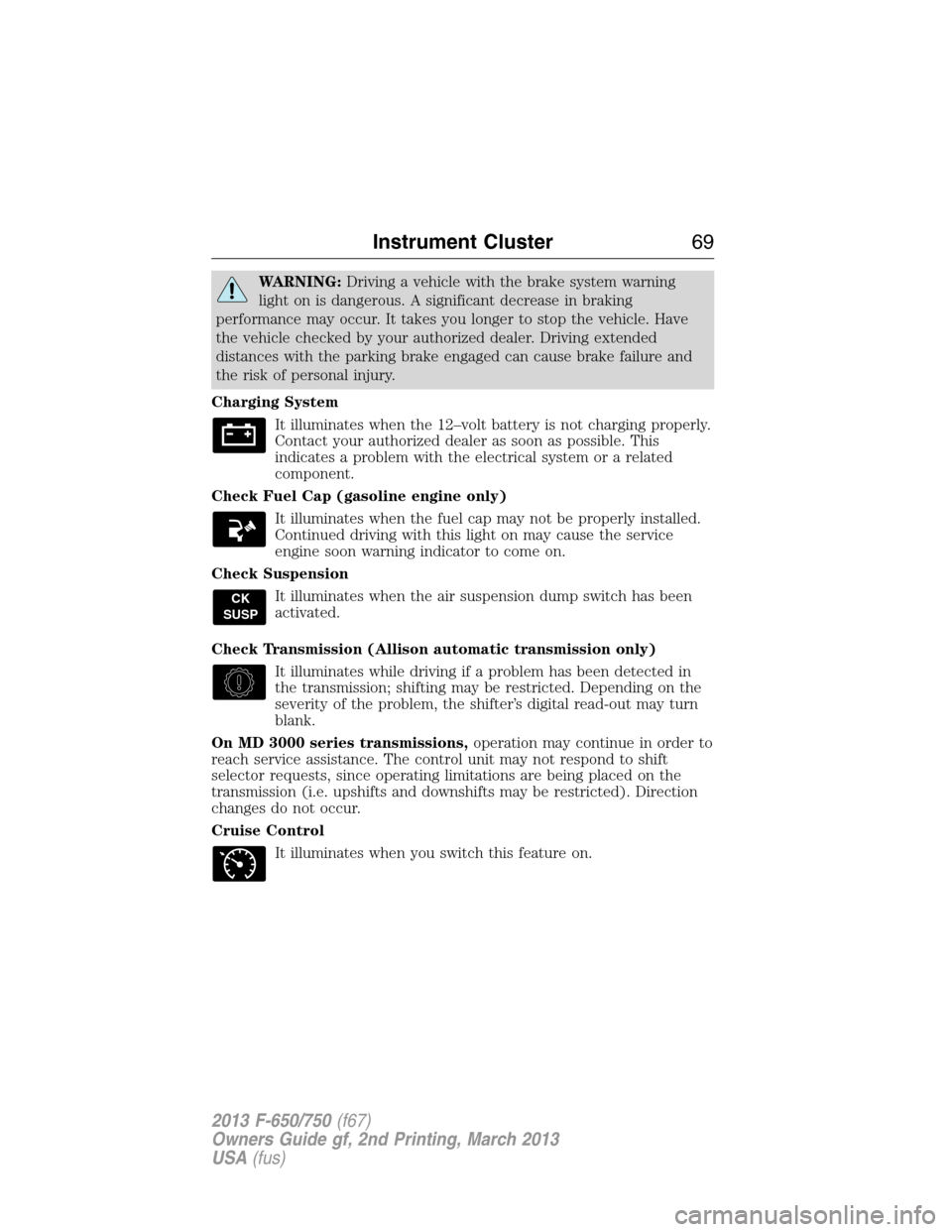
Charging System
It illuminates when the 12–volt battery is not charging properly.
Contact your authorized dealer as soon as possible. This
indicates a problem with the electrical system or a related
component.
Check Fuel Cap (gasoline engine only)
It illuminates when the fuel cap may not be properly installed.
Continued driving with this light on may cause the service
engine soon warning indicator to come on.
Check Suspension
It illuminates when the air suspension dump switch has been
activated.
Check Transmission (Allison automatic transmission only)
It illuminates while driving if a problem has been detected in
the transmission; shifting may be restricted. Depending on the
severity of the problem, the shifter’s digital read-out may turn
blank.
On MD 3000 series transmissions,operation may continue in order to
reach service assistance. The control unit may not respond to shift
selector requests, since operating limitations are being placed on the
transmission (i.e. upshifts and downshifts may be restricted). Direction
changes do not occur.
Cruise Control
It illuminates when you switch this feature on.
CK
SUSP
Instrument Cluster69
2013 F-650/750(f67)
Owners Guide gf, 2nd Printing, March 2013
USA(fus)
Page 73 of 378
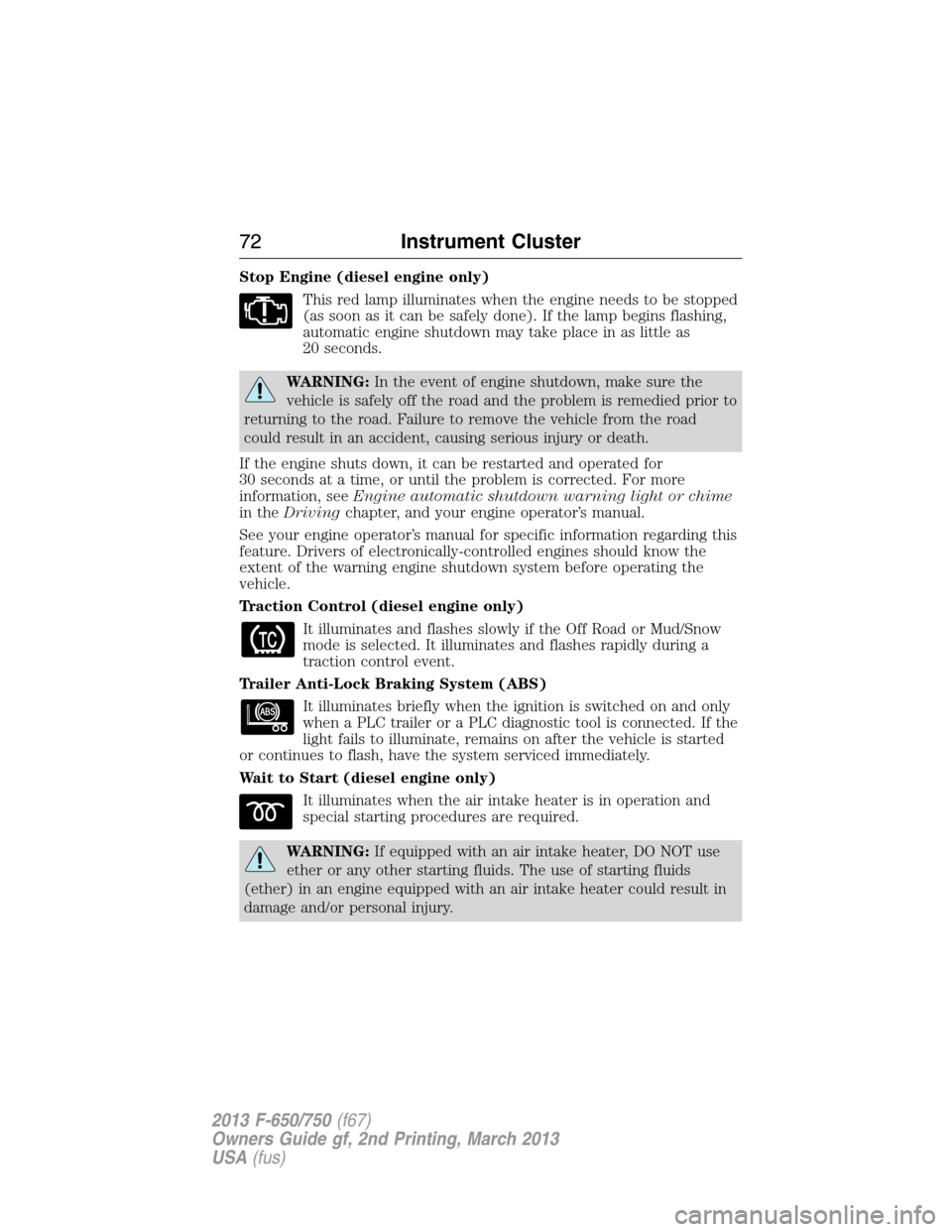
Stop Engine (diesel engine only)
This red lamp illuminates when the engine needs to be stopped
(as soon as it can be safely done). If the lamp begins flashing,
automatic engine shutdown may take place in as little as
20 seconds.
WARNING:In the event of engine shutdown, make sure the
vehicle is safely off the road and the problem is remedied prior to
returning to the road. Failure to remove the vehicle from the road
could result in an accident, causing serious injury or death.
If the engine shuts down, it can be restarted and operated for
30 seconds at a time, or until the problem is corrected. For more
information, seeEngine automatic shutdown warning light or chime
in theDrivingchapter, and your engine operator’s manual.
See your engine operator’s manual for specific information regarding this
feature. Drivers of electronically-controlled engines should know the
extent of the warning engine shutdown system before operating the
vehicle.
Traction Control (diesel engine only)
It illuminates and flashes slowly if the Off Road or Mud/Snow
mode is selected. It illuminates and flashes rapidly during a
traction control event.
Trailer Anti-Lock Braking System (ABS)
It illuminates briefly when the ignition is switched on and only
when a PLC trailer or a PLC diagnostic tool is connected. If the
light fails to illuminate, remains on after the vehicle is started
or continues to flash, have the system serviced immediately.
Wait to Start (diesel engine only)
It illuminates when the air intake heater is in operation and
special starting procedures are required.
WARNING:If equipped with an air intake heater, DO NOT use
ether or any other starting fluids. The use of starting fluids
(ether) in an engine equipped with an air intake heater could result in
damage and/or personal injury.
72Instrument Cluster
2013 F-650/750(f67)
Owners Guide gf, 2nd Printing, March 2013
USA(fus)