tire pressure FORD F650/750 2019 Owner's Manual
[x] Cancel search | Manufacturer: FORD, Model Year: 2019, Model line: F650/750, Model: FORD F650/750 2019Pages: 387, PDF Size: 4.78 MB
Page 254 of 387
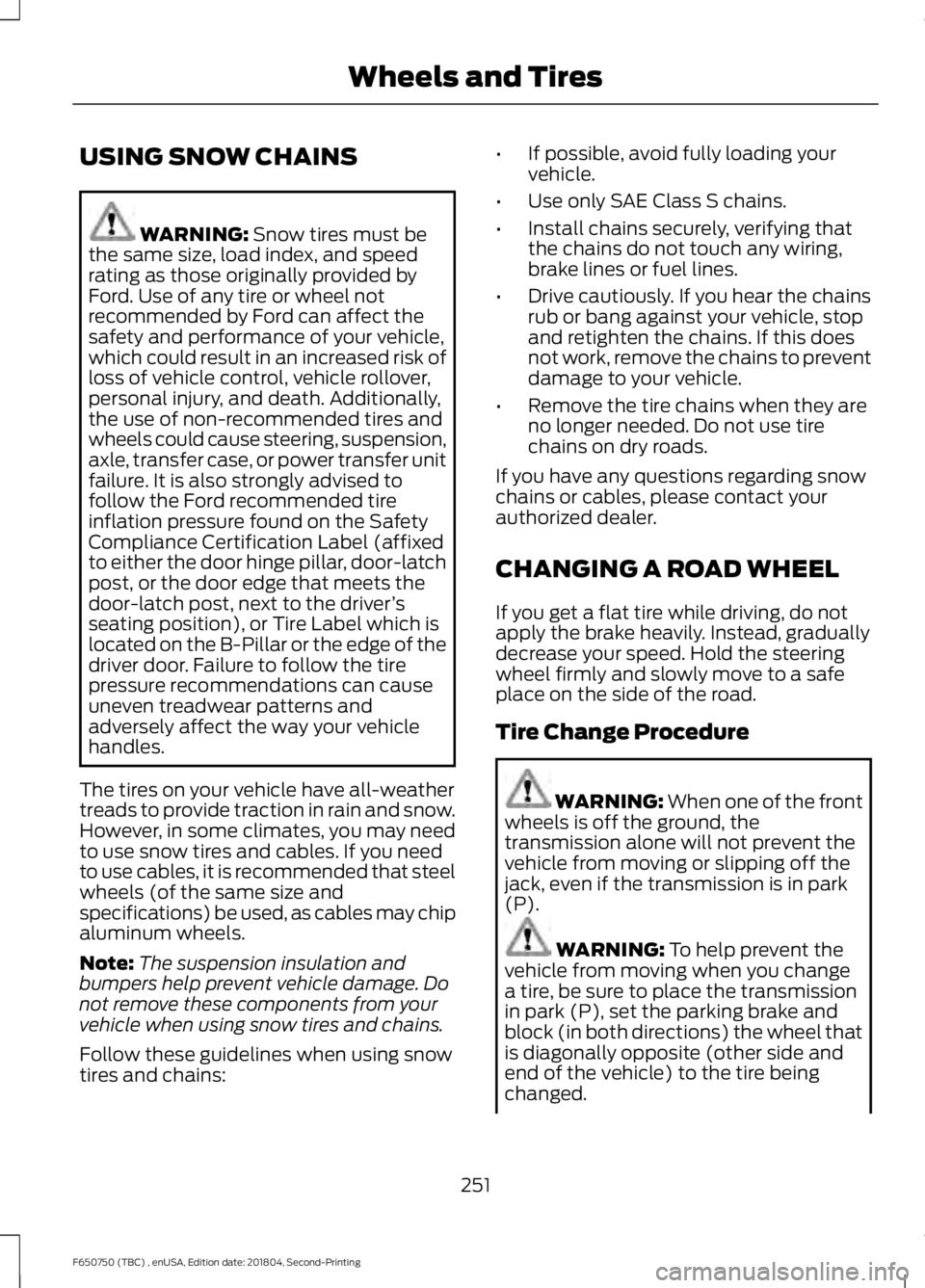
USING SNOW CHAINS
WARNING: Snow tires must be
the same size, load index, and speed
rating as those originally provided by
Ford. Use of any tire or wheel not
recommended by Ford can affect the
safety and performance of your vehicle,
which could result in an increased risk of
loss of vehicle control, vehicle rollover,
personal injury, and death. Additionally,
the use of non-recommended tires and
wheels could cause steering, suspension,
axle, transfer case, or power transfer unit
failure. It is also strongly advised to
follow the Ford recommended tire
inflation pressure found on the Safety
Compliance Certification Label (affixed
to either the door hinge pillar, door-latch
post, or the door edge that meets the
door-latch post, next to the driver ’s
seating position), or Tire Label which is
located on the B-Pillar or the edge of the
driver door. Failure to follow the tire
pressure recommendations can cause
uneven treadwear patterns and
adversely affect the way your vehicle
handles.
The tires on your vehicle have all-weather
treads to provide traction in rain and snow.
However, in some climates, you may need
to use snow tires and cables. If you need
to use cables, it is recommended that steel
wheels (of the same size and
specifications) be used, as cables may chip
aluminum wheels.
Note: The suspension insulation and
bumpers help prevent vehicle damage. Do
not remove these components from your
vehicle when using snow tires and chains.
Follow these guidelines when using snow
tires and chains: •
If possible, avoid fully loading your
vehicle.
• Use only SAE Class S chains.
• Install chains securely, verifying that
the chains do not touch any wiring,
brake lines or fuel lines.
• Drive cautiously. If you hear the chains
rub or bang against your vehicle, stop
and retighten the chains. If this does
not work, remove the chains to prevent
damage to your vehicle.
• Remove the tire chains when they are
no longer needed. Do not use tire
chains on dry roads.
If you have any questions regarding snow
chains or cables, please contact your
authorized dealer.
CHANGING A ROAD WHEEL
If you get a flat tire while driving, do not
apply the brake heavily. Instead, gradually
decrease your speed. Hold the steering
wheel firmly and slowly move to a safe
place on the side of the road.
Tire Change Procedure WARNING:
When one of the front
wheels is off the ground, the
transmission alone will not prevent the
vehicle from moving or slipping off the
jack, even if the transmission is in park
(P). WARNING:
To help prevent the
vehicle from moving when you change
a tire, be sure to place the transmission
in park (P), set the parking brake and
block (in both directions) the wheel that
is diagonally opposite (other side and
end of the vehicle) to the tire being
changed.
251
F650750 (TBC) , enUSA, Edition date: 201804, Second-Printing Wheels and Tires
Page 328 of 387
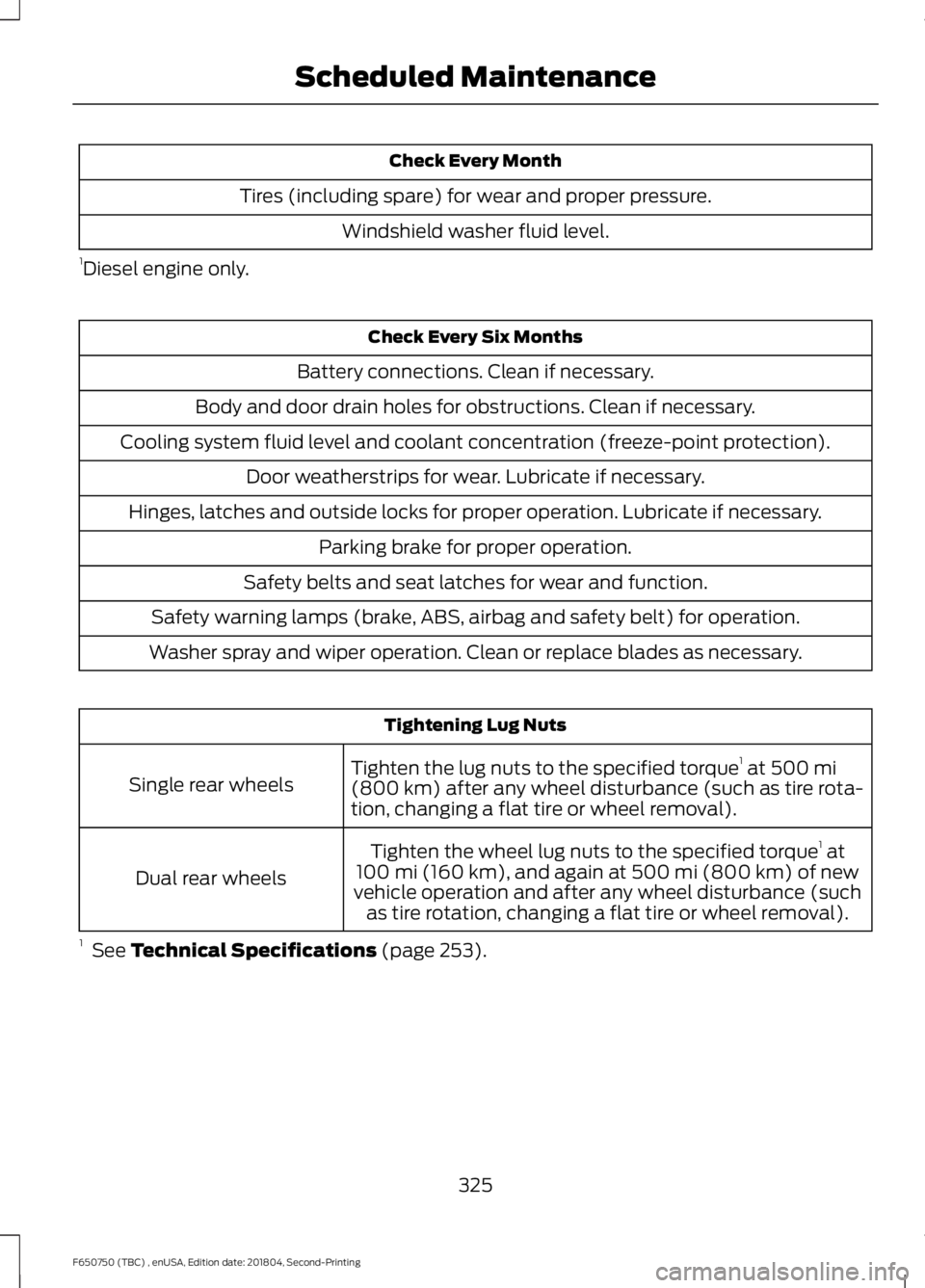
Check Every Month
Tires (including spare) for wear and proper pressure. Windshield washer fluid level.
1 Diesel engine only. Check Every Six Months
Battery connections. Clean if necessary.
Body and door drain holes for obstructions. Clean if necessary.
Cooling system fluid level and coolant concentration (freeze-point protection). Door weatherstrips for wear. Lubricate if necessary.
Hinges, latches and outside locks for proper operation. Lubricate if necessary. Parking brake for proper operation.
Safety belts and seat latches for wear and function.
Safety warning lamps (brake, ABS, airbag and safety belt) for operation.
Washer spray and wiper operation. Clean or replace blades as necessary. Tightening Lug Nuts
Tighten the lug nuts to the specified torque 1
at 500 mi
(800 km) after any wheel disturbance (such as tire rota-
tion, changing a flat tire or wheel removal).
Single rear wheels
Tighten the wheel lug nuts to the specified torque 1
at
100 mi (160 km)
, and again at 500 mi (800 km) of new
vehicle operation and after any wheel disturbance (such as tire rotation, changing a flat tire or wheel removal).
Dual rear wheels
1 See
Technical Specifications (page 253).
325
F650750 (TBC) , enUSA, Edition date: 201804, Second-Printing Scheduled Maintenance
Page 329 of 387
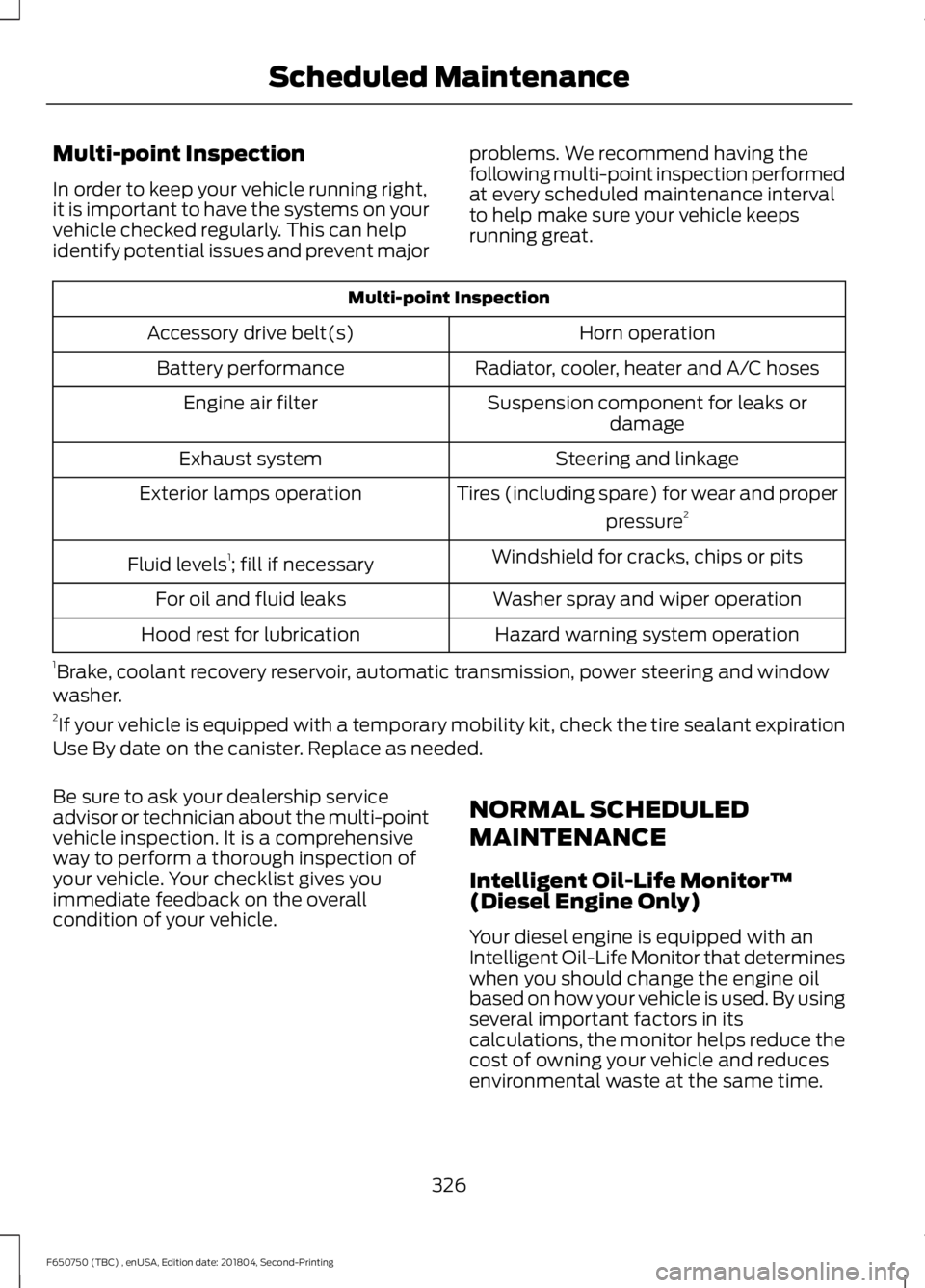
Multi-point Inspection
In order to keep your vehicle running right,
it is important to have the systems on your
vehicle checked regularly. This can help
identify potential issues and prevent major
problems. We recommend having the
following multi-point inspection performed
at every scheduled maintenance interval
to help make sure your vehicle keeps
running great.Multi-point Inspection
Horn operation
Accessory drive belt(s)
Radiator, cooler, heater and A/C hoses
Battery performance
Suspension component for leaks ordamage
Engine air filter
Steering and linkage
Exhaust system
Tires (including spare) for wear and properpressure2
Exterior lamps operation
Windshield for cracks, chips or pits
Fluid levels 1
; fill if necessary
Washer spray and wiper operation
For oil and fluid leaks
Hazard warning system operation
Hood rest for lubrication
1 Brake, coolant recovery reservoir, automatic transmission, power steering and window
washer.
2 If your vehicle is equipped with a temporary mobility kit, check the tire sealant expiration
Use By date on the canister. Replace as needed.
Be sure to ask your dealership service
advisor or technician about the multi-point
vehicle inspection. It is a comprehensive
way to perform a thorough inspection of
your vehicle. Your checklist gives you
immediate feedback on the overall
condition of your vehicle. NORMAL SCHEDULED
MAINTENANCE
Intelligent Oil-Life Monitor™
(Diesel Engine Only)
Your diesel engine is equipped with an
Intelligent Oil-Life Monitor that determines
when you should change the engine oil
based on how your vehicle is used. By using
several important factors in its
calculations, the monitor helps reduce the
cost of owning your vehicle and reduces
environmental waste at the same time.
326
F650750 (TBC) , enUSA, Edition date: 201804, Second-Printing Scheduled Maintenance
Page 386 of 387
Using Cruise Control....................................138
Canceling the Set Speed................................. 138
Changing the Set Speed.................................. 138
Resuming the Set Speed................................. 139
Setting the Cruise Speed................................. 138
Switching Cruise Control Off.......................... 139
Switching Cruise Control On.......................... 138
Using Snow Chains......................................251
Using Stability Control...............................136
Using SYNC™ With Your Media Player............................................................303
Accessing Your Play Menu............................. 308
Connecting Your Digital Media Player to the USB Port.......................................................... 303
Media Menu Features...................................... 306
Media Voice Commands................................ 305
System Settings.................................................. 310
What's Playing?................................................ 304
Using SYNC™ With Your Phone
.............291
Accessing Features Through the Phone
Menu................................................................. 296
Accessing Your Phone Settings................... 299
Making a Call....................................................... 294
Pairing a Cell Phone for the First Time.................................................................... 291
Pairing Subsequent Cell Phones.................292
Phone Options during an Active Call.........294
Phone Voice Commands................................ 293
Receiving Calls................................................... 294
System Settings................................................ 300
Text Messaging................................................... 297
Using Traction Control - Vehicles With: Air Brakes
......................................................133
System Indicator Light...................................... 133
Using Traction Control - Vehicles With: Hydraulic Brakes........................................133
System Indicator Light...................................... 134
Using Voice Recognition
...........................289
Initiating a Voice Session................................ 289
System Interaction and Feedback..............290
Utilizing the Mediation/Arbitration Program (Canada Only).........................163
V
Vehicle Care
...................................................229
General Information......................................... 229
Vehicle Certification Label
.......................260 Vehicle Identification Number
................259
Vehicle Inspection Guide...........................178
Vehicle Inspection Information...............178
Trailer...................................................................... 185
Transmission........................................................ 185
Vehicle Storage
.............................................234
Battery.................................................................... 235
Body........................................................................\
234
Brakes..................................................................... 235
Cooling system................................................... 235
Engine.................................................................... 234
Fuel system.......................................................... 234
General.................................................................. 234
Miscellaneous..................................................... 235
Removing Vehicle From Storage.................. 235
Tires........................................................................\
. 235
Ventilation See: Climate Control........................................... 72
VIN See: Vehicle Identification Number............259
Voice Control....................................................47
W
Warning Lamps and Indicators................60 Anti-Lock Braking System................................ 60
Automatic Regeneration Control.................. 60
Battery..................................................................... 60
Brake System........................................................ 60
Check Fuel Cap.................................................... 60
Check Suspension............................................... 60
Cruise Control....................................................... 60
Diesel Exhaust Fluid........................................... 60
Direction Indicator................................................ 61
Door Ajar................................................................... 61
Electronic Locking Differential......................... 61
Engine Oil Pressure............................................... 61
Exhaust Brake On .................................................. 61
Fasten Seatbelt..................................................... 61
High Beam............................................................... 61
Hydromax................................................................. 61
Low Fuel Level........................................................ 61
Parking Brake Warning........................................ 61
Powertrain Malfunction/Reduced Power/Electronic Throttle Control...........62
Service Engine Soon........................................... 62
Stability Control and Traction Control Indicator.............................................................. 62
383
F650750 (TBC) , enUSA, Edition date: 201804, Second-Printing Index