reset FORD F750 2002 10.G User Guide
[x] Cancel search | Manufacturer: FORD, Model Year: 2002, Model line: F750, Model: FORD F750 2002 10.GPages: 256, PDF Size: 1.75 MB
Page 45 of 256
Tune adjust in radio mode
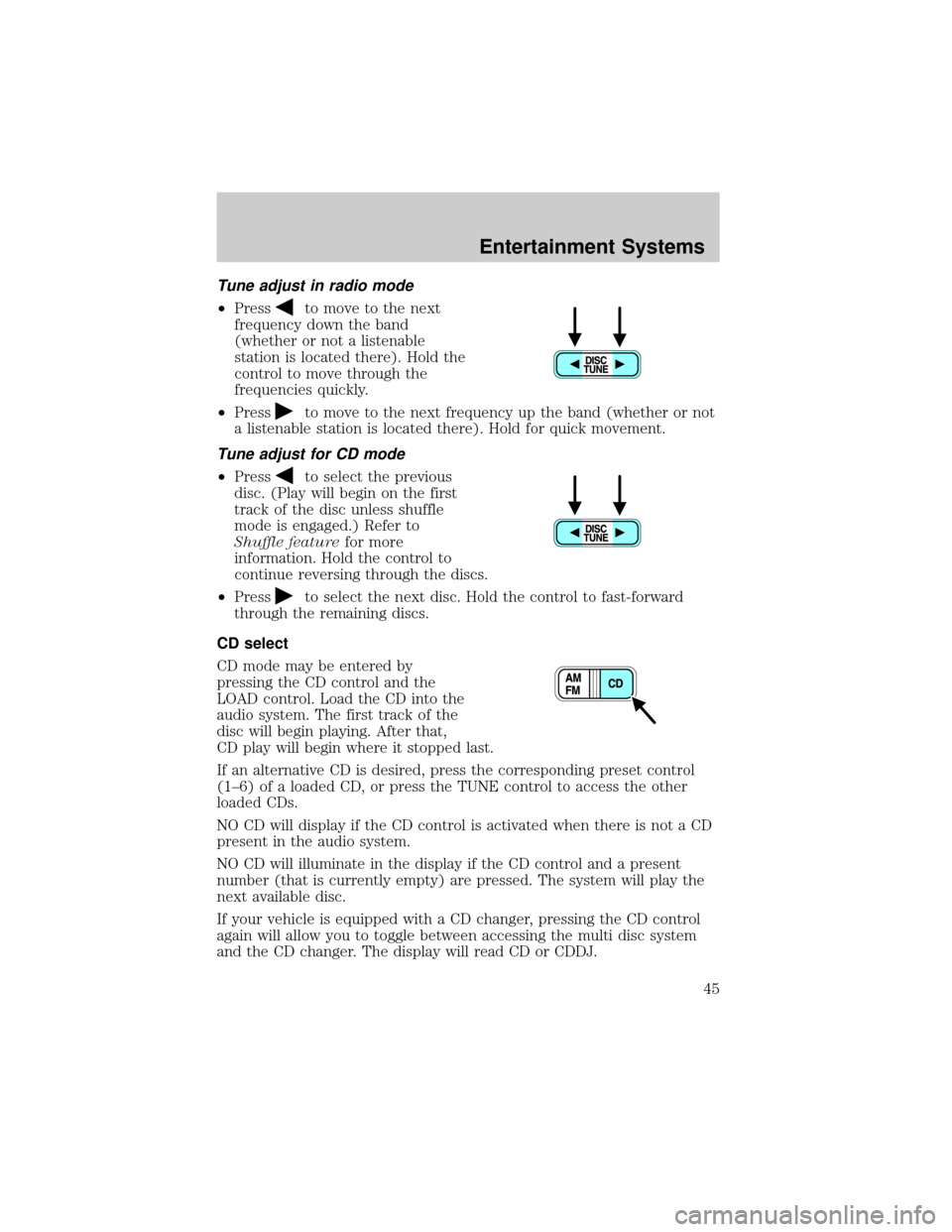
²Pressto move to the next
frequency down the band
(whether or not a listenable
station is located there). Hold the
control to move through the
frequencies quickly.
²Press
to move to the next frequency up the band (whether or not
a listenable station is located there). Hold for quick movement.
Tune adjust for CD mode
²Pressto select the previous
disc. (Play will begin on the first
track of the disc unless shuffle
mode is engaged.) Refer to
Shuffle featurefor more
information. Hold the control to
continue reversing through the discs.
²Press
to select the next disc. Hold the control to fast-forward
through the remaining discs.
CD select
CD mode may be entered by
pressing the CD control and the
LOAD control. Load the CD into the
audio system. The first track of the
disc will begin playing. After that,
CD play will begin where it stopped last.
If an alternative CD is desired, press the corresponding preset control
(1±6) of a loaded CD, or press the TUNE control to access the other
loaded CDs.
NO CD will display if the CD control is activated when there is not a CD
present in the audio system.
NO CD will illuminate in the display if the CD control and a present
number (that is currently empty) are pressed. The system will play the
next available disc.
If your vehicle is equipped with a CD changer, pressing the CD control
again will allow you to toggle between accessing the multi disc system
and the CD changer. The display will read CD or CDDJ.
Entertainment Systems
45
Page 47 of 256
Press the LOAD control. (You can choose which slot will be loaded by
pressing the desired preset number. If you do not choose a slot, the
system will choose the next available one.) Wait until the CD door opens.
Load the CD into the player. LOADING CD# is displayed. When the CD
has been loaded, the door will close and the CD will begin to play. For
example, to load a CD into slot 2, press the LOAD control and then press
preset 2.
Auto load
This feature allows you to autoload
up to 6 discs into the multi disc CD
player internal to the radio.
Press and hold the LOAD control until AUTOLOAD # is displayed. The
CD door will open. Load the desired disc, one at a time. The CD is
loaded into position and the audio system will display CD#. Each time
the CD door opens, INSERT CD# is displayed. The door will close and
the player will move to the next slot after each disc has been loaded.
The process is repeated until all 6 slots are full. The audio system plays
the last CD loaded and the display is updated. If some slots are already
full and autoload is activated, the system will fill all empty slots.
Eject
Press the EJ control to stop and
eject a CD. You can choose which
CD will be ejected by pressing the
EJ control and the desired preset
number (1±6). For example, to eject CD 2, press the EJ control and then
press the preset 2 control. If you do not choose a specific CD, the player
will eject the current CD.
If a CD is ejected and not removed from the door of the CD player, the
player will automatically reload the CD. This feature may be used when
the ignition is ON or OFF.
Entertainment Systems
47
Page 53 of 256
Use the SEL control to select the
desired signal mode (the selected
mode will appear in the display).
The following signal modes can be
selected:
²DSP OFFÐdisengages the feature
²NEWSкvoice-onlyº type of sound with a limited audio band
²JAZZ CLUBÐjazz club with clearly reflected sounds
²HALLÐrectangular concert hall capacity of about 2 000
²CHURCHÐchurch with a high vault
²STADIUMÐoutdoor stadium with a capacity of about 30 000
Press the DSP control again to access the occupancy modes. Use the
SEL control to optimize the sound based upon the occupants in the
vehicle. The following occupancy modes can be selected:
²ALL SEATS
²DRIVER SEAT
²REAR SEATS
Phone mode
This feature allows you to control
the factory-installed cellular phone
(if equipped) through the radio
controls.
²Press the phone/mute control to enter phone mode. The playing media
will mute.
²Use SEEK, TUNE or radio presets 1 through 6 to select a phone
number previously programmed in the phone.
²Press the phone/mute control again to send and end calls.
This control will mute the playing media even if your vehicle is not
equipped with a factory-installed cellular phone.
Press the control again to return to the playing media.
SEL
Entertainment Systems
53
Page 70 of 256
Never adjust the steering wheel when the vehicle is moving.
OVERHEAD CONSOLE (IF EQUIPPED)
The overhead console will show the outside temperature and compass
display.
Electronic compass/temperature display Ð SuperCrewzer only
Mode control
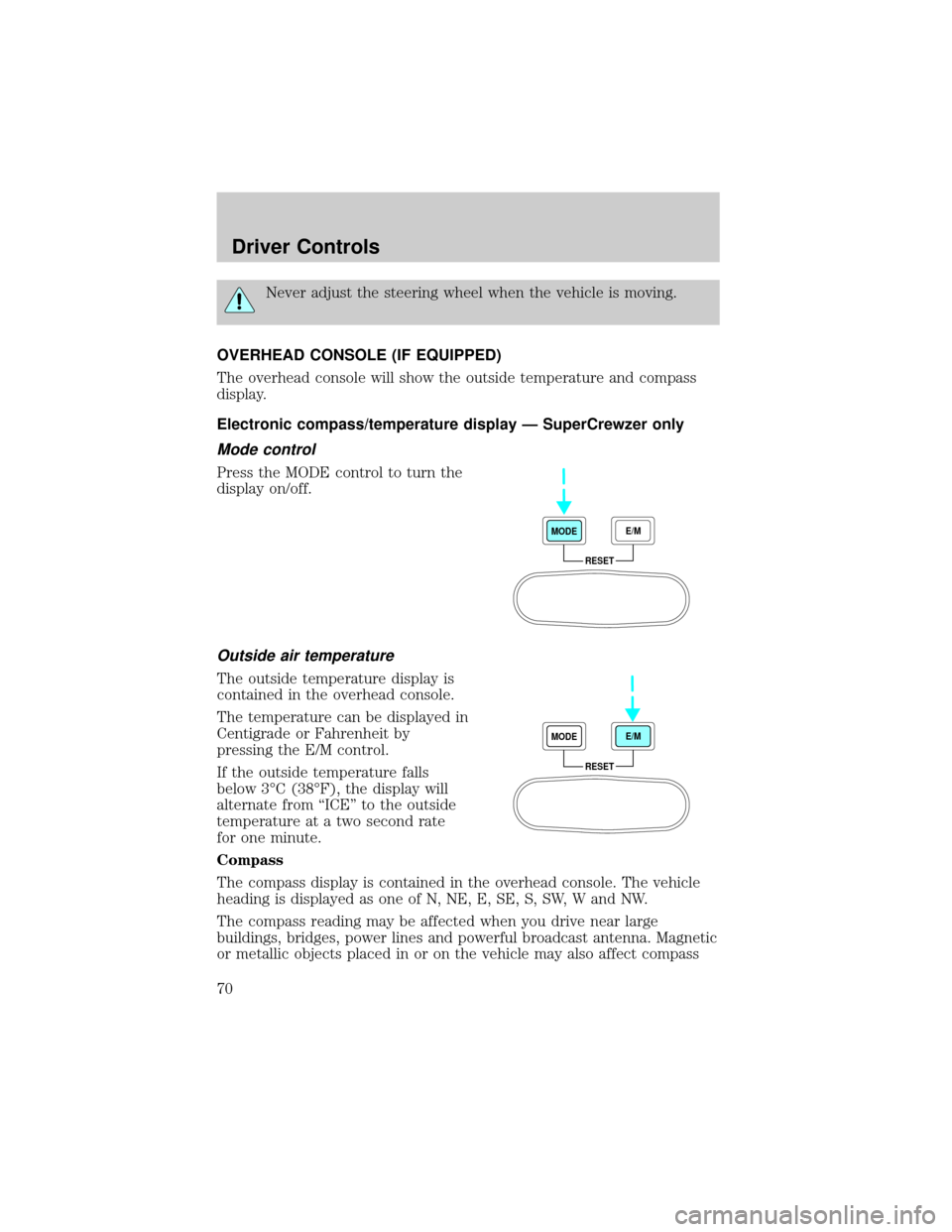
Press the MODE control to turn the
display on/off.
Outside air temperature
The outside temperature display is
contained in the overhead console.
The temperature can be displayed in
Centigrade or Fahrenheit by
pressing the E/M control.
If the outside temperature falls
below 3ÉC (38ÉF), the display will
alternate from ªICEº to the outside
temperature at a two second rate
for one minute.
Compass
The compass display is contained in the overhead console. The vehicle
heading is displayed as one of N, NE, E, SE, S, SW, W and NW.
The compass reading may be affected when you drive near large
buildings, bridges, power lines and powerful broadcast antenna. Magnetic
or metallic objects placed in or on the vehicle may also affect compass
RESET MODEE/M
RESET MODEE/M
Driver Controls
70
Page 72 of 256
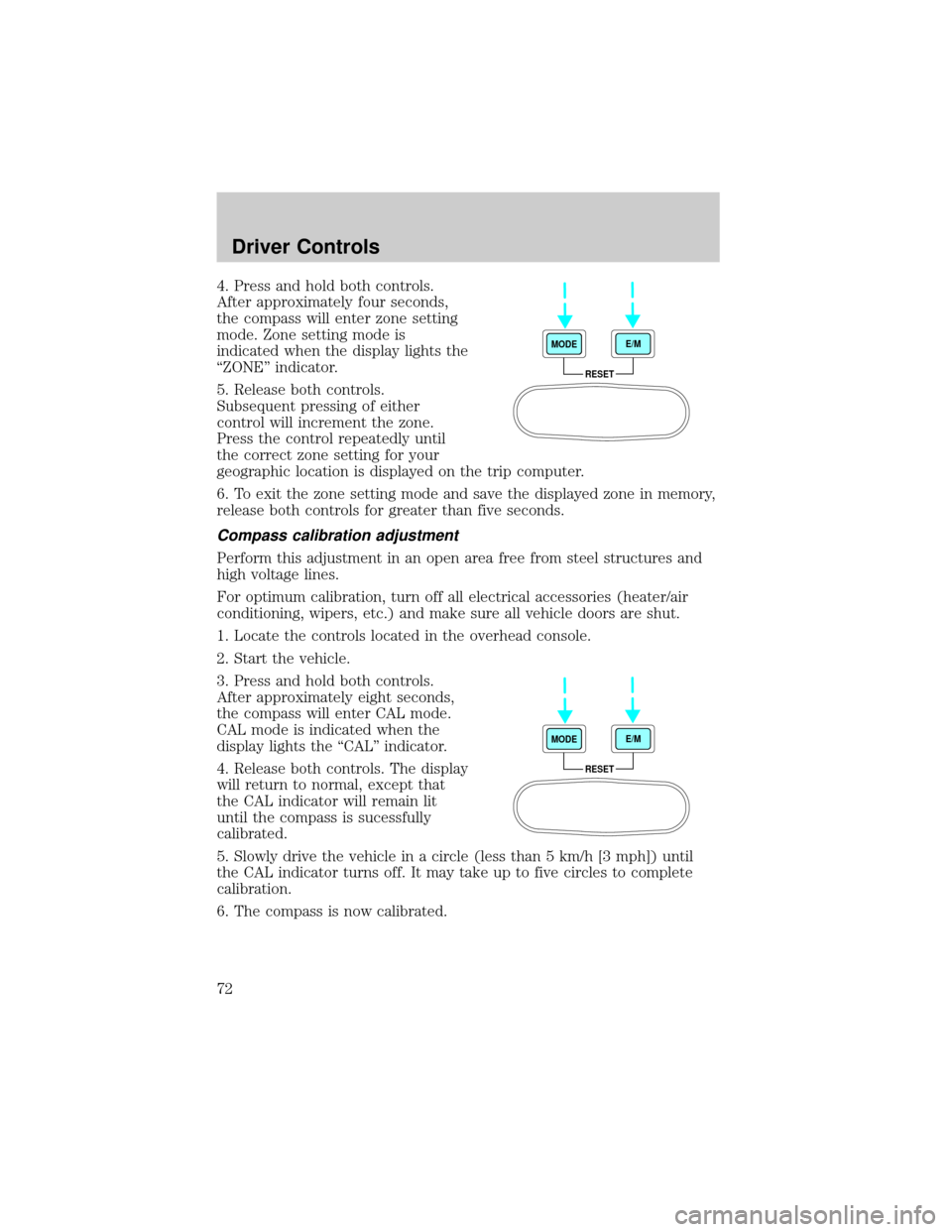
4. Press and hold both controls.
After approximately four seconds,
the compass will enter zone setting
mode. Zone setting mode is
indicated when the display lights the
ªZONEº indicator.
5. Release both controls.
Subsequent pressing of either
control will increment the zone.
Press the control repeatedly until
the correct zone setting for your
geographic location is displayed on the trip computer.
6. To exit the zone setting mode and save the displayed zone in memory,
release both controls for greater than five seconds.
Compass calibration adjustment
Perform this adjustment in an open area free from steel structures and
high voltage lines.
For optimum calibration, turn off all electrical accessories (heater/air
conditioning, wipers, etc.) and make sure all vehicle doors are shut.
1. Locate the controls located in the overhead console.
2. Start the vehicle.
3. Press and hold both controls.
After approximately eight seconds,
the compass will enter CAL mode.
CAL mode is indicated when the
display lights the ªCALº indicator.
4. Release both controls. The display
will return to normal, except that
the CAL indicator will remain lit
until the compass is sucessfully
calibrated.
5. Slowly drive the vehicle in a circle (less than 5 km/h [3 mph]) until
the CAL indicator turns off. It may take up to five circles to complete
calibration.
6. The compass is now calibrated.
RESET MODEE/M
RESET MODEE/M
Driver Controls
72
Page 120 of 256
Air brakes
After starting the engine, give the air compressor time to build up the air
pressure to 414 kPa (60 psi) before moving the vehicle.
Do not drive or continue to drive if the low air pressure buzzer
is sounding or the brake warning light is lit. These warnings
indicate that air pressure is not to normal operating level. Continued
use of the vehicle could result in loss of braking ability.
Avoid repeated light application of the brake pedal. This will
deplete air pressure faster and could result in loss of braking
capability.
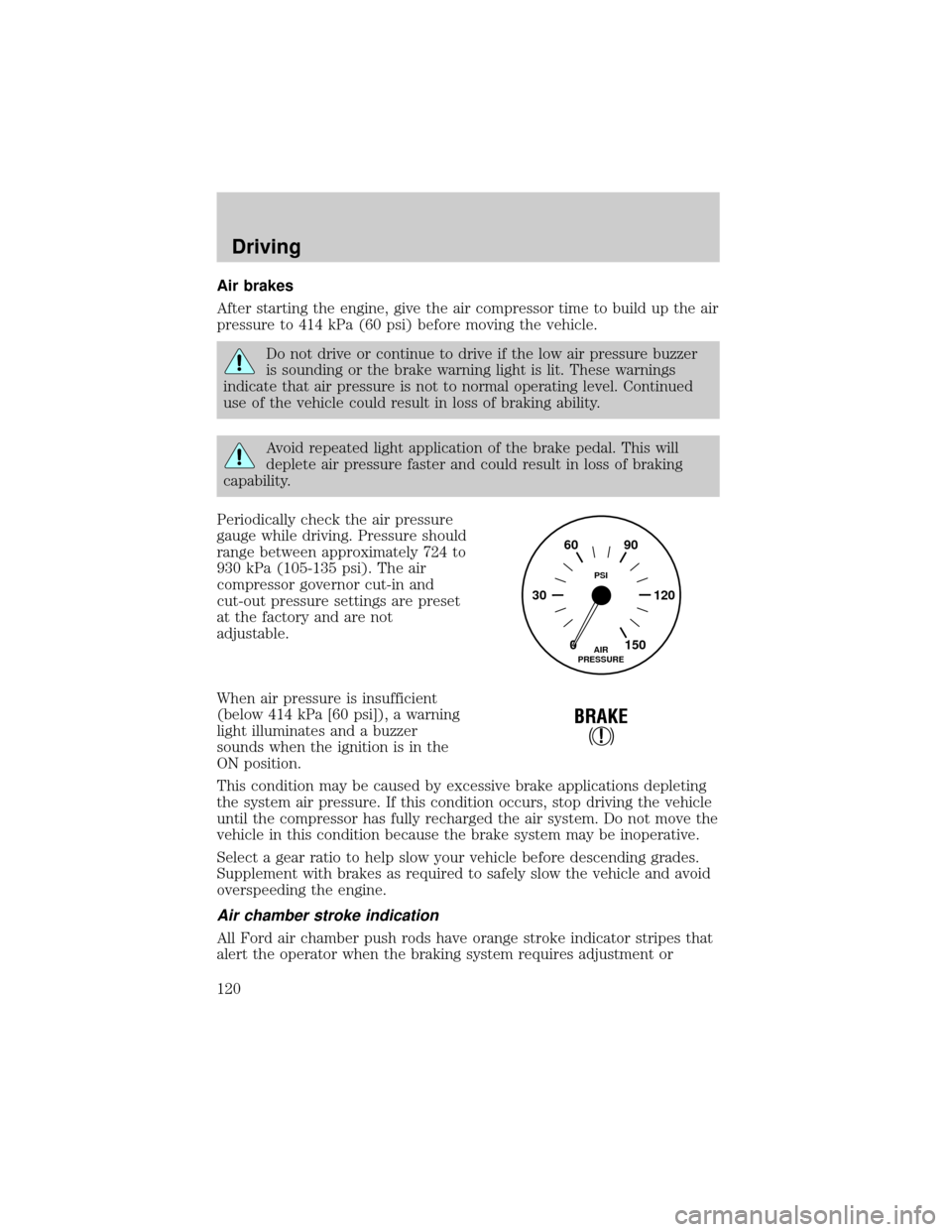
Periodically check the air pressure
gauge while driving. Pressure should
range between approximately 724 to
930 kPa (105-135 psi). The air
compressor governor cut-in and
cut-out pressure settings are preset
at the factory and are not
adjustable.
When air pressure is insufficient
(below 414 kPa [60 psi]), a warning
light illuminates and a buzzer
sounds when the ignition is in the
ON position.
This condition may be caused by excessive brake applications depleting
the system air pressure. If this condition occurs, stop driving the vehicle
until the compressor has fully recharged the air system. Do not move the
vehicle in this condition because the brake system may be inoperative.
Select a gear ratio to help slow your vehicle before descending grades.
Supplement with brakes as required to safely slow the vehicle and avoid
overspeeding the engine.
Air chamber stroke indication
All Ford air chamber push rods have orange stroke indicator stripes that
alert the operator when the braking system requires adjustment or
0 30 12090 60
150AIR
PRESSUREPSI
!
BRAKE
Driving
120
Page 211 of 256
5. The lubricant level should be up to the bottom of the filler plug
opening.
6. If necessary, add enough lubricant through the filler plug opening so
that the lubricant level is at the bottom of the opening.
7. Clean and install the filler plug securely.
Drain and refill your rear axle lubricant using the following procedure:
1. Drain the rear axle while the lubricant is warm.
2. Park the vehicle on level ground.
3. Set the parking brake and shift into N (Neutral) (automatic
transmission) or 1 (First) (manual transmission) and turn the engine off.
4. Clean any dirt from around the rear axle filler and drain plugs.
5. Remove the filler and drain plugs and drain the lubricant into a
suitable container. Dispose all used automotive fluids in a responsible
manner following your local authorized standards.
6. Clean and install the drain plug securely.
7. Add enough lubricant through the filler plug opening so that the
lubricant level is up to the bottom of the opening.
8. Clean and install the filler plug securely.
AIR FILTER
When to service
Your vehicle is equipped with an air filter restriction gauge to determine
when to replace the air filter element. It is not possible to determine the
need for service by visually inspecting the air filter.
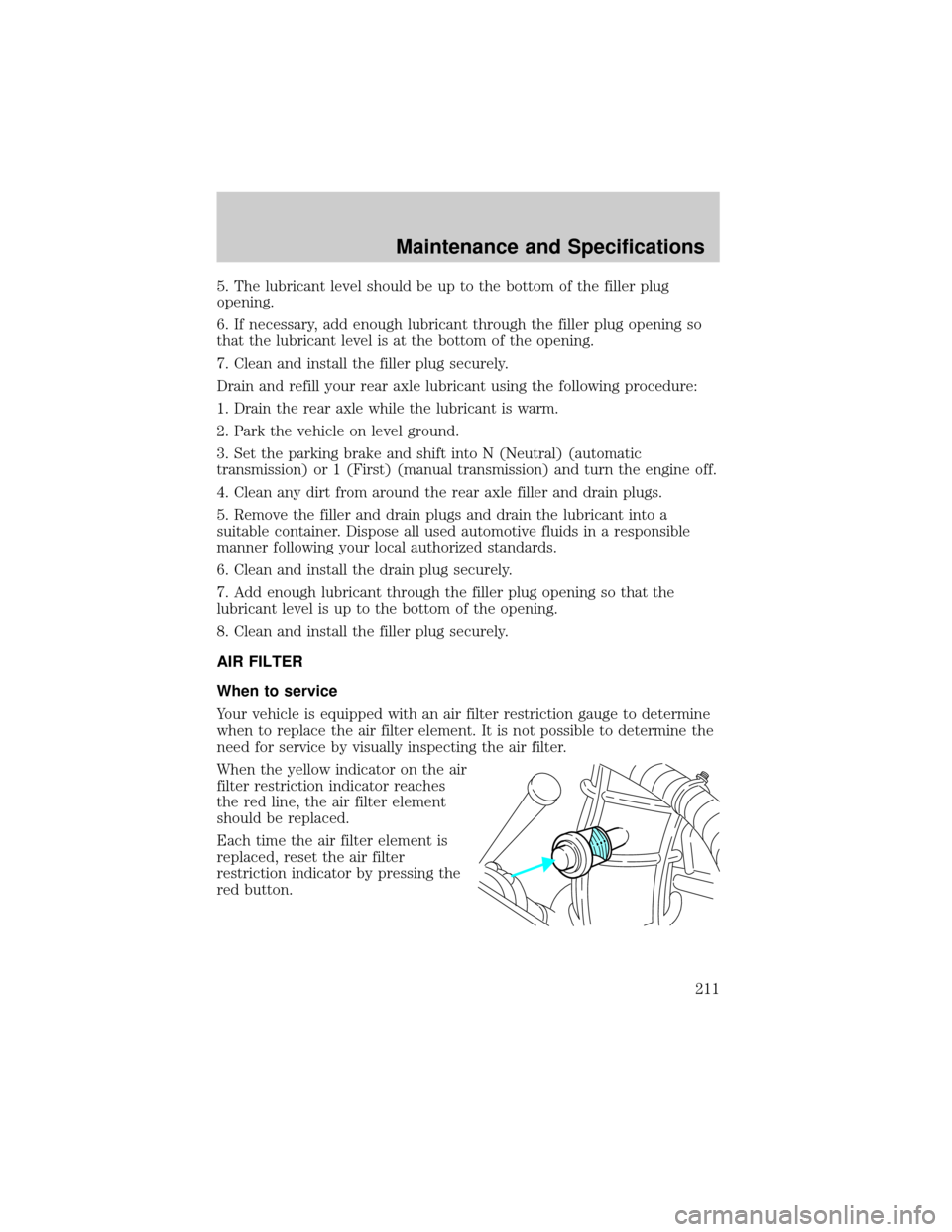
When the yellow indicator on the air
filter restriction indicator reaches
the red line, the air filter element
should be replaced.
Each time the air filter element is
replaced, reset the air filter
restriction indicator by pressing the
red button.
Maintenance and Specifications
211
Page 215 of 256
10. Reset the air filter restriction indicator.
11. Inspect the air induction system for loose fitting, damaged or missing
components and repair as necessary.
SERVICING YOUR WHEELS AND TIRES
Wheel assembly
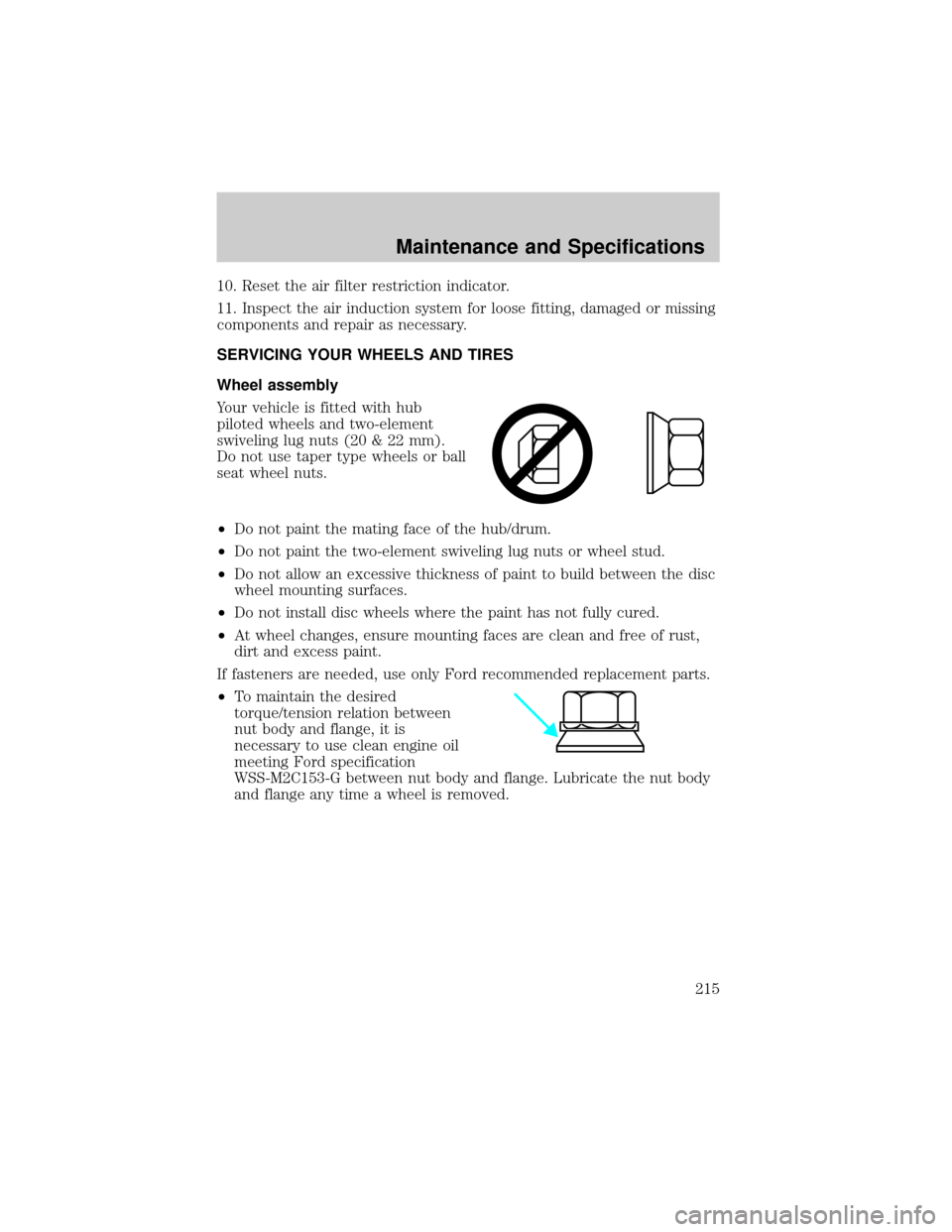
Your vehicle is fitted with hub
piloted wheels and two-element
swiveling lug nuts (20 & 22 mm).
Do not use taper type wheels or ball
seat wheel nuts.
²Do not paint the mating face of the hub/drum.
²Do not paint the two-element swiveling lug nuts or wheel stud.
²Do not allow an excessive thickness of paint to build between the disc
wheel mounting surfaces.
²Do not install disc wheels where the paint has not fully cured.
²At wheel changes, ensure mounting faces are clean and free of rust,
dirt and excess paint.
If fasteners are needed, use only Ford recommended replacement parts.
²To maintain the desired
torque/tension relation between
nut body and flange, it is
necessary to use clean engine oil
meeting Ford specification
WSS-M2C153-G between nut body and flange. Lubricate the nut body
and flange any time a wheel is removed.
Maintenance and Specifications
215
Page 216 of 256
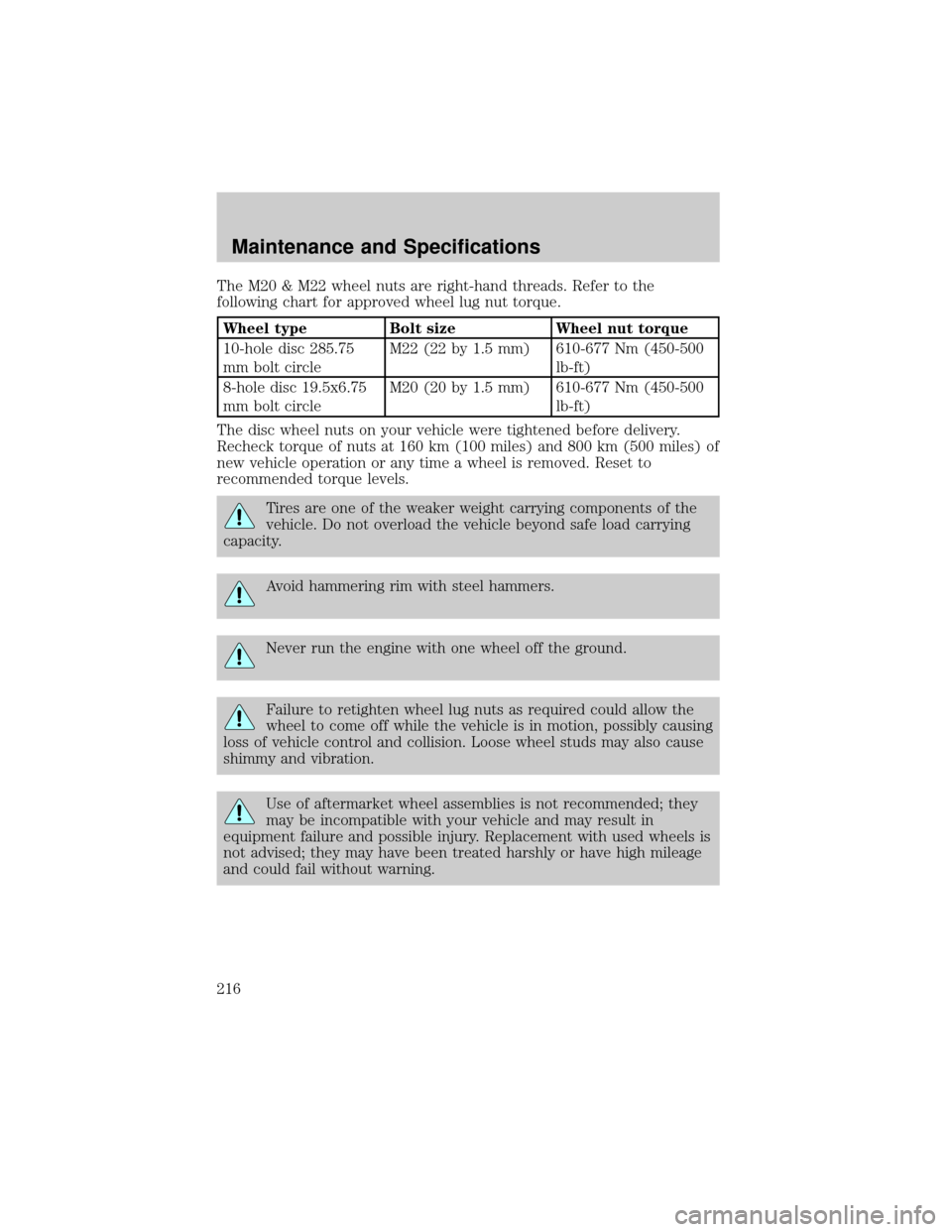
The M20 & M22 wheel nuts are right-hand threads. Refer to the
following chart for approved wheel lug nut torque.
Wheel type Bolt size Wheel nut torque
10-hole disc 285.75
mm bolt circleM22 (22 by 1.5 mm) 610-677 Nm (450-500
lb-ft)
8-hole disc 19.5x6.75
mm bolt circleM20 (20 by 1.5 mm) 610-677 Nm (450-500
lb-ft)
The disc wheel nuts on your vehicle were tightened before delivery.
Recheck torque of nuts at 160 km (100 miles) and 800 km (500 miles) of
new vehicle operation or any time a wheel is removed. Reset to
recommended torque levels.
Tires are one of the weaker weight carrying components of the
vehicle. Do not overload the vehicle beyond safe load carrying
capacity.
Avoid hammering rim with steel hammers.
Never run the engine with one wheel off the ground.
Failure to retighten wheel lug nuts as required could allow the
wheel to come off while the vehicle is in motion, possibly causing
loss of vehicle control and collision. Loose wheel studs may also cause
shimmy and vibration.
Use of aftermarket wheel assemblies is not recommended; they
may be incompatible with your vehicle and may result in
equipment failure and possible injury. Replacement with used wheels is
not advised; they may have been treated harshly or have high mileage
and could fail without warning.
Maintenance and Specifications
216
Page 220 of 256
If engine cranks but won't start
For troubleshooting information, refer to the engine operator's manual.
If engine runs hot
For troubleshooting information, refer to the engine operator's manual.
If fuses burn out
Burned-out or ªblown-outº fuses or circuit breaker tripping (if equipped)
usually indicate an electrical short circuit, although a fuse may
occasionally fail from vibration. Insert a second fuse or reset the breaker
(if equipped). If this fuse immediately burns out or the breaker (if
equipped) trips and you cannot locate the fuse, return your vehicle to
your dealer for a circuit check.
If lamp bulbs burn out
Repeated lamp burn-out usually indicates a loose connection, either at
the lamp socket, the system ground or a malfunctioning voltage
regulator. If examination does not indicate the cause of the trouble,
return your vehicle to your dealer for inspection.
If headlamps flash on and off
If headlamps flash on and off at regular intervals, the system circuit
breaker (if equipped) is operating, indicating a short circuit or overload.
Take your vehicle to your dealer for a circuit check.
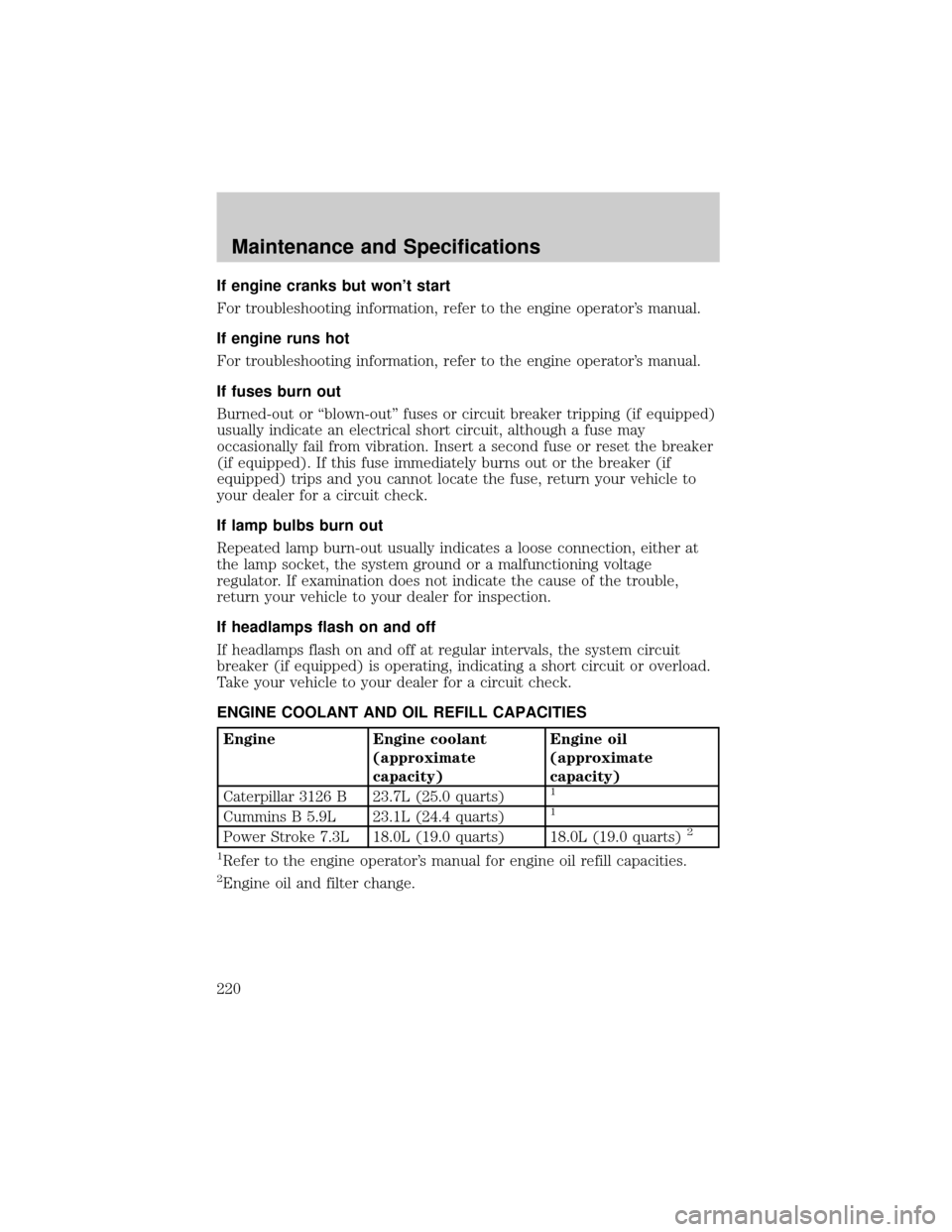
ENGINE COOLANT AND OIL REFILL CAPACITIES
Engine Engine coolant
(approximate
capacity)Engine oil
(approximate
capacity)
Caterpillar 3126 B 23.7L (25.0 quarts)
1
Cummins B 5.9L 23.1L (24.4 quarts)1
Power Stroke 7.3L 18.0L (19.0 quarts) 18.0L (19.0 quarts)2
1
Refer to the engine operator's manual for engine oil refill capacities.
2Engine oil and filter change.
Maintenance and Specifications
220