steering FORD FIESTA 2013 Owner's Guide
[x] Cancel search | Manufacturer: FORD, Model Year: 2013, Model line: FIESTA, Model: FORD FIESTA 2013Pages: 346, PDF Size: 5.27 MB
Page 313 of 346
Disconnecting from SYNC Services
1. Press and hold the phone button on the steering wheel.
2. Say “Good-bye” from the SYNC Services main menu.
SYNC Services Quick Tips
PersonalizingYou can personalize your Services feature to
provide quicker access to your most used or
favorite information. You can save address
points such as work or home. You can also
save favorite information like sports teams or
a news category. To learn more, log onto
www.SYNCMyRide.com.
Push to interruptPress the voice button at any time (while you
are connected to SYNC TDI Services) to
interrupt a voice prompt or an audio clip
(such as a sports report), wait for the
listening tone, and say your voice command.
PortableYour subscription is associated with your
Bluetooth-enabled cellular phone number, not
your VIN (Vehicle Identification Number). You
can pair and connect your phone to any
vehicle equipped with Traffic, Directions and
Information and continue enjoying your
personalized services.
You can even access your account outside the
vehicle. Just use the number on your phone’s
call history. Traffic and Directions features do
not function properly but information services
and the 411 connect and text message
features are available.
SYNC AppLink™
Note:Your smartphone must be paired and connected to SYNC to access
AppLink.
Note:iPhone® users need to connect the phone to the USB port in
order to start the application. It is recommended to lock your iPhone®
after starting an application.
312SYNC®
2013 Fiesta(fie)
Owners Guide gf, 2nd Printing
USA(fus)
ProCarManuals.com
Page 314 of 346
Note:The AppLink feature is not available if your vehicle is equipped
with the MyFord Touch® or MyLincoln Touch™ system.
Depending on your display type, you can access AppLink from the media
menu, the phone menu, or by using voice commands. Once an app is
running through AppLink, you can control main features of the app
through voice commands and steering wheel controls.
To Access Using the Phone Menu
1. Press the phone button to access the SYNC phone menu on-screen.
2. Scroll to Mobile Apps and press OK to access a list of available
applications.
3. Scroll through the list of available applications and press OK to select
a particular app.
4. Once an app is running through SYNC, you can access an app’s menu
by pressing the MENU button to first access the SYNC menu.
5. Select “SYNC-Media” by pressing OK.
6. Scroll until “
then press OK. From here, you can access an application’s features,
such as Thumbs up, Thumbs down, etc. For more information, please
visit www.SYNCMyRide.com.
To Access Using the Media Menu
1. Press AUX button on the center console.
2. Press MENU to access the SYNC menu.
3. Select “SYNC-Media” by pressing OK.
4. Then scroll to Mobile Apps and press OK to access a list of available
applications.
5. Scroll through the list of available applications and press OK to select
a particular app.
6. Once an app is running through SYNC, you can access an app’s menu
by pressing the MENU button to first access the SYNC menu.
7. Select “SYNC-Media” by pressing OK.
8. Scroll until “
then press OK. From here, you can access an application’s features,
such as Thumbs up, Thumbs down, etc. For more information, please
visit www.SYNCMyRide.com.
SYNC®313
2013 Fiesta(fie)
Owners Guide gf, 2nd Printing
USA(fus)
ProCarManuals.com
Page 344 of 346
K
Keyless entry system
autolock .....................................66
Keys .............................................57
positions of the ignition .........130
L
Lamps
bulb replacement
specifications chart ................220
interior lamps ...........................80
replacing bulbs .......................214
LATCH anchors ...........................27
Lights, warning and indicator ....88
Load limits .................................164
Locks
autolock .....................................66
childproof ..................................32
Lubricant specifications ...........259
Lug nuts ....................................257
M
Manual transmission .................151
fluid capacities ........................259
lubricant specifications ..........259
reverse .....................................152
Media Bluetooth menu options
(adding, connecting, deleting,
turning on/off) ..........................322
Message center ...........................94
warning messages .....................96
Mirrors ...................................84–85
side view mirrors (power) .......84
Moon roof ....................................86
Motorcraft® parts .............222, 261O
Octane rating ............................137
P
Pairing other phones ................291
Pairing your phone for the first
time ............................................290
Parking brake ............................156
Parts
(see Motorcraft® parts) ..........261
Phone Bluetooth menu options
(adding, connecting, deleting,
turning on/off) ..........................301
Phone redial ..............................295
Playing music (by artist,
album, genre, playlist, tracks,
similar) ......................................319
Power distribution box
(see Fuses) .......................192, 202
Power door locks ........................62
Power mirrors .............................84
Powerpoint ................................128
Power steering ..........................162
Power Windows ...........................82
Privacy information ..................287
Push button start system .........131
Putting a call on/off hold .........293
R
Radio ..................................102, 104
Single CD ........................102, 104
Radio reception .........................100
Rear window defroster .............114
Index343
2013 Fiesta(fie)
Owners Guide gf, 2nd Printing
USA(fus)
ProCarManuals.com
Page 345 of 346
Receiving a text message .........297
Recommendations for
attaching safety restraints for
children ........................................23
Relays ................................191–192
Remote entry system
illuminated entry ......................67
locking/unlocking doors ...........63
opening the trunk .....................64
replacing the batteries .......58–59
Roadside assistance ..................178
S
Safety Belt Maintenance ............41
Safety belts (see Safety
restraints) ..............................35, 38
Safety defects,
reporting ............................189–190
Safety information ....................286
Safety restraints ..............35–36, 38
Belt-Minder® ............................38
extension assembly ..................37
for adults .............................35–36
for children .........................18, 23
safety belt maintenance ...........41
seat belt maintenance ..............41
warning light and chime ..........38
Safety restraints - LATCH
anchors ........................................27
Safety seats for children ......18, 23
Safety Compliance
Certification Label ....................262
Satellite Radio ...........................104
Scheduled Maintenance Guide
Normal Scheduled
Maintenance and Log .............274Seat belts
(see Safety restraints) ...............35
Seats ..........................................126
child safety seats ................18, 23
front seats ...............................122
heated ......................................126
second row seats ....................126
SecuriLock passive anti-theft
system ..........................................70
Selecting your media source
(USB, Line in, BT audio) .........317
Setting the clock .........95, 102, 104
Side air curtain ...........................52
Side-curtain airbags system .......52
SIRIUS® satellite radio ............104
SOS Post Crash Alert .................44
Spark plugs,
specifications .....................258, 261
Specification chart,
lubricants ...................................259
Stability system .........................159
Starting your vehicle ................133
jump starting ..........................180
push button start system .......131
Steering wheel ............................73
controls ......................................74
tilting .........................................73
Supplemental Restraint System
(SRS) (see airbags) ....................44
SYNC® AppLink™ ...................312
SYNC® customer support ........286
SYNC® Services ........................309
344Index
2013 Fiesta(fie)
Owners Guide gf, 2nd Printing
USA(fus)
ProCarManuals.com
Page 346 of 346
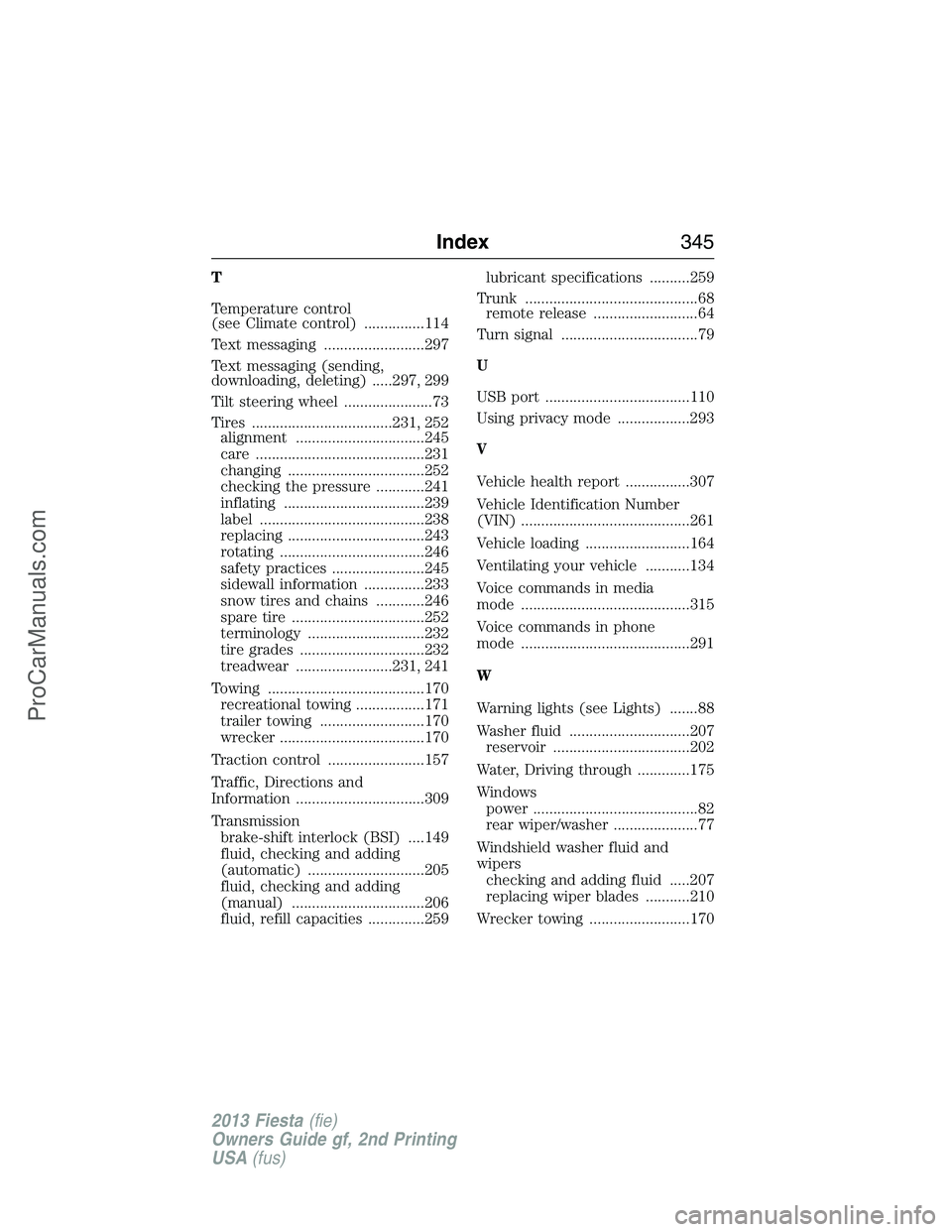
T
Temperature control
(see Climate control) ...............114
Text messaging .........................297
Text messaging (sending,
downloading, deleting) .....297, 299
Tilt steering wheel ......................73
Tires ...................................231, 252
alignment ................................245
care ..........................................231
changing ..................................252
checking the pressure ............241
inflating ...................................239
label .........................................238
replacing ..................................243
rotating ....................................246
safety practices .......................245
sidewall information ...............233
snow tires and chains ............246
spare tire .................................252
terminology .............................232
tire grades ...............................232
treadwear ........................231, 241
Towing .......................................170
recreational towing .................171
trailer towing ..........................170
wrecker ....................................170
Traction control ........................157
Traffic, Directions and
Information ................................309
Transmission
brake-shift interlock (BSI) ....149
fluid, checking and adding
(automatic) .............................205
fluid, checking and adding
(manual) .................................206
fluid, refill capacities ..............259lubricant specifications ..........259
Trunk ...........................................68
remote release ..........................64
Turn signal ..................................79
U
USB port ....................................110
Using privacy mode ..................293
V
Vehicle health report ................307
Vehicle Identification Number
(VIN) ..........................................261
Vehicle loading ..........................164
Ventilating your vehicle ...........134
Voice commands in media
mode ..........................................315
Voice commands in phone
mode ..........................................291
W
Warning lights (see Lights) .......88
Washer fluid ..............................207
reservoir ..................................202
Water, Driving through .............175
Windows
power .........................................82
rear wiper/washer .....................77
Windshield washer fluid and
wipers
checking and adding fluid .....207
replacing wiper blades ...........210
Wrecker towing .........................170
Index345
2013 Fiesta(fie)
Owners Guide gf, 2nd Printing
USA(fus)
ProCarManuals.com