ignition FORD FLEX 2009 1.G Service Manual
[x] Cancel search | Manufacturer: FORD, Model Year: 2009, Model line: FLEX, Model: FORD FLEX 2009 1.GPages: 374
Page 133 of 374
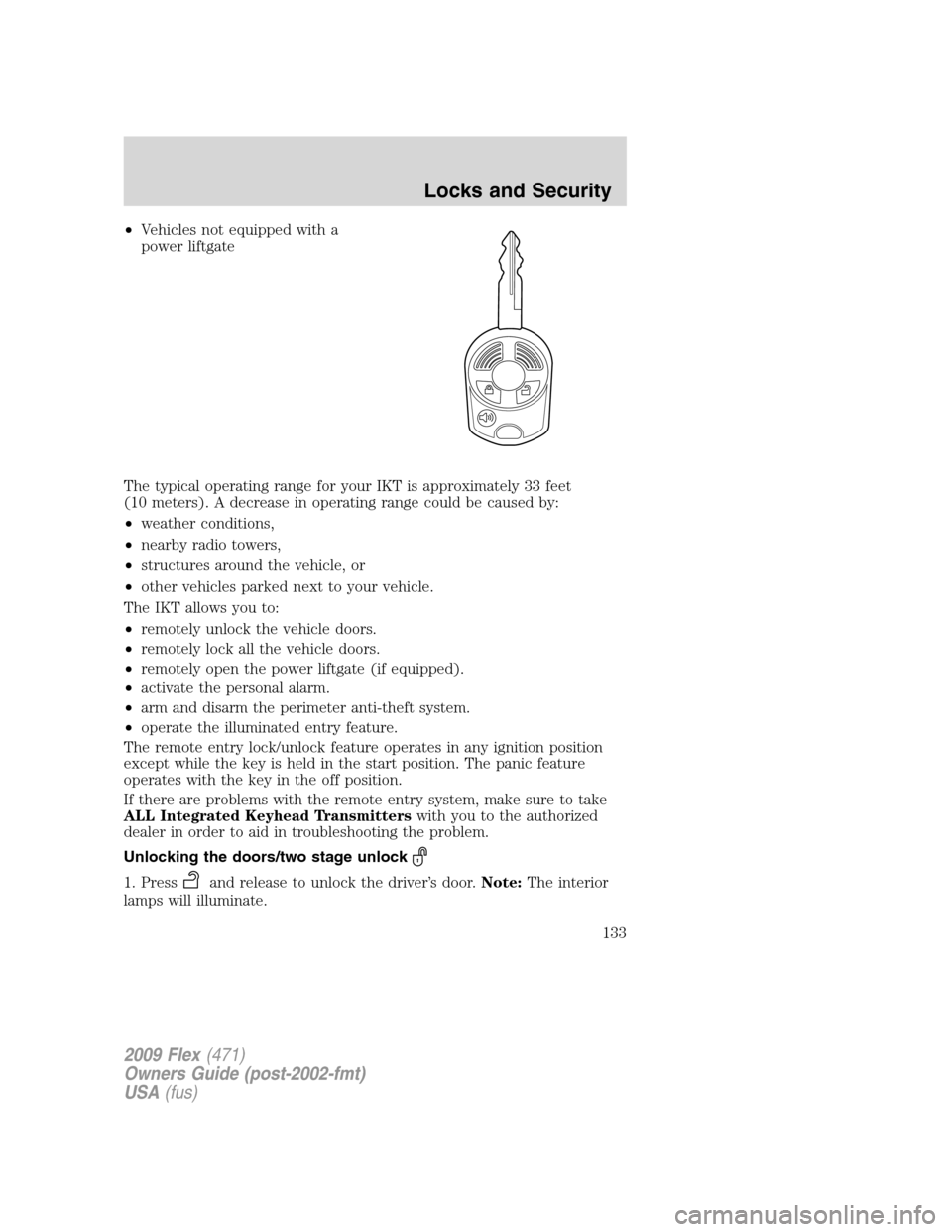
•Vehicles not equipped with a
power liftgate
The typical operating range for your IKT is approximately 33 feet
(10 meters). A decrease in operating range could be caused by:
•weather conditions,
•nearby radio towers,
•structures around the vehicle, or
•other vehicles parked next to your vehicle.
The IKT allows you to:
•remotely unlock the vehicle doors.
•remotely lock all the vehicle doors.
•remotely open the power liftgate (if equipped).
•activate the personal alarm.
•arm and disarm the perimeter anti-theft system.
•operate the illuminated entry feature.
The remote entry lock/unlock feature operates in any ignition position
except while the key is held in the start position. The panic feature
operates with the key in the off position.
If there are problems with the remote entry system, make sure to take
ALL Integrated Keyhead Transmitterswith you to the authorized
dealer in order to aid in troubleshooting the problem.
Unlocking the doors/two stage unlock
1. Pressand release to unlock the driver’s door.Note:The interior
lamps will illuminate.
2009 Flex(471)
Owners Guide (post-2002-fmt)
USA(fus)
Locks and Security
133
Page 134 of 374
2. Pressand release again within three seconds to unlock all the
doors.
The remote entry system activates the illuminated entry feature; this
feature turns on the lamps for 25 seconds or until the ignition is turned
to the on position.
The inside lights will not turn off if:
•they have been turned on using the dimmer control or
•any door is open.
The battery saver feature will turn off the interior lamps 10 minutes after
the ignition is turned to the off position.
Two stage unlocking may be disabled or re-enabled by simultaneously
pressing the
andcontrols on the IKT for four seconds (disabling
two stage unlock allows all vehicle doors to unlock simultaneously). The
turn lamps will flash twice to indicate that two-stage unlock was enabled
or disabled.
Locking the doors
1. Pressand release to lock all the doors. The turn lamps will flash.
2. Press
and release again within three seconds to confirm that all
the doors are closed.Note:The doors will lock again, the horn will chirp
and the turn lamps will flash once if all the doors and liftgate are closed.
Note:If any door or the liftgate is not closed, the horn will chirp twice
and the lamps will not flash.
Opening the power liftgate (if equipped)
Presstwice within three seconds to fully unlatch and open the
liftgate.
WARNING:Make sure all persons are clear of the liftgate area
before using power liftgate control.
In order to fully lower and latch the liftgate, press the control twice.
If the liftgate stops mid travel, it may have detected an obstacle, Check
to ensure the liftgate swing zone is free from obstruction and reset the
power assist by manually closing the liftgate. Normal operation can then
be resumed.
2009 Flex(471)
Owners Guide (post-2002-fmt)
USA(fus)
Locks and Security
134
Page 135 of 374
WARNING:Make sure the liftgate is closed to prevent exhaust
fumes from being drawn into the vehicle. This will also prevent
passengers and cargo from falling out. If you must drive with the
liftgate open, keep the vents open so outside air comes into the
vehicle.
Car finder
Press
twice within three seconds. The horn will chirp and the turn
lamps will flash. It is recommended that this method be used to locate
your vehicle, rather than using the panic alarm.
Sounding a panic alarm
Press
to activate the alarm. The horn will sound and the turn lamps
will flash for a maximum of three minutes. Press again or turn the
ignition to the on position to deactivate, or wait for the alarm to time out
in three minutes.
Note:The panic alarm will only operate when the ignition is in the off
position.
Memory seats/power mirrors/adjustable pedals (if equipped)
The Integrated Keyhead Transmitter allows you to recall the memory
seat/power mirrors/adjustable pedals feature.
Press
to automatically move the seat, mirrors and adjustable pedals
(if equipped) to the desired memory position.Note:The seat will not
travel to its final position if the key is not in the ignition and the easy
entry feature is enabled.
Activating the memory feature
To activate this feature:
1. Position the seat, mirrors, and adjustable pedals (if equipped) to the
desired positions.
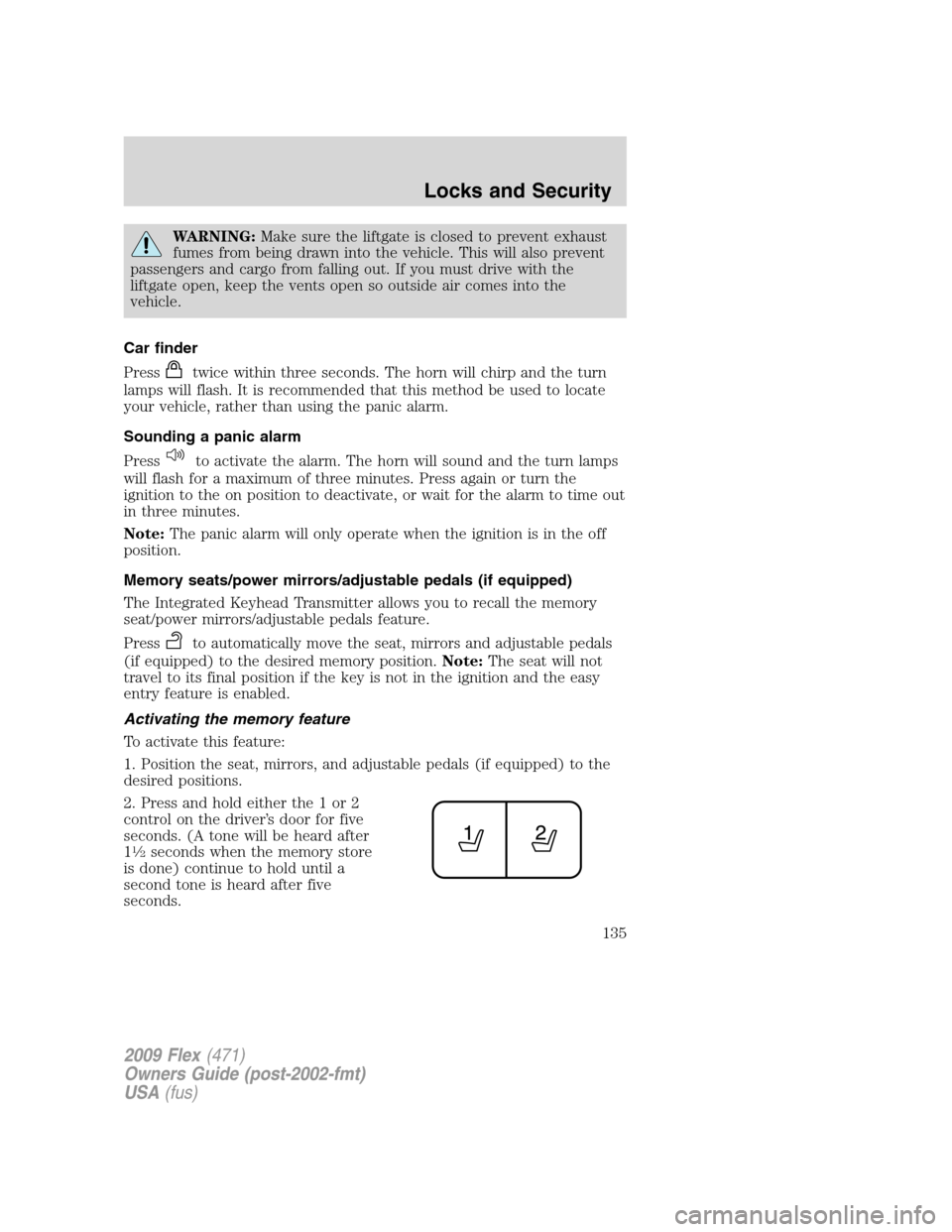
2. Press and hold either the 1 or 2
control on the driver’s door for five
seconds. (A tone will be heard after
1
12seconds when the memory store
is done) continue to hold until a
second tone is heard after five
seconds.
2009 Flex(471)
Owners Guide (post-2002-fmt)
USA(fus)
Locks and Security
135
Page 137 of 374
4. Insert the new battery. Refer to the instructions inside the IKT for the
correct orientation of the battery. Press the battery down to ensure that
the battery is fully seated in the battery housing cavity.
5. Snap the battery cover back onto the key.
Note:Replacement of the battery willnotcause the IKT to become
deprogrammed from your vehicle. The IKT should operate normally after
battery replacement.
Replacing lost Integrated Keyhead Transmitters (IKTs)
If you would like to have your Integrated Keyhead Transmitters
reprogrammed because you lost one, or would like to buy additional
IKTs, you can either reprogram them yourself, or takeall IKTsto your
authorized dealer for reprogramming.
How to reprogram your Integrated Keyhead Transmitters (IKTs)
To program a new Integrated Keyhead Transmitter yourself, refer to
Programming spare keysin theSecuriLock™ passive anti-theft
systemsection of this chapter.Note:At least two IKTs are required to
perform this procedure yourself.
Illuminated entry
The interior lamps and puddle lamps (if equipped) illuminate when the
Integrated Keyhead Transmitter or the keyless entry system keypad is
used to unlock the door(s).
The illuminated entry system will turn off the interior lights if:
•the ignition is turned to the on position, or
•the Integrated Keyhead Transmitter
control is pressed, or
•the vehicle is locked using the keyless entry keypad, or
•after 25 seconds of illumination.
The inside lights will not turn off if:
•they have been turned on with the dimmer control, or
•any door is open.
Perimeter lamps illuminated entry
With the Integrated Keyhead Transmitter system, the following items will
illuminate when the
control on the transmitter is pressed:
•Headlamps
2009 Flex(471)
Owners Guide (post-2002-fmt)
USA(fus)
Locks and Security
137
Page 138 of 374
•Park lamps
•Tail lamps
The lamps will automatically turn off:
•if the ignition switch is turned to the on position, or
•the Integrated Keyhead Transmitter lock control is pressed, or
•the vehicle is locked using the keyless entry keypad, or
•after 25 seconds of illumination.
Note:On some vehicles, the perimeter lamps illuminated entry feature
will not activate in daylight conditions.
Deactivating/activating perimeter lamps illuminated entry
You may enable/disable this feature by having your vehicle serviced by
your authorized dealer.
You may also perform the following power door lock sequence to
enable/disable the perimeter lamps feature.Note:Before starting, ensure
the ignition is in the 1 (off) position and all vehicle doors are closed. You
must complete Steps 1–5 within 30 seconds or the procedure will have
to be repeated. If the procedure needs to be repeated, wait a minimum
of 30 seconds before beginning again.
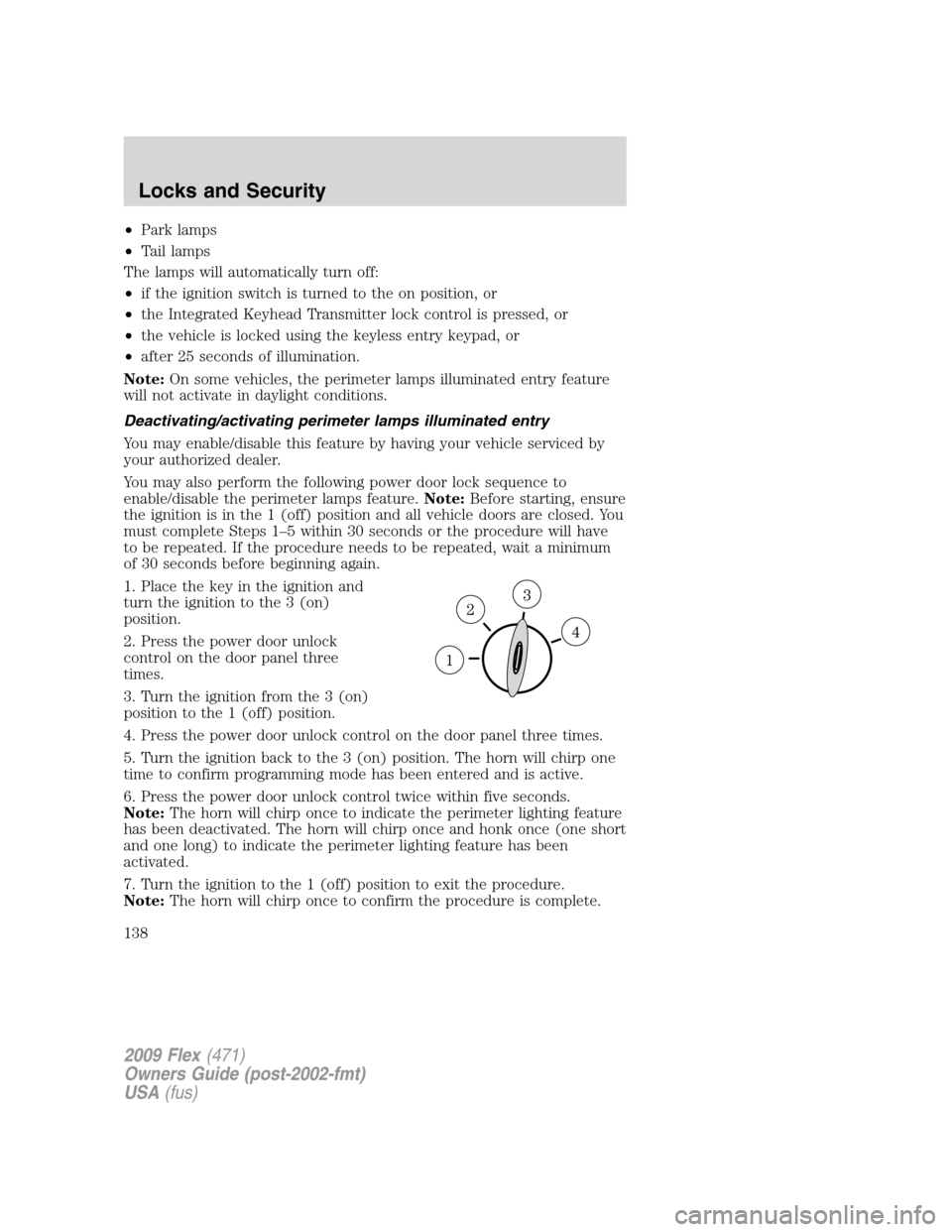
1. Place the key in the ignition and
turn the ignition to the 3 (on)
position.
2. Press the power door unlock
control on the door panel three
times.
3. Turn the ignition from the 3 (on)
position to the 1 (off) position.
4. Press the power door unlock control on the door panel three times.
5. Turn the ignition back to the 3 (on) position. The horn will chirp one
time to confirm programming mode has been entered and is active.
6. Press the power door unlock control twice within five seconds.
Note:The horn will chirp once to indicate the perimeter lighting feature
has been deactivated. The horn will chirp once and honk once (one short
and one long) to indicate the perimeter lighting feature has been
activated.
7. Turn the ignition to the 1 (off) position to exit the procedure.
Note:The horn will chirp once to confirm the procedure is complete.
2009 Flex(471)
Owners Guide (post-2002-fmt)
USA(fus)
Locks and Security
138
Page 139 of 374
Illuminated exit
•When all vehicle doors are closed and the key is removed from the
ignition, the interior dome lamps (and the exterior mirror puddle
lamps, if equipped) will illuminate.
The lights will turn off if all the doors remain closed and
•25 seconds elapse, or
•the key is inserted in the ignition.
Battery saver
The battery saver will shut off the interior lamps 10 minutes after the
ignition has been turned to the off position.
•If the dome lamps were turned on using the panel dimmer control, the
battery saver will shut them off 10 minutes after the ignition has been
turned to the off position.
•If the courtesy lamps were turned on because one of the vehicle doors
or the liftgate was opened, the battery saver will shut off them off
10 minutes after the ignition has been turned to the off position.
•The battery saver will shut off the headlamps 10 minutes after the
ignition has been turned to the off position.
2009 Flex(471)
Owners Guide (post-2002-fmt)
USA(fus)
Locks and Security
139
Page 141 of 374
Tips:
•Do not set a code that uses five of the same number.
•Do not use five numbers in sequential order.
•The factory set code will work even if you have set your own personal
code.
Erasing personal code
1. Enter the factory set 5–digit code.
2. Within five seconds, touch the 1•2 on the keypad and release.
3. Touch and hold the 1•2 for two seconds. This must be done within
five seconds of completing Step 2.
All personal codes are now erased and only the factory set 5–digit code
will work.
Anti-scan feature
If the wrong code has been entered seven times (35 consecutive number
touches), the keypad will go into an anti-scan mode. This mode disables
the keypad for one minute and the keypad lamp will flash.
The anti-scan feature will turn off after:
•one minute of keypad inactivity.
•pressing the
control on the remote entry transmitter portion of
your Integrated Keyhead Transmitter.
•the ignition is turned on.
Unlocking and locking the doors using keyless entry
To unlock the driver’s door,enter the factory set 5-digit code or your
personal code. Each number must be touched within five seconds of
each other. The interior lamps will illuminate.Note:If the two-stage
unlocking feature is disabled, all doors will unlock; for more information
regarding two-stage unlocking, refer to theUnlocking the doors/Two
stage unlocksection earlier in this chapter.
To unlock all doors,enter the factory set code or your personal code,
then touch the 3•4 control within five seconds.
To lock all doors,touch the 7•8 and the 9•0 at the same time (with
the driver’s door closed) for two seconds. Youdo notneed to enter the
keypad code first.
2009 Flex(471)
Owners Guide (post-2002-fmt)
USA(fus)
Locks and Security
141
Page 142 of 374
SECURILOCK™ PASSIVE ANTI-THEFT SYSTEM
SecuriLock™ passive anti-theft system is an engine immobilization
system. This system is designed to help prevent the engine from being
started unless acoded Integrated Keyhead Transmitter (IKT)
programmed to your vehicleis used. The use of the wrong type of
coded key may lead to a “no-start” condition.
Your vehicle comes with two coded Integrated Keyhead Transmitters;
additional coded IKTs may be purchased from your authorized dealer.
Standard SecuriLock™ keys without remote entry transmitter
functionality can also be purchased from your authorized dealer if
desired. The authorized dealer can program your spare IKTs to your
vehicle or you can program the IKTs yourself. Refer toProgramming
spare keysfor instructions on how to program the coded key.
Note:The SecuriLock™ passive anti-theft system is not compatible with
non-Ford aftermarket remote start systems. Use of these systems may
result in vehicle starting problems and a loss of security protection.
Note:Large metallic objects, electronic devices that are used to
purchase gasoline or similar items, or a second coded key on the same
key chain may cause vehicle starting issues. You need to prevent these
objects from touching the coded IKT while starting the engine. These
objects will not cause damage to the coded IKT, but may cause a
momentary issue if they are too close to the IKT when starting the
engine. If a problem occurs, turn the ignition off, remove all objects on
the key chain away from the coded IKT and restart the engine.
Note: Do not leave a duplicate coded key in the vehicle. Always
take your keys and lock all doors when leaving the vehicle.
2009 Flex(471)
Owners Guide (post-2002-fmt)
USA(fus)
Locks and Security
142
Page 143 of 374
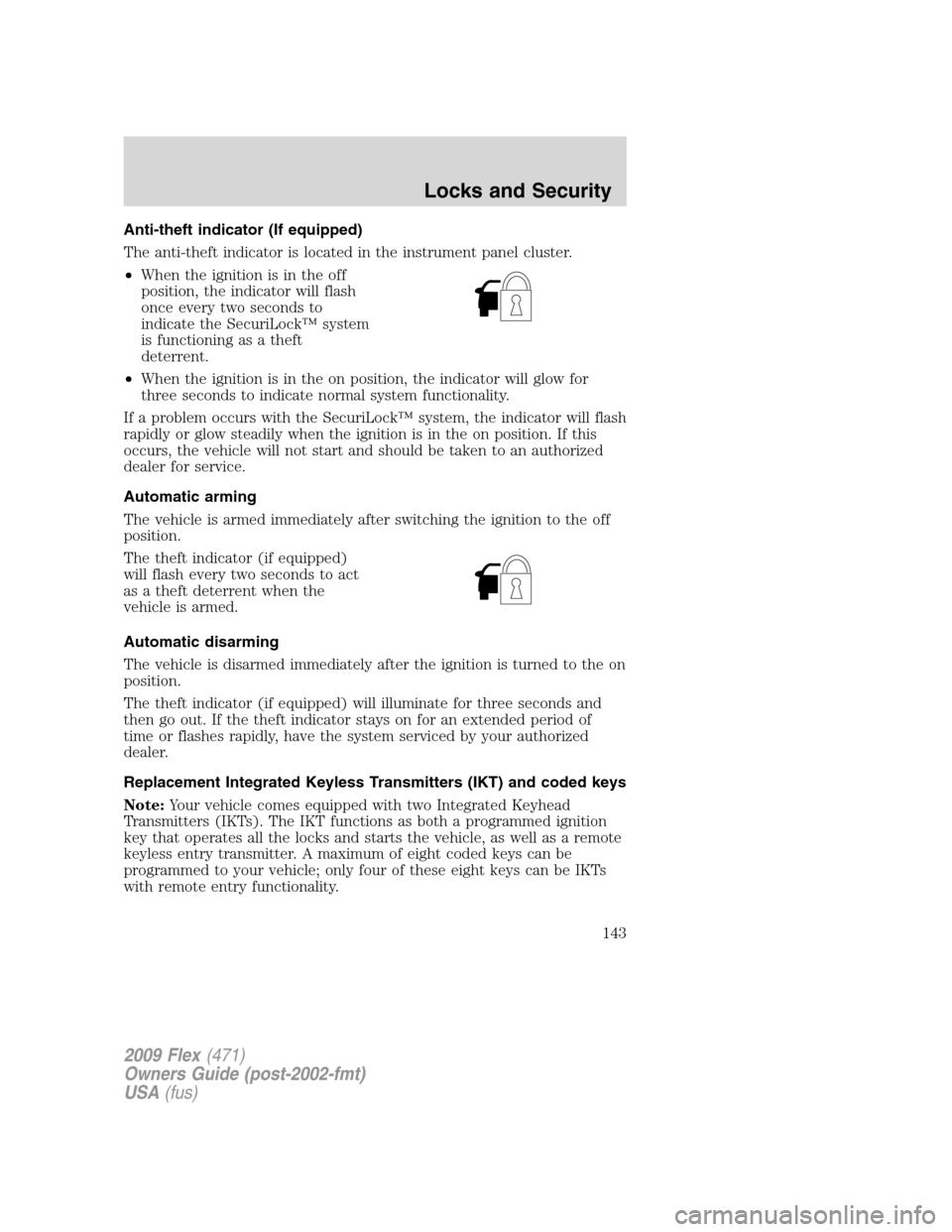
Anti-theft indicator (If equipped)
The anti-theft indicator is located in the instrument panel cluster.
•When the ignition is in the off
position, the indicator will flash
once every two seconds to
indicate the SecuriLock™ system
is functioning as a theft
deterrent.
•When the ignition is in the on position, the indicator will glow for
three seconds to indicate normal system functionality.
If a problem occurs with the SecuriLock™ system, the indicator will flash
rapidly or glow steadily when the ignition is in the on position. If this
occurs, the vehicle will not start and should be taken to an authorized
dealer for service.
Automatic arming
The vehicle is armed immediately after switching the ignition to the off
position.
The theft indicator (if equipped)
will flash every two seconds to act
as a theft deterrent when the
vehicle is armed.
Automatic disarming
The vehicle is disarmed immediately after the ignition is turned to the on
position.
The theft indicator (if equipped) will illuminate for three seconds and
then go out. If the theft indicator stays on for an extended period of
time or flashes rapidly, have the system serviced by your authorized
dealer.
Replacement Integrated Keyless Transmitters (IKT) and coded keys
Note:Your vehicle comes equipped with two Integrated Keyhead
Transmitters (IKTs). The IKT functions as both a programmed ignition
key that operates all the locks and starts the vehicle, as well as a remote
keyless entry transmitter. A maximum of eight coded keys can be
programmed to your vehicle; only four of these eight keys can be IKTs
with remote entry functionality.
2009 Flex(471)
Owners Guide (post-2002-fmt)
USA(fus)
Locks and Security
143
Page 144 of 374
If your IKTs or standard SecuriLock™ coded keys are lost or stolen and
you don’t have an extra coded key, you will need to have your vehicle
towed to an authorized dealer. The key codes need to be erased from
your vehicle and new coded keys will need to be programmed.
Replacing coded keys can be very costly. Store an extra programmed key
away from the vehicle in a safe place to help prevent any
inconveniences. Please visit an authorized dealer to purchase additional
spare or replacement keys.
Programming spare keys
You can program your own Integrated Keyhead Transmitters or standard
SecuriLock™ coded keys to your vehicle. This procedure will program
both the engine immobilizer keycode and the remote entry transmitter
portion of the IKT to your vehicle.Note:A maximum of eight coded
keys can be programmed to your vehicle; only four of these eight can be
IKTs with remote entry functionality.
Tips:
•Only use Integrated Keyhead Transmitters (IKTs) or standard
SecuriLock™ keys.
•You must have two previously programmed coded keys (keys that
already operate your vehicle’s engine) and the new unprogrammed
key(s) readily accessible.
•If two previously programmed coded keys are not available, you must
take your vehicle to your authorized dealer to have the spare key(s)
programmed.
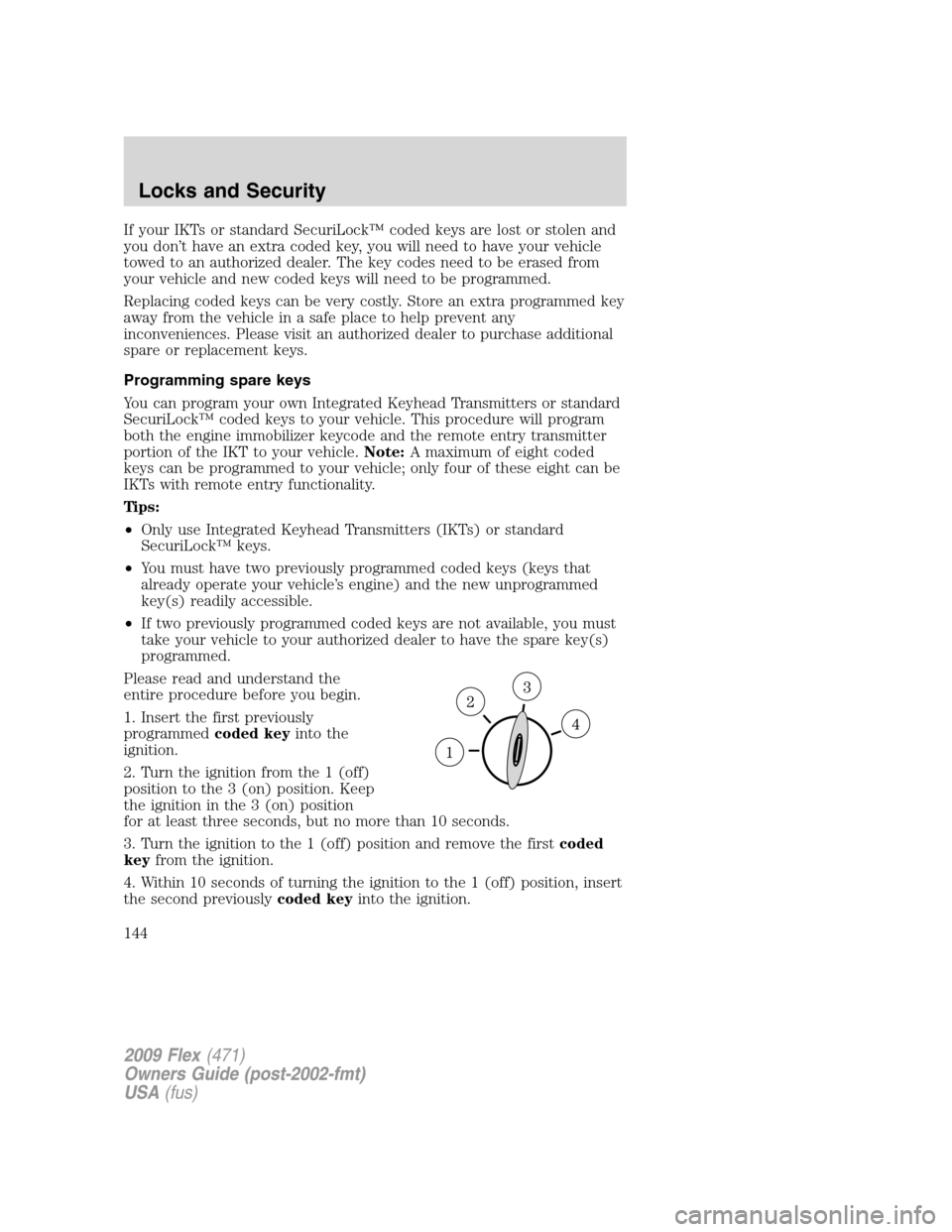
Please read and understand the
entire procedure before you begin.
1. Insert the first previously
programmedcoded keyinto the
ignition.
2. Turn the ignition from the 1 (off)
position to the 3 (on) position. Keep
the ignition in the 3 (on) position
for at least three seconds, but no more than 10 seconds.
3. Turn the ignition to the 1 (off) position and remove the firstcoded
keyfrom the ignition.
4. Within 10 seconds of turning the ignition to the 1 (off) position, insert
the second previouslycoded keyinto the ignition.
2009 Flex(471)
Owners Guide (post-2002-fmt)
USA(fus)
Locks and Security
144