instrument panel FORD FLEX 2014 1.G Owner's Manual
[x] Cancel search | Manufacturer: FORD, Model Year: 2014, Model line: FLEX, Model: FORD FLEX 2014 1.GPages: 554, PDF Size: 8.04 MB
Page 320 of 554
CLEANING THE INTERIOR
WARNING:Do not use cleaning solvents, bleach or dye on the
vehicle’s safety belts, as these actions may weaken the belt
webbing.
WARNING:On vehicles equipped with seat-mounted airbags, do
not use chemical solvents or strong detergents. Such products
could contaminate the side airbag system and affect performance of the
side airbag in a collision.
For fabric, carpets, cloth seats, safety belts and seats equipped with side
airbags:
•Remove dust and loose dirt with a vacuum cleaner.
•Remove light stains and soil with Motorcraft Professional Strength
Carpet & Upholstery Cleaner.
•If grease or tar is present on the material, spot-clean the area first
with Motorcraft Spot and Stain Remover. In Canada, use Motorcraft
Multi-Purpose Cleaner.
•If a ring forms on the fabric after spot cleaning, clean the entire area
immediately (but do not oversaturate) or the ring will set.
•Do not use household cleaning products or glass cleaners, which can
stain and discolor the fabric and affect the flame retardant abilities of
the seat materials.
CLEANING THE INSTRUMENT PANEL AND INSTRUMENT
CLUSTER LENS
WARNING:Do not use chemical solvents or strong detergents
when cleaning the steering wheel or instrument panel to avoid
contamination of the airbag system.
Clean the instrument panel and cluster lens with a clean, damp, white,
cotton cloth, then use a clean and dry, white, cotton cloth to dry these
areas.
•Avoid cleaners or polishes that increase the gloss of the upper portion
of the instrument panel. The dull finish in this area helps protect the
driver from undesirable windshield reflection.
Vehicle Care319
2014 Flex(471)
Owners Guide gf, 1st Printing, April 2013
USA(fus)
Page 321 of 554
•Be certain to wash or wipe your hands clean if you have been in contact
with certain products, such as insect repellent and suntan lotion, in
order to avoid possible damage to the interior painted surfaces.
•Do not use household or glass cleaners as these may damage the
finish of the instrument panel, interior trim and cluster lens.
•Do not allow air fresheners and hand sanitizers to spill on interior
surfaces. If a spill occurs, wipe off immediately. Damage may not be
covered by your warranty.
If a staining liquid like coffee or juice has been spilled on the instrument
panel or on interior trim surfaces, clean as follows:
1. Wipe up spilled liquid using a clean, white, cotton cloth.
2.
Wipe the surface with a damp, clean, white, cotton cloth. For more
thorough cleaning, use a mild soap and water solution. If the spot cannot
be completely cleaned by this method, the area may be cleaned using a
commercially available cleaning product designed for automotive interiors.
3. If necessary, apply more soap and water solution or cleaning product
to a clean, white, cotton cloth and press the cloth onto the soiled area;
allow this to set at room temperature for 30 minutes.
4. Remove the soaked cloth, and if it is not soiled badly, use this cloth to
clean the area by using a rubbing motion for 60 seconds.
5. Following this, wipe area dry with a clean, white, cotton cloth.
CLEANING LEATHER SEATS (IF EQUIPPED)
•Remove dust and loose dirt with a vacuum cleaner.
•Clean spills and stains as quickly as possible.
•For routine cleaning, wipe the surface with a soft, damp cloth. For
more thorough cleaning, wipe the surface with a mild soap and water
solution. In Canada, use Motorcraft® Vinyl Cleaner. Dry the area with
a soft cloth.
•If the leather cannot be completely cleaned using a mild soap and
water solution, the leather may be cleaned using a commercially
available leather cleaning product designed for automotive interiors.
•To check for compatibility, first test any cleaner or stain remover on
an inconspicuous part of the leather.
•Do not use household cleaning products, alcohol solutions,
oil/petroleum-based leather conditioners, or solvents or cleaners
intended specifically for rubber, vinyl and plastics. These products
may cause premature wearing or damage to the leather.
320Vehicle Care
2014 Flex(471)
Owners Guide gf, 1st Printing, April 2013
USA(fus)
Page 360 of 554
MOTORCRAFT™ PART NUMBERS
Component 3.5L V6 Engine 3.5L V6 EcoBoost
Engine
Engine air filter
elementFA-1884 FA-1884
Battery BXT-65-650 BXT-65-750
Oil filter FL-500-S FL-500-S
Spark Plugs
1SP-520 SP-528
Cabin air filter FP68 FP68
Seat air filter FS-104 FS-104
Windshield wiper
bladeWW-2401-PF (driver side)
WW-2201-PF (passenger side)
WW-1201-PF (rear)
1Refer toscheduled maintenance informationfor the appropriate
intervals for changing the spark plugs.
Note:Replace the spark plugs with ones that meet Ford material and
design specifications for your vehicle, such as Motorcraft or equivalent
replacement parts. The customer warranty may be void for any damage
to the engine if such spark plugs are not used.
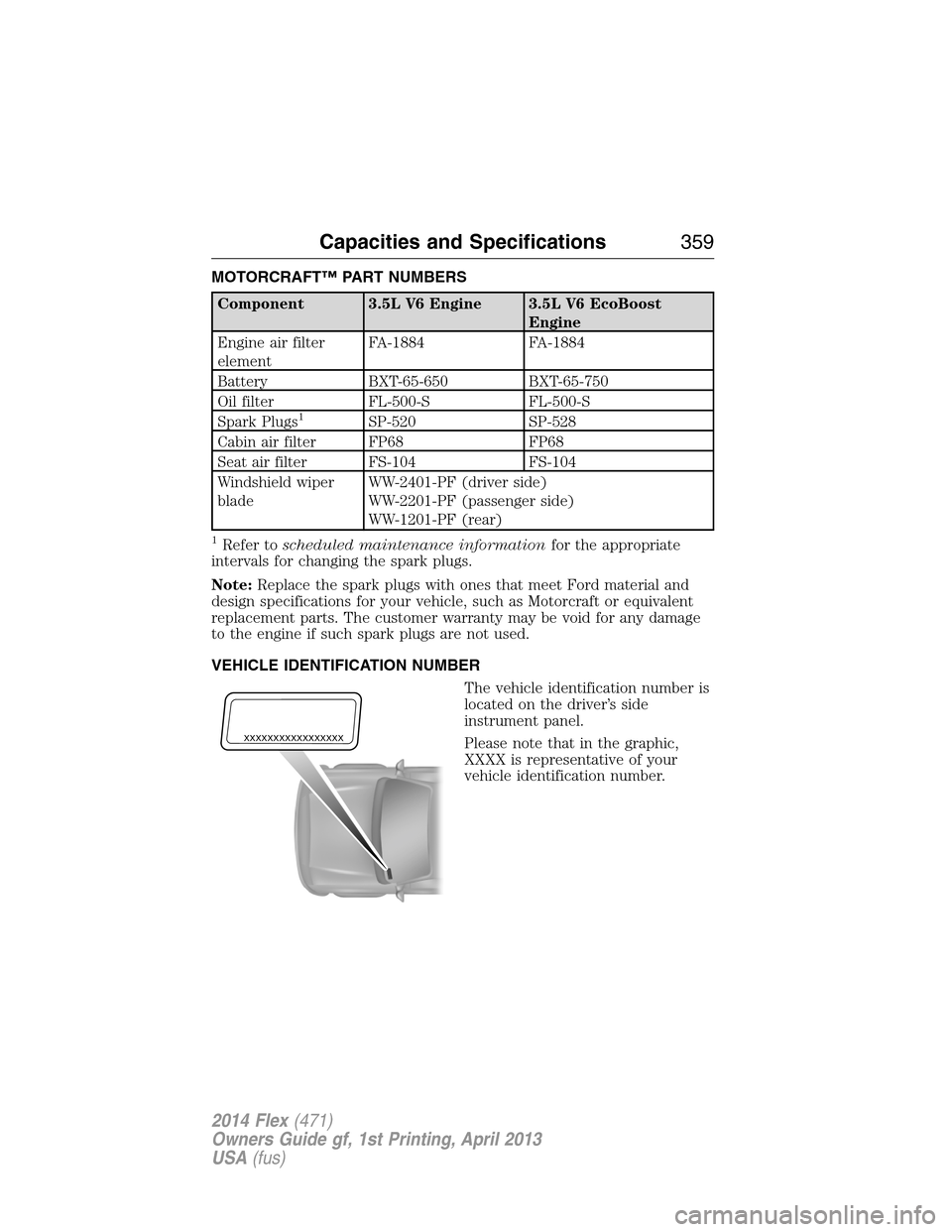
VEHICLE IDENTIFICATION NUMBER
The vehicle identification number is
located on the driver’s side
instrument panel.
Please note that in the graphic,
XXXX is representative of your
vehicle identification number.
XXXXXXXXXXXXXXXXX
Capacities and Specifications359
2014 Flex(471)
Owners Guide gf, 1st Printing, April 2013
USA(fus)
Page 459 of 554
Compressionallows you to turn the compression feature on and off.
Browse
Touch this button to look through all available CD tracks.
CD Voice Commands
If you are listening to a CD, press the voice button on the
steering wheel control. When prompted, say any of the
commands in the following chart.
If you are not listening to a CD, press the voice button and, after the
tone, say “CD”, then any of the commands in the following chart.
“CD”
“Pause” “Repeat off”
“Play” “Repeat track”
“Play next track” “Shuffle”
“Play previous track” “Shuffle CD”
*
“Play track <1–512>” “Shuffle folder”*
“Repeat” “Shuffle off”
“Repeat folder”*“Help”
*This applies to WMA or MP3 files only.
SD Card Slot and USB Port
SD Card Slot
Note:Your SD card slot is spring-loaded. To remove the SD card, press
the card in and the system ejects it. Do not attempt to pull the card to
remove it as this could cause damage.
Note:The navigation system also uses this card slot. SeeNavigation
systemlater in this chapter for more information.
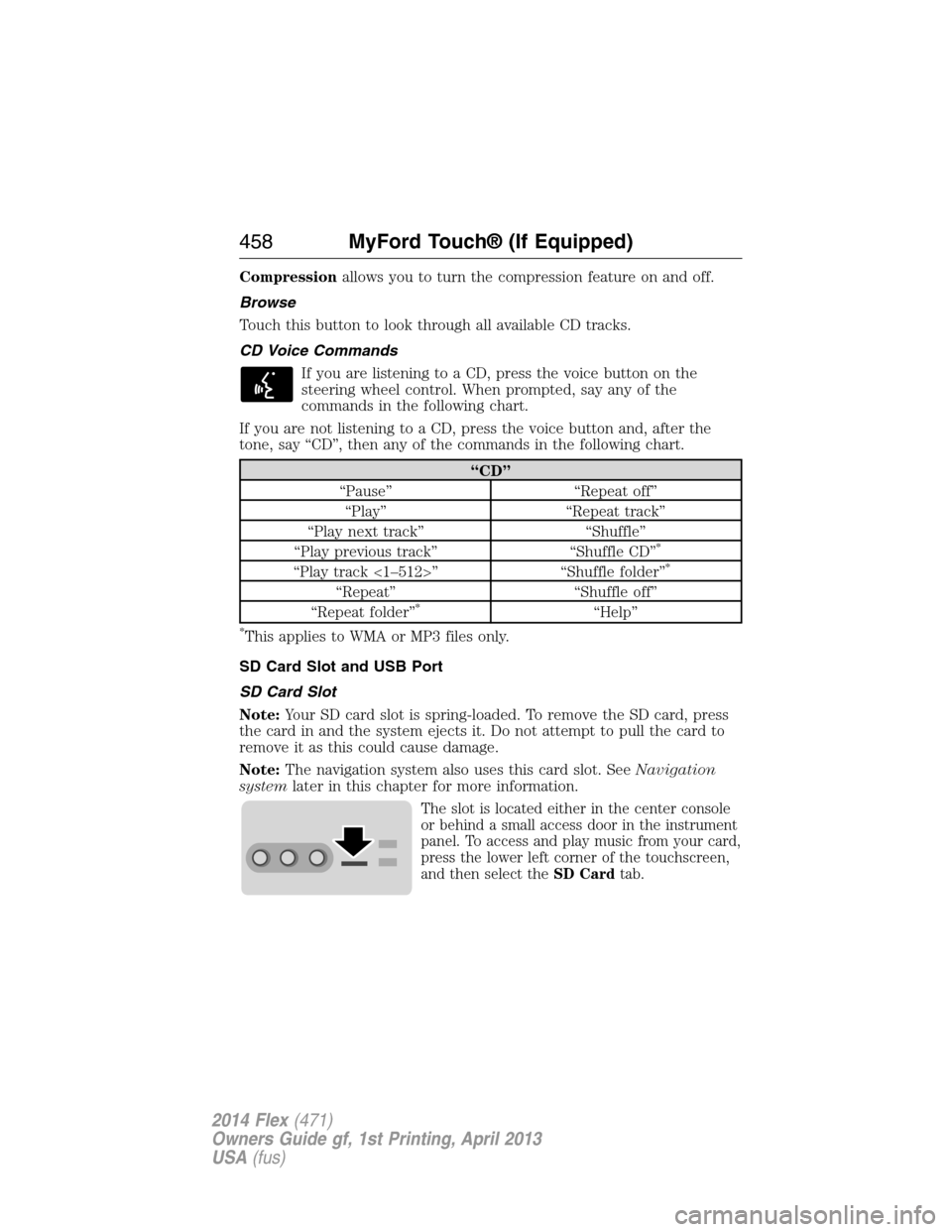
The slot is located either in the center console
or behind a small access door in the instrument
panel. To access and play music from your card,
press the lower left corner of the touchscreen,
and then select theSD Cardtab.
458MyFord Touch® (If Equipped)
2014 Flex(471)
Owners Guide gf, 1st Printing, April 2013
USA(fus)
Page 460 of 554
SD logo is a trademark of SD-3C, LLC.
USB Port
The ports are located either in the center
console or behind a small access door in the
instrument panel. To access and play music
from your device, press the lower left corner of
the touchscreen, and then select theUSBtab.
This feature allows you to plug in media playing devices, memory sticks,
flash drives or thumb drives, and charge devices if they support this feature.
In order to playback video from your iPod or iPhone, if compatible, you
must have a special combination USB/RCA composite video cable, which
you can buy from Apple. When you connect the cable to your iPod or
iPhone, plug the other end into both the RCA jacks and the USB port.
Playing Music from Your Device
Insert your device and select theSD CardorUSBtab once the system
recognizes it. You can then select from the following options:
Repeatreplays the currently playing song or album.
Shuffleplays music on the selected album or folder in random order.
Similar Musicallows you to choose music similar to what is currently
playing.
More Infodisplays information such as current track, artist name,
album and genre.
Optionsallows you to view and adjust various media settings.
•Sound Settingsallows you to adjust settings for:
•Bass
•Midrange
•Treble
•Balance and Fade
•DSP (Digital Signal Processing)
•Occupancy Mode
•Speed Compensated Volume.
MyFord Touch® (If Equipped)459
2014 Flex(471)
Owners Guide gf, 1st Printing, April 2013
USA(fus)
Page 464 of 554
WARNING:For safety reasons, do not connect or adjust the
settings on your portable music player while your vehicle is
moving.
WARNING:Store the portable music player in a secure location,
such as the center console or the glove box, when your vehicle is
in motion. Hard objects may become projectiles in a crash or sudden
stop, which may increase the risk of serious injury. The audio extension
cable must be long enough to allow the portable music player to be
safely stored while your vehicle is moving.
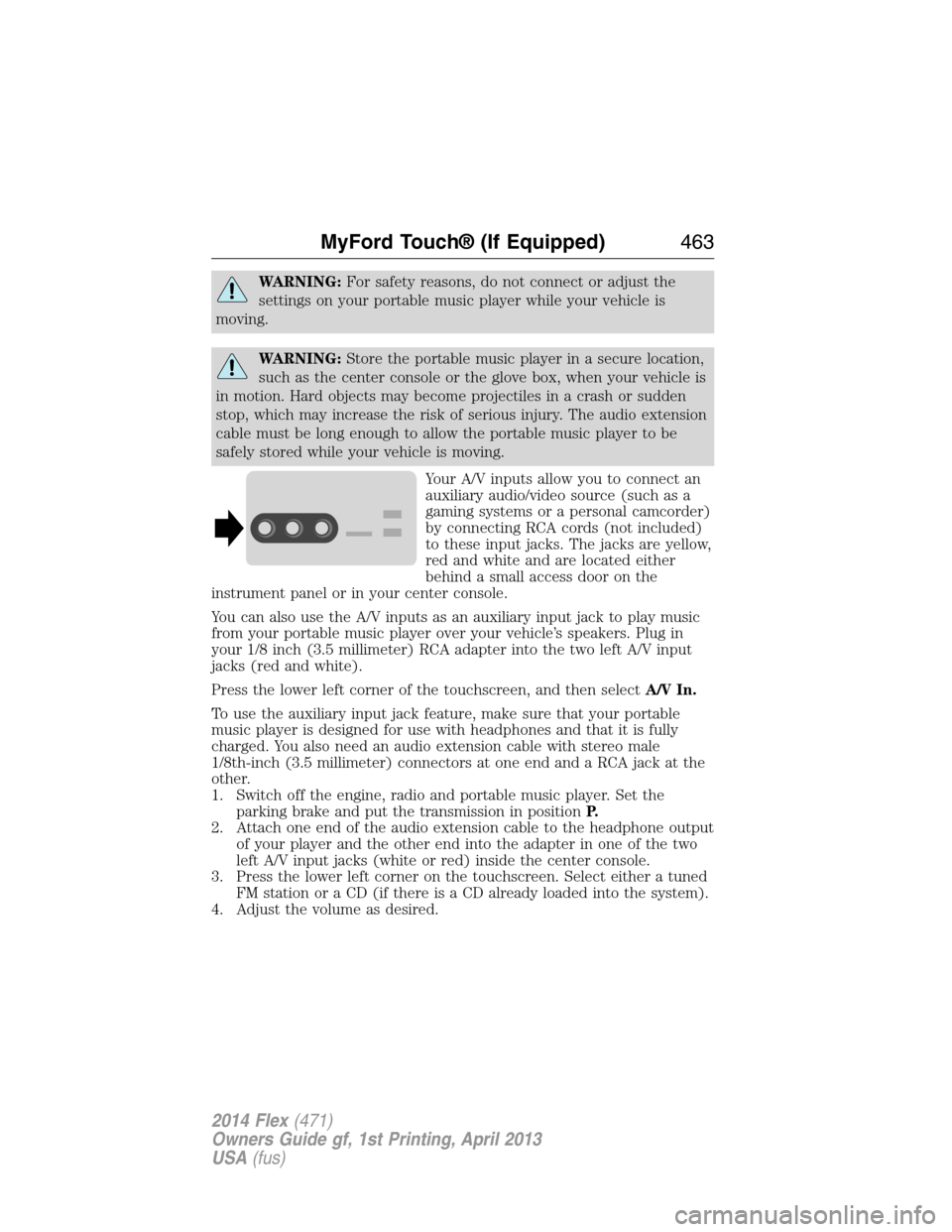
Your A/V inputs allow you to connect an
auxiliary audio/video source (such as a
gaming systems or a personal camcorder)
by connecting RCA cords (not included)
to these input jacks. The jacks are yellow,
red and white and are located either
behind a small access door on the
instrument panel or in your center console.
You can also use the A/V inputs as an auxiliary input jack to play music
from your portable music player over your vehicle’s speakers. Plug in
your 1/8 inch (3.5 millimeter) RCA adapter into the two left A/V input
jacks (red and white).
Press the lower left corner of the touchscreen, and then selectA/V In.
To use the auxiliary input jack feature, make sure that your portable
music player is designed for use with headphones and that it is fully
charged. You also need an audio extension cable with stereo male
1/8th-inch (3.5 millimeter) connectors at one end and a RCA jack at the
other.
1. Switch off the engine, radio and portable music player. Set the
parking brake and put the transmission in positionP.
2. Attach one end of the audio extension cable to the headphone output
of your player and the other end into the adapter in one of the two
left A/V input jacks (white or red) inside the center console.
3. Press the lower left corner on the touchscreen. Select either a tuned
FM station or a CD (if there is a CD already loaded into the system).
4. Adjust the volume as desired.
MyFord Touch® (If Equipped)463
2014 Flex(471)
Owners Guide gf, 1st Printing, April 2013
USA(fus)
Page 497 of 554
•Touch+or–to adjust the temperature.
•To adjust fan speed, touch+or–next to the fan icon.
•TouchRearagain to close the rear controls. Closing the rear climate
control functions does not affect their current settings.
E.Recirculated air:Touch to turn the recirculated air on or off which:
•May reduce the amount of time needed to cool down the interior.
•May help reduce odors from reaching the interior.
•Engages automatically when MAX A/C is selected.
•May be engaged manually in any airflow mode except defrost.
•May turn off in all airflow modes except MAX A/C to reduce fog
potential.
F.MAX A/C:Touch to cool your vehicle with recirculated air. Touch
again for normal A/C operation. MAX A/C:
•Distributes air through instrument panel vents.
•Is more economical and efficient than normal A/C mode.
•May help reduce odors from entering your vehicle.
G.A/C:Touch to turn the air conditioning on or off.
•Use with recirculated air to improve cooling performance and
efficiency.
•Engages automatically in MAX A/C, defrost and floor/defrost.
H.AUTO:Touch to engage automatic operation, then set the
temperature using the temperature control. The system automatically
controls:
•Fan speed
•Airflow distribution
•A/Conoroff
•Outside or recirculated air.
I.Rear defroster:Touch to turn the rear window defroster and heated
mirrors on.
J.Defrost:Touch to clear the windshield of fog and thin ice. Touch
again to return to the previous airflow selection. When on, defrost:
•Provides outside air to reduce window fogging.
•Distributes air through the windshield defroster vents and demister
vents.
K.Manual controls:Select any of the following airflow distribution
modes:
•Floor and Defrost:Distributes air through the windshield defroster
vents, demister vents, floor vents and rear seat floor vents, and
provides outside air to reduce window fogging.
•Panel:Distributes air through the instrument panel vents.
496MyFord Touch® (If Equipped)
2014 Flex(471)
Owners Guide gf, 1st Printing, April 2013
USA(fus)
Page 498 of 554
•Panel and Floor:Distributes air through the instrument panel vents,
demister vents, floor vents and rear seat floor vents.
•Floor:Distributes air through the demister vents, floor vents and
rear seat floor vents.
L.Driver settings:Depending on your vehicle and option package, you
may have the following features:
•Touch+or–to adjust the temperature.
•If your vehicle is equipped with heated seats, touch the heated seat
icon to control the heated seat. See theSeatschapter.
•If your vehicle is equipped with cooled seats, touch the cooled seat
icon to control the cooled seat. See theSeatschapter.
•Touch and holdMyTempto select a temperature you would like your
vehicle to remember and maintain for you.
Climate Control Voice Commands
The following voice commands are available at the main menu
level of a voice session. For example, press the voice button
and after the prompt, “Say a command”; say any of the
following commands:
Climate control voice commands
“Climate automatic”
“Climate my temperature”
“Climate off”
“Climate on”
“Climate temperature <15.5–29.5> degrees”
“Climate temperature <60–85> degrees”
“Help”
There are additional climate control commands but in order to access
them, you have to say “Climate” first, then when the system is ready to
listen, you may say any of the following commands:
Additional climate control voice commands
“Automatic” “Panel on”
“A/C off” “Rear defrost off”
“A/C on” “Rear defrost on”
“Defrost off” “Recirc off”
“Defrost on” “Recirc on”
“Dual off” “Temperature”
*
MyFord Touch® (If Equipped)497
2014 Flex(471)
Owners Guide gf, 1st Printing, April 2013
USA(fus)
Page 548 of 554
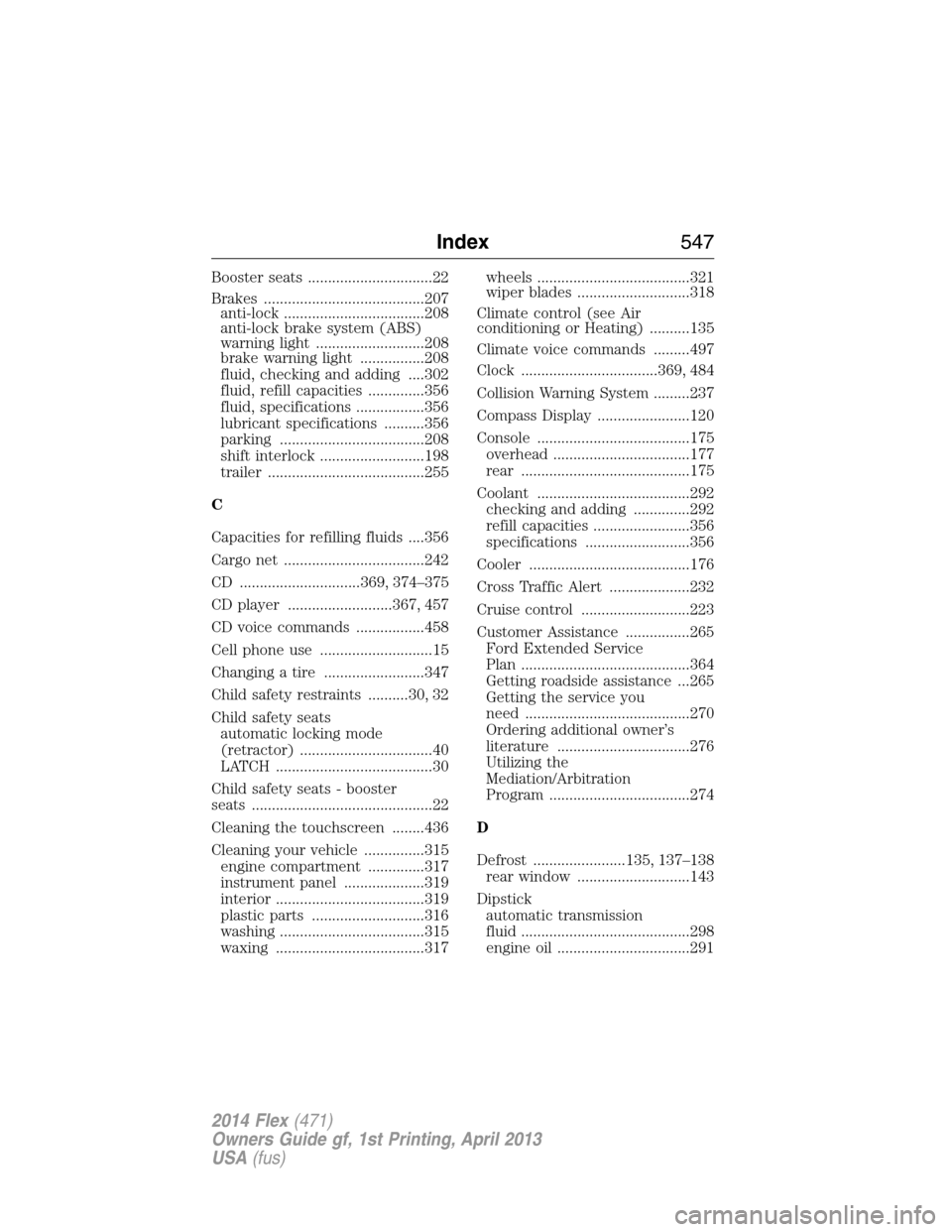
Booster seats ...............................22
Brakes ........................................207
anti-lock ...................................208
anti-lock brake system (ABS)
warning light ...........................208
brake warning light ................208
fluid, checking and adding ....302
fluid, refill capacities ..............356
fluid, specifications .................356
lubricant specifications ..........356
parking ....................................208
shift interlock ..........................198
trailer .......................................255
C
Capacities for refilling fluids ....356
Cargo net ...................................242
CD ..............................369, 374–375
CD player ..........................367, 457
CD voice commands .................458
Cell phone use ............................15
Changing a tire .........................347
Child safety restraints ..........30, 32
Child safety seats
automatic locking mode
(retractor) .................................40
LATCH .......................................30
Child safety seats - booster
seats .............................................22
Cleaning the touchscreen ........436
Cleaning your vehicle ...............315
engine compartment ..............317
instrument panel ....................319
interior .....................................319
plastic parts ............................316
washing ....................................315
waxing .....................................317wheels ......................................321
wiper blades ............................318
Climate control (see Air
conditioning or Heating) ..........135
Climate voice commands .........497
Clock ..................................369, 484
Collision Warning System .........237
Compass Display .......................120
Console ......................................175
overhead ..................................177
rear ..........................................175
Coolant ......................................292
checking and adding ..............292
refill capacities ........................356
specifications ..........................356
Cooler ........................................176
Cross Traffic Alert ....................232
Cruise control ...........................223
Customer Assistance ................265
Ford Extended Service
Plan ..........................................364
Getting roadside assistance ...265
Getting the service you
need .........................................270
Ordering additional owner’s
literature .................................276
Utilizing the
Mediation/Arbitration
Program ...................................274
D
Defrost .......................135, 137–138
rear window ............................143
Dipstick
automatic transmission
fluid ..........................................298
engine oil .................................291
Index547
2014 Flex(471)
Owners Guide gf, 1st Printing, April 2013
USA(fus)
Page 550 of 554
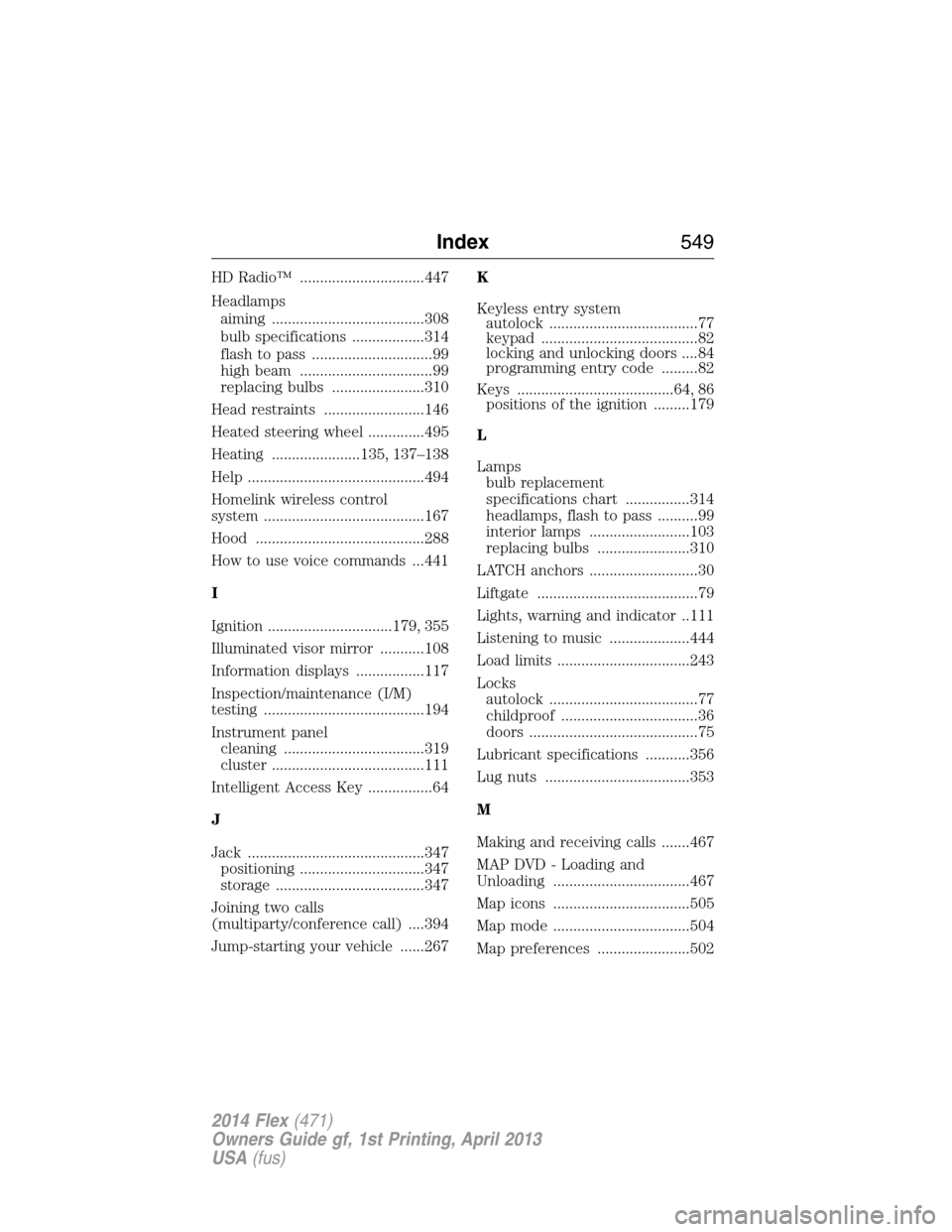
HD Radio™ ...............................447
Headlamps
aiming ......................................308
bulb specifications ..................314
flash to pass ..............................99
high beam .................................99
replacing bulbs .......................310
Head restraints .........................146
Heated steering wheel ..............495
Heating ......................135, 137–138
Help ............................................494
Homelink wireless control
system ........................................167
Hood ..........................................288
How to use voice commands ...441
I
Ignition ...............................179, 355
Illuminated visor mirror ...........108
Information displays .................117
Inspection/maintenance (I/M)
testing ........................................194
Instrument panel
cleaning ...................................319
cluster ......................................111
Intelligent Access Key ................64
J
Jack ............................................347
positioning ...............................347
storage .....................................347
Joining two calls
(multiparty/conference call) ....394
Jump-starting your vehicle ......267K
Keyless entry system
autolock .....................................77
keypad .......................................82
locking and unlocking doors ....84
programming entry code .........82
Keys .......................................64, 86
positions of the ignition .........179
L
Lamps
bulb replacement
specifications chart ................314
headlamps, flash to pass ..........99
interior lamps .........................103
replacing bulbs .......................310
LATCH anchors ...........................30
Liftgate ........................................79
Lights, warning and indicator ..111
Listening to music ....................444
Load limits .................................243
Locks
autolock .....................................77
childproof ..................................36
doors ..........................................75
Lubricant specifications ...........356
Lug nuts ....................................353
M
Making and receiving calls .......467
MAP DVD - Loading and
Unloading ..................................467
Map icons ..................................505
Map mode ..................................504
Map preferences .......................502
Index549
2014 Flex(471)
Owners Guide gf, 1st Printing, April 2013
USA(fus)